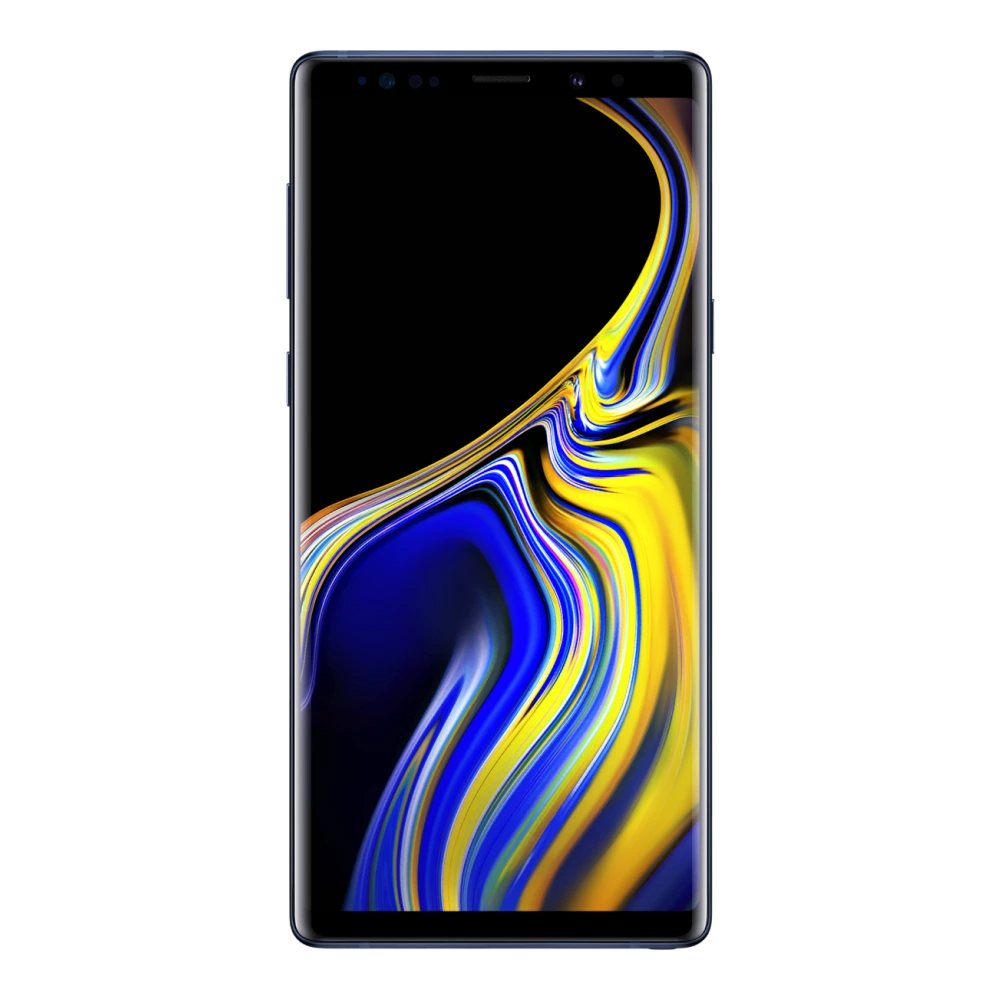
Available resources for Samsung Galaxy Note9 (SM-N960F): 1 listed packages (1 Firmware Package), supporting Android. Check the model, platform, source, and file details before downloading.
PC ConnectivityUSB-C / ADB / MTP
Software ArchitectureOne UI / Android OS
Repository Index1 Files Available
Device Profile
📖
Device Overview & Connection Guide
Hardware summary, PC connection guide, and available resources for Samsung Galaxy Note9
Device Guide
The Galaxy Note9 (model SM-N960F) features a generous 6.4-inch display paired with a clean, modern design.
Connecting this model to your PC or laptop is simple with the official Samsung USB driver packages listed below. Proper driver setup prevents connection drops when backing up files or running maintenance utilities. If you are switching phones or backing up your data, Samsung Smart Switch provides a fast, one-click backup solution for your computer.
Check the download library below to get the latest USB drivers, user manual, and verified firmware packages for model SM-N960F.
📦 Available Download Packages
Filter software packages by technical component category:
Try searching for another hardware keyword or reset your filter.
🏭 Manufacturer, Regulatory & Import Information
Manufactured by
Samsung
Country of Origin
India, Vietnam, China, Korea *Country of origin shall be as mentioned on the Product
Imported by
Samsung India Electronics Pvt. Ltd. having its Registered Office at: 6th Floor, DLF Centre, Sansad Marg, New Delhi-110001
Contact us
For All Product Related Complaints/assistance, please contact Manager, Customer Care Samsung India Electronics Pvt. Ltd., 6th Floor, DLF Centre, Sansad Marg, New Delhi - 110001 Email us at: support.india@samsung.com Tel (Toll Free): 1800 40 7267864 (1800 40 SAMSUNG)
ℹ️ Official Specification Footnotes, IEC Standards & Network Disclaimers
* Network : The bandwidths supported by the device may vary depending on the region or service provider. * Battery: Actual battery life varies by network environment, features and apps used, frequency of calls and messages, number of times charged, and many other factors. * User Available Memory: Actual user memory will vary depending on the operator and may change after software upgrades are performed. Memory: User memory is less than the total memory due to storage of the operating system and software used to operate the phones features. Actual user memory will vary depending on the mobile phone operator and may change after software upgrades are performed. Network Band: The bandwidths supported by the device may vary depending on the region or service provider. Display Size: Measured diagonally, the screen size is 16.20cm (6.4") in the full rectangle and 16.04cm (6.3") when accounting for the rounded corners.
Hardware & Repair Support
Need Hardware Replacement for Galaxy Note9?
Compare original screen, battery, and motherboard replacement prices with standard labor tariffs, or locate an authorized walk-in Samsung service center in your city.
Disclaimer: This website is an independent technical resource listing software packages and documentation for Samsung devices. Check each file's source and compatibility before installing. Samsung, Galaxy, and associated model trademarks belong to Samsung Electronics Co., Ltd. This site is not affiliated with, sponsored by, or endorsed by Samsung Electronics.