
Samsung Galaxy Tab S10+ (Wi-Fi, 12GB RAM) User Manual (Bengali) – Version 1.0 for Android 14
Software utility package • 8 MB • Compatible with Android 14
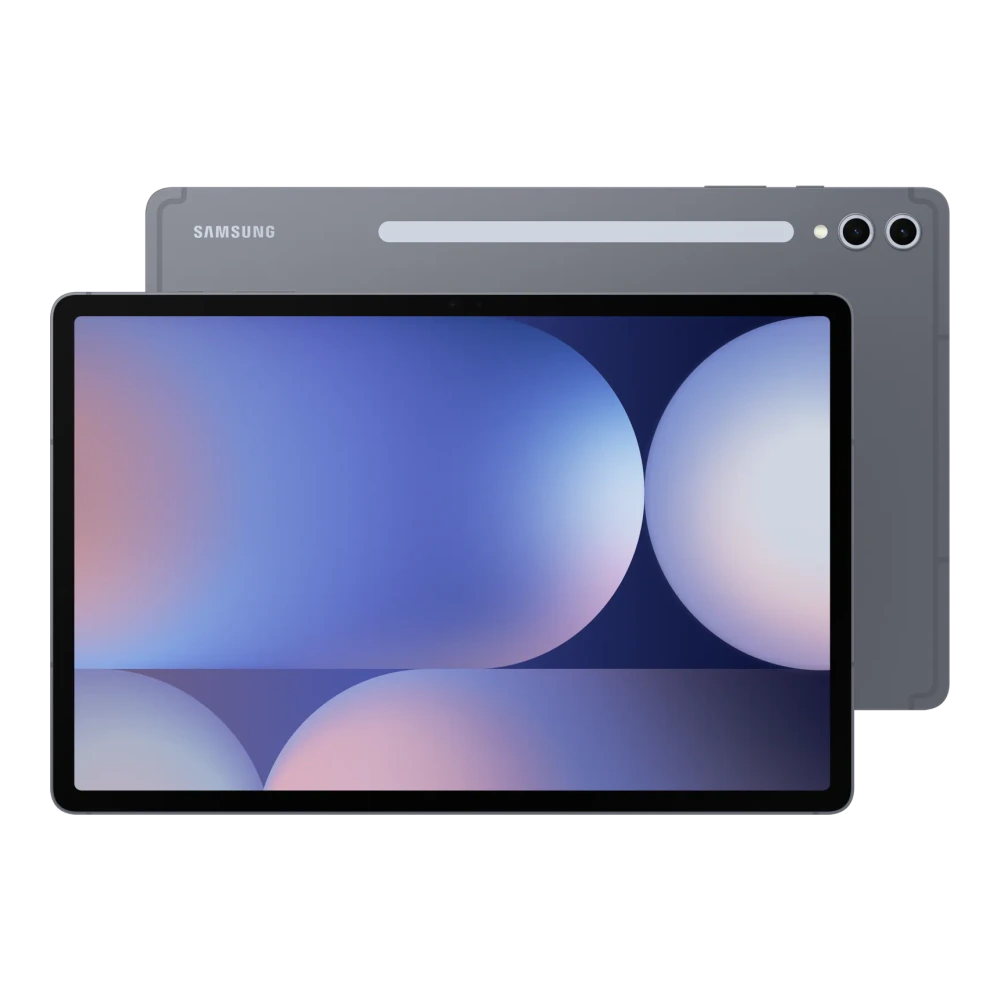
Samsung Galaxy Tab S10+ (Wi-Fi, 12GB RAM)
- File Package: Software utility (v1.0)
- Compatibility: Android 14
- File checksum: SHA-256 value listed below
Download Galaxy Tab S10+ (Wi-Fi, 12GB RAM) Software package (Bengali, Android 14, Version 1.0). Verified package includes instructions, specifications, and support details.
How to install and set up User Manual (Bengali)
- Download the installer package for Galaxy Tab S10+ (Wi-Fi, 12GB RAM).
- Right-click the setup executable and choose Run as administrator.
- Follow the setup wizard instructions and launch the utility once installation finishes.
Platform Note: These instructions apply to systems running Android 14. Verify compatibility before proceeding.
Compatibility and scope
File Integrity & Security Verification
Compare the downloaded file's SHA-256 hash with the value shown here. A matching hash alone does not prove who published the file.
280b27724a14d6a4c72e8d85d242128f816fd6814e466863284c5922eccadceb
💻 How to verify SHA-256 hash on your computer
Save the package file to your computer (e.g. Downloads folder).
Press Win + R → type cmd (or open Terminal on Mac/Linux).
Paste and run the command in your terminal (or drag & drop the file to auto-fill its path).
certutil -hashfile "SM-X820_UG_SWA_UU_Ben_Rev.1.0_241122.pdf" SHA256
shasum -a 256 "SM-X820_UG_SWA_UU_Ben_Rev.1.0_241122.pdf"
cd Downloads), or simply drag & drop the downloaded file directly into the terminal window to auto-fill its exact path!
🛠️ Need Hardware Repair or Diagnostic Assistance?
If your Galaxy Tab S10+ (Wi-Fi, 12GB RAM) is experiencing physical damage, battery degradation, screen flickering, charging port faults, or motherboard issues that cannot be resolved through software or user manuals, contact support assistance:
Download User Manual (Bengali)
Package listed for Galaxy Tab S10+ (Wi-Fi, 12GB RAM) • Version 1.0:
Was this download helpful to you?
📁 User Manual Version History & Available Releases
Listed ReleasesListed releases for User Manual appear below. Check version support before installing or rolling back:
| Version | Status | File Size | Release Date | Action |
|---|---|---|---|---|
| v1.1 |
Latest Release
|
4 MB | - | View Version → |
| v1.0 |
Previous Release
|
7 MB | - | View Version → |
| v1.0 |
Previous Release
(Viewing Now)
|
8 MB | - | Active Page |
Experiencing Hardware Damage or Component Failure on Galaxy Tab S10+ (Wi-Fi, 12GB RAM)?
If software flashing or driver installation does not resolve your device issue, compare screen, battery, and motherboard replacement costs or find a service center.
Ready to Repair Galaxy Tab S10+ (Wi-Fi, 12GB RAM)?
Browse Samsung service-center listings and contact the provider to confirm services, parts and opening hours.
Looking for other versions or file types?
Browse all downloads for Galaxy Tab S10+ (Wi-Fi, 12GB RAM)