
Samsung 1.63 m (65) QLED Q60D 4K Smart TV (2024) (QA65Q60DAULXL) User Manual (English) (PDF) – Version 1.0
User Manual (PDF) package • 655 KB • Released Jul 03, 2024
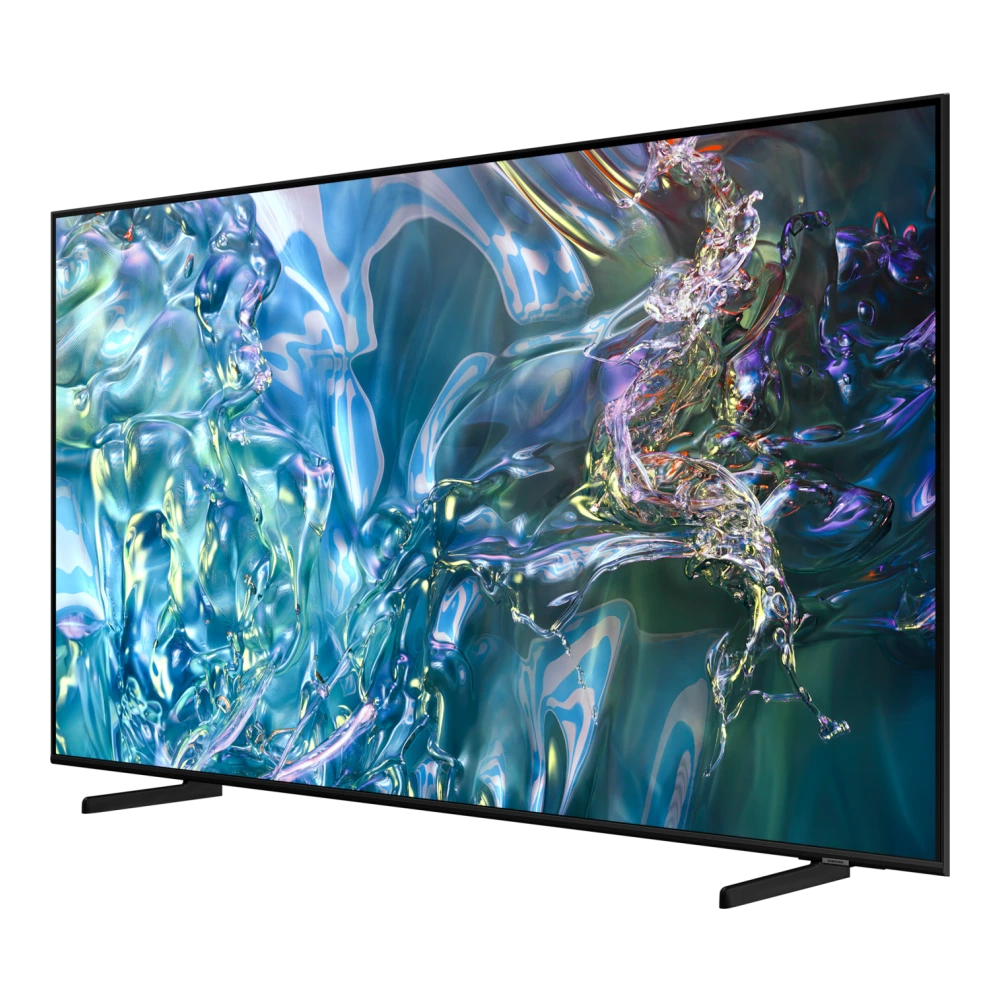
QA65Q60DAULXL
Samsung 1.63 m (65) QLED Q60D 4K Smart TV (2024)
-
Model Code:
QA65Q60DAULXL - File Package: User Manual (PDF) (v1.0)
What's covered in this manual
Browse essential chapters and user guidance included in this 1.63 m (65) QLED Q60D 4K Smart TV (2024) manual:
SIM & eSIM activation, language configuration, Wi-Fi setup, and Google/Samsung account sign-in.
Step-by-step wireless or USB cable transfer of contacts, media, apps, and messages from previous phone.
High-resolution shooting modes, Pro Controls, Nightography, Portrait features, and 4K/8K recording.
Fast charging optimization, Wireless PowerShare, Battery Protection modes, and power management.
Fingerprint scanner calibration, Face Recognition, Samsung Knox hardware vault, and Secure Folder.
Resolving app freezes, network connectivity resets, cache partition clearing, and factory recovery.
📄 1.63 m (65) QLED Q60D 4K Smart TV (2024) User Manual (Online Viewer)
Download verified 1.63 m (65) QLED Q60D 4K Smart TV (2024) (QA65Q60DAULXL) Firmware Update User Manual (1.0). Comprehensive manufacturer documentation including physical installation instructions, ports & connectivity overview, picture & sound calibration guides, remote control pairing, and hardware troubleshooting procedures.
How to view and use this manual
- Click Read Manual Online at the top of this page to view directly in your browser.
- Alternatively, click Download PDF to save the complete document for offline viewing.
- Use Ctrl + F (Windows) or Cmd + F (Mac) to quickly search for specific error codes, features, or setup instructions.
Platform Note: These instructions apply to systems running Universal. Verify compatibility before proceeding.
Compatibility and scope
🛠️ Need Hardware Repair or Diagnostic Assistance?
If your 1.63 m (65) QLED Q60D 4K Smart TV (2024) is experiencing physical damage, battery degradation, screen flickering, charging port faults, or motherboard issues that cannot be resolved through software or user manuals, contact support assistance:
📋 Package Specifications & Build Details
Listed package metadata for 1.63 m (65) QLED Q60D 4K Smart TV (2024):
QA65Q60DAULXL
1.0
2024_TV_firmware_upgrade_instruction_T-NKLDUABC.pdf
📺 USB Drive Installation & Flashing Instructions
Download User Manual (English)
Package listed for 1.63 m (65) QLED Q60D 4K Smart TV (2024) • Version 1.0 • Released Jul 03, 2024:
Was this download helpful to you?
📁 User Manual Version History & Available Releases
Listed ReleasesListed releases for User Manual appear below. Check version support before installing or rolling back:
| Version | Status | File Size | Release Date | Action |
|---|---|---|---|---|
| v2406280 |
Latest Release
|
236 KB | Oct 03, 2025 | View Version → |
| v2405090 |
Previous Release
|
829 KB | Jun 05, 2024 | View Version → |
| v2312150 |
Previous Release
|
123 KB | Feb 24, 2024 | View Version → |
| v0090 |
Previous Release
|
317 KB | May 06, 2026 | View Version → |
| v1.0 |
Previous Release
(Viewing Now)
|
655 KB | Jul 03, 2024 | Active Page |
Experiencing Hardware Damage or Component Failure on 1.63 m (65) QLED Q60D 4K Smart TV (2024)?
If firmware updates or power resets do not resolve display banding, backlight failure, or port connectivity faults, compare original panel, power supply board, and mainboard repair costs or locate an authorized Samsung service center.
Ready to Repair 1.63 m (65) QLED Q60D 4K Smart TV (2024)?
Browse Samsung service-center listings and contact the provider to confirm services, parts and opening hours.
Looking for other versions or file types?
Browse all downloads for 1.63 m (65) QLED Q60D 4K Smart TV (2024)