
Samsung Galaxy Book6 Pro Cirrus Sound Driver – Version 1.0.615.27014 for Windows 11
Verified hardware driver package • 520 MB • Released Dec 15, 2025 • Compatible with Windows 11 • Stable Production Build.
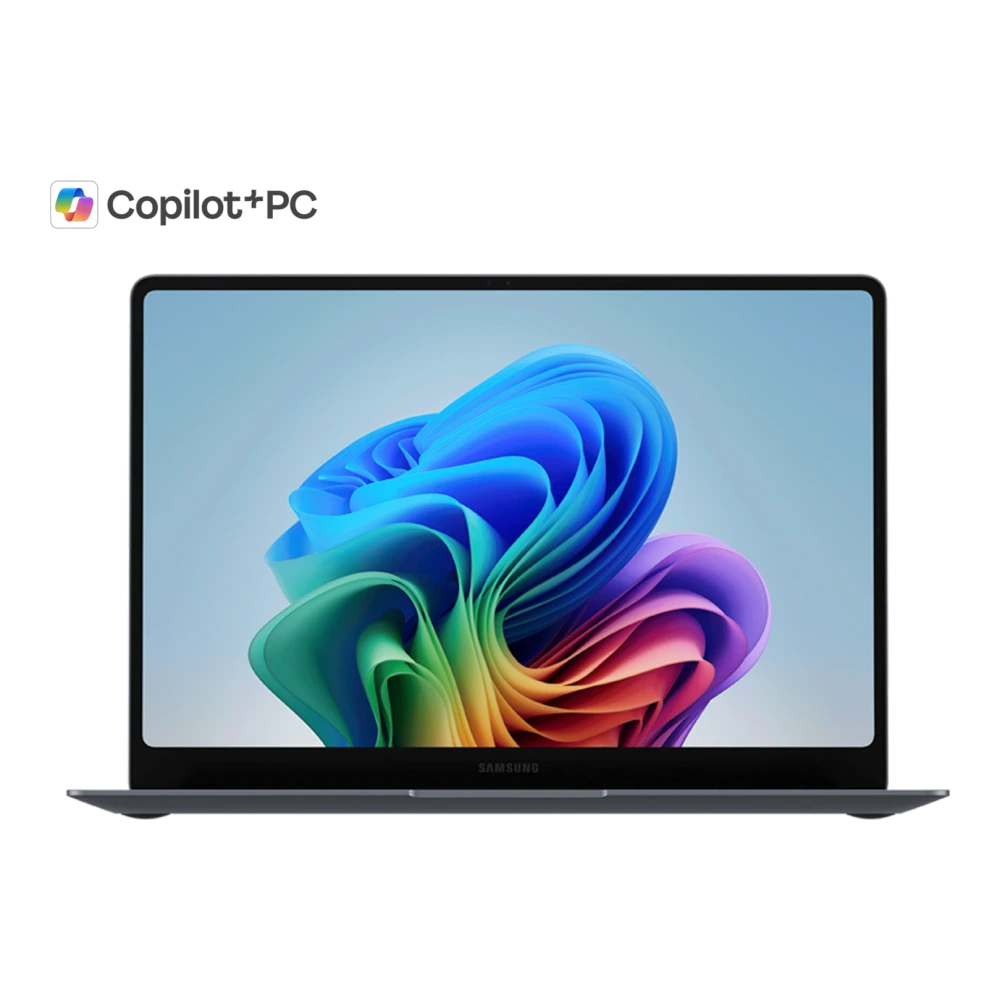
Samsung Galaxy Book6 Pro
- File Package: Hardware driver (v1.0.615.27014)
- Compatibility: Windows 11
- Integrity Status: ✓ Checksum & Compatibility Verified
verified Samsung OEM Cirrus Sound Driver for Galaxy Book6 Pro (1.0.615.27014). Provides validated hardware stability and system support for Windows 11 installations.
Common issues this driver fixes
- Audio not working or not detected on Galaxy Book6 Pro
- Device showing errors in system device manager
- Hardware functionality missing after system update
- Performance issues or instability related to Audio
Installing Cirrus Sound Driver can resolve these issues by ensuring proper communication between the operating system and the hardware component.
How to install this driver
- Download and extract the Cirrus Sound Driver package on your Windows PC.
- Open Device Manager (Press Win + X and select Device Manager).
- Locate Audio under its device category, right-click, and select Update driver.
- Choose Browse my computer for drivers, navigate to the extracted folder, and follow the on-screen prompts.
- Tip: You can also install and update this driver automatically using the Samsung Update app on your Galaxy Book.
Need the Complete Samsung USB Driver Installation Guide?
Follow our verified, in-depth tutorial with detailed visual steps, prerequisite checklists, Download Mode instructions, and solutions for common errors.
Platform Note: These instructions apply to systems running Windows 11. Verify compatibility before proceeding.
Compatibility and scope
🛠️ Need Hardware Repair or Diagnostic Assistance?
If your Galaxy Book6 Pro is experiencing physical damage, battery degradation, screen flickering, keyboard/touchpad faults, or motherboard issues that cannot be resolved through driver updates, contact certified support:
Frequently asked questions
Quick AnswersWhy is Cirrus Sound Driver needed for Galaxy Book6 Pro?
Cirrus Sound Driver (version 1.0.615.27014) provides validated low-level hardware communication between the Windows operating system and the Audio on your Galaxy Book, ensuring hardware recognition, power management sleep states, and peak system stability.
How do I install Cirrus Sound Driver on Windows 11 or 10?
Run the downloaded installer executable with Administrator rights, or open Device Manager (press Win + X), locate your Audio under its device category, right-click and select 'Update driver', then browse to the extracted driver files.
Can I also install or update this driver via Samsung Update?
Yes. Galaxy Book users can also launch the pre-installed Samsung Update application from the Windows Start menu to auto-detect and install all verified OEM drivers for their model.
Which version of Cirrus Sound Driver should I install?
It is always recommended to install the latest release (version 1.0.615.27014) to ensure the latest bug fixes, security patches, and hardware performance enhancements.
Download Cirrus Sound Driver
Verified package for Galaxy Book6 Pro • Version 1.0.615.27014 • Released Dec 15, 2025:
Was this download helpful to you?
Experiencing Hardware Damage or Component Failure on Galaxy Book6 Pro?
If driver installation or recovery does not resolve your hardware issue, compare genuine display panel, keyboard, motherboard, and battery replacement costs with standard labor tariffs, or locate an authorized walk-in Samsung service center.
Ready to Repair Galaxy Book6 Pro?
Find verified Samsung service centers across 646+ Indian cities with genuine OEM parts inventory, express turnaround, and in-warranty zero-cost claims.
Looking for other versions or file types?
Browse all downloads for Galaxy Book6 Pro