
Samsung Galaxy Tab S2 Downloads & Support Hub
Available resources for Samsung Galaxy Tab S2 (SM-T819Y): 6 listed packages (1 Firmware Package, 5 User Manuals), supporting Android. Check the model, platform, source, and file details before downloading.
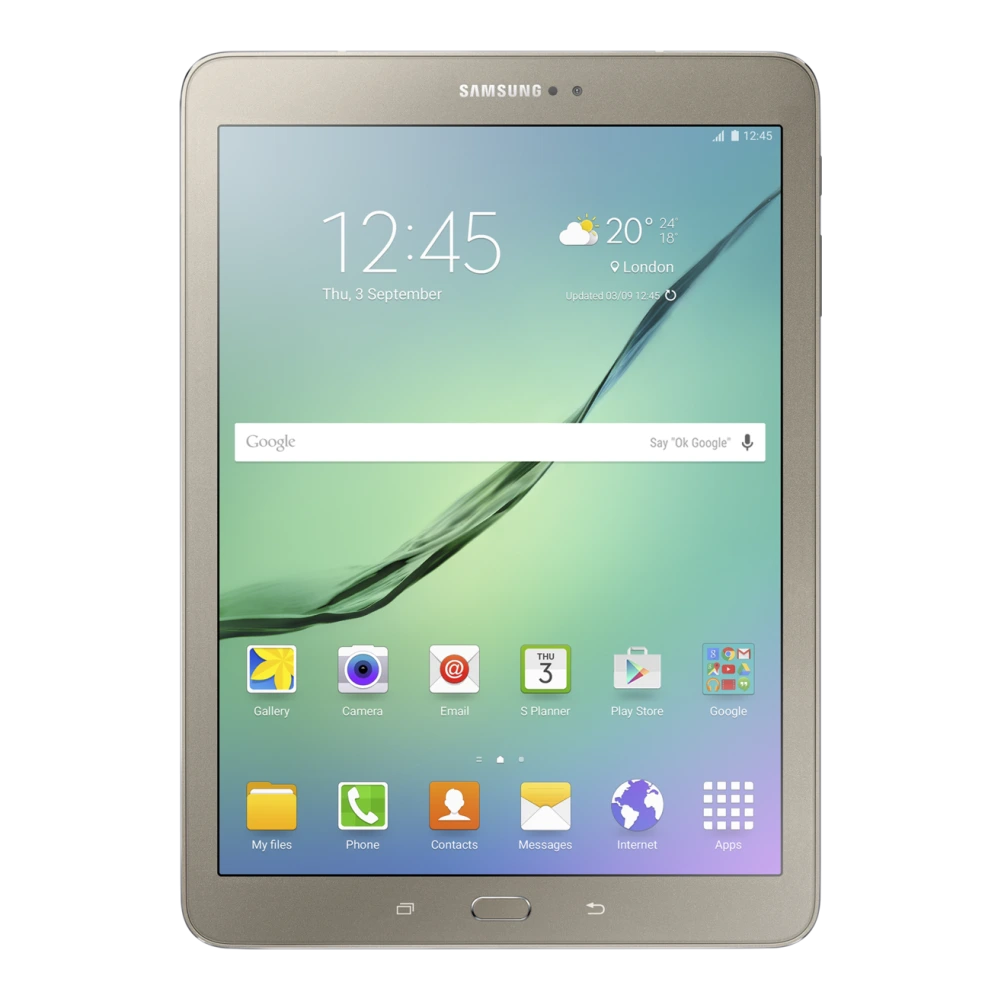
Device Overview & Connection Guide
Hardware summary, PC connection guide, and available resources for Samsung Galaxy Tab S2The Galaxy Tab S2 (model SM-T819Y) is a versatile Samsung Galaxy tablet built around a 9.7-inch Super AMOLED display and a substantial battery. Engineered for entertainment and productivity, it delivers fluid video streaming and snappy app navigation on Samsung's One UI. Backed by an octa-core processor with 3 GBGB of RAM and 32 GBGB of storage, it handles split-screen multitasking with ease.
To manage your tablet from a computer, install the official Samsung USB drivers available below. This ensures Windows or macOS properly recognizes your device for transferring large video files, digital drawings, and PDF notes over USB. For full device backups, app restoration, or upgrading to a new tablet, Samsung Smart Switch provides the recommended PC companion tool.
Explore the verified resources below to download the official user manual, PC connection drivers, and stock firmware packages cataloged specifically for the SM-T819Y model.
📦 Available Download Packages
Filter software packages by technical component category:
Galaxy Tab S2 Factory Stock Firmware (INS - T819YDXS2BTI1)
User Manual (English)
User Manual (English)
User Manual (English)
User Manual (English)
User Manual (English)
📋 Samsung Galaxy Tab S2 Technical Specifications
Listed technical specifications for this model (13 categories, 52 attributes). Check the exact model code before relying on these details.
🏭 Manufacturer, Regulatory & Import Information
| Manufactured by | Samsung |
|---|---|
| Country of Origin | India, Vietnam, China, Korea*Country of origin shall be as mentioned on the Product |
| Imported by | Samsung India Electronics Pvt. Ltd. having its Registered Office at: 6th Floor, DLF Centre, Sansad Marg, New Delhi-110001 |
| Contact us | For All Product Related Complaints/assistance, please contact Manager, Customer Care Samsung India Electronics Pvt. Ltd., 6th Floor, DLF Centre, Sansad Marg, New Delhi - 110001 Email us at: support.india@samsung.com Tel (Toll Free): 1800 40 7267864 (1800 40 SAMSUNG) |
ℹ️ Official Specification Footnotes, IEC Standards & Network Disclaimers
Network : The bandwidths supported by the device may vary depending on the region or service provider
All specifications and descriptions provided herein may be different from the actual specifications and descriptions for the product. Samsung reserves the right to make changes to this web page and the product described herein, at anytime, without obligation on Samsung to provide notification of such change. All functionality, features, specifications, GUI and other product information provided in this web page including, but not limited to, the benefits, design, pricing, components, performance, availability, and capabilities of the product are subject to change without notice or obligation. The contents within the screen are simulated images and are for demonstration purposes only.
* Images shown here are for representational purpose only, actual may vary. All features, specifications and prices are subject to change without prior notice. Model availability may vary from location to location. Network: The bandwidths supported by the device may vary depending on the region or service provider. Memory size: User memory is less than the total memory due to storage of the operating system and software used to operate the phones features. Actual user memory will vary depending on the mobile phone operator and may change after software upgrades are performed.
Need Hardware Replacement for Galaxy Tab S2?
Compare original screen, battery, and motherboard replacement prices with standard labor tariffs, or locate an authorized walk-in Samsung service center in your city.
Ready to Repair Galaxy Tab S2?
Browse Samsung service-center listings and contact the provider to confirm services, parts and opening hours.