
Samsung NP550P5C-S06IN Wireless LAN,ATHEROS – Version 9.2.0.462
Hardware driver package • 34 MB
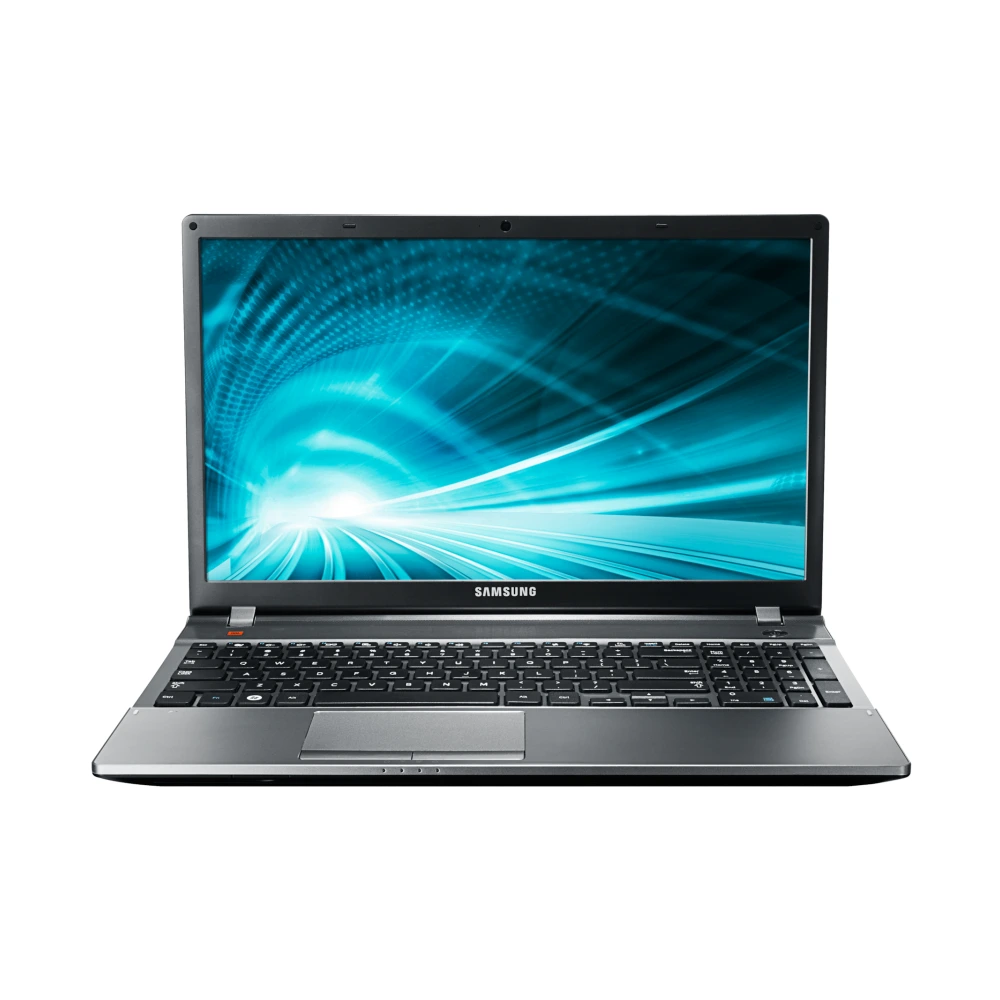
Samsung NP550P5C-S06IN
- File Package: Hardware driver (v9.2.0.462)
- File checksum: SHA-256 value listed below
Download NP550P5C-S06IN Driver package (English, Version 9.2.0.462). Verified package includes instructions, specifications, and support details.
When to check this driver
- Driver not working or not detected on NP550P5C-S06IN
- Device showing errors in system device manager
- Hardware functionality missing after system update
- Performance issues or instability related to Driver
Check the hardware model, operating system and package instructions before installing Wireless LAN,ATHEROS.
How to install this driver
- Download and extract the Wireless LAN,ATHEROS package on your Windows PC.
- Open Device Manager (Press Win + X and select Device Manager).
- Locate Driver under its device category, right-click, and select Update driver.
- Choose Browse my computer for drivers, navigate to the extracted folder, and follow the on-screen prompts.
- Tip: You can also install and update this driver automatically using the Samsung Update app on your Galaxy Book.
Need the Complete Samsung USB Driver Installation Guide?
Read the installation guide for prerequisites, download steps and common troubleshooting checks.
Compatibility and scope
File Integrity & Security Verification
Compare the downloaded file's SHA-256 hash with the value shown here. A matching hash alone does not prove who published the file.
ed95dcf290ee6d3f1612ab3e744c9ad5abcfa25cac52f75c3d2646e247b16c82
💻 How to verify SHA-256 hash on your computer
Save the package file to your computer (e.g. Downloads folder).
Press Win + R → type cmd (or open Terminal on Mac/Linux).
Paste and run the command in your terminal (or drag & drop the file to auto-fill its path).
certutil -hashfile "WLAN_Atheros_32bit_9.2.0.462.ZIP" SHA256
shasum -a 256 "WLAN_Atheros_32bit_9.2.0.462.ZIP"
cd Downloads), or simply drag & drop the downloaded file directly into the terminal window to auto-fill its exact path!
🛠️ Need Hardware Repair or Diagnostic Assistance?
If your NP550P5C-S06IN is experiencing physical damage, battery degradation, screen flickering, keyboard/touchpad faults, or motherboard issues that cannot be resolved through driver updates, contact a qualified repair provider:
Download Wireless LAN,ATHEROS
Package listed for NP550P5C-S06IN • Version 9.2.0.462:
Was this download helpful to you?
📁 Wireless LAN,ATHEROS Version History & Available Releases
Listed ReleasesListed releases for Wireless LAN,ATHEROS appear below. Check version support before installing or rolling back:
| Version | Status | File Size | Release Date | Action |
|---|---|---|---|---|
| v9.2.0.462 |
Latest Release
(Viewing Now)
|
34 MB | - | Active Page |
| v8.17.12.9687 |
Previous Release
|
145 MB | - | View Version → |
| v8.15.10.2712 |
Previous Release
|
111 MB | - | View Version → |
| v7.50.1123.2011 |
Previous Release
|
5 MB | - | View Version → |
| v6.1.7600.144 |
Previous Release
|
13 MB | - | View Version → |
| v6.0.1.6716 |
Previous Release
|
103 MB | - | View Version → |
| v1.0.86.0 |
Previous Release
|
5 MB | - | View Version → |
Experiencing Hardware Damage or Component Failure on NP550P5C-S06IN?
If driver installation or recovery does not resolve your hardware issue, compare genuine display panel, keyboard, motherboard, and battery replacement costs with standard labor tariffs, or locate an authorized walk-in Samsung service center.
Ready to Repair NP550P5C-S06IN?
Browse Samsung service-center listings and contact the provider to confirm services, parts and opening hours.
Looking for other versions or file types?
Browse all downloads for NP550P5C-S06IN