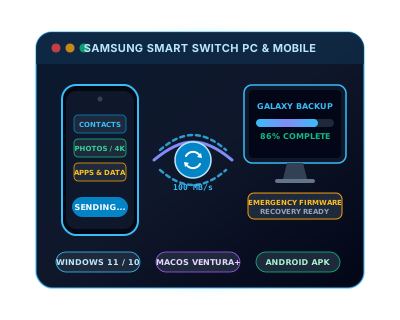
Samsung Smart Switch is the verified data transfer and device management application for current Samsung Galaxy devices on Windows and macOS. It is the modern successor to Samsung Kies and handles everything Kies did — contacts, messages, photos, apps, call logs, settings — plus several capabilities Kies never had: automatic migration from an iOS device (iPhone to Galaxy), wireless transfer over Wi-Fi, and Emergency Software Recovery for unbootable Galaxy devices.
Smart Switch PC (for Windows and macOS) allows you to back up a complete Galaxy device to a computer, restore from a previous backup, and transfer a full backup to a new Galaxy device during setup. The backup includes installed apps, call history, contacts, messages, photos, videos, calendar, device settings, and home screen layouts. Smart Switch also serves as a firmware update delivery mechanism for Galaxy devices that cannot receive OTA updates due to carrier restrictions or modified software.
The Emergency Software Recovery feature in Smart Switch PC is particularly useful: if a Galaxy device becomes unresponsive or cannot boot into Android, connecting it in Download Mode and launching Smart Switch triggers an automatic firmware recovery — downloading and installing the latest matching firmware without data loss (where possible).