
Samsung Software & Download Repository
Browse USB drivers, Smart Switch PC sync, Magician SSD diagnostic tools, user manuals, and recovery resources across 47 Samsung Galaxy and Semiconductor models. Check compatibility and source details before installing any package.
⚡ Essential Samsung Software & Core Tools
Check compatibility for your exact deviceSamsung USB Driver
Windows USB, ADB, Fastboot & MTP driver installer for all Galaxy phones and tablets.
Samsung Smart Switch
Seamless backup, restore, PC synchronization, and One UI firmware update assistant.
Samsung Magician 9.0
Advanced NVMe/SATA SSD diagnostic, performance benchmark, encryption, and firmware updater.
Data Migration Tool
1-Click Windows OS and disk cloning utility for migration from HDD/SSD to Samsung NVMe drives.
📱 Find Your Samsung Device
Search all models by device name or codename (e.g. S24 Ultra, SM-A546E, Z Fold5, Magician):
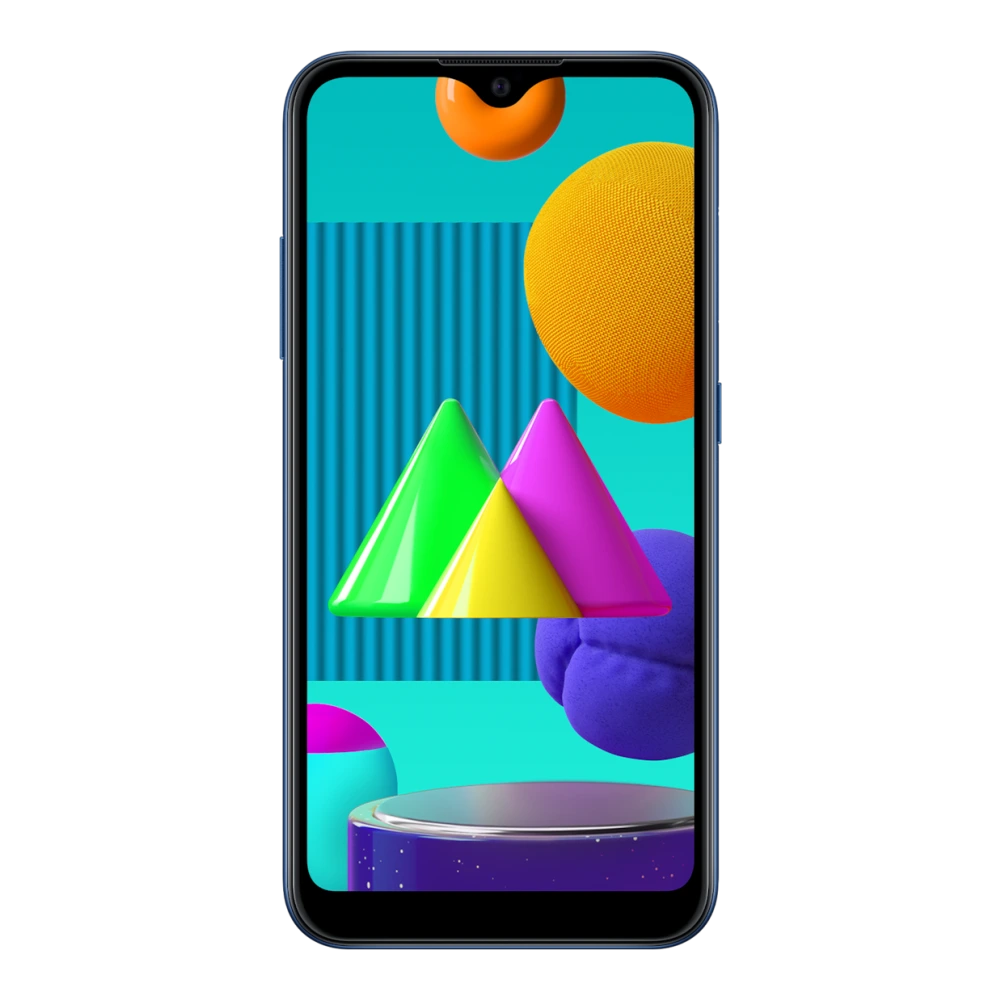
SM-M015G Galaxy M01
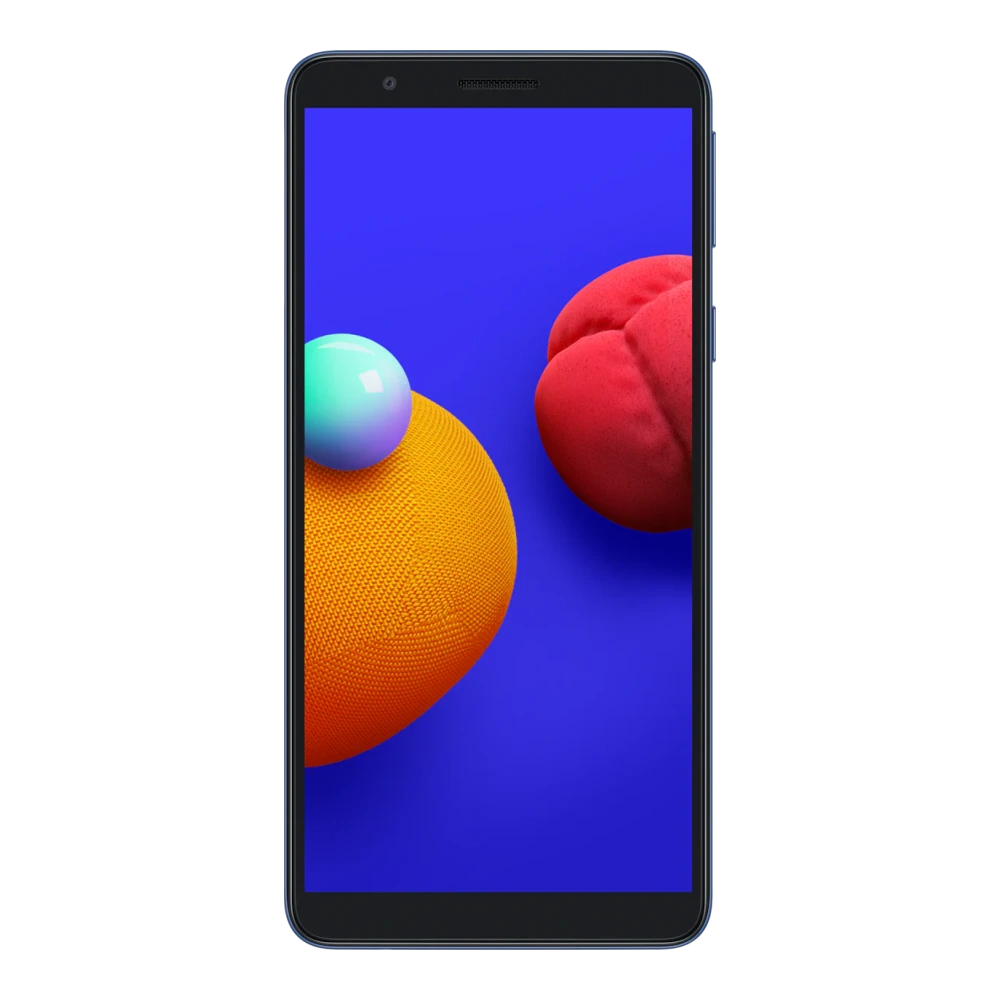
SM-M013F Galaxy M01 Core (1GB RAM)
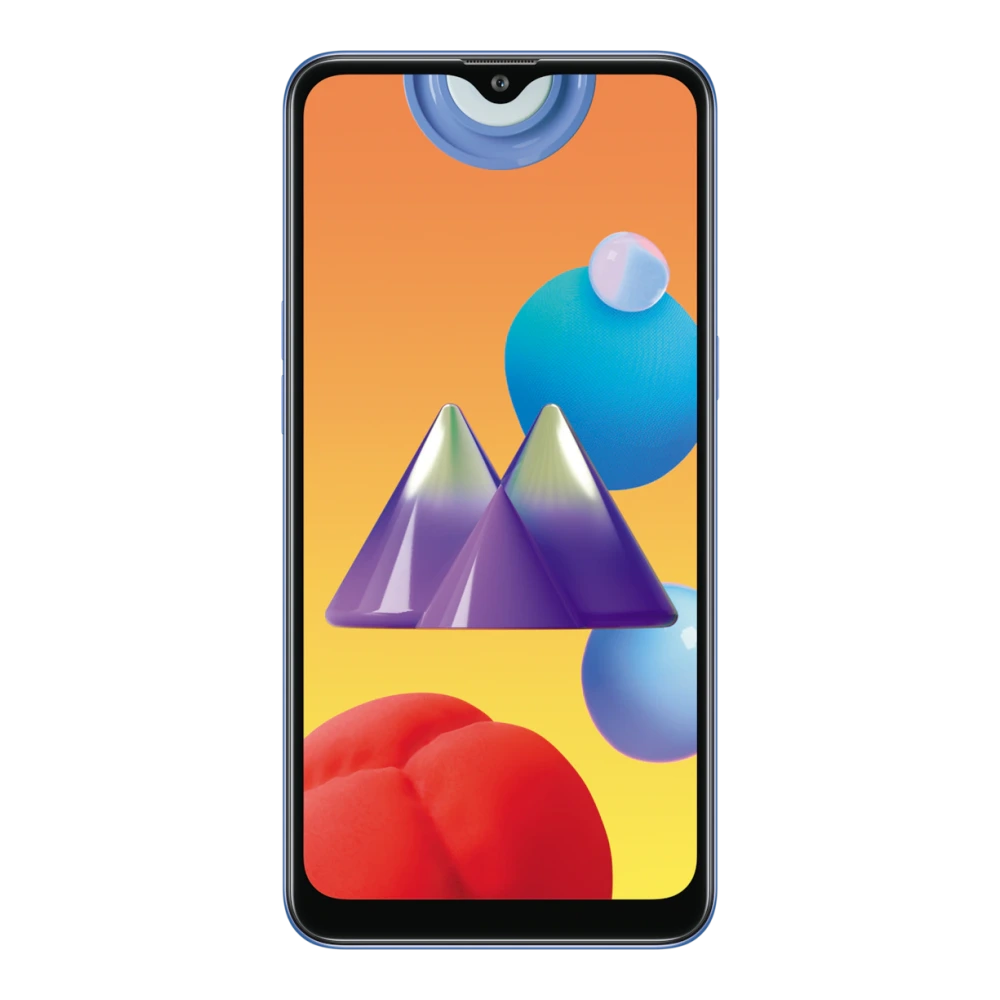
SM-M017F Galaxy M01s (3GB RAM)
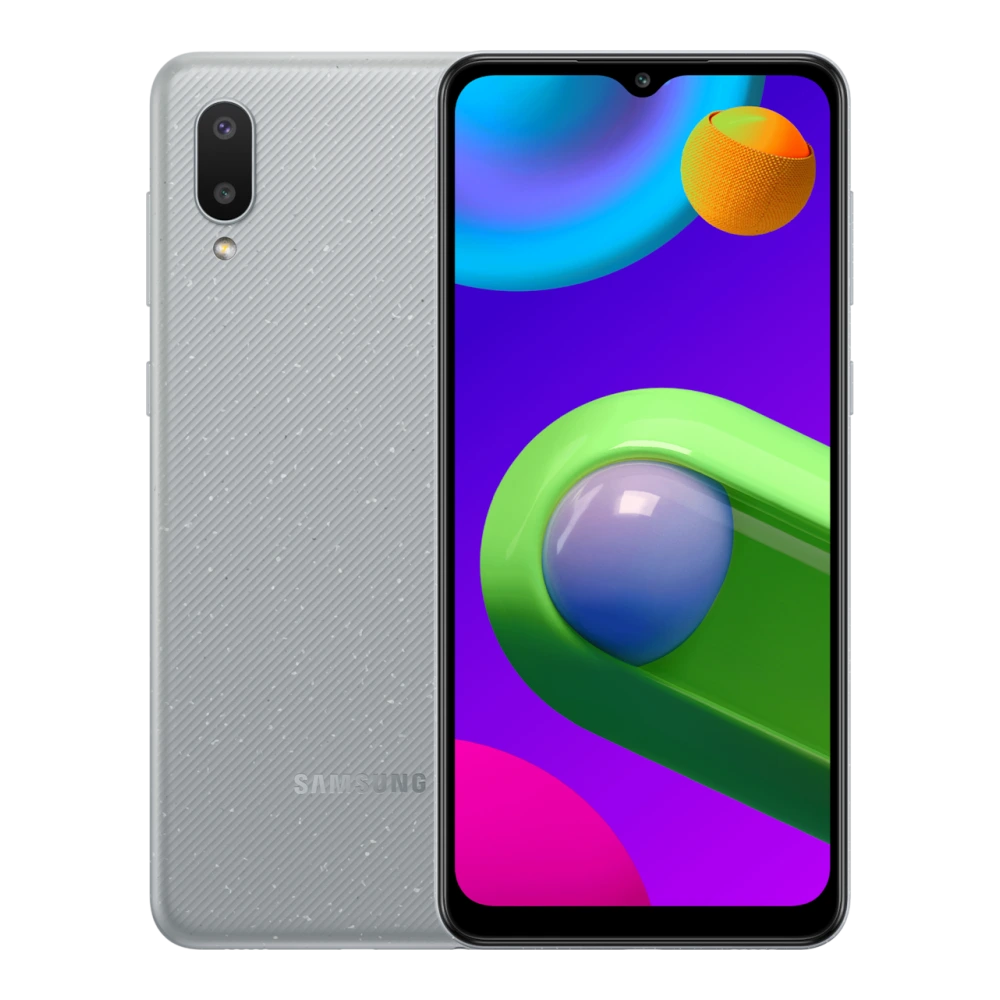
SM-M022G Galaxy M02 (2GB RAM)
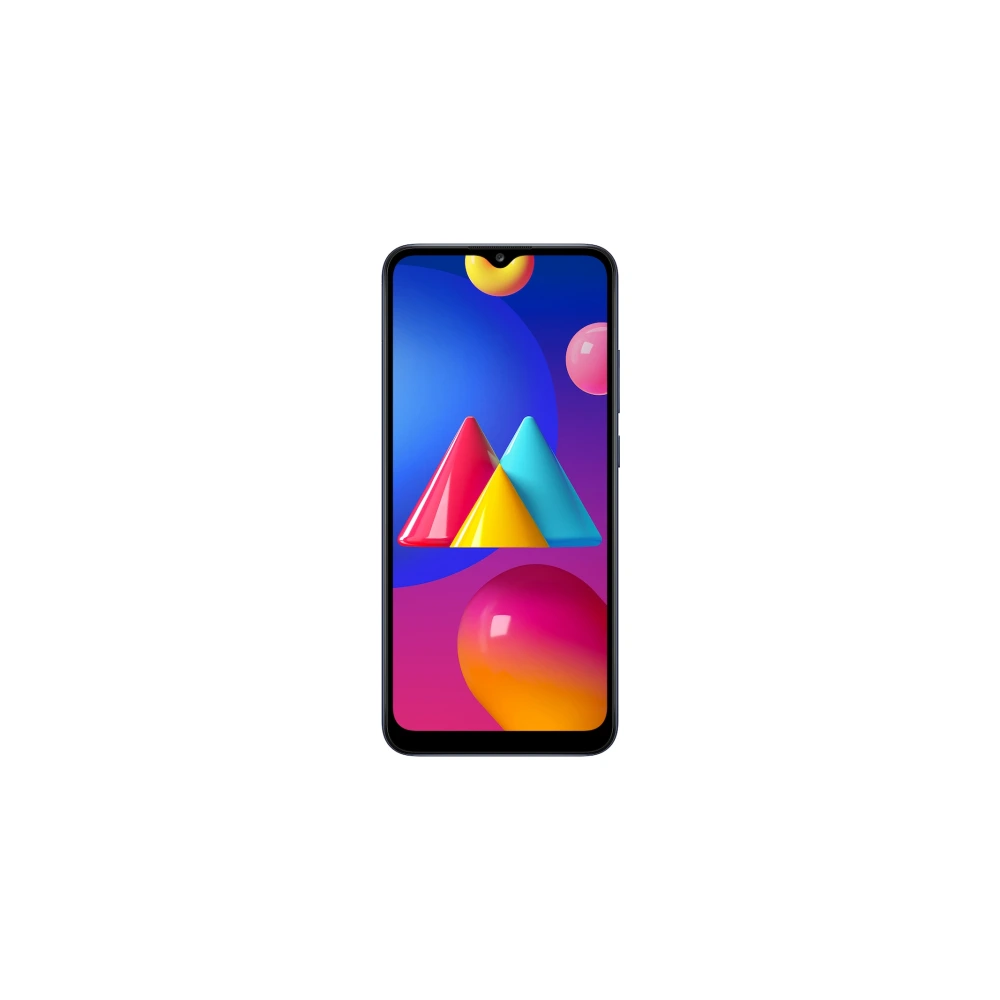
SM-M025F Galaxy M02s (3GB RAM)
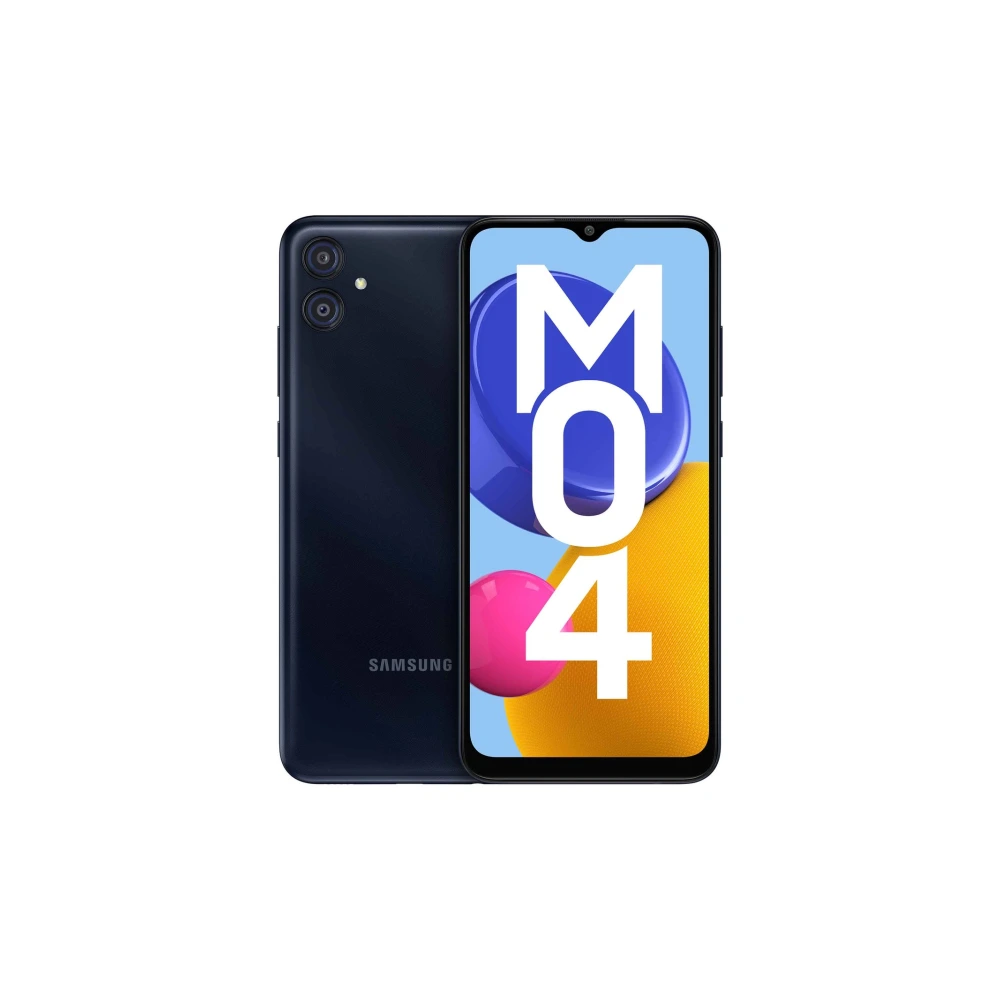
SM-M045F Galaxy M04 (3GB RAM)
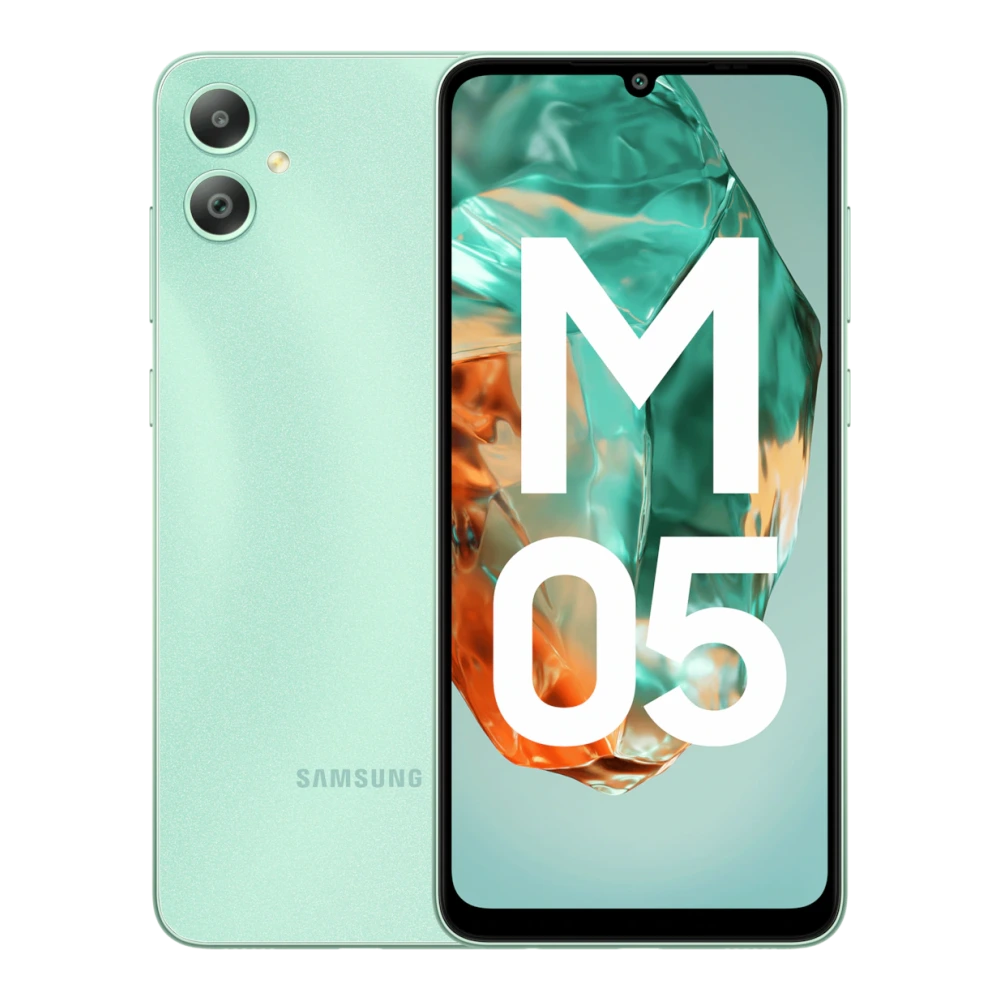
SM-M055F Galaxy M05 (4GB RAM)
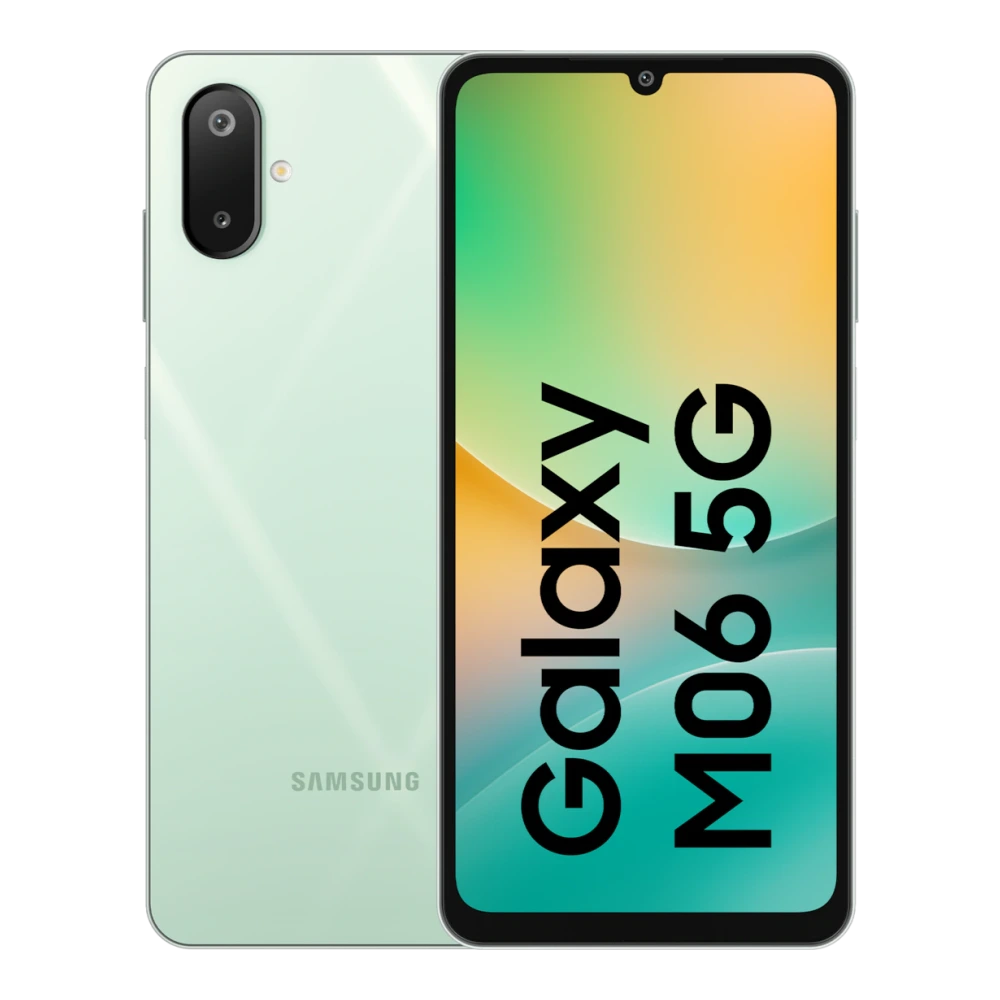
SM-M066B Galaxy M06 5G (4GB RAM)
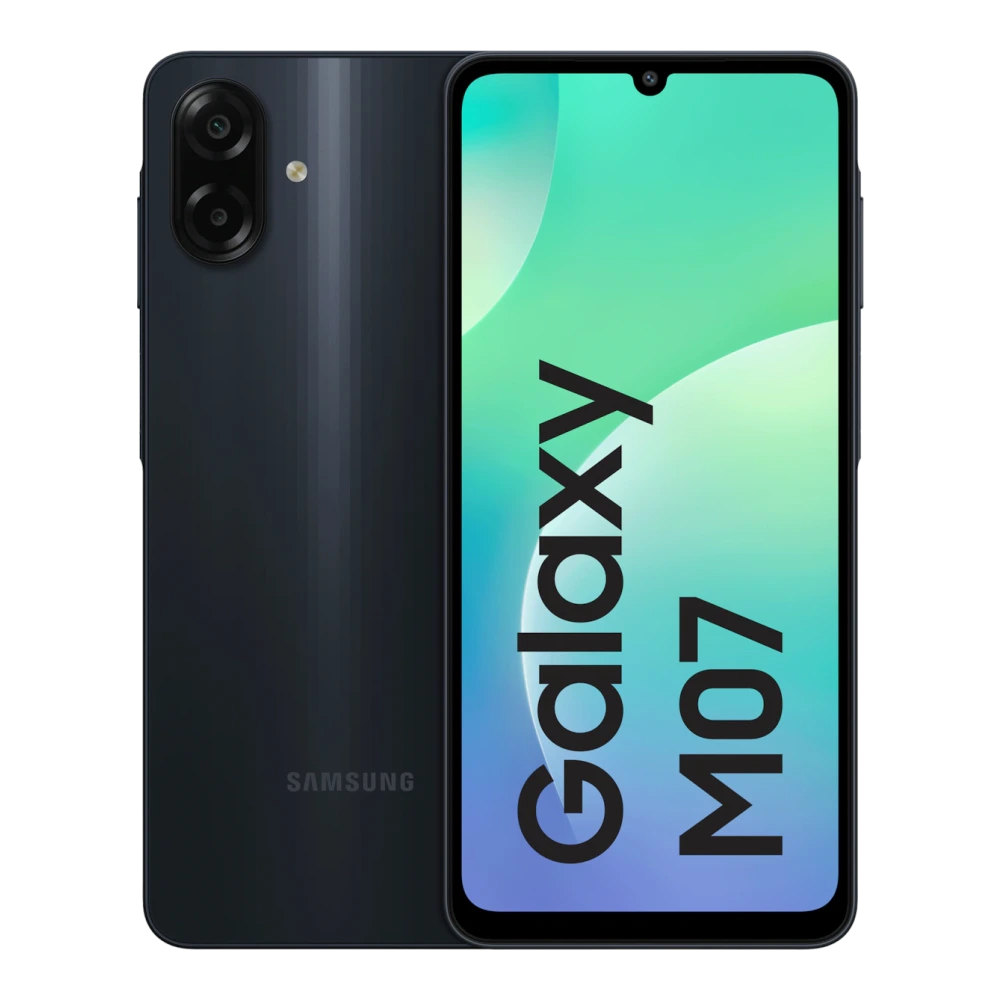
SM-M075F Galaxy M07 (4GB RAM)
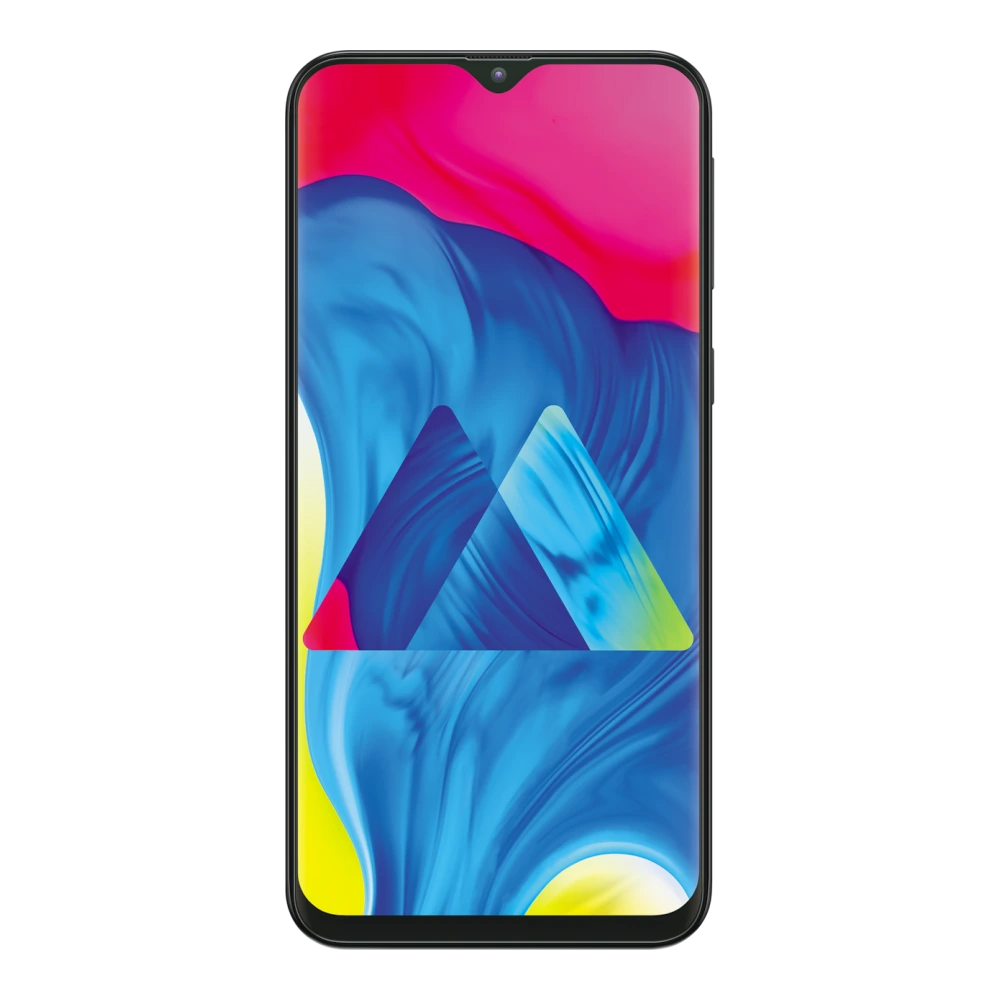
SM-M105F Galaxy M10 (3GB RAM)
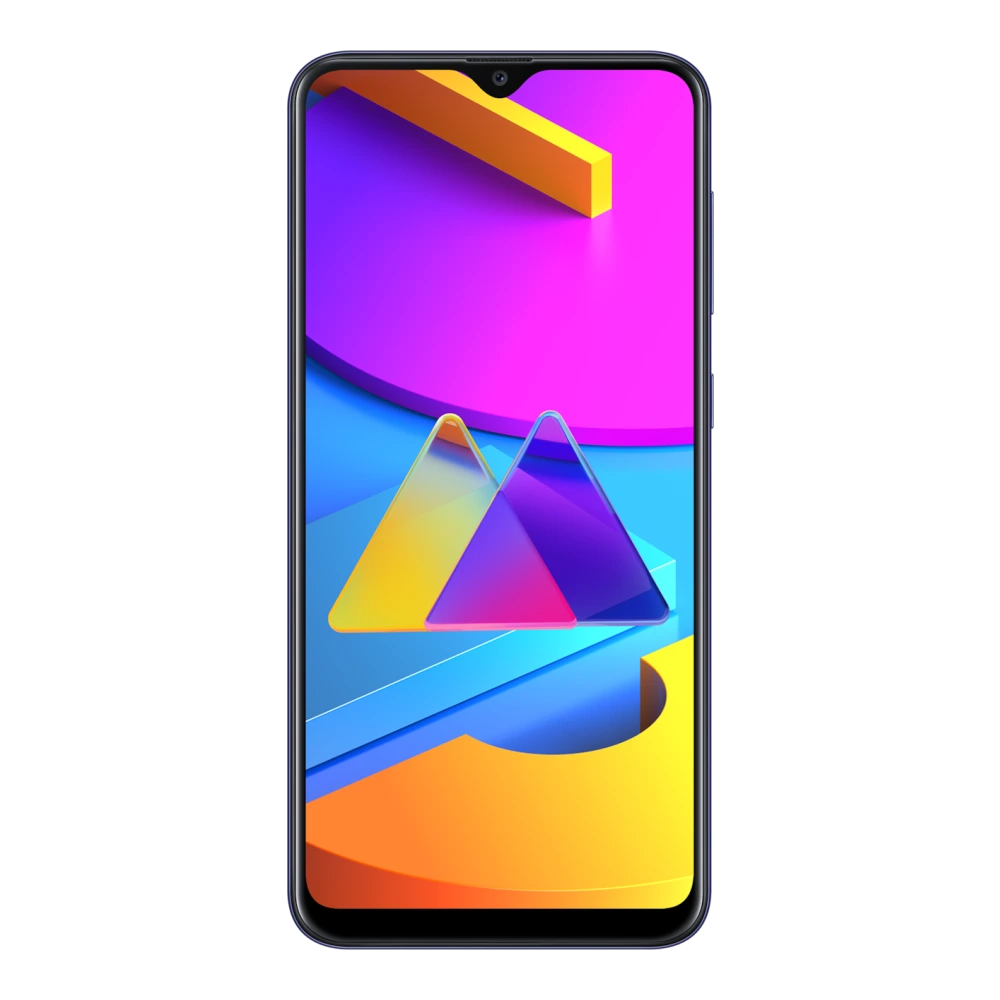
SM-M107F Galaxy M10s
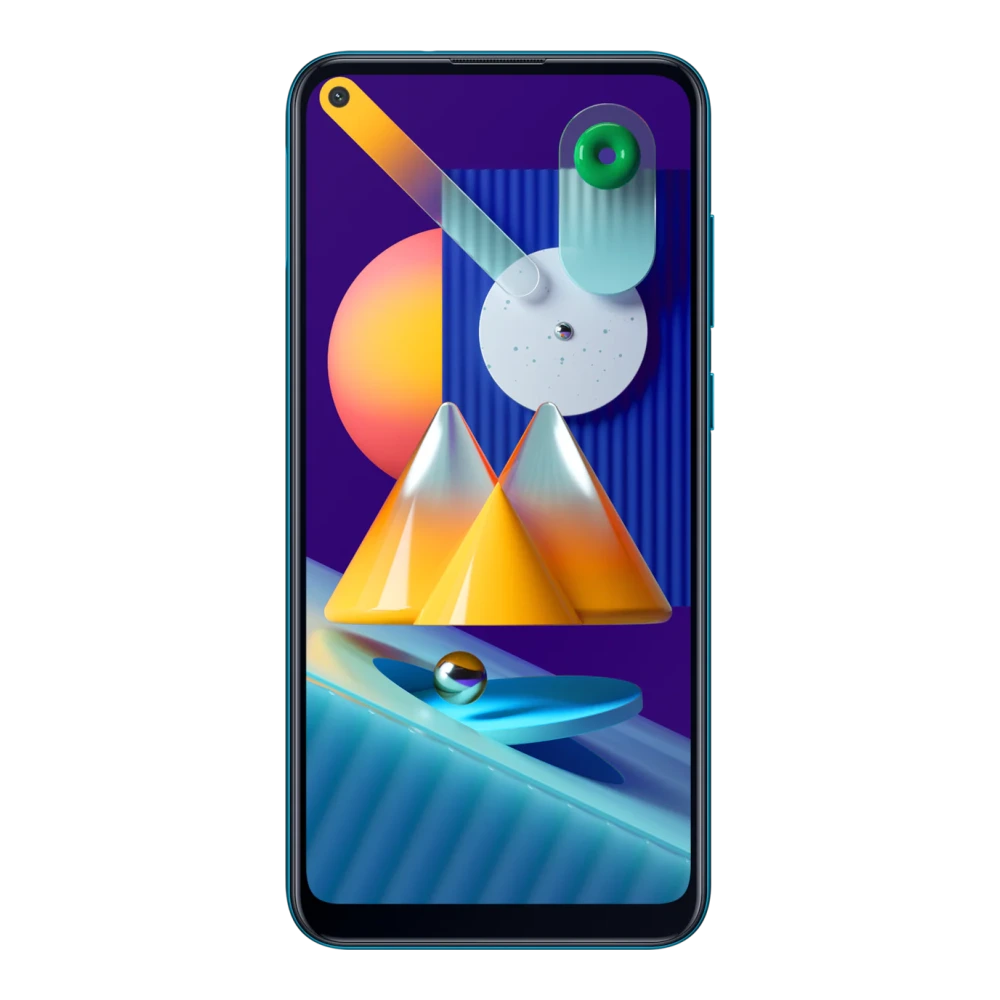
SM-M115F Galaxy M11 (3GB RAM)
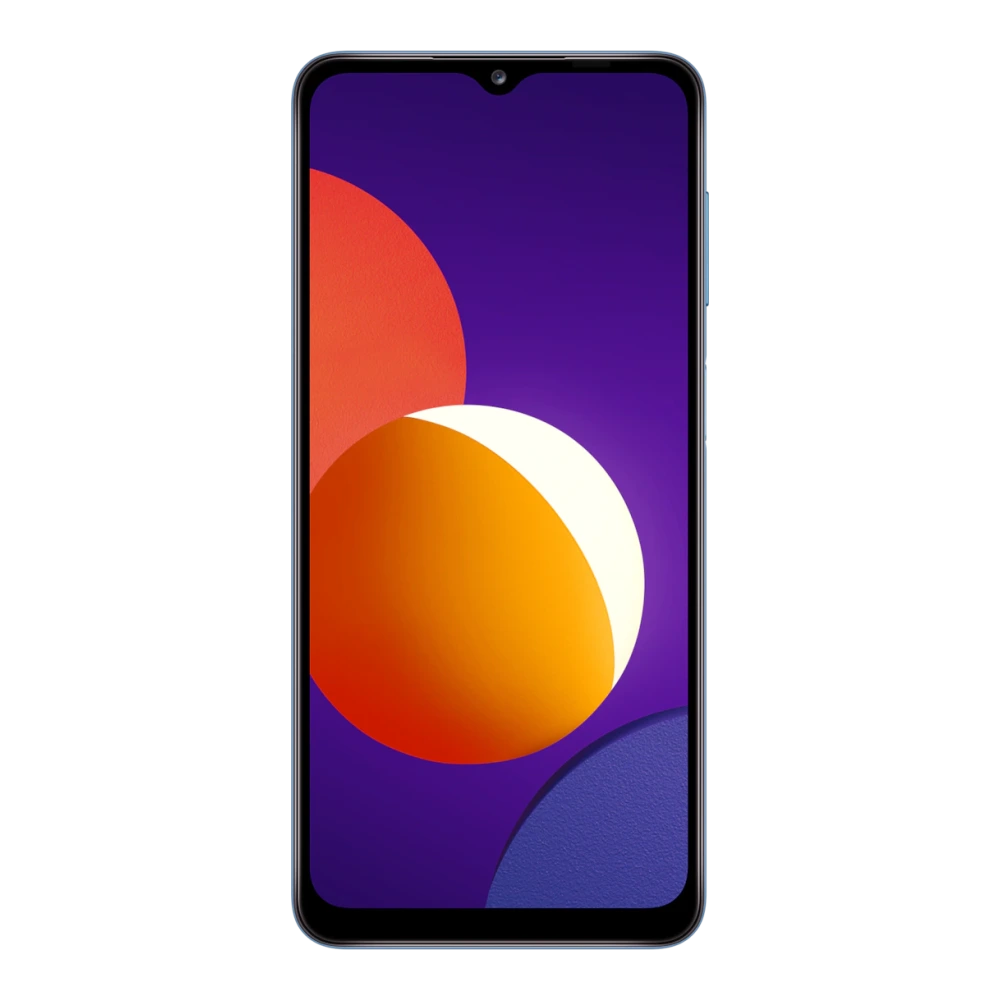
SM-M127G Galaxy M12 (6GB RAM)
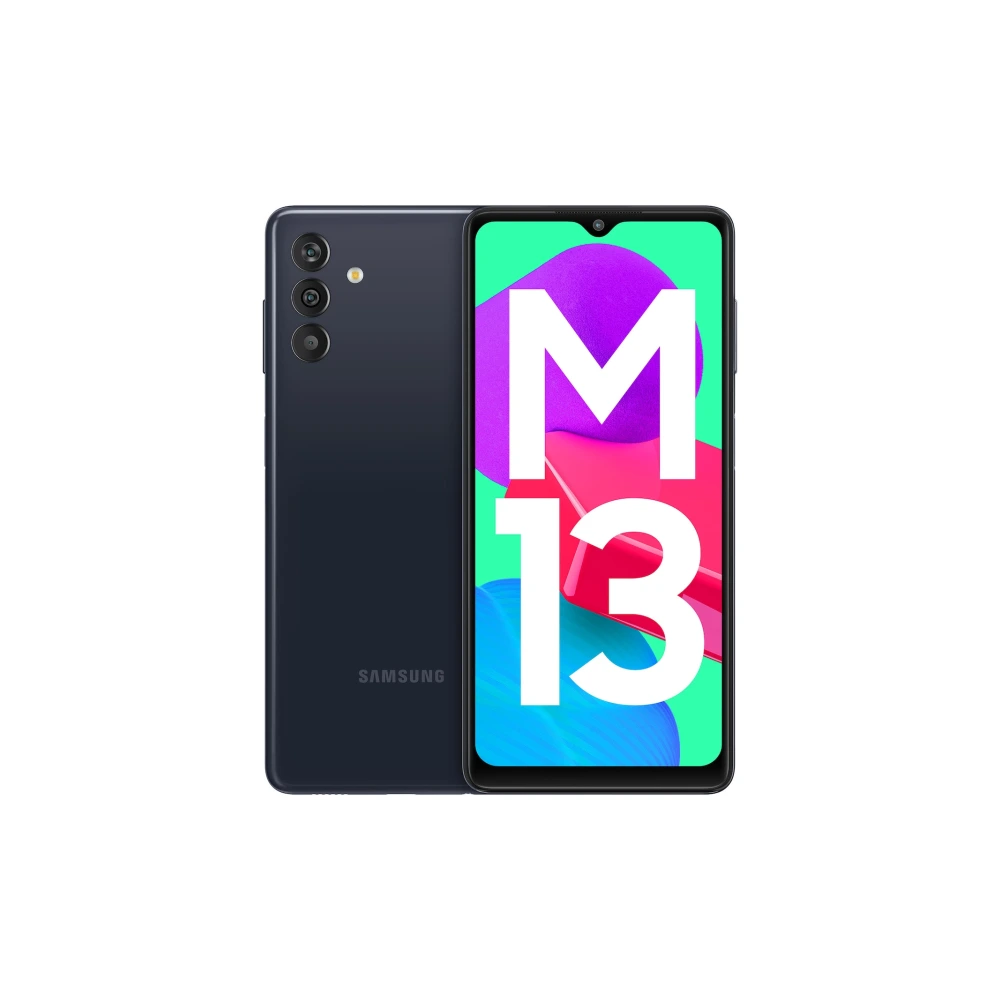
SM-M135FU Galaxy M13 (4GB RAM)
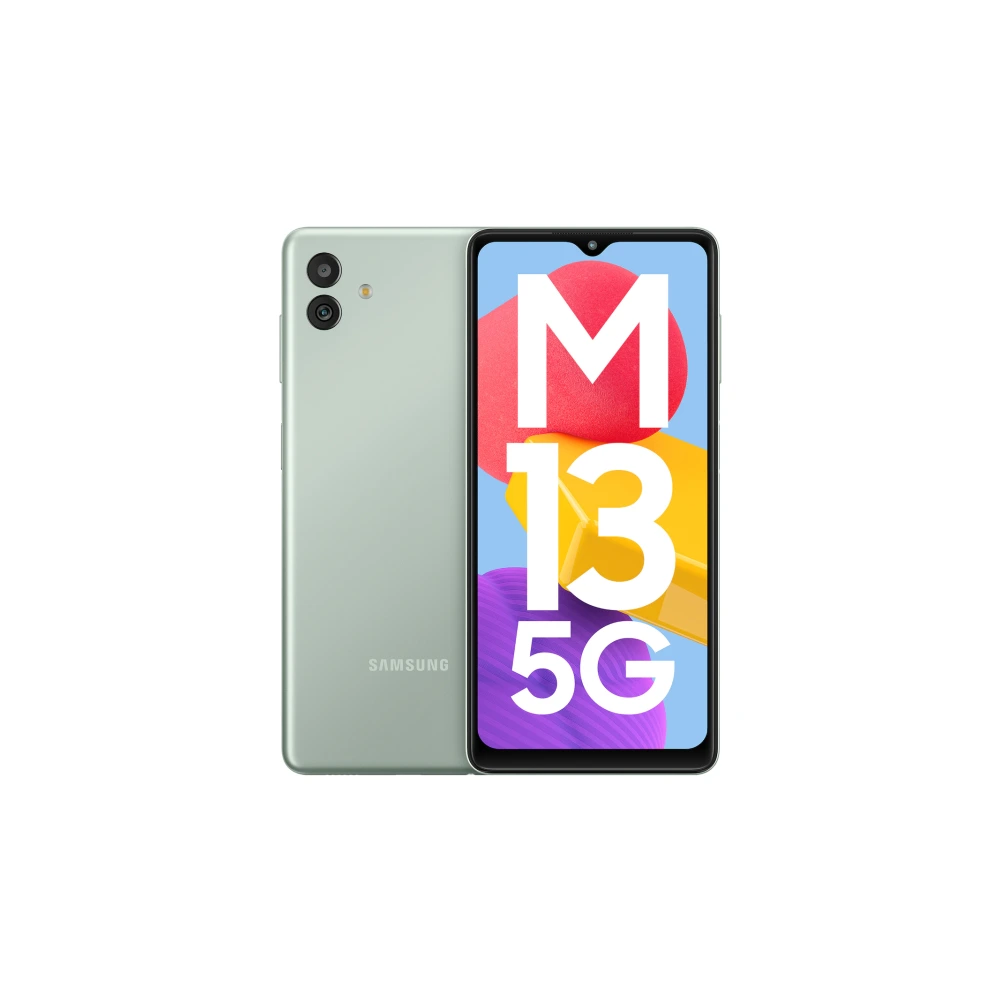
SM-M136B Galaxy M13 5G (4GB RAM)
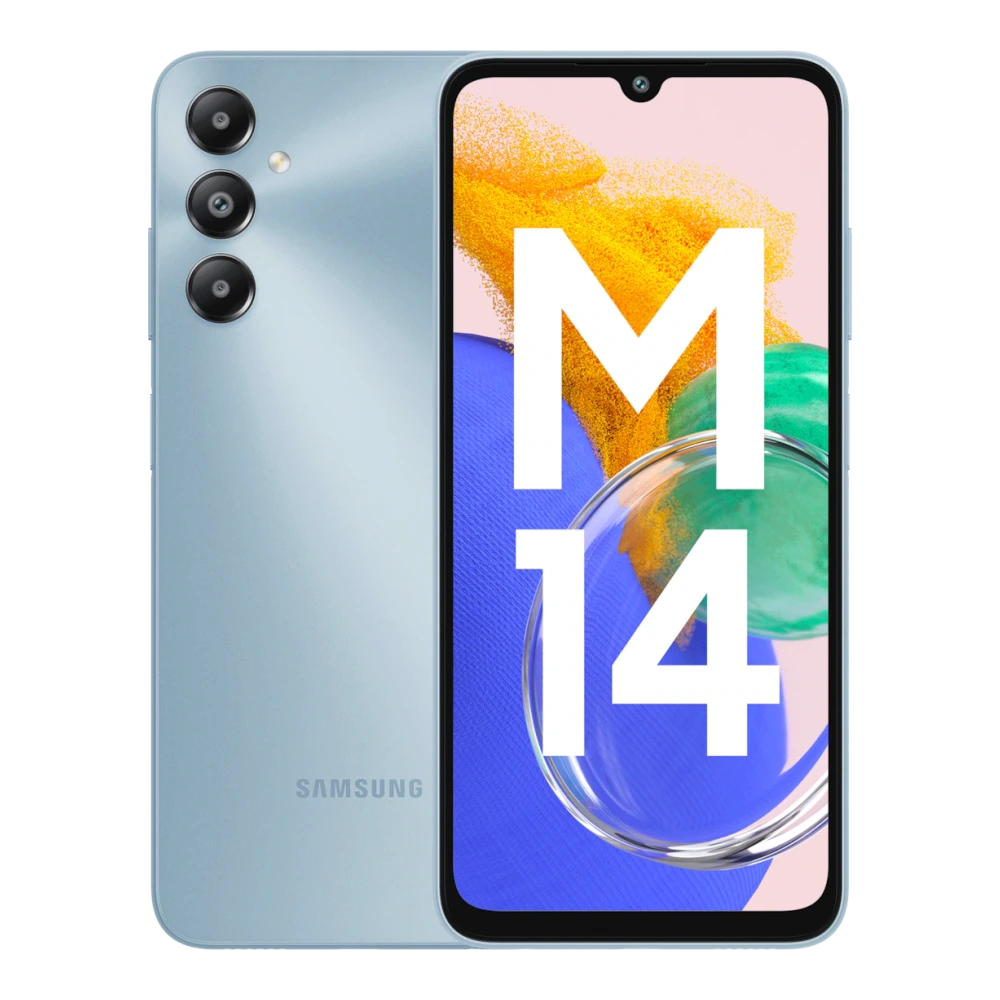
SM-M145F Galaxy M14 (4GB RAM)
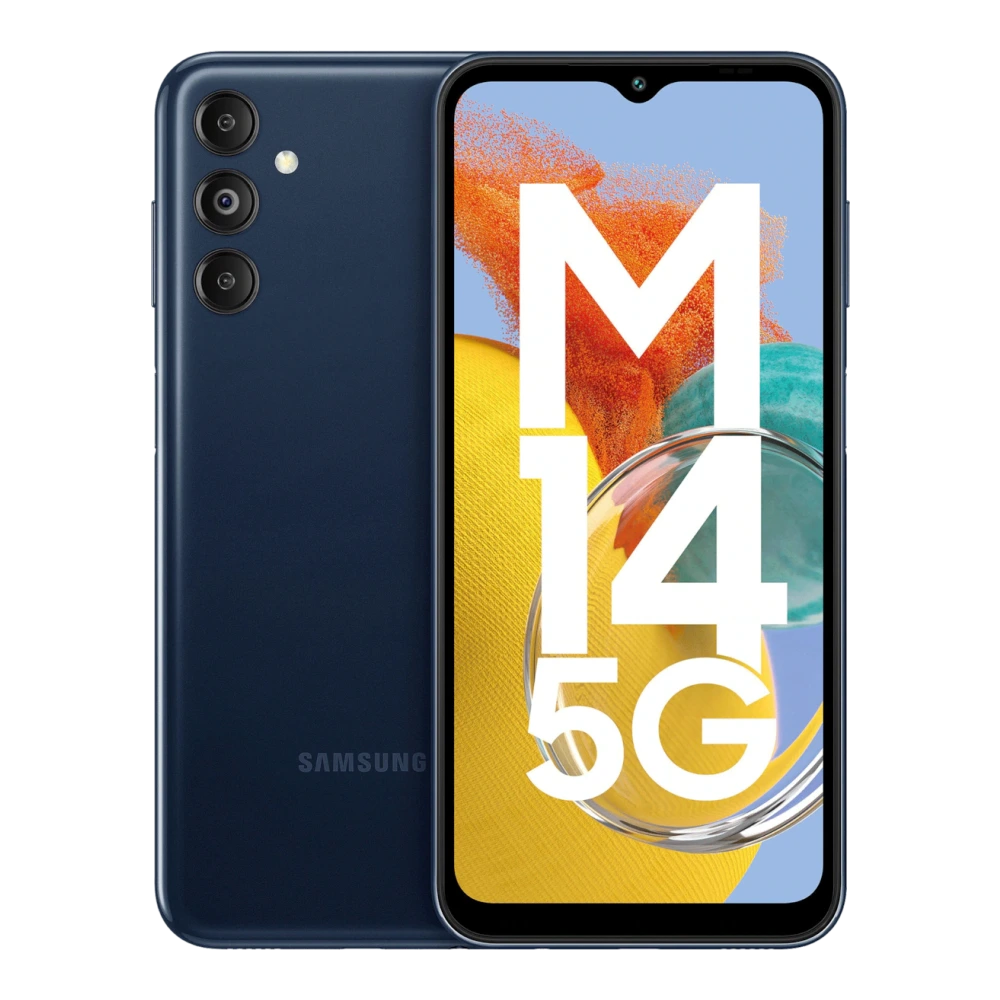
SM-M146B Galaxy M14 5G (4GB RAM)
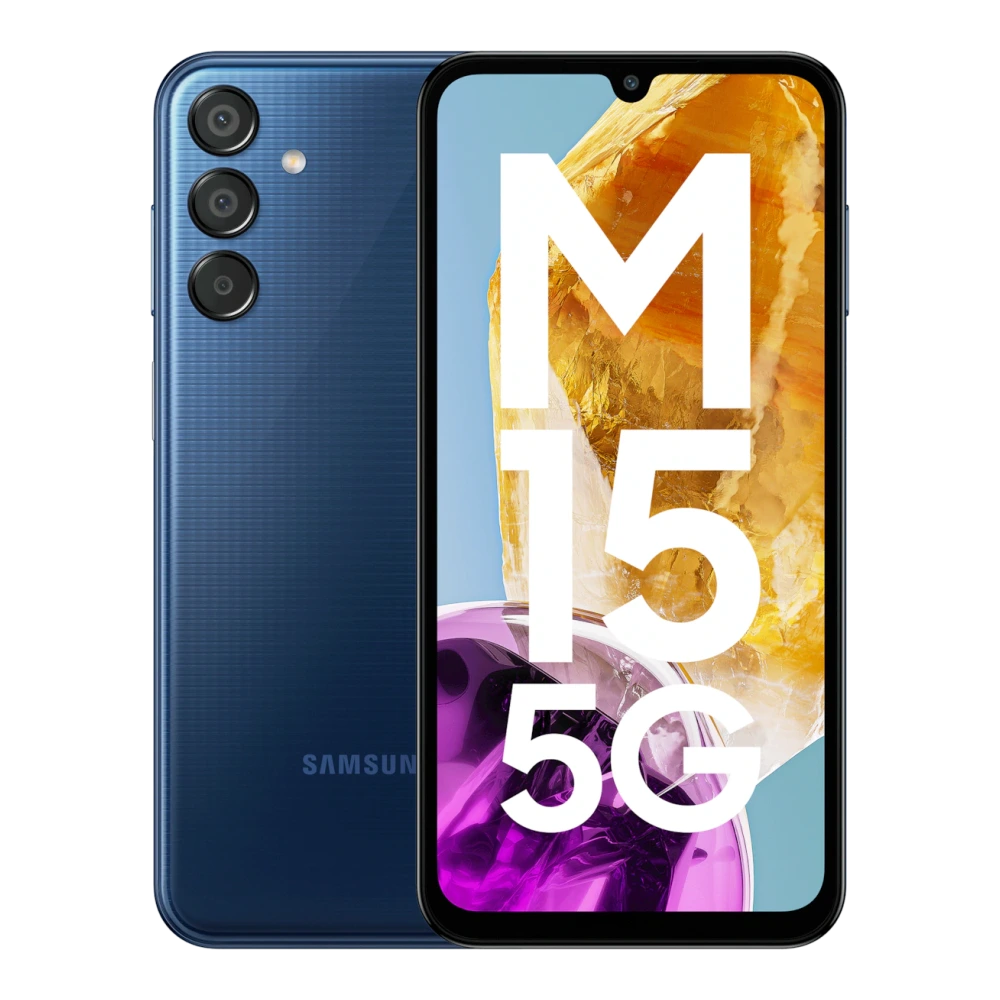
SM-M156B Galaxy M15 5G Prime (4GB RAM)
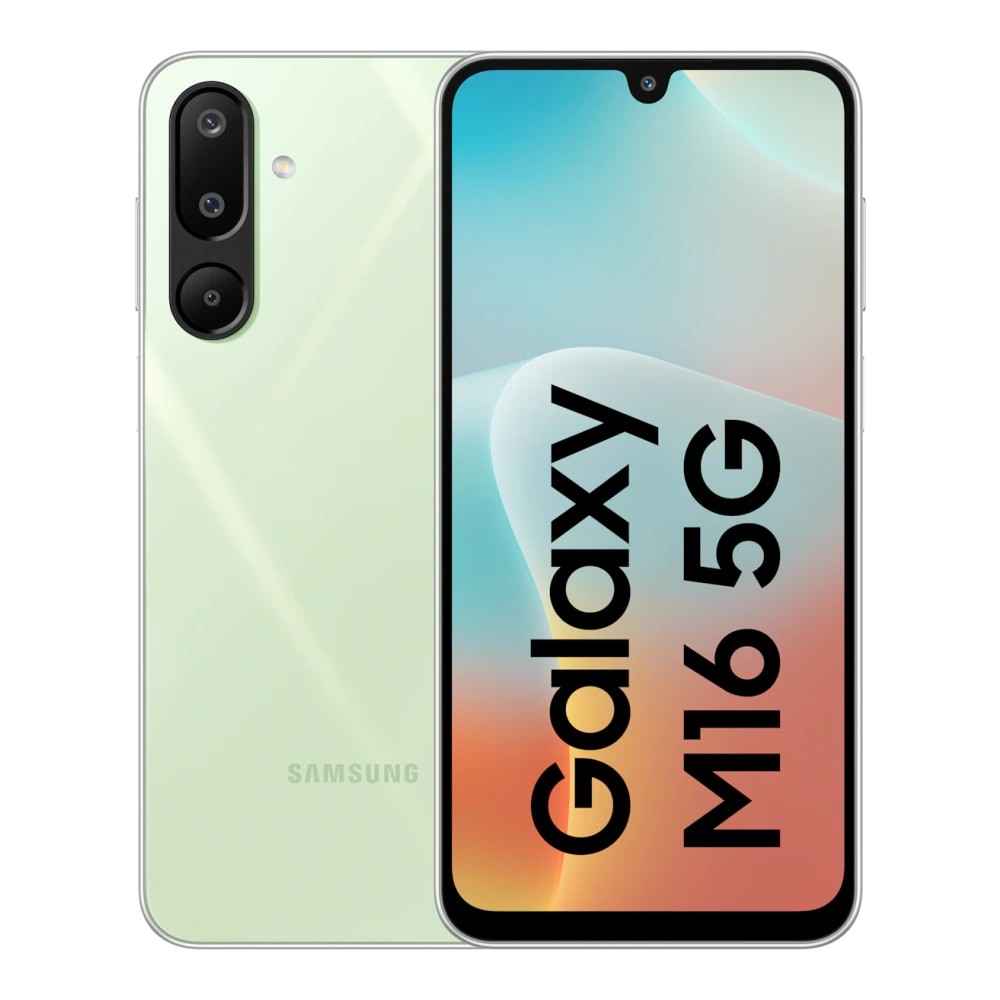
SM-M166P Galaxy M16 5G (4GB RAM)
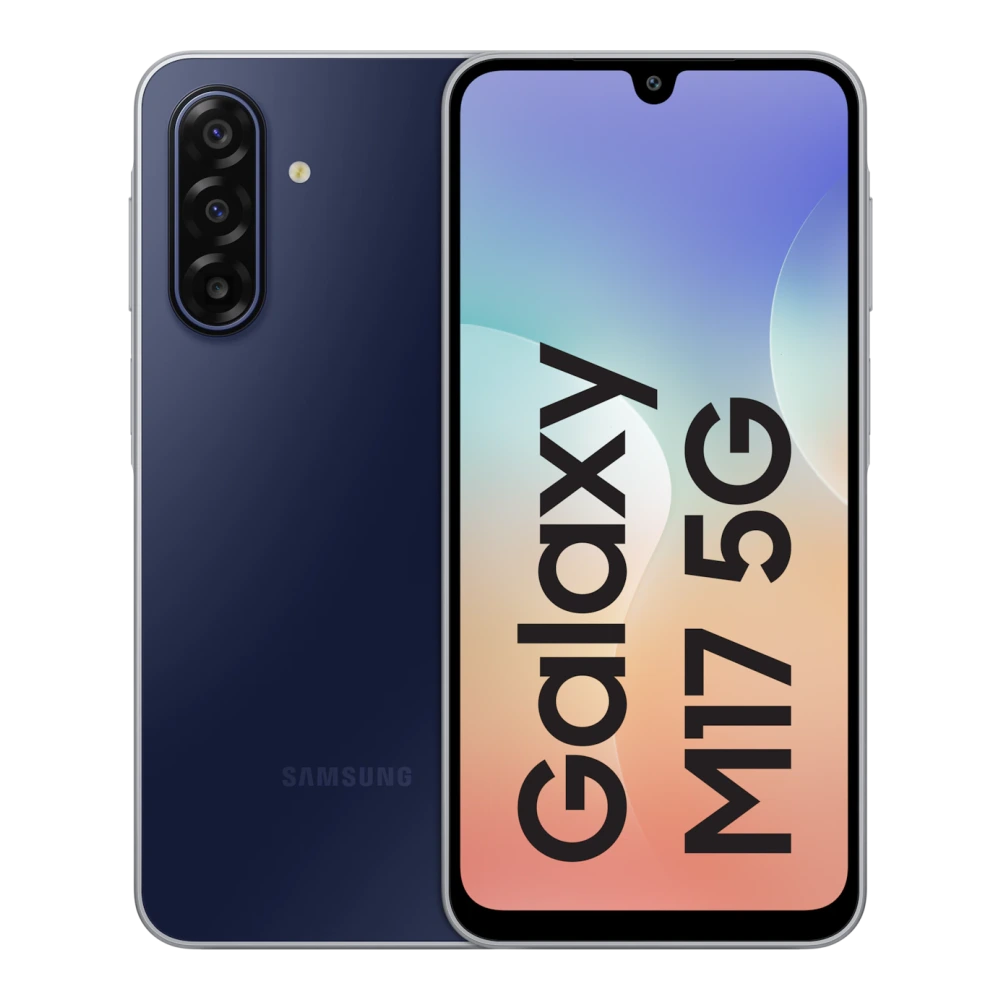
SM-M176B Galaxy M17 5G (4GB RAM)
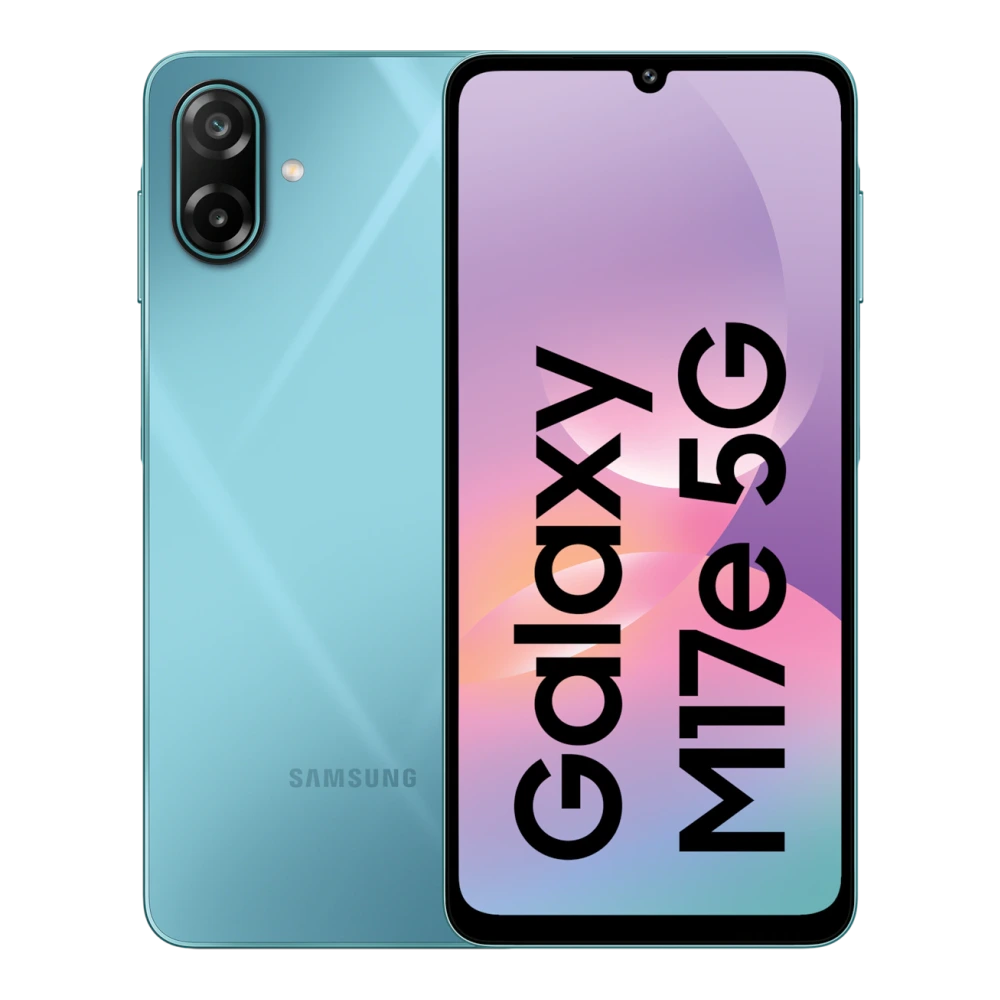
SM-M076B Galaxy M17e 5G (4GB RAM)
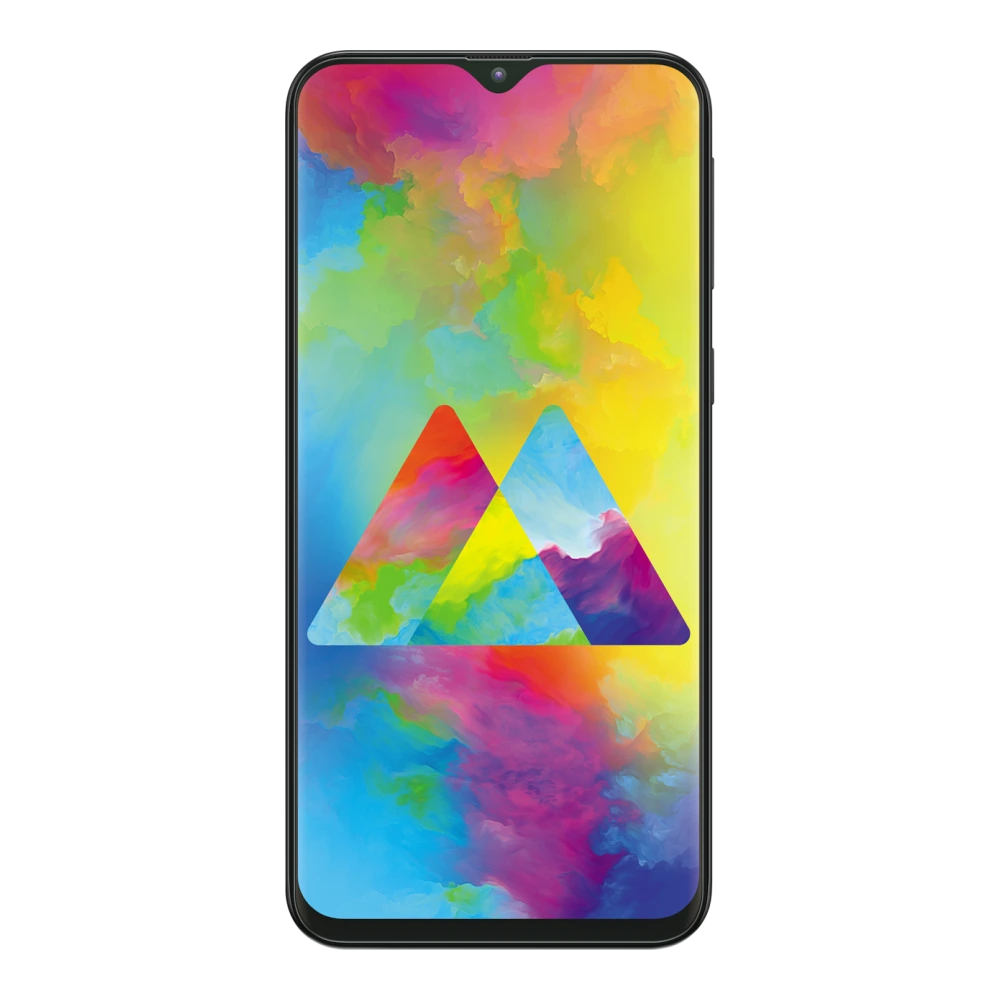
SM-M205F Galaxy M20 (3GB RAM)
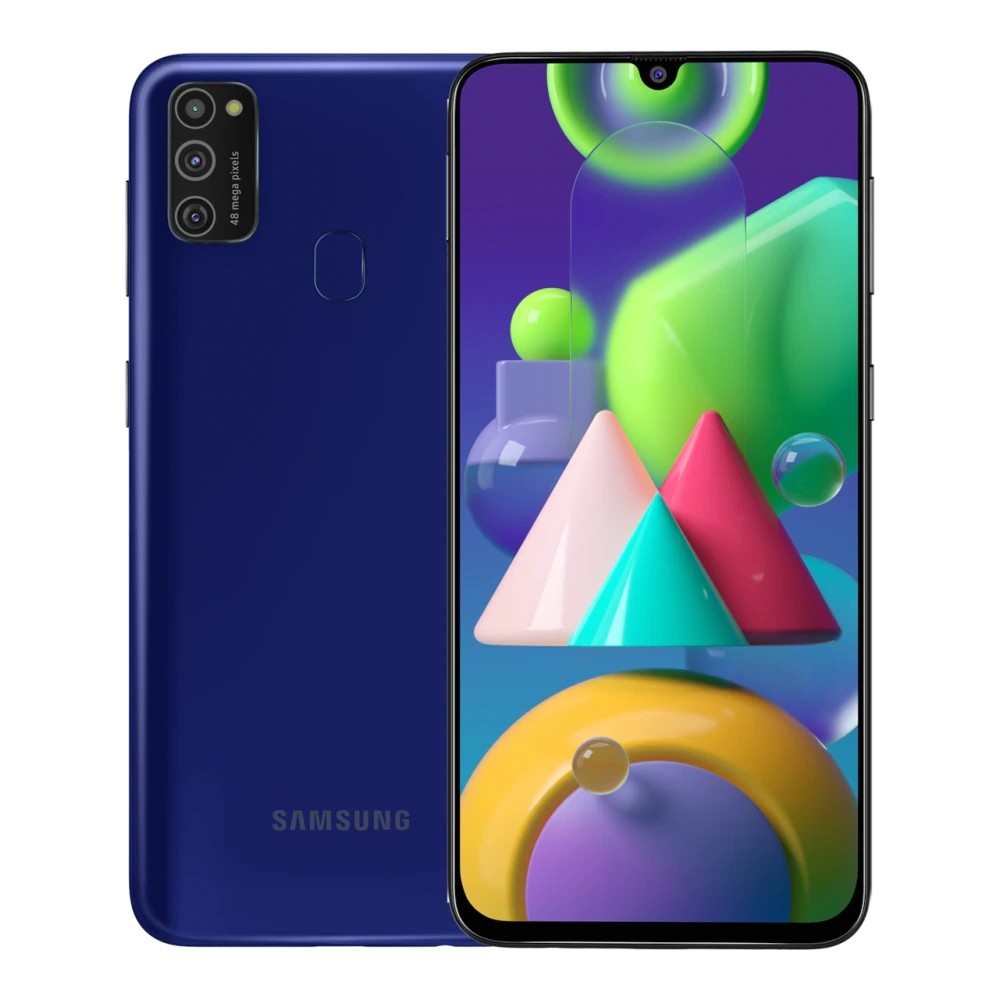
SM-M215F Galaxy M21 (4GB RAM)
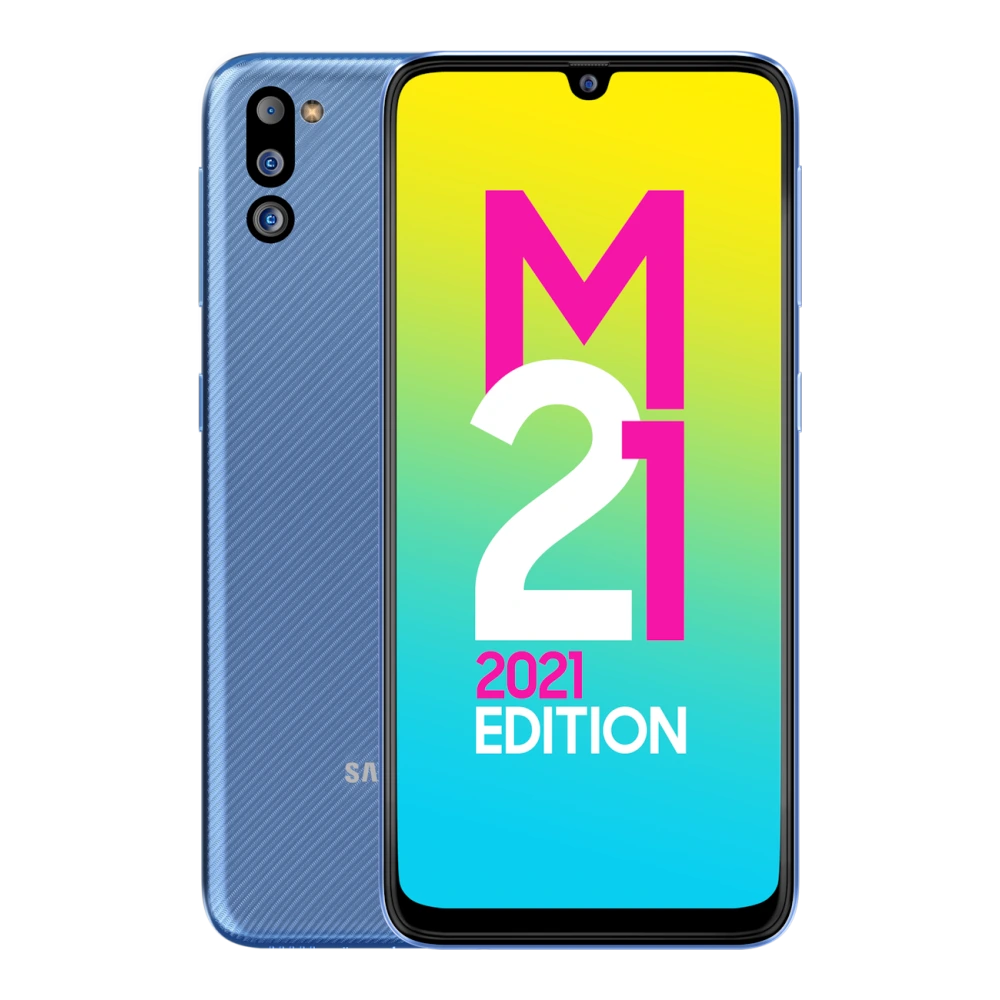
SM-M215G Galaxy M21 2021 Edition (4GB RAM)
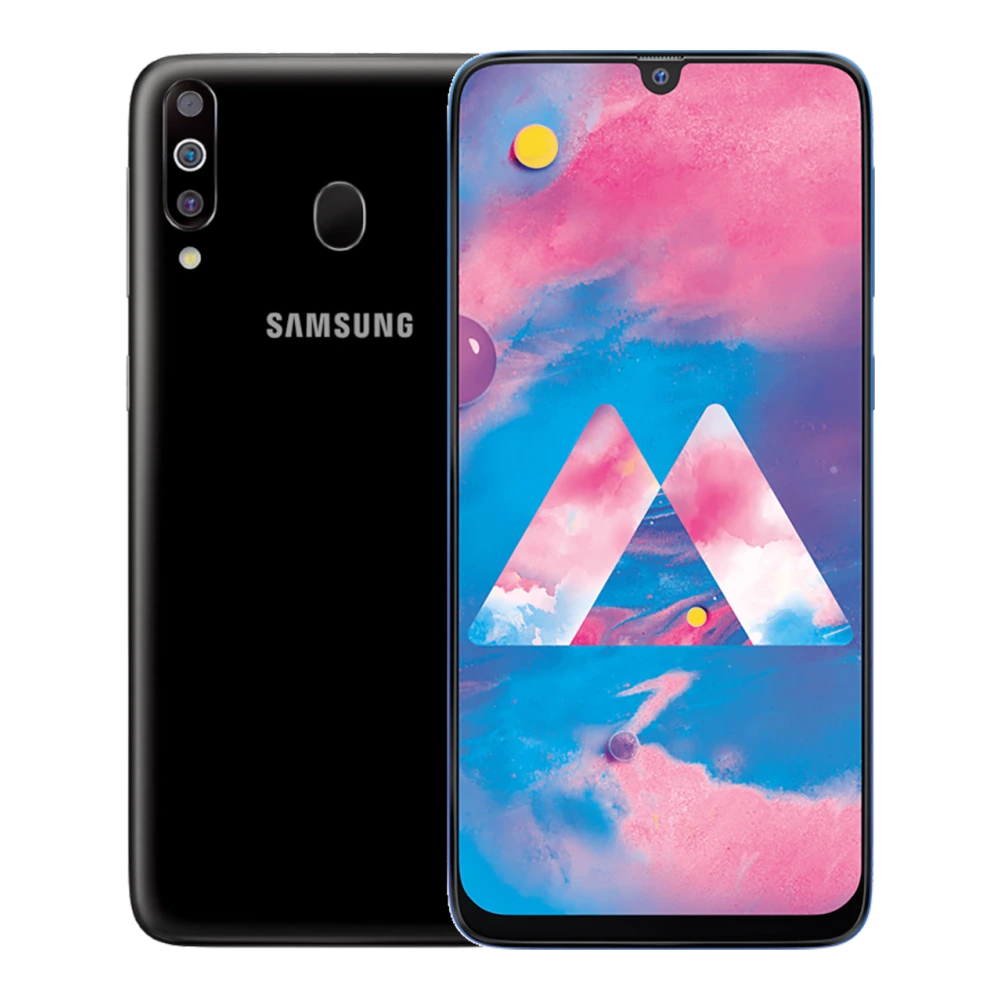
SM-M305F Galaxy M30 (3GB RAM)
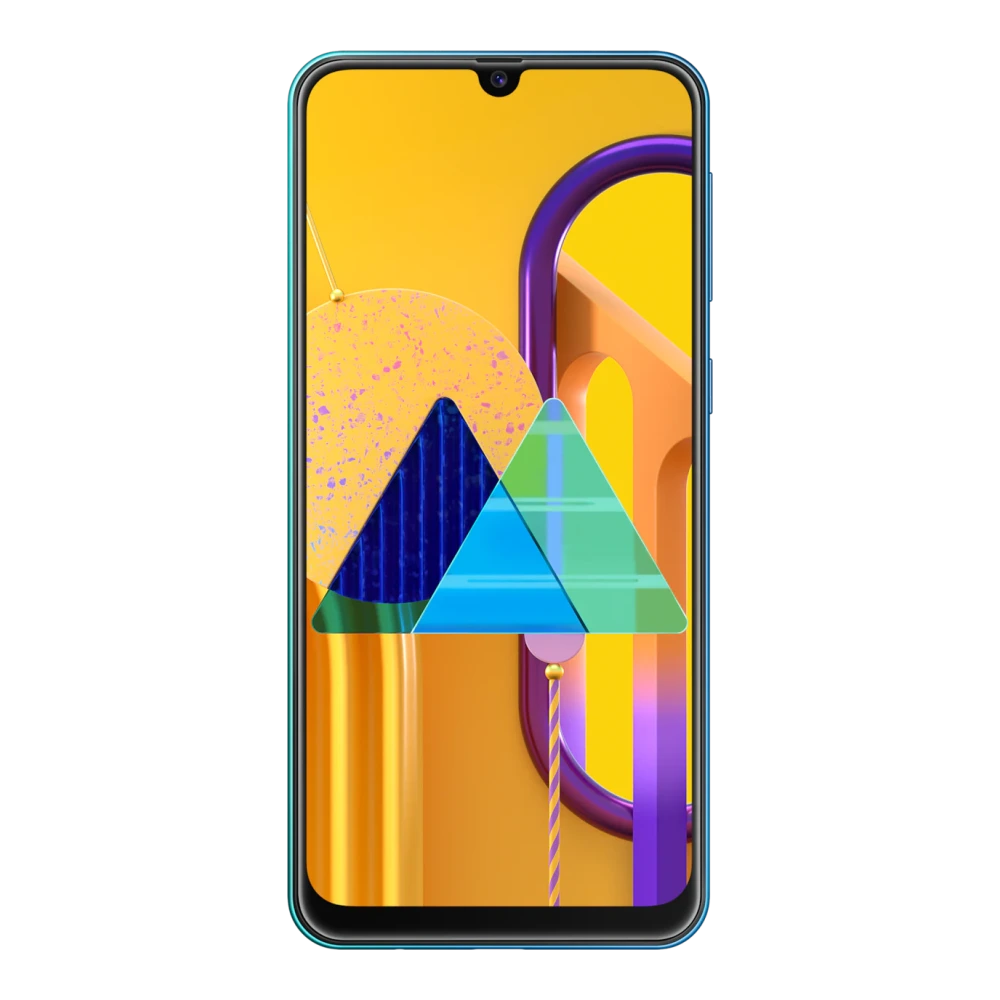
SM-M307F Galaxy M30s (6GB RAM)
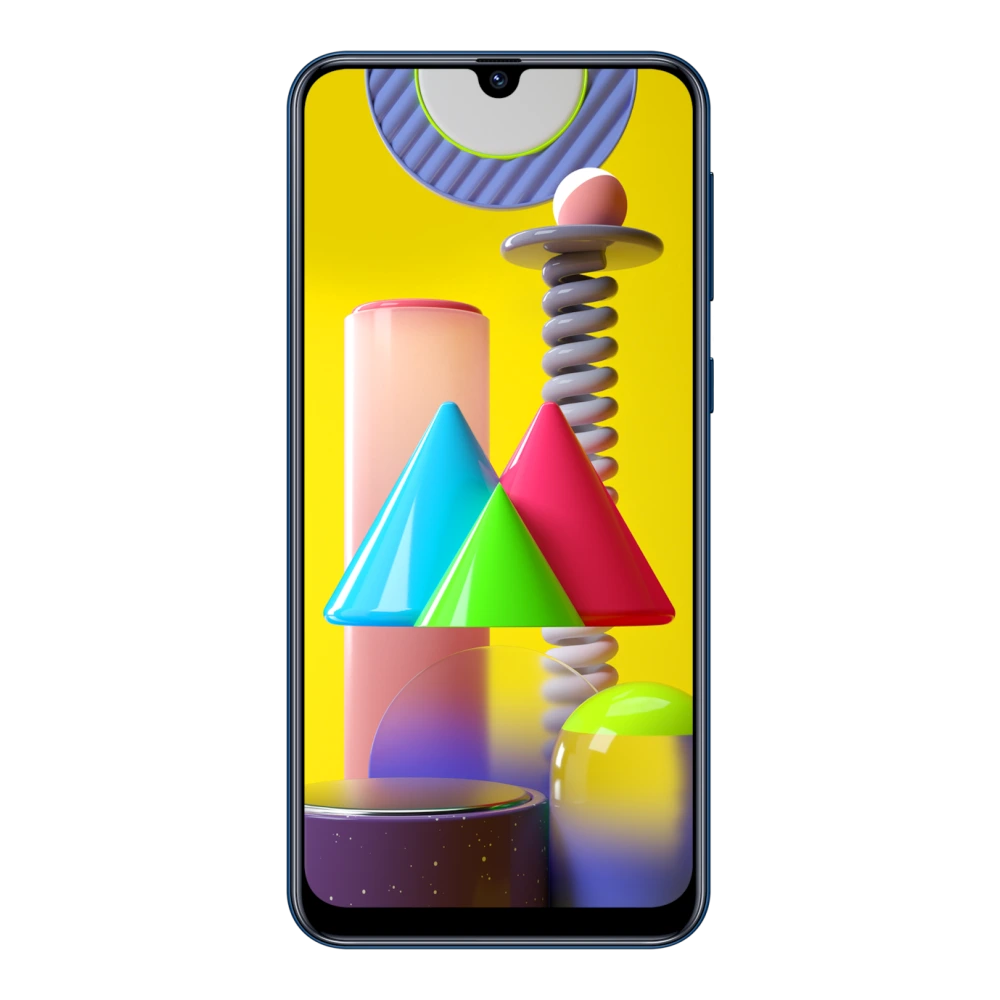
SM-M315F Galaxy M31 (6GB RAM)
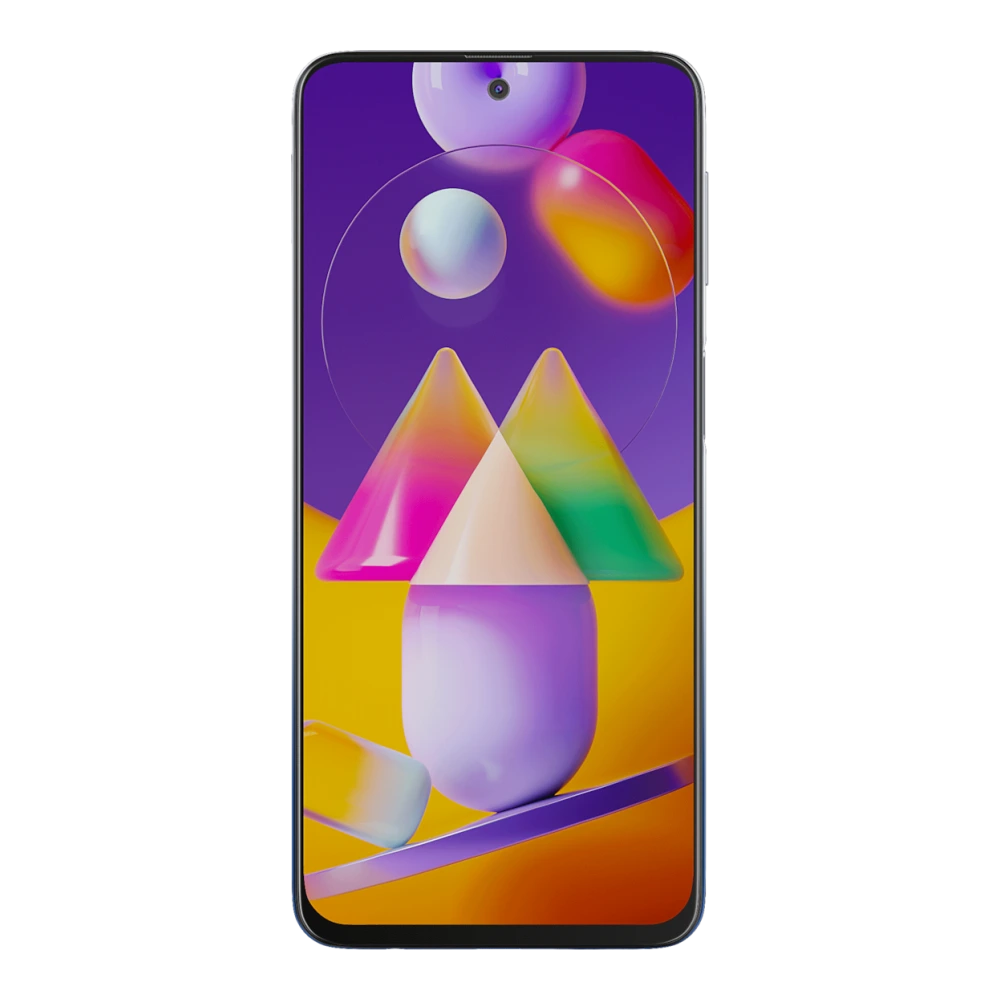
SM-M317F Galaxy M31s (6GB RAM)
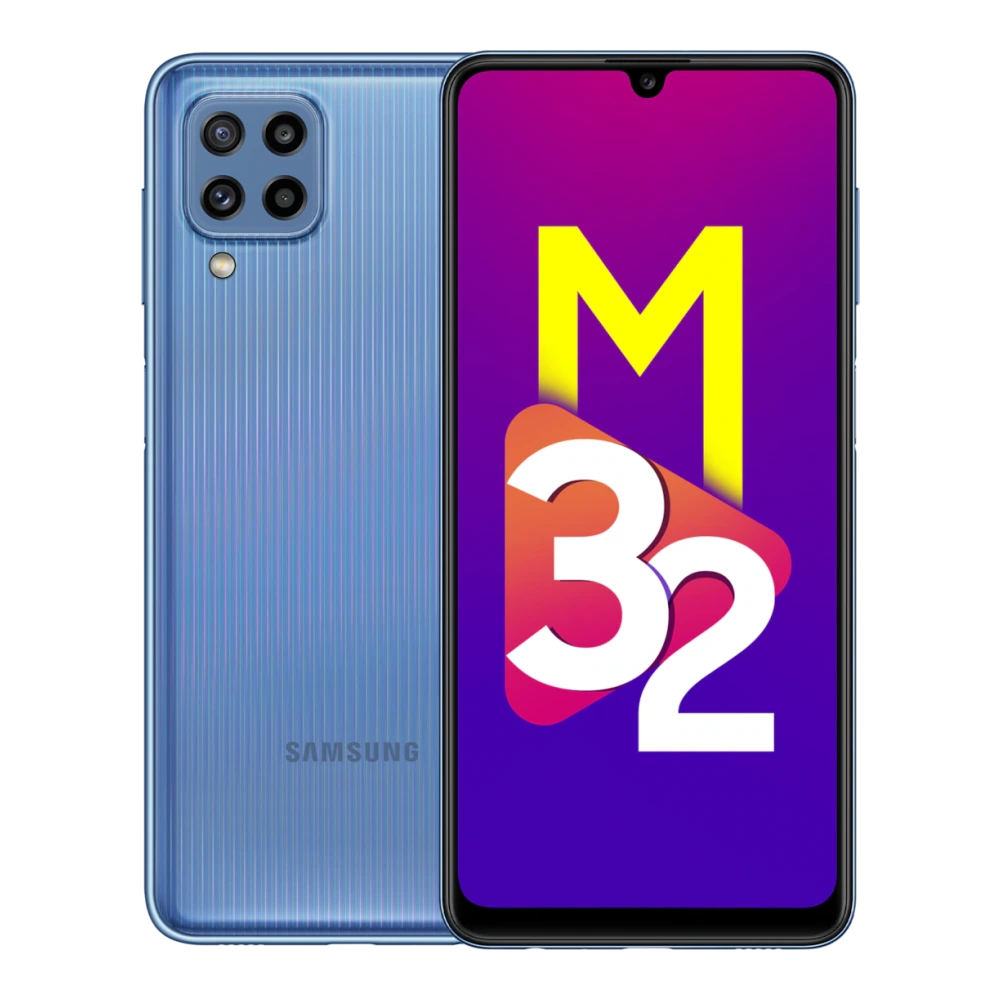
SM-M325F Galaxy M32 (4GB RAM)
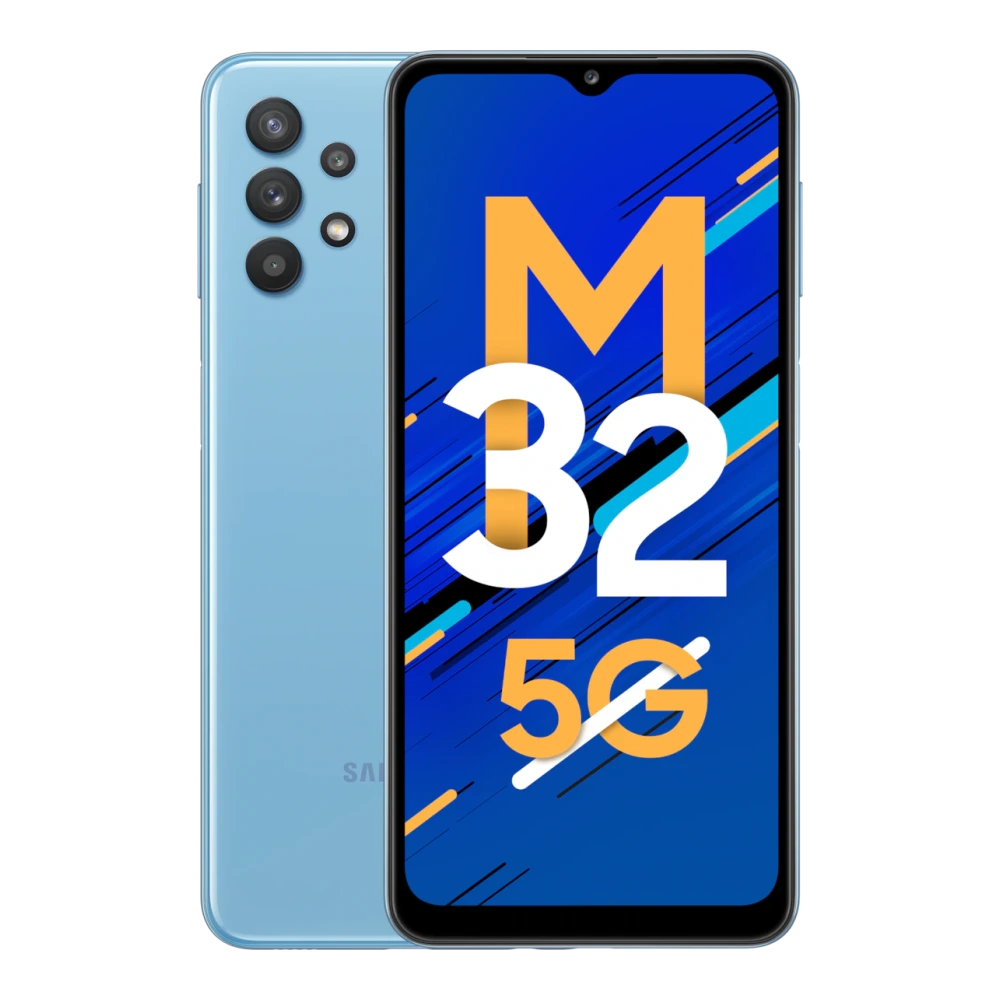
SM-M326B Galaxy M32 5G (6GB RAM)
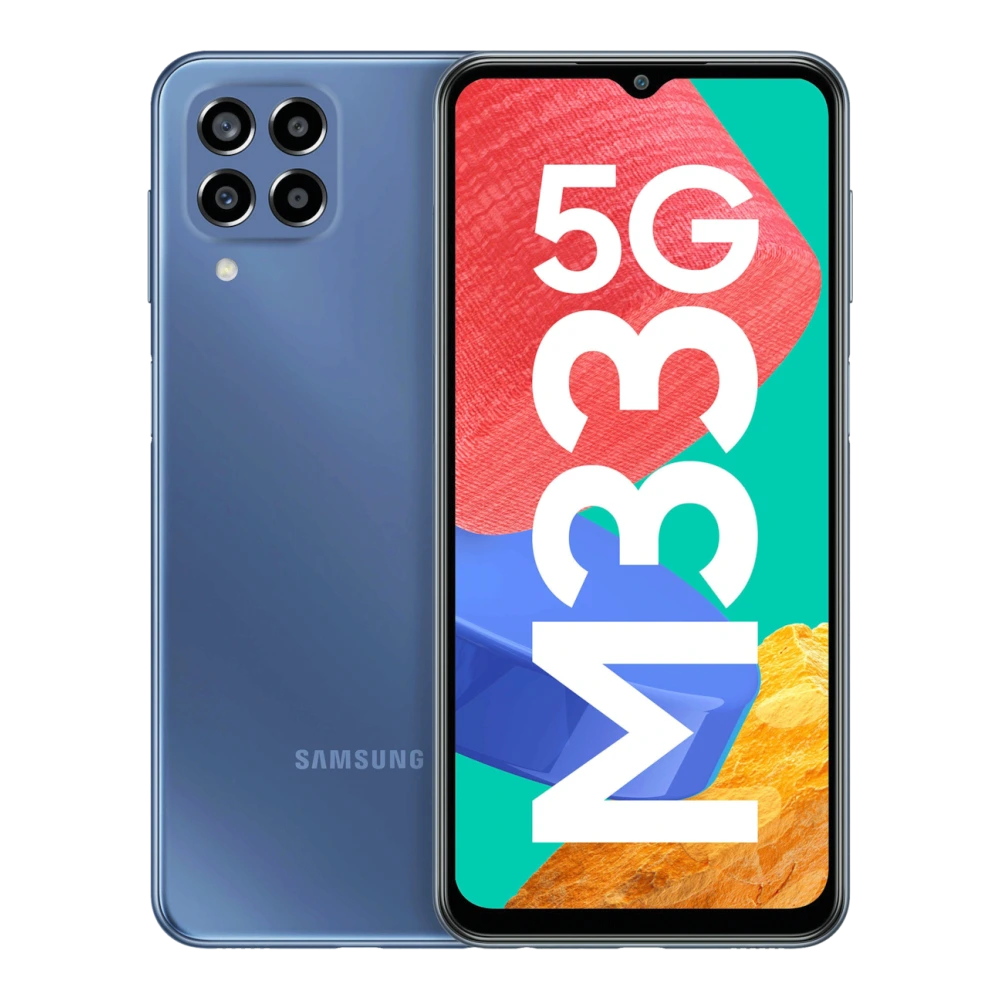
SM-M336BU Galaxy M33 5G (8GB RAM)
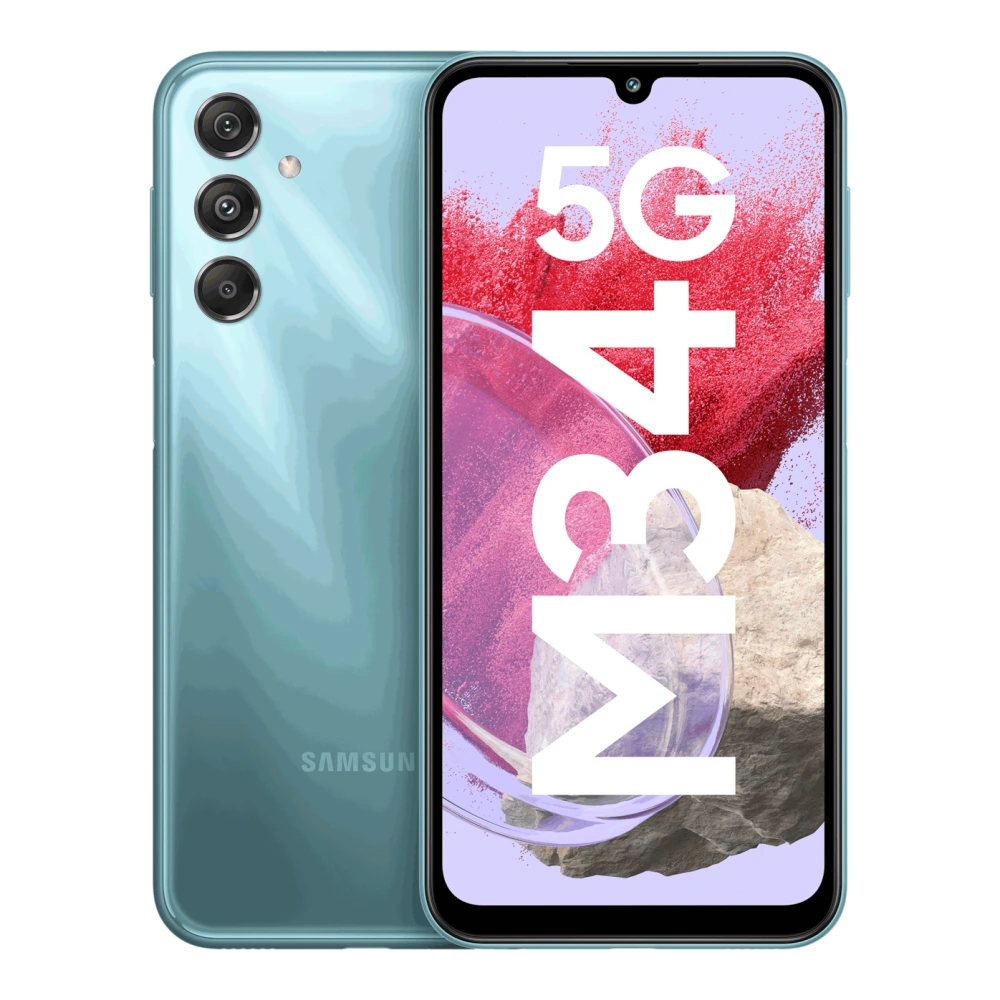
SM-M346B Galaxy M34 5G (6GB RAM)
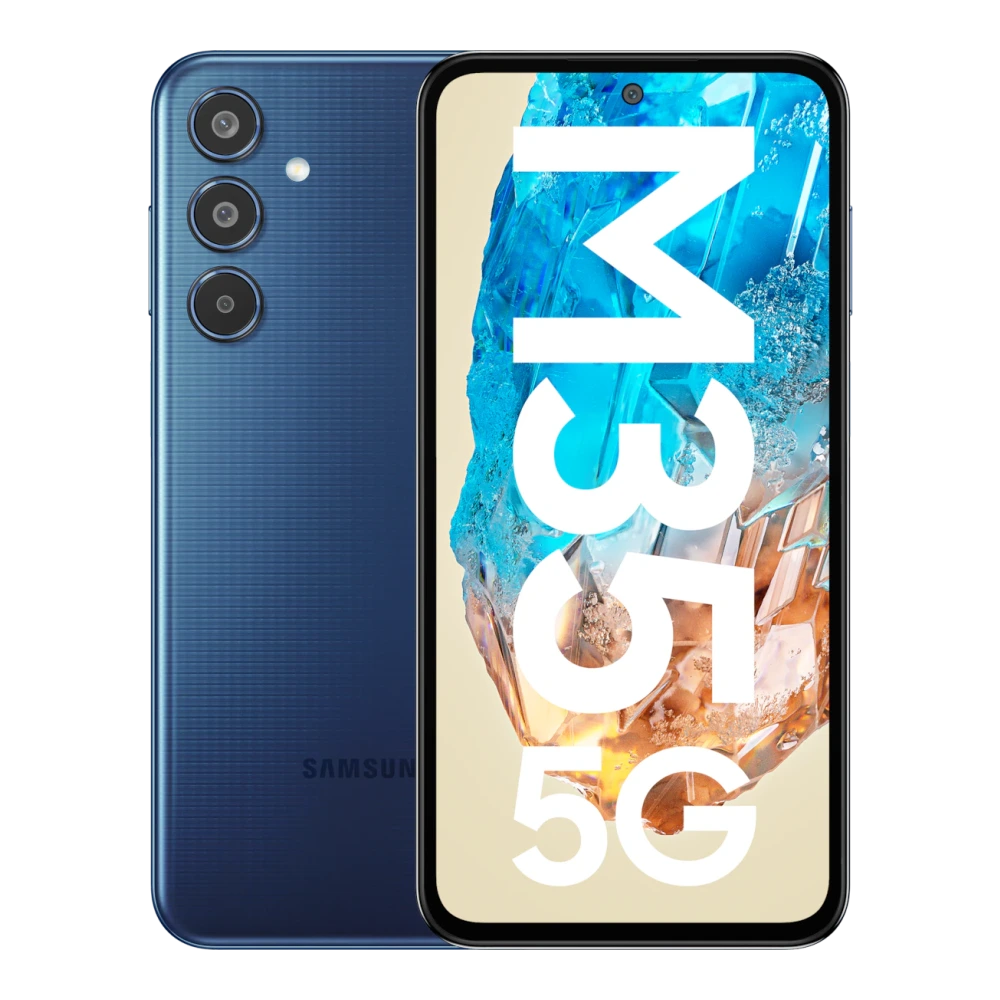
SM-M356B Galaxy M35 5G (6GB RAM)
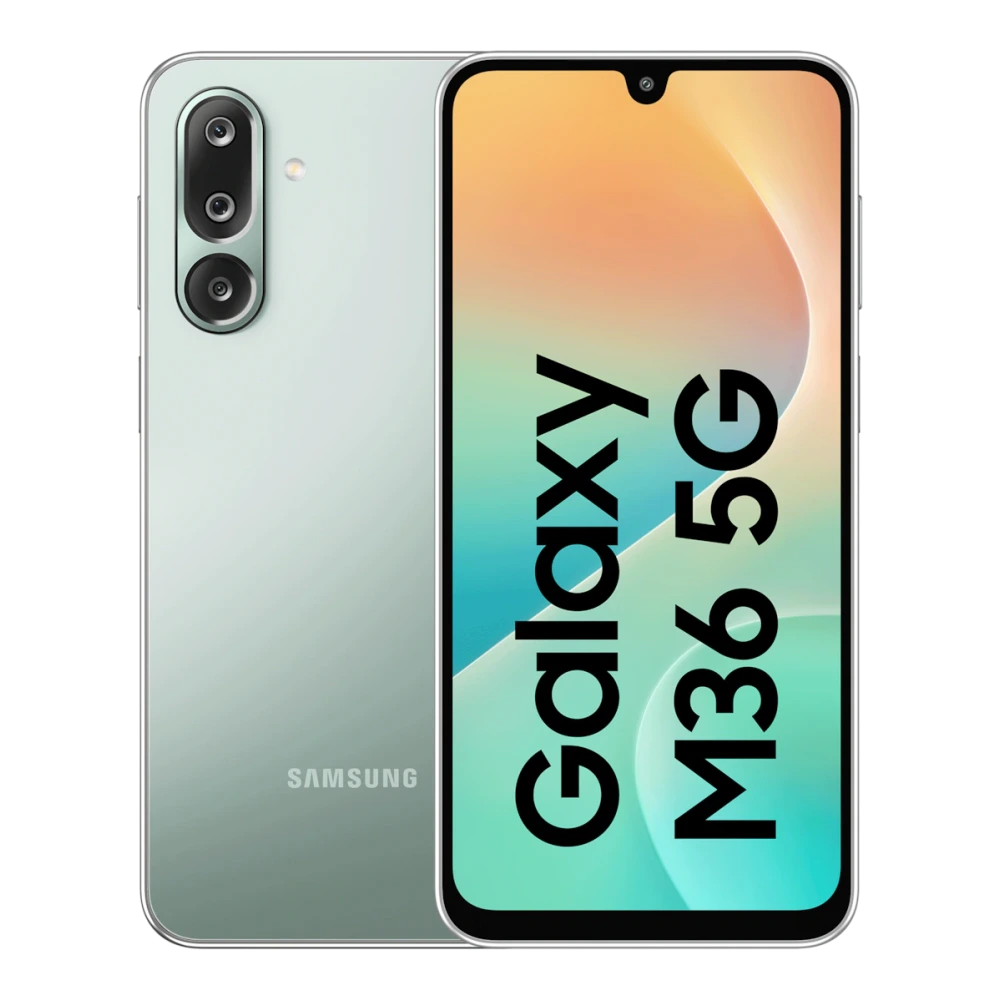
SM-M366B Galaxy M36 5G (6GB RAM)
SM-M405F Galaxy M40
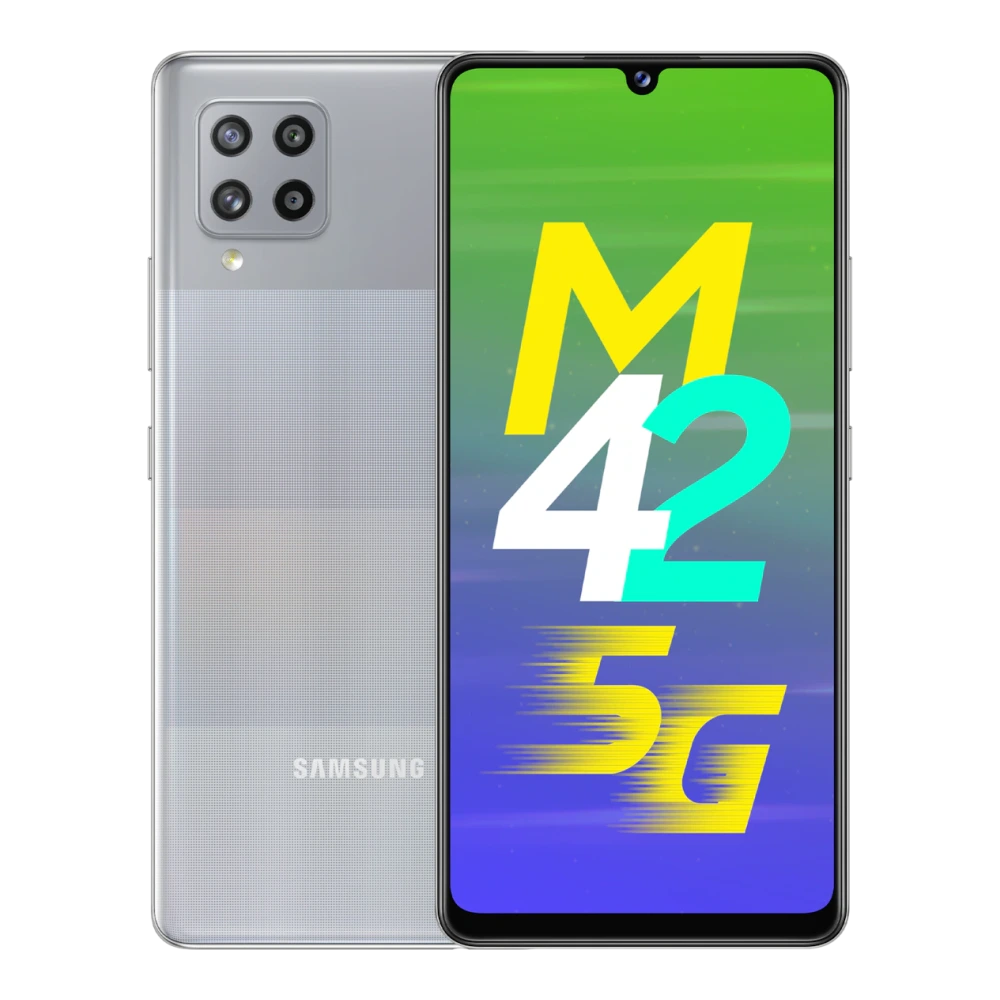
SM-M426B Galaxy M42 5G (6GB RAM)
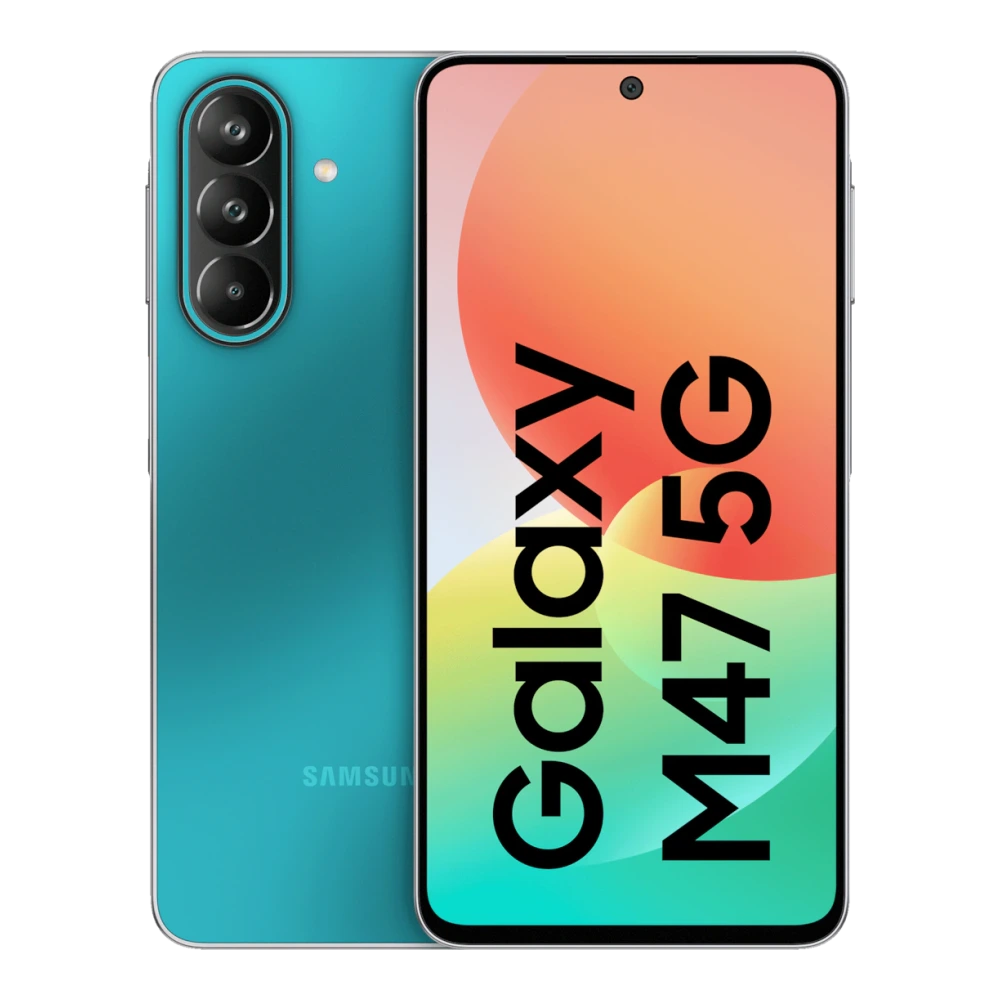
SM-M476B Galaxy M47 5G (6GB RAM)
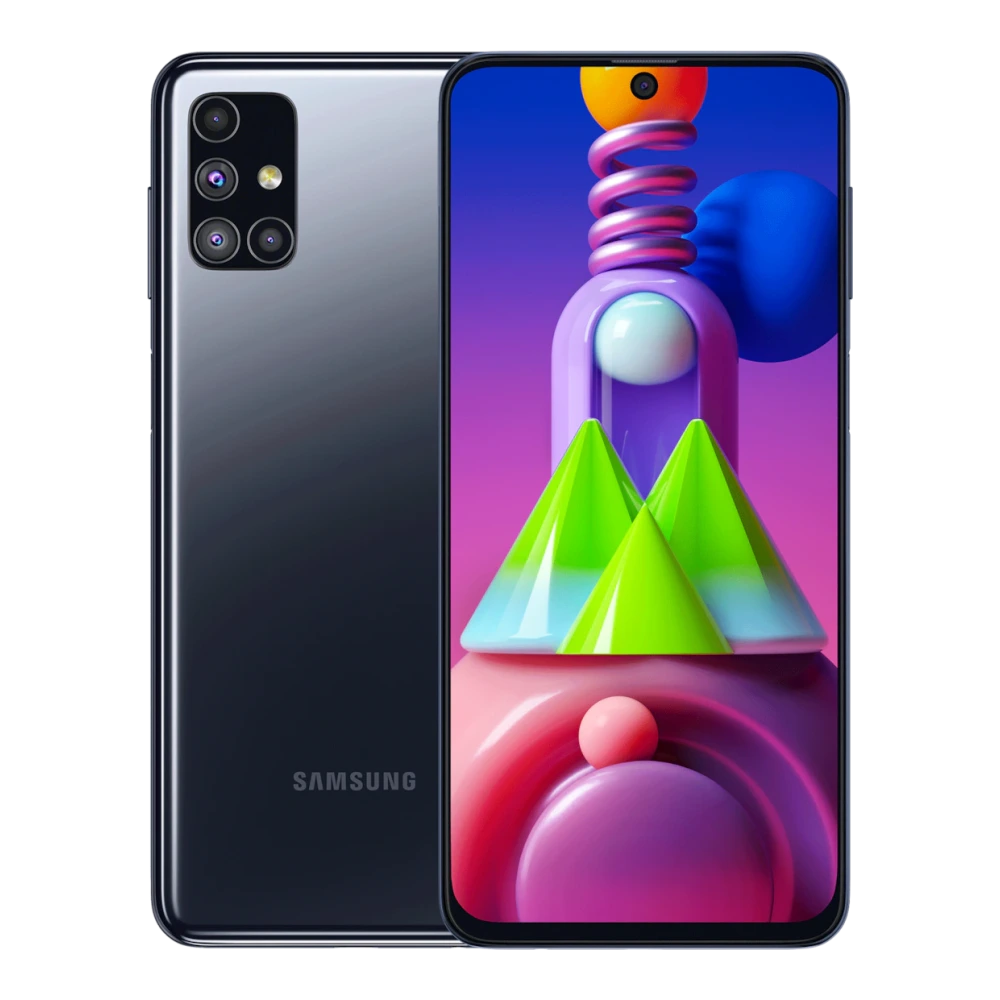
SM-M515F Galaxy M51 (6GB RAM)
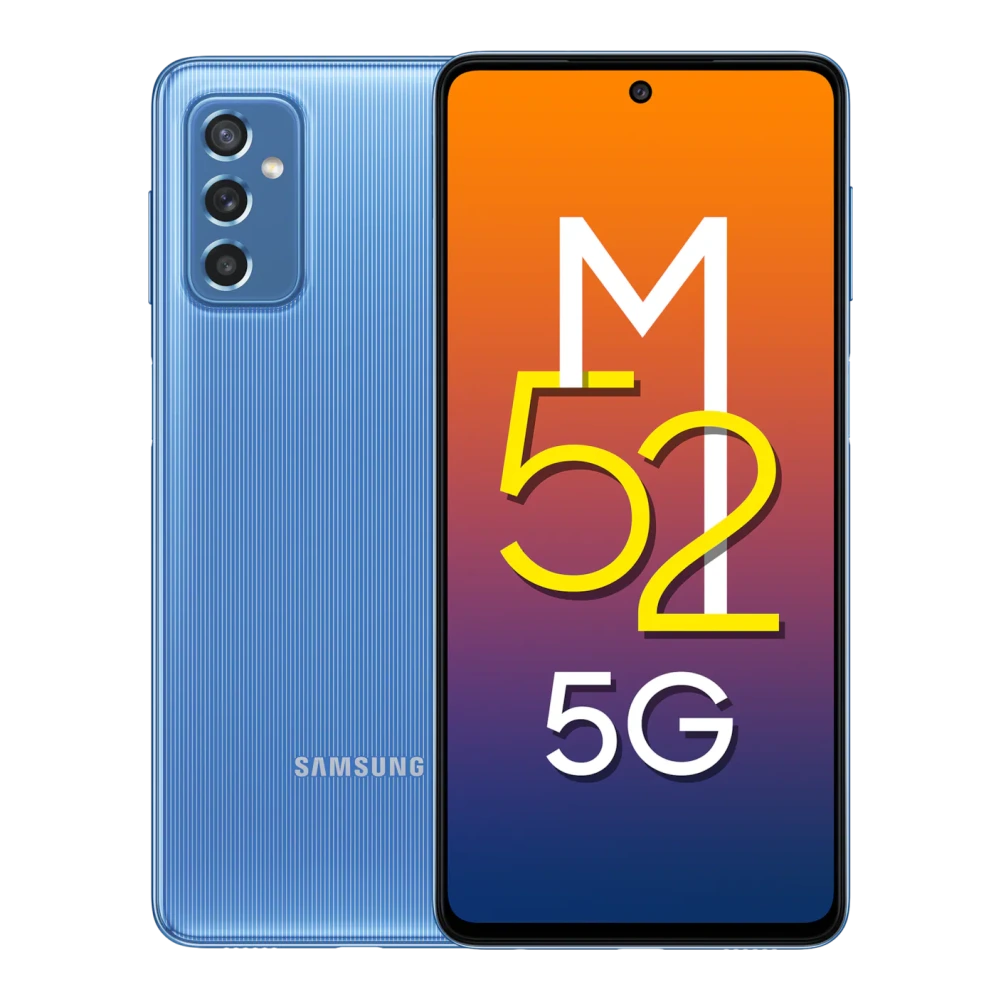
SM-M526B Galaxy M52 5G (6GB RAM)
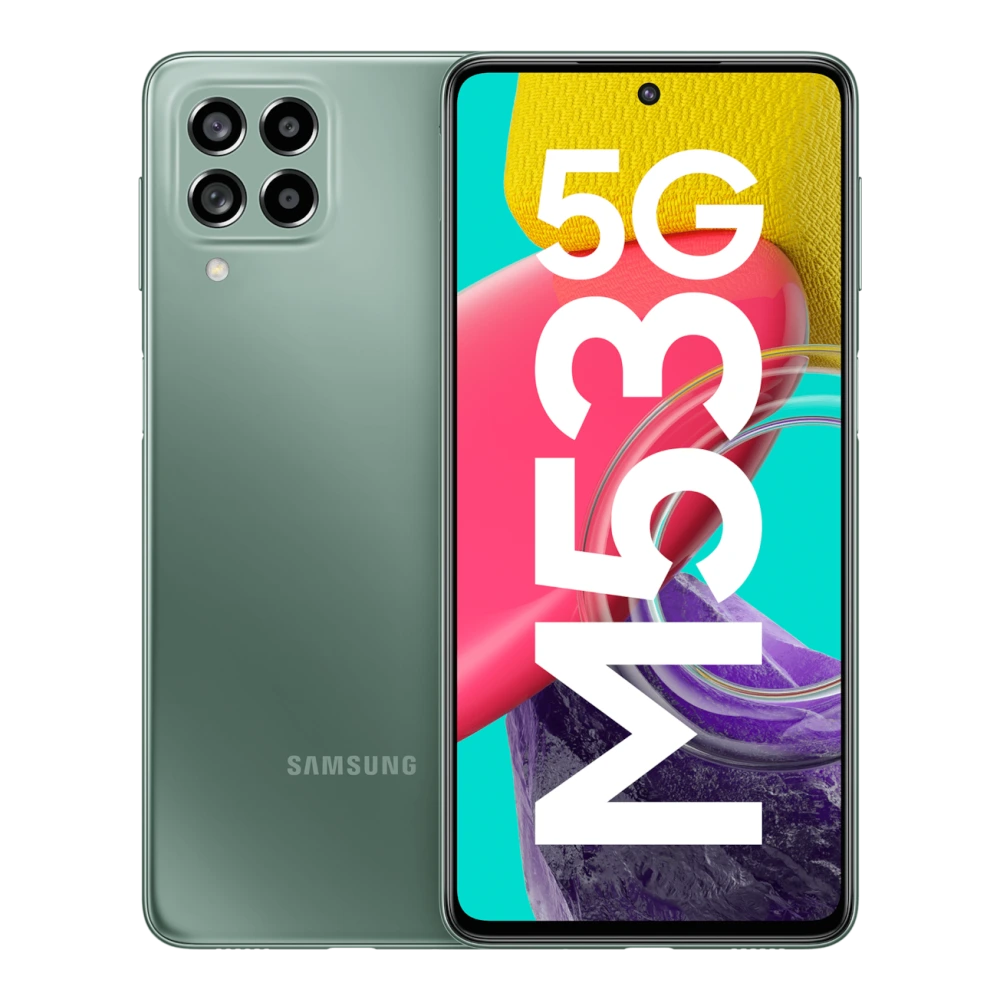
SM-M536B Galaxy M53 5G (6GB RAM)
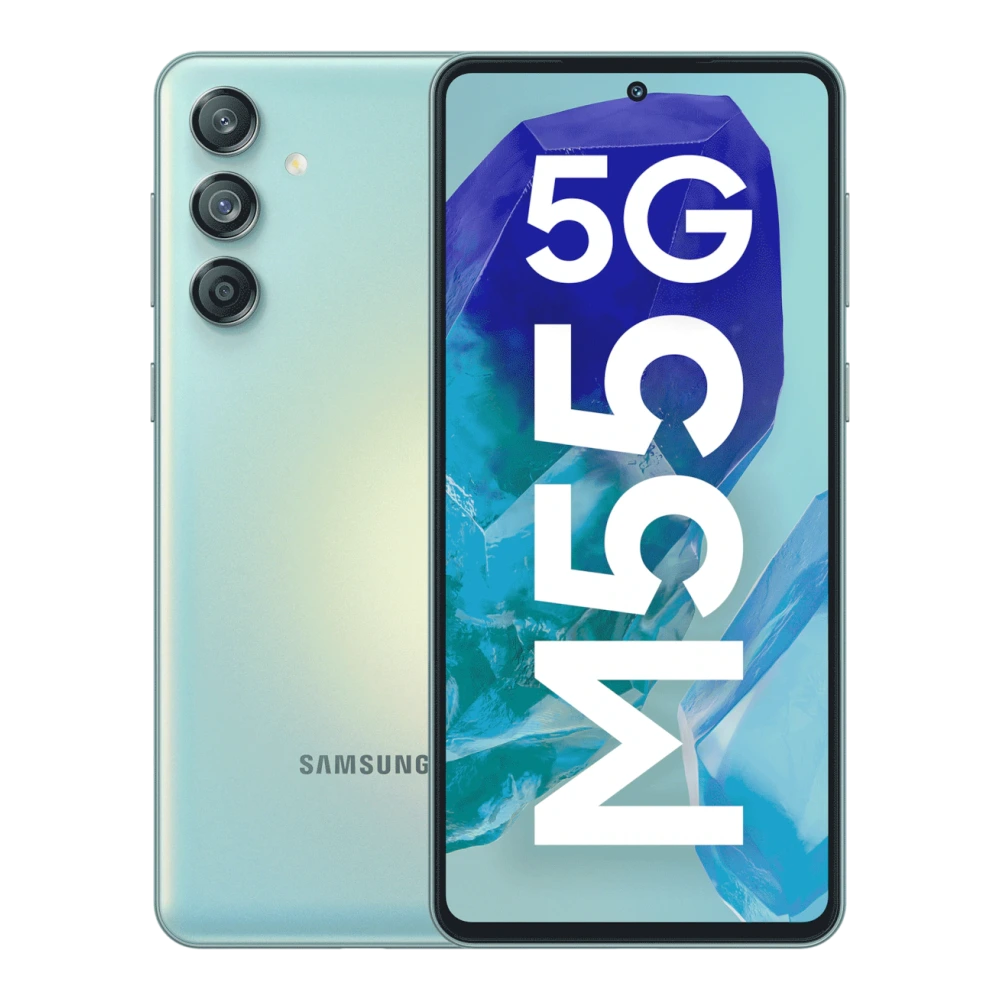
SM-M556B Galaxy M55 5G (8GB RAM)
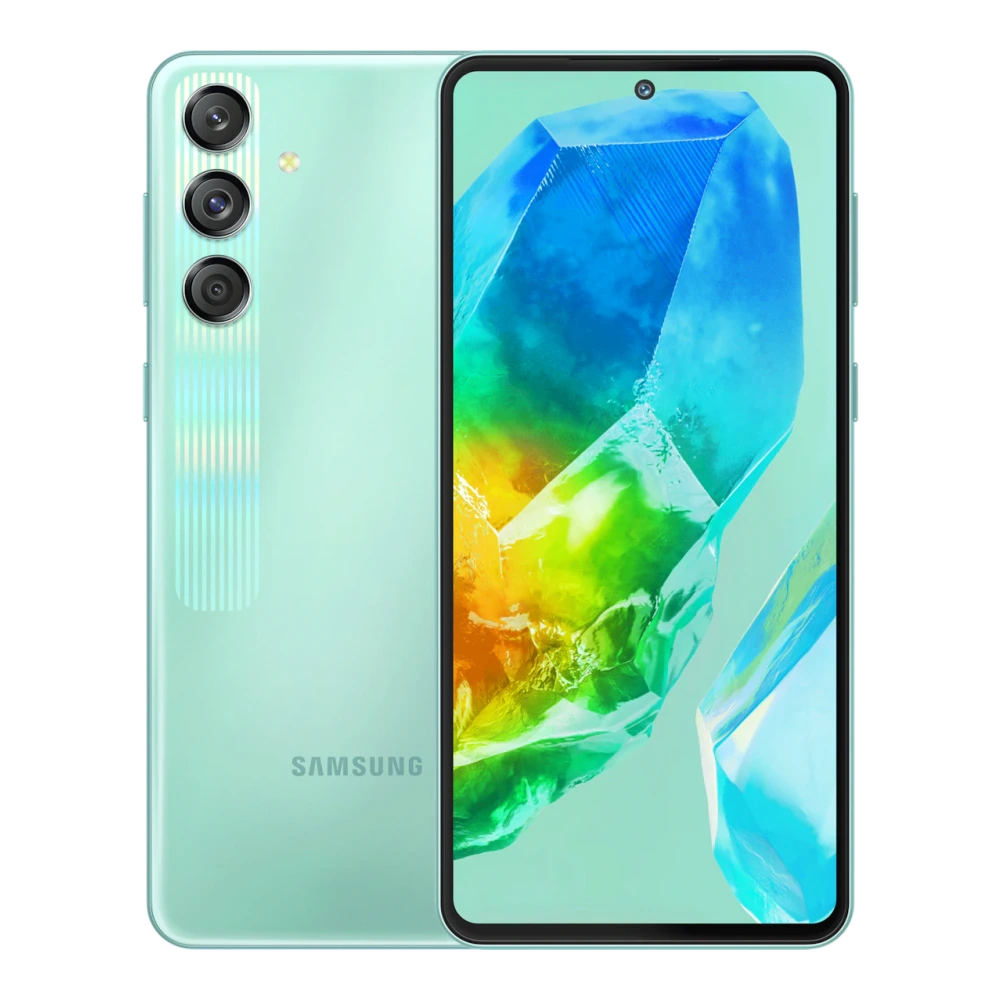
SM-M558B Galaxy M55s 5G (8GB RAM)
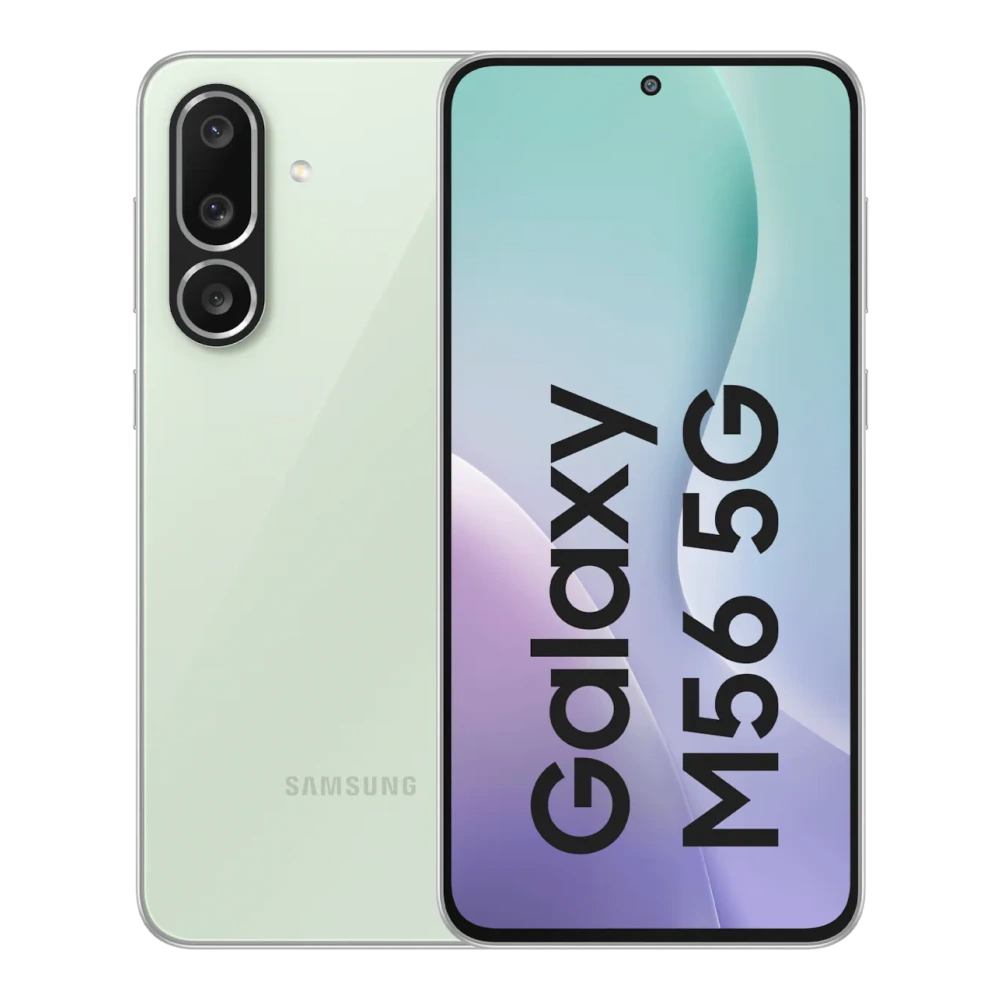
SM-M566B Galaxy M56 5G (8GB RAM)
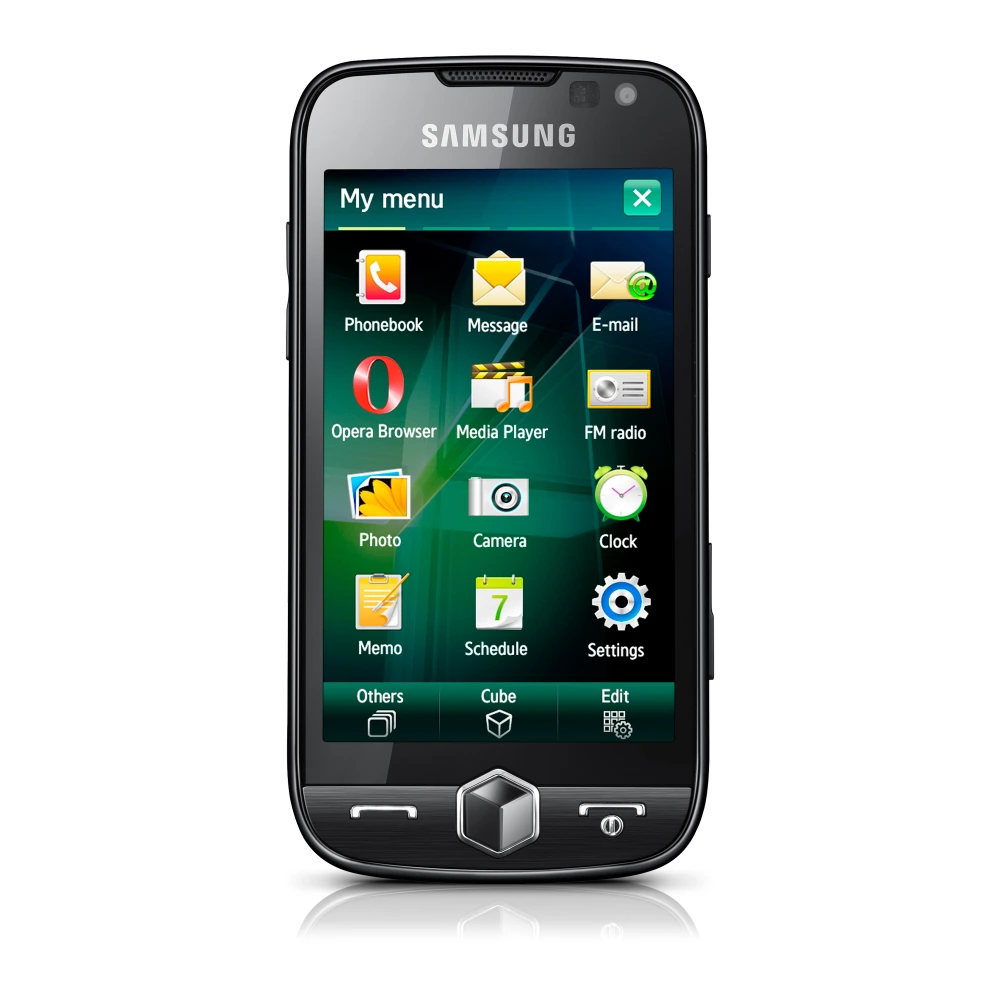
GT-I8000 GT-I8000/M16
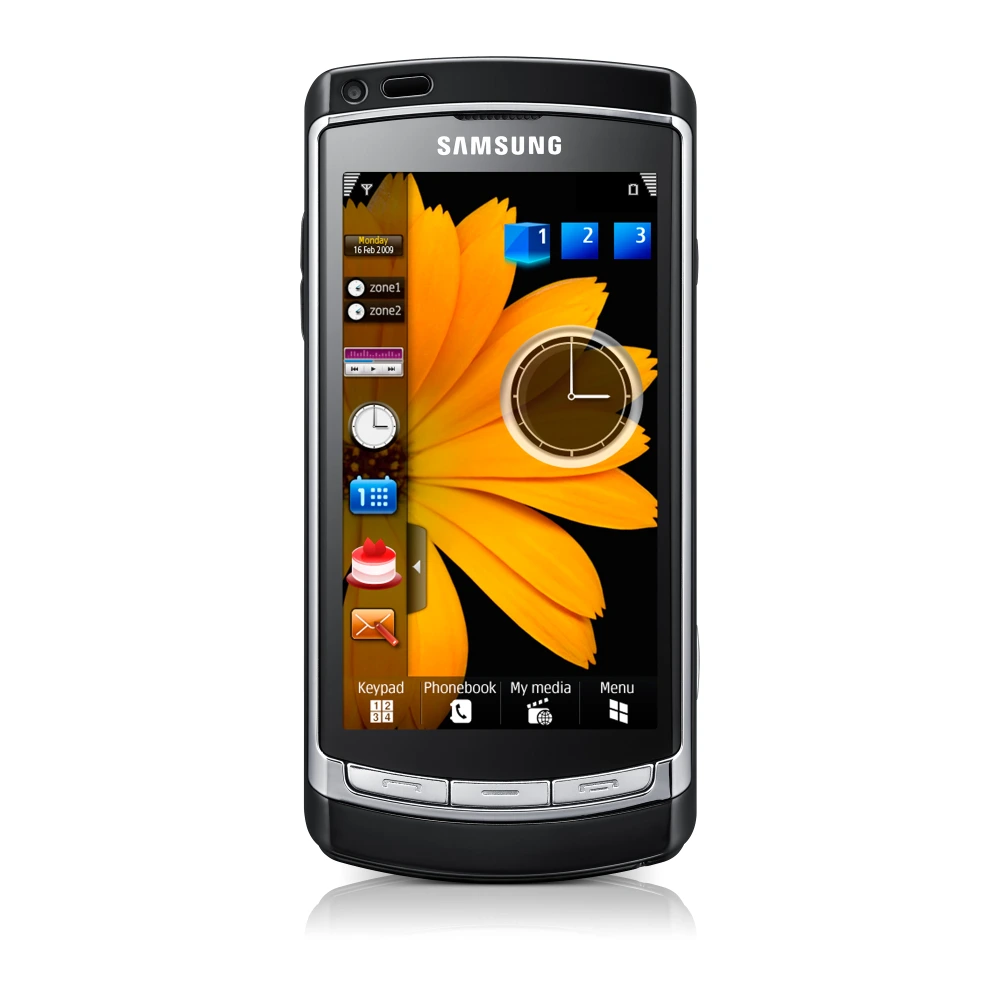
GT-I8910 GT-I8910/M16
GT-P7100 GT-P7100/M16
GT-P7510 GT-P7510/M16
Showing 1–47 of 47 devices
You’ve reached the end of these results.
📖 Samsung Software Installation & Troubleshooting Knowledge Base
Everything you need to know about locating your Samsung model number, resolving Windows USB driver detection errors, and verifying cryptographic file integrity.
🔍 Finding Your Exact Model Number
- Smartphones & Tablets: Open Settings → About Phone (or About Tablet) → Model Number (e.g.,
SM-S928B/DS). - Download / Odin Mode: Turn off device, hold
Volume Down + Power, and connect USB cable to see the product code. - Solid State Drives: Look at the printed label on the drive or launch Samsung Magician to inspect the drive model.
🔌 Windows USB Driver Installation
- Run as Administrator: Always execute the USB driver setup with administrator privileges.
- Reboot System: Restart your PC after installation to let Windows 11/10 register the ADB and MTP composite filters.
- Device Manager Check: Ensure Samsung Mobile USB Composite Device is listed without yellow exclamation marks.
🛡️ Verifying SHA-256 Checksums
To guarantee your download is authentic and unaltered, verify its SHA-256 hash using built-in Windows PowerShell:
certutil -hashfile filename.zip SHA256
Compare the output with the hash published on the spoke download page.❓ Frequently Asked Questions
How should I check a download before installing it?
Check the listed device compatibility, version, source information, and any available checksum before installing. Where possible, use Samsung's official support channels and follow the manufacturer's installation guidance.
Do I need to install USB drivers for Samsung Smart Switch to work?
Smart Switch includes standard communication drivers. However, if Windows fails to recognize your phone in recovery mode or during firmware transfer, installing the standalone Samsung Android USB Driver package resolves all connection drops.
Can I download older versions if a new firmware has issues?
Yes. Unlike vendor channels that only host the single latest version, our directory retains historical software and driver versions so users can rollback or access legacy packages whenever needed.