multi-memory-card-reader
Windows 11
Multi-Memory Card
For: Galaxy Book6 Ultra
(NP960UJH-XG3IN)
- Version
- Region
- GLOBAL
- Size
- 14 MB
✓ Clean Mirror
Download →

Card reader drivers for SD and memory card support on Samsung laptops.
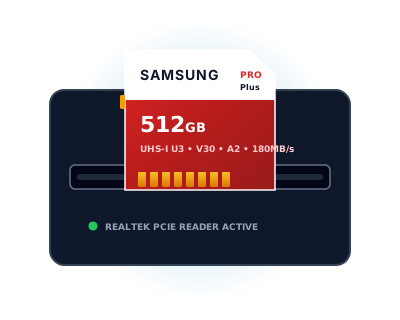
Samsung Galaxy Book laptops with a built-in SD/microSD card reader use Realtek or similar card reader controllers that require a dedicated Windows driver to function. Without this driver, the card slot is either not recognized by Windows at all (no drive letter appears when a card is inserted), or it appears in Device Manager with a yellow warning triangle indicating a driver problem.
The Samsung card reader driver package installs the correct Realtek Card Reader driver version that has been validated for your specific Galaxy Book model's card reader hardware. Generic Realtek card reader drivers from Realtek's website may work but can sometimes conflict with Samsung's power management software, causing the card reader to be disabled during battery-saving mode.
After installing the driver, the SD card slot will appear as a standard removable drive in Windows Explorer when a card is inserted. Supported card formats depend on the physical slot specification of your Galaxy Book model — check the laptop's user manual for the supported card type (full-size SD, microSD, or UHS-II).