usb-firmware
universal (universal)
Uninstall program,USB Driver
For: GT-P5200
- Version
- Region
- ALL OVER THE WORLD
- Size
- 35 MB
✓ Clean Mirror
Download →

USB and connection drivers for Samsung mobile devices and service tools.
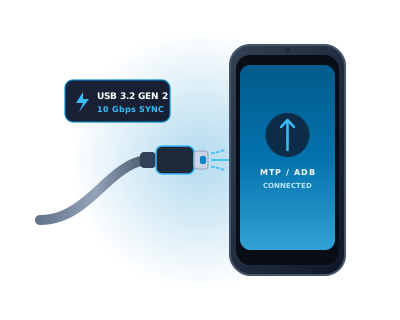
Samsung USB drivers are the most commonly needed Samsung driver package. They install the Windows USB protocol handler for Samsung Galaxy smartphones and tablets, enabling Windows Device Manager to recognize the device correctly when connected via USB cable — showing it as a portable device (MTP) or Android phone rather than an unknown device.
Without the correct Samsung USB driver, Windows cannot establish a reliable data connection to a Galaxy device, Smart Switch cannot detect the phone, Odin cannot see the device in Download Mode, and Android Debug Bridge (ADB) connections will fail in Device Manager with error code 43 or similar. Installing the Samsung USB driver resolves all of these issues simultaneously.
Two driver packages are available: the Samsung Android USB Composite Device driver (for MTP file transfer and Smart Switch use) and the Samsung Mobile MTP Device driver (included in the same package, specifically for Odin Download Mode detection). Install both by running the Samsung USB driver installer once — it installs all required components automatically.
If your Samsung Galaxy smartphone or tablet is not recognized by your PC, shows as an "Unknown USB Device (Device Descriptor Request Failed)", or Odin fails to establish a COM port handshake, follow this verified 4-step sequence:
devmgmt.msc) > Universal Serial Bus controllers. Right-click any device with a yellow exclamation mark and select Uninstall device.