usb-firmware
universal (universal)
Uninstall program,USB Driver
For: GT-P5200
- Version
- Region
- ALL OVER THE WORLD
- Size
- 35 MB
✓ Clean Mirror
Download →

Browse Samsung driver files by device, component, version, and region. Find Samsung drivers grouped by the part they help: USB connection, chipset, graphics, Bluetooth, card reader, and laptop hardware. Use this page when Windows does not detect a Samsung device correctly or when a laptop feature is missing after reinstalling Windows.
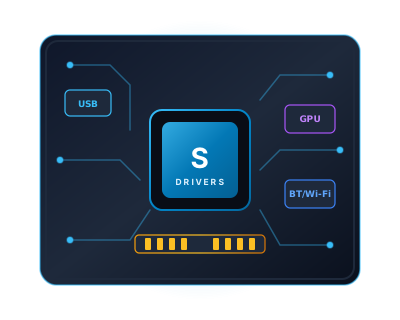
Samsung drivers are software components that allow Windows to communicate with Samsung hardware — phones, tablets, laptops, printers, and peripherals. When Windows cannot detect a connected Samsung device, or when a specific laptop feature stops working after reinstalling Windows, a missing or outdated driver is almost always the cause.
This page groups Samsung drivers by the hardware component they support, making it faster to find the correct driver without knowing its exact package name. USB drivers are needed for phone and tablet detection. Chipset drivers are required on Samsung laptops for other hardware to function correctly. Graphics, Bluetooth, and card reader drivers restore specific Samsung laptop features that Windows does not include by default.
All drivers listed here include the supported device model range, compatible Windows versions, and the release date. Where multiple driver versions exist for the same component, all versions are preserved — older versions are sometimes required for compatibility with specific Samsung service tools or legacy software.
If your Samsung Galaxy smartphone or tablet is not recognized by your PC, shows as an "Unknown USB Device (Device Descriptor Request Failed)", or Odin fails to establish a COM port handshake, follow this verified 4-step sequence:
devmgmt.msc) > Universal Serial Bus controllers. Right-click any device with a yellow exclamation mark and select Uninstall device.