
Samsung United States Galaxy Phone Firmware & Stock ROMs
Find official stock firmware for Samsung Galaxy smartphones in the United States. Download original multi-part Odin binaries for factory unlocked (U1/XAA) and carrier models.
Browse the directory
Find your phone model
Search official United States models. Use exact US model code (SM-...U1 or SM-...U) for direct match.
US Smartphones firmware
Select a US device model to review listed Odin stock ROMs, CSC releases, and official sources.
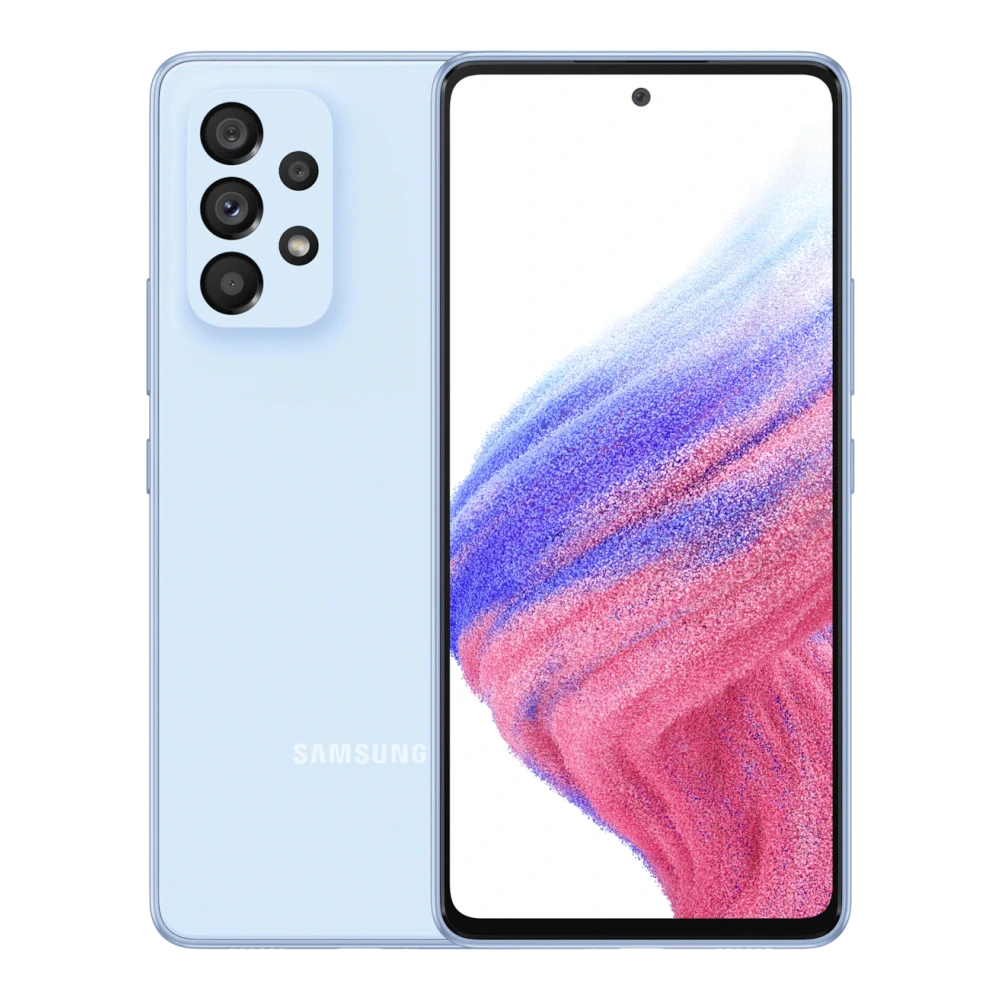
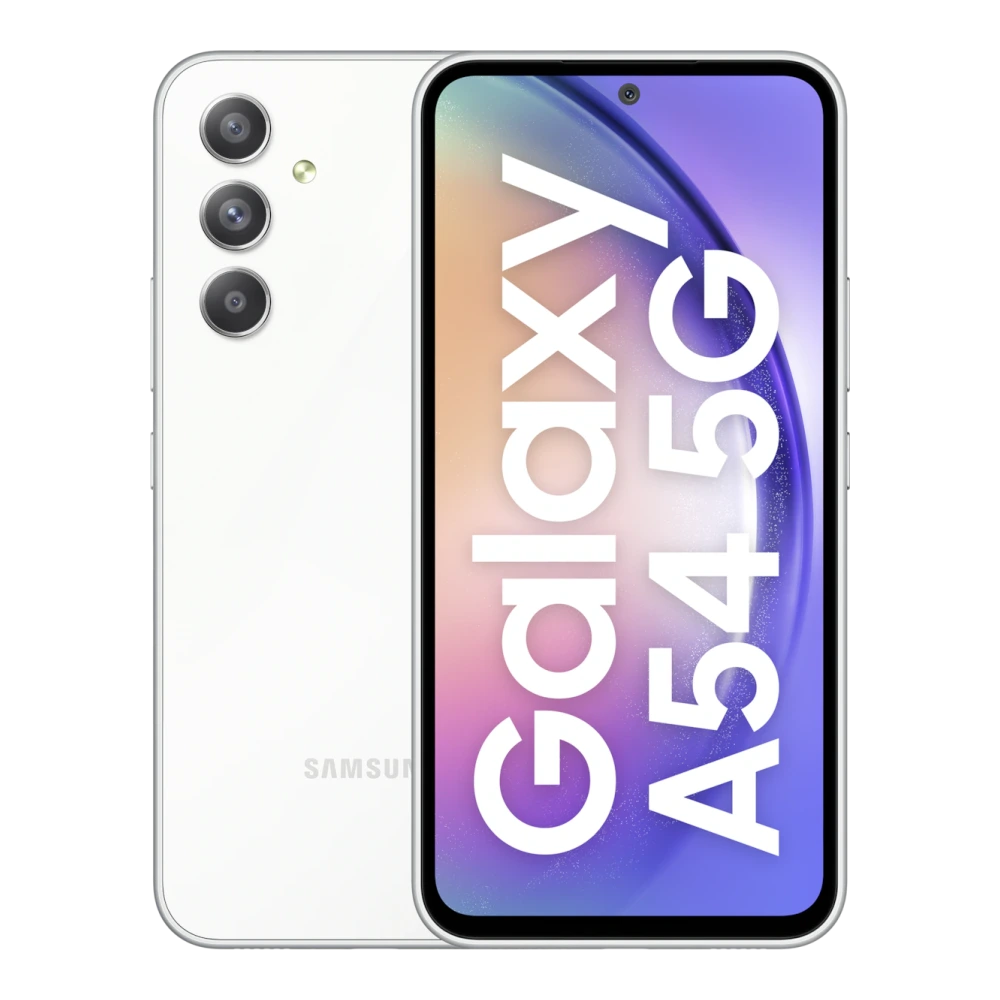
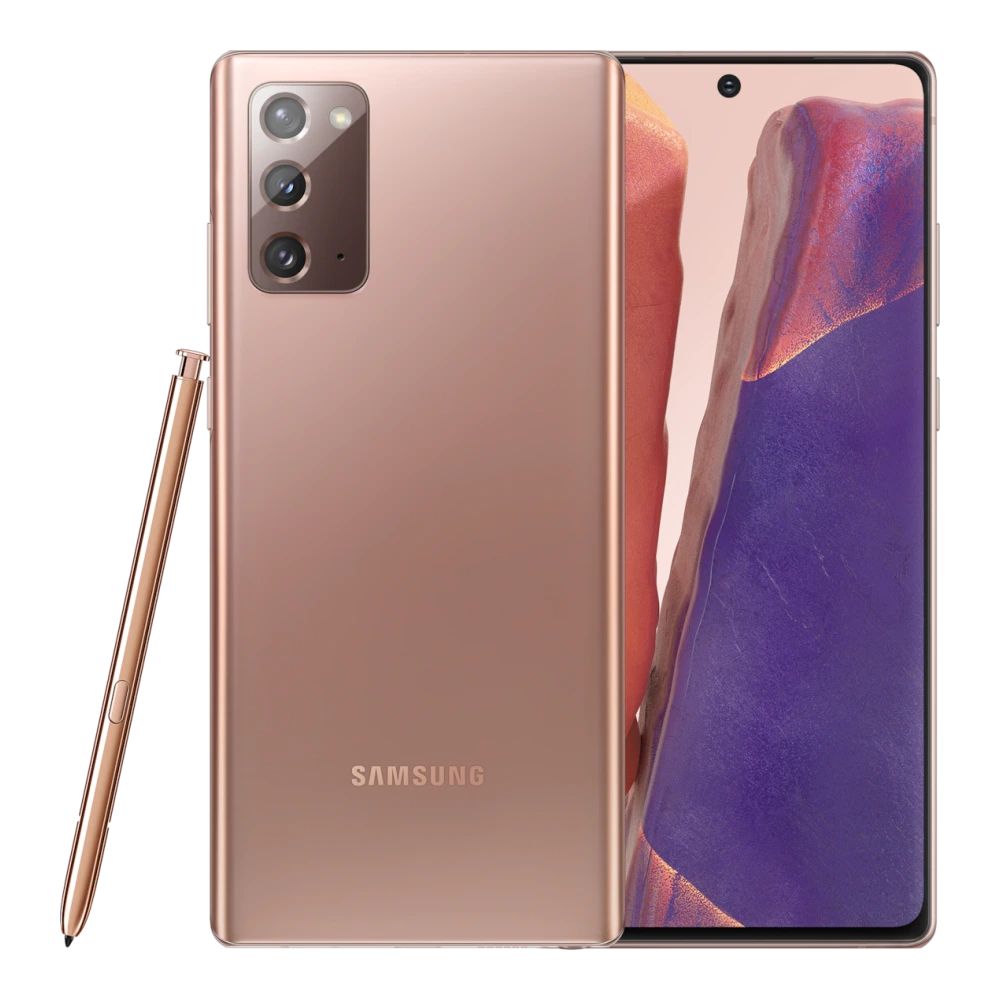
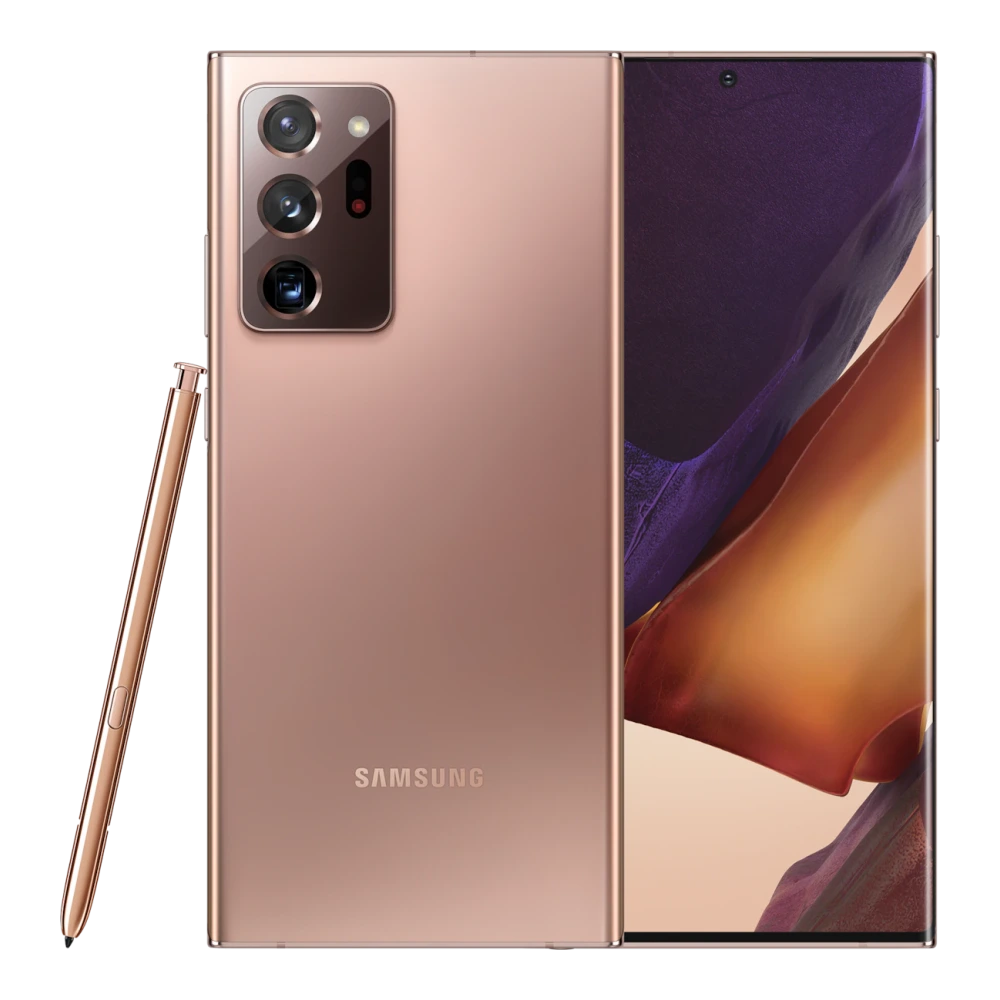
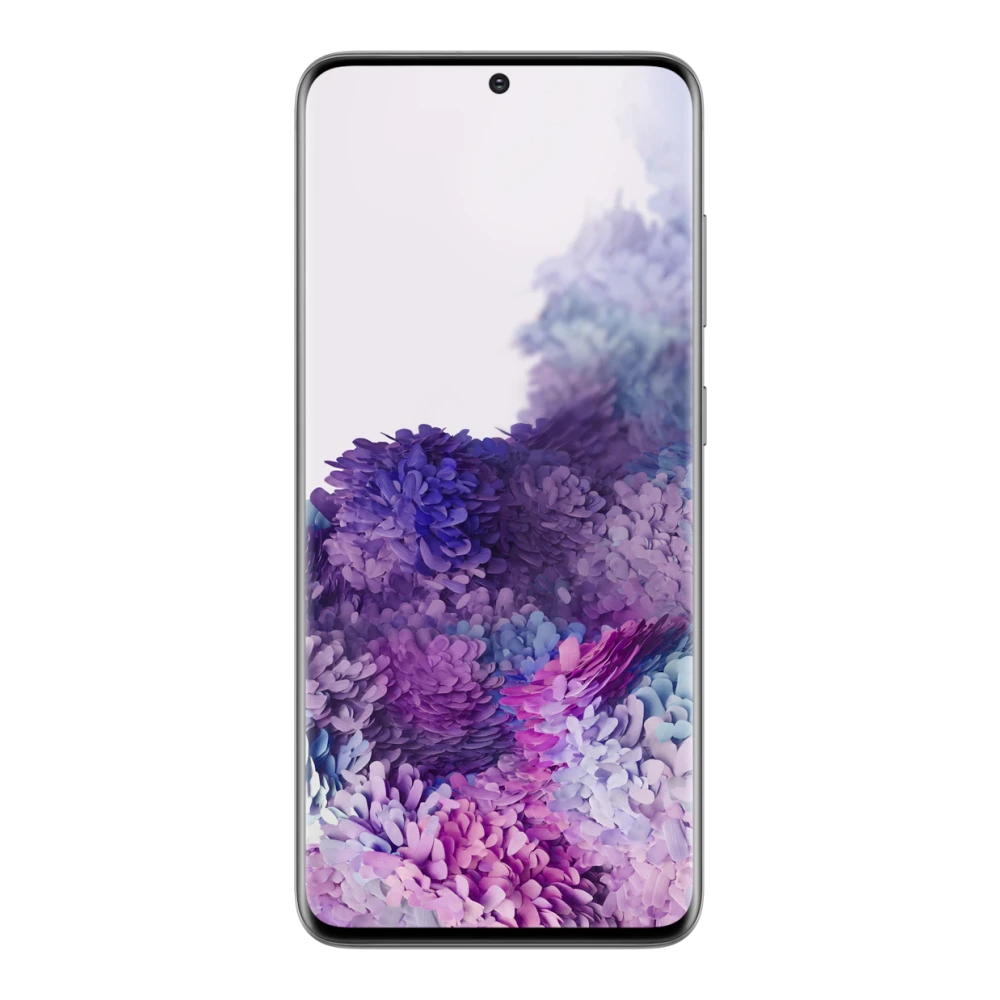
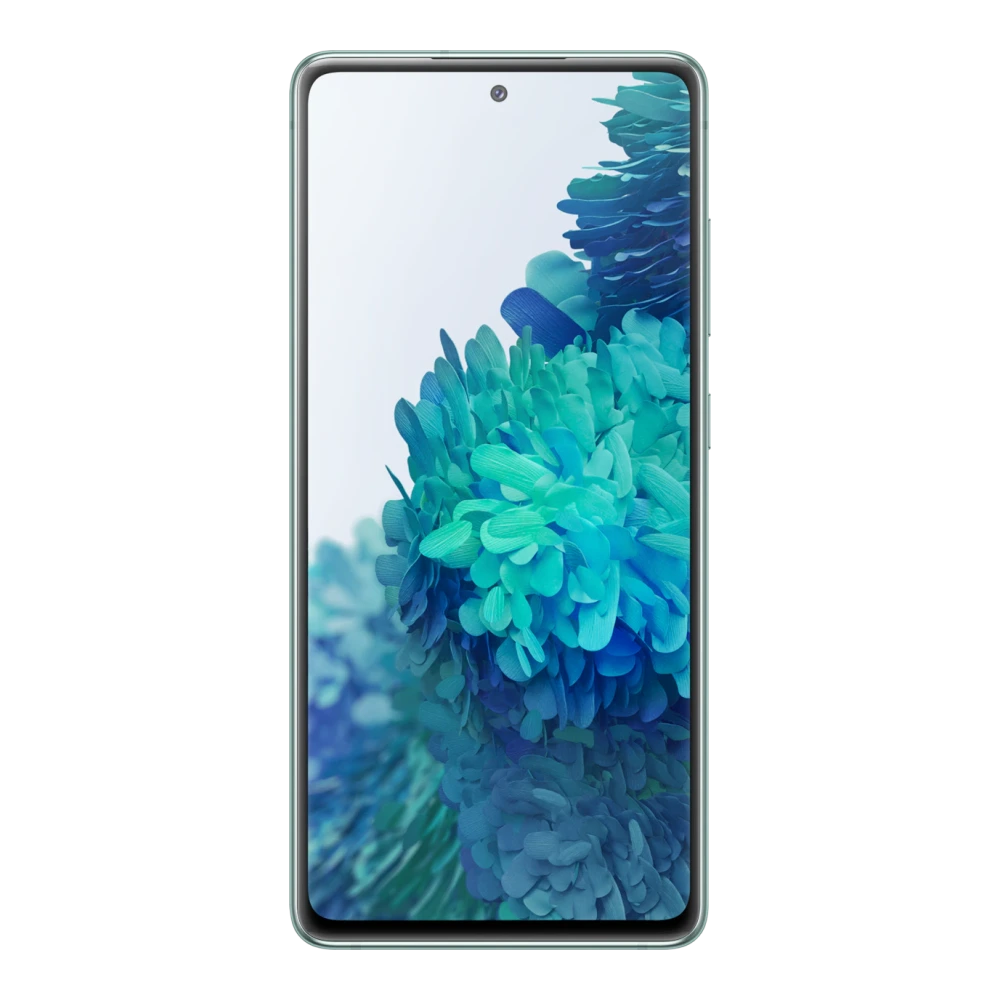
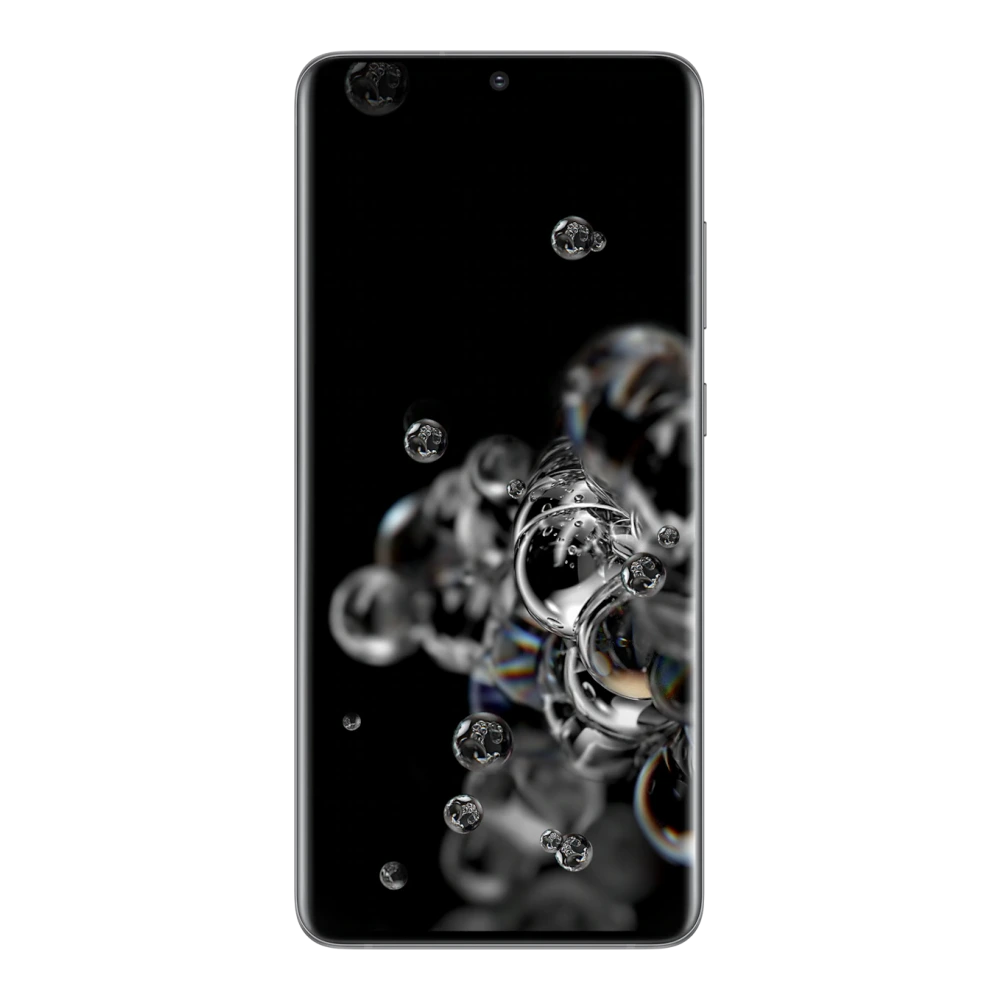
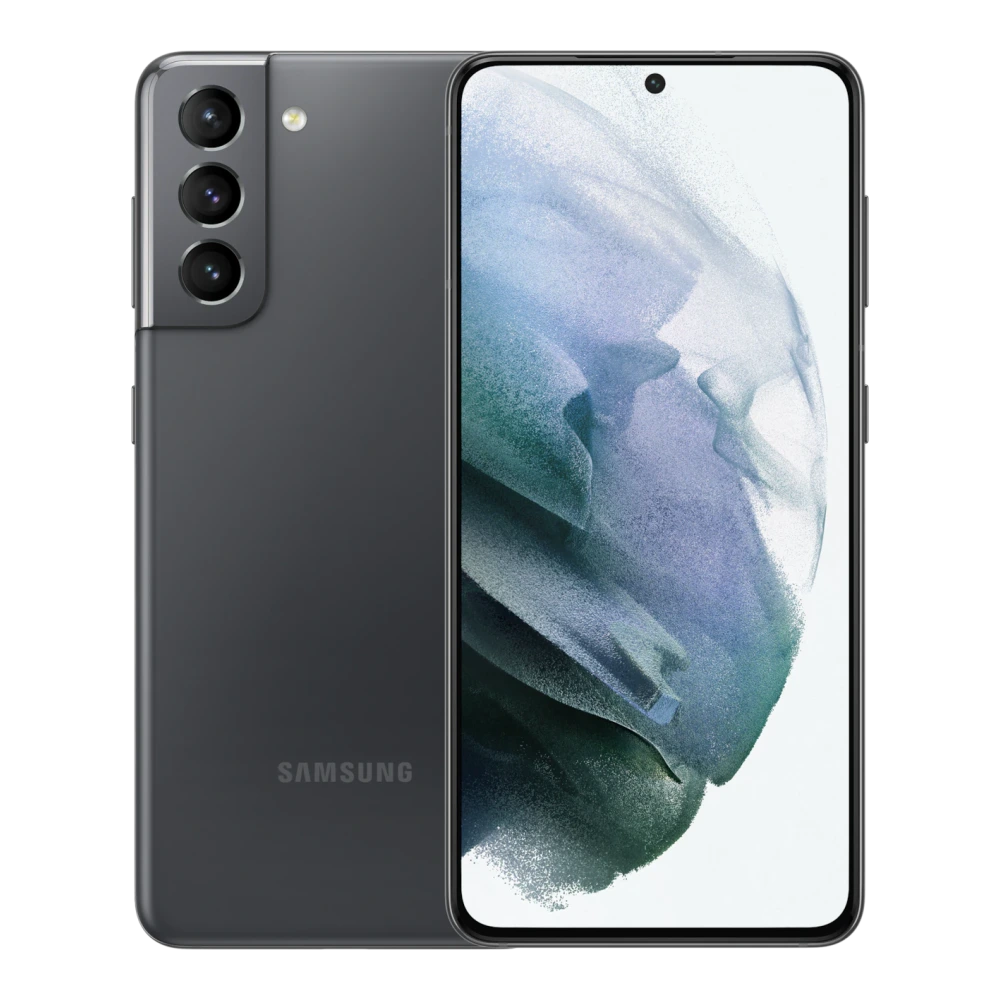
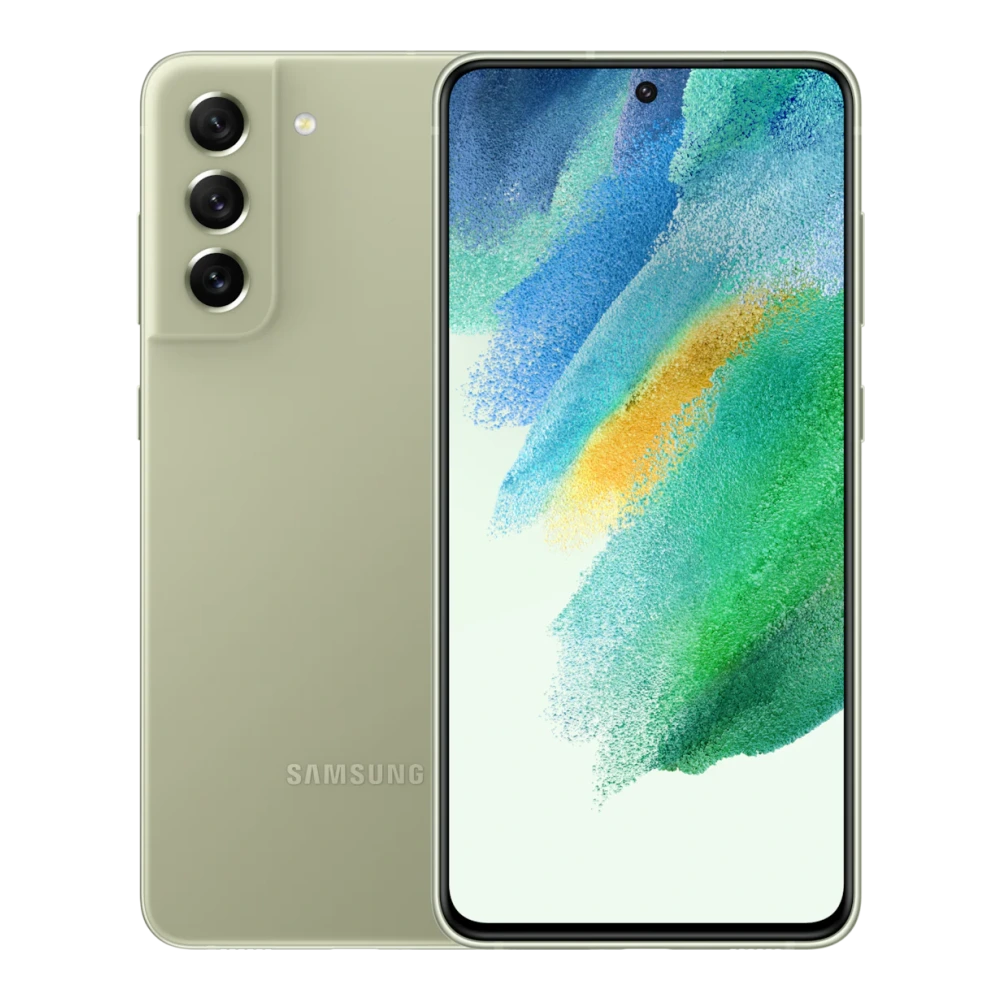
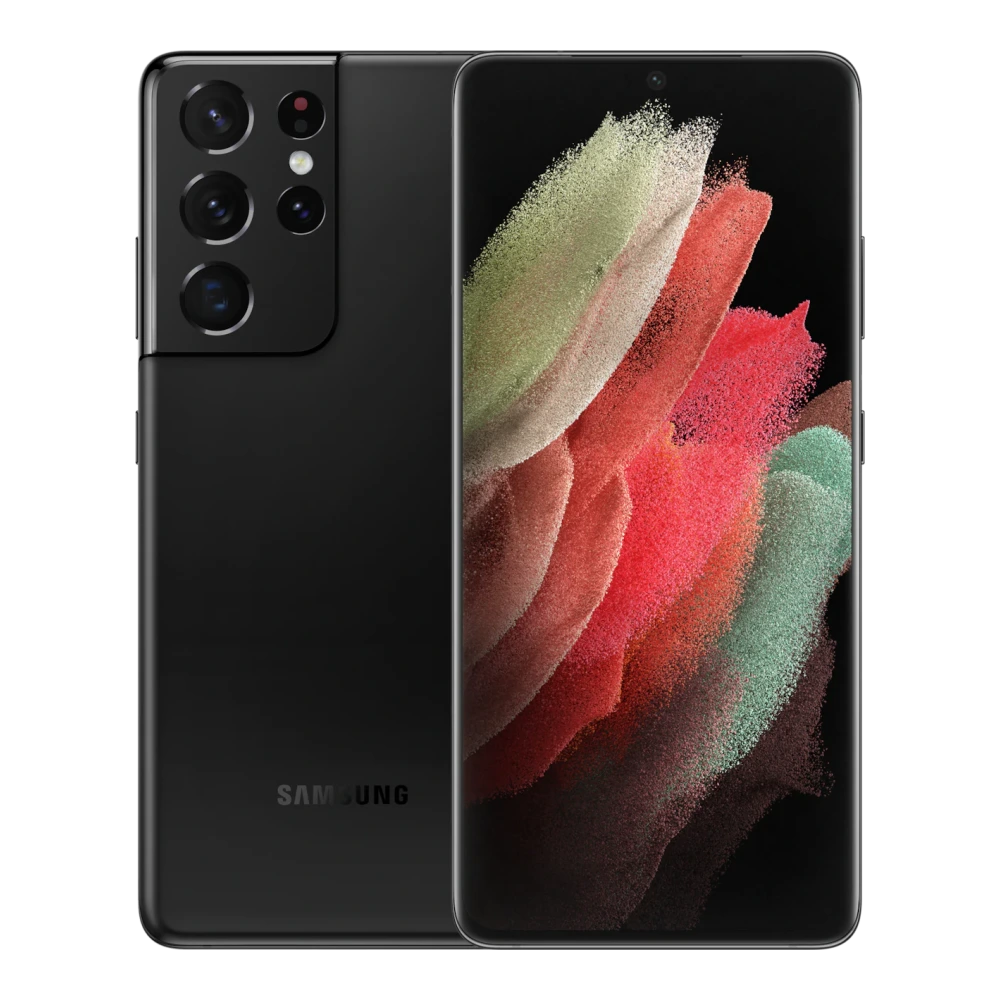
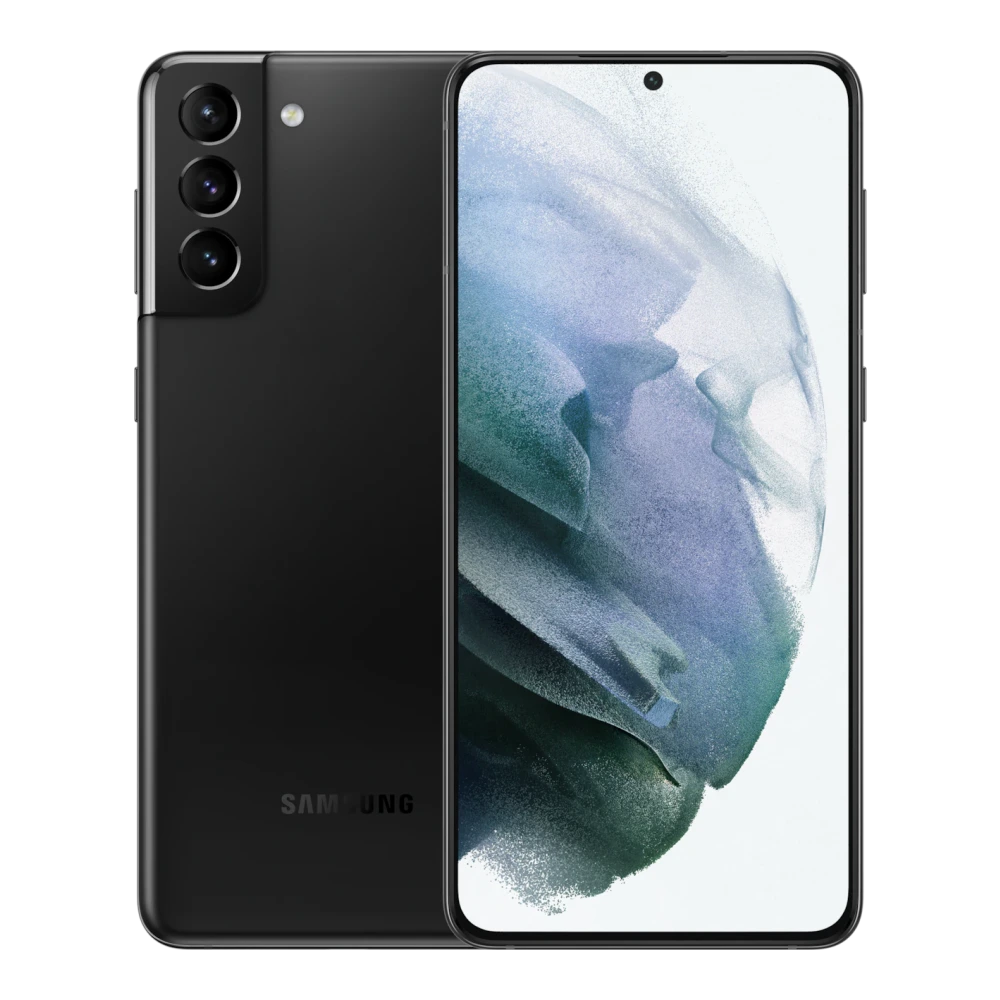
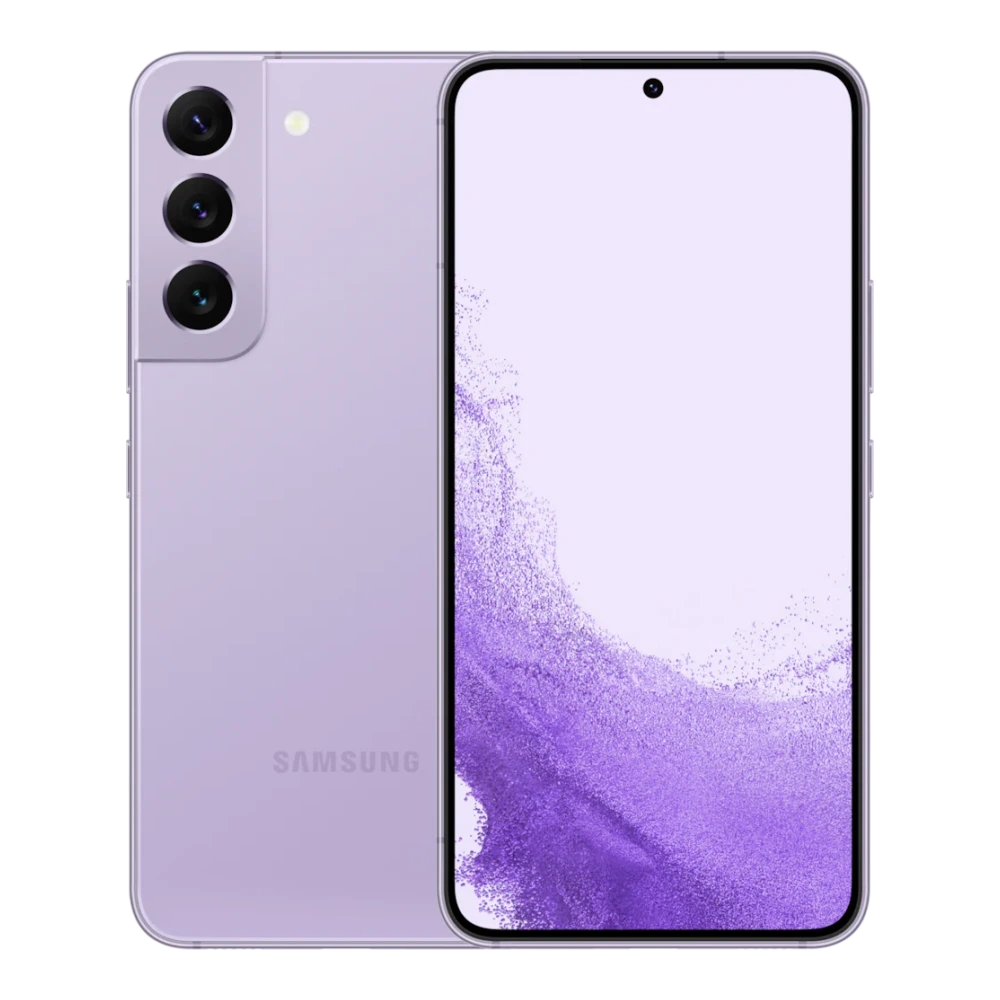
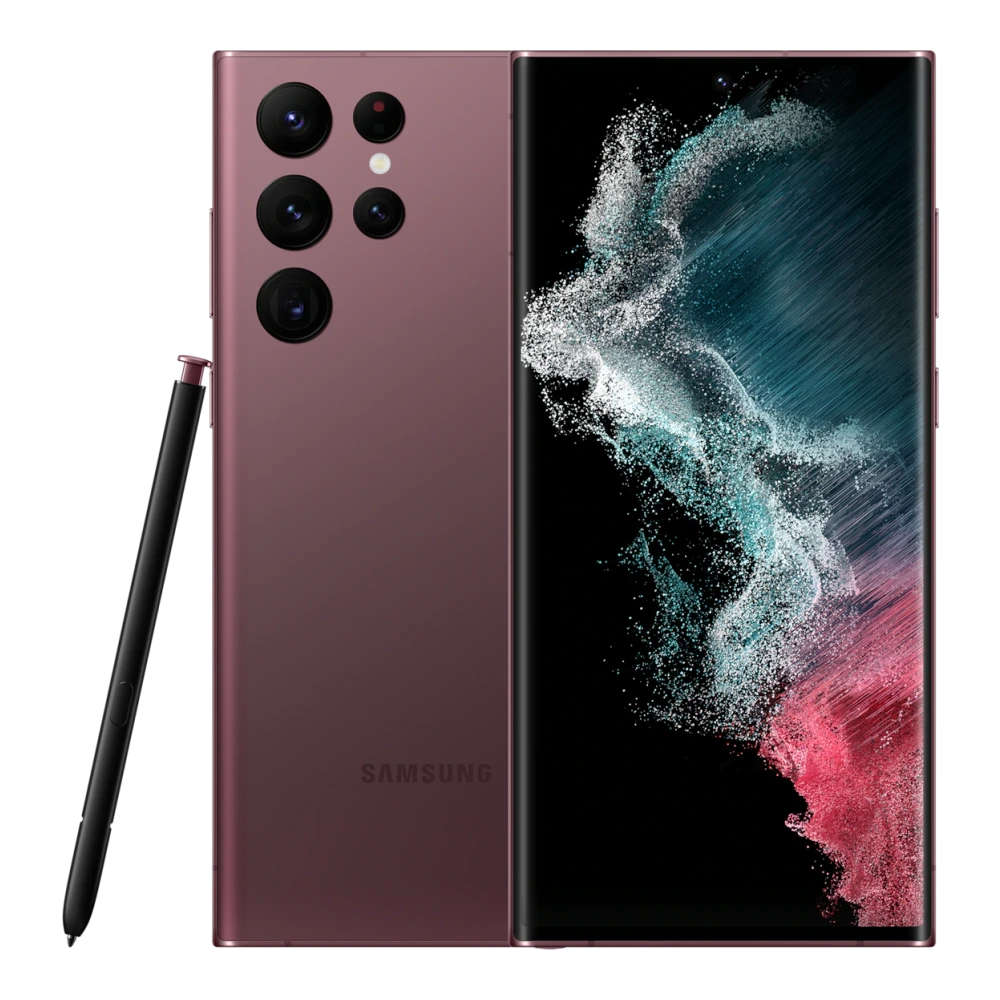
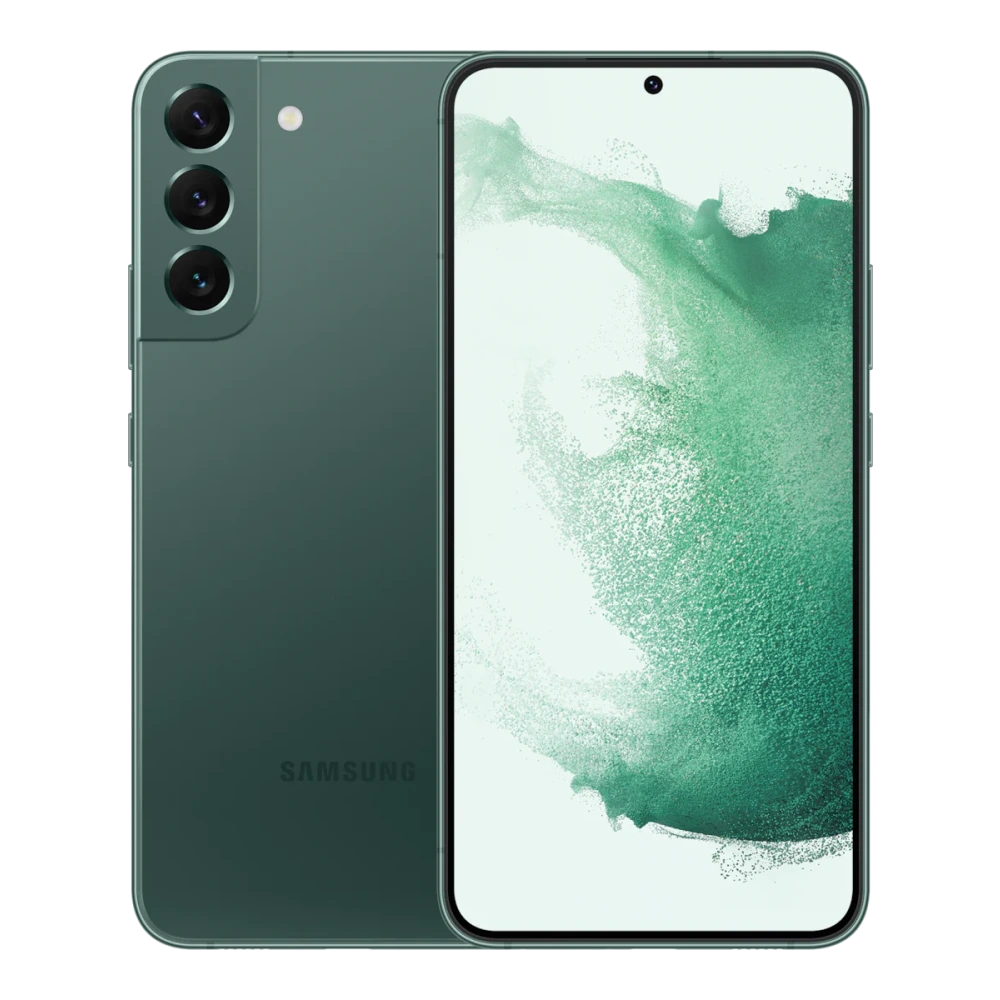
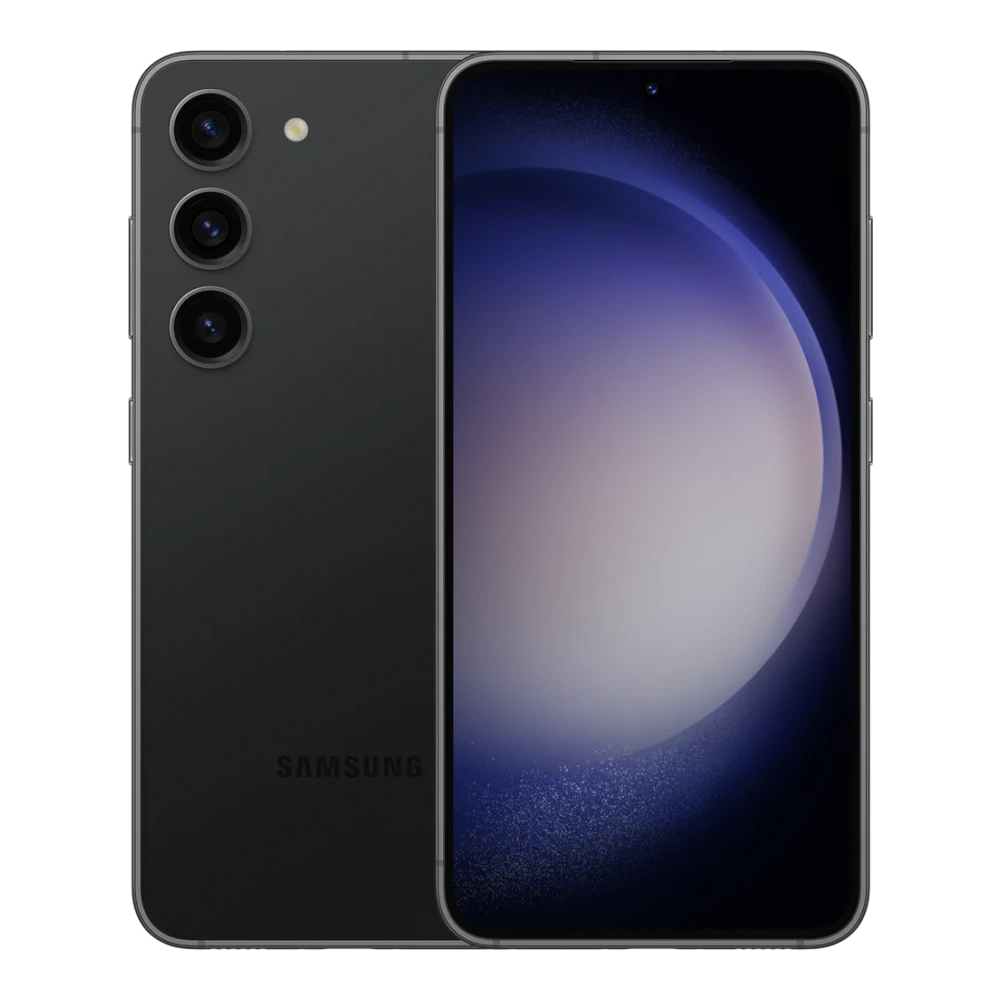
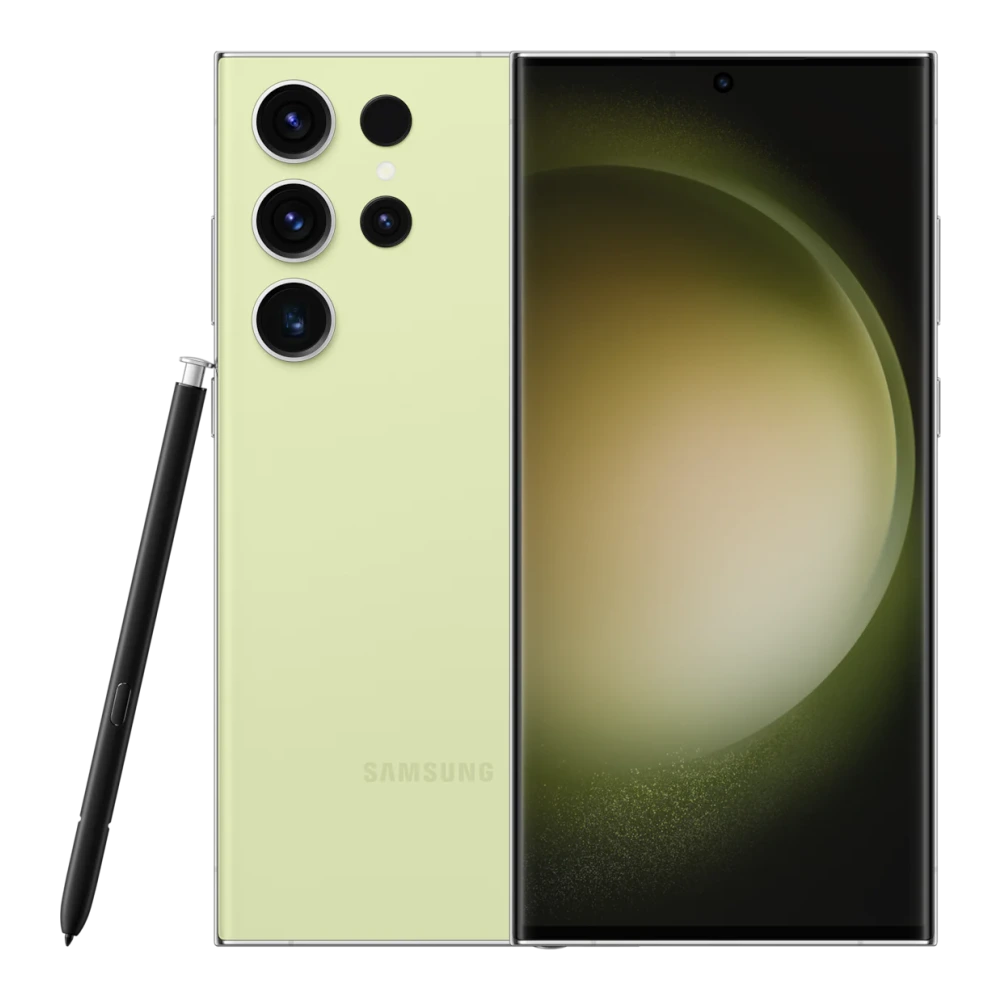
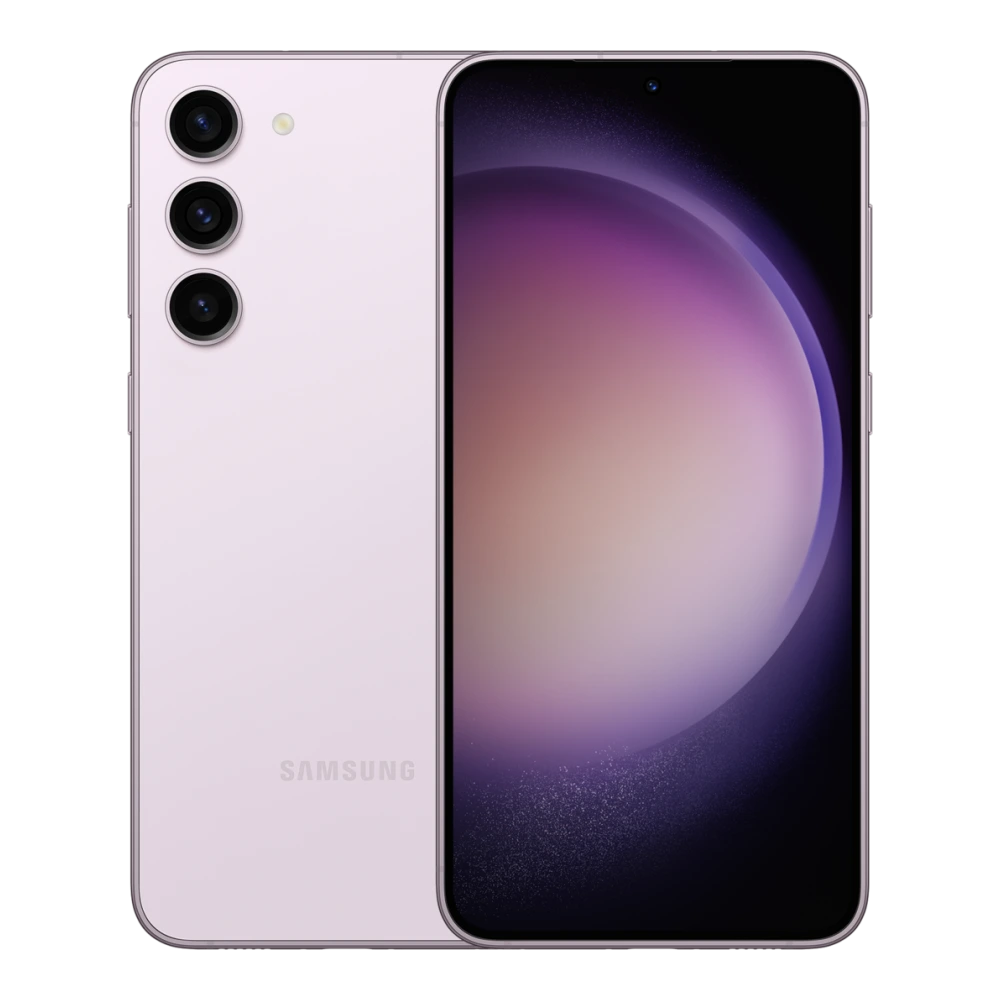
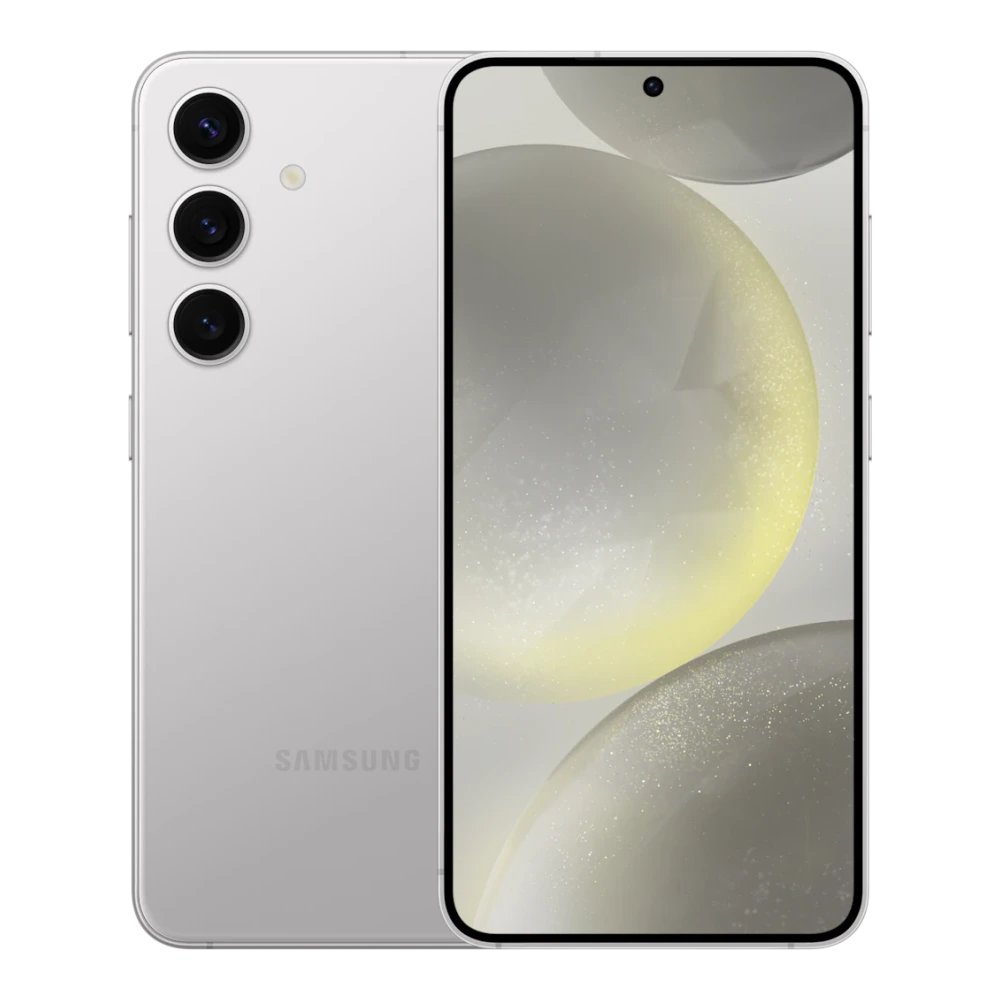
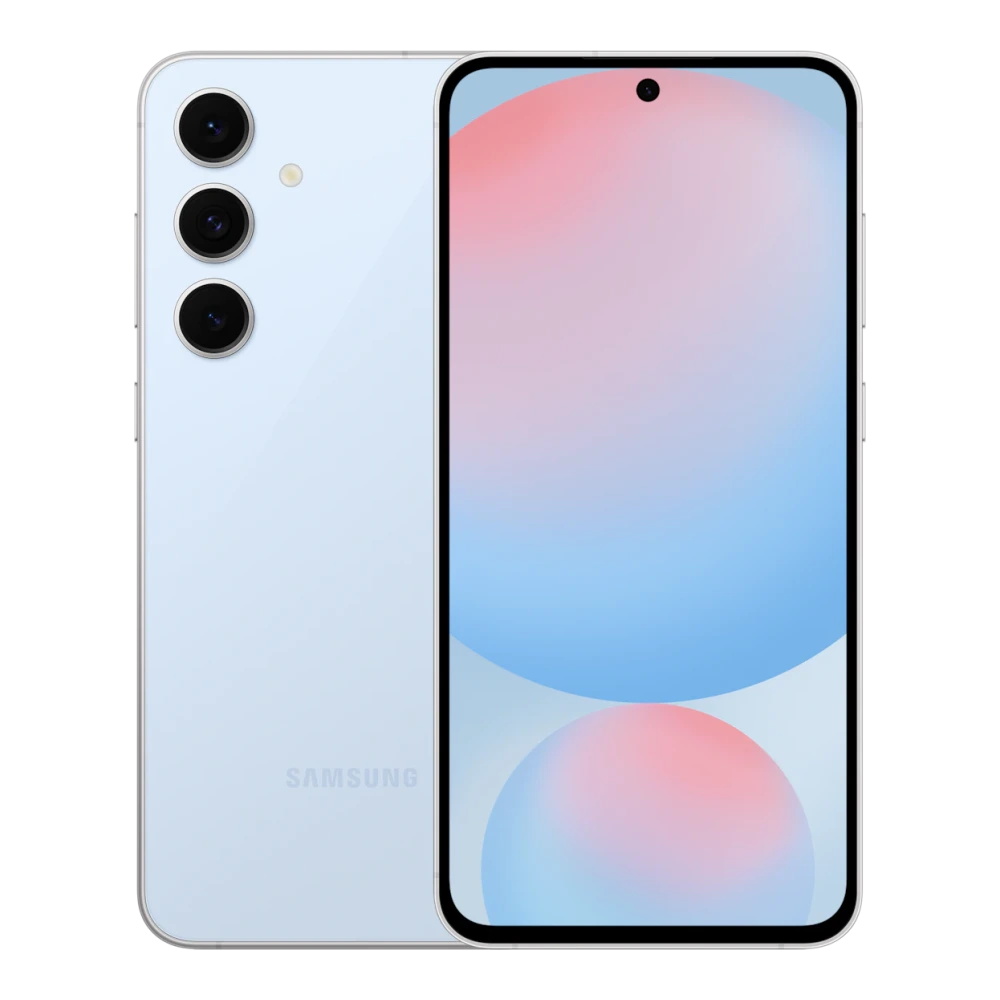
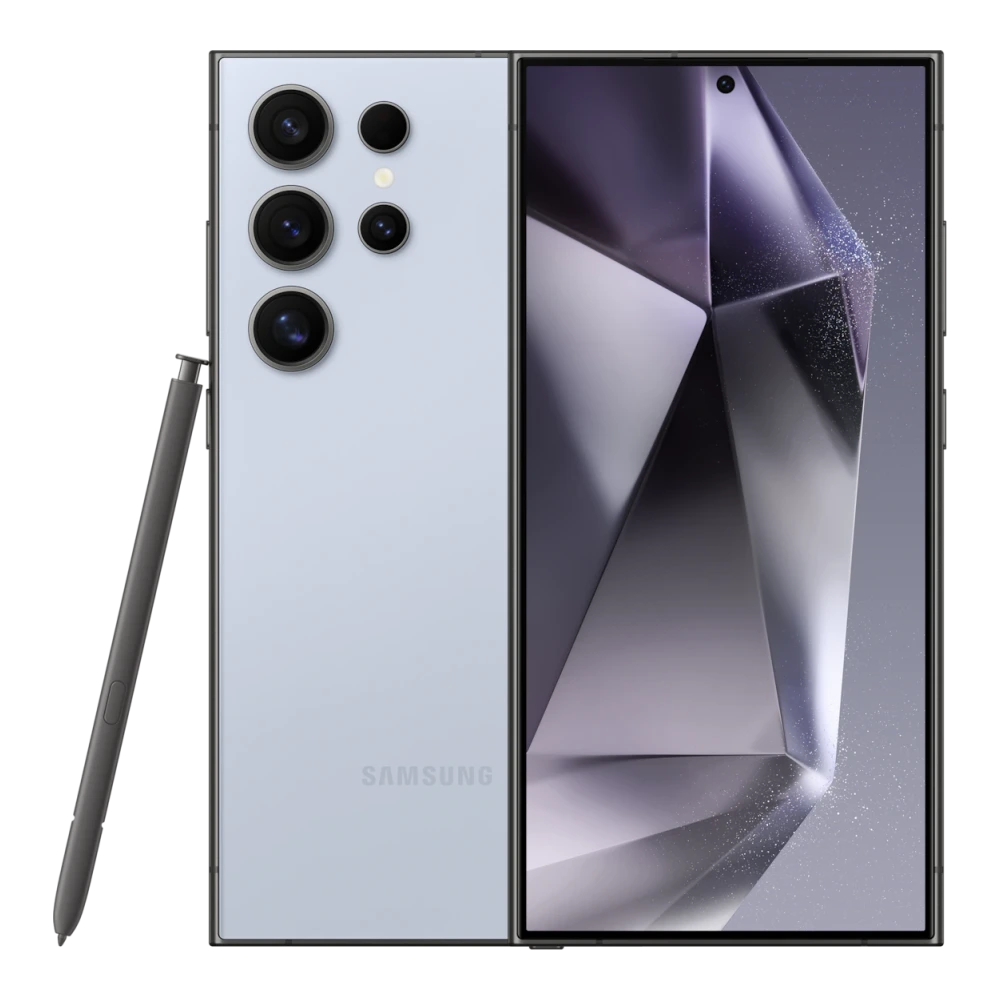
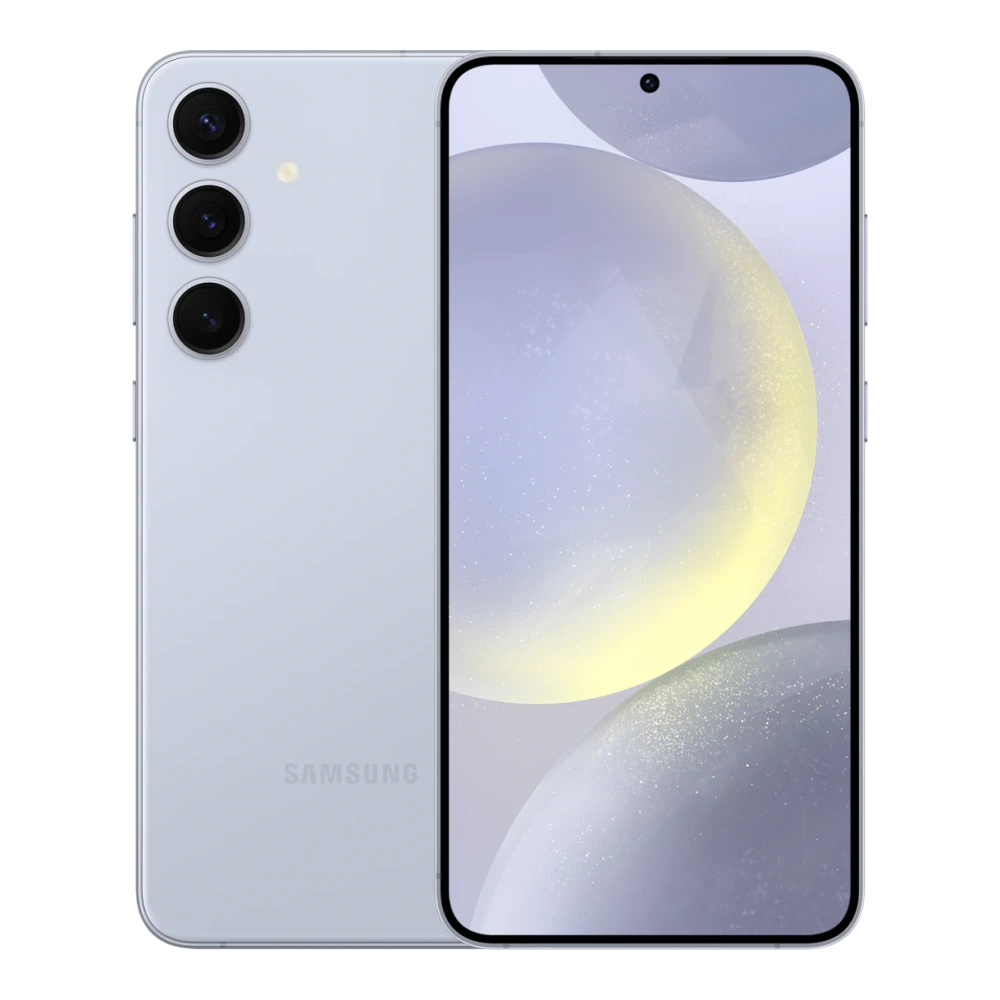
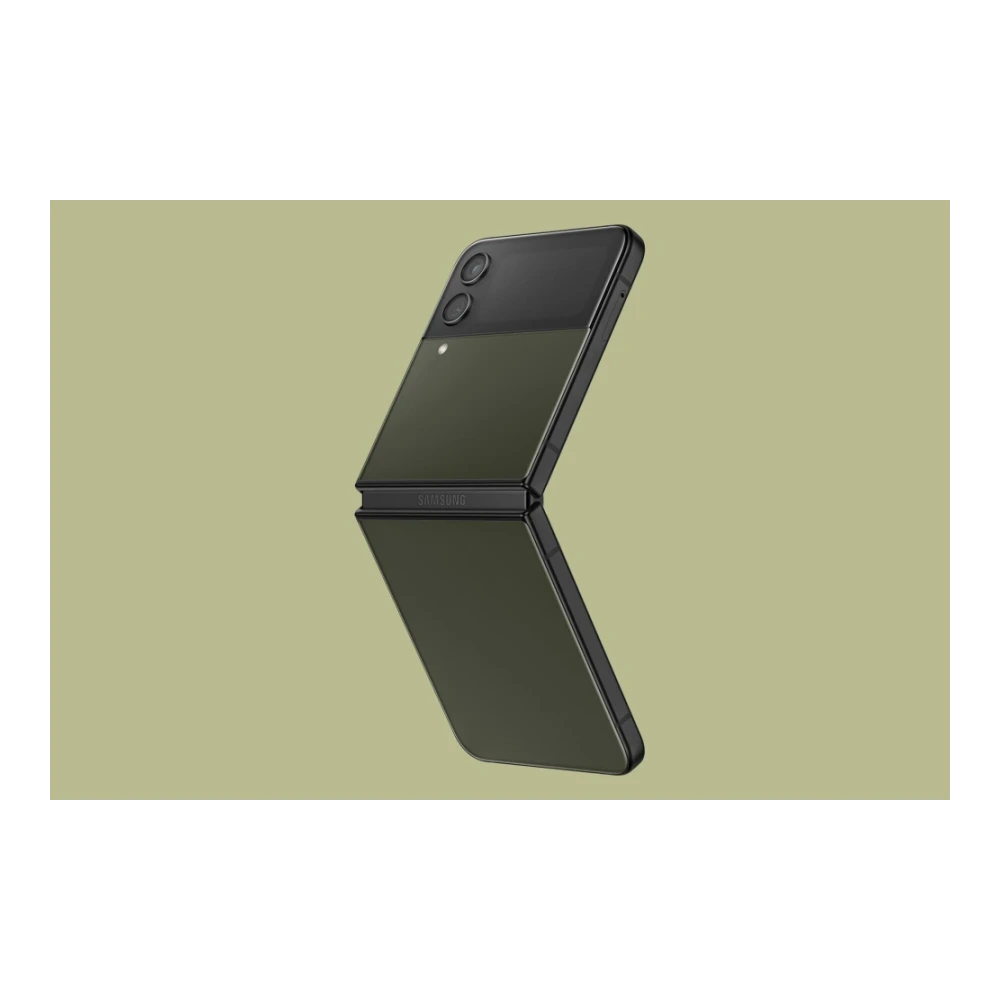
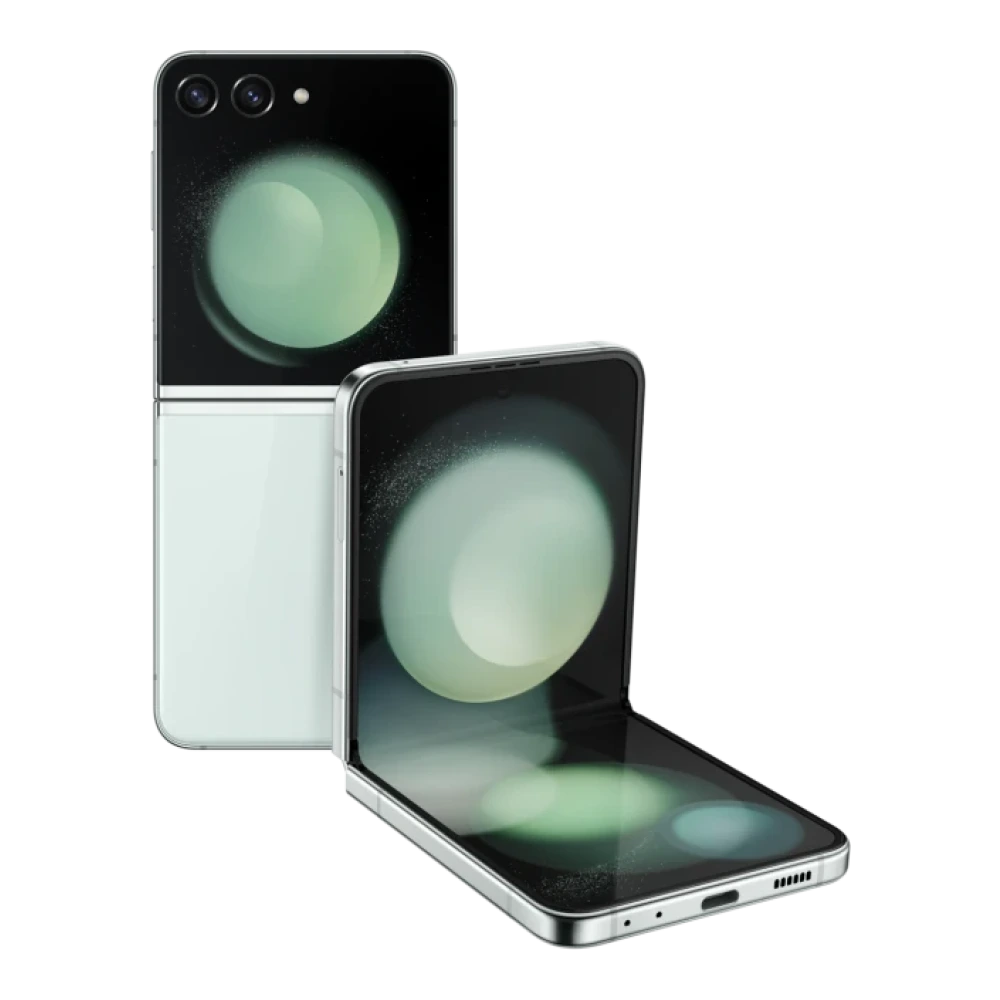
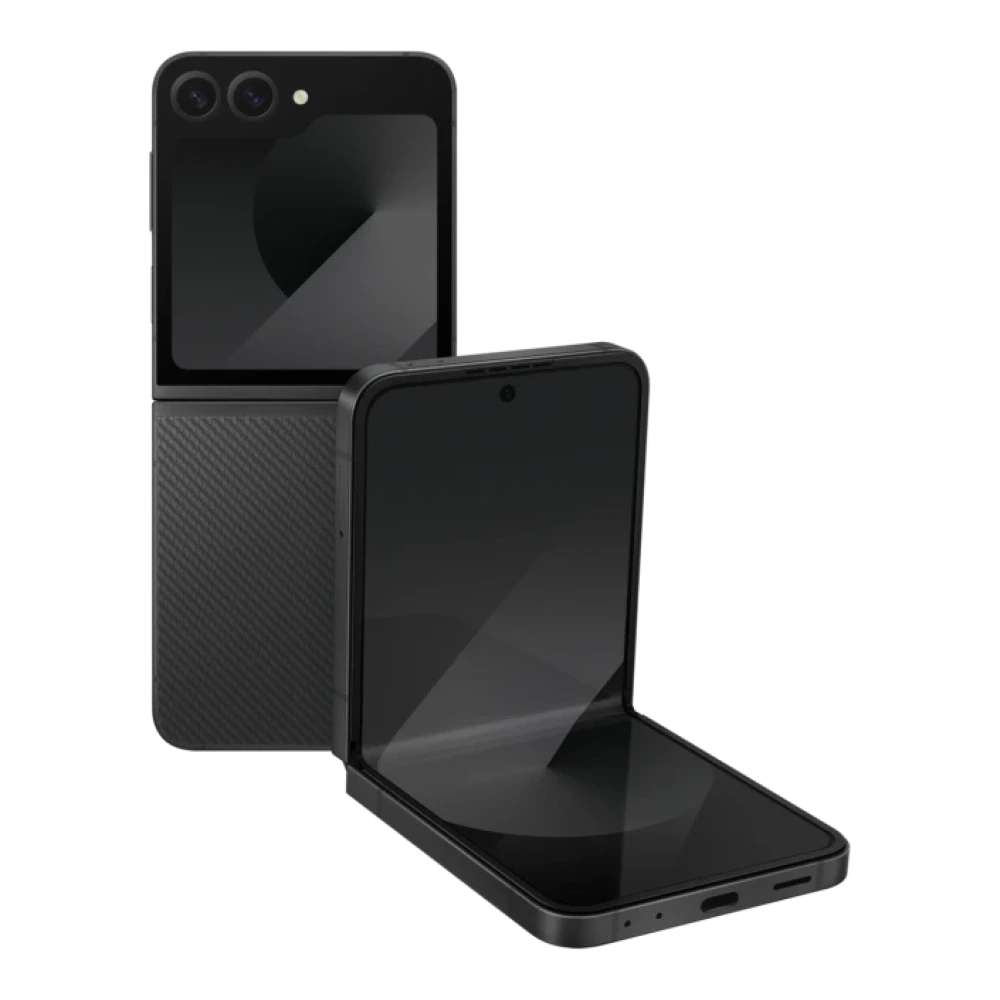
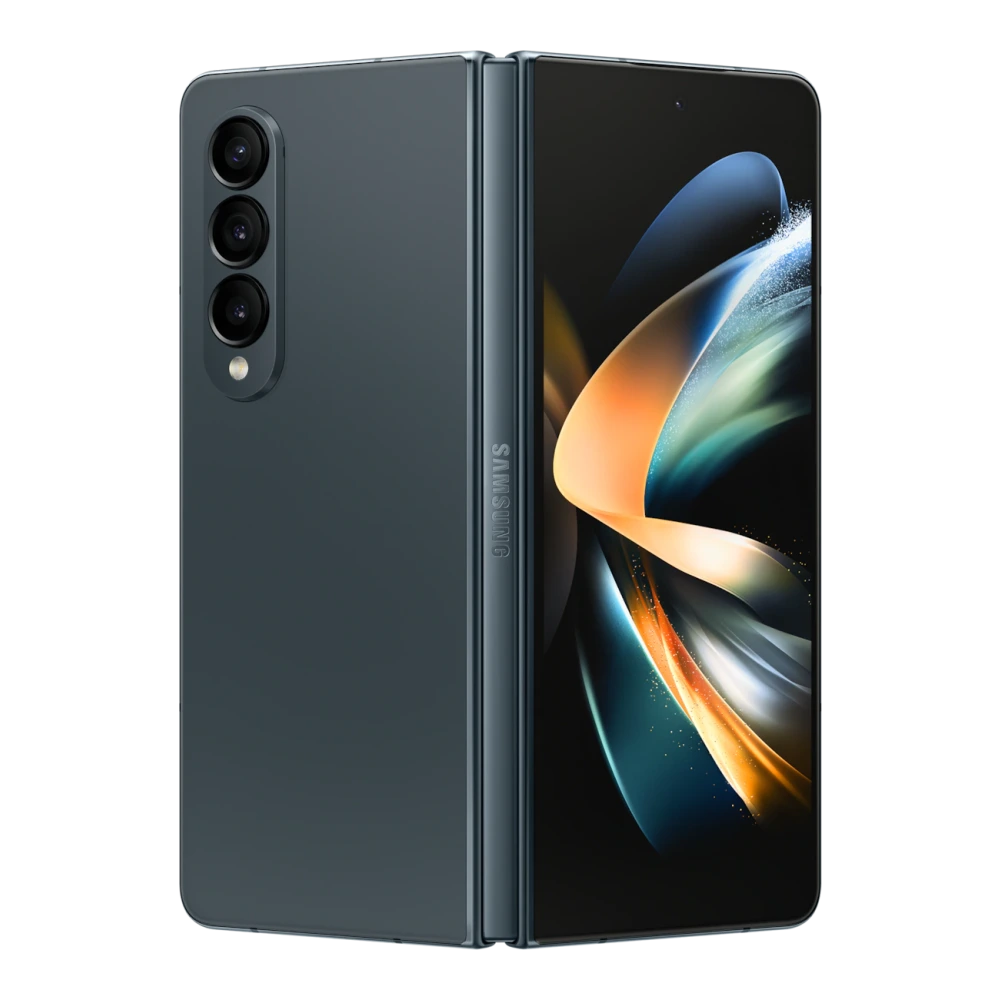
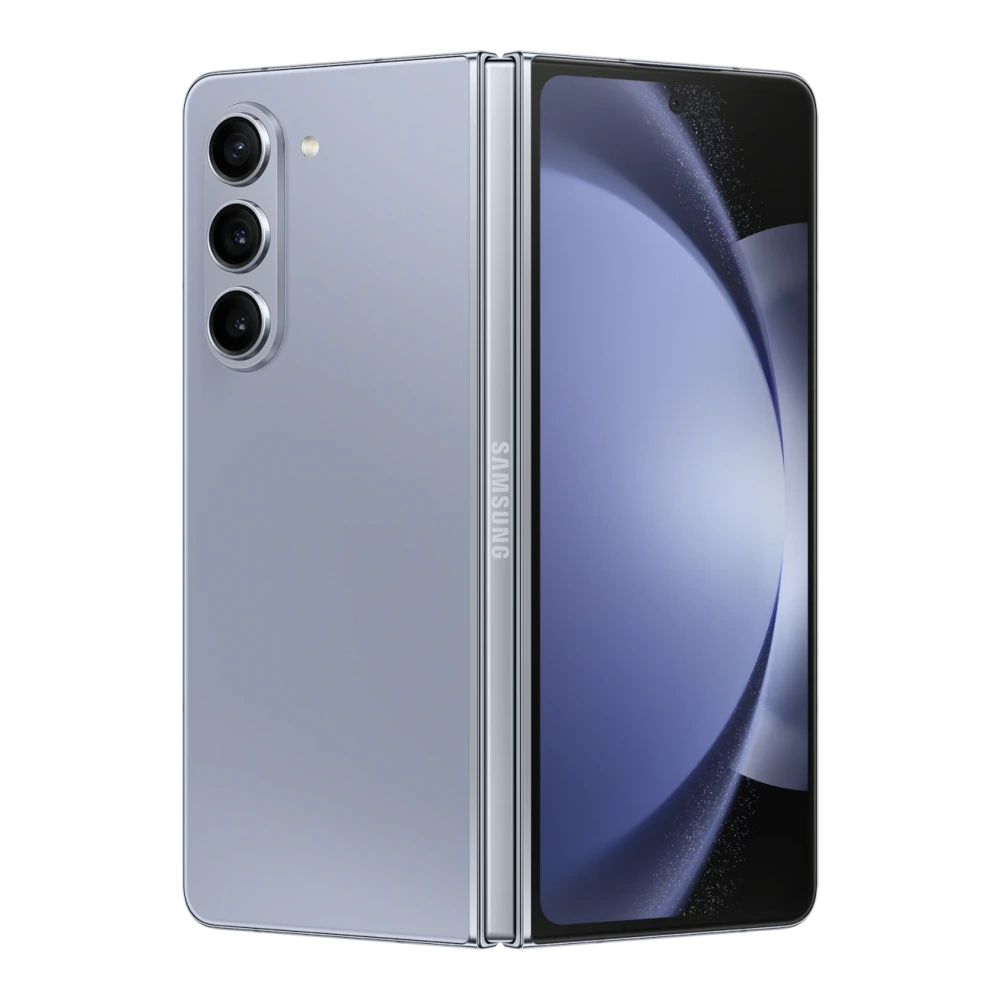
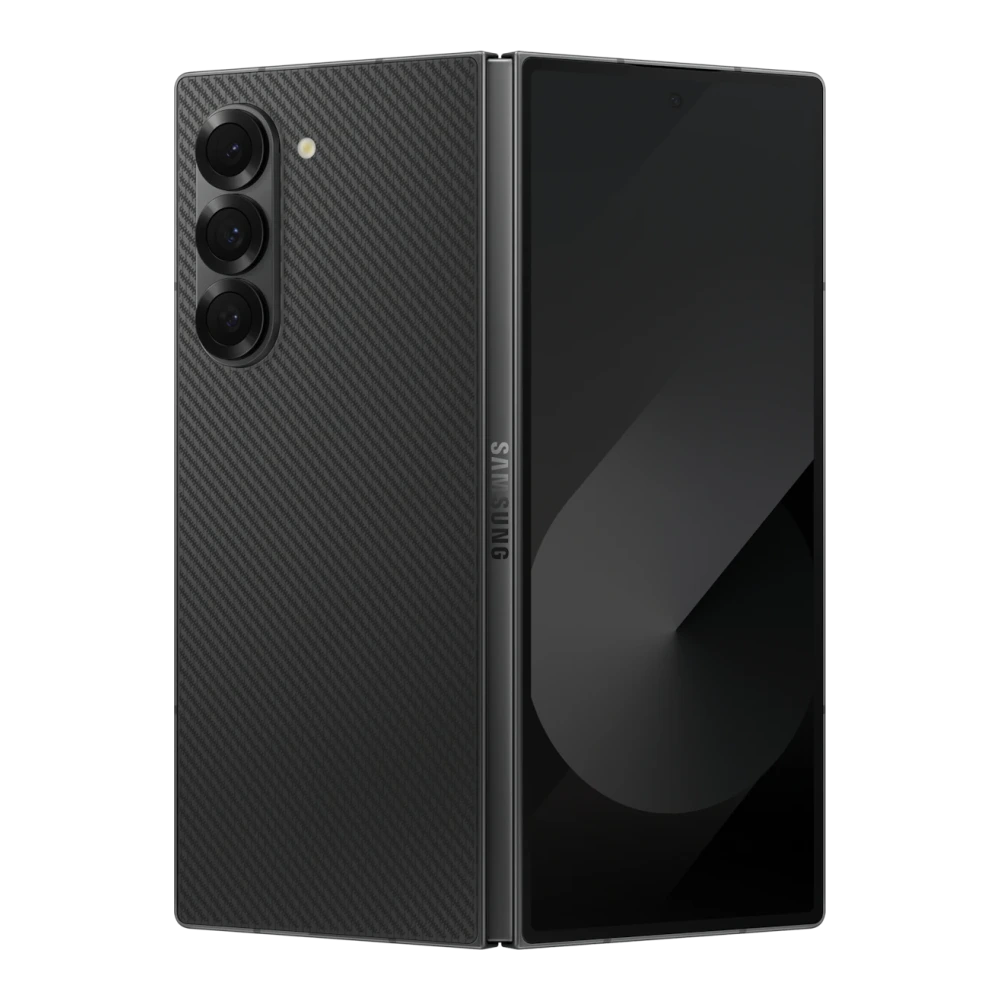
Showing 1–27 of 27 devices
You’ve reached the end of these results.
Before you update
US Galaxy Models: Unlocked (U1) vs Carrier (U) & CSC Codes
Samsung manufactures two primary hardware configurations of flagship Galaxy smartphones for the US market: SM-...U1 (Samsung Factory Unlocked) and SM-...U (distributed through carriers like Verizon, AT&T, T-Mobile, and Spectrum). Both share identical Snapdragon hardware platforms but utilize different software partitions and Carrier Sales Codes (CSC).
The XAA CSC represents the official bloatware-free, carrier-independent US software image. Flashing an official XAA Odin package (BL, AP, CP, and HOME_CSC) onto a compatible US Galaxy phone restores clean stock software while preserving Knox warranty status (0x0) and Google Play Protect certification.
Installation help
US Smartphones: update guidance
Follow verified instructions for US Qualcomm platforms and Tizen hardware. Check official Samsung US resources before flashing.
Galaxy smartphones (US): official Odin recovery & updates
- Back up your Galaxy phone with Samsung Smart Switch for PC or Google One before starting an update.
- Check Settings → Software update for official over-the-air (OTA) updates first before attempting manual flashing.
- Confirm your exact US model code (e.g. SM-S928U1 for S24 Ultra Unlocked) and CSC code (XAA for unbranded).
- In Samsung Odin, load the 4 partition binaries into BL, AP, CP, and HOME_CSC (to retain user data) or CSC (to factory wipe).
US Snapdragon Galaxy models feature cryptographically locked bootloaders that prohibit custom kernels. Flashing official Samsung stock ROMs via Odin maintains Knox 0x0 status.
Guidance reviewed on November 2026 against official Samsung US technical documentation. Individual catalog files have not been certified by this review.
Helpful answers
Questions about US Smartphones updates
What is the difference between US Galaxy unlocked (U1) and carrier (U) firmware?
US Galaxy smartphones use model numbers ending in U1 for Samsung Factory Unlocked (clean, bloatware-free) and U for carrier models (Verizon, AT&T, T-Mobile). Both share identical Snapdragon hardware, but U1 firmware provides clean stock Android updates directly from Samsung.
Can I flash official Factory Unlocked (U1) firmware onto a US carrier (U) phone?
Yes. Because US carrier (U) and unlocked (U1) models share identical hardware architectures, users frequently cross-flash official U1 XAA firmware via Odin to remove carrier bloatware and splash screens, provided the bootloader bit (SW REV) matches or is newer.
Which CSC file should I select in Odin: CSC or HOME_CSC?
Select HOME_CSC to perform an update or system repair while preserving your apps, photos, and personal data. Select CSC only if you intend to perform a full factory wipe and repartition the device.
Can I flash international (Exynos / SM-...B) firmware on a US Galaxy phone?
No. US models are powered by Qualcomm Snapdragon chipsets and US RF modems. Flashing European or Asian Exynos binaries will fail Odin bootloader checks and can cause severe damage.