
Samsung United States Smart TV Firmware & USB Updates
Find official USB firmware updates and support files for Samsung Smart TVs sold in North America. Check your TV’s online update or download offline USB packages.
Browse the directory
Find your TV model
Search official United States models. Use exact US model code (SM-...U1 or SM-...U) for direct match.
US Smart TVs firmware
Select a US device model to review listed Odin stock ROMs, CSC releases, and official sources.
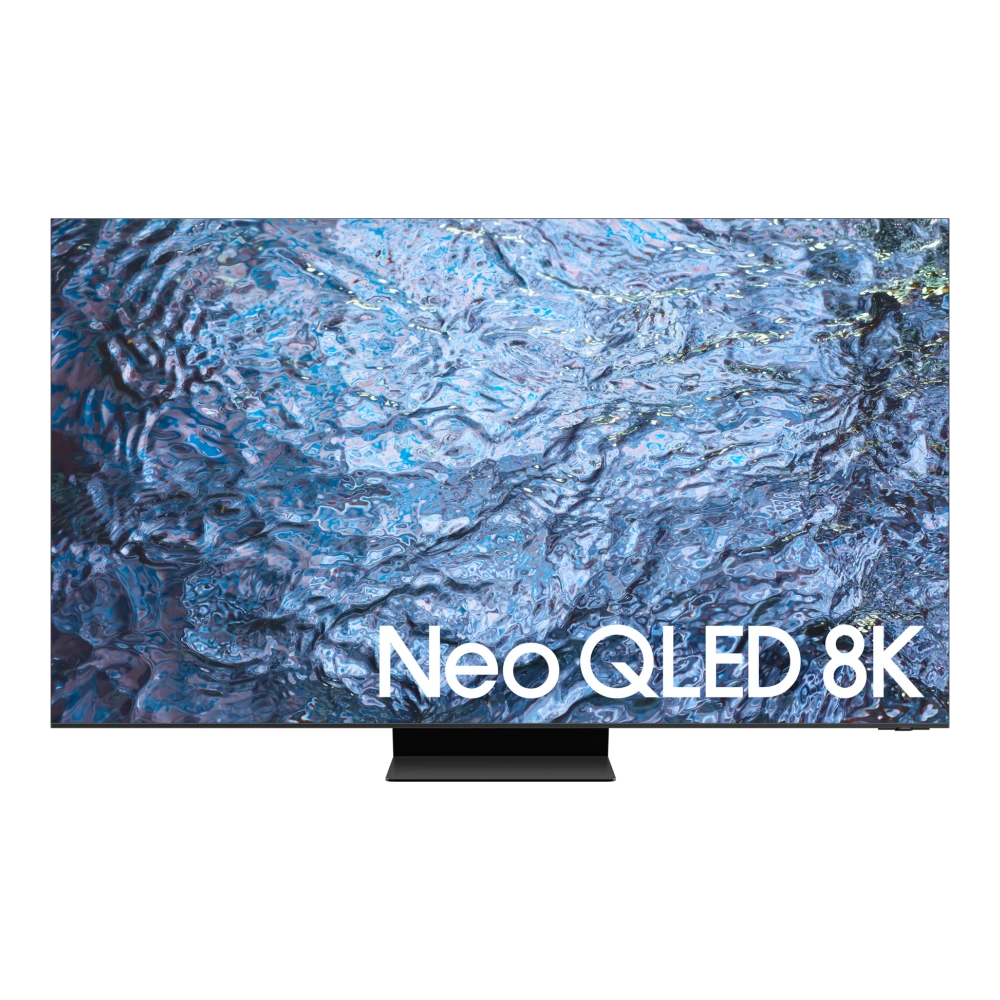
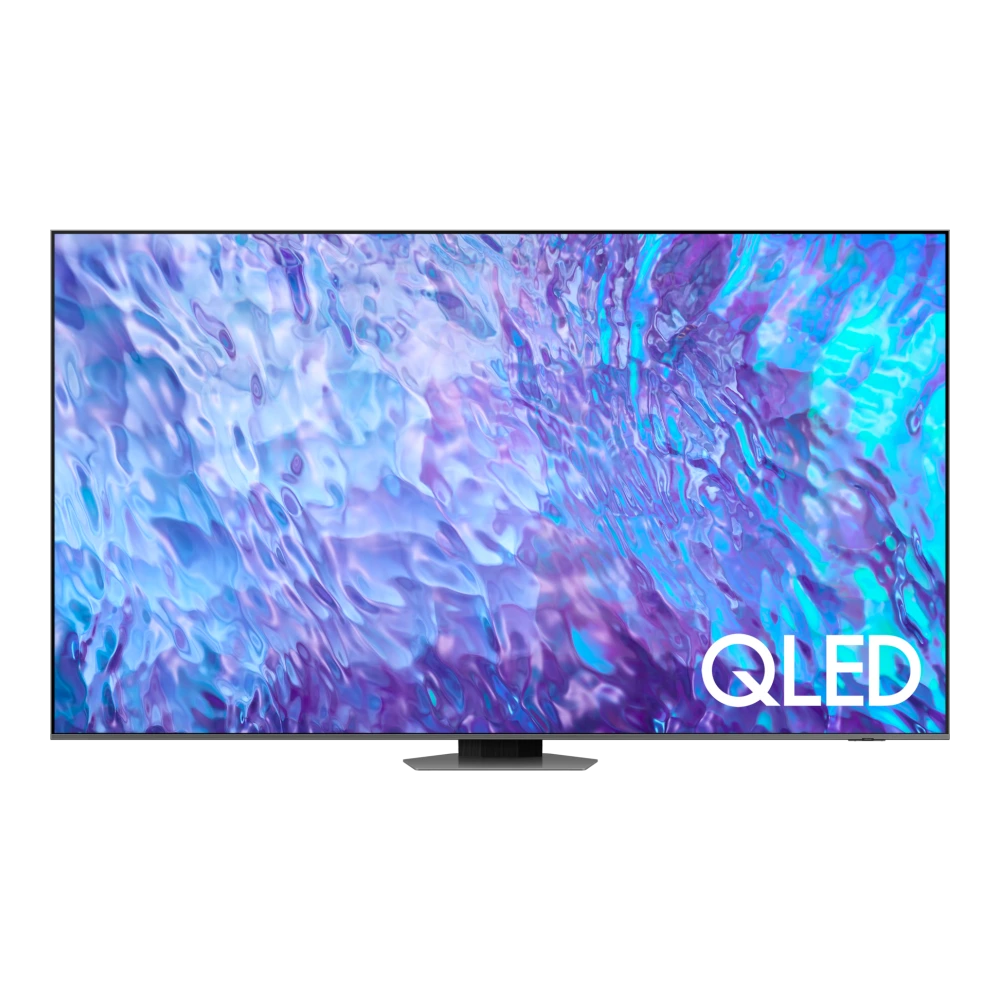
Showing 1–6 of 6 devices
You’ve reached the end of these results.
Before you update
Samsung US Smart TV Firmware & USB Installation
Samsung Smart TVs manufactured for the United States (models beginning with QN, UN, or LS) feature ATSC 1.0/3.0 NextGen TV tuners and US-localized Tizen OS firmware builds. Firmware updates optimize picture processing, resolve HDMI eARC soundbar handshakes, and improve Samsung Gaming Hub performance.
When updating via USB, format a flash drive to FAT32 or NTFS, extract the firmware archive to the top-level root of the drive (without creating nested enclosing folders), and connect to the TV's USB service port.
Installation help
US Smart TVs: update guidance
Follow verified instructions for US Qualcomm platforms and Tizen hardware. Check official Samsung US resources before flashing.
Samsung Smart TVs (US): online and USB update procedure
- Record the complete TV model code and installed software from Settings → Support → About This TV.
- For network-connected TVs, select Settings → Support → Software Update → Update Now to install the latest US Tizen build.
- For USB update, download the official Samsung US firmware archive for your exact TV model onto a FAT32/NTFS formatted flash drive.
- Extract the downloaded image directly to the drive root without extra enclosing folders, plug into the TV USB port, and start the update.
Keep the TV plugged in and powered throughout the update. Do not flash European or Asian TV firmware on US ATSC hardware.
Guidance reviewed on November 2026 against official Samsung US technical documentation. Individual catalog files have not been certified by this review.
Helpful answers
Questions about US Smart TVs updates
Can I install US Smart TV firmware on an imported or European Samsung TV?
No. Samsung Smart TVs for the US market use North American ATSC tuners and US power standards. Flashing foreign firmware onto a US TV or vice versa can brick the display mainboard.
Why does my Samsung US TV say "No update files found" on my USB drive?
Ensure your USB flash drive is formatted to FAT32 or NTFS and that you extracted the firmware zip so the image folder sits directly on the drive root, not inside a nested download folder.