
Samsung United States Galaxy Tab Firmware Updates
Official US firmware releases for Samsung Galaxy Tab devices. Confirm whether your tablet is a Wi-Fi (SM-X...0) or 5G/LTE cellular carrier variant (SM-X...8U).
Browse the directory
Find your tablet model
Search official United States models. Use exact US model code (SM-...U1 or SM-...U) for direct match.
US Tablets firmware
Select a US device model to review listed Odin stock ROMs, CSC releases, and official sources.
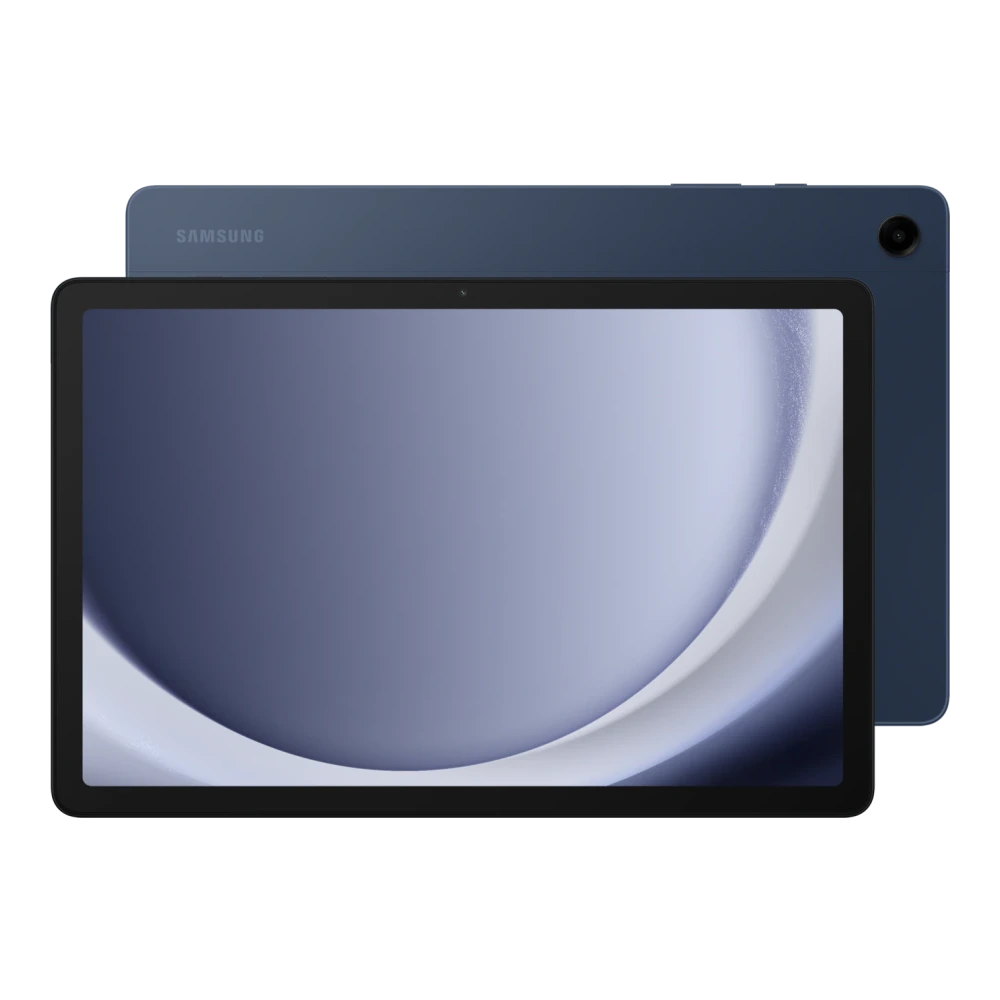
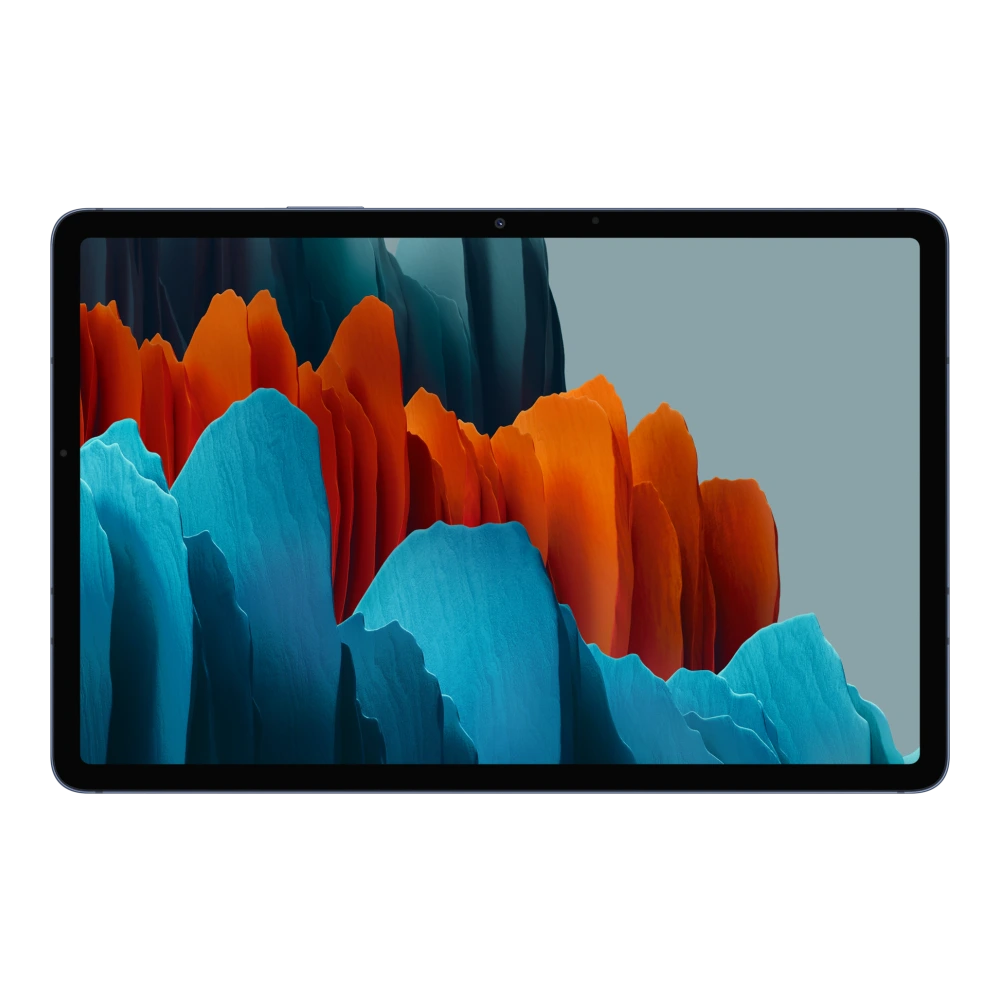
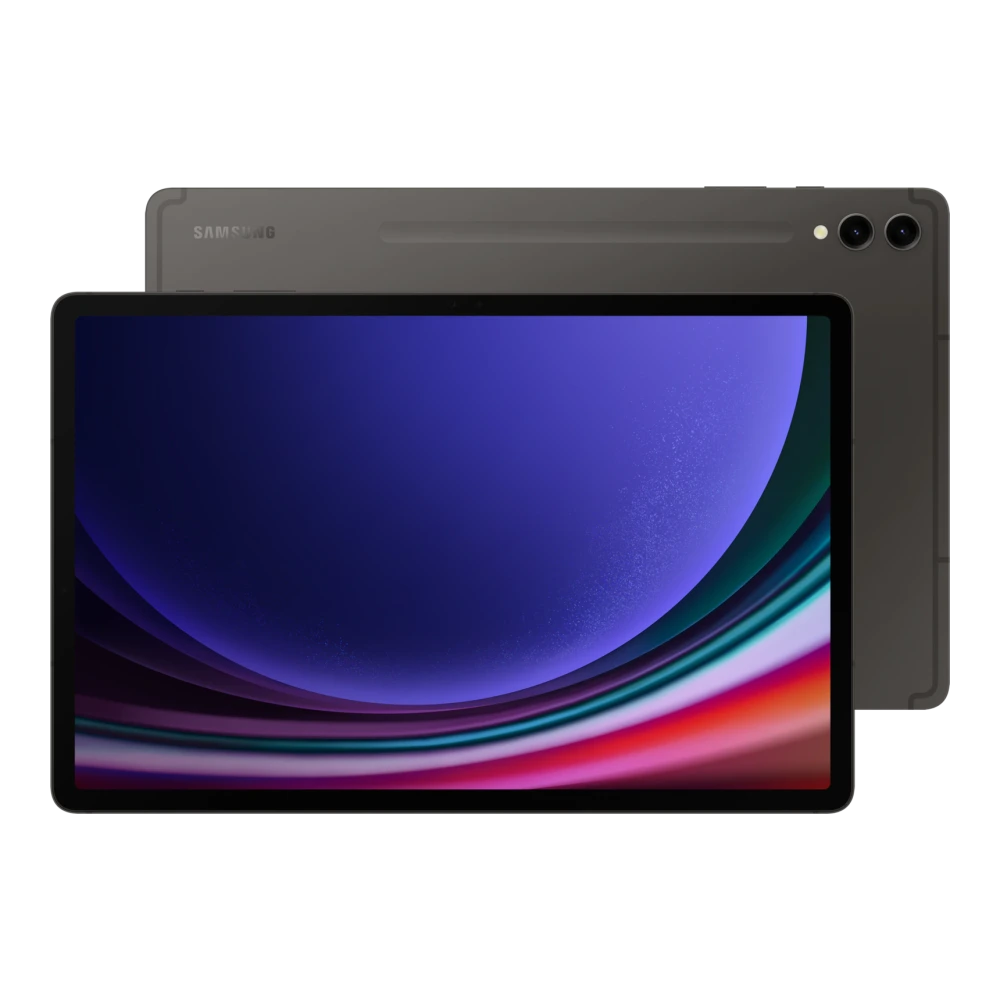
Showing 1–4 of 4 devices
You’ve reached the end of these results.
Before you update
US Galaxy Tab Firmware & Connectivity Guidelines
Samsung Galaxy Tab tablets in the United States are engineered with distinct software loads based on connectivity. Wi-Fi models (such as SM-X710 or SM-X910) share universal North American software, whereas cellular 5G models (such as SM-X718U) contain modem basebands and CSCs customized for US mobile carriers.
Check your exact model designation in Settings → About tablet. Never cross-flash Wi-Fi firmware onto a cellular tablet, as modem partitions and emergency calling radios are incompatible.
Installation help
US Tablets: update guidance
Follow verified instructions for US Qualcomm platforms and Tizen hardware. Check official Samsung US resources before flashing.
Galaxy tablets (US): Wi-Fi and 5G cellular update procedure
- Back up tablet storage and confirm full model code in Settings → About tablet (Wi-Fi SM-X...0 vs 5G SM-X...8U).
- Connect to high-speed Wi-Fi and check Settings → Software update → Download and install.
- For offline recovery, connect to Samsung Smart Switch for Windows or Mac and select Emergency Software Recovery.
- Verify binary bit version (SW REV) before attempting an Odin flash; downgrading below your current bootloader bit is permanently blocked by Samsung hardware.
Wi-Fi and cellular firmware files are never cross-compatible. Check the exact model suffix before flashing.
Samsung resources
Guidance reviewed on November 2026 against official Samsung US technical documentation. Individual catalog files have not been certified by this review.
Helpful answers
Questions about US Tablets updates
Are US Wi-Fi and 5G cellular Galaxy Tab firmware packages interchangeable?
No. Wi-Fi tablets (e.g. SM-X...0) lack cellular baseband and modem partitions present in 5G carrier tablets (SM-X...8U). Always match the complete model number from Settings → About tablet.
Can I install US Galaxy Tab firmware on a tablet bought in Canada or Europe?
Only if the hardware model number matches exactly. Wi-Fi tablets often share North American builds, but cellular models have different RF filters and carrier CSC requirements.