
Samsung Galaxy Book & Laptop Firmware / BIOS Updates
Find Samsung Galaxy Book, Book Pro, Book 360, and laptop BIOS/firmware references by model code. Use Samsung Update or official model-specific support channels for verified UEFI updates.
Browse the directory
Find your laptop model
Search all models in this category. Use the full model code for the closest match.
Laptops & Books firmware
Select a model to review its listed firmware and source information.
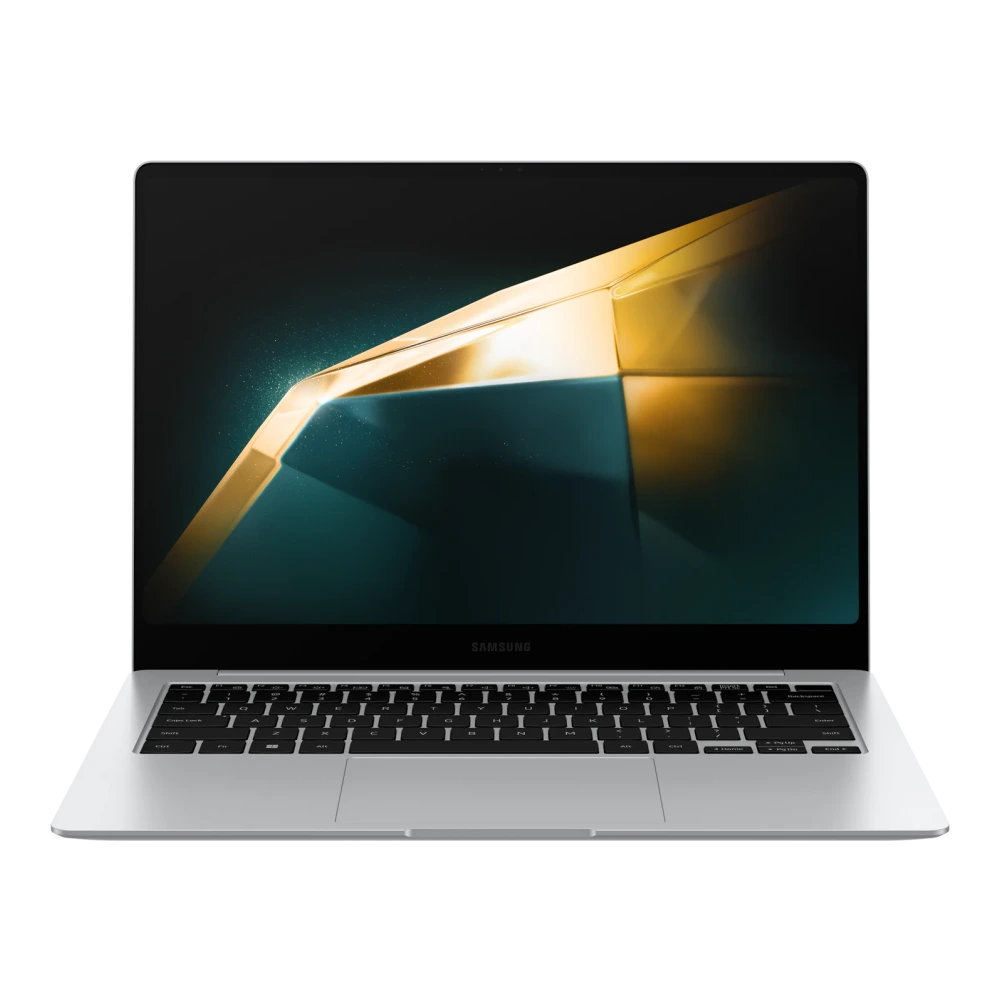
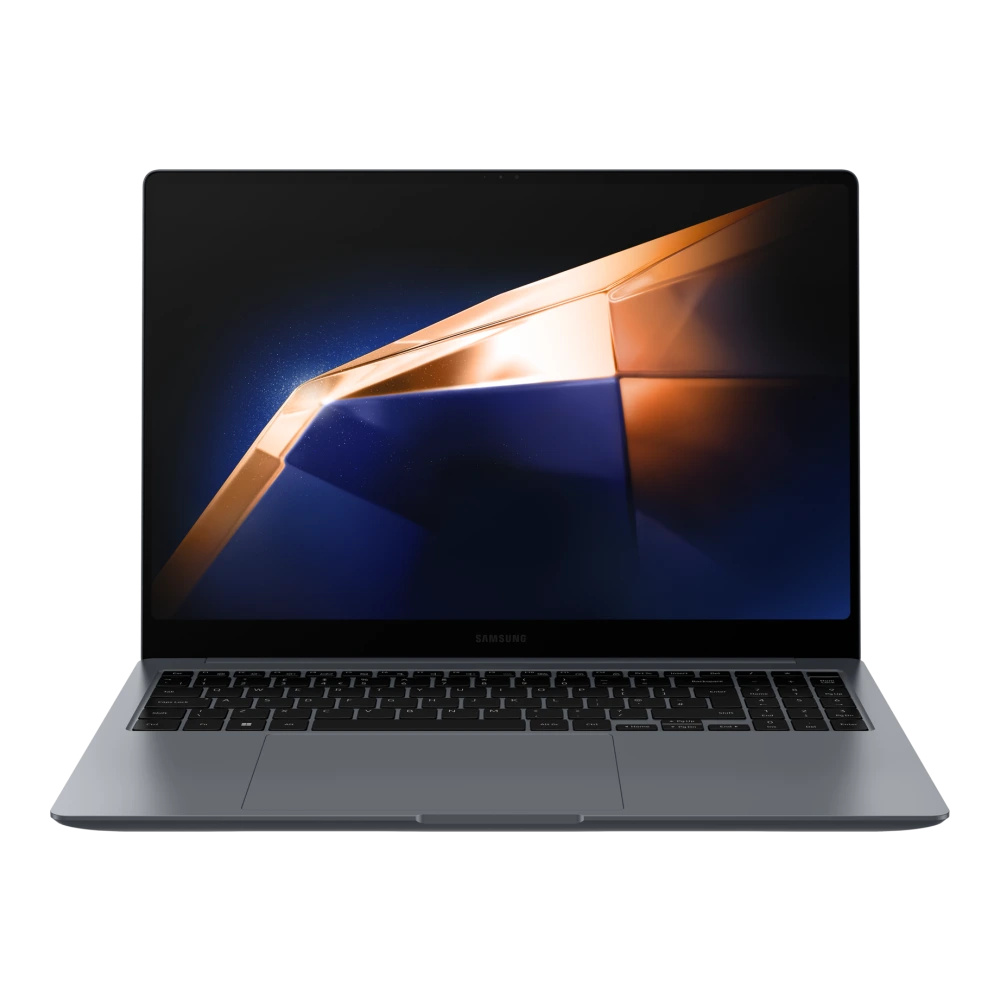
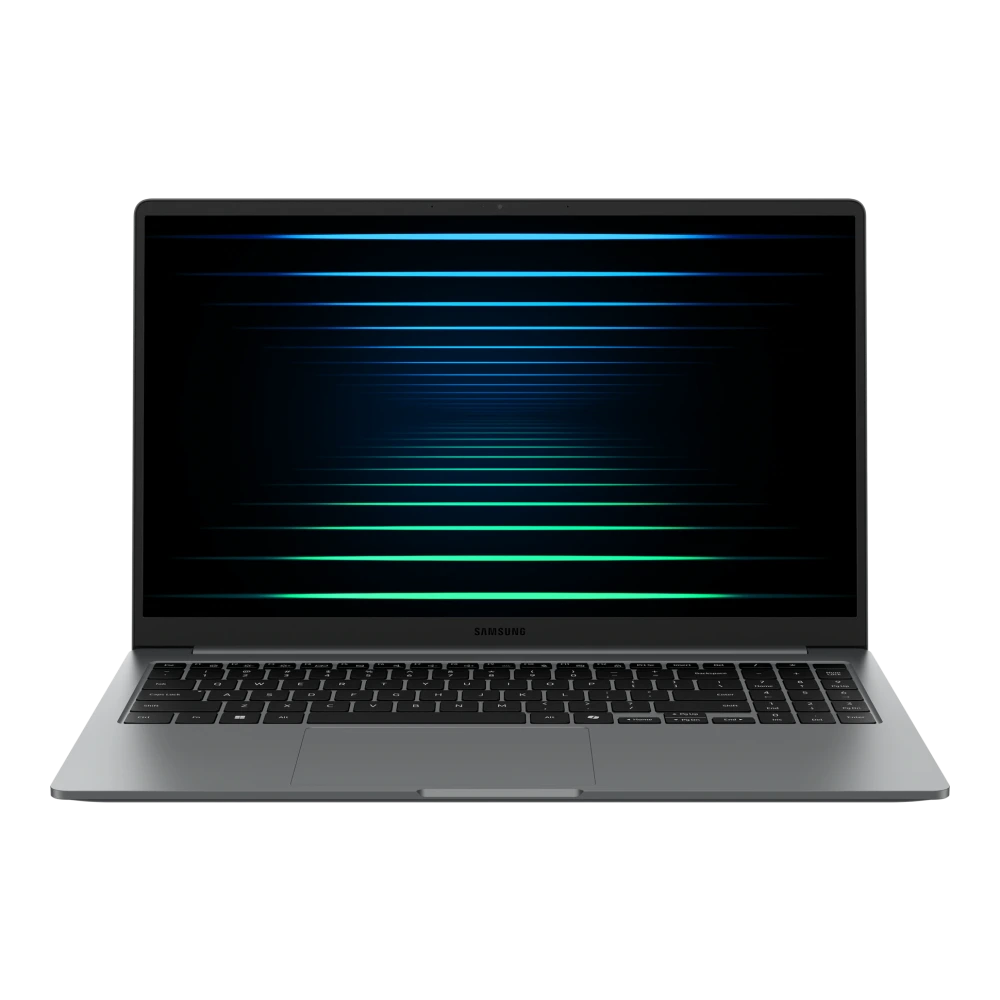
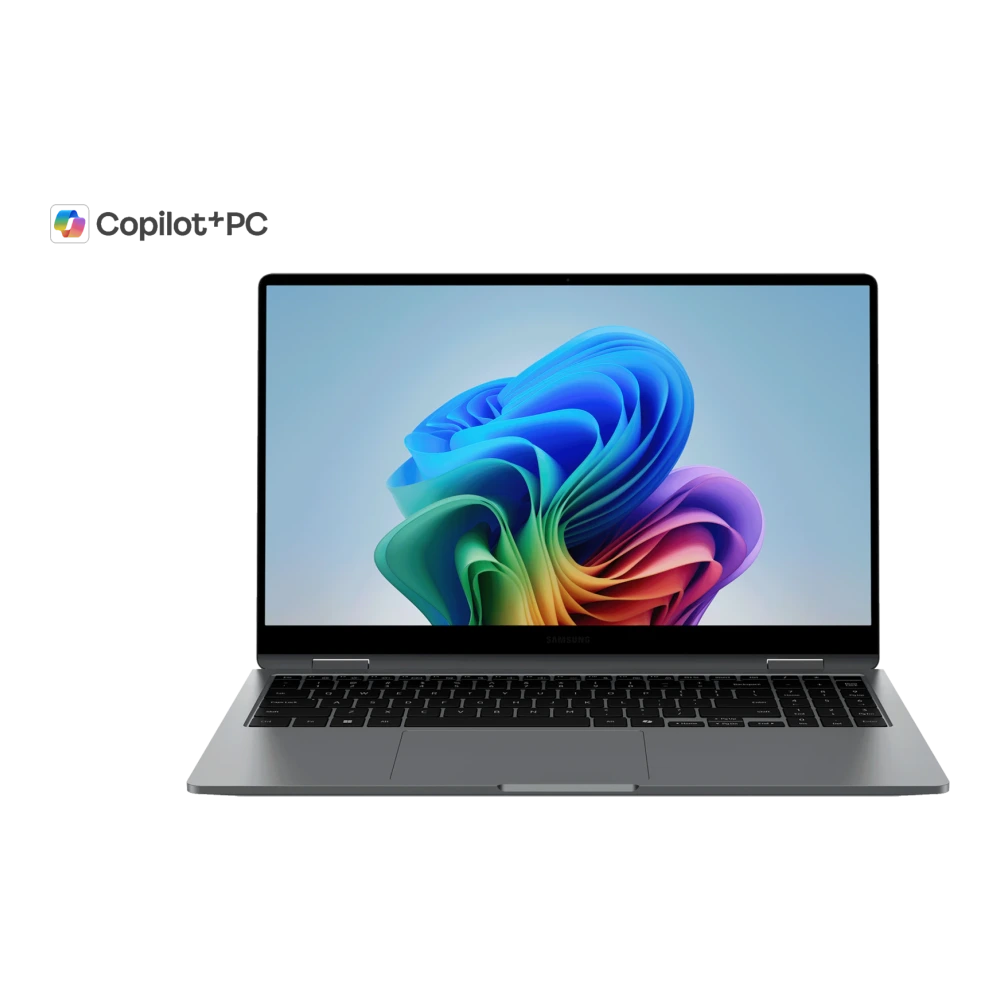
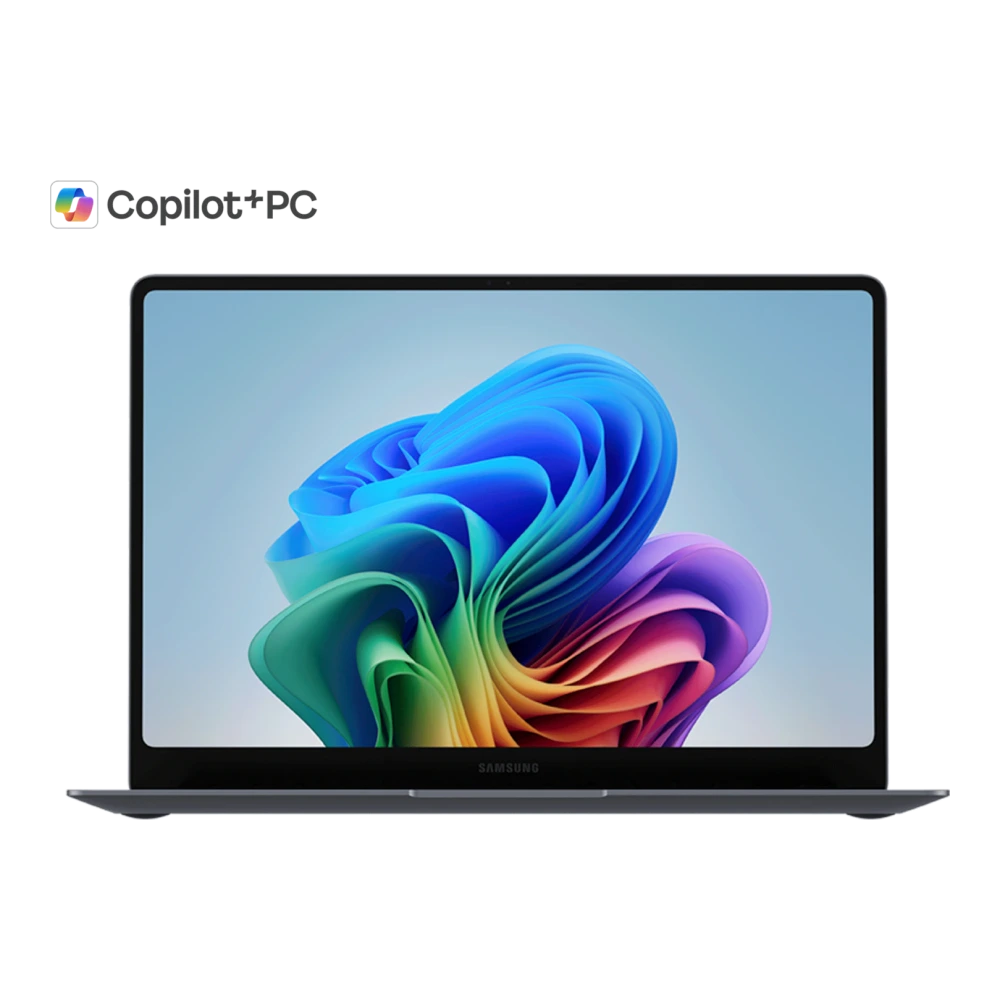

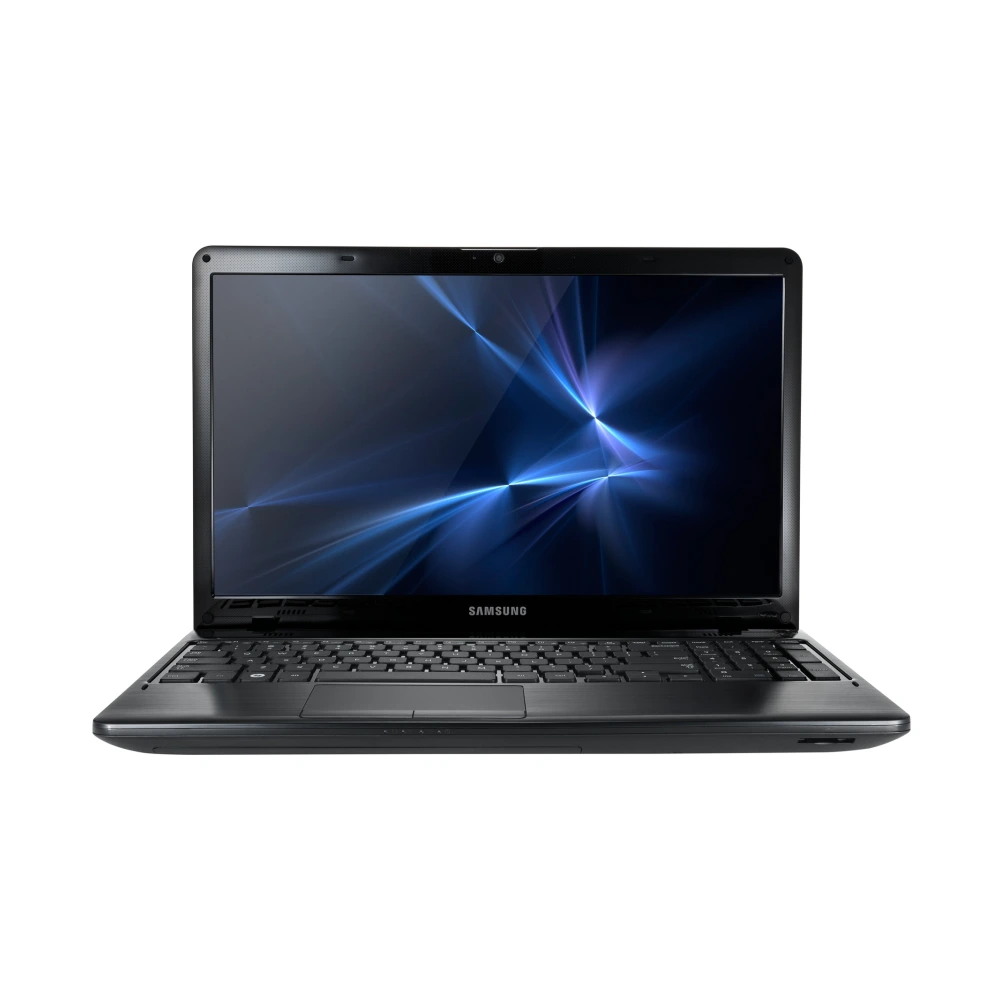
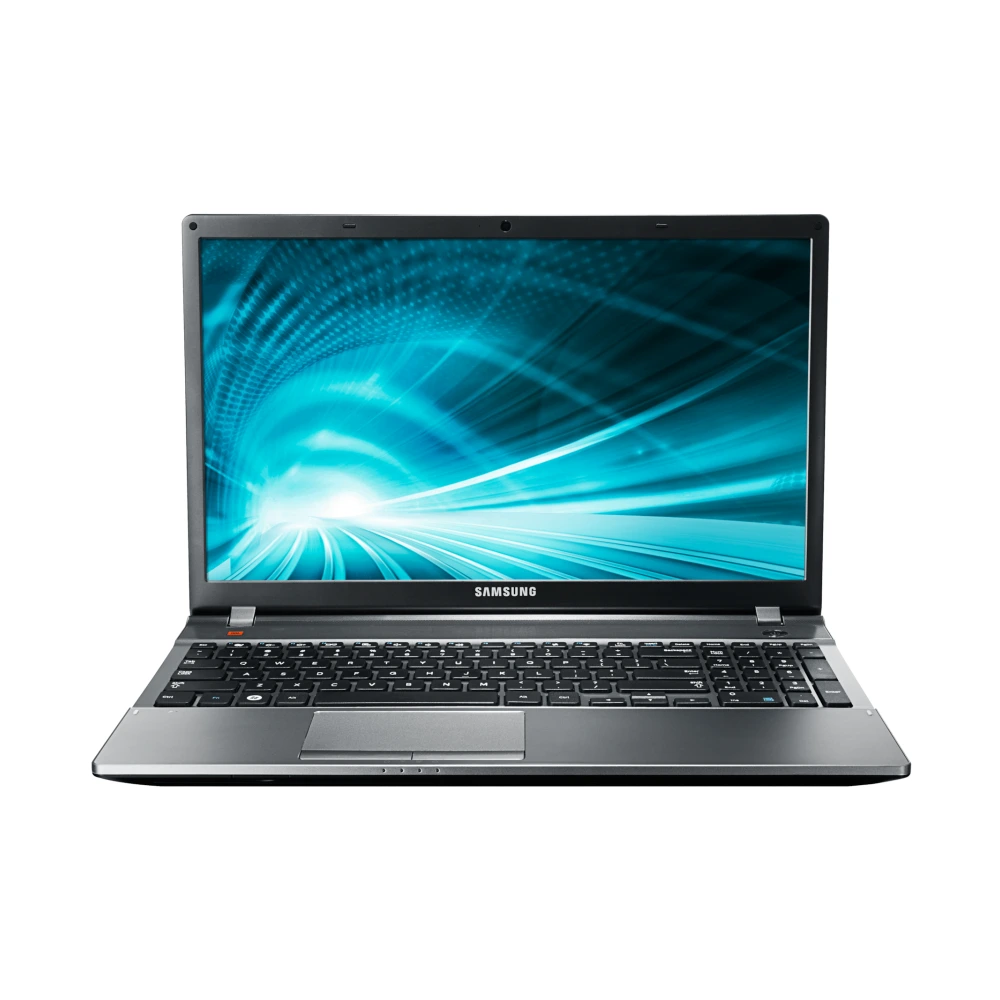
Showing 1–12 of 12 devices
You’ve reached the end of these results.
Before you update
Before updating Samsung Galaxy Book & Laptop BIOS
Identify your exact notebook model number (e.g. Galaxy Book4 Pro, Book5 360, or NP/NT model series) before installing firmware. Laptop BIOS and system firmware differ by region, motherboard revision, and processor platform. Use the Samsung Update application on Windows for automated, manufacturer-verified updates whenever possible.
Installation help
Laptops & Books: update guidance
Choose the instructions for your hardware. Menus and supported procedures vary by model.
Galaxy Book and laptops: safe BIOS and system firmware updates
- Back up essential documents and record your BitLocker recovery key before updating system BIOS.
- Keep the laptop plugged into its AC charger and ensure the battery has sufficient charge (at least 30%).
- Use the Samsung Update utility preinstalled on your Galaxy Book to download and apply verified firmware packages.
- Let the laptop complete its reboot sequence without interruption. Do not force-restart or disconnect power while flashing.
Do not attempt to cross-flash BIOS images between different Galaxy Book models or hardware revisions.
Guidance reviewed on 3 November 2026 against the linked Samsung sources. Individual catalog files have not been certified by this review.
Helpful answers
Questions about Laptops & Books updates
How can I check if a new BIOS update is available for my Galaxy Book?
Open the Samsung Update application on Windows or check Samsung’s official support page for your exact model number. Automatic notifications are also provided via Samsung Device Care.
What should I do if my Galaxy Book screen goes black during a BIOS update?
Do not unplug the charger or force shut down. BIOS flashing can take several minutes during which the display, keyboard backlights, and fans may cycle multiple times before booting back into Windows.