Classic Galaxy
SM-G360FY 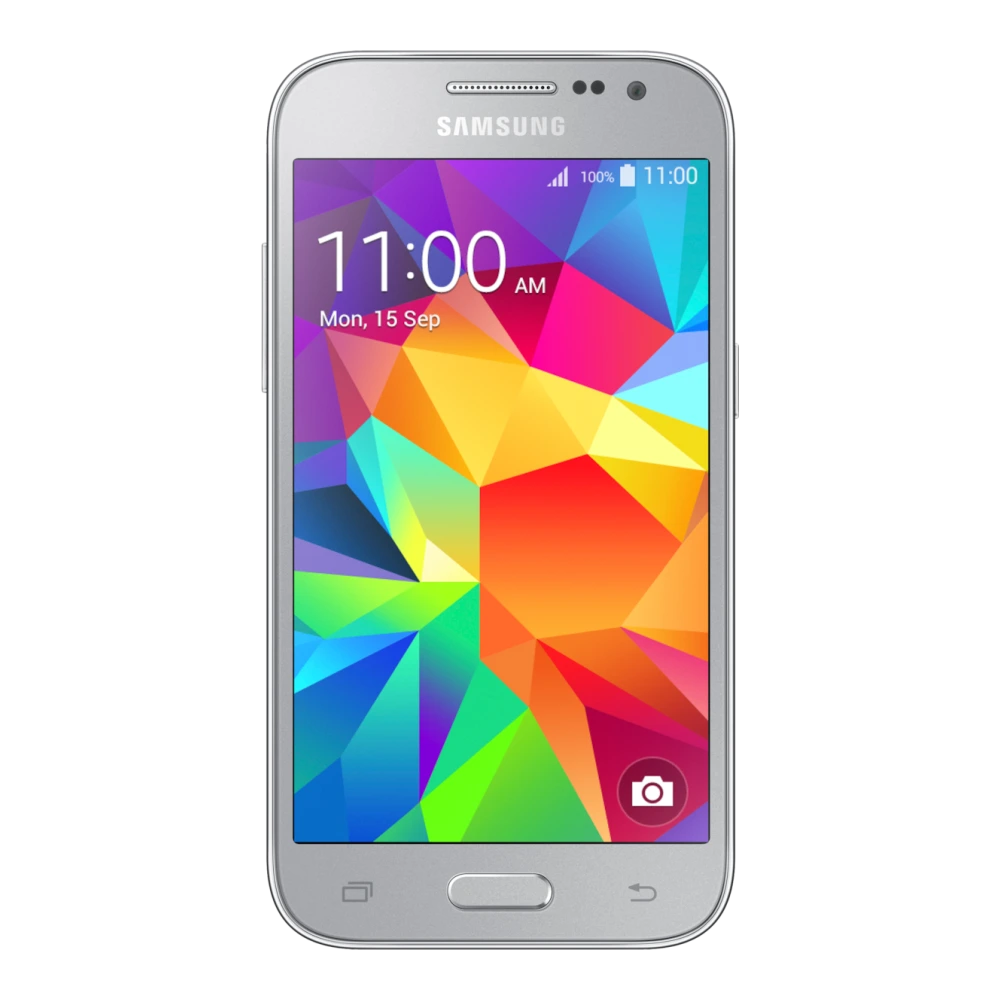
Core Prime -4G
✓ Build:
G360FYXXS2BRI1

Browse 4-file firmware listings and flash-file references (BL, AP, CP, CSC) for Galaxy S, Z Fold/Flip, A, and M series smartphones. Confirm the exact model, CSC/region, and version before using Odin or installing an update.
SM-G360FY
SM-A035F 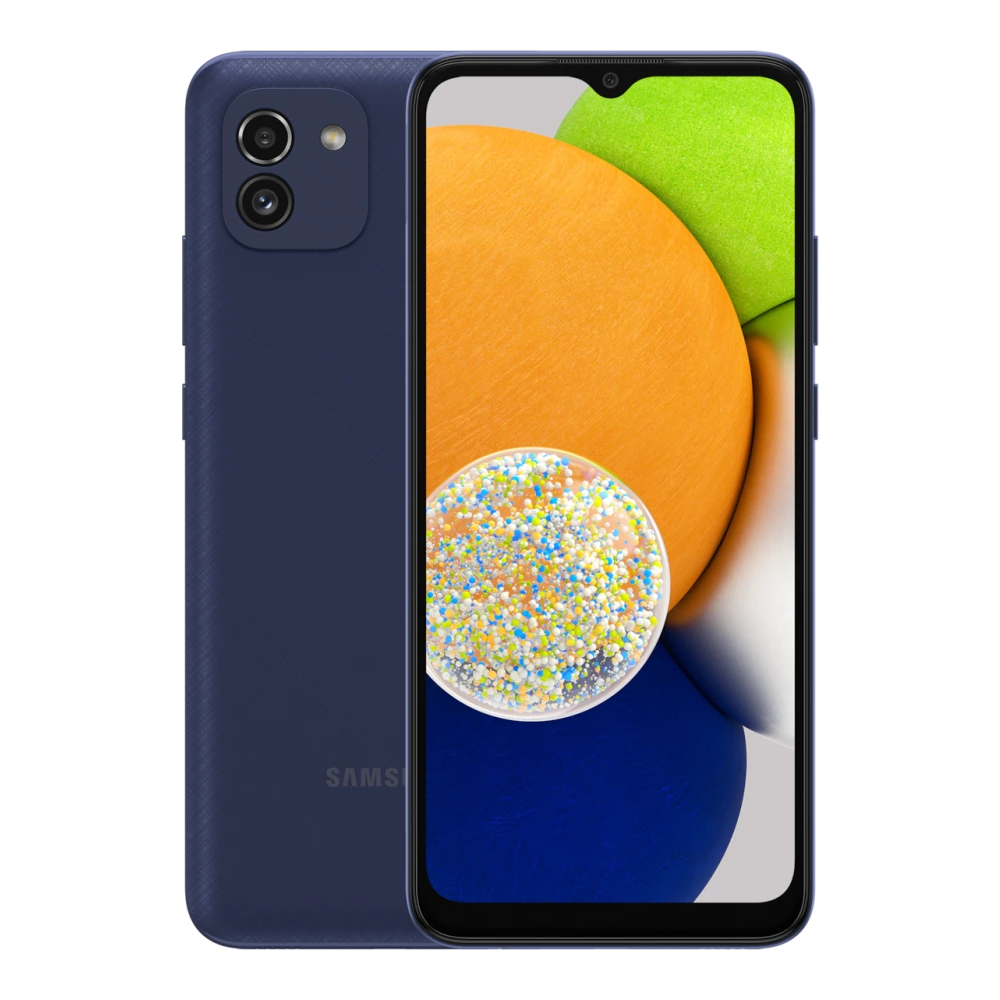
SM-A032F 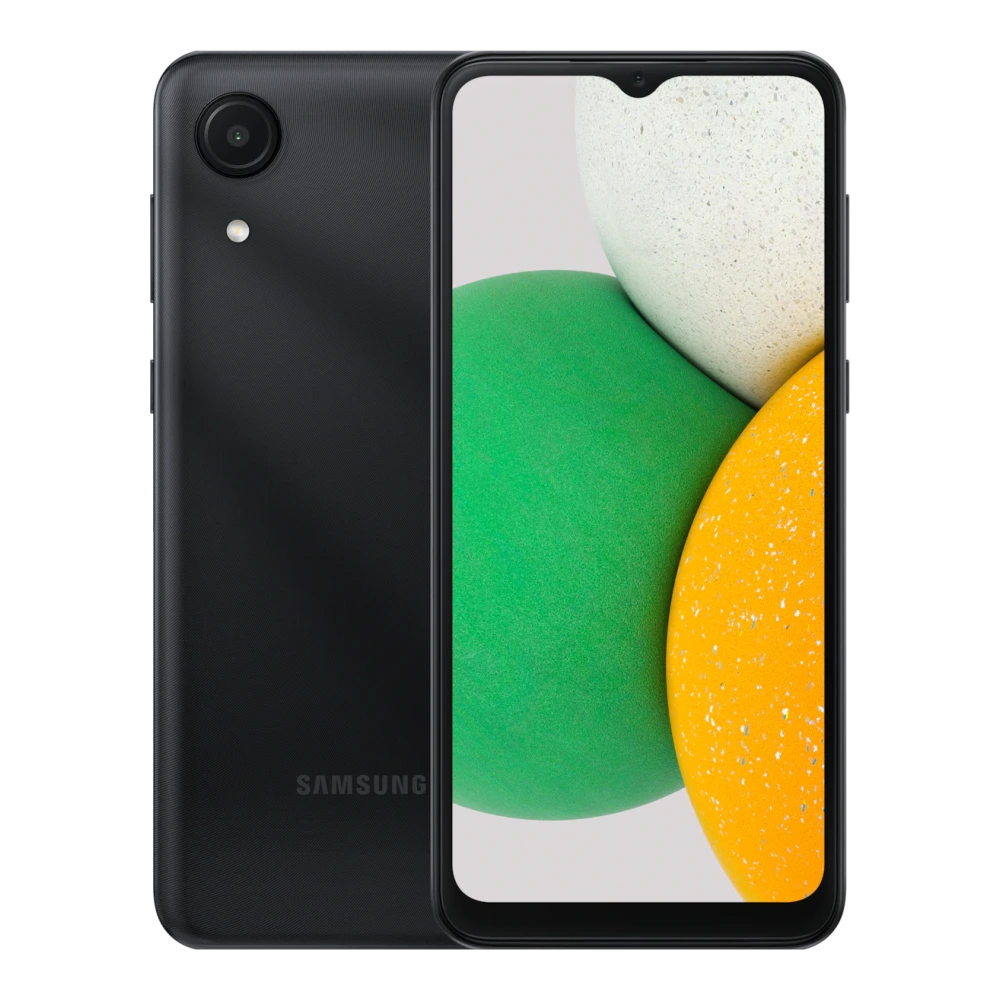
SM-A037F 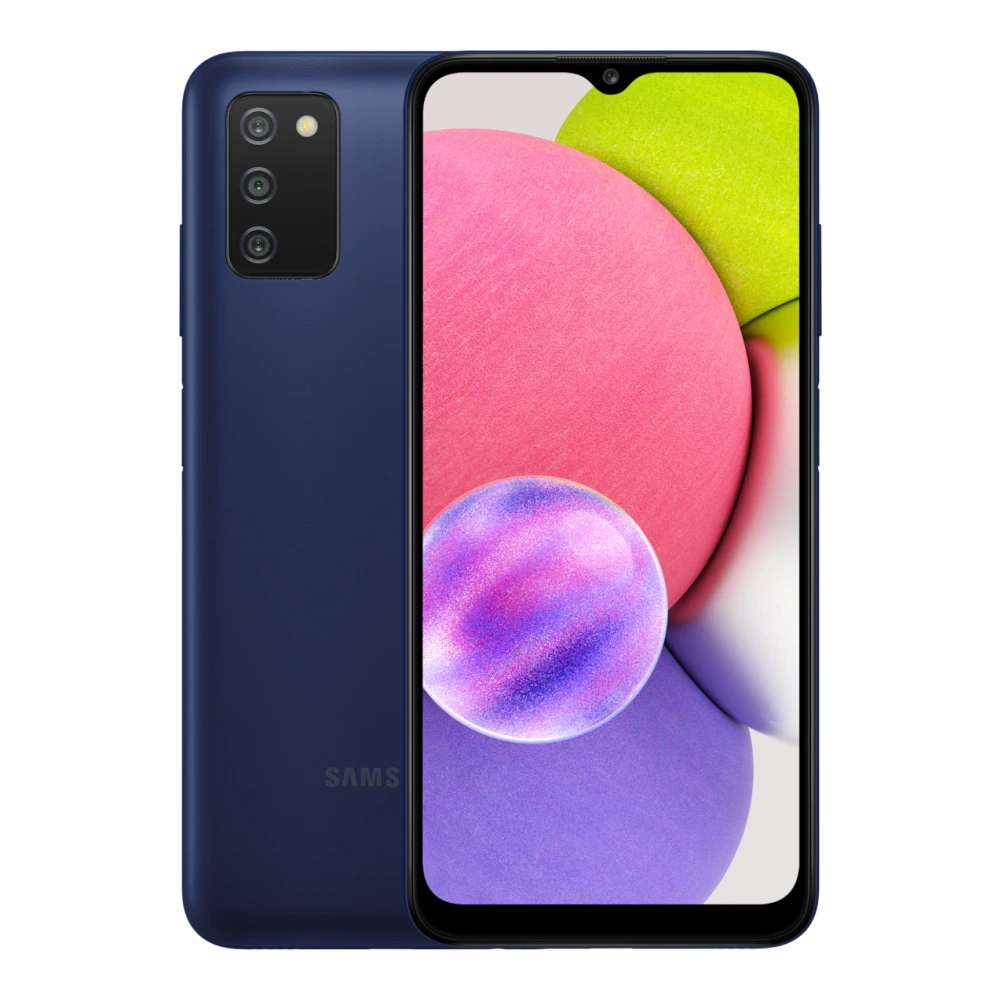
SM-A045F 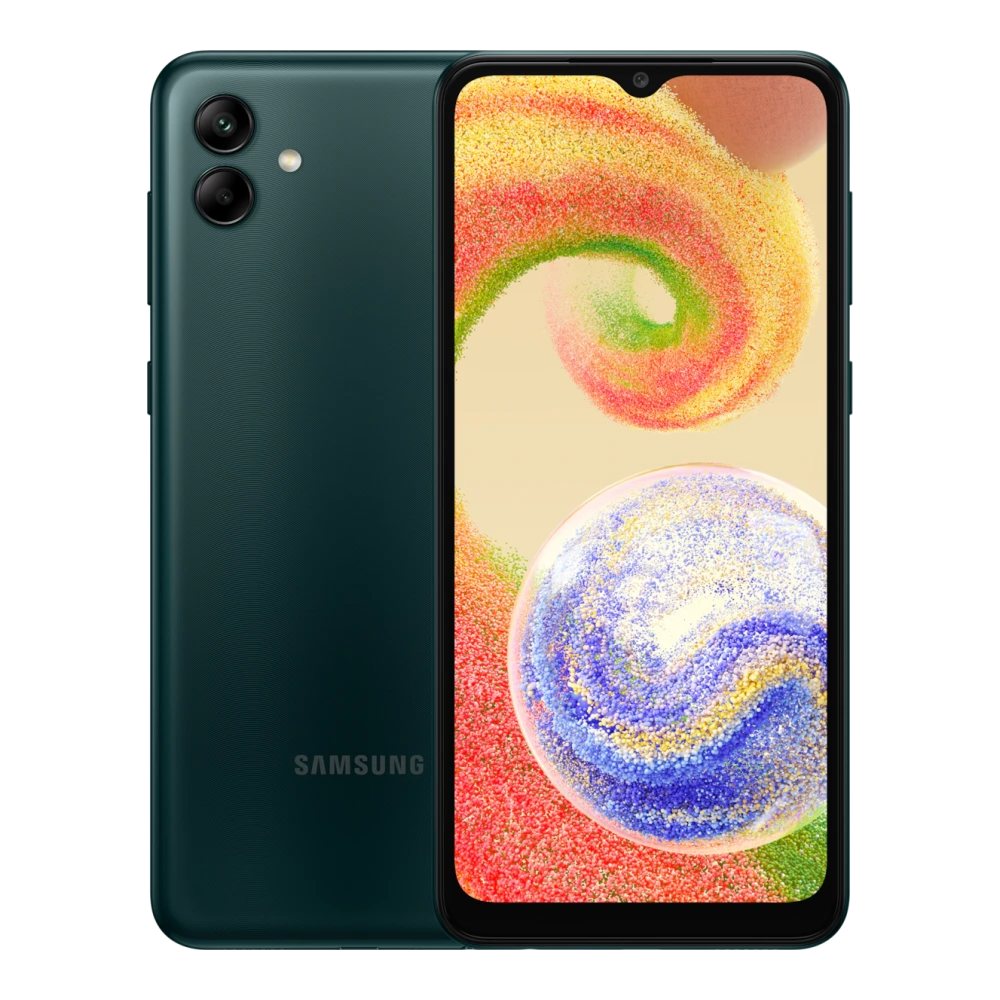
SM-A042F 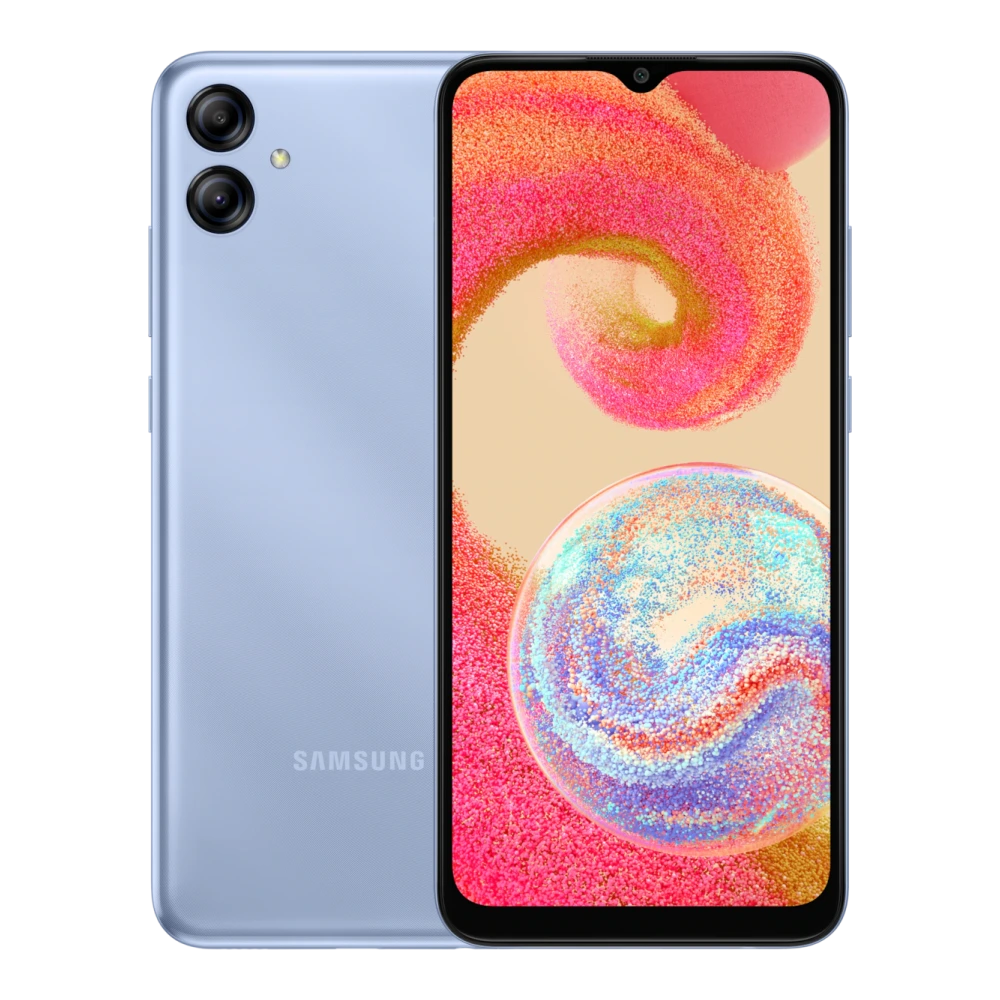
SM-A047F 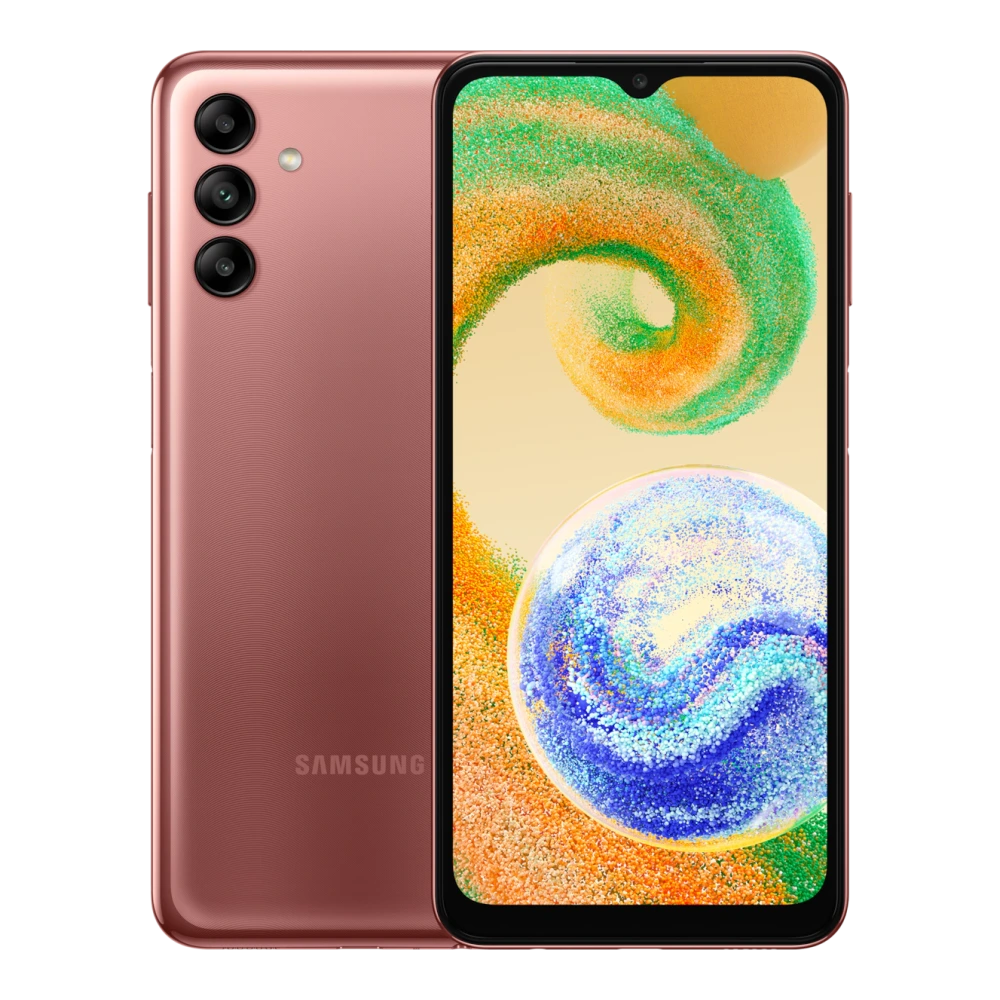
SM-A055F 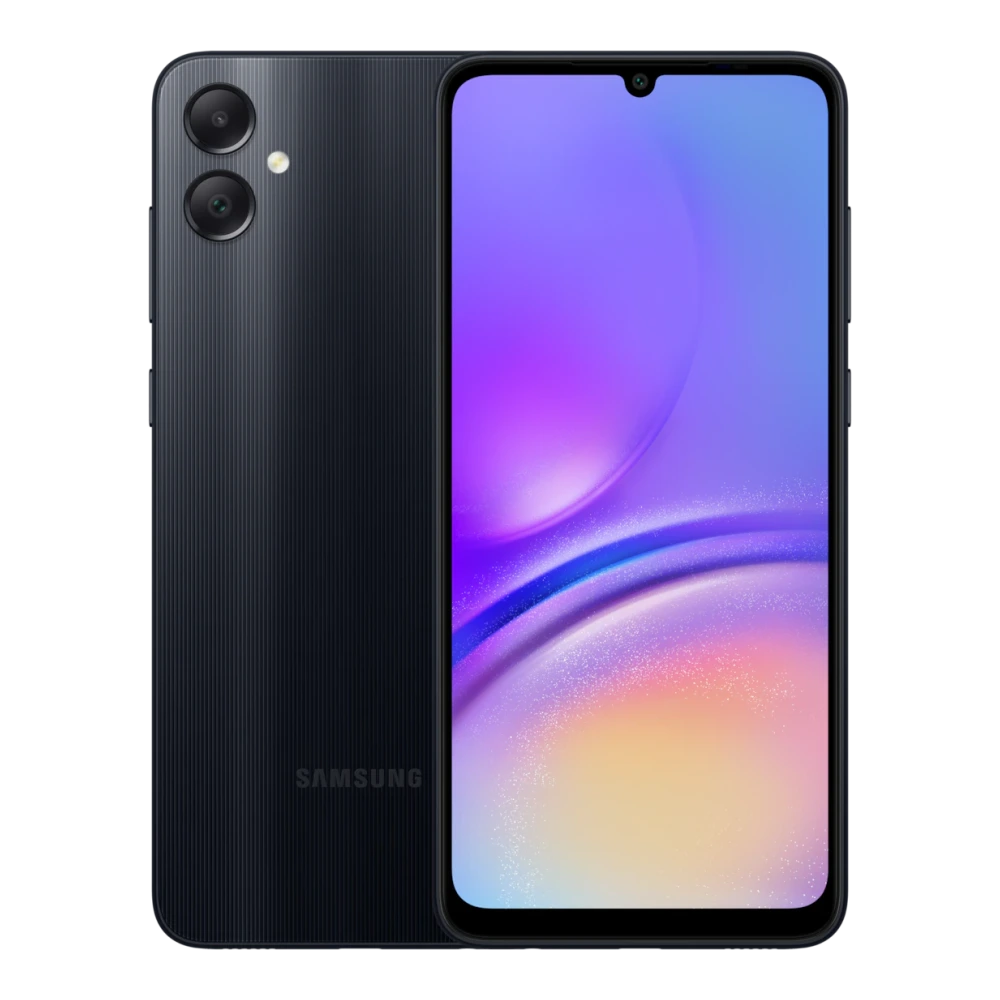
SM-A057F 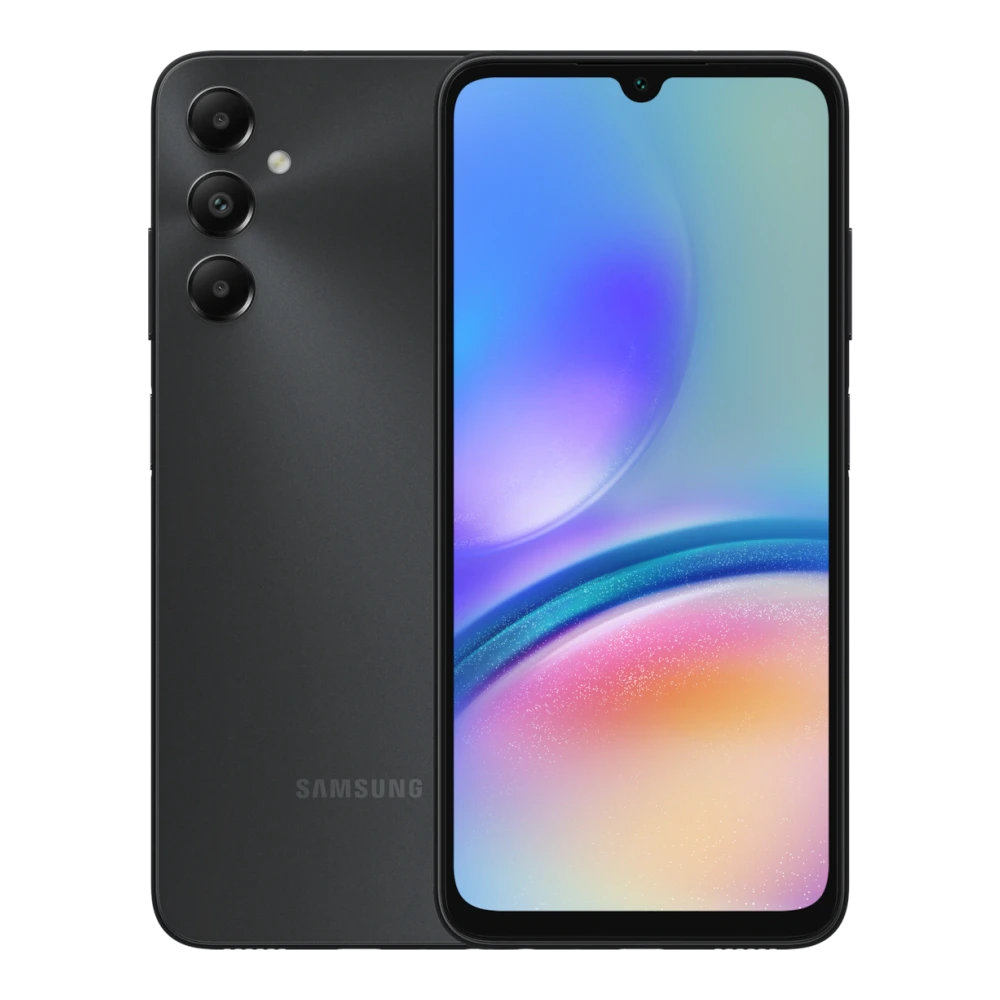
SM-A065F 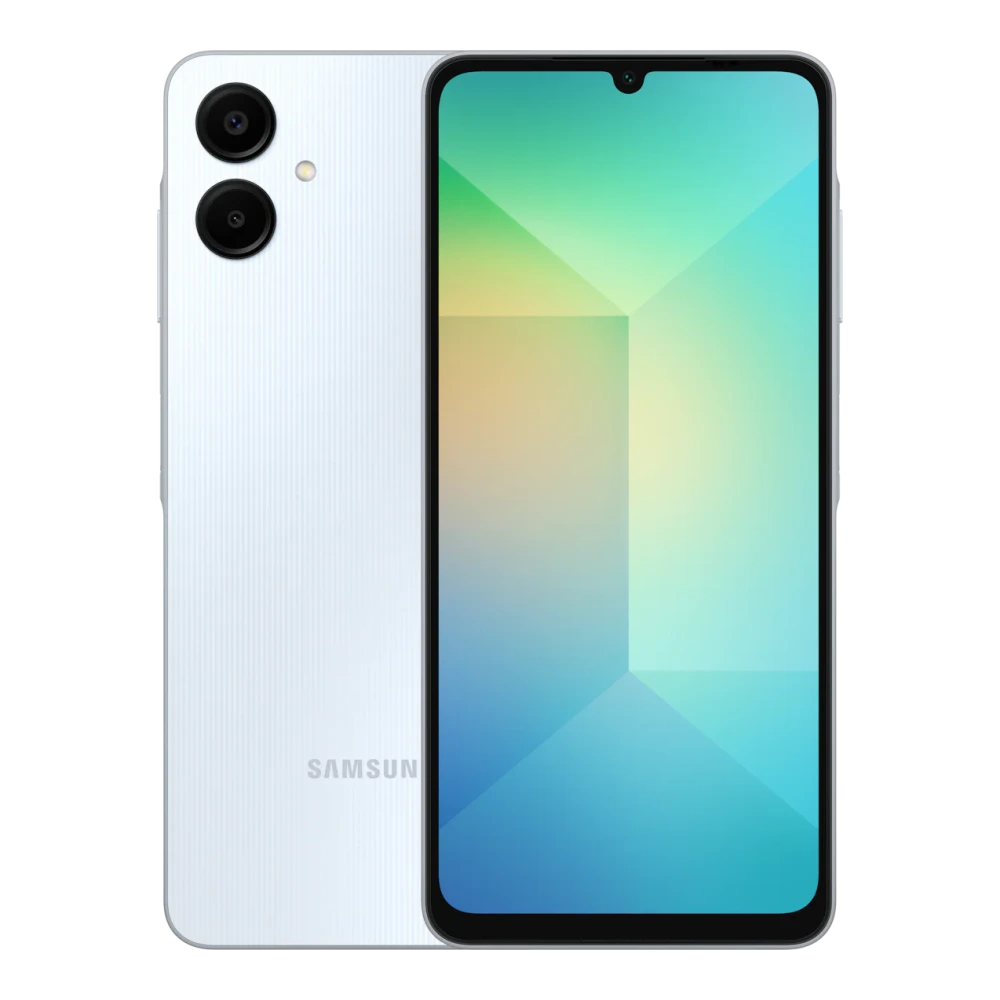
SM-A066B 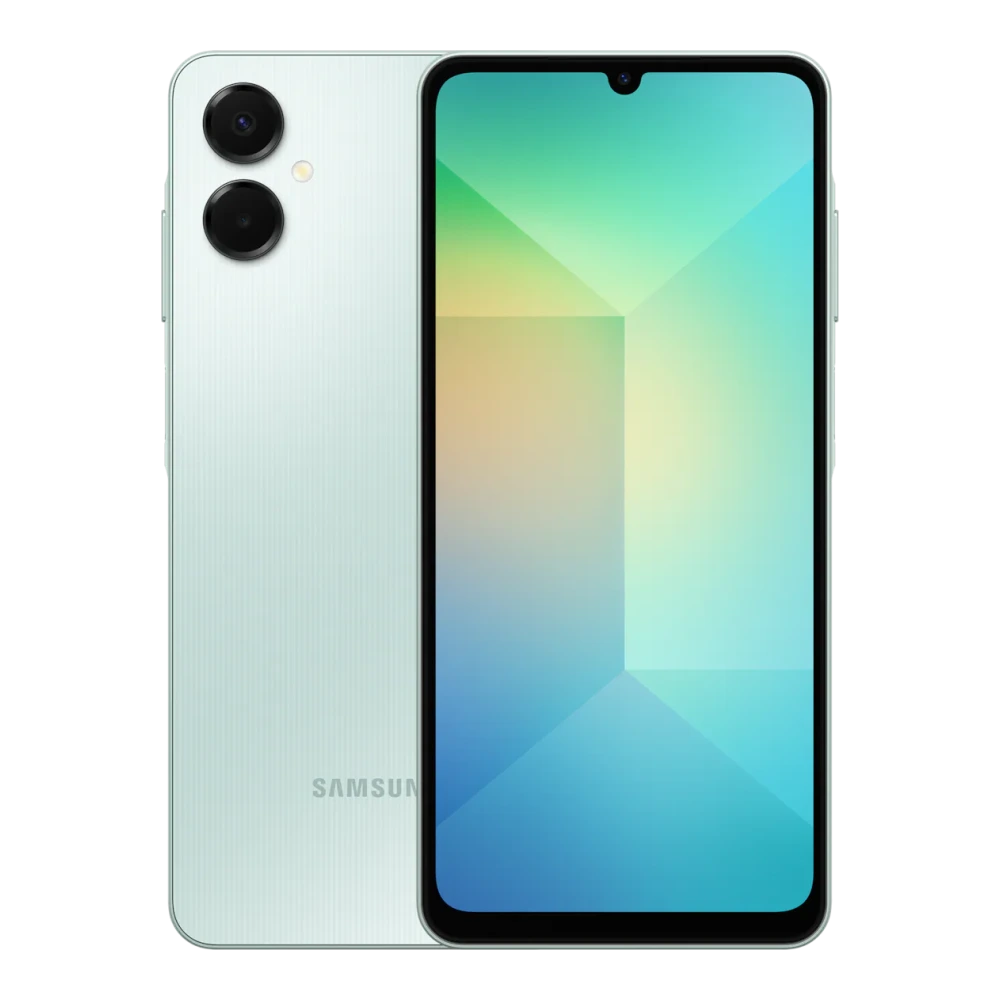
SM-A075F 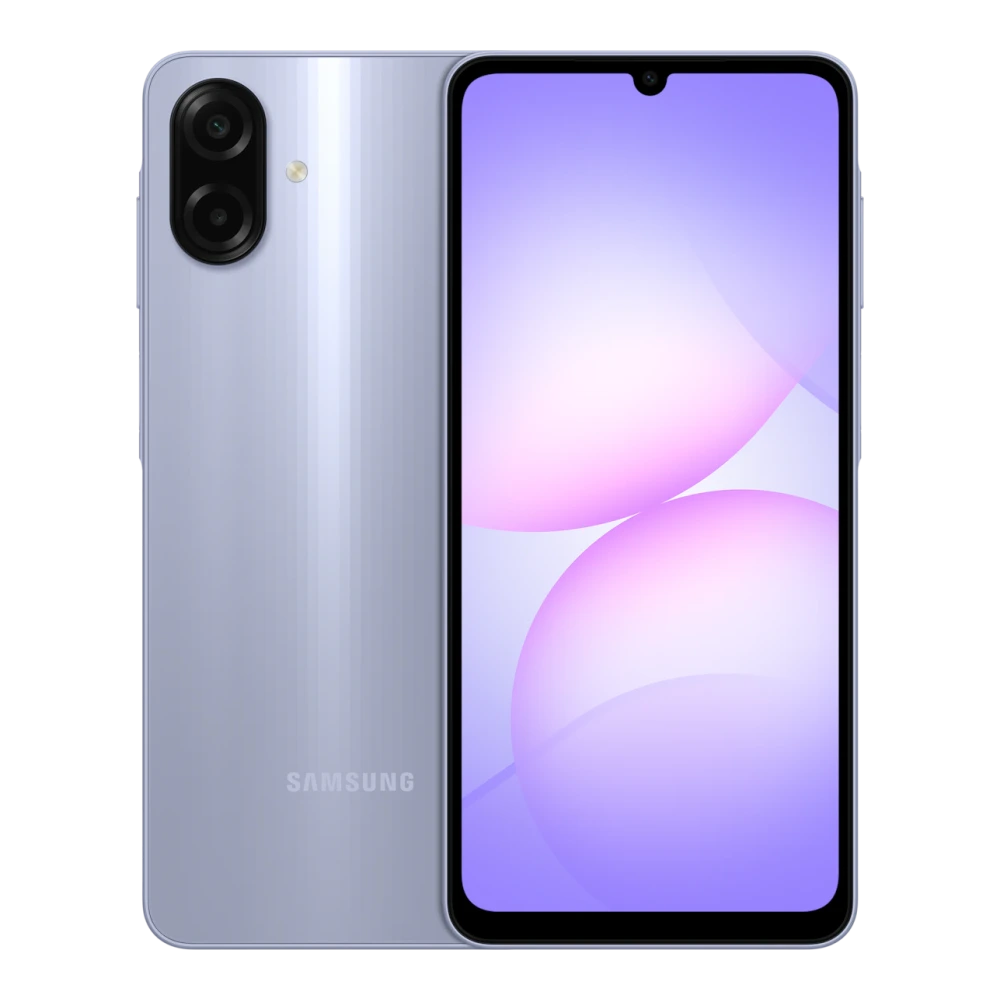
SM-A076B 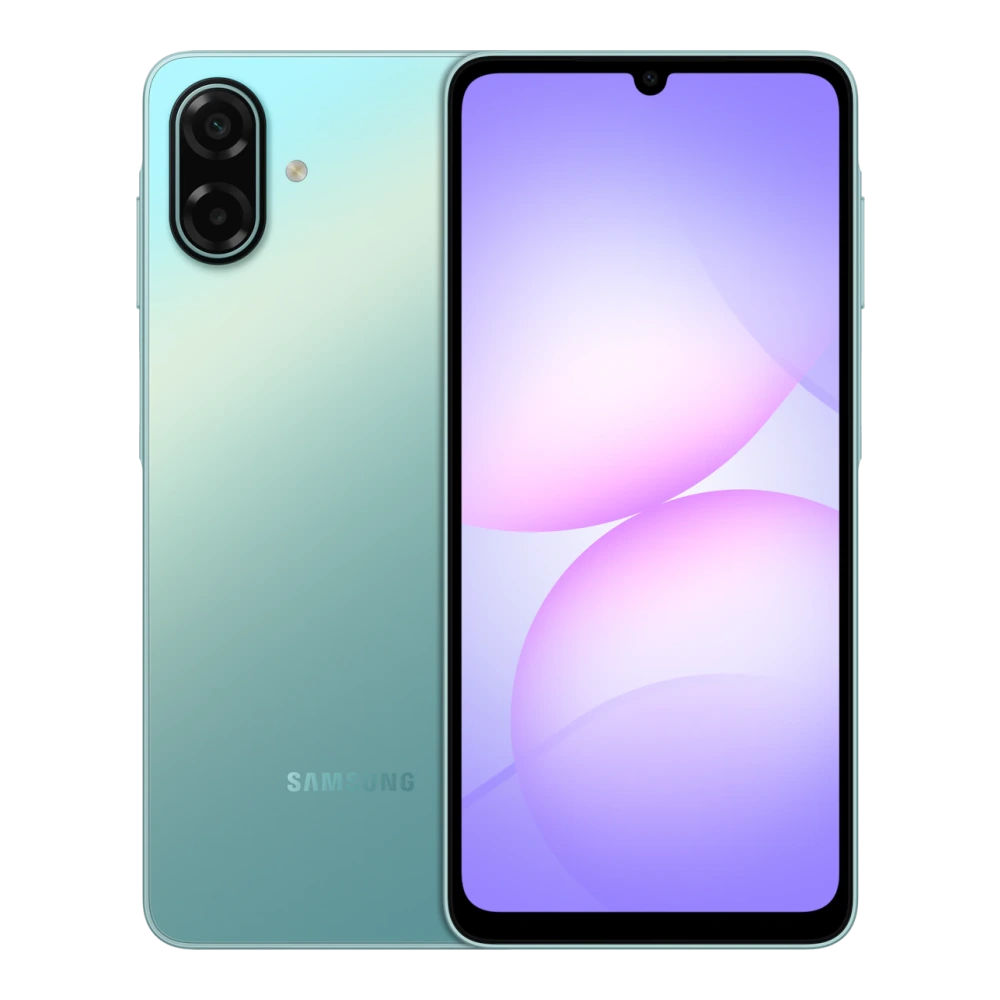
SM-A105F 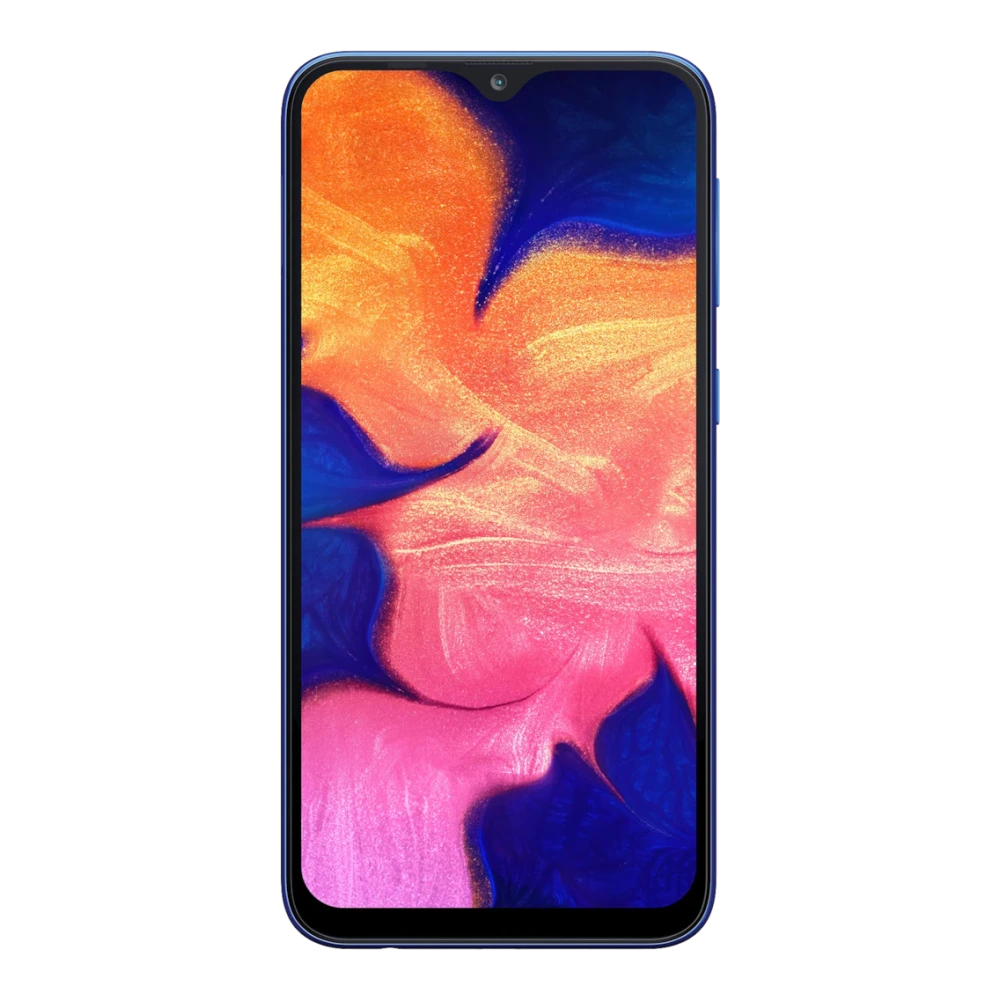
SM-A107F 
SM-A127F 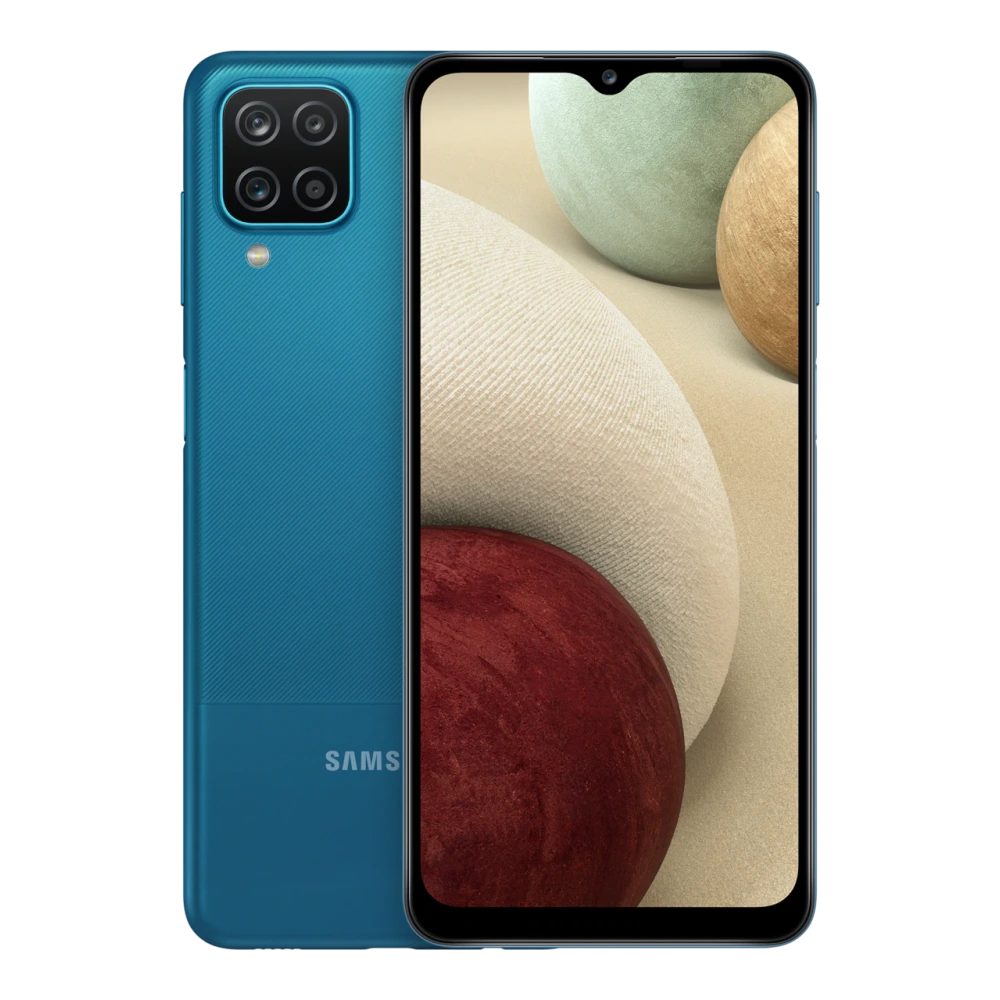
SM-A135F 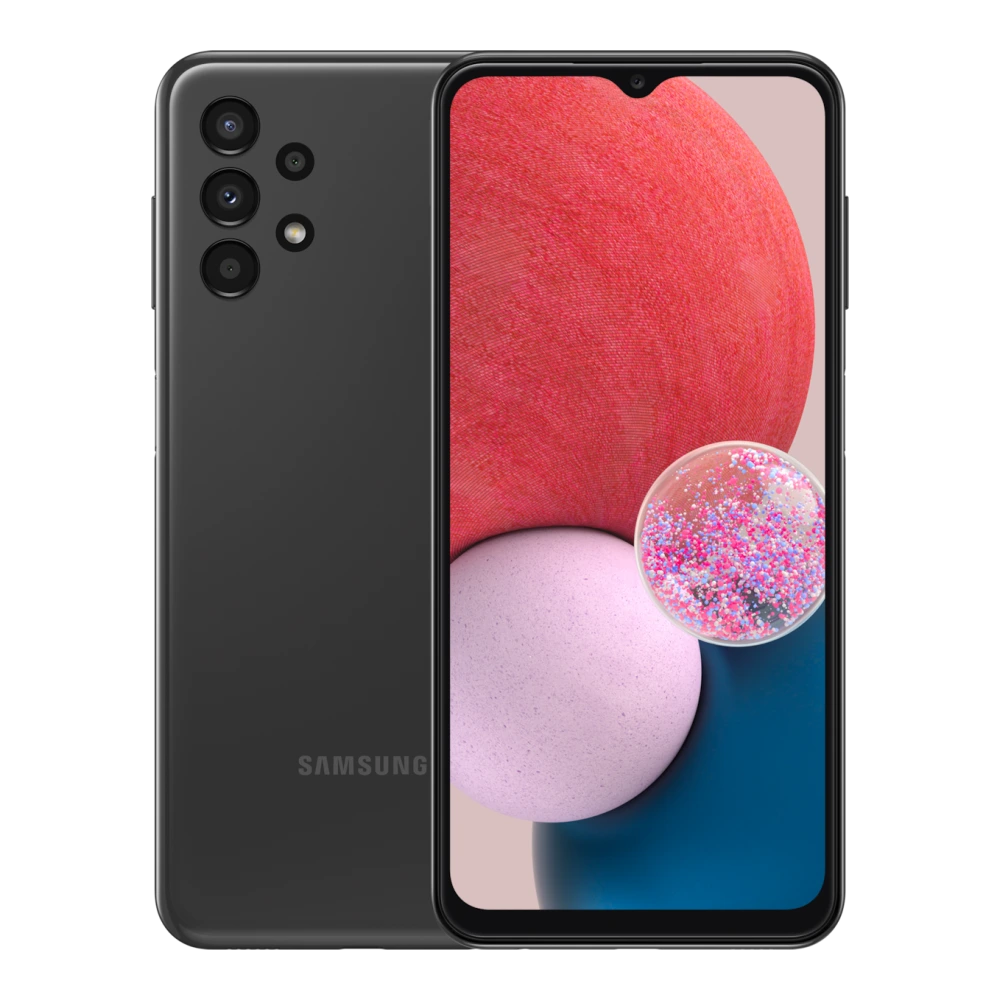
SM-A145F 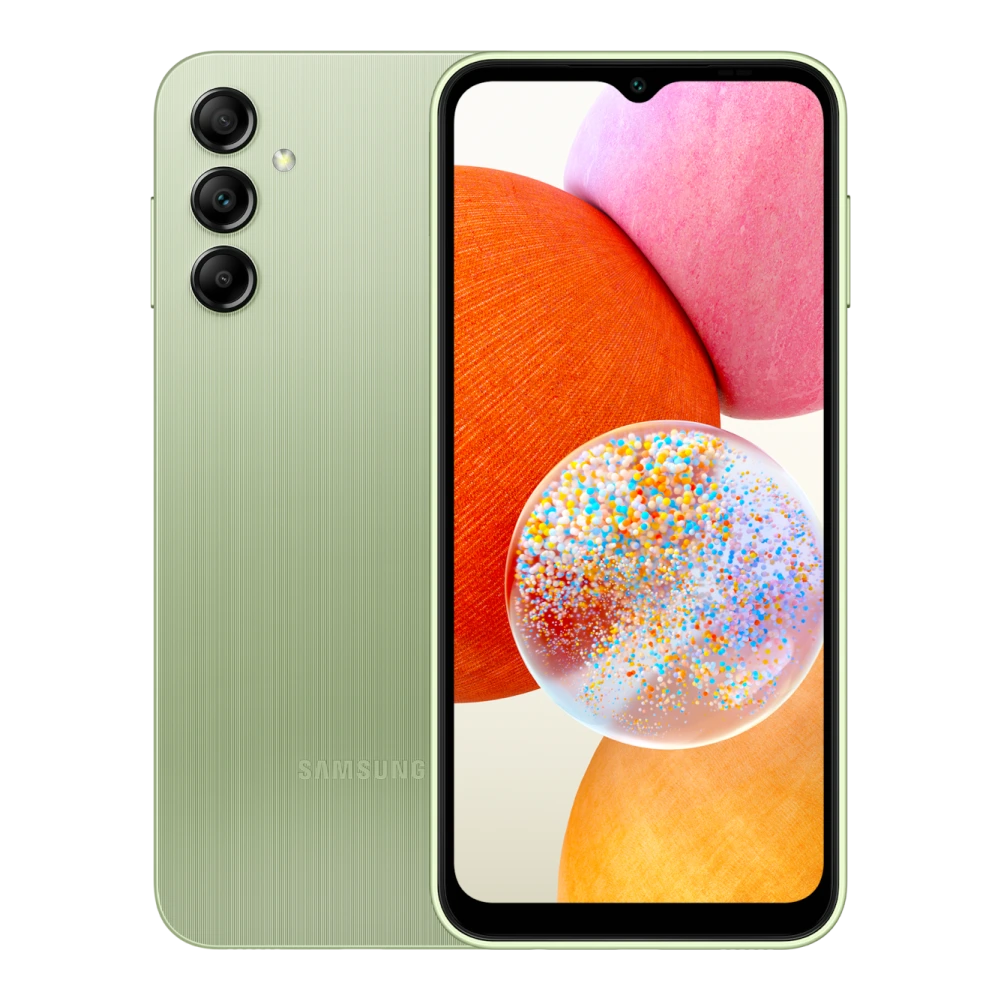
SM-A146B 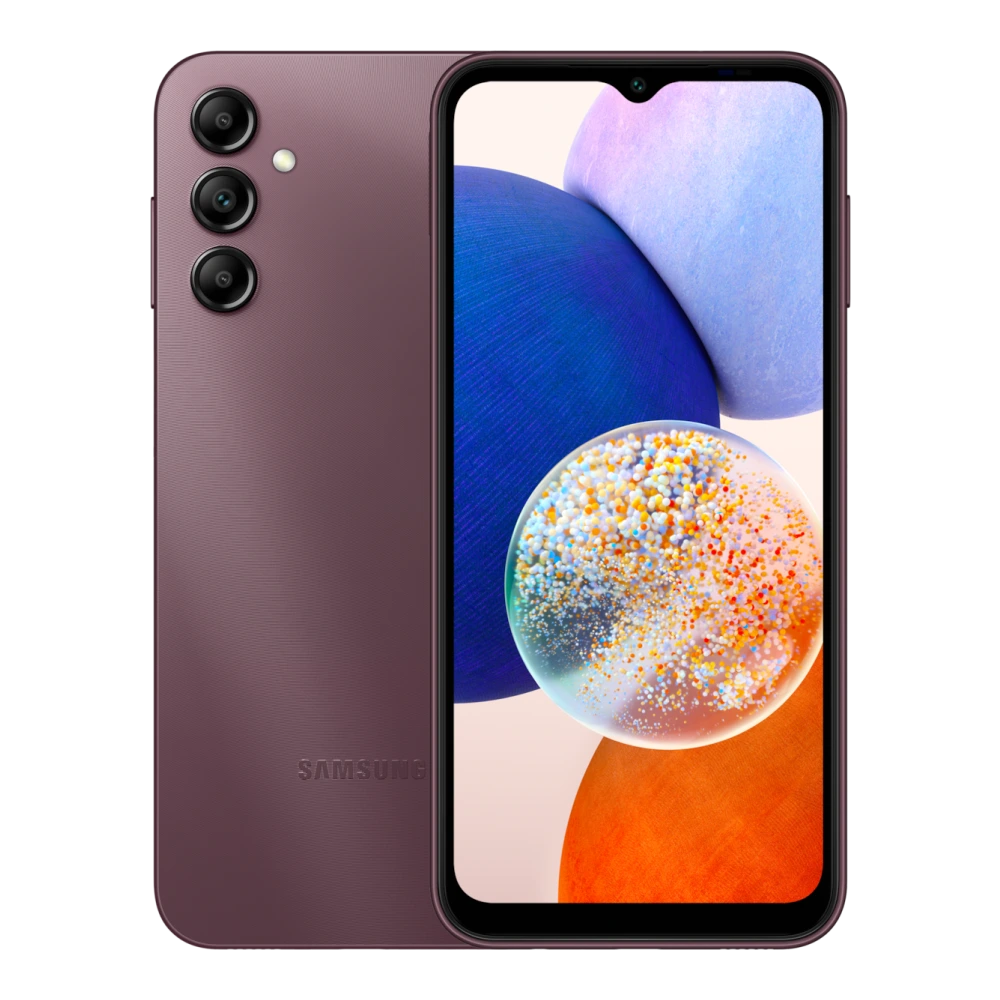
SM-A156E 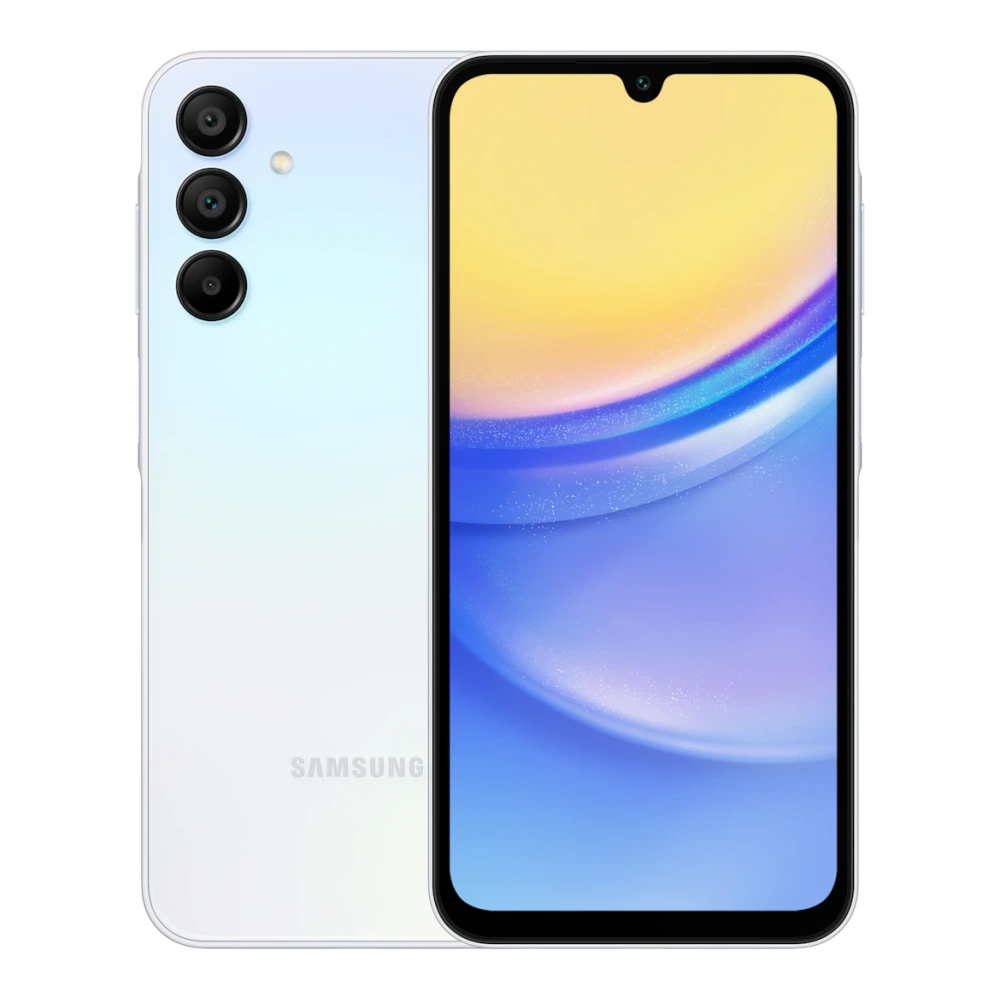
SM-A166P 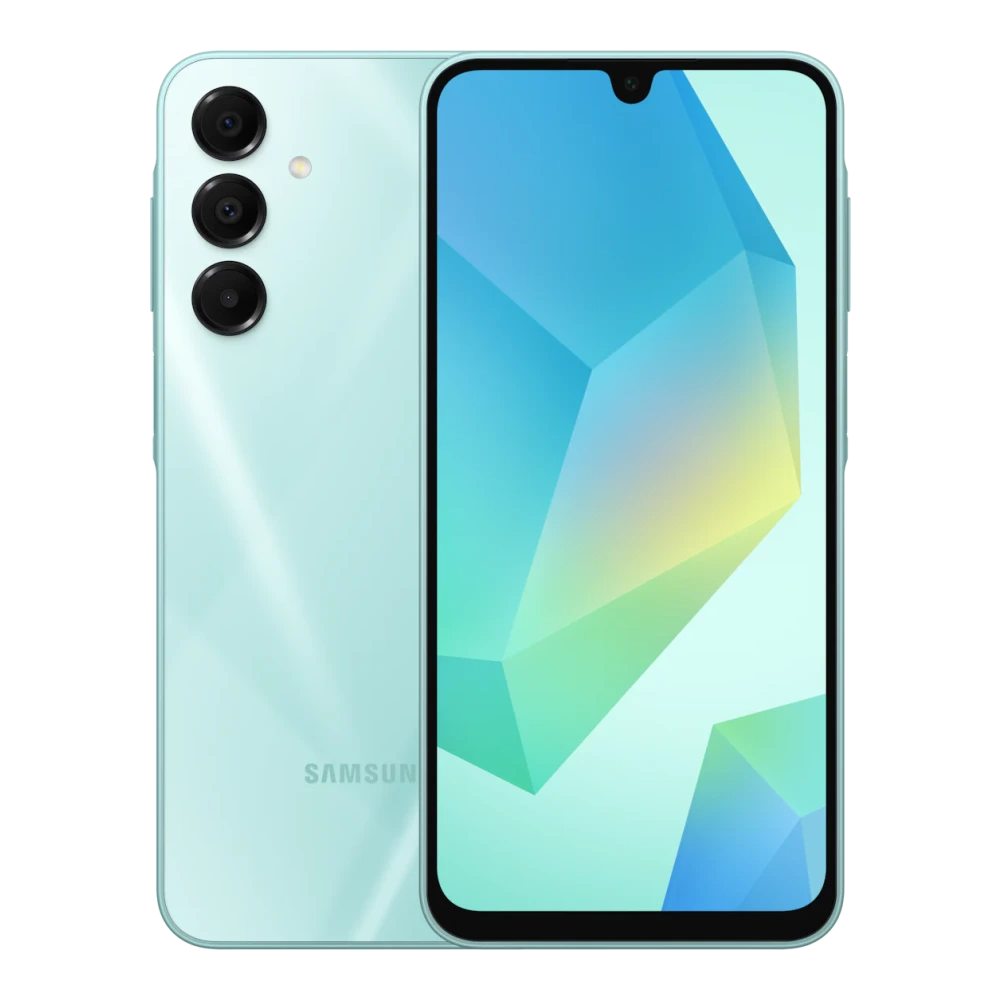
SM-A176B 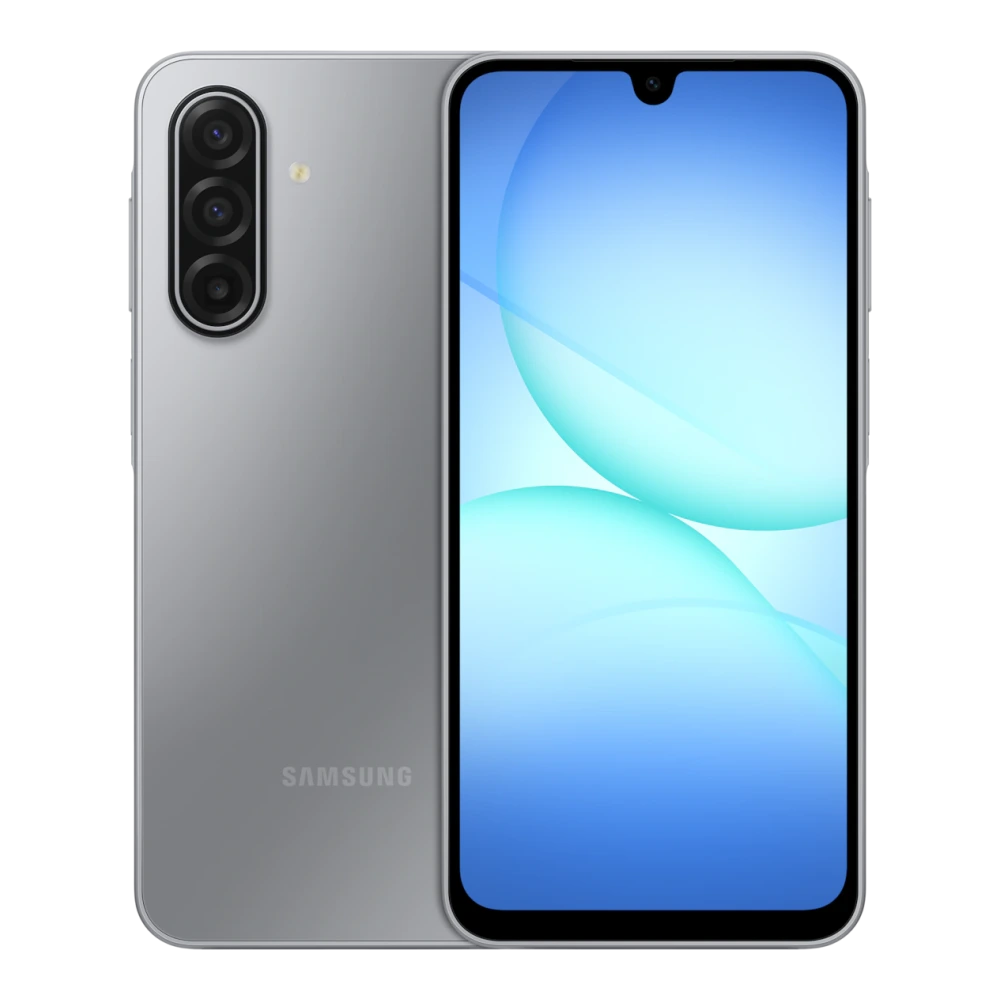
SM-A260G 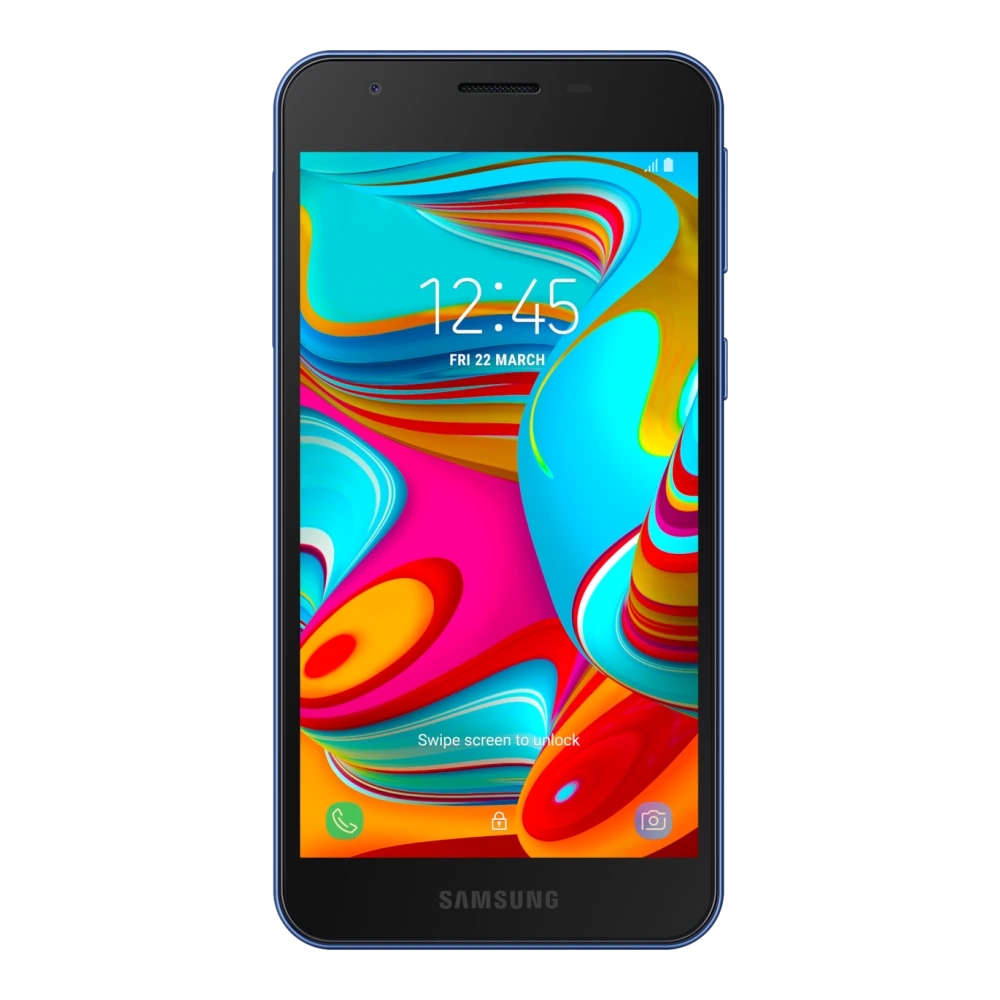
SM-A205F 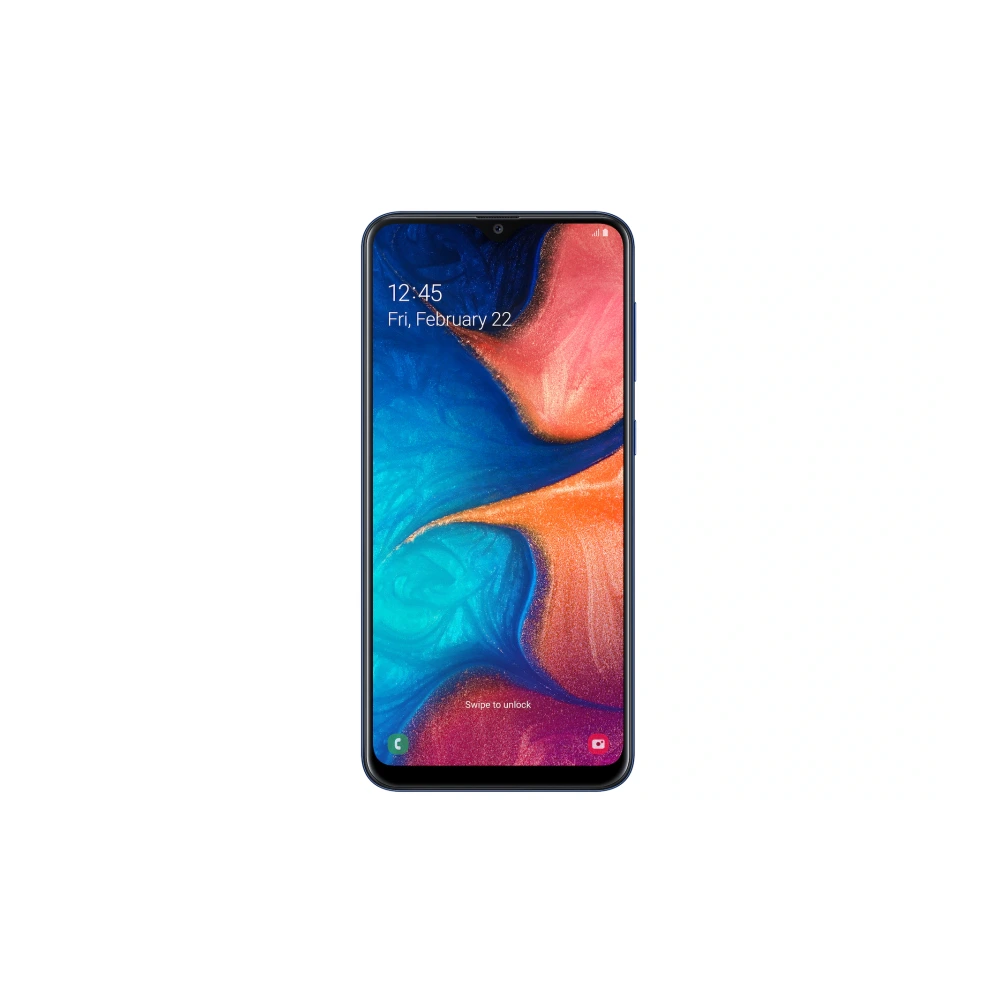
SM-A207F 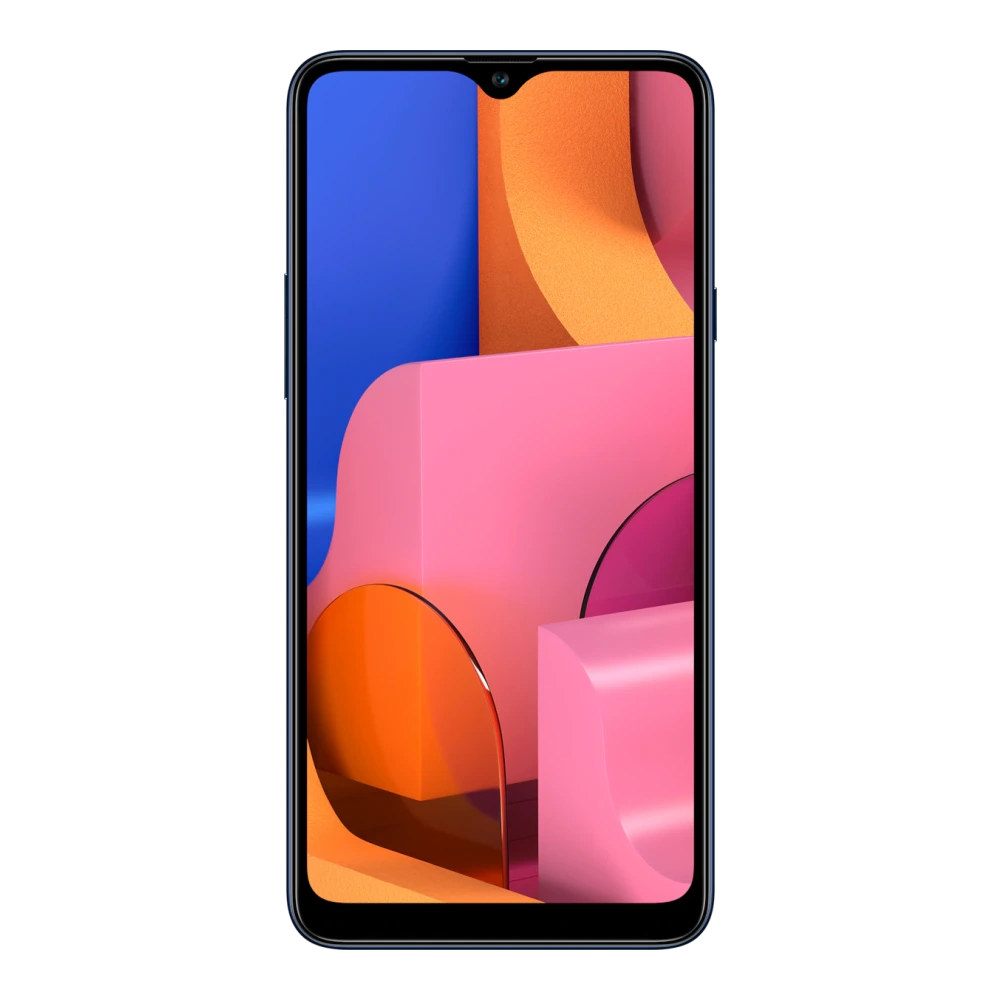
SM-A217F 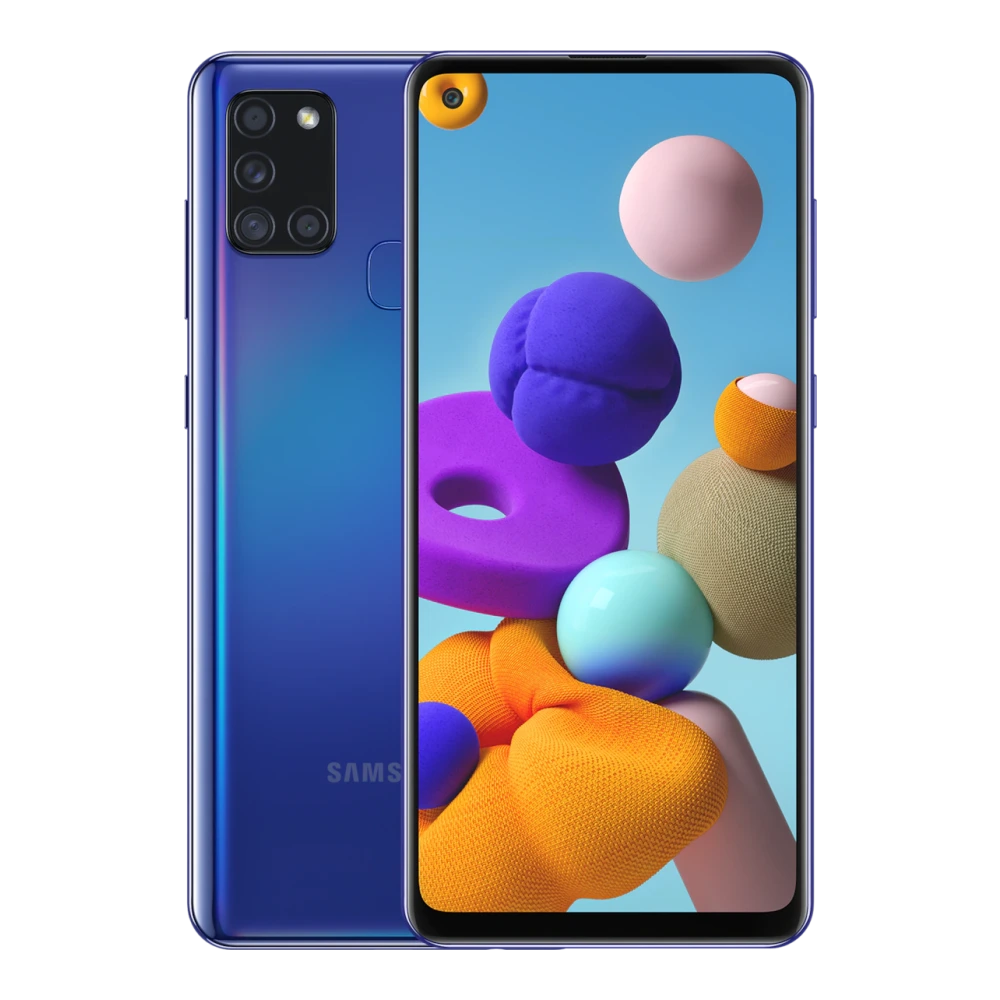
SM-A225F 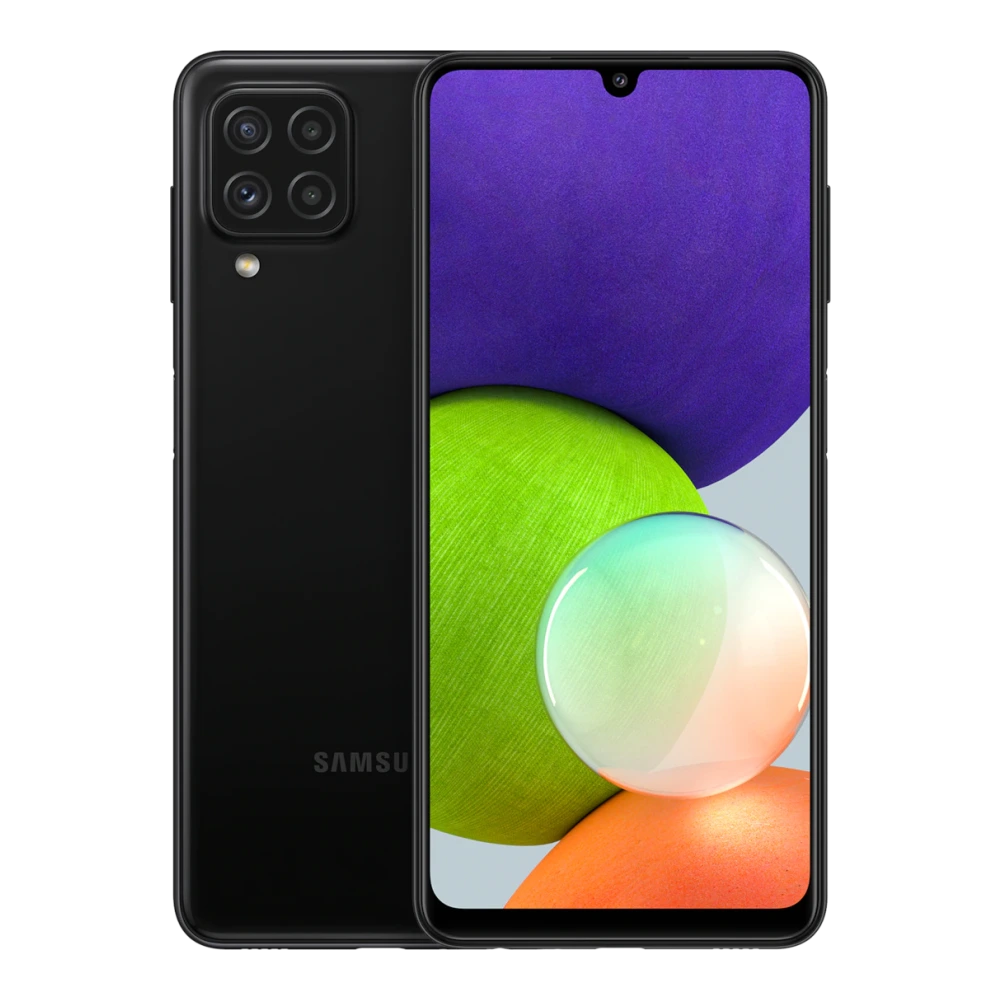
SM-A226B 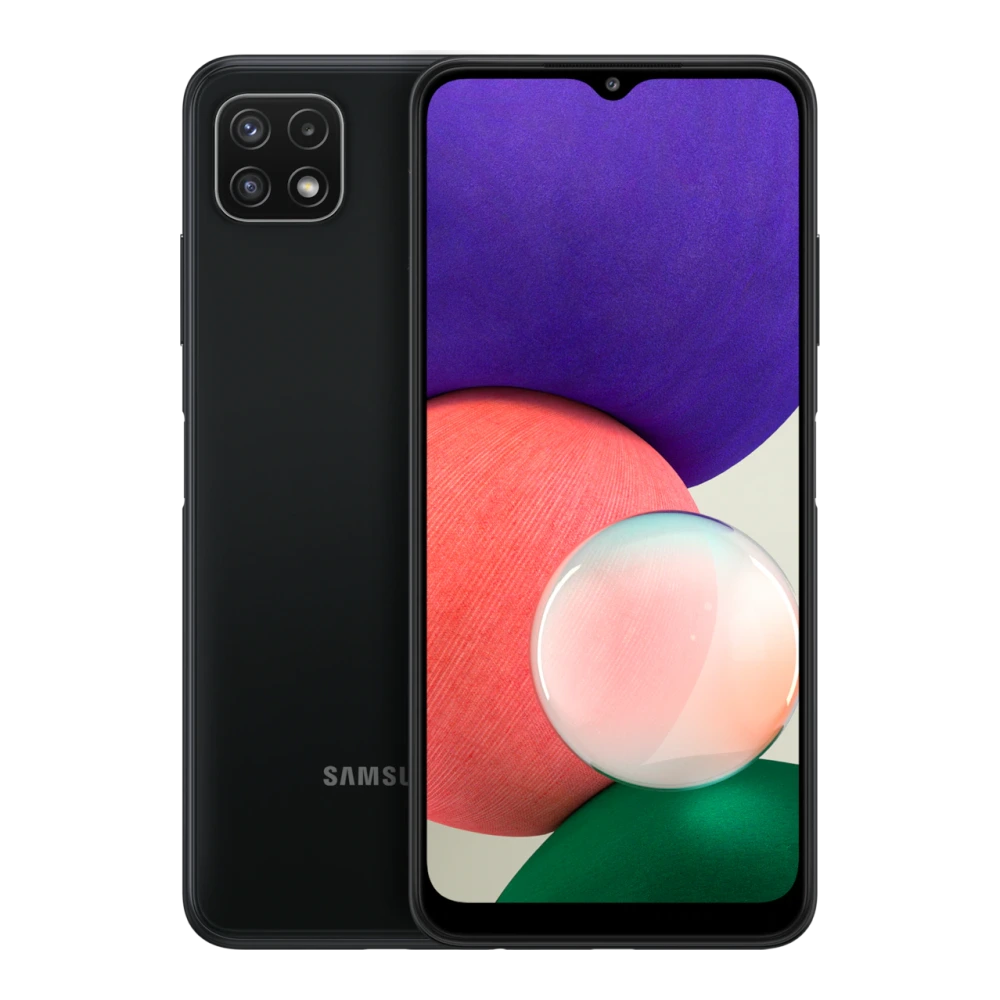
SM-A235F 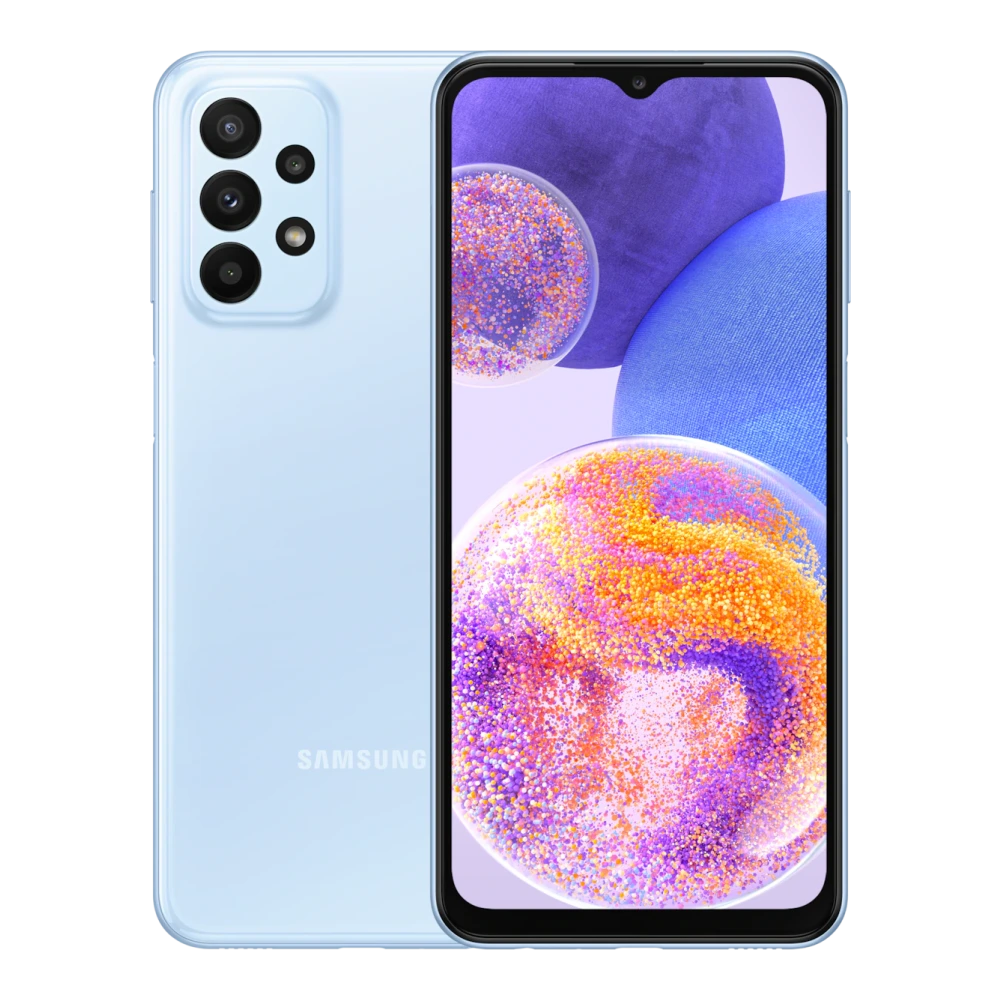
SM-A236E 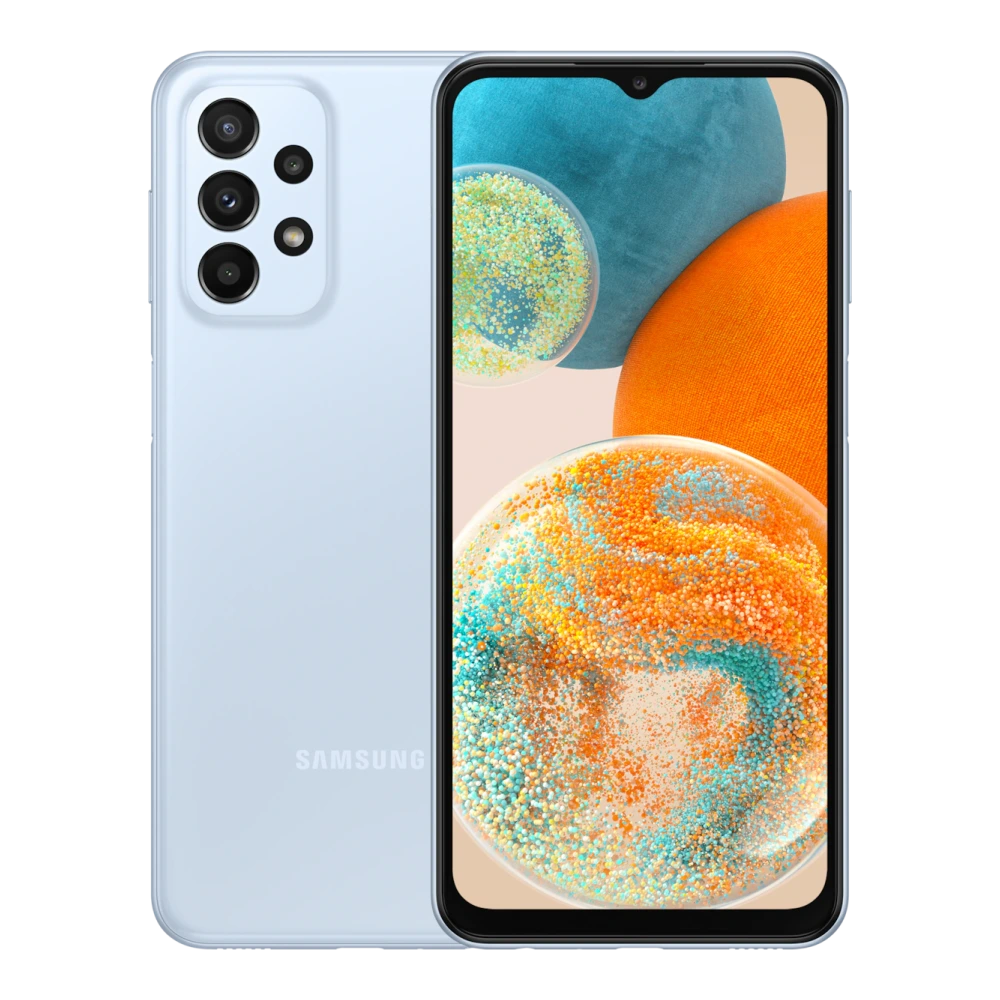
SM-A256E 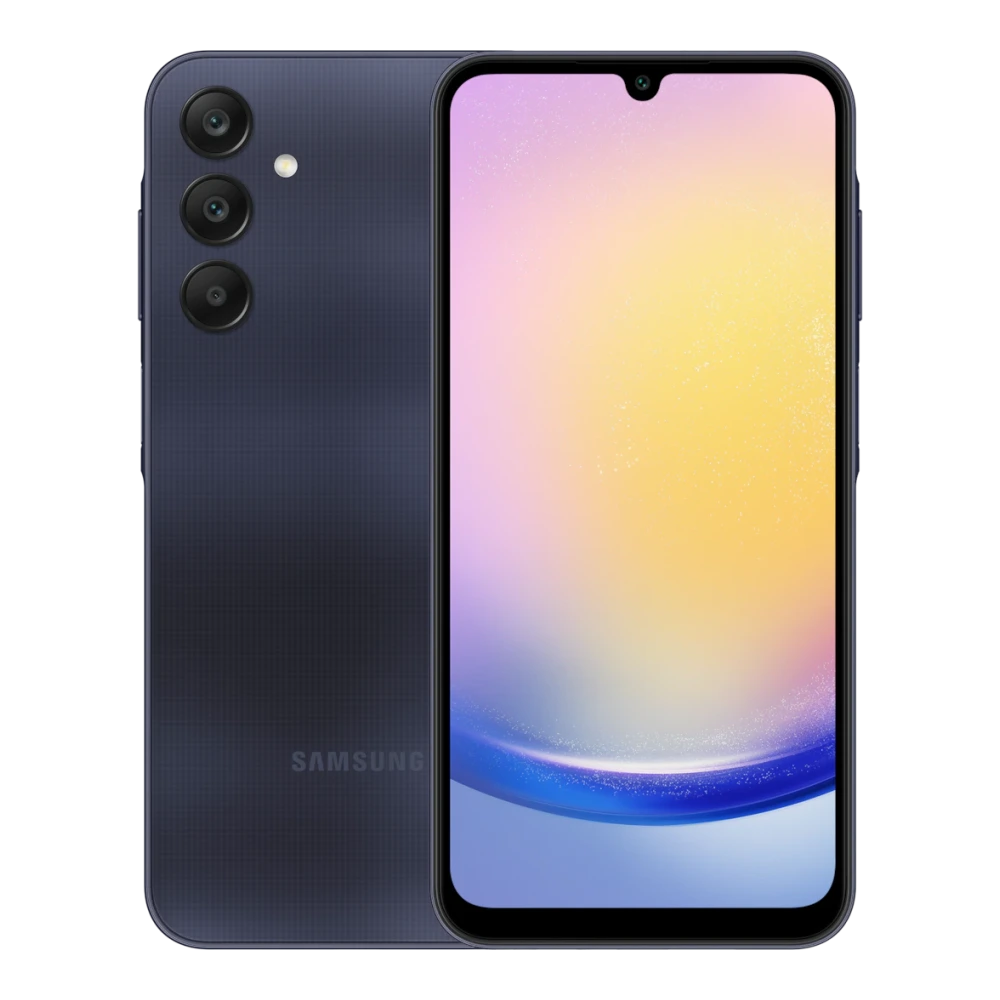
SM-A266B 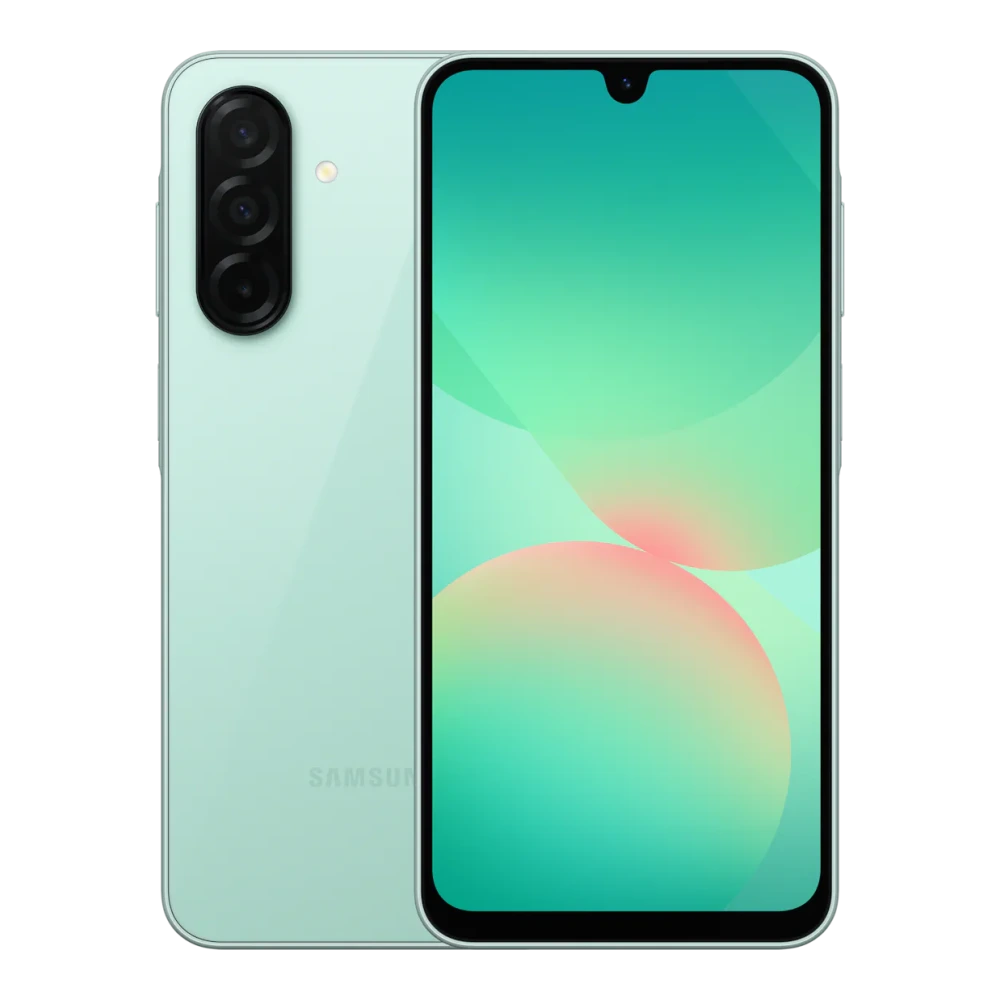
SM-A276B 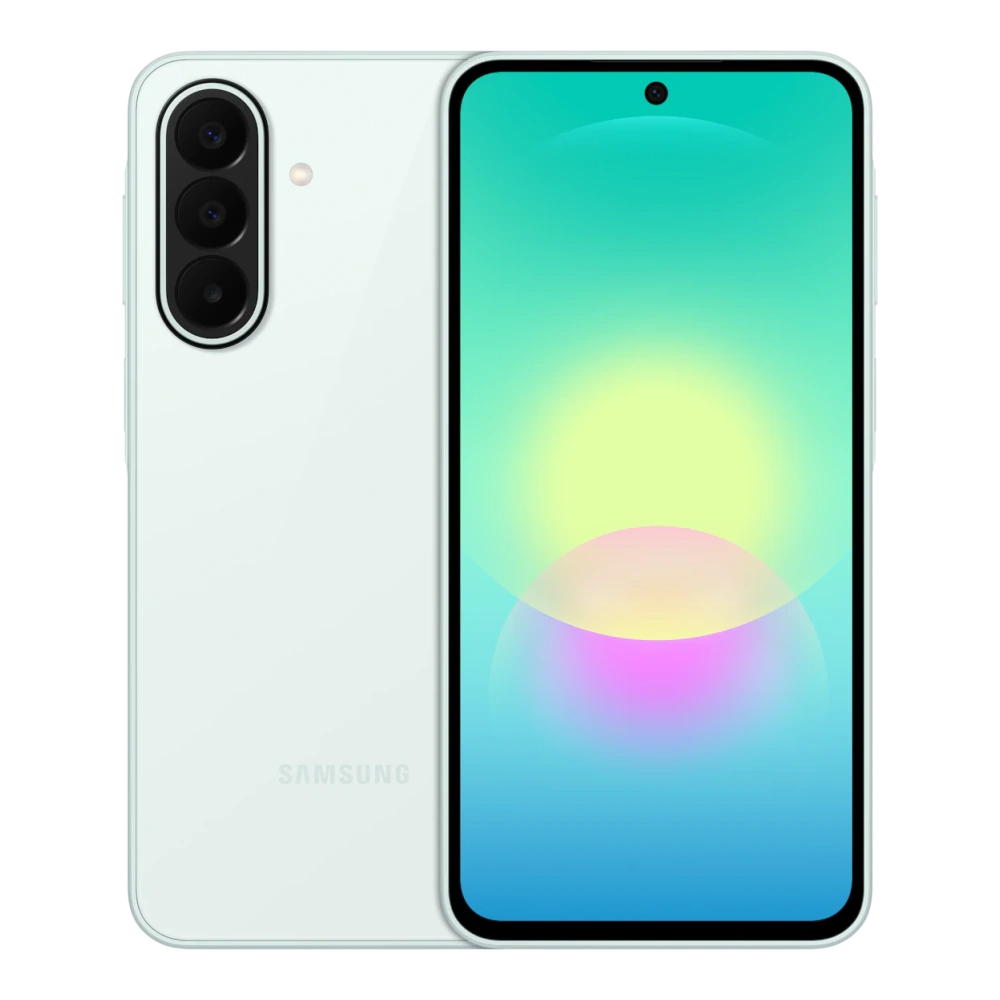
SM-A300H 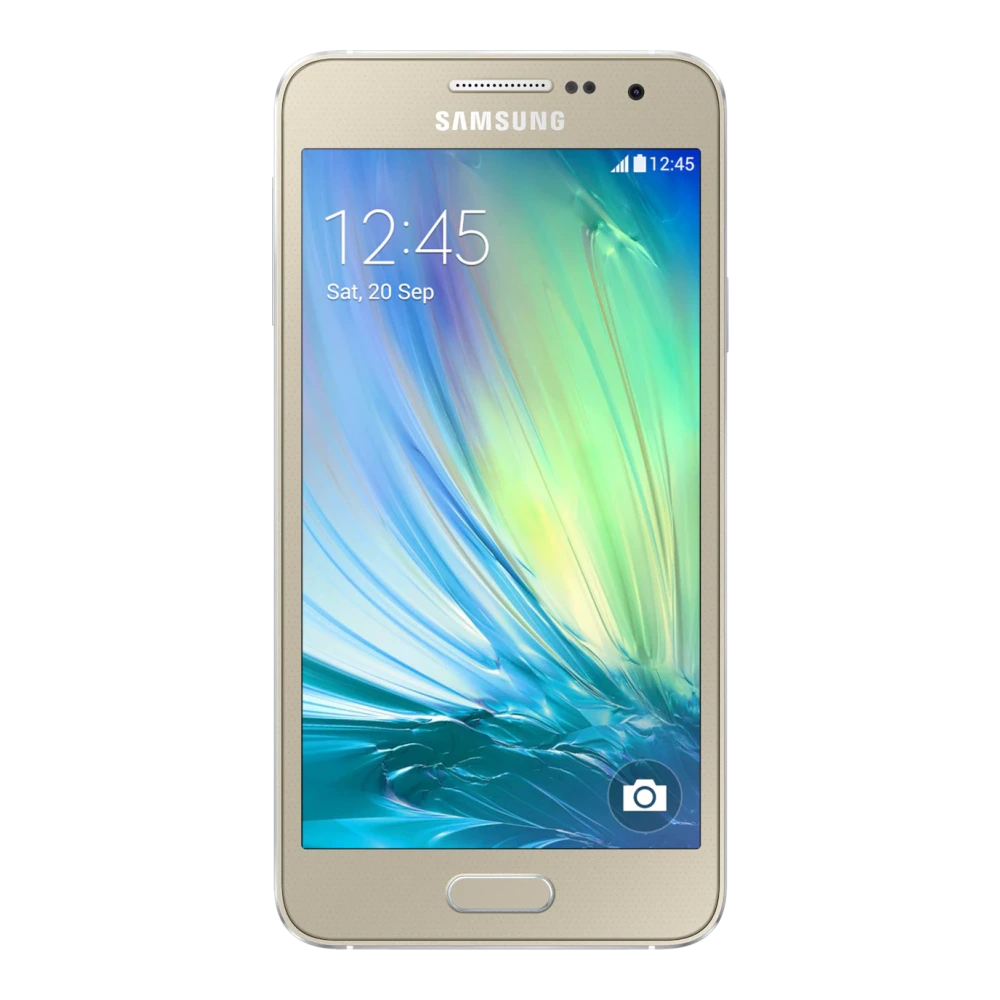
SM-A305F 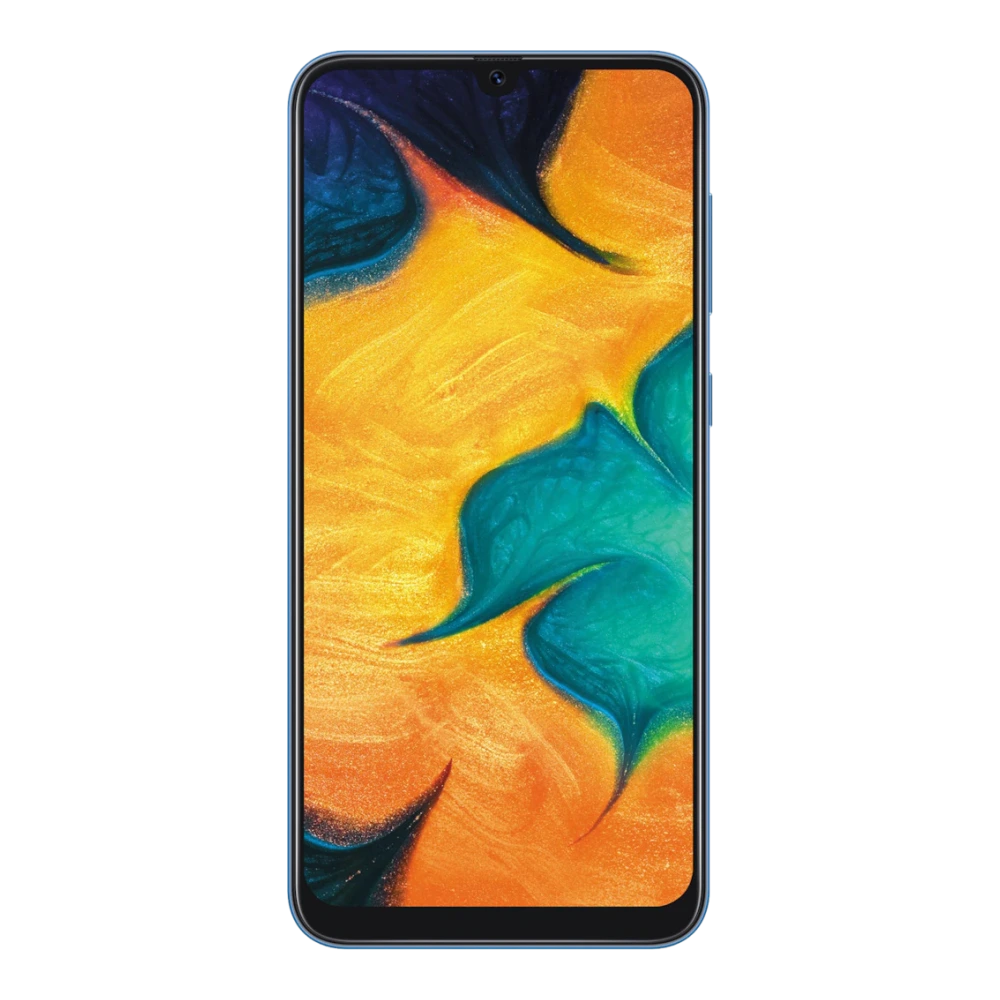
SM-A307FN 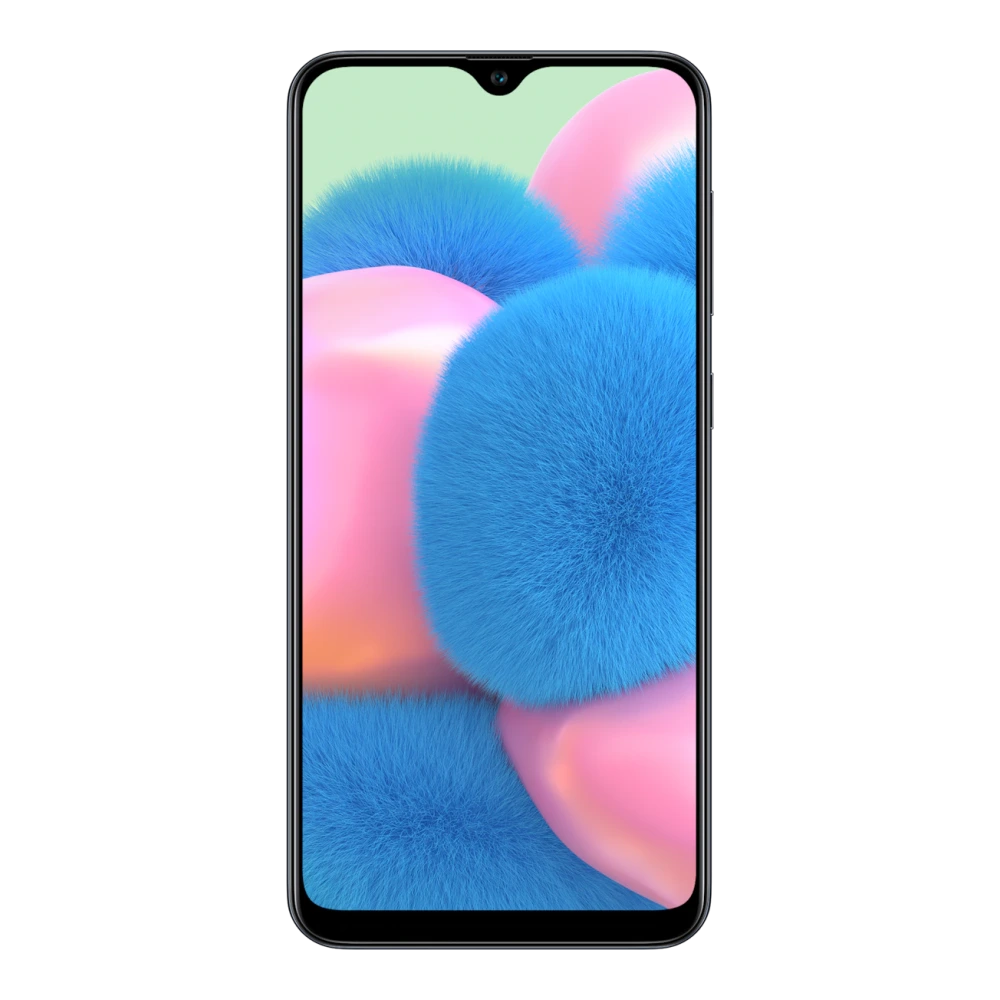
SM-A315F 
SM-A325F 
SM-A336E 
SM-A346E 
SM-A356E 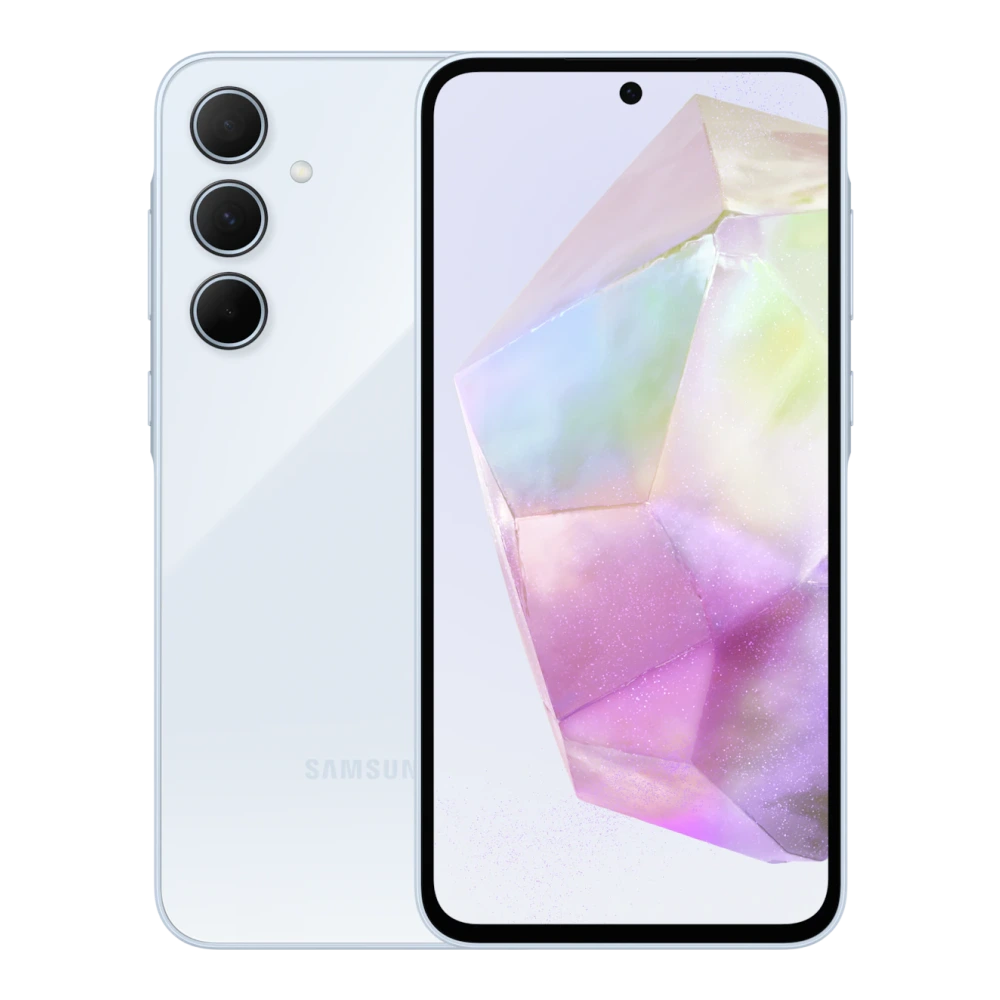
SM-A366E 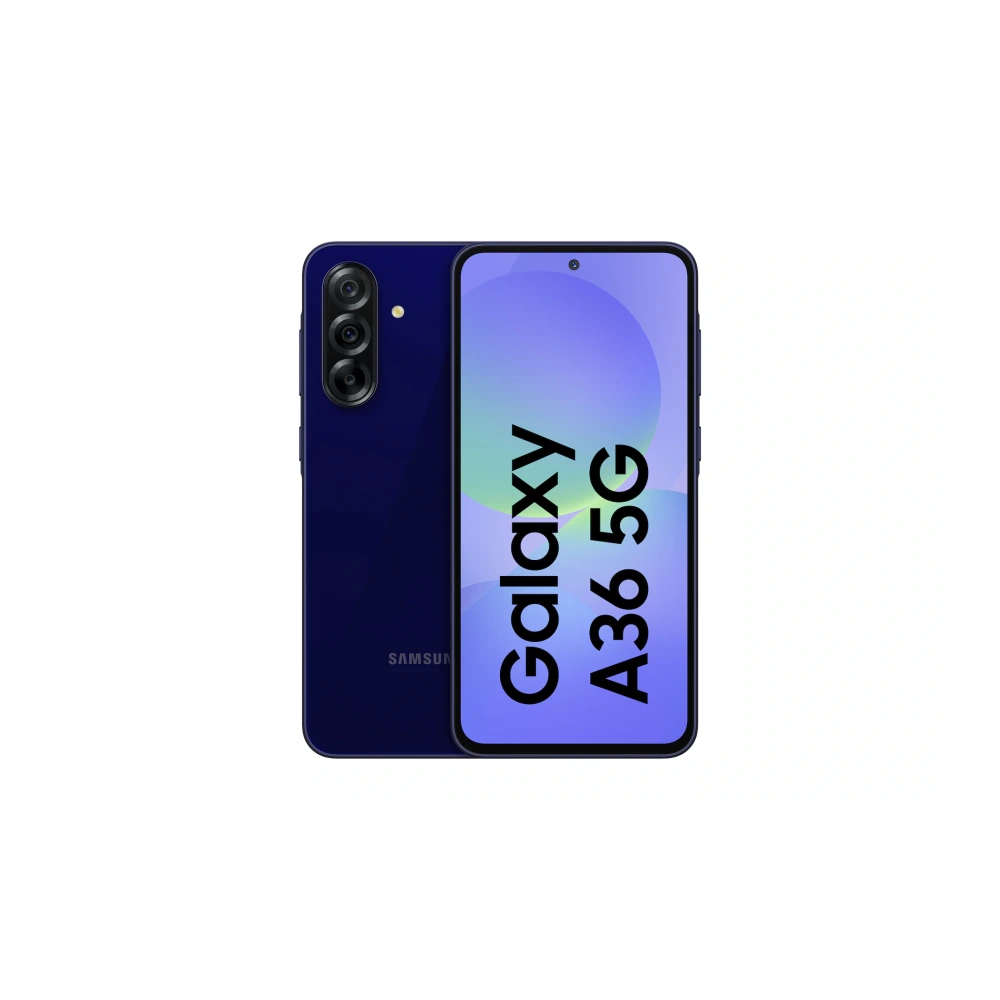
SM-A376E 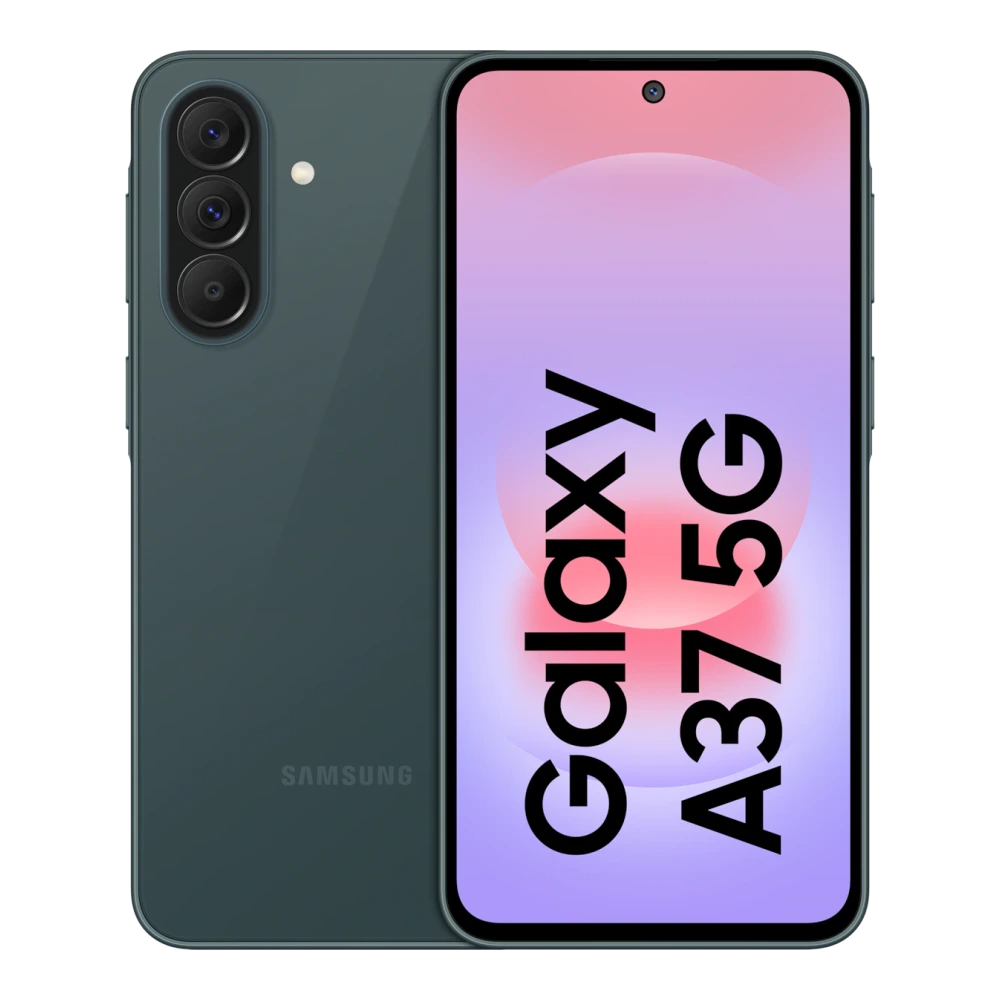
SM-A500H 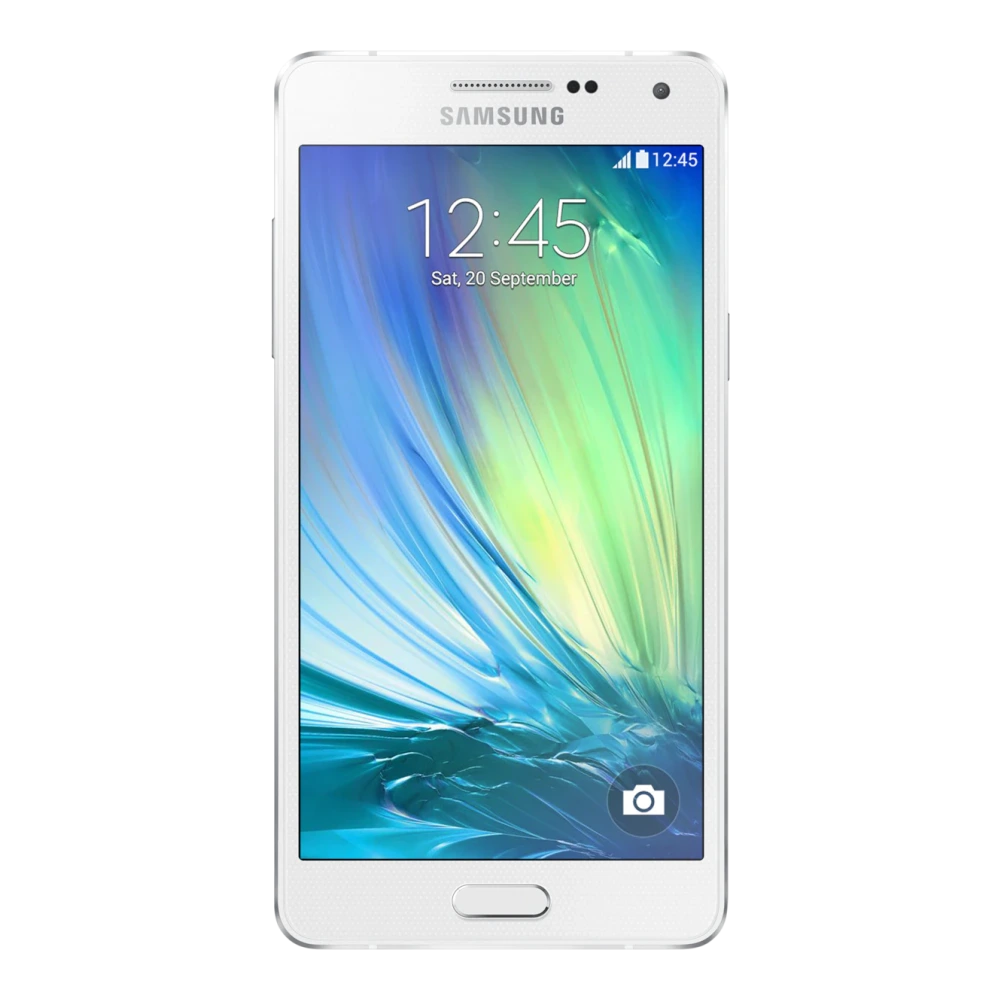
SM-A505F 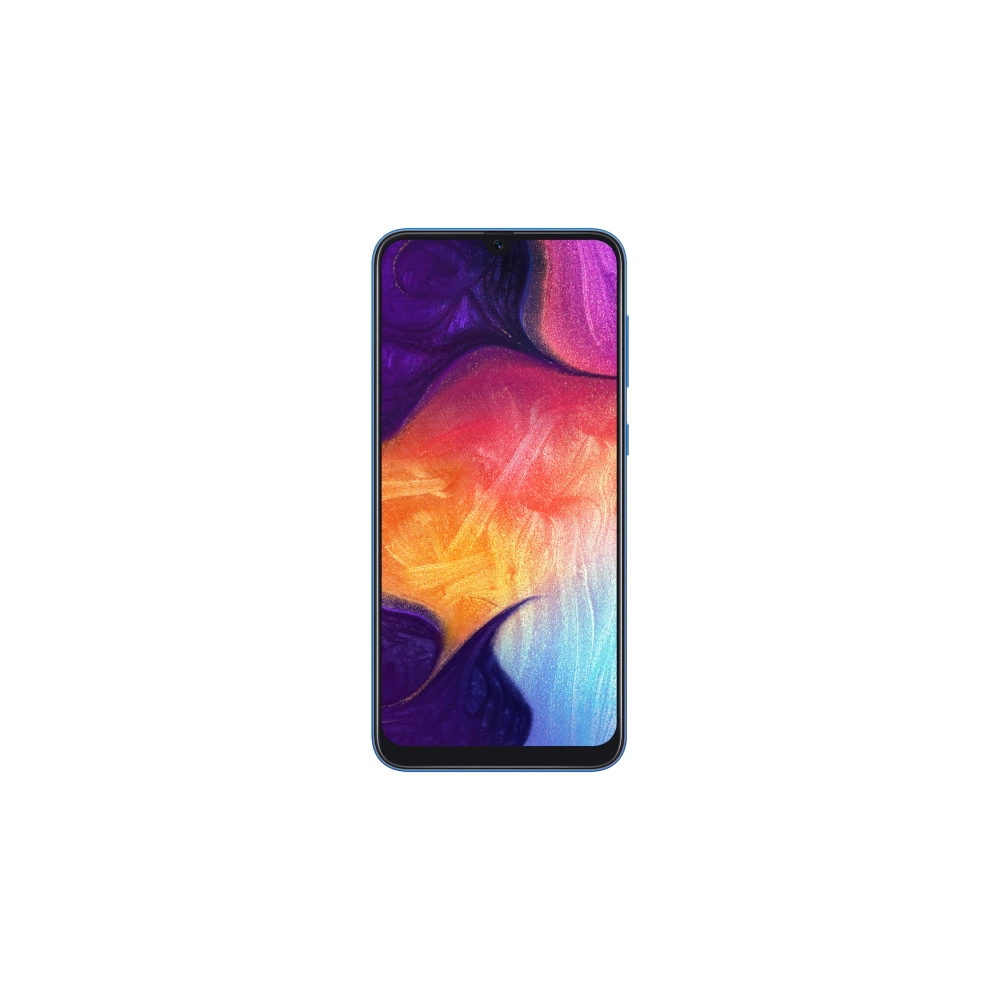
SM-A507FN 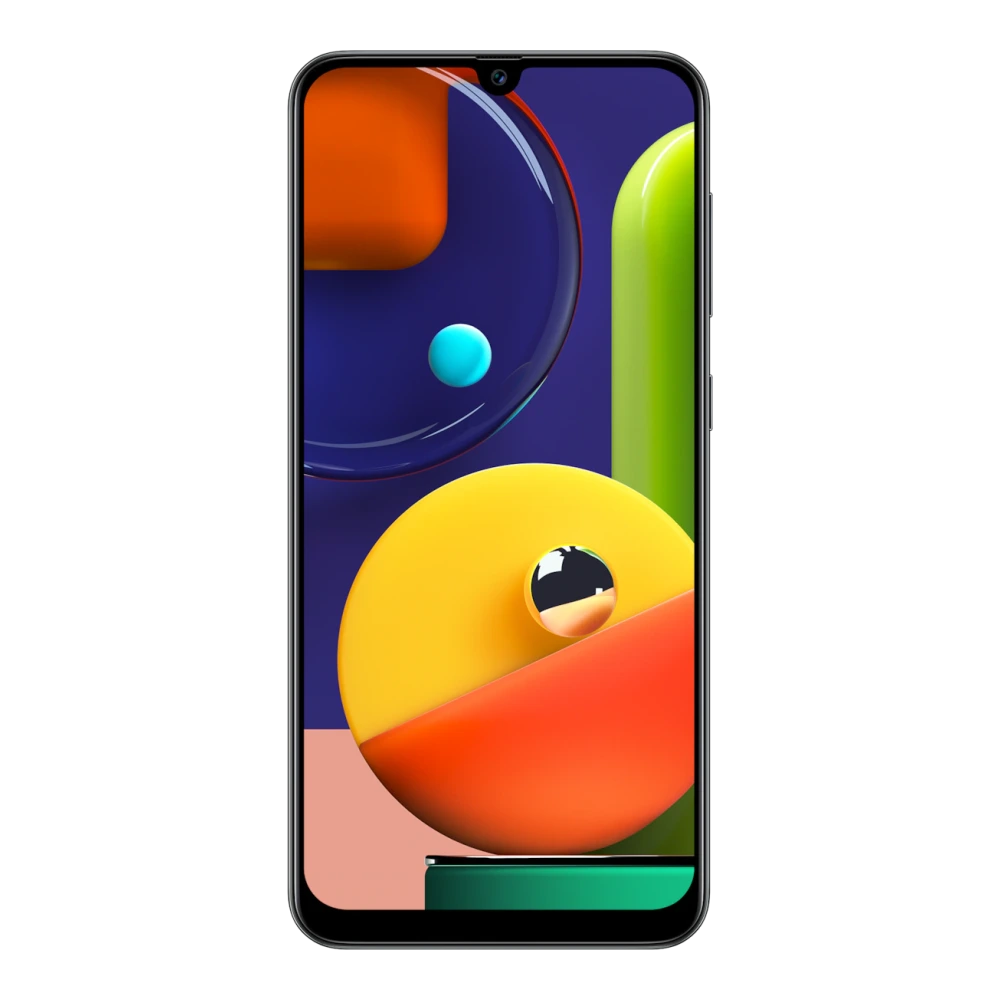
SM-A525F 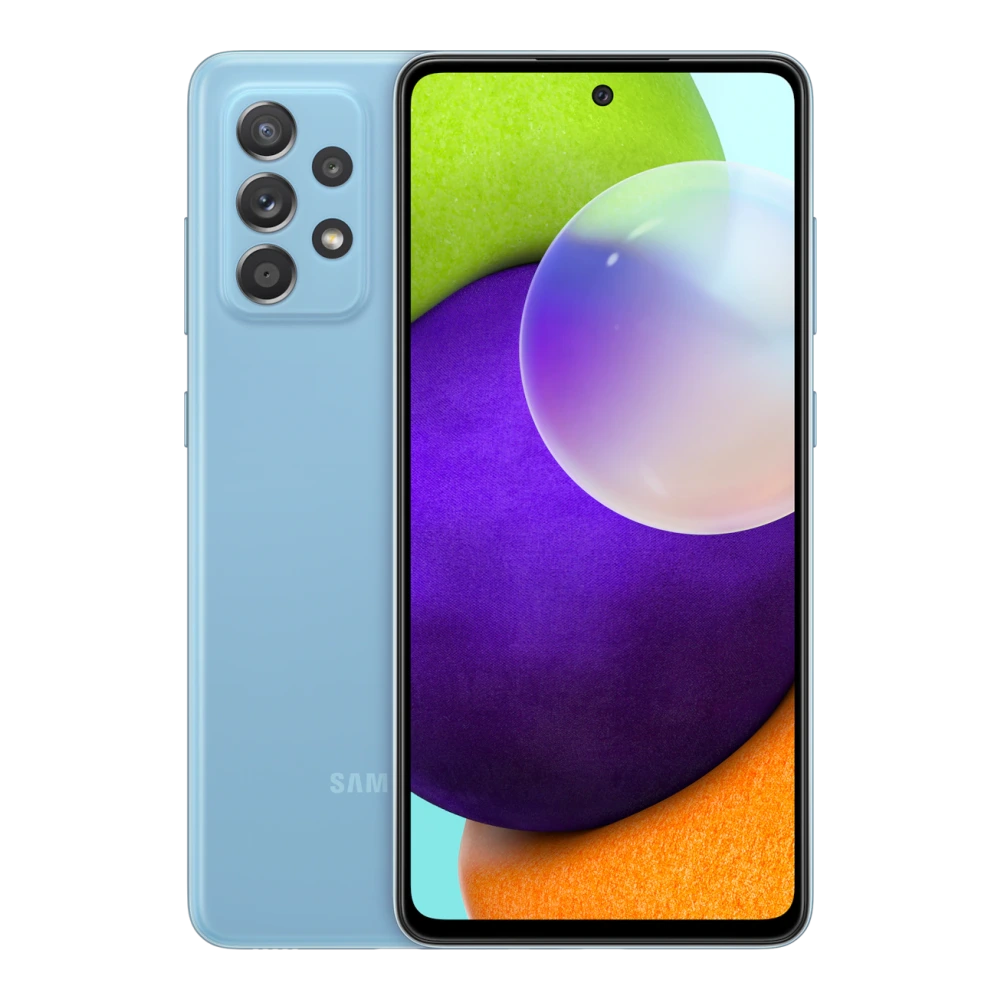
SM-A528B 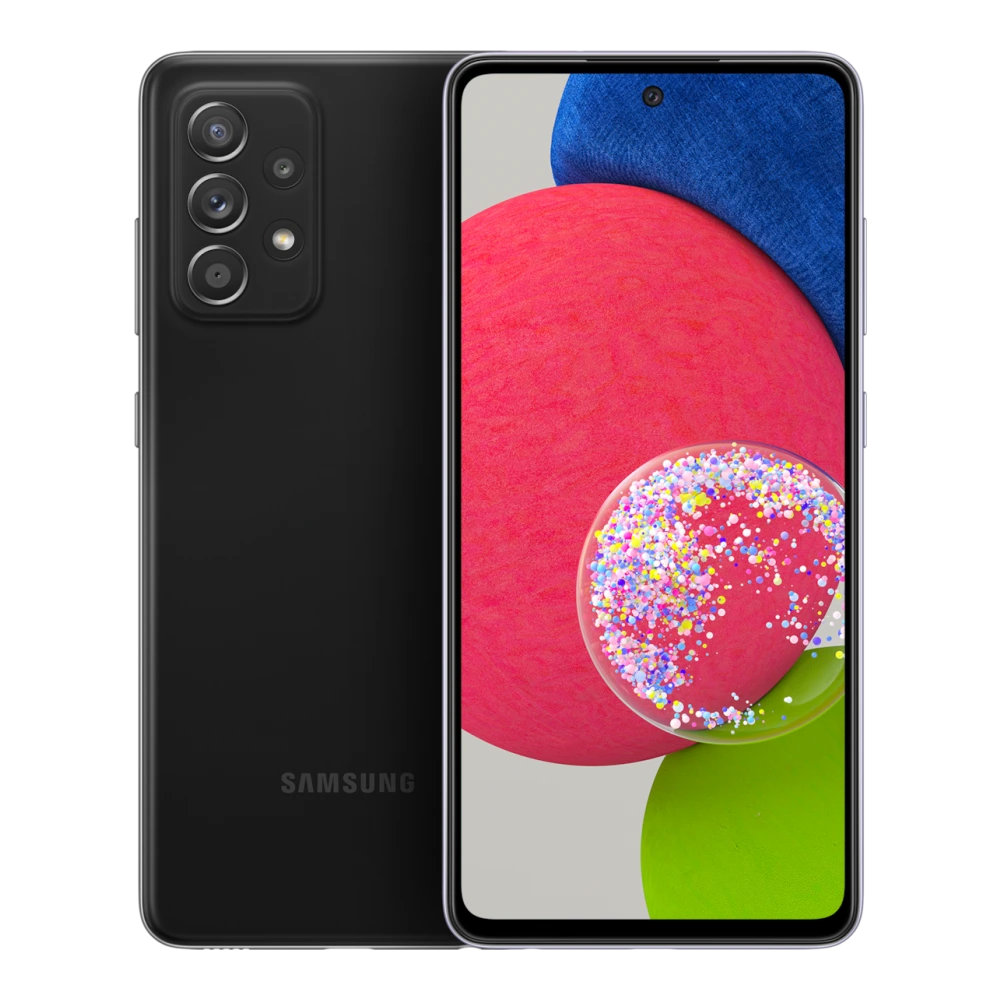
SM-A536E 
SM-A546E 
SM-A556E 
SM-A566E 
SM-A576B 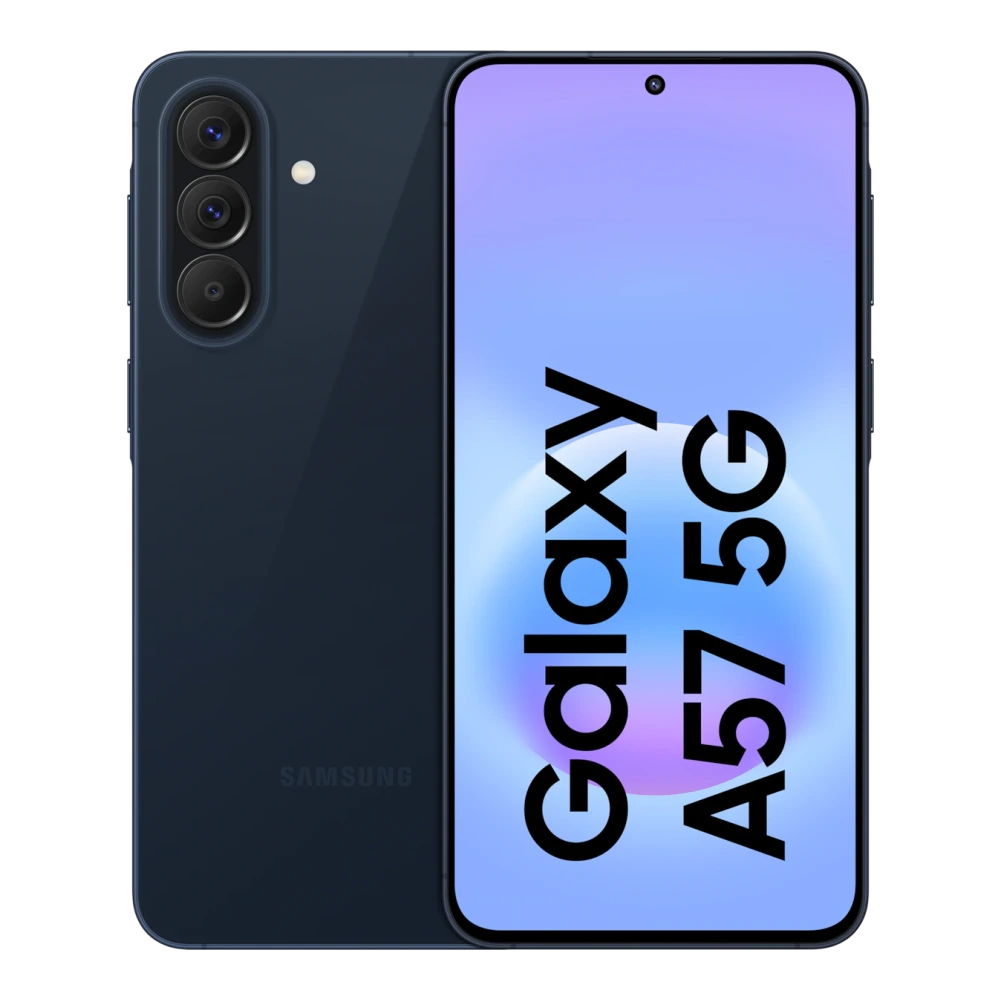
SM-A600G 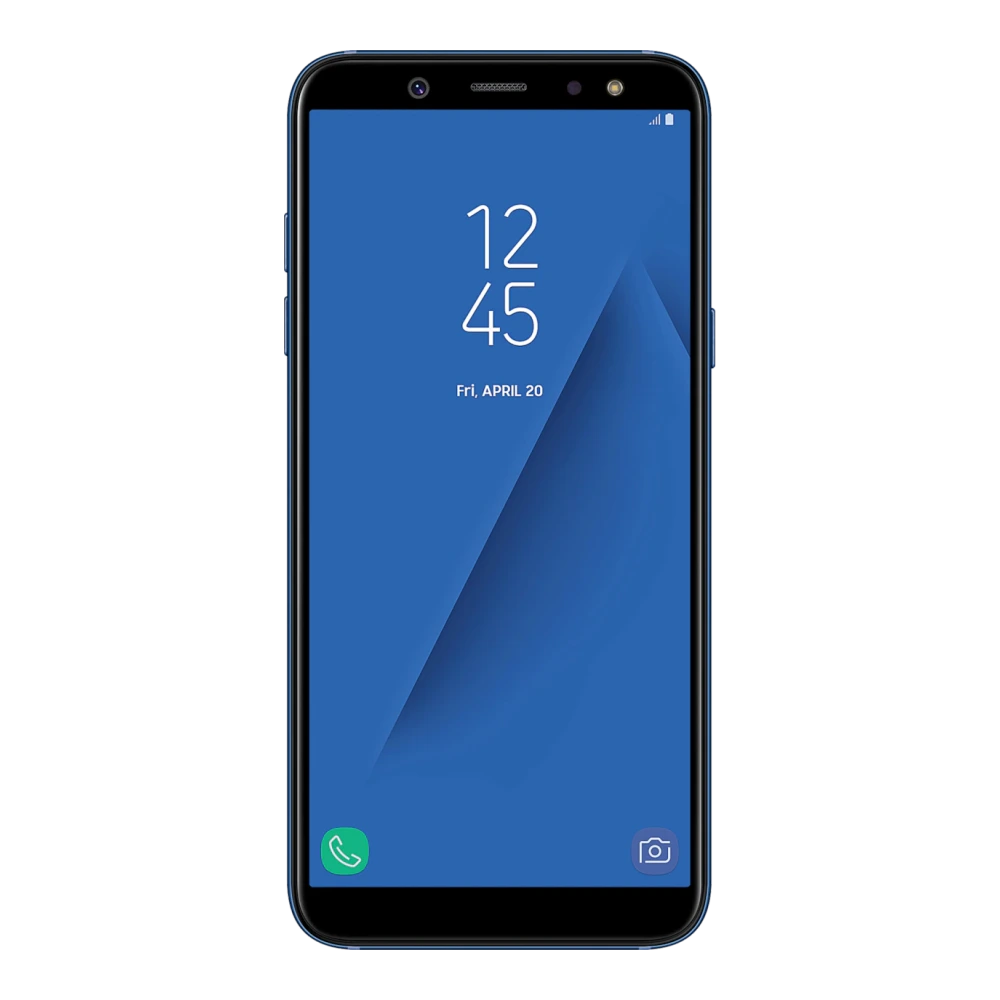
SM-A605G 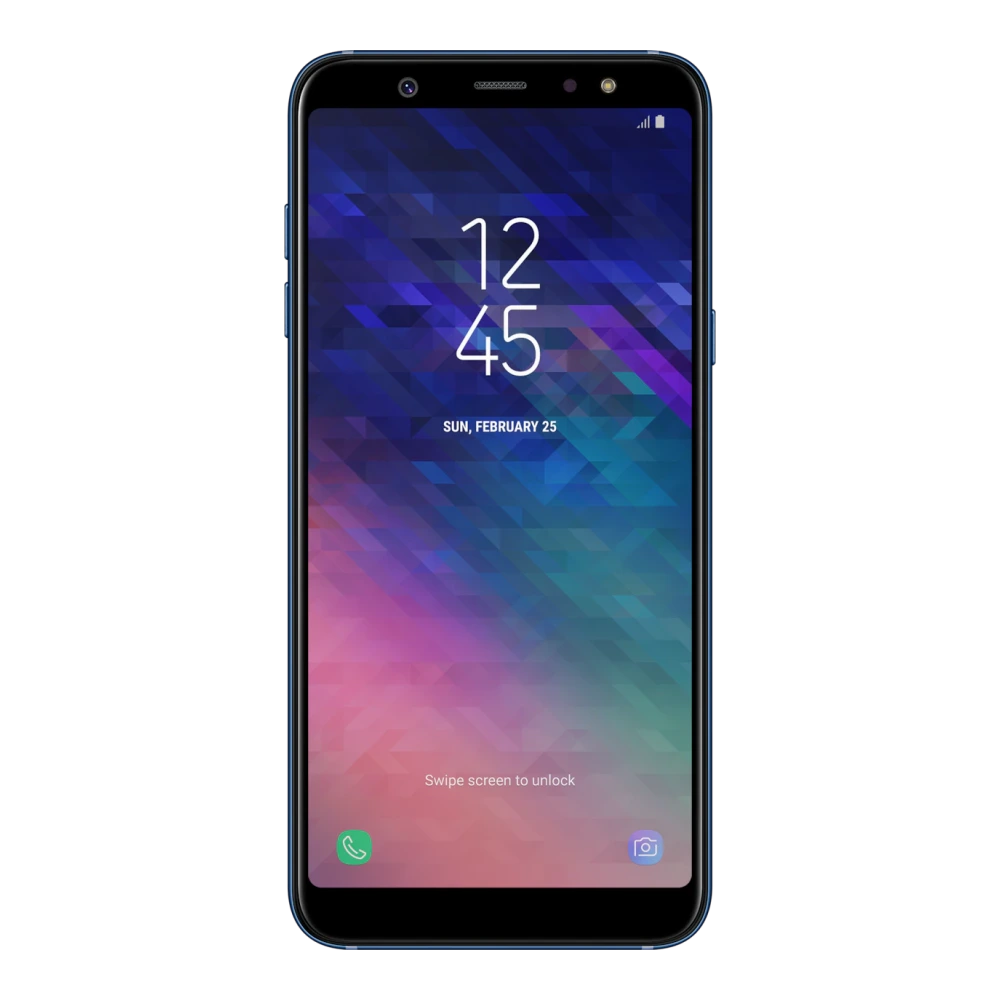
SM-A750F 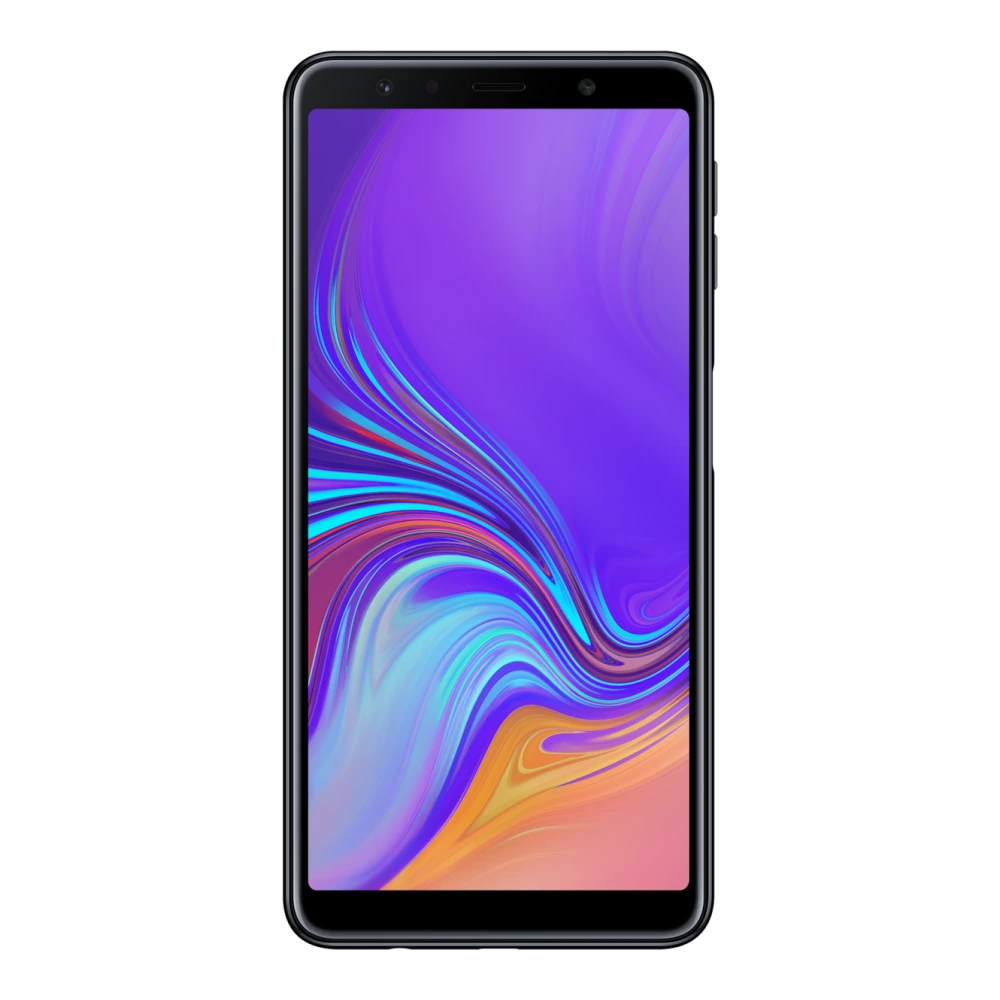
SM-A705GM 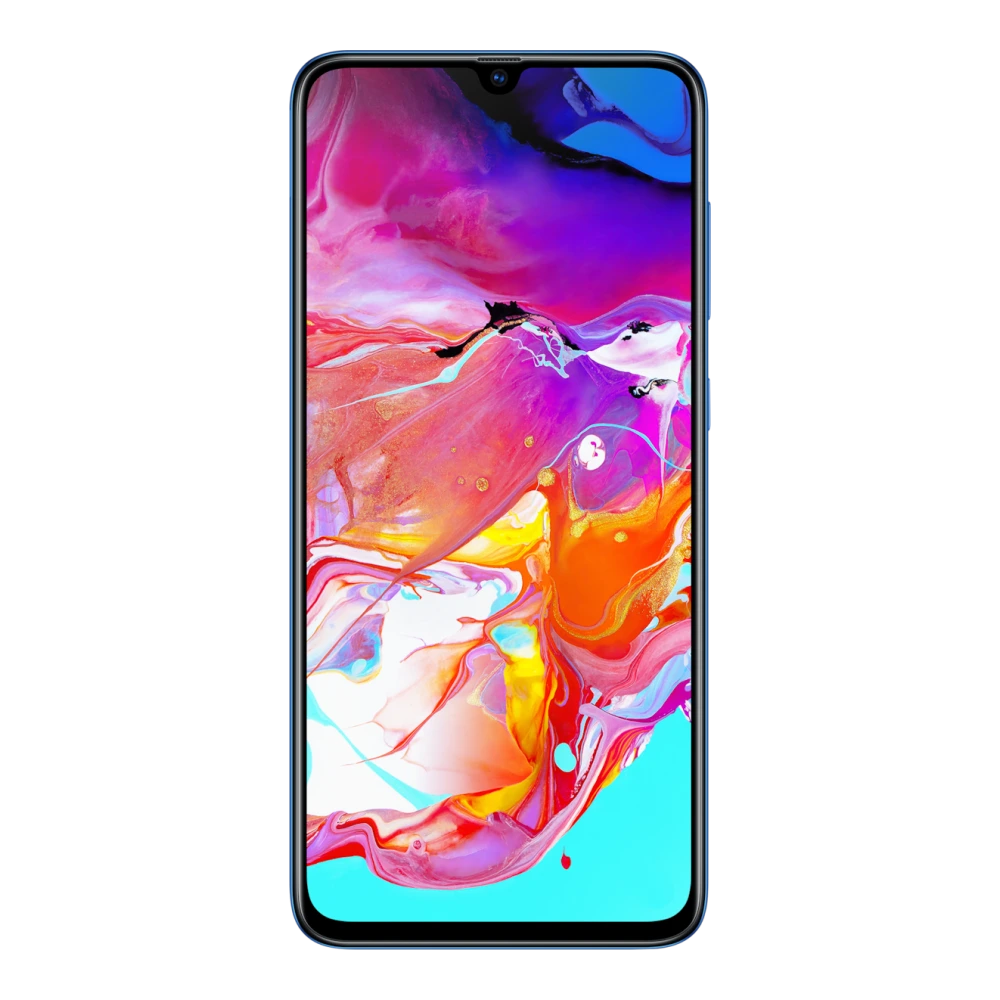
SM-A707F 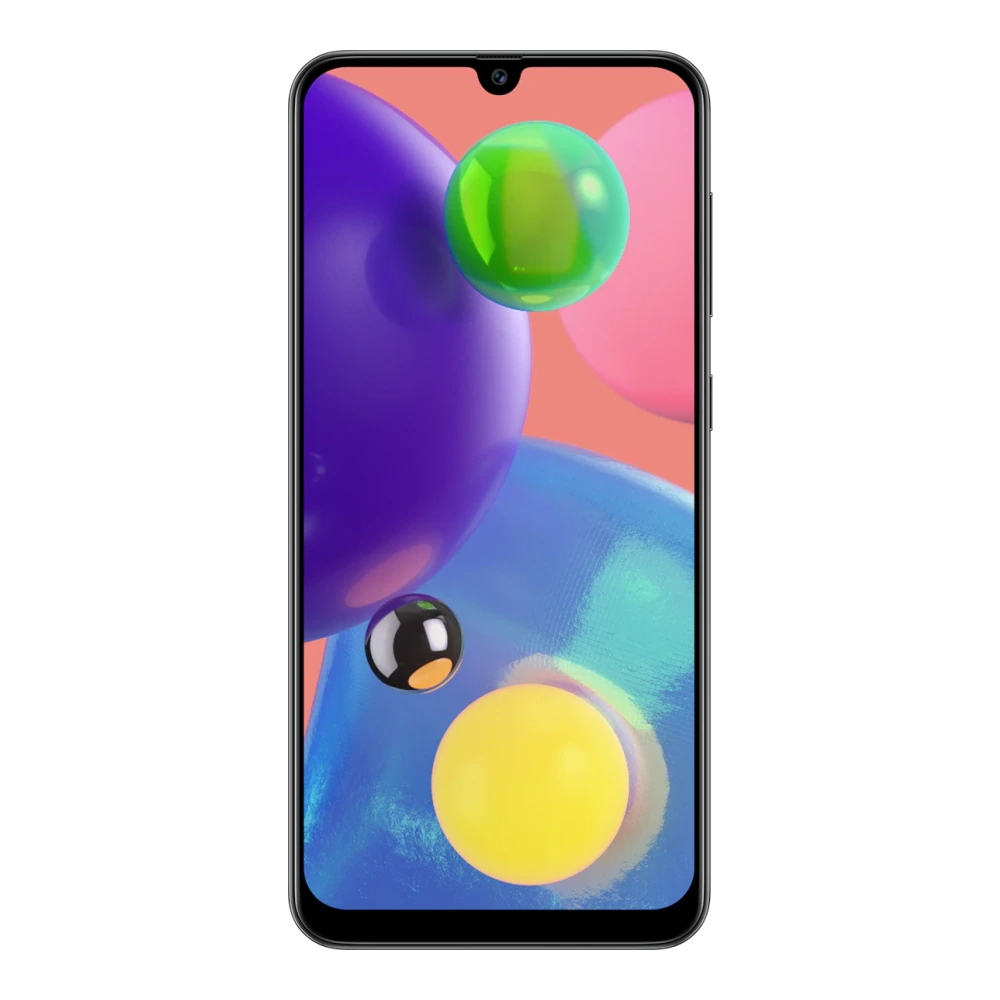
SM-A715F 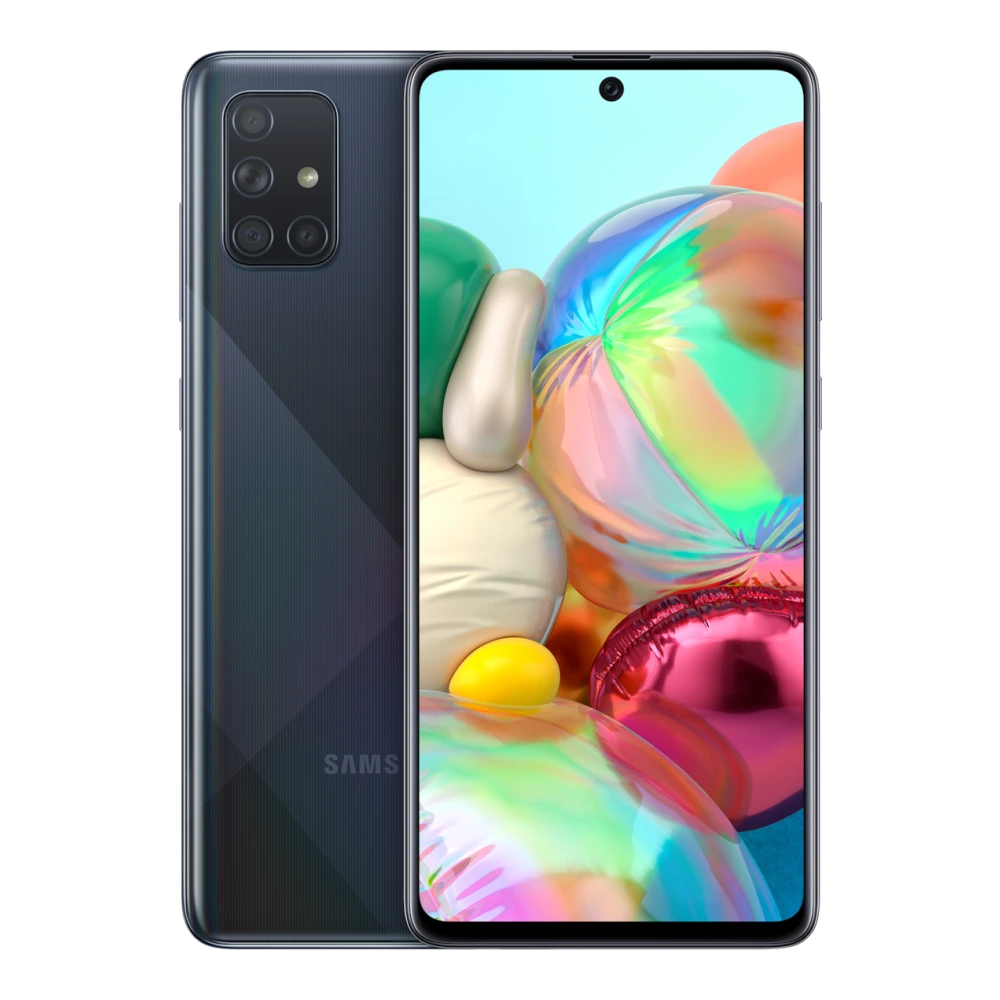
SM-A725F 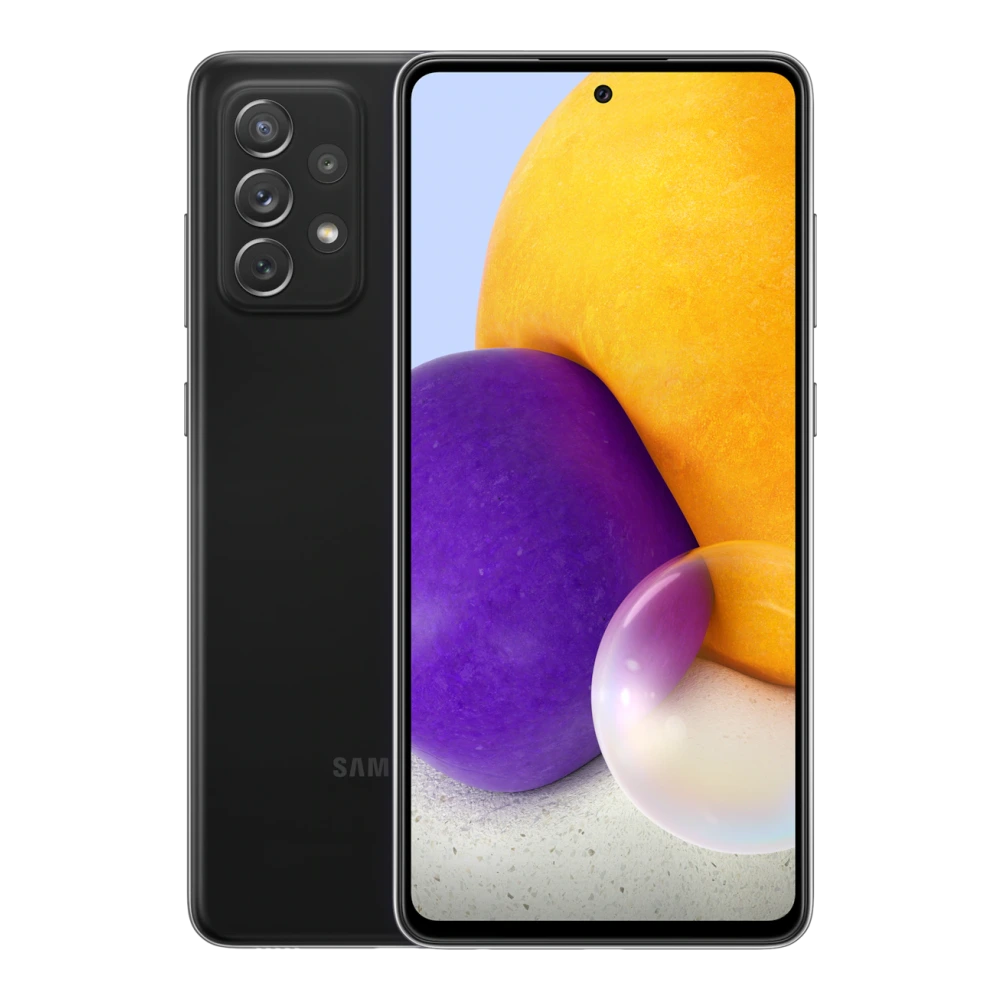
SM-A736B 
SM-A800I 
SM-G885F 
SM-A730F 
SM-A805F 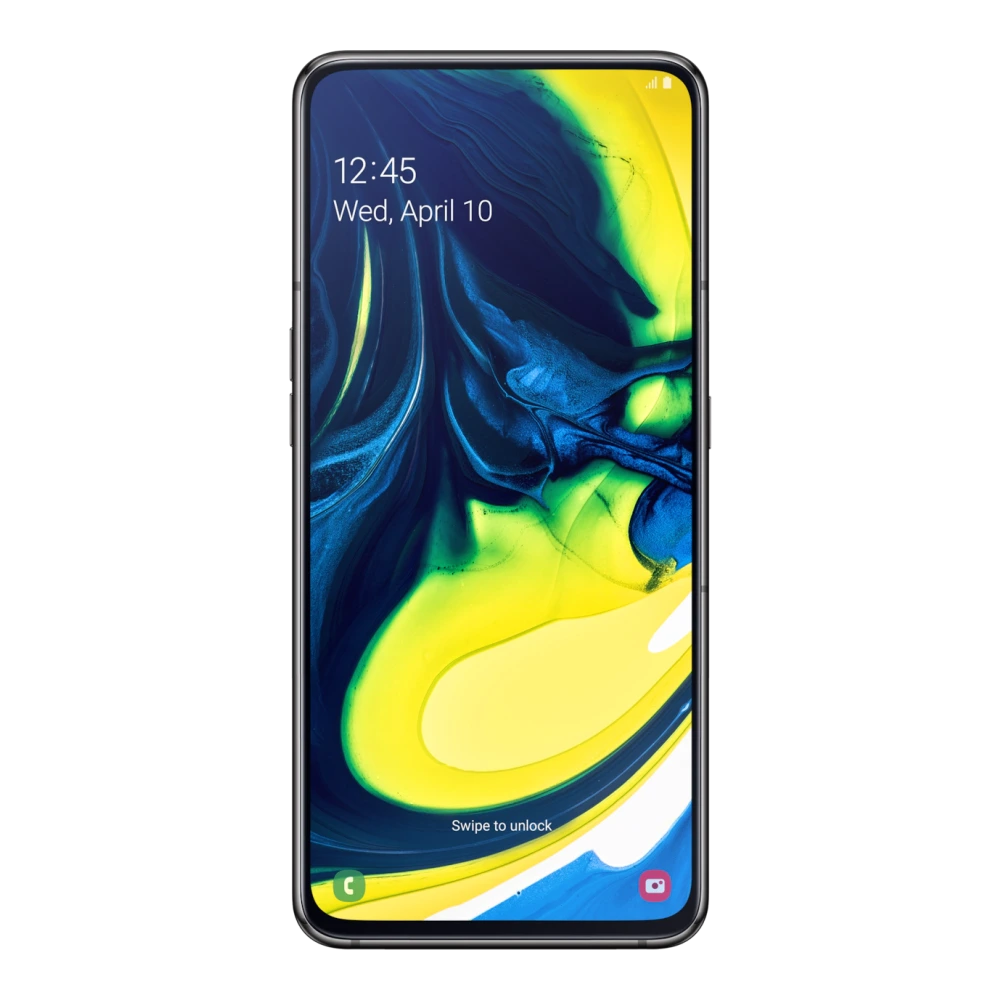
SM-A920F 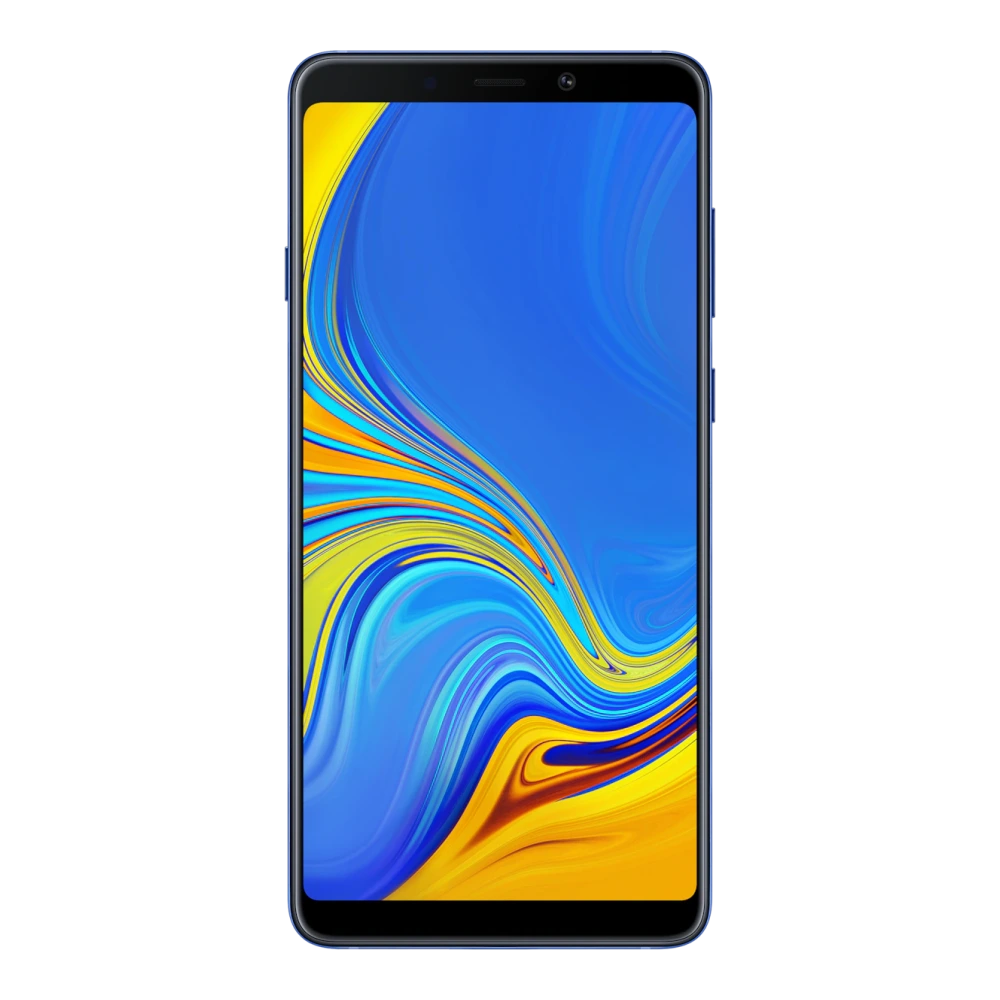
SM-A910F 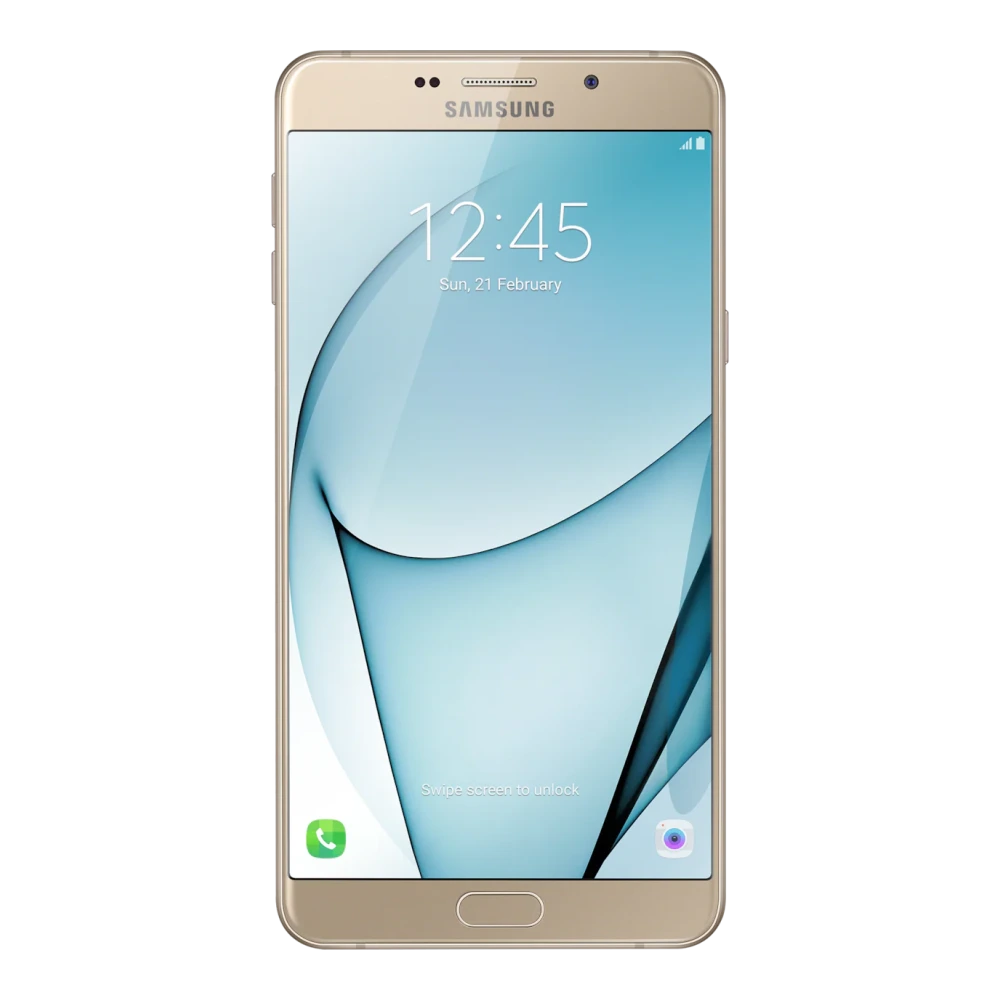
SM-G850Y 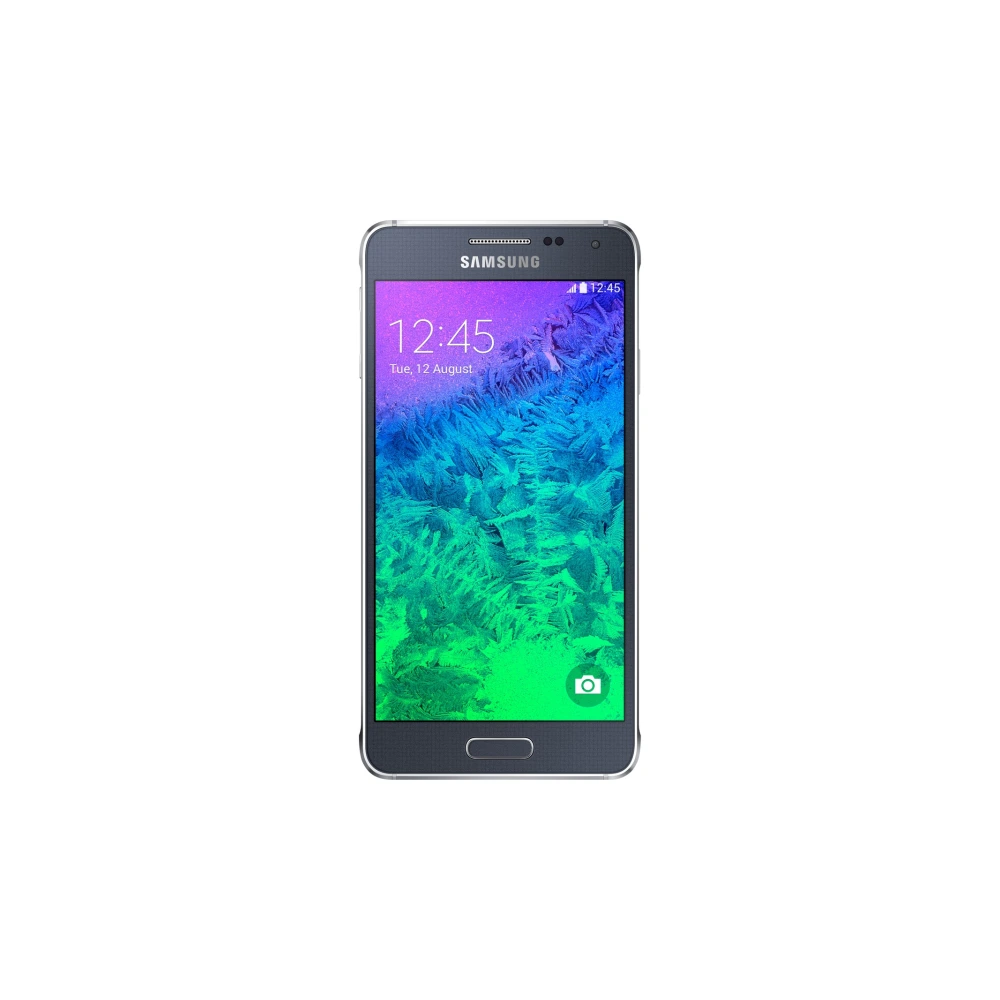
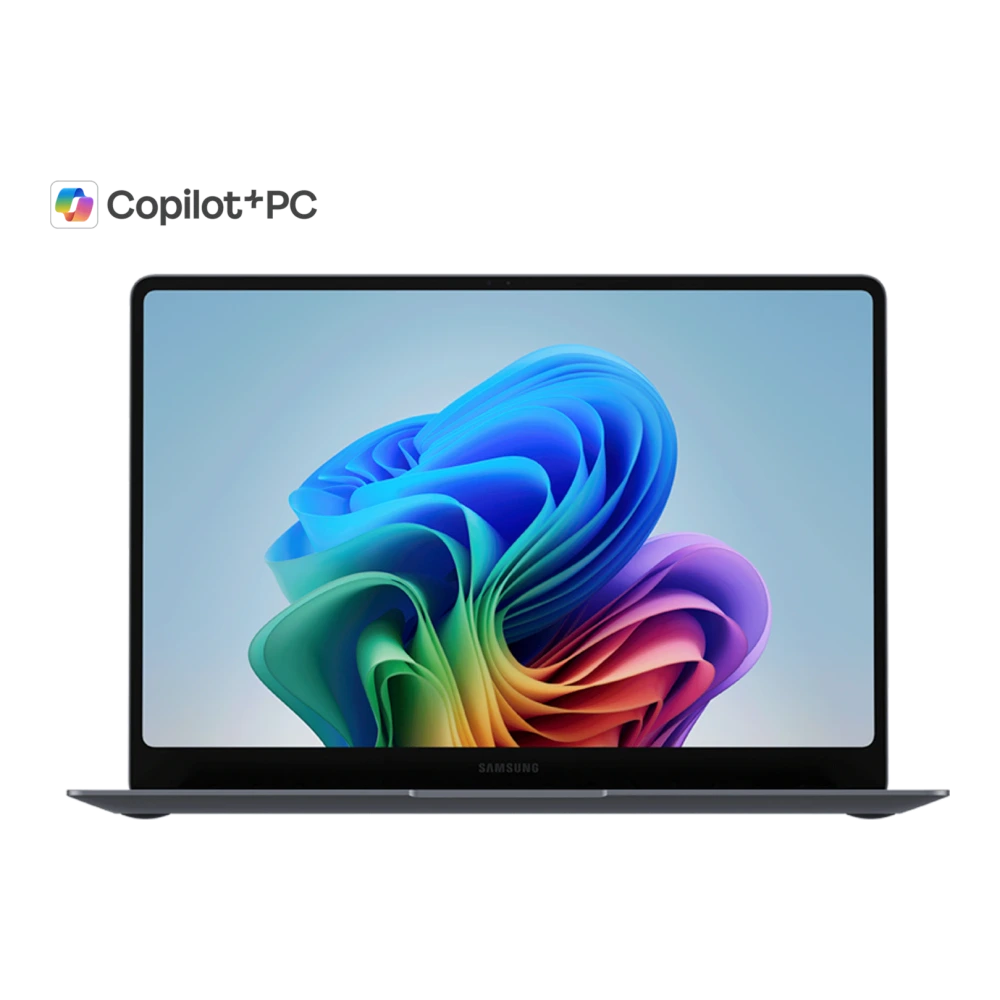
SM-C701F 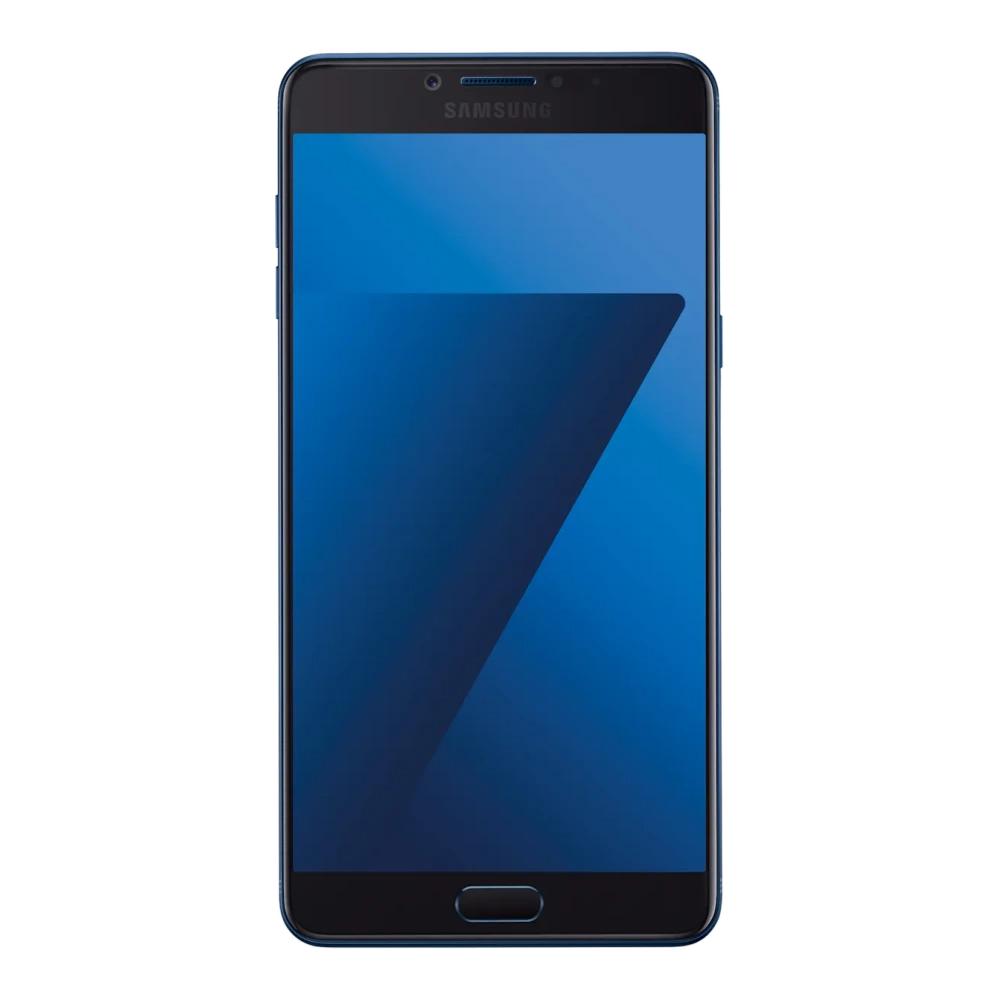
SM-C900F 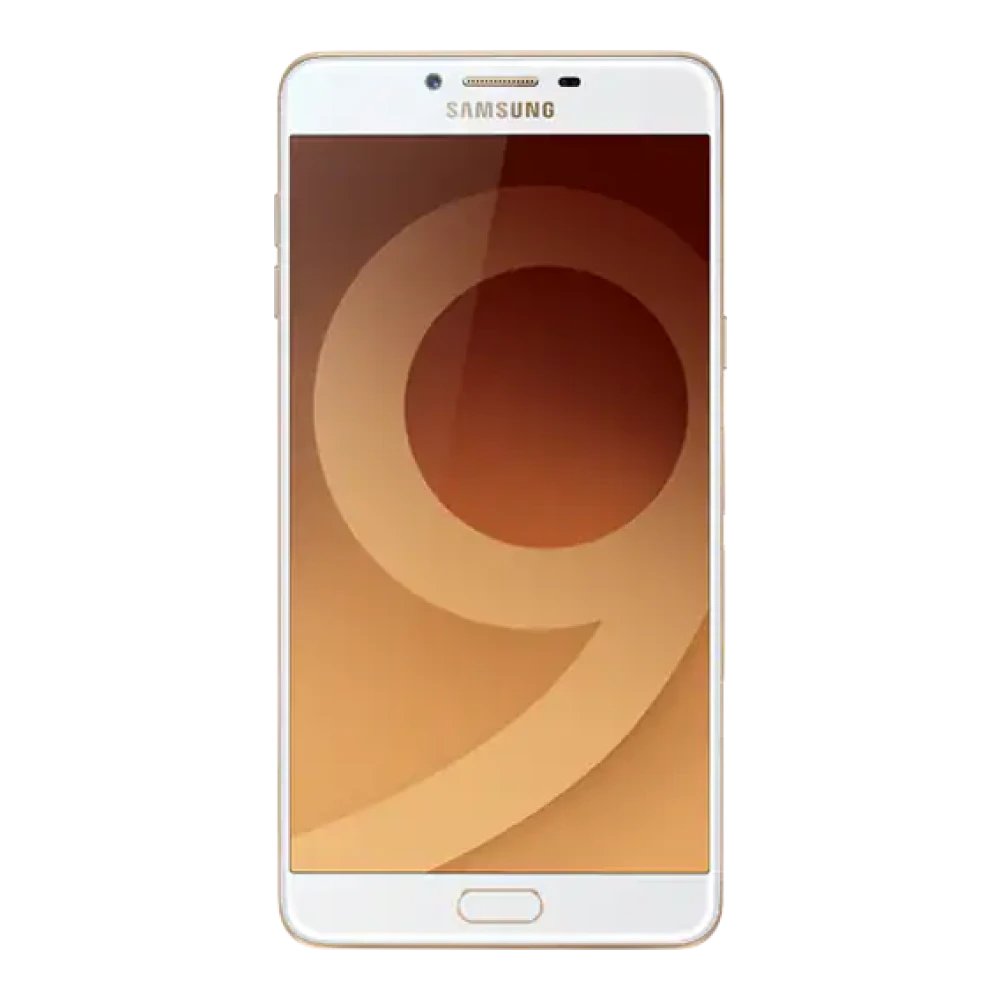
SM-G361H 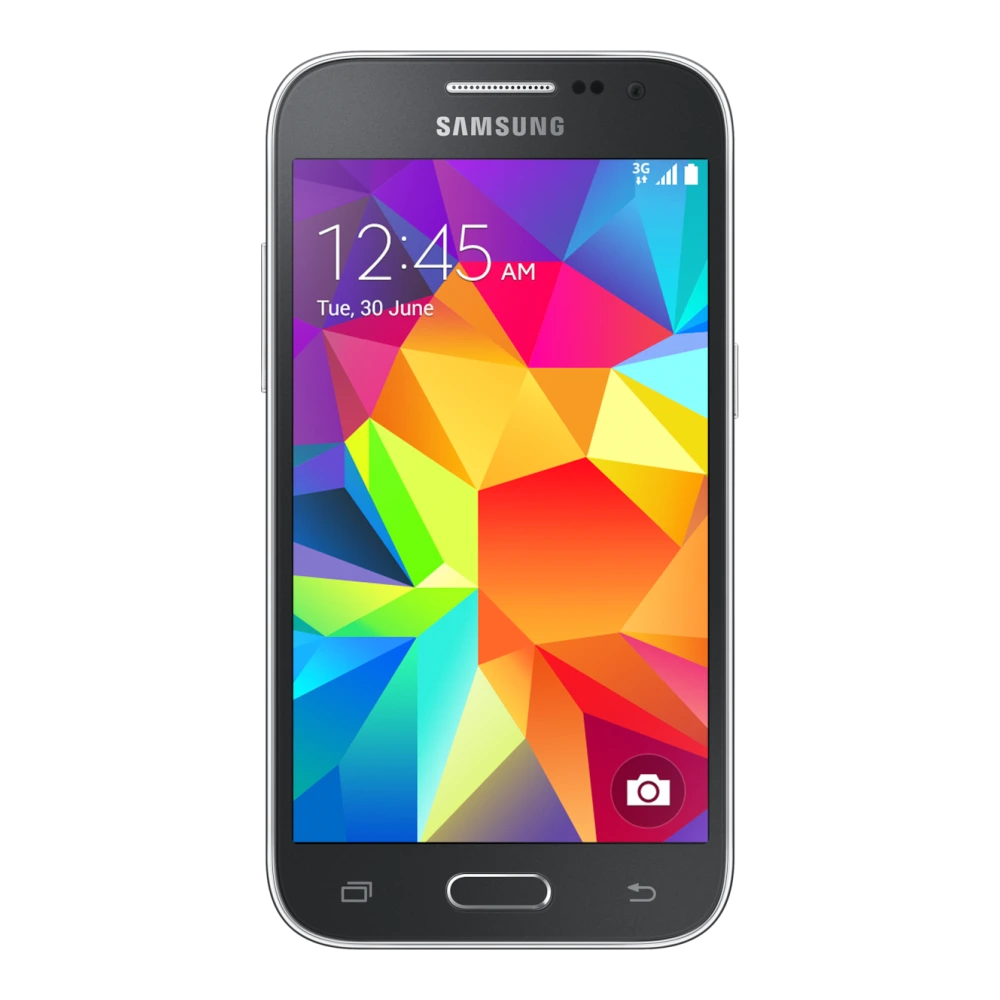
SM-E700H 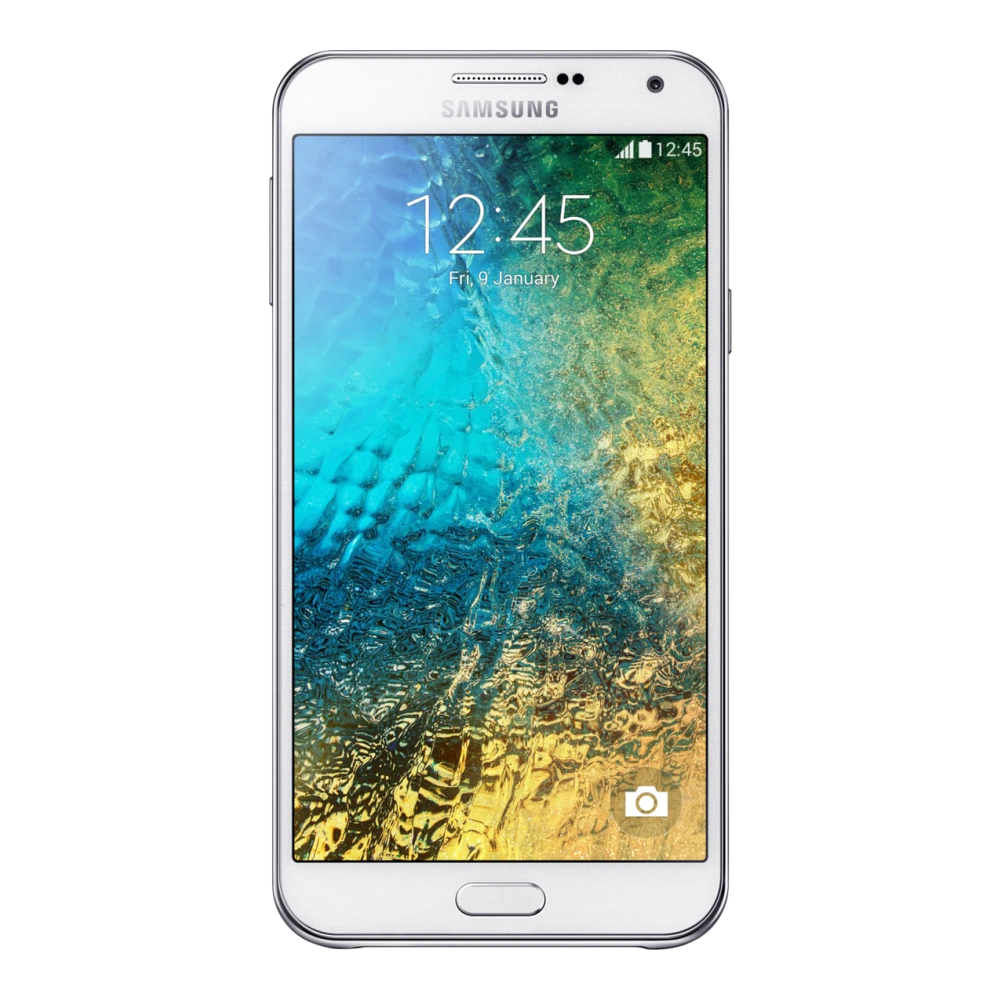
SM-E025F 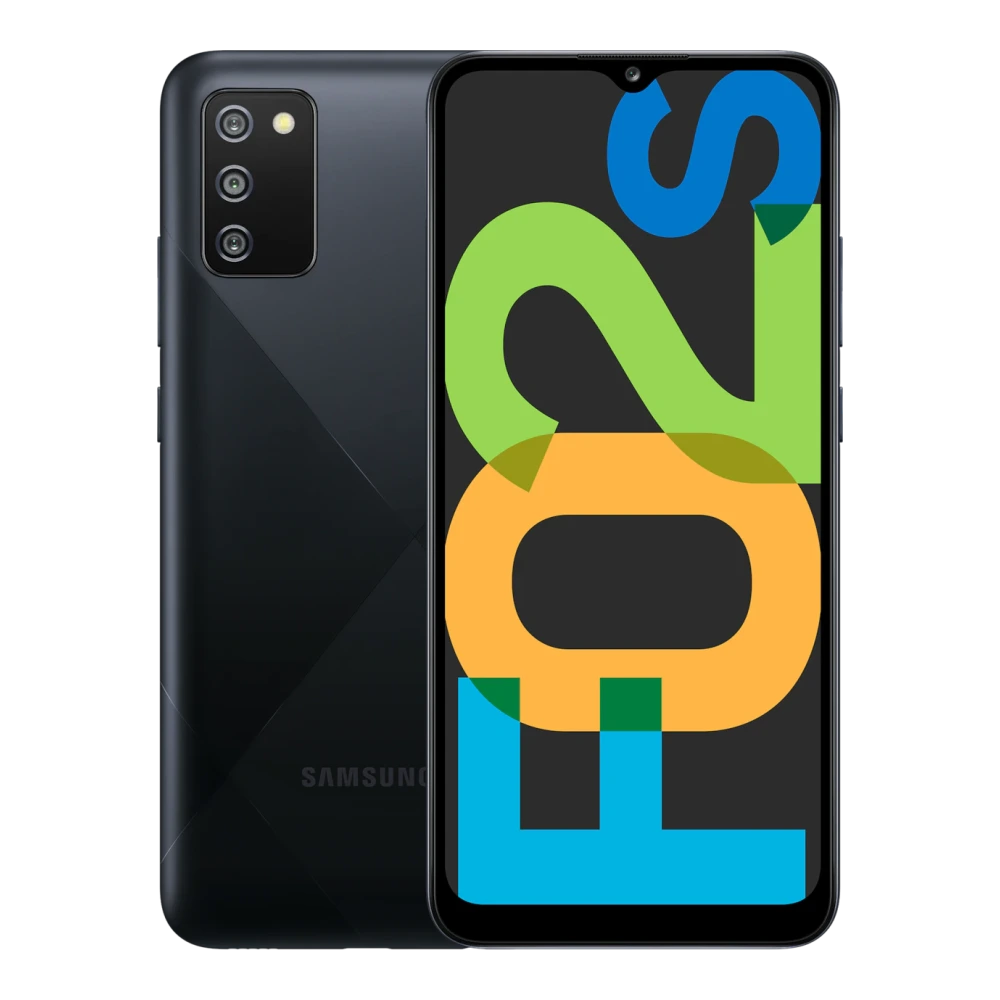
SM-E045F 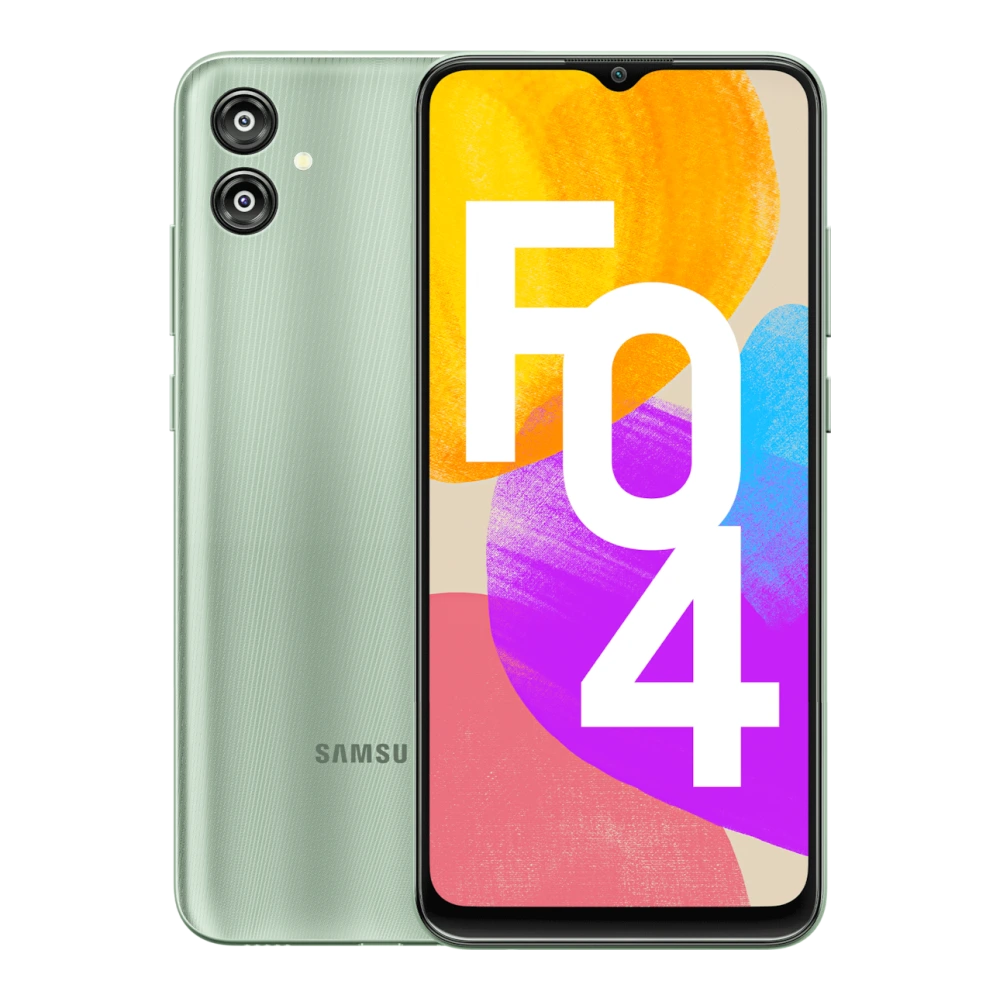
SM-E055F 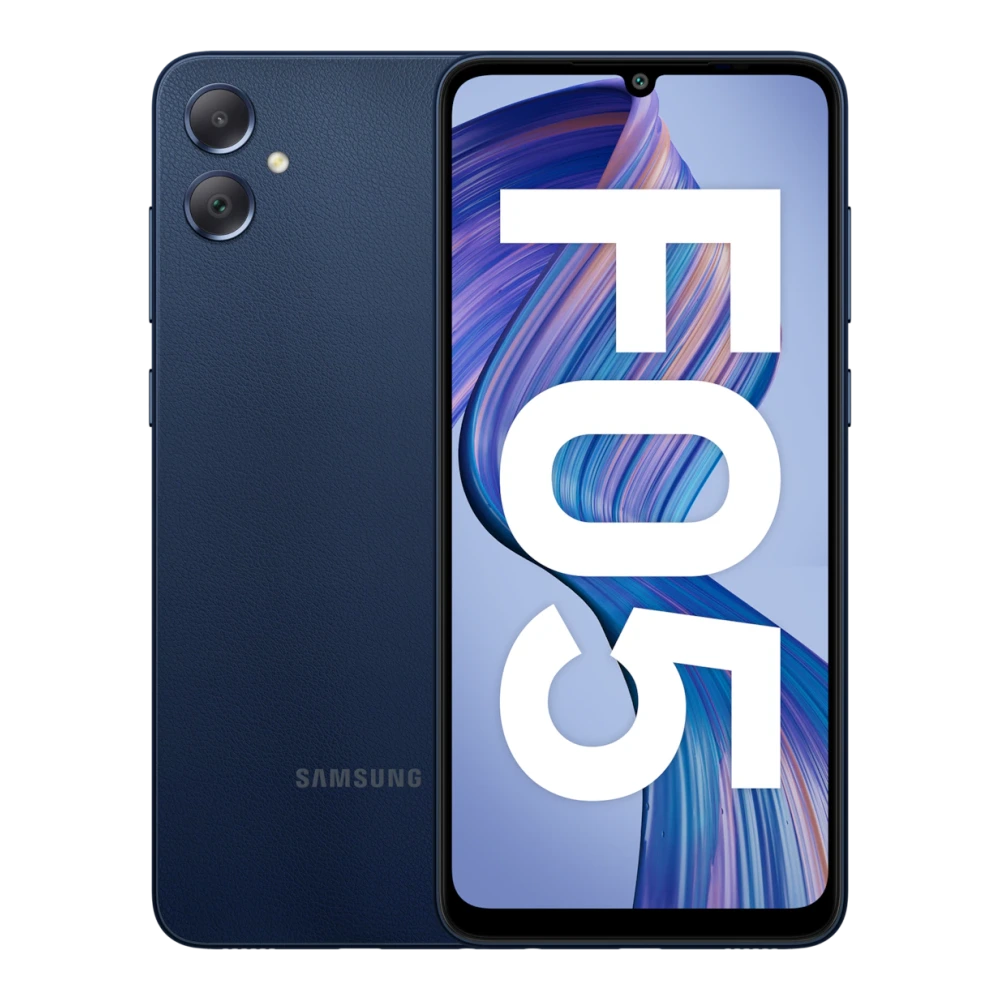
SM-E066B 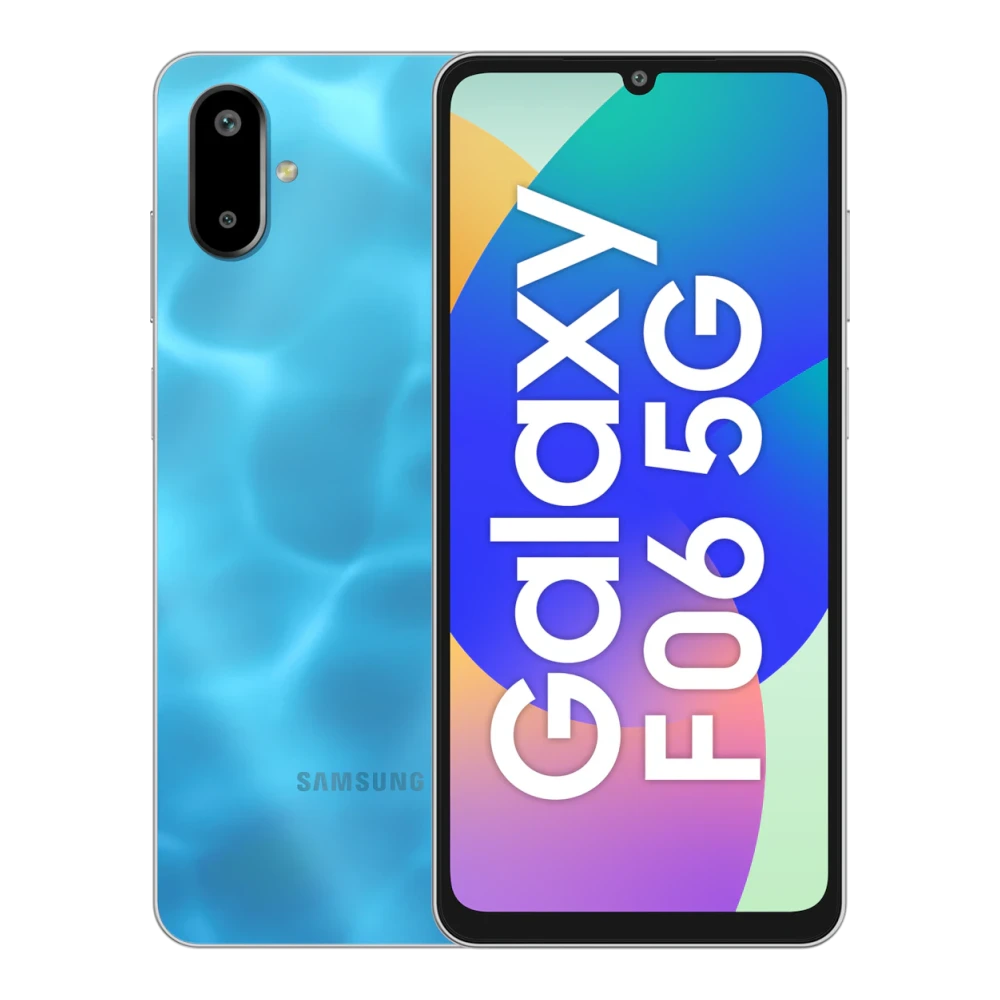
SM-E075F 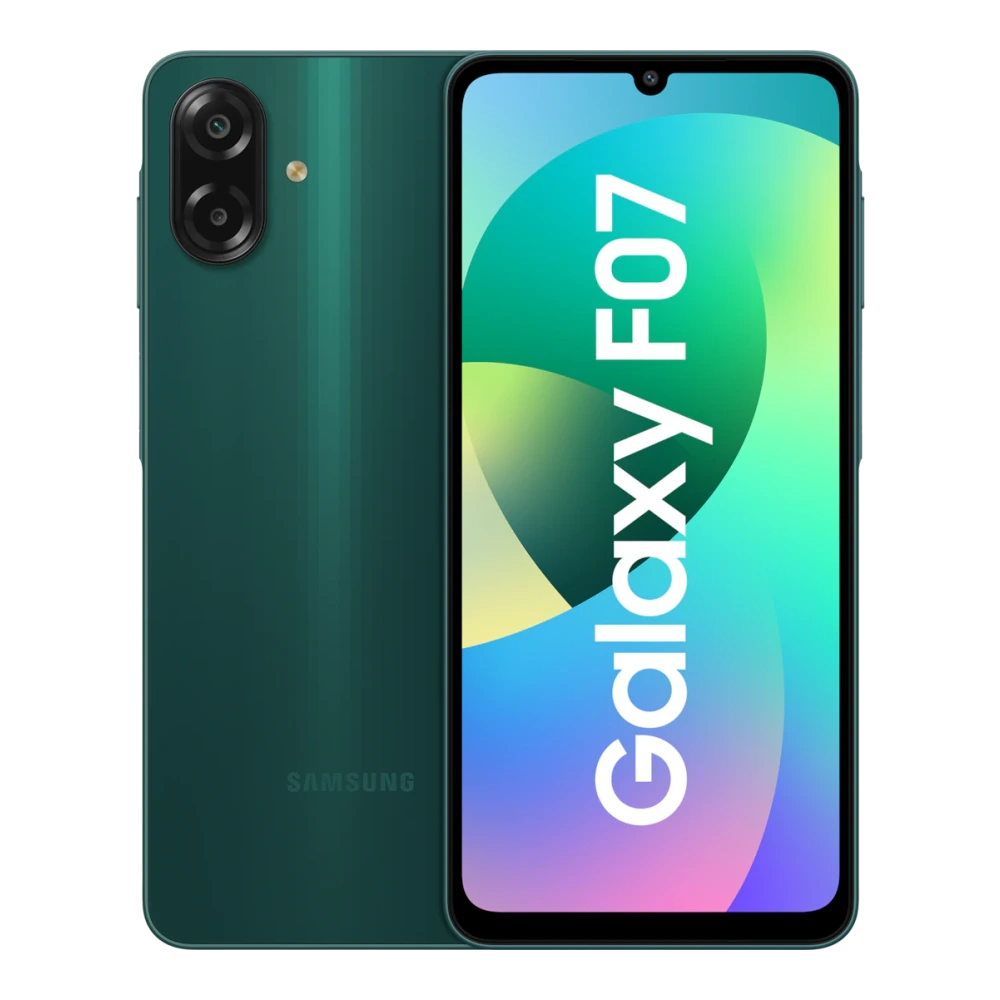
SM-F127G 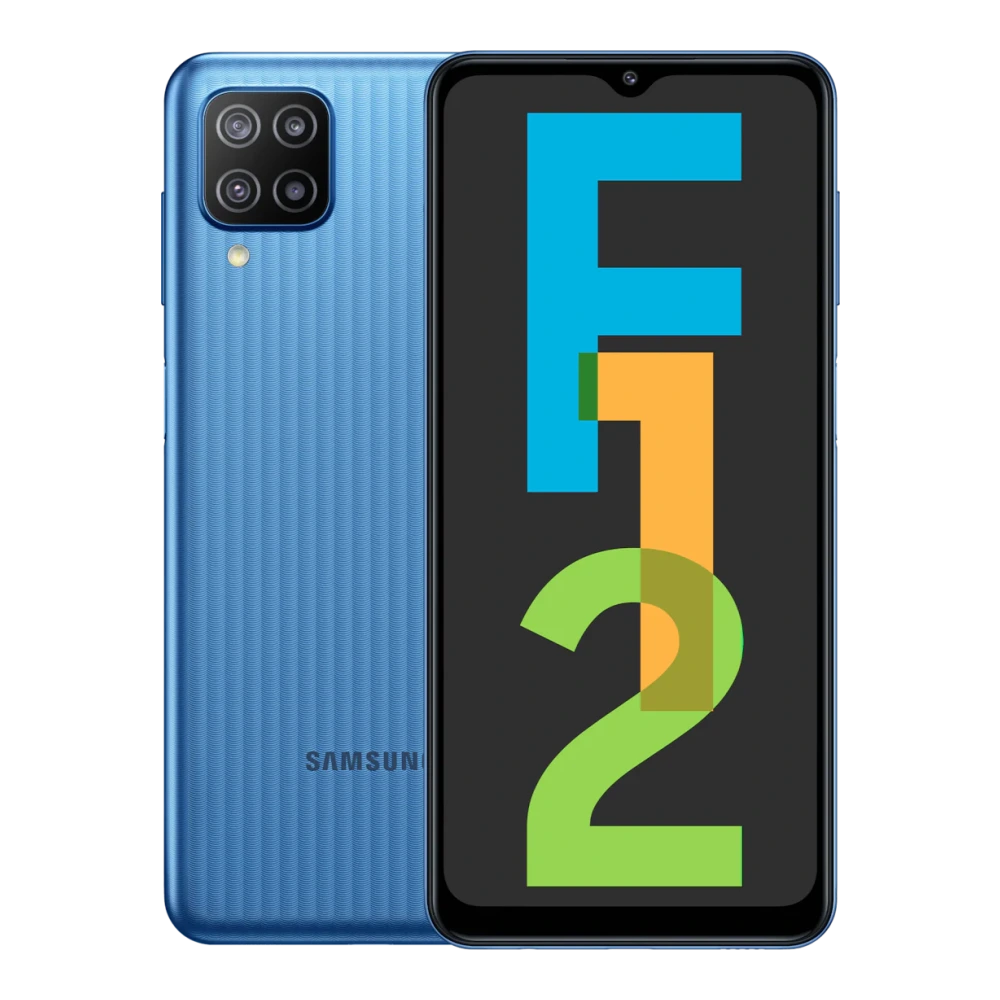
SM-E135F 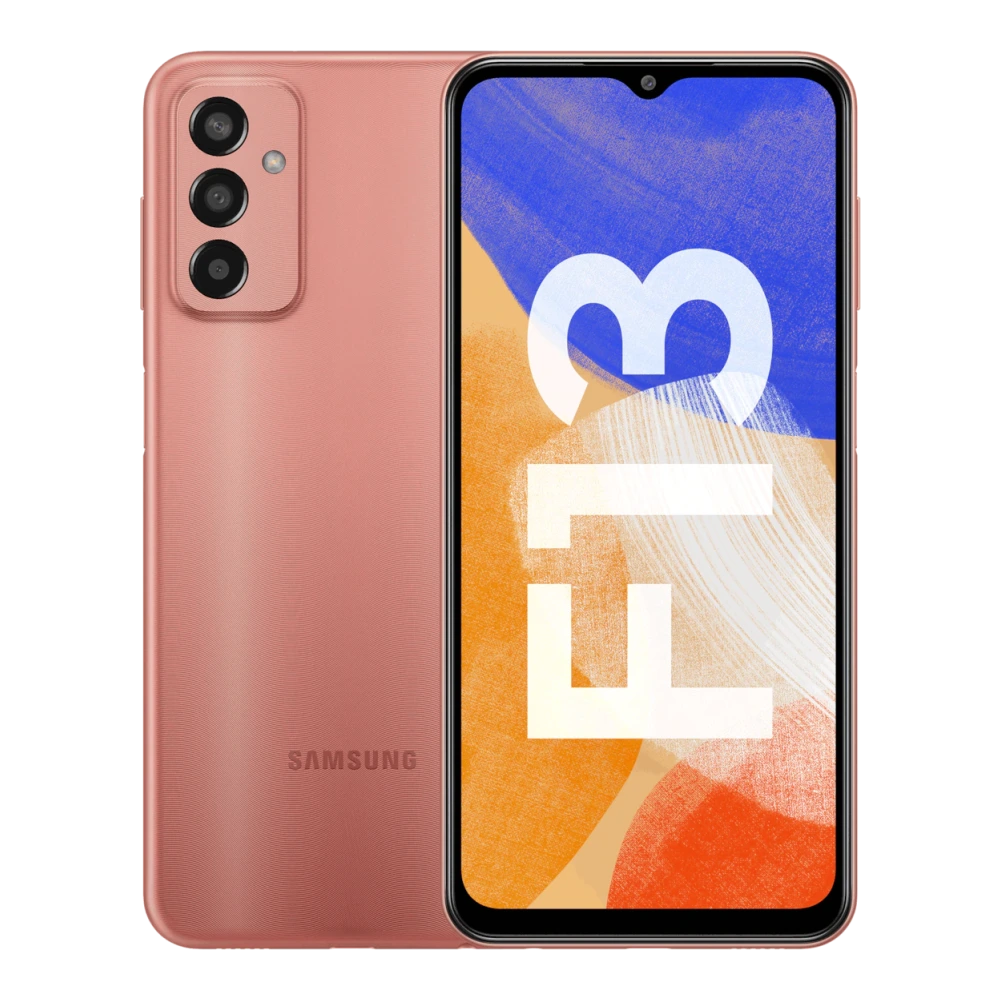
SM-E145F 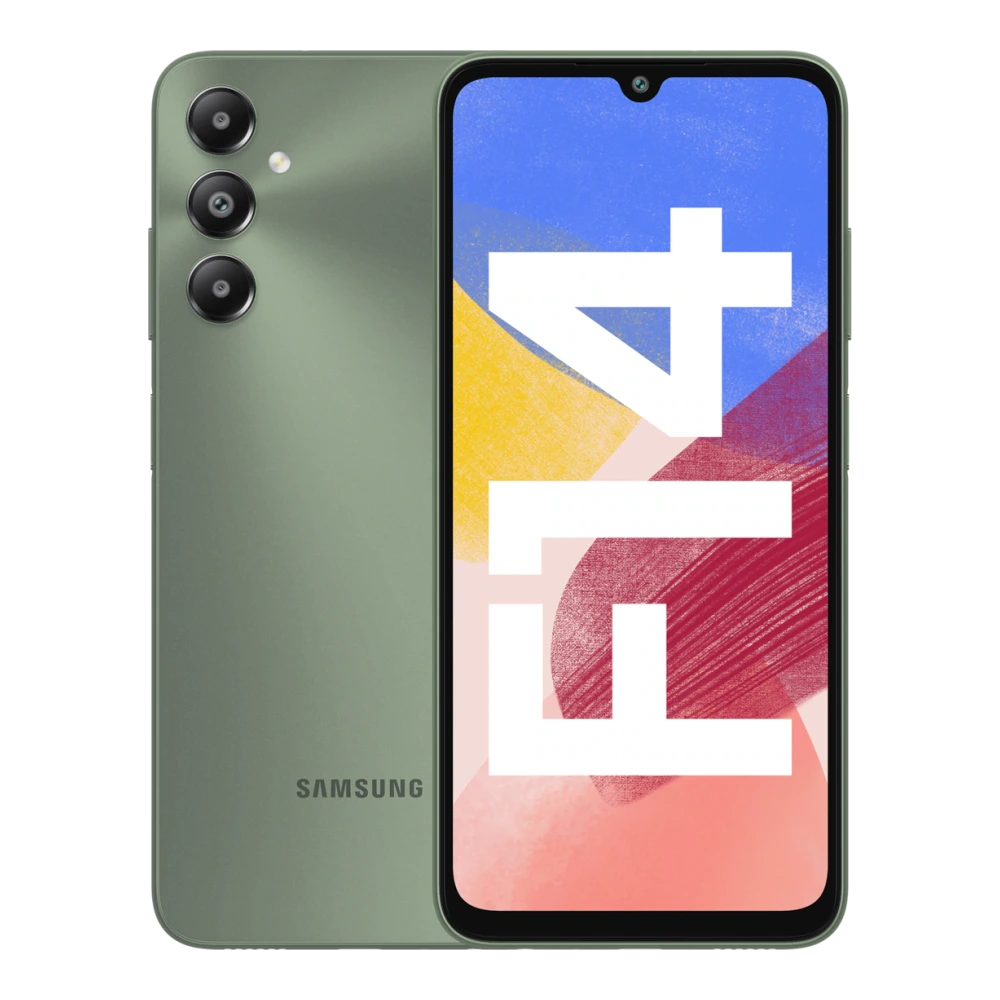
SM-E146B 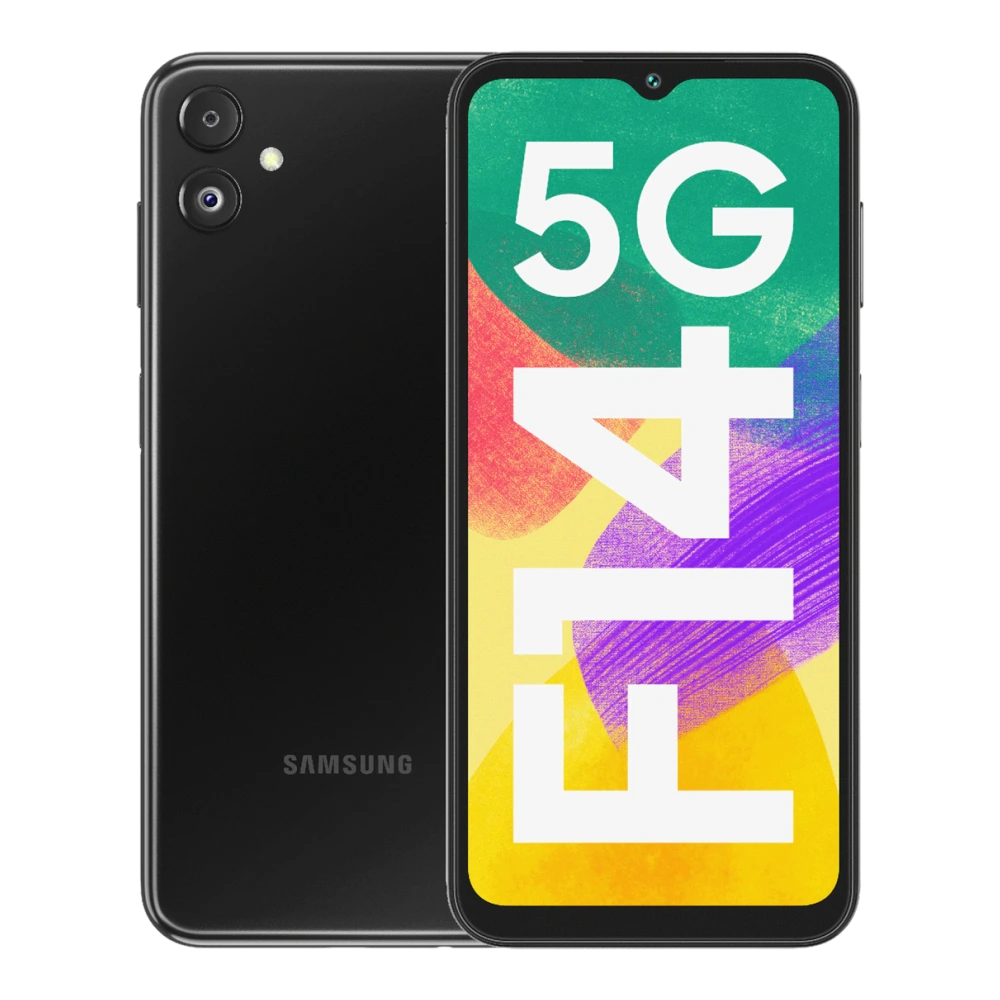
SM-E156B 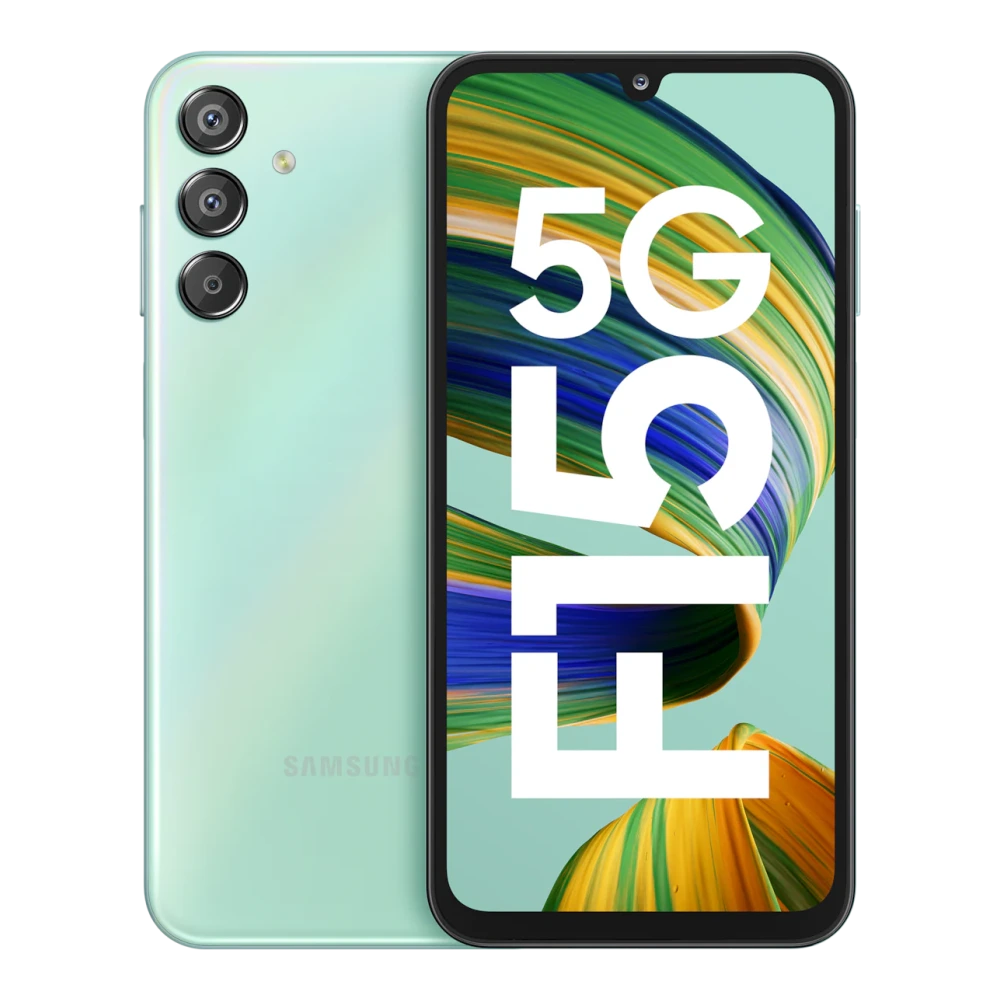
SM-E166P 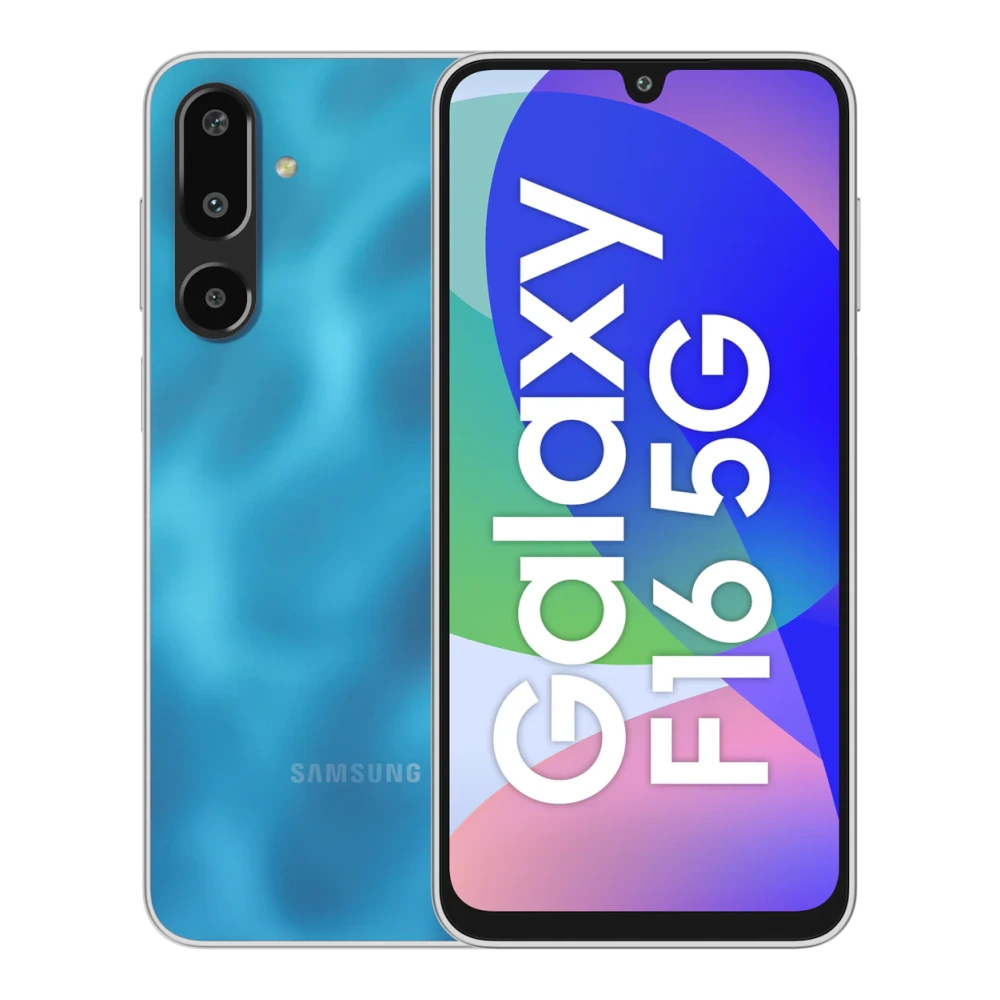
SM-E176B 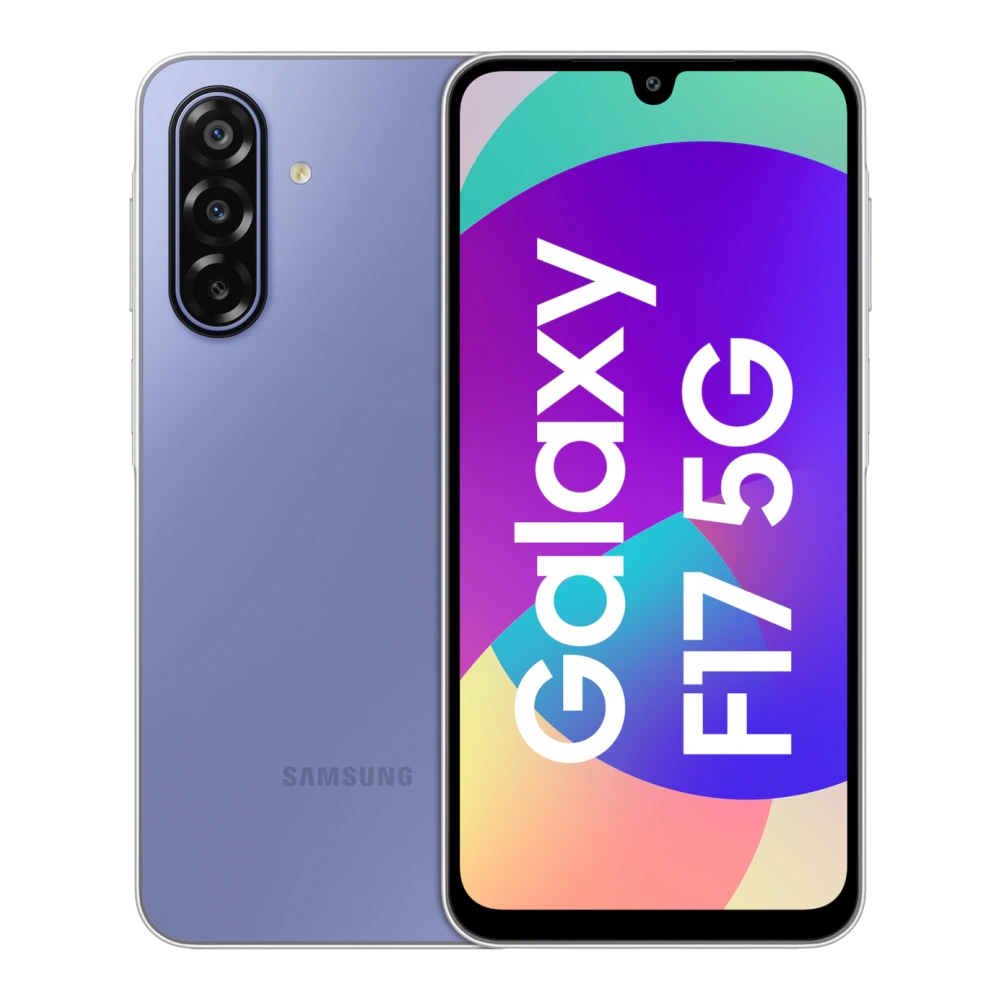
SM-E225F 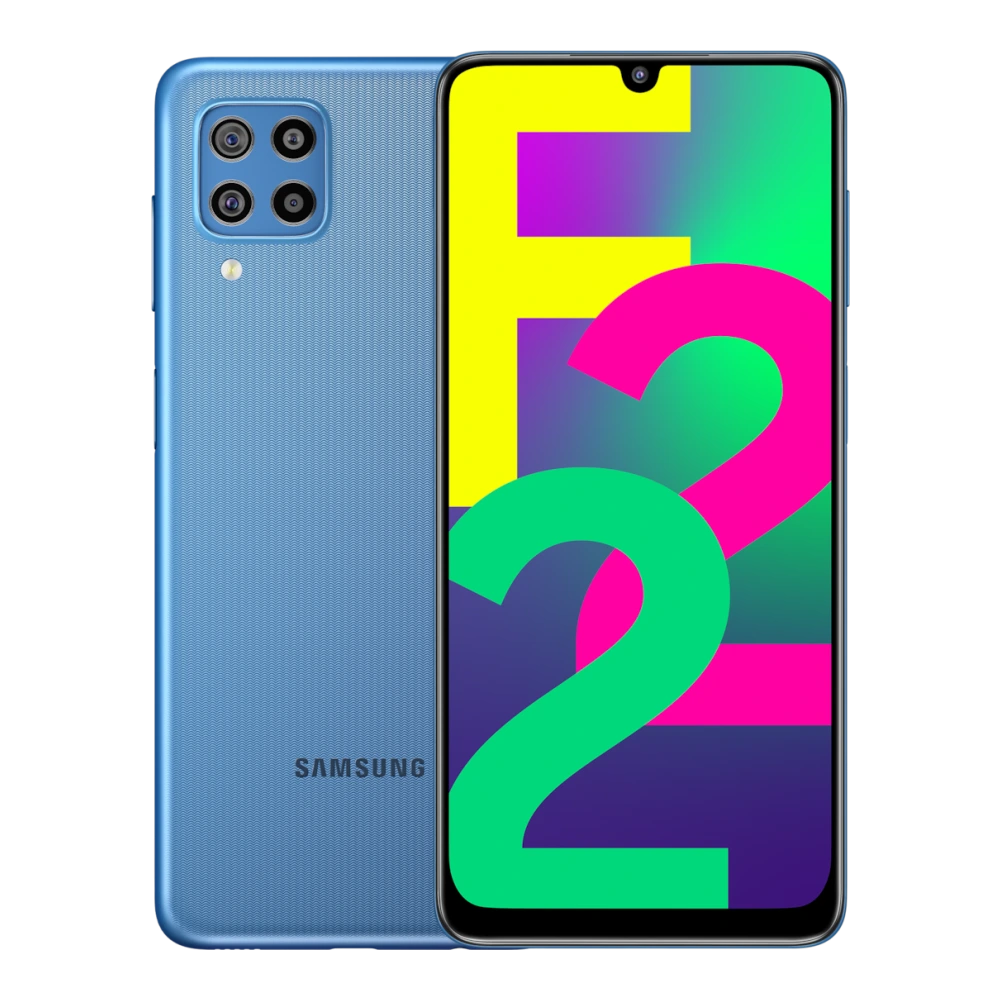
SM-E236B 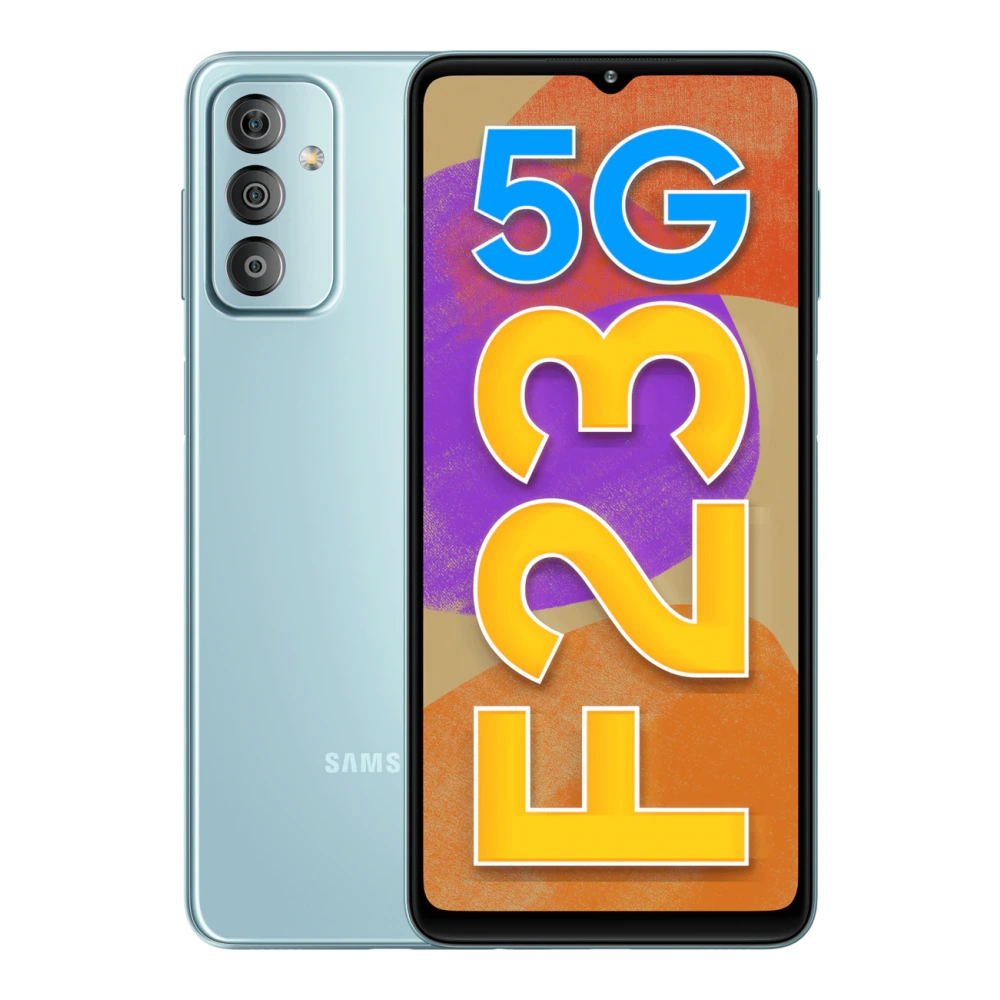
SM-E346B 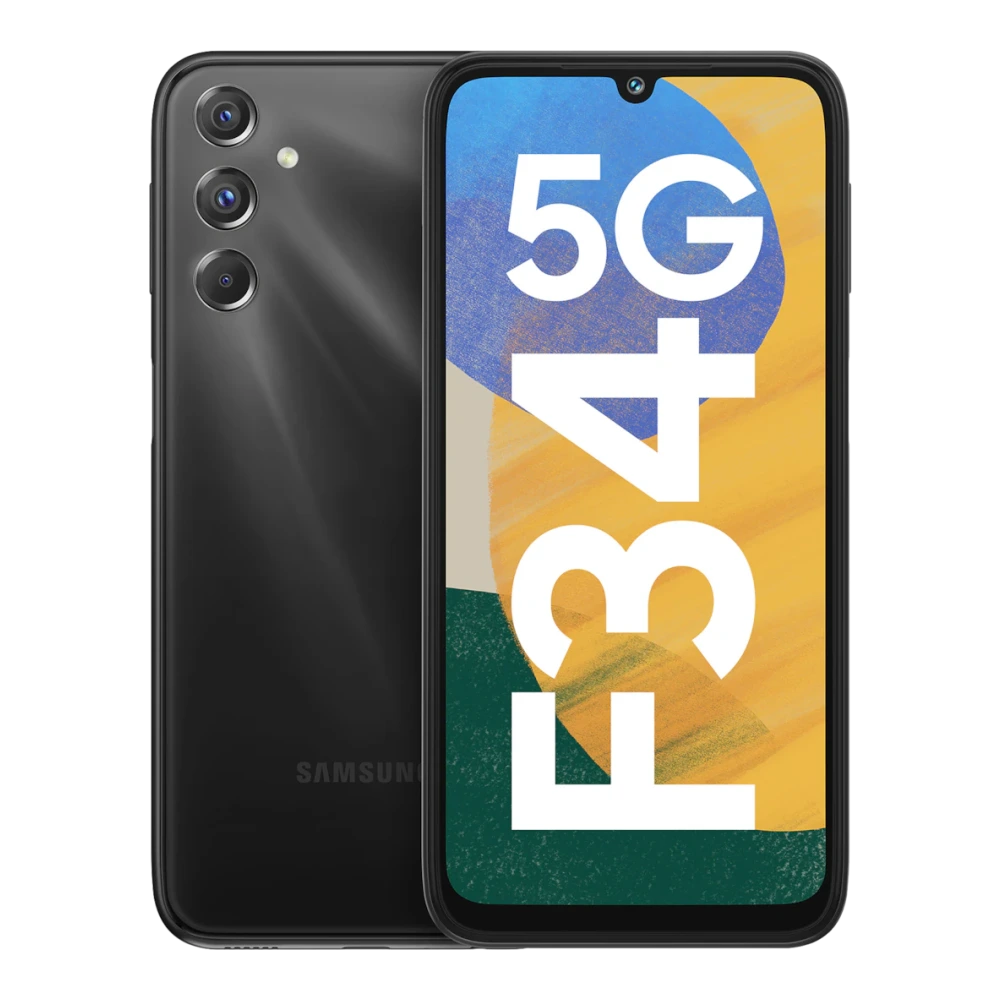
SM-E366B 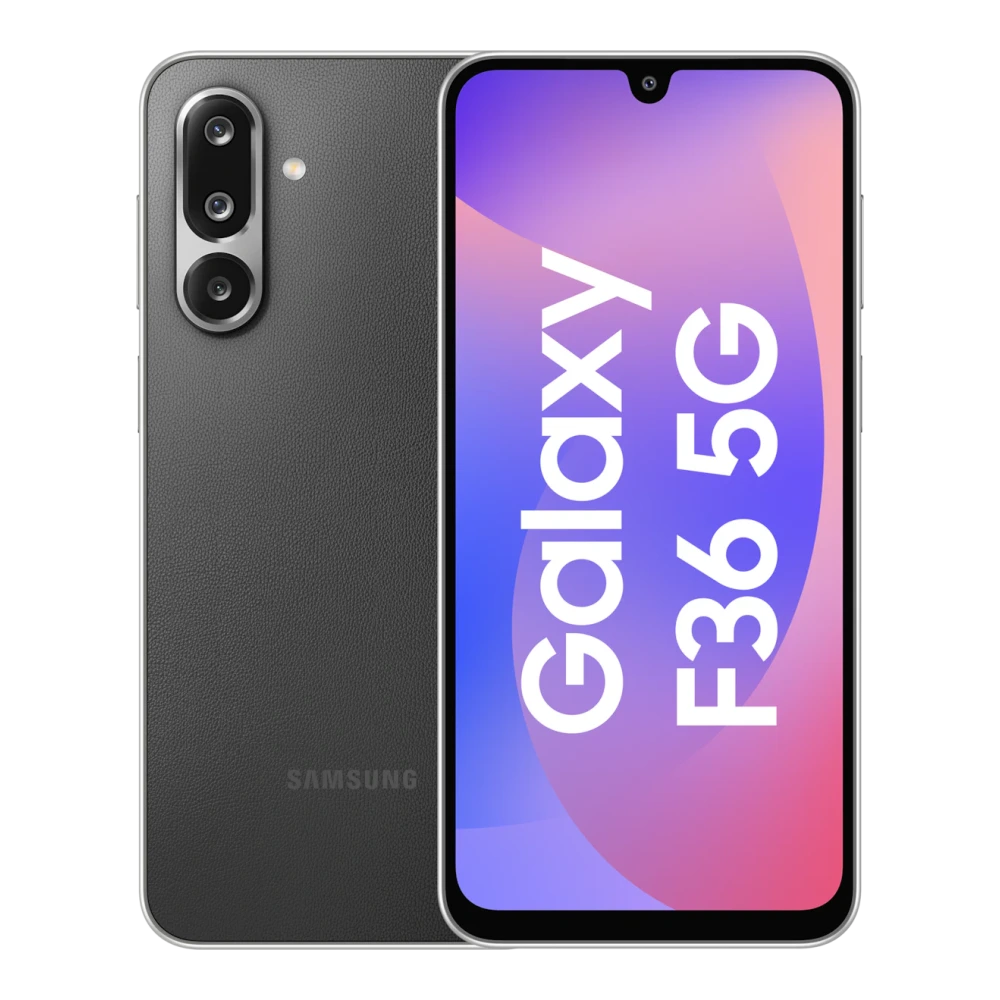
SM-F415F 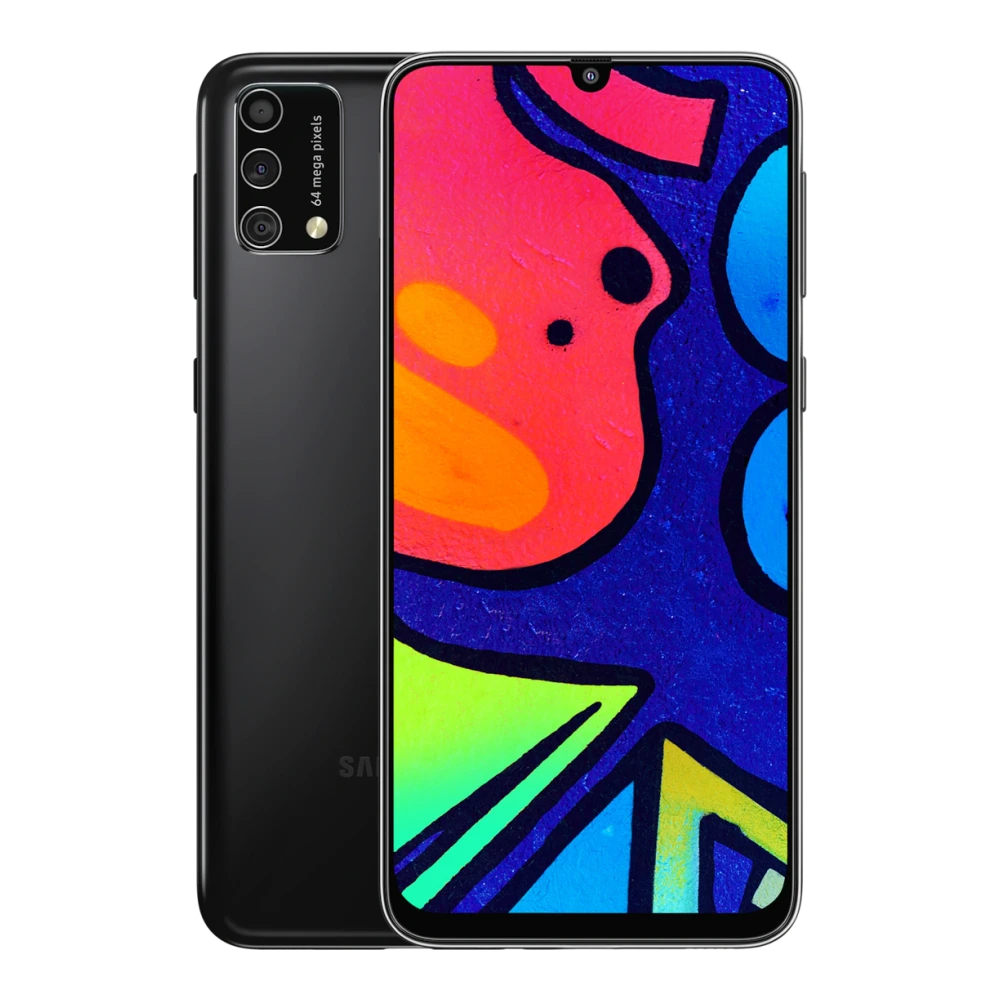
SM-E426B 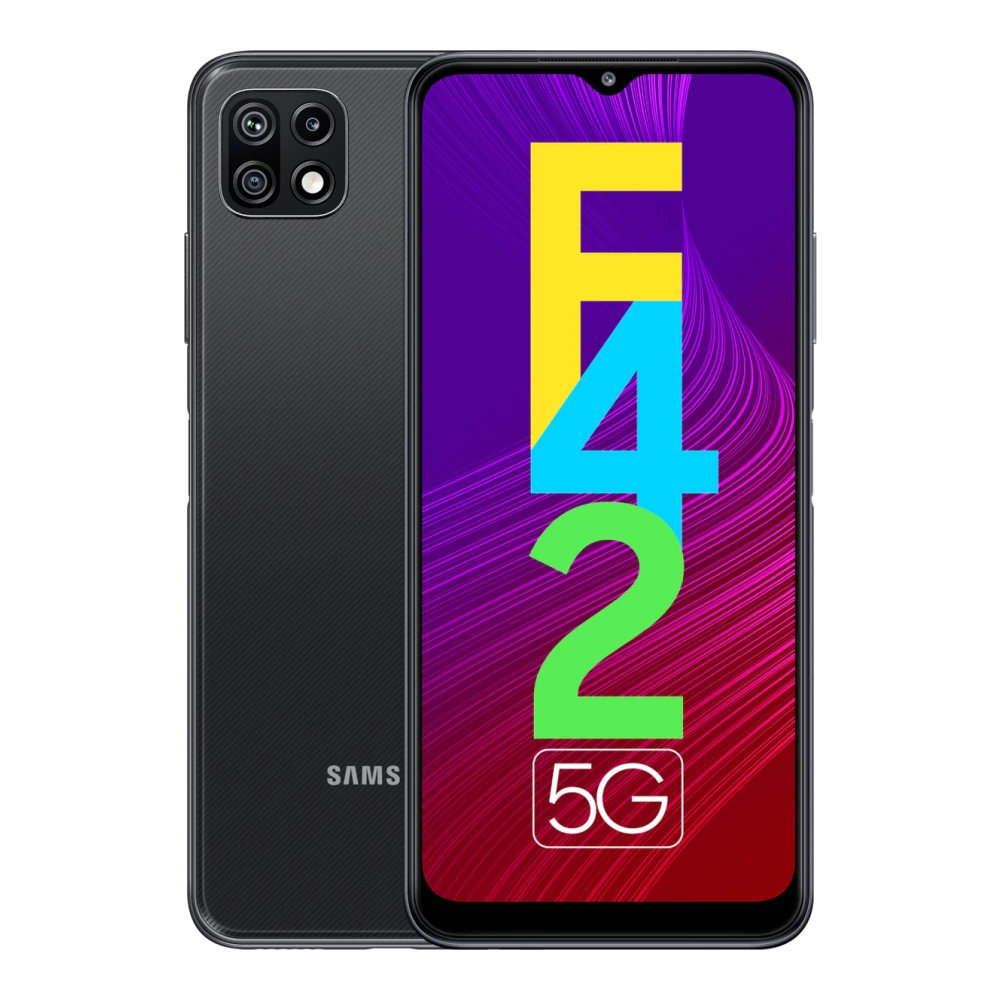
SM-E546B 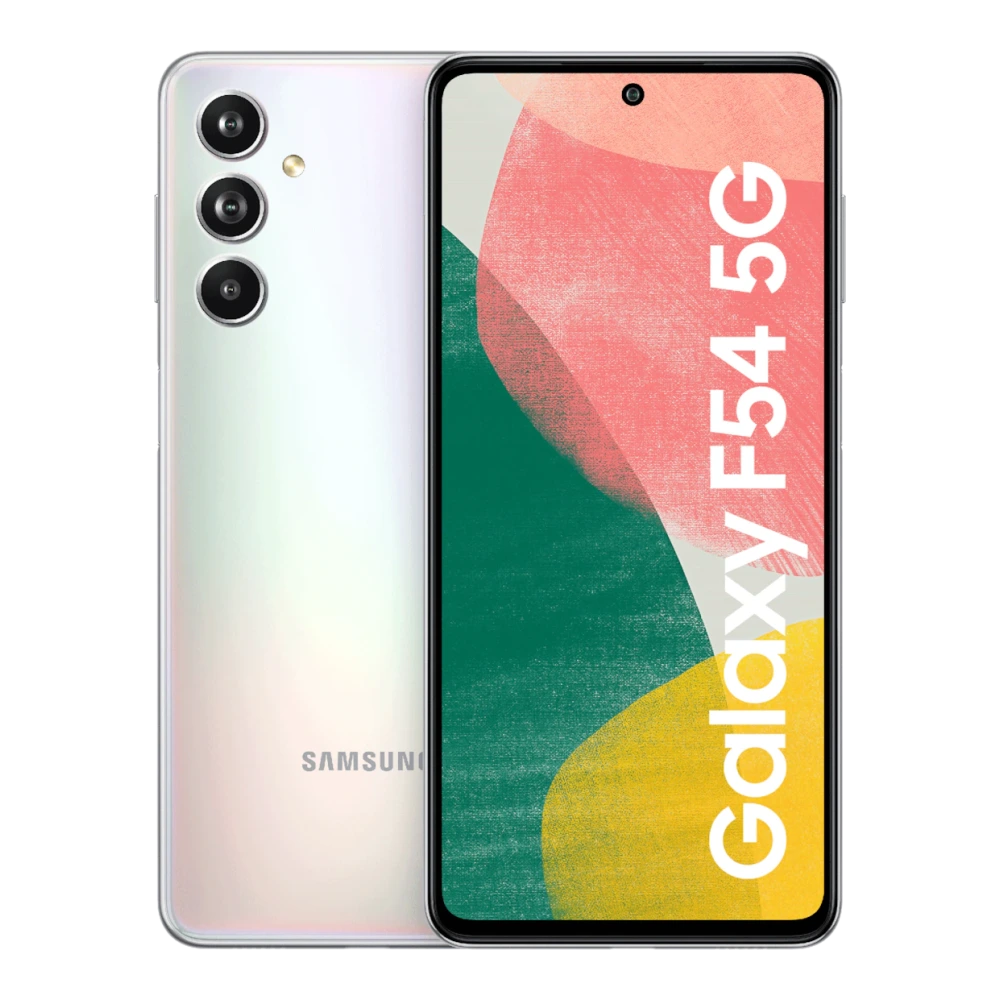
SM-E556B 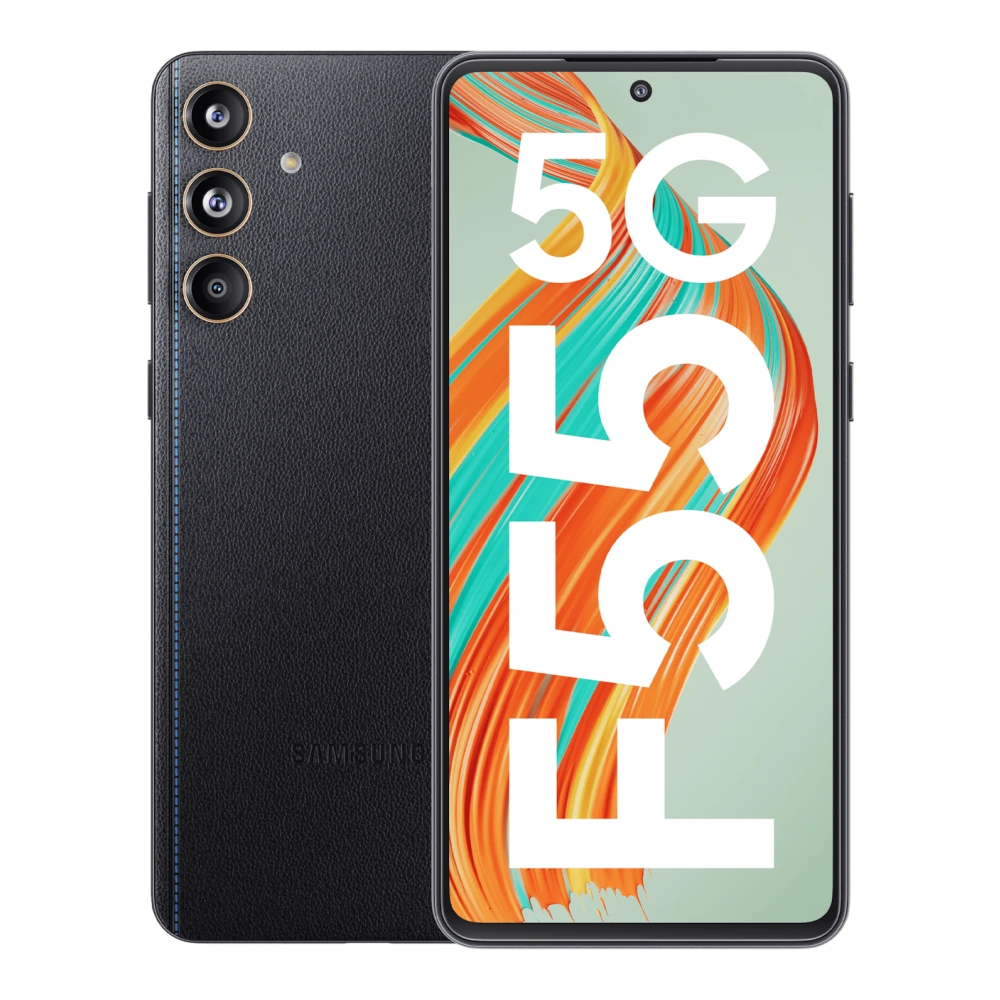
SM-E566B 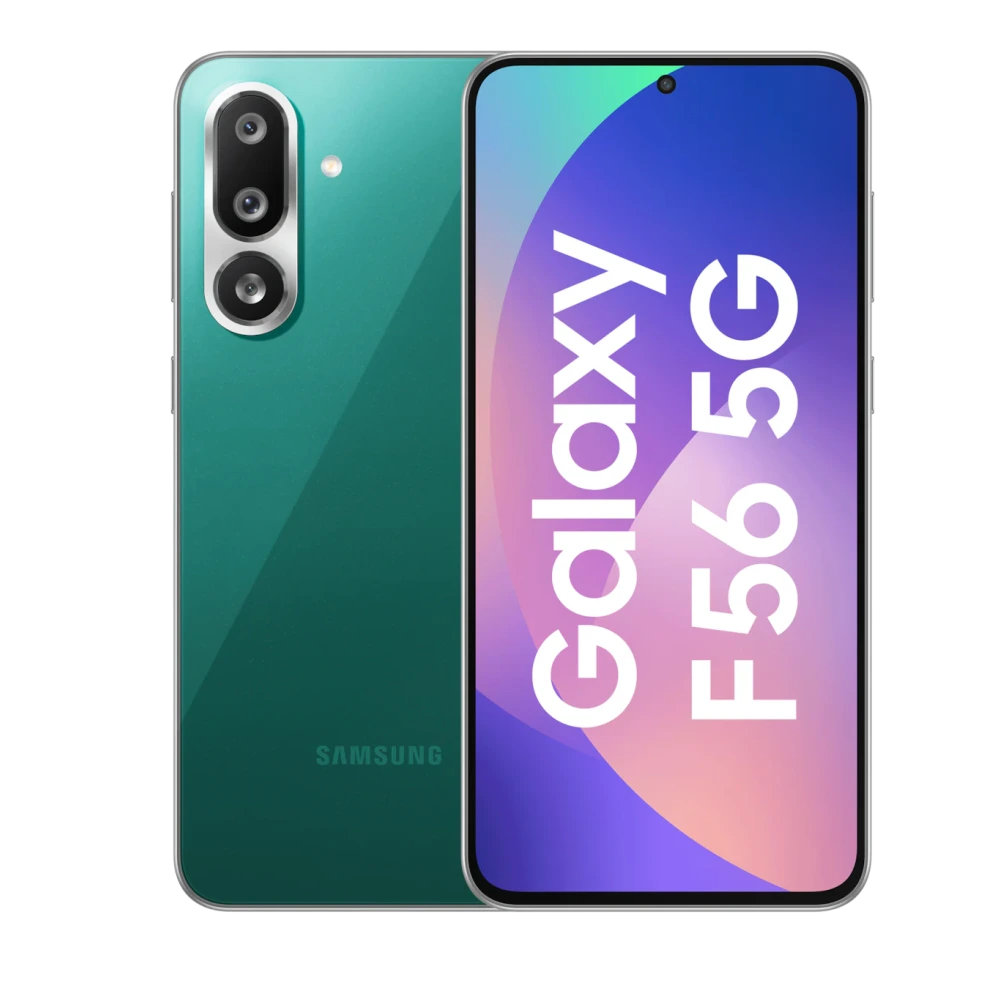
SM-E625F 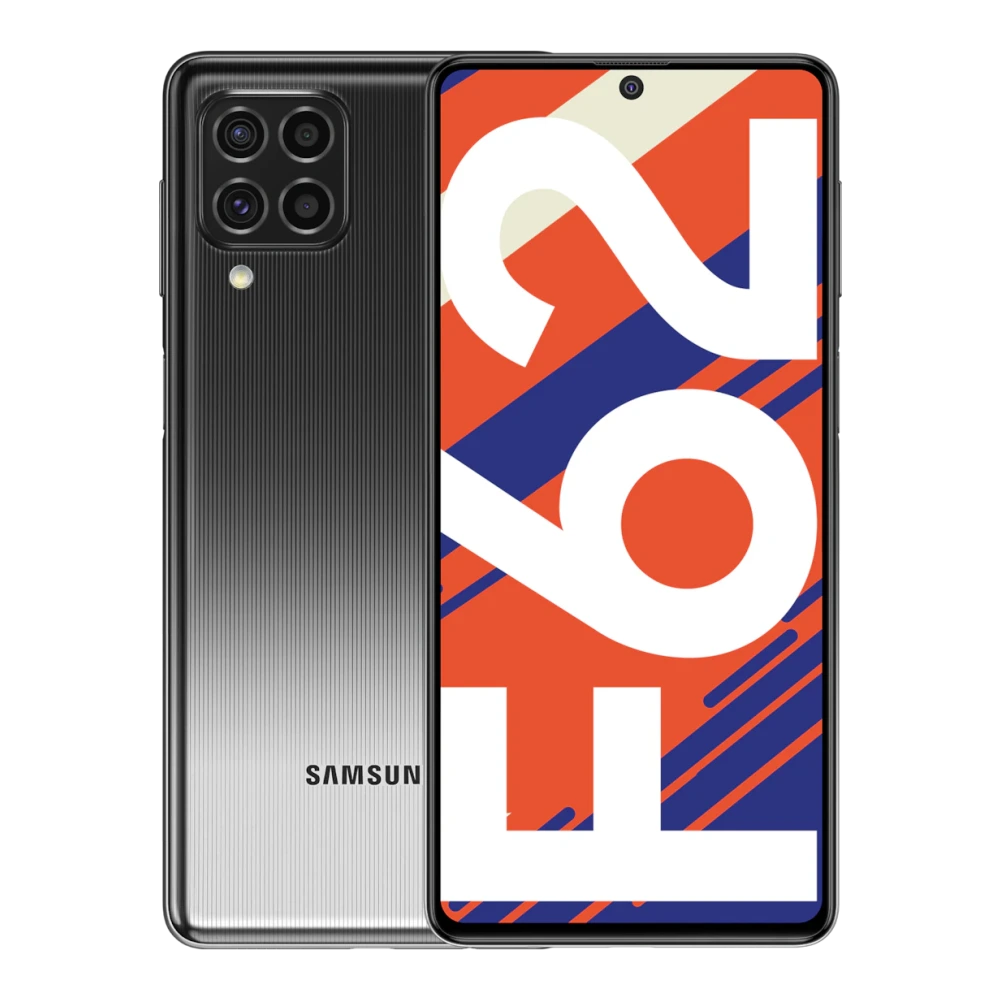
SM-E476B 
SM-E076B 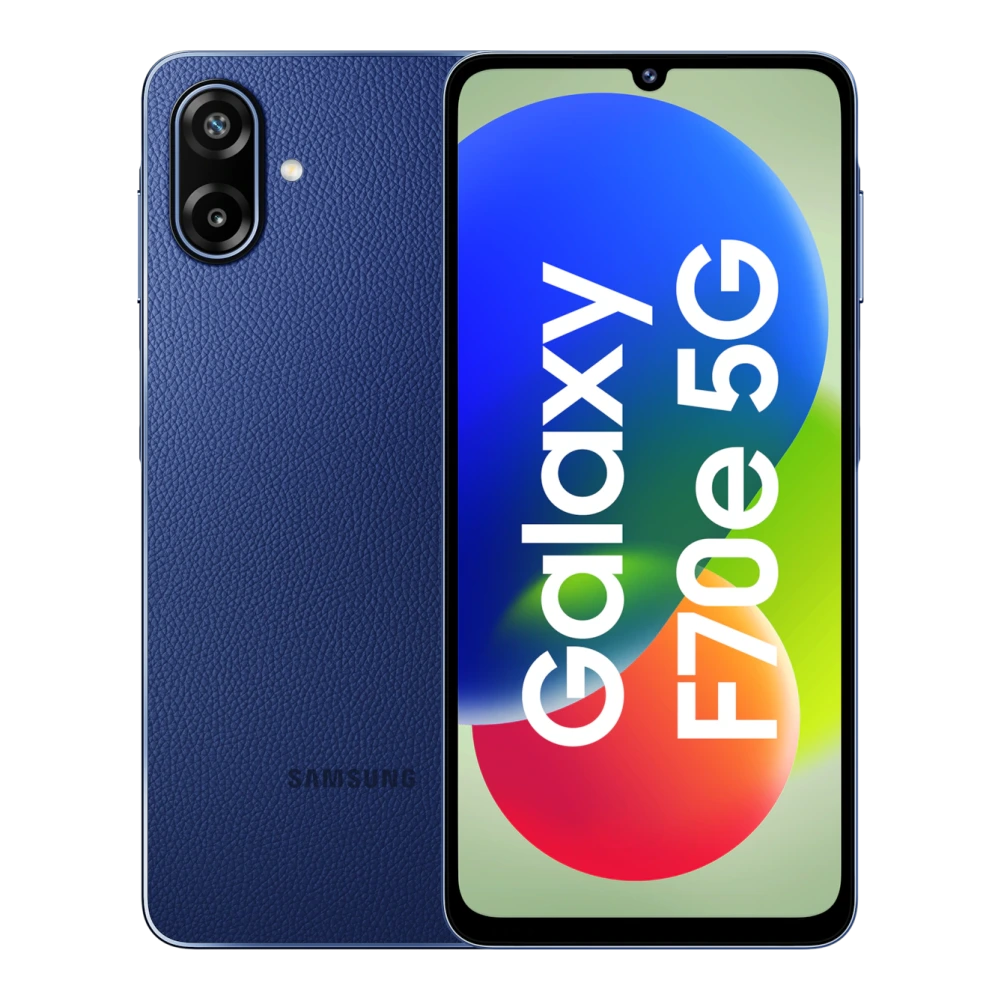
SM-F900F 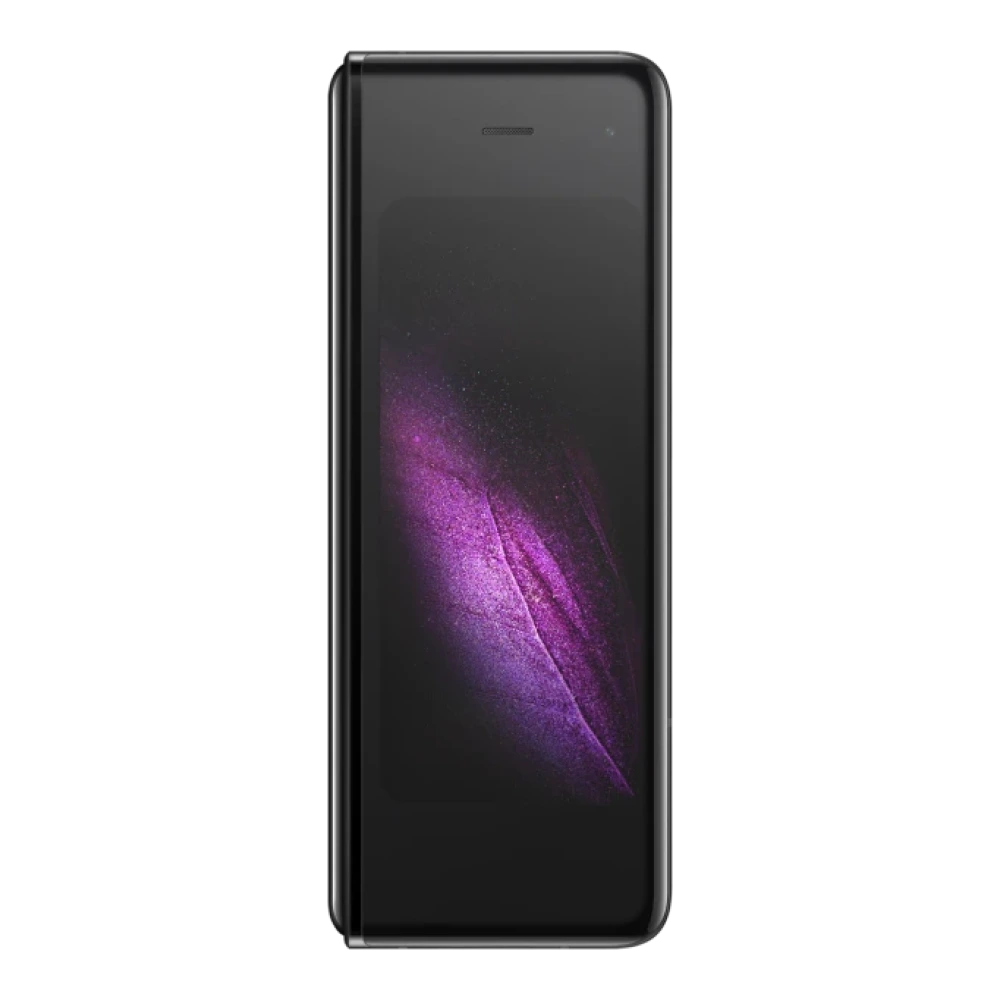
GT-I9082 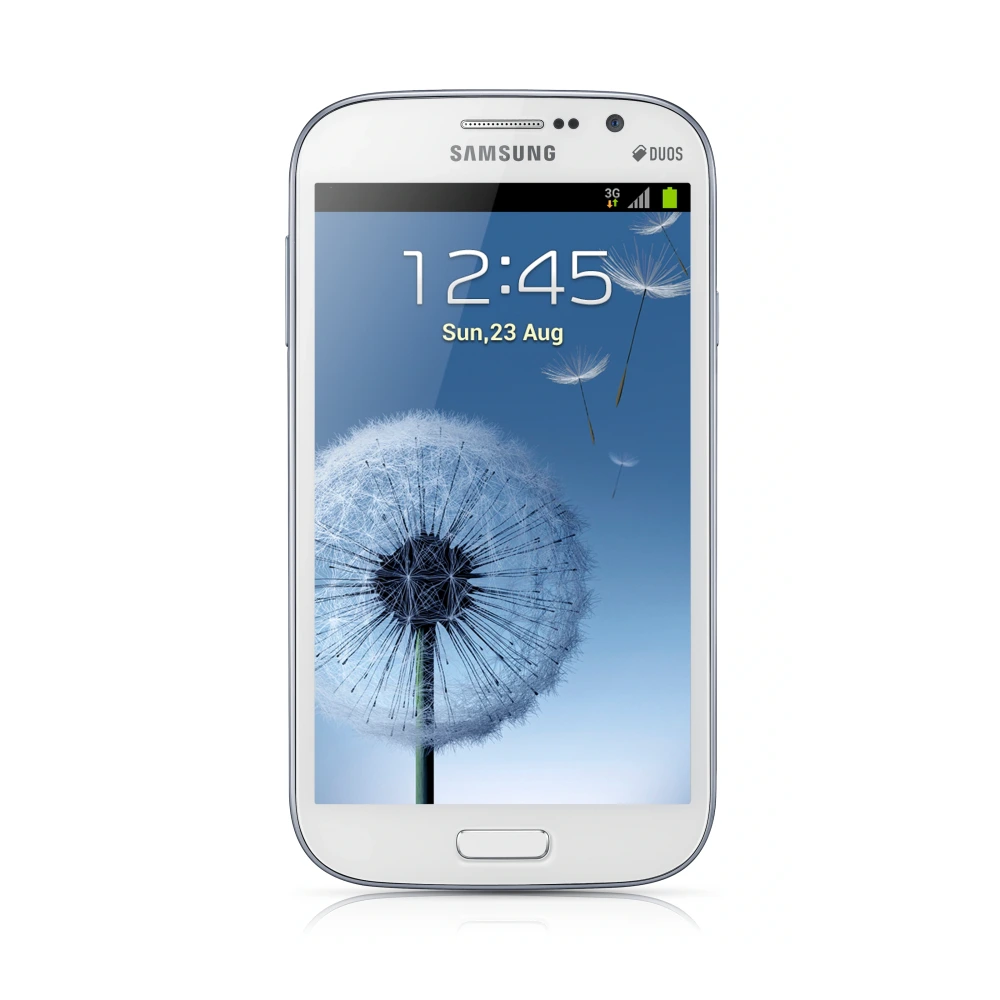
GT-I8552 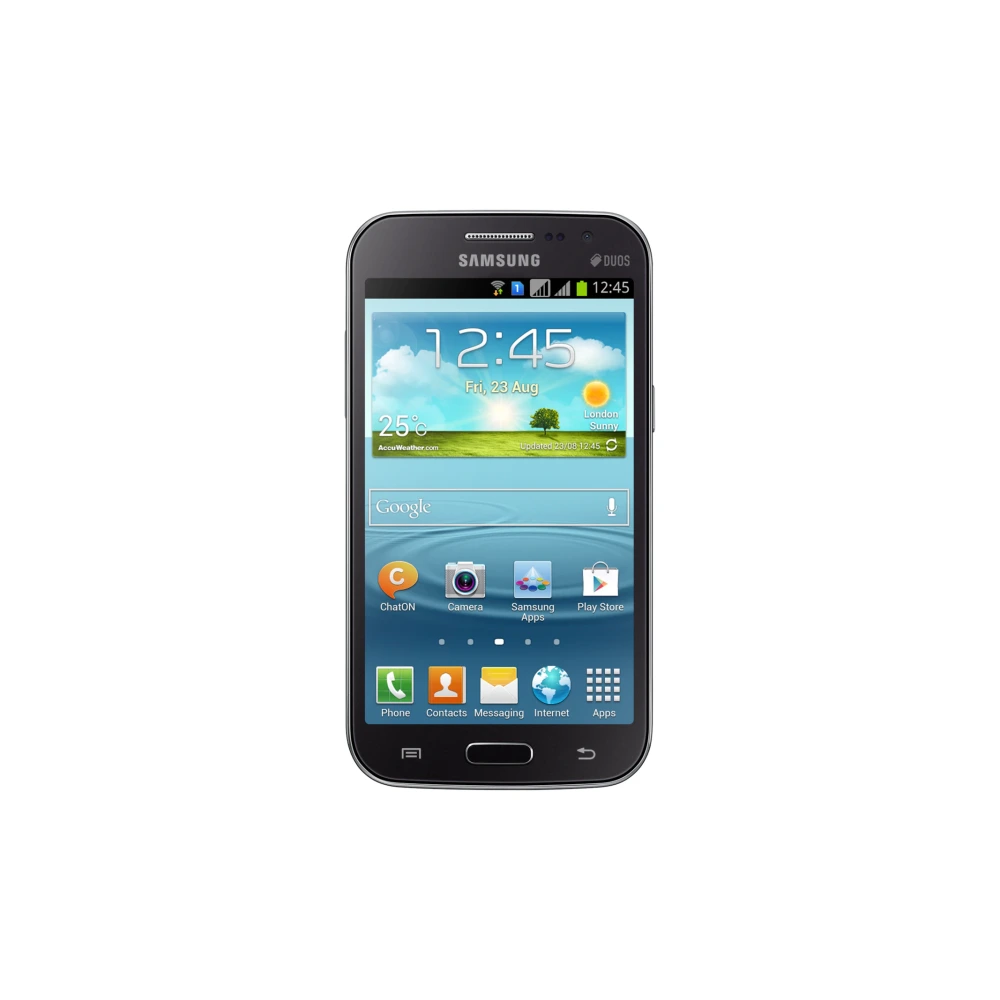
SM-J500F 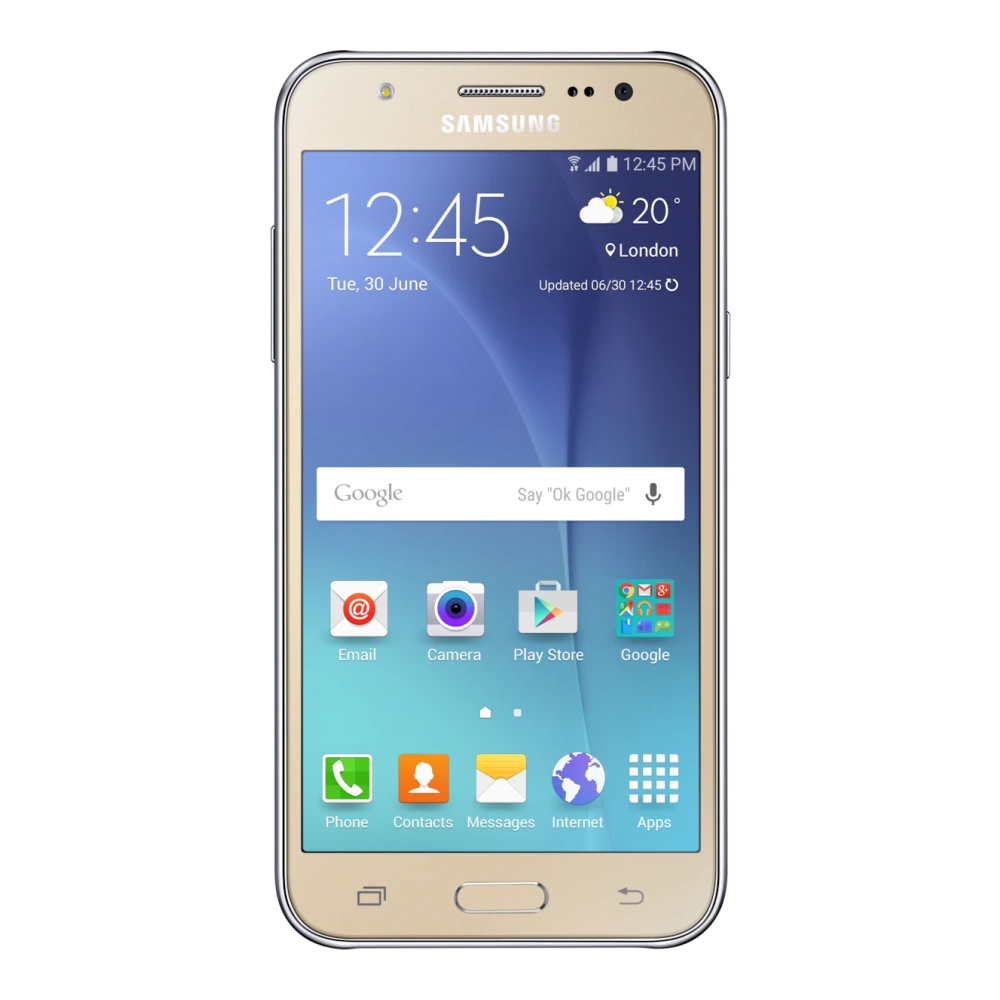
SM-J120G 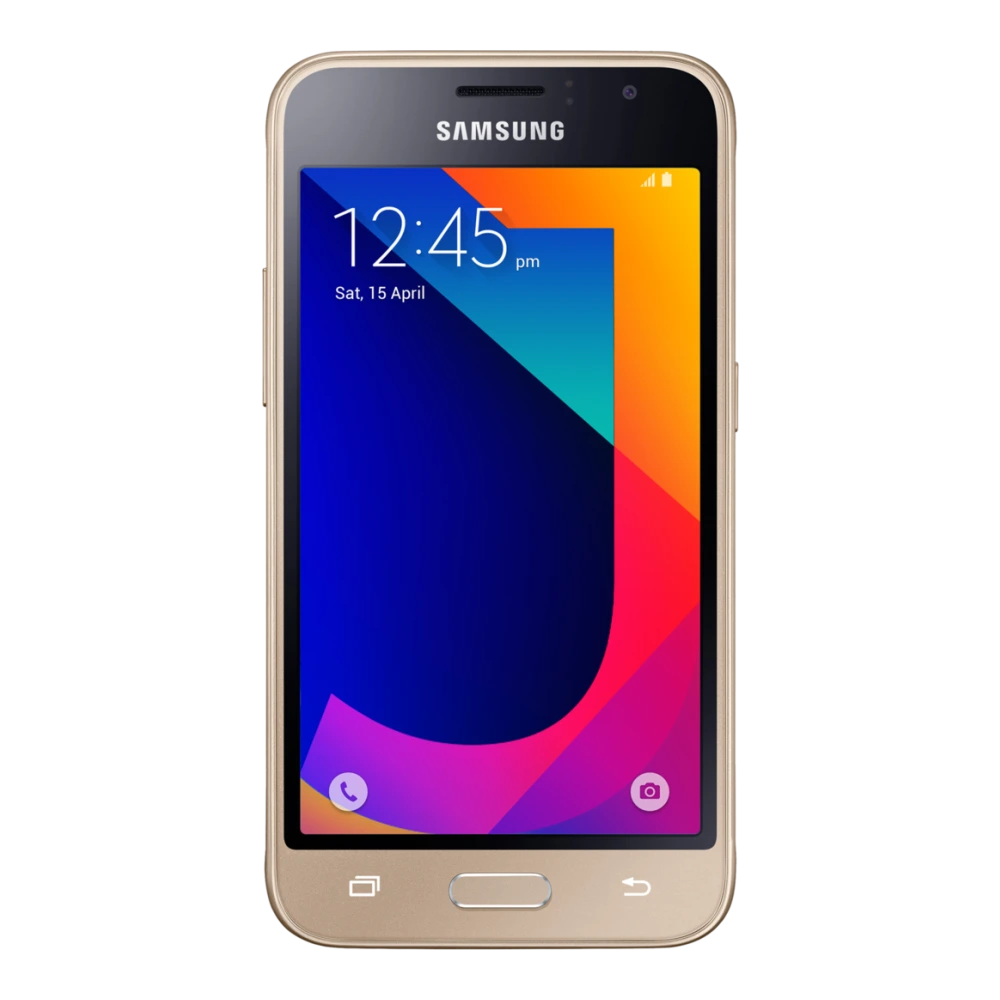
SM-J110H 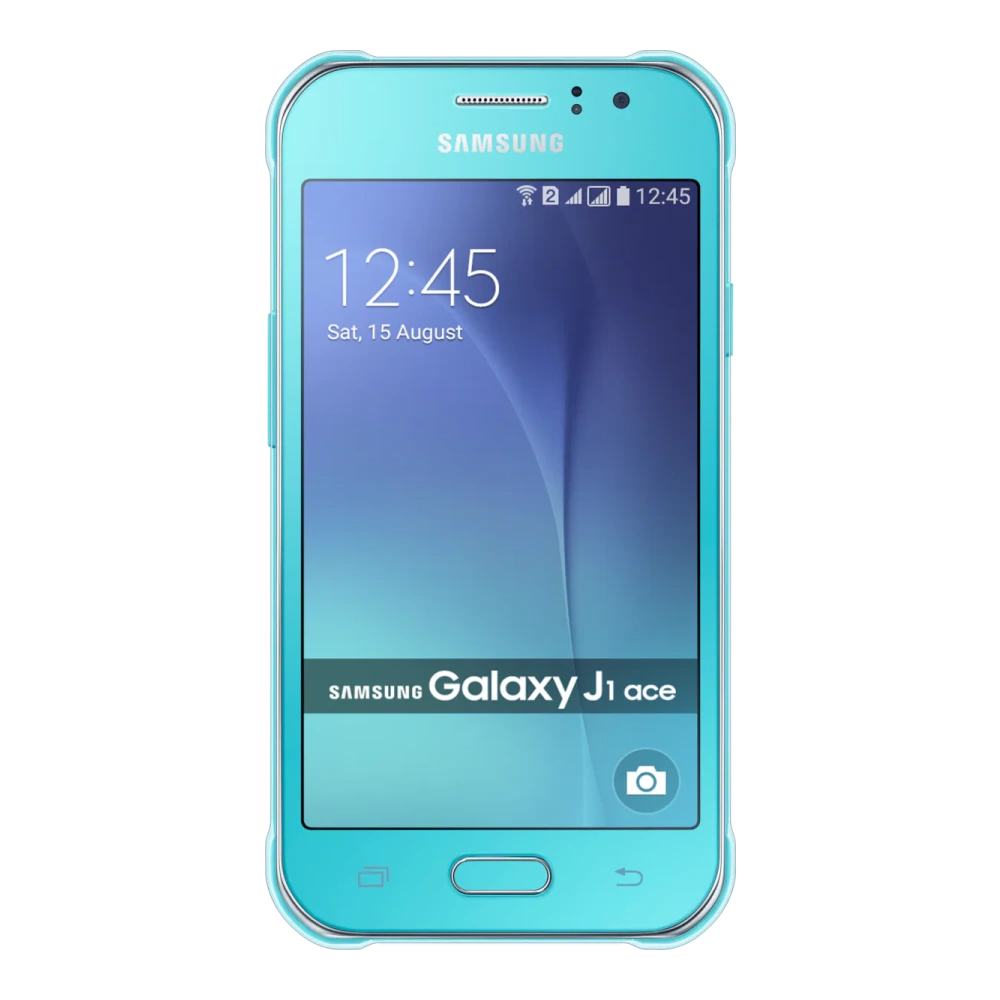
SM-J100G 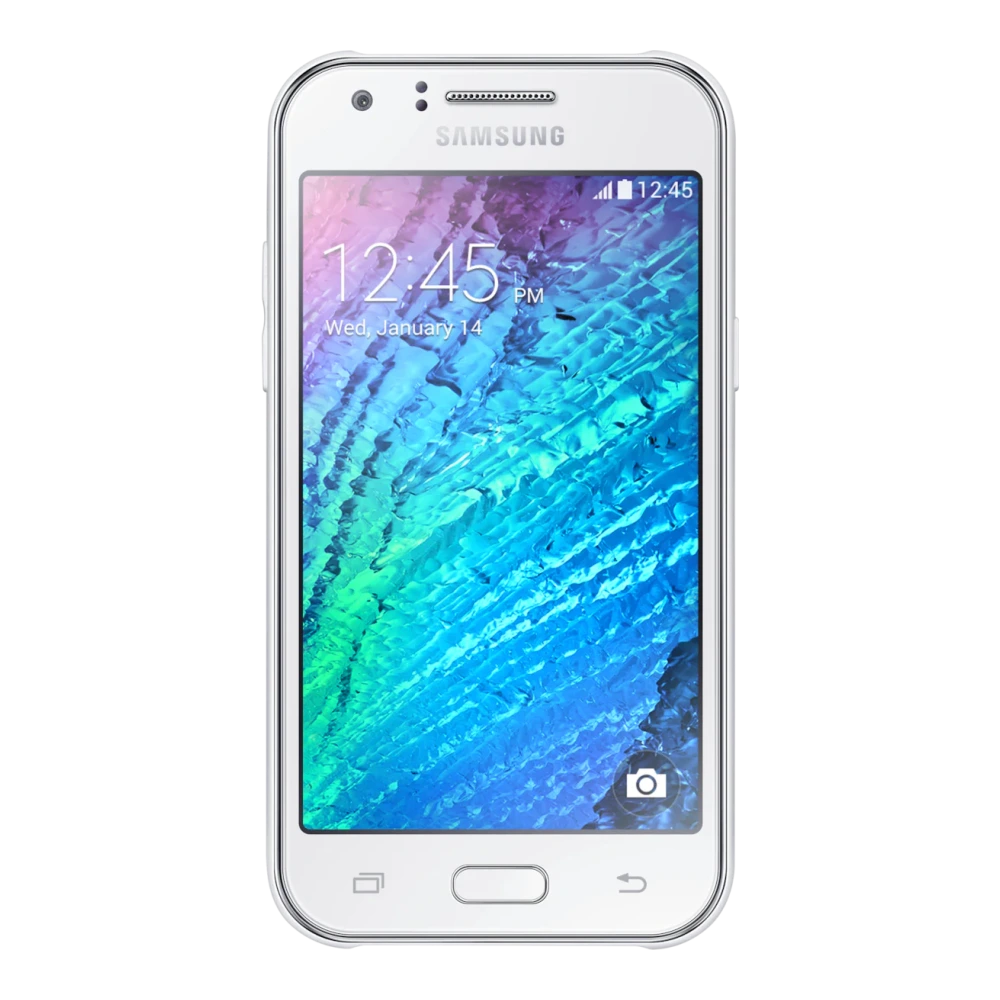
SM-J250F 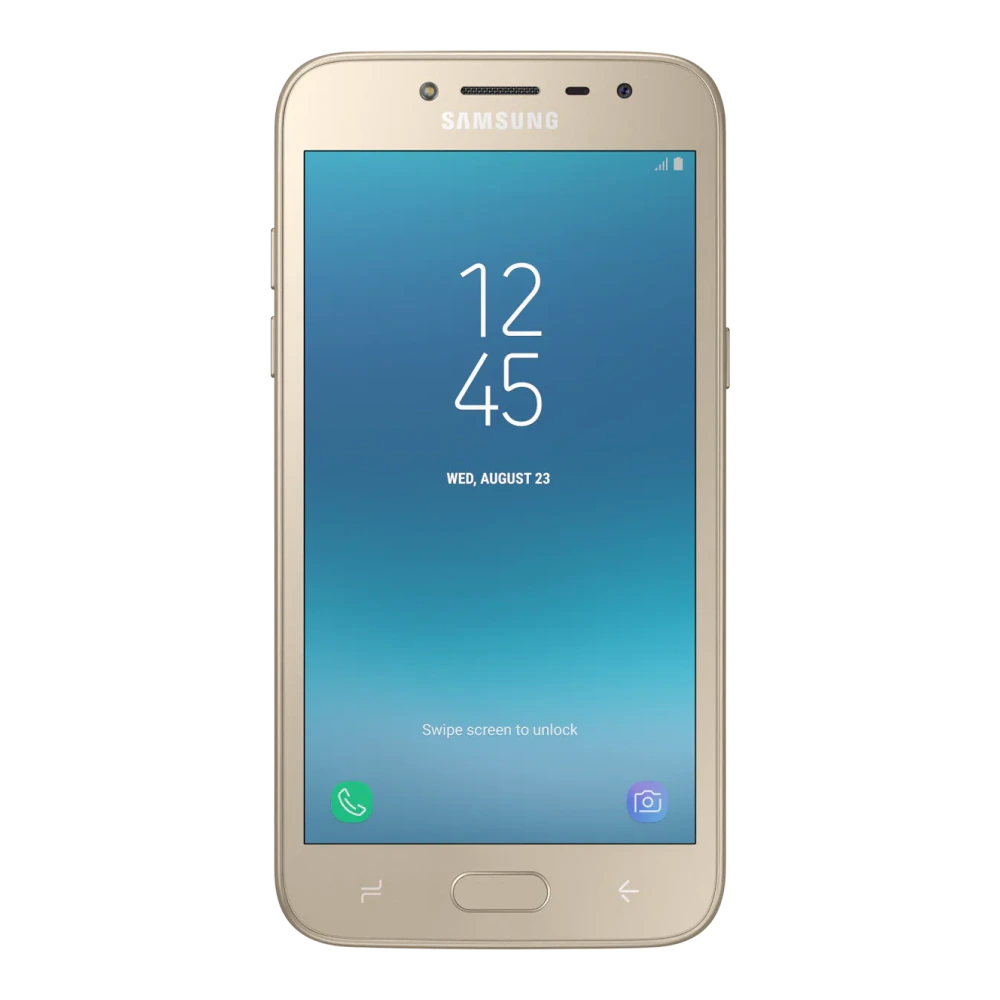
SM-J200G 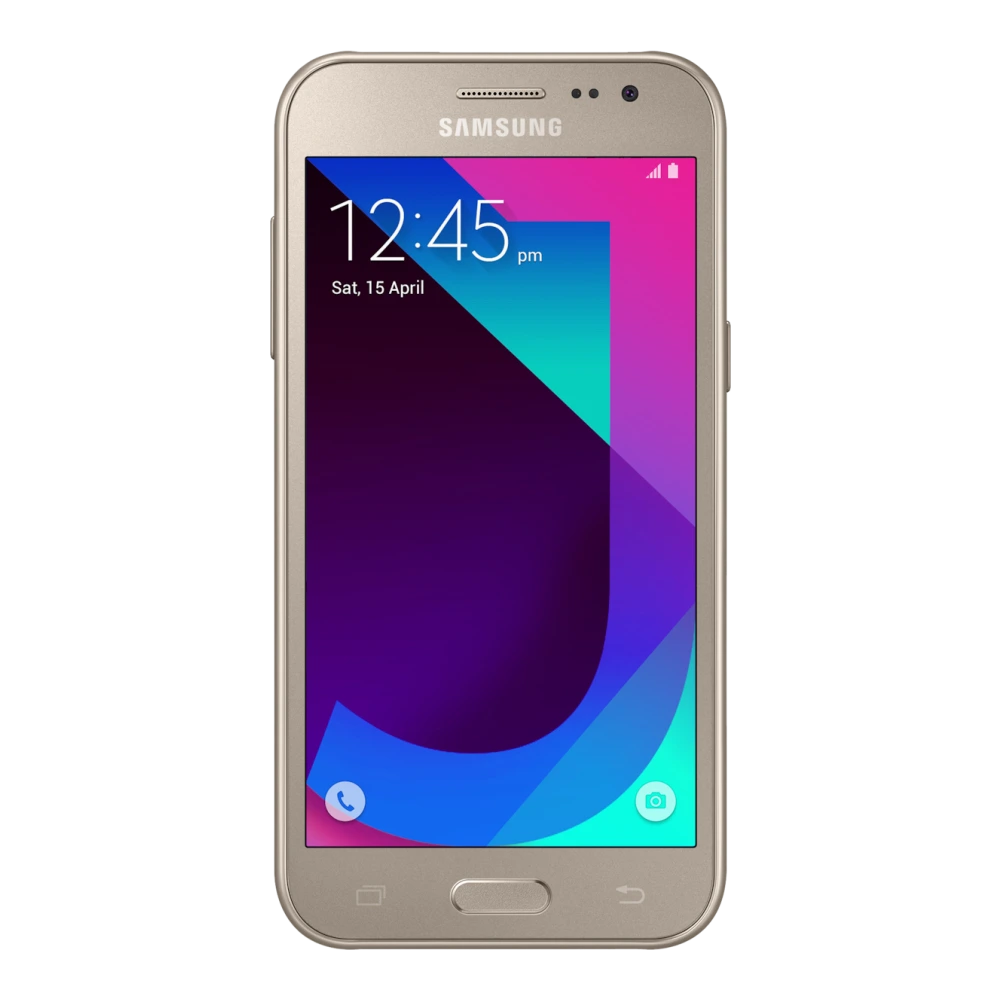
SM-G532G 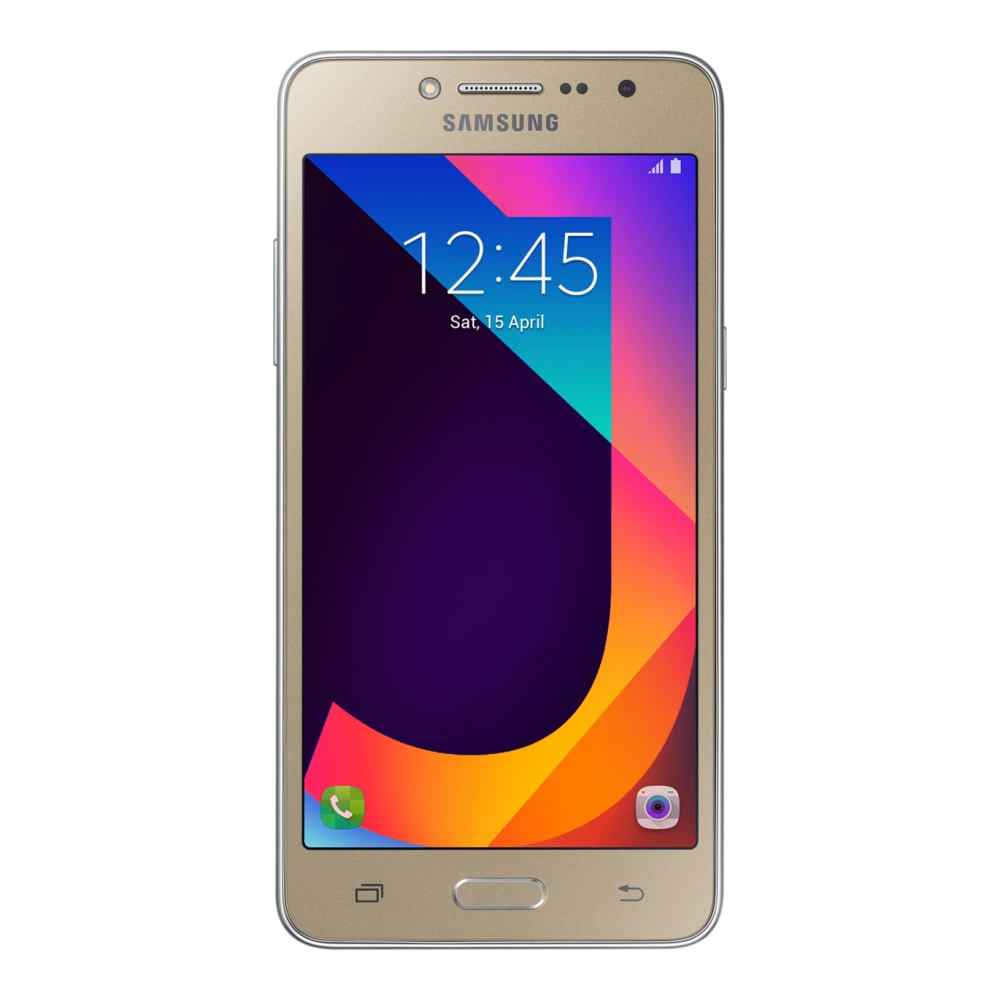
SM-J260G 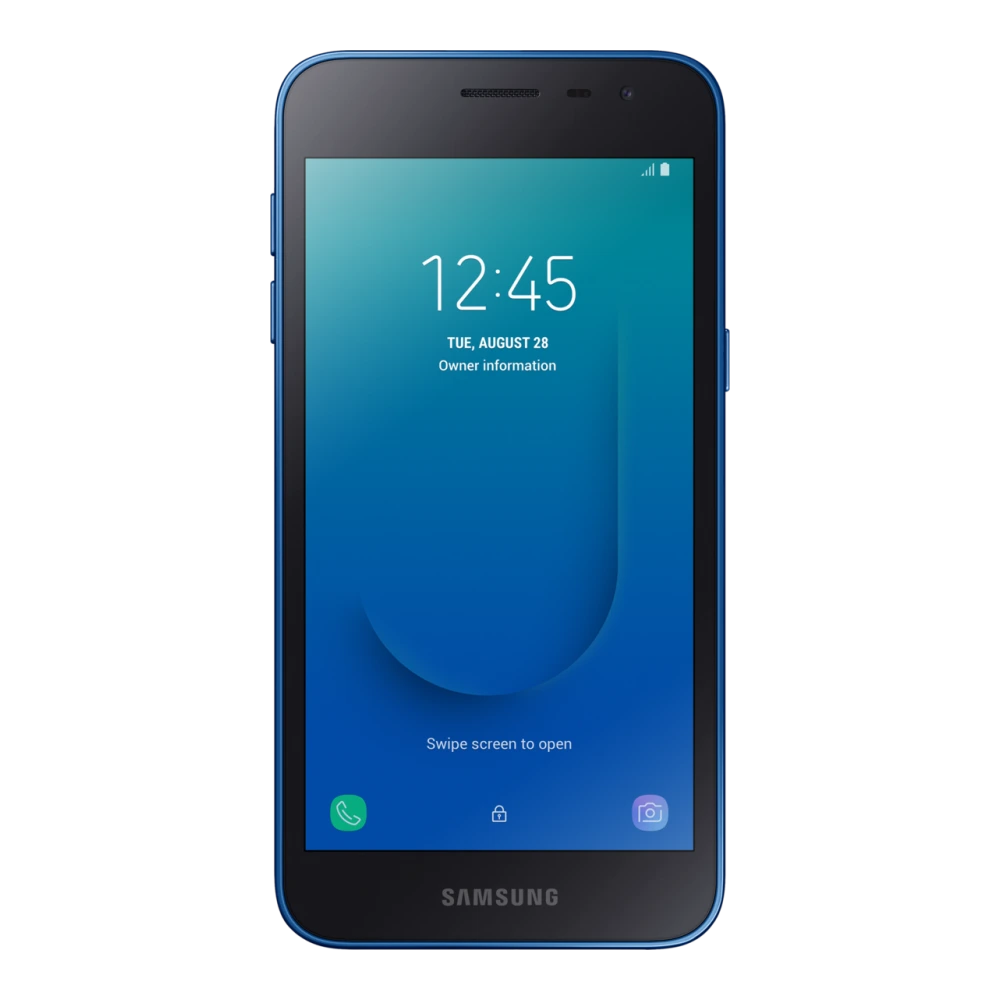
SM-J320F 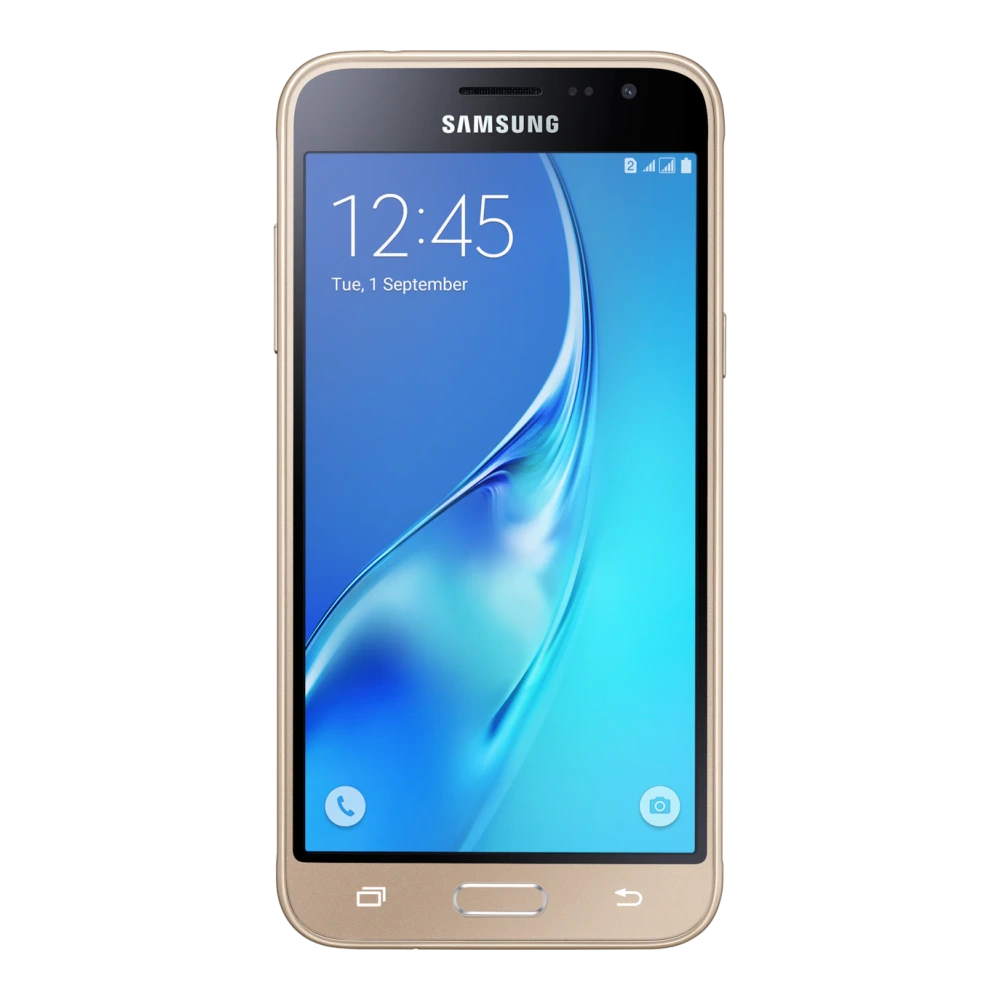
SM-J400F 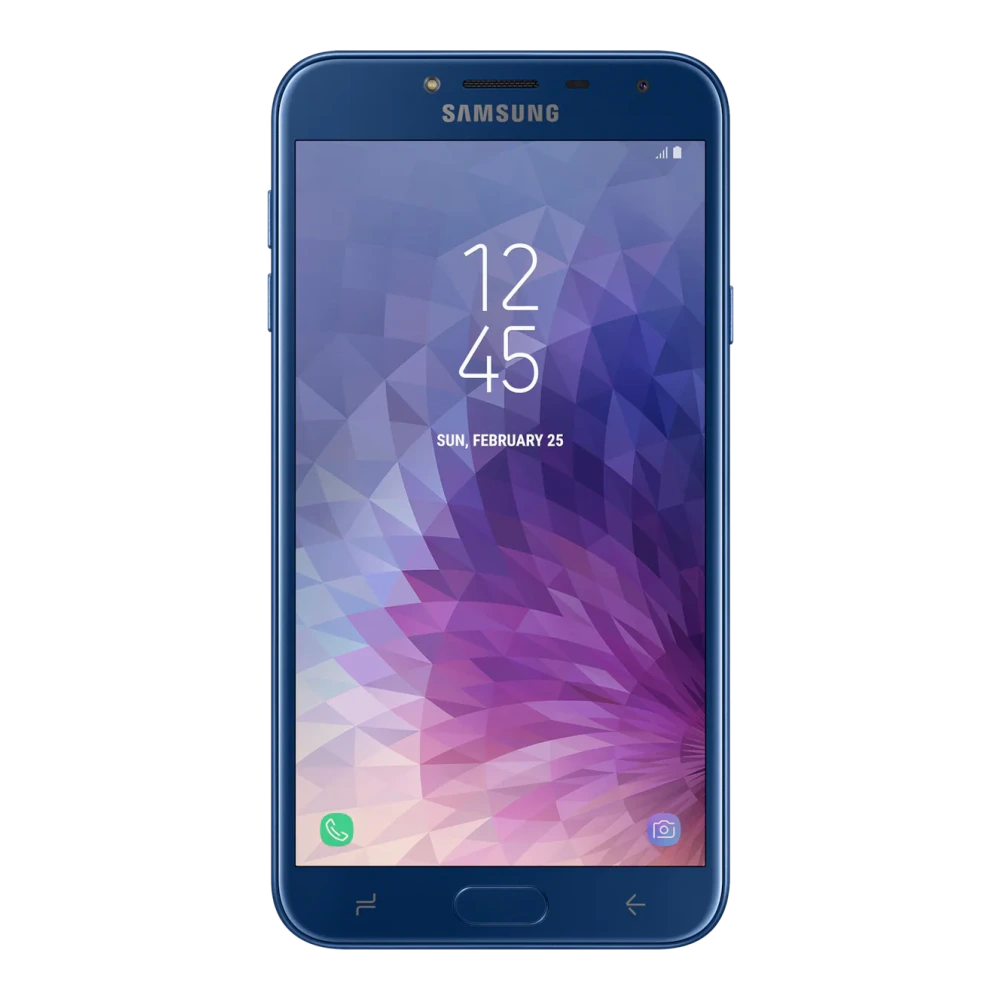
SM-J415F 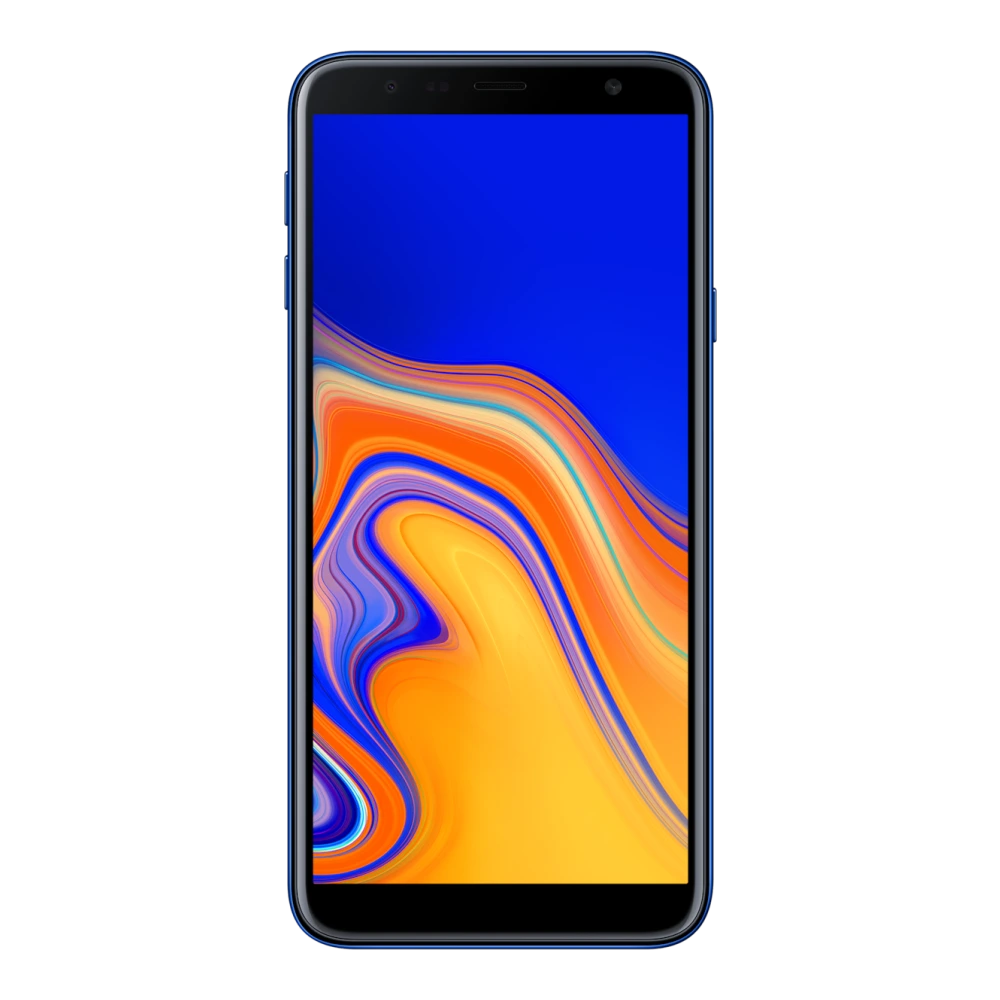
SM-J510F 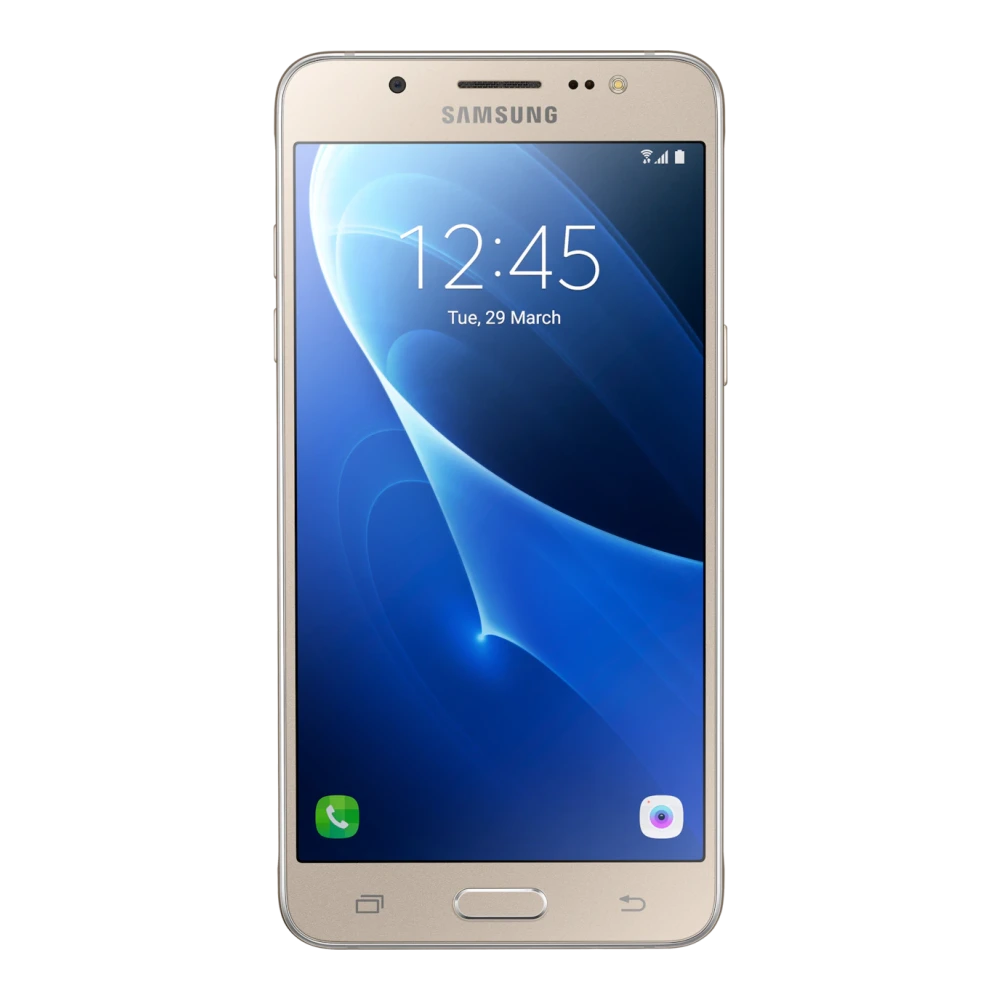
SM-G570F 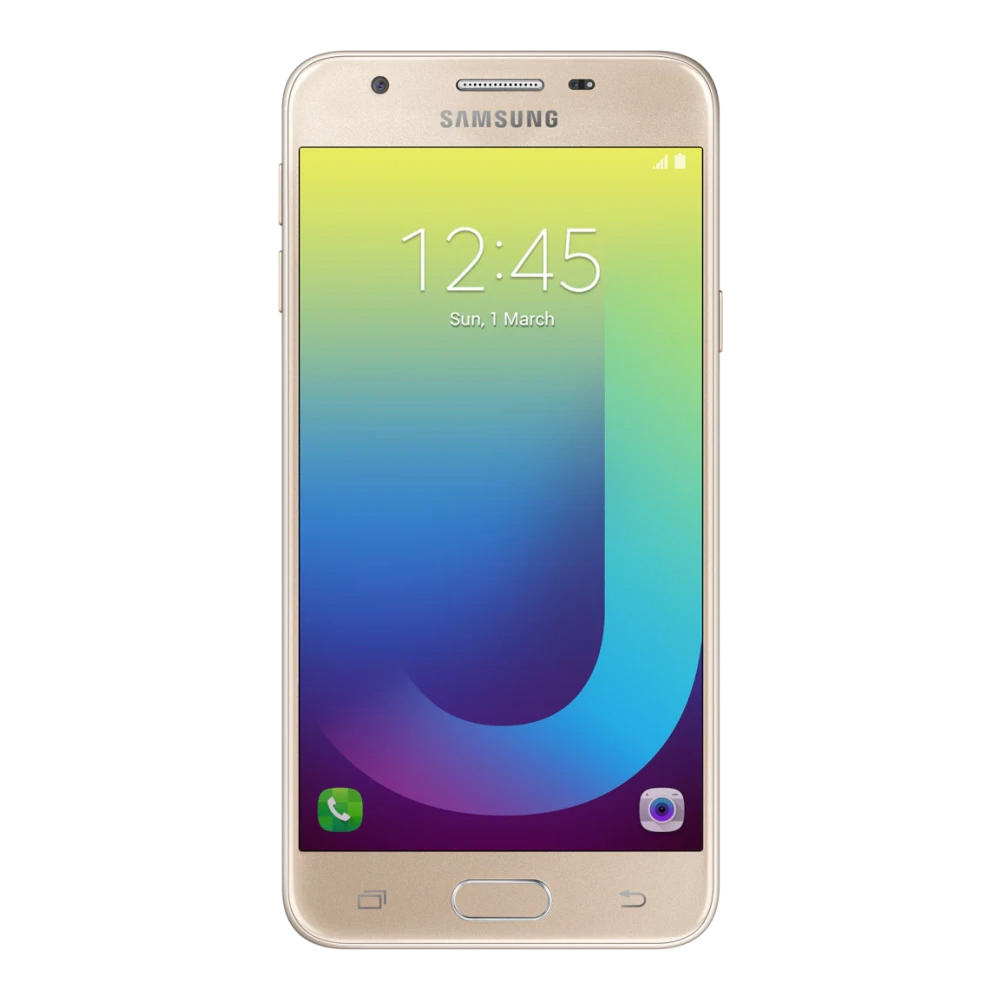
SM-J600G 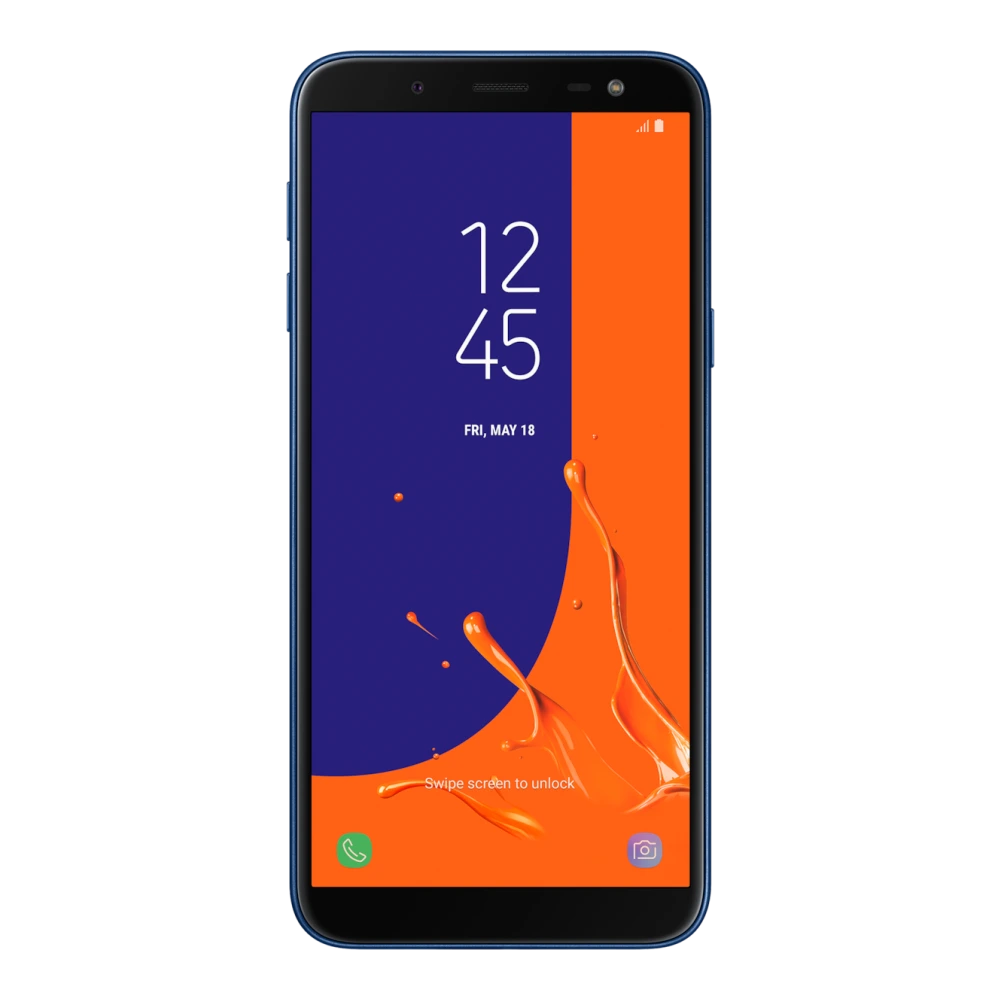
SM-J610F 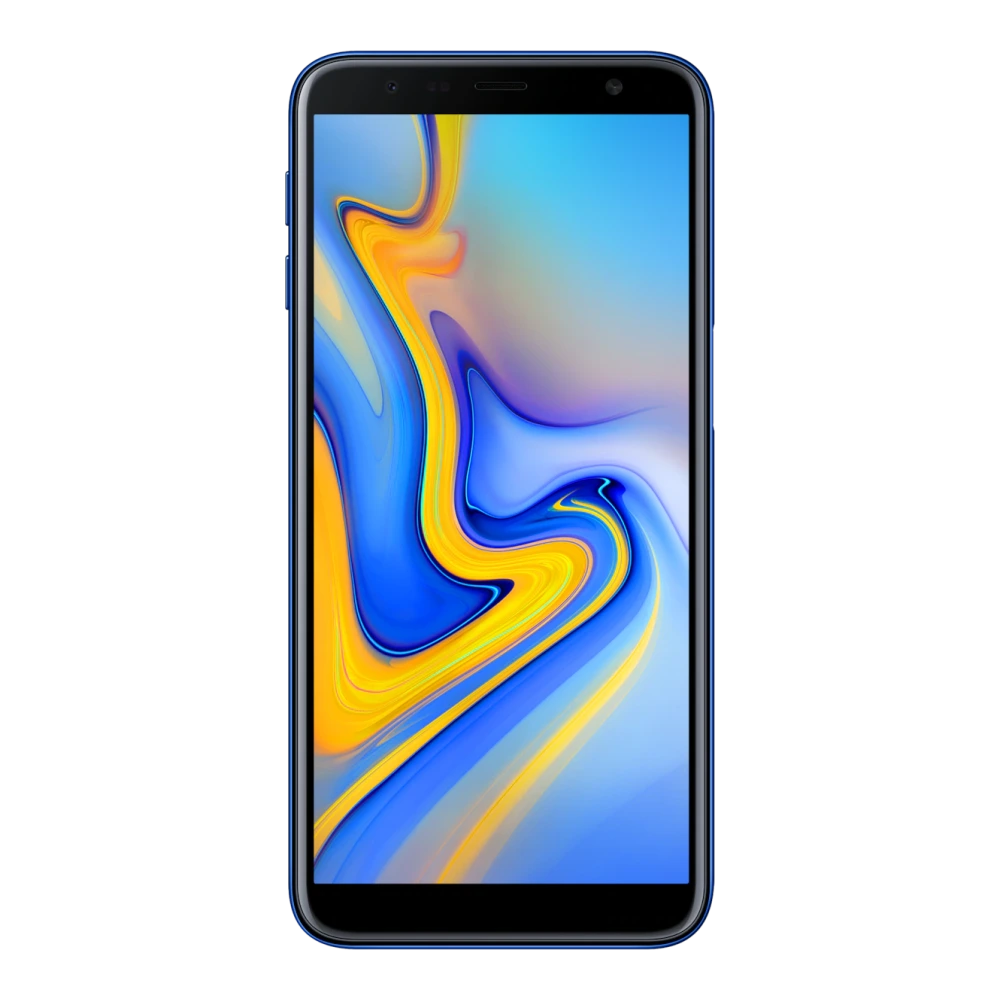
SM-J700F 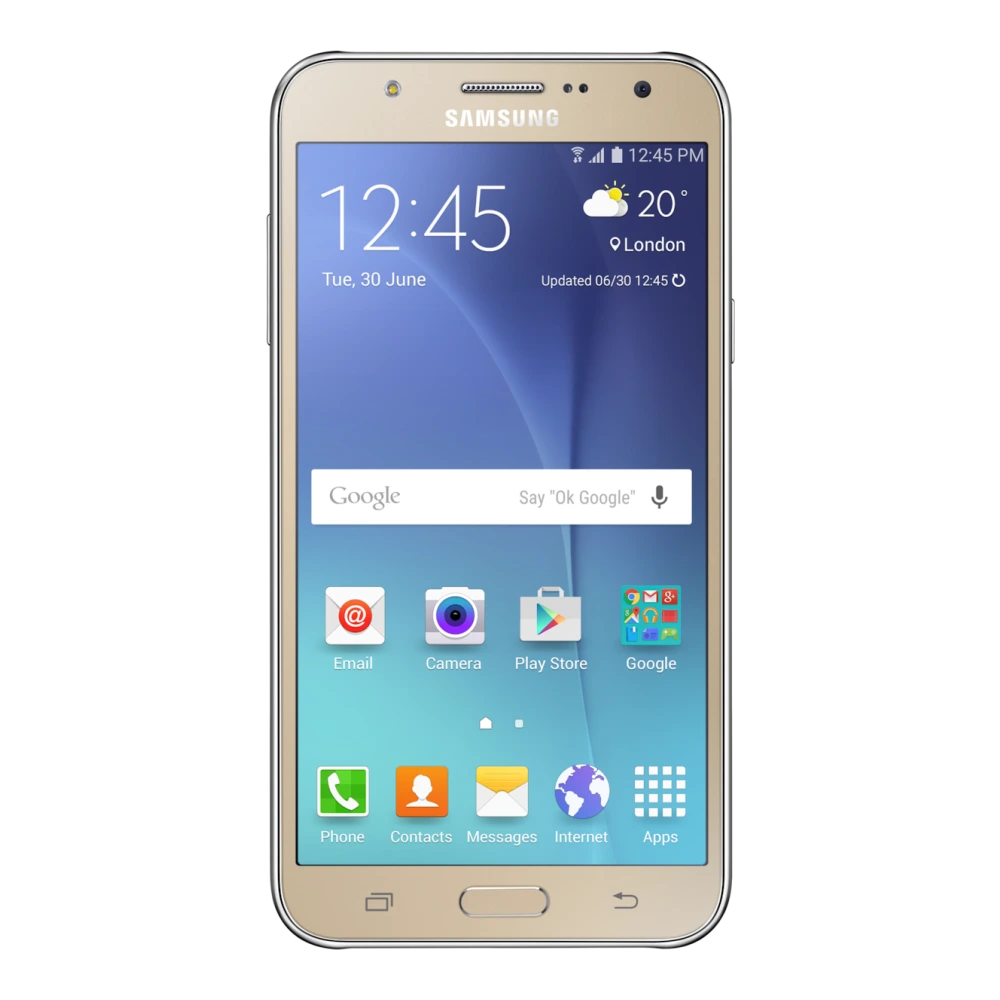
SM-J720F 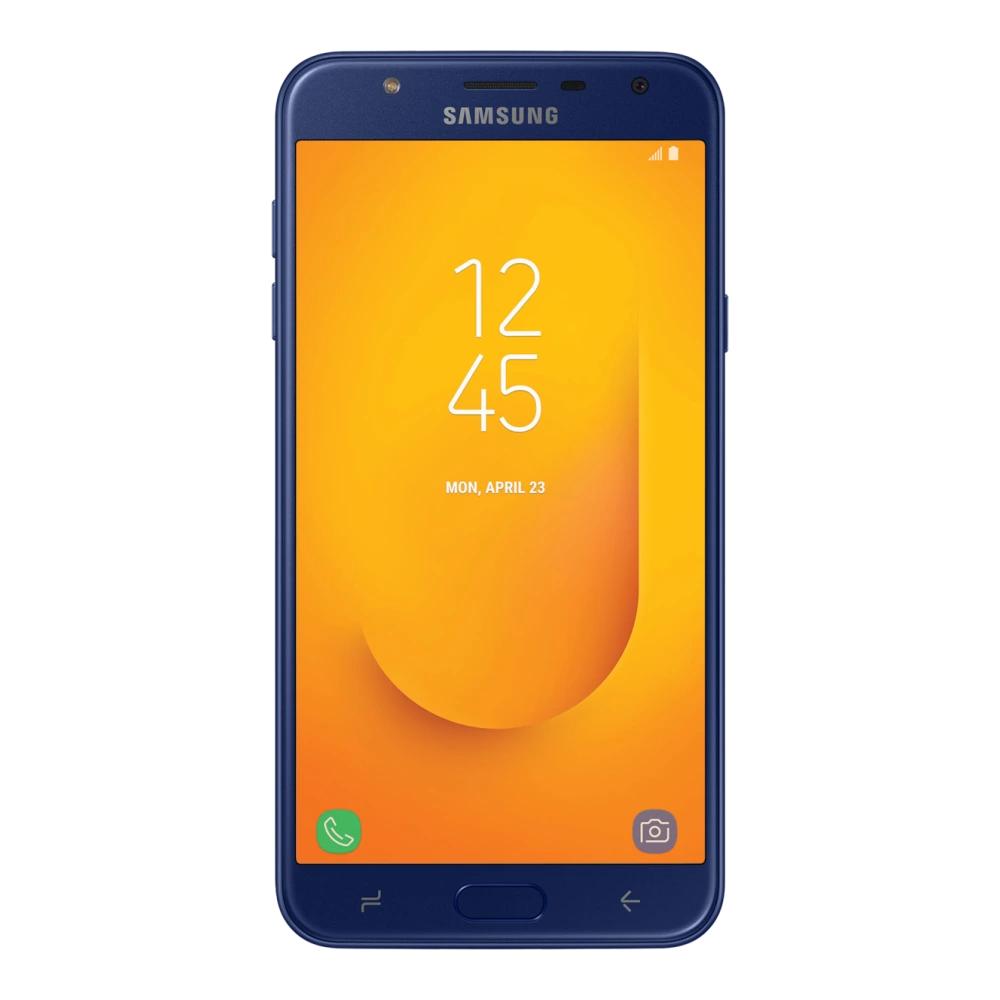
SM-G615F 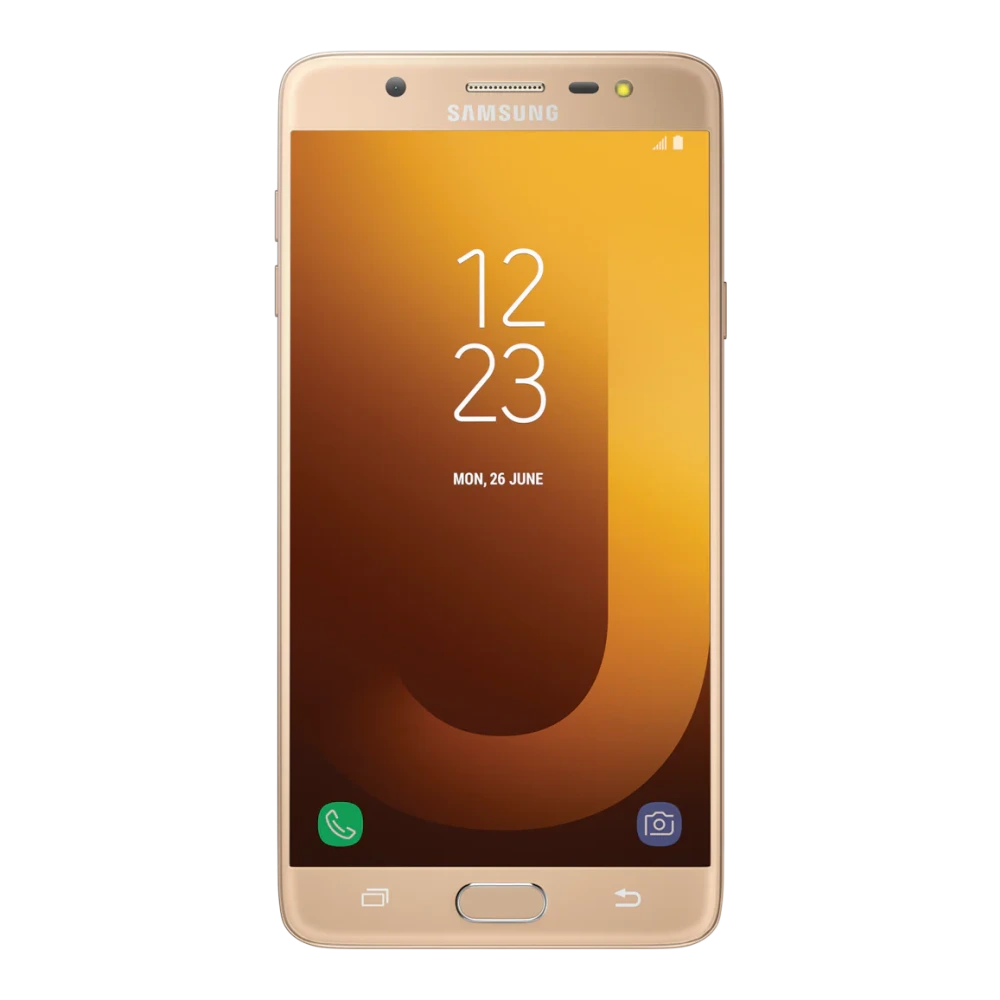
SM-J701F 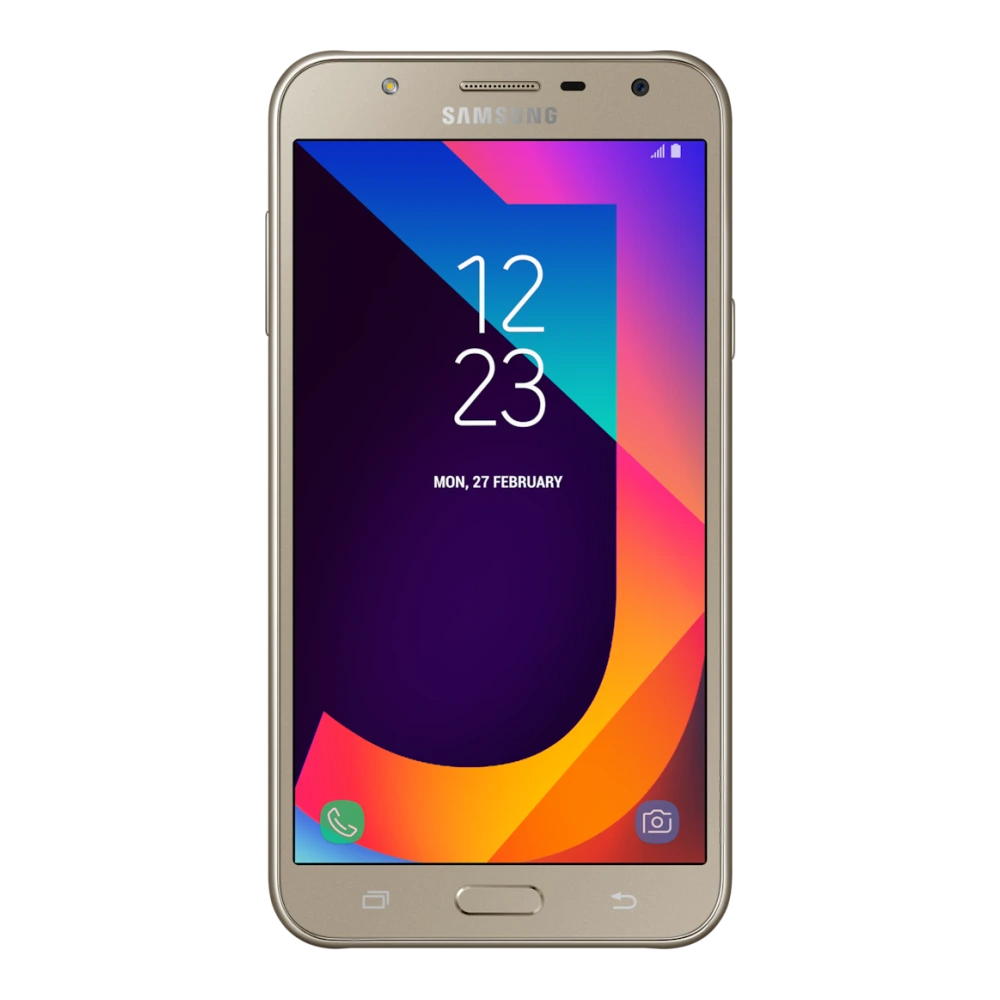
SM-G610F 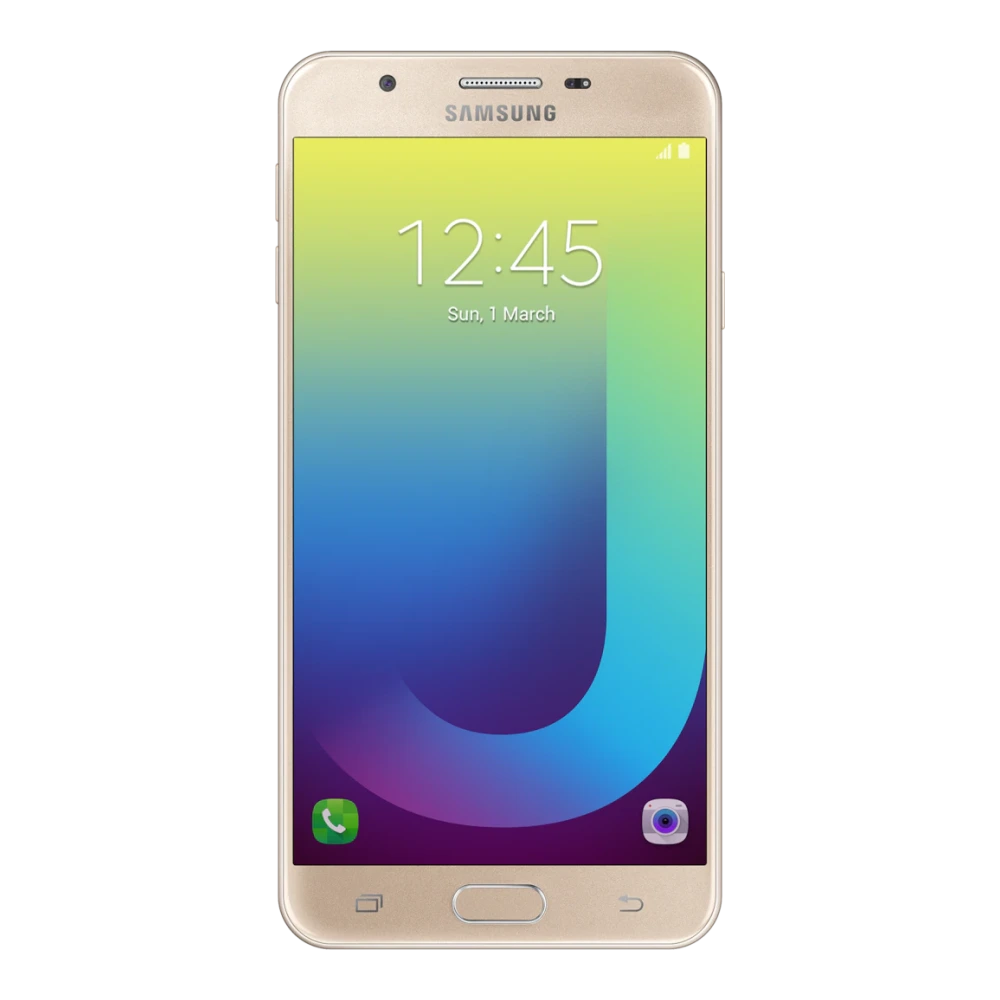
SM-G611FF 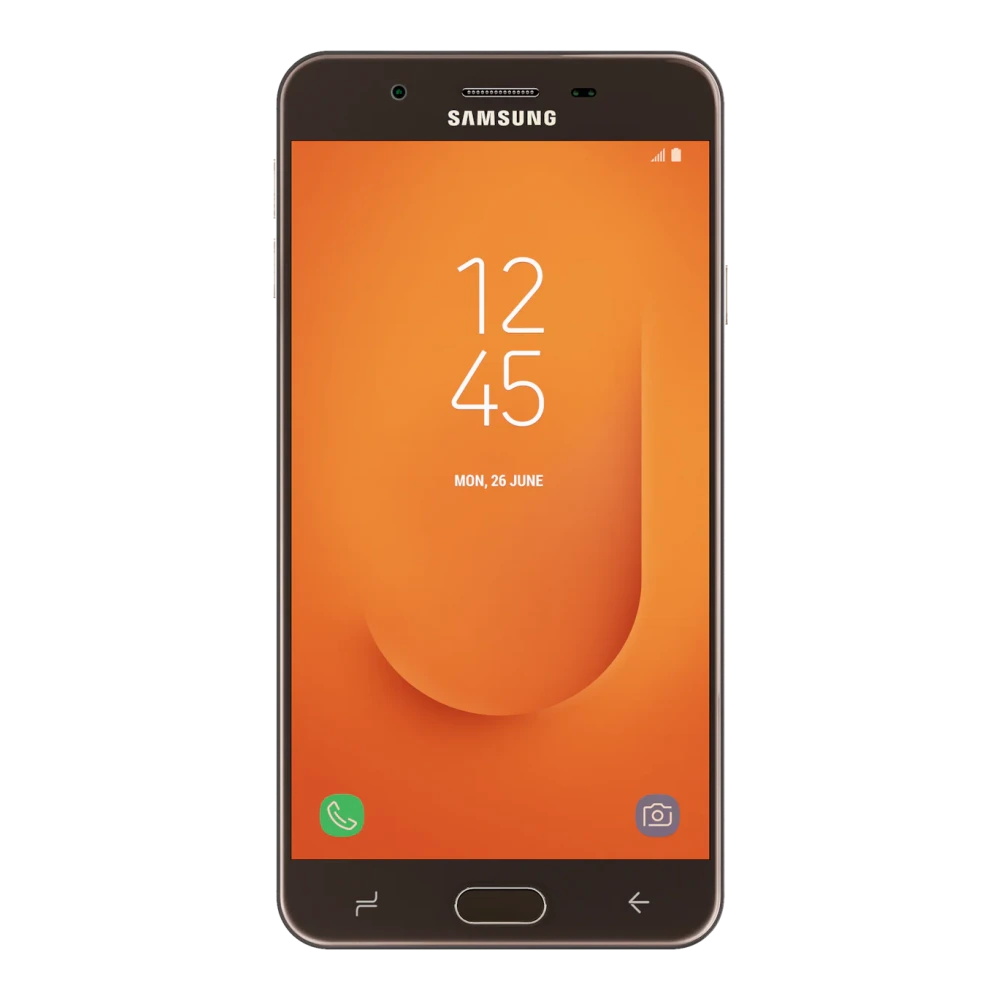
SM-J730GM 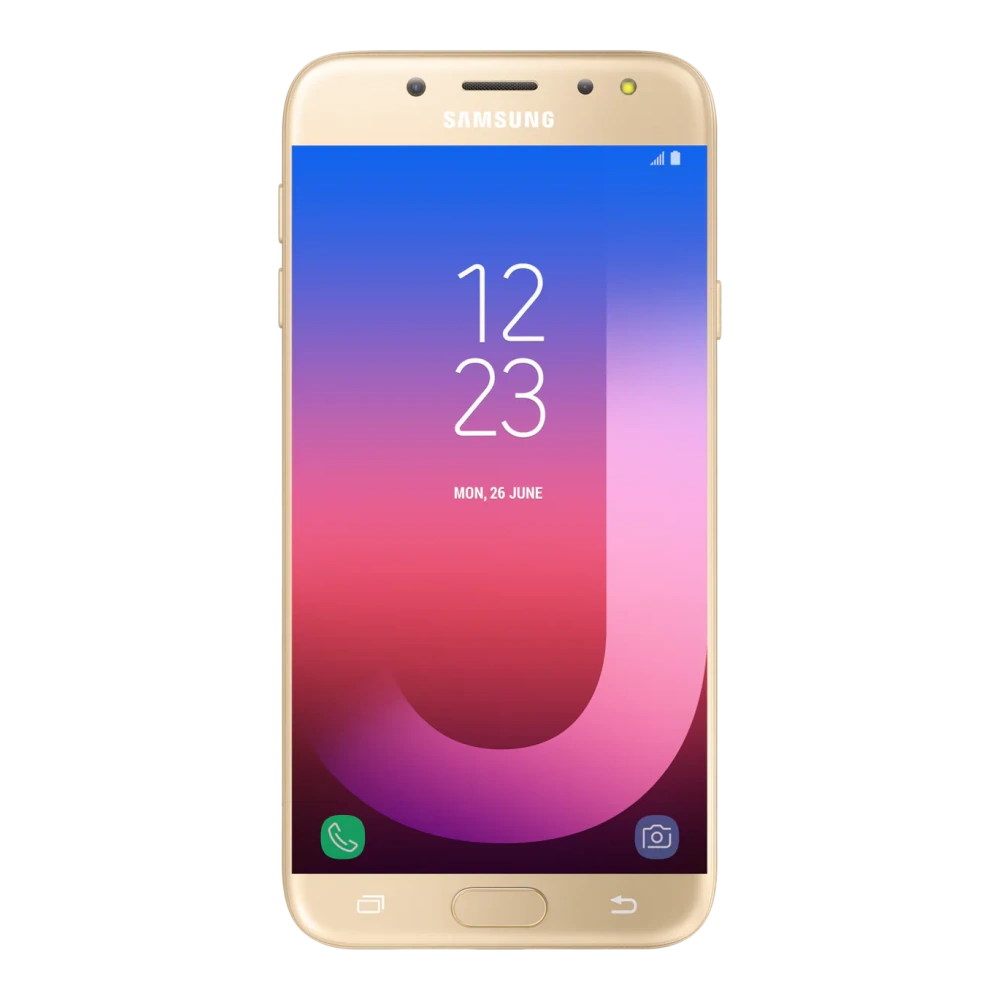
SM-J810G 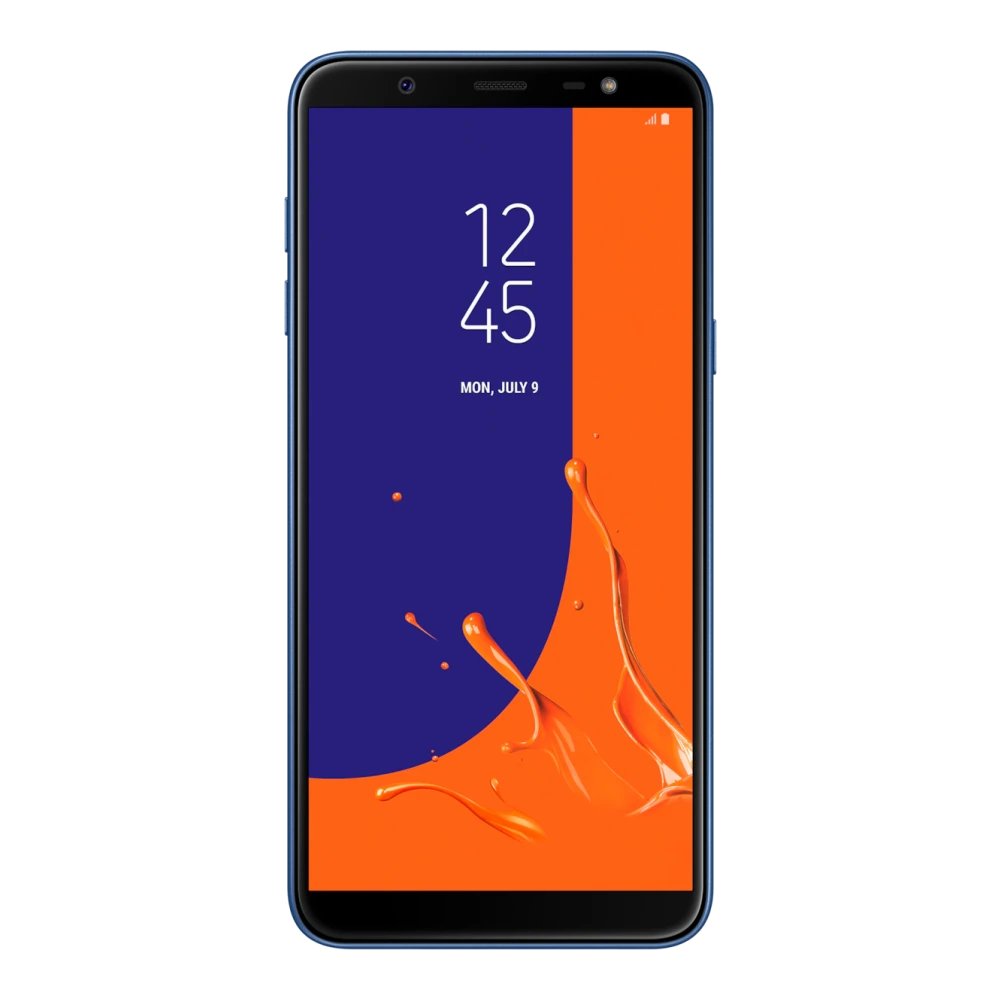
SM-M015G 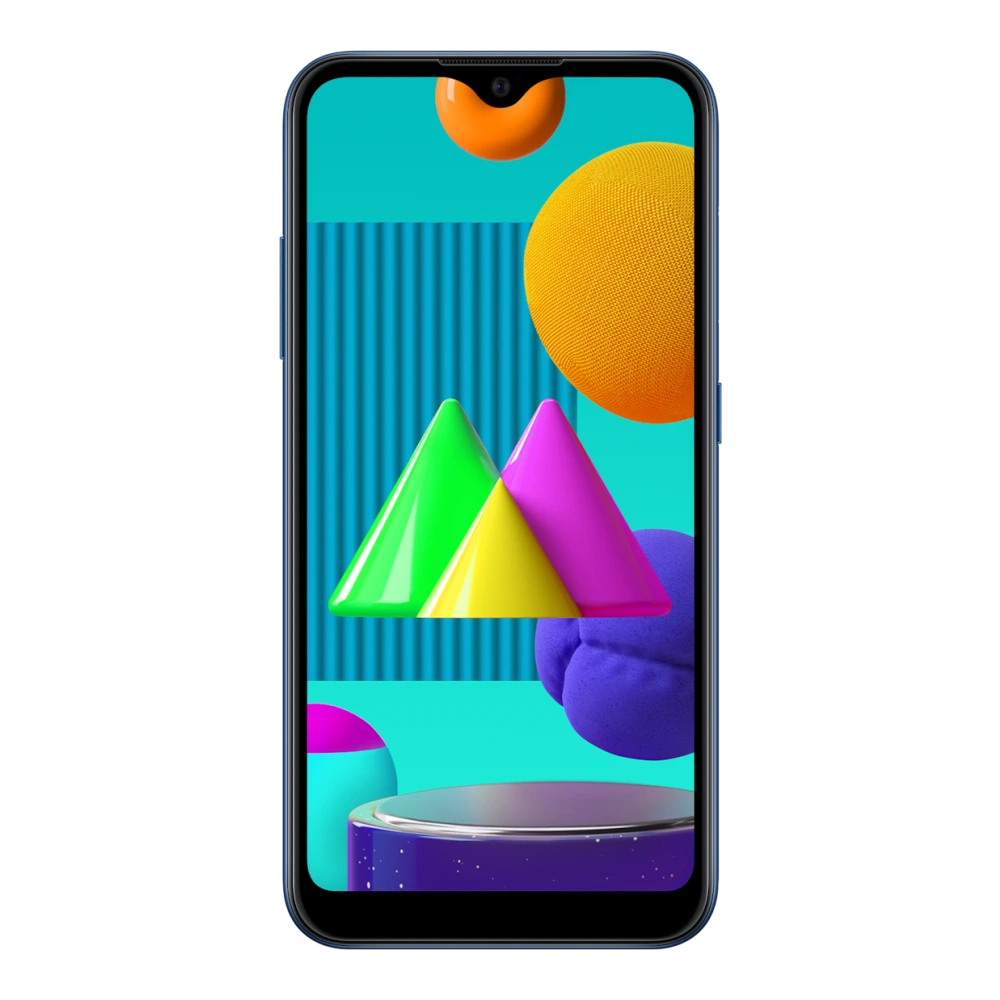
SM-M013F 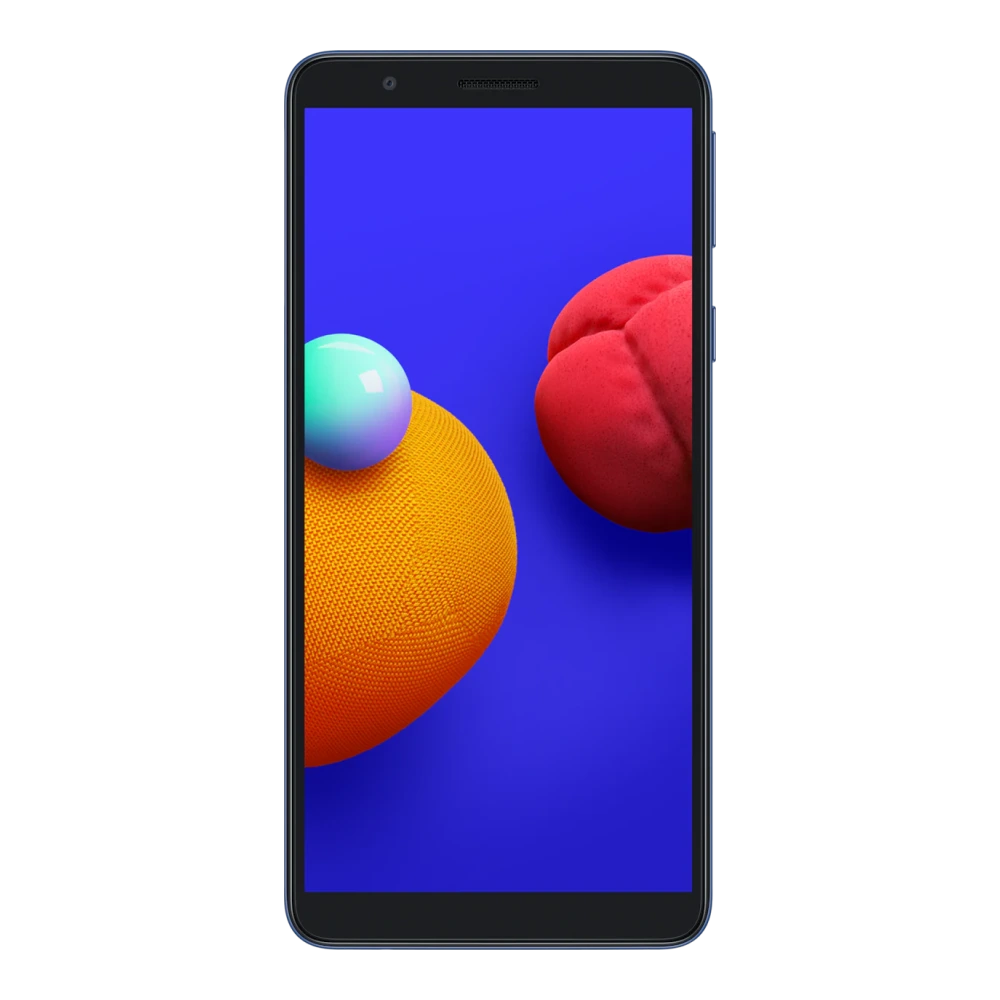
SM-M017F 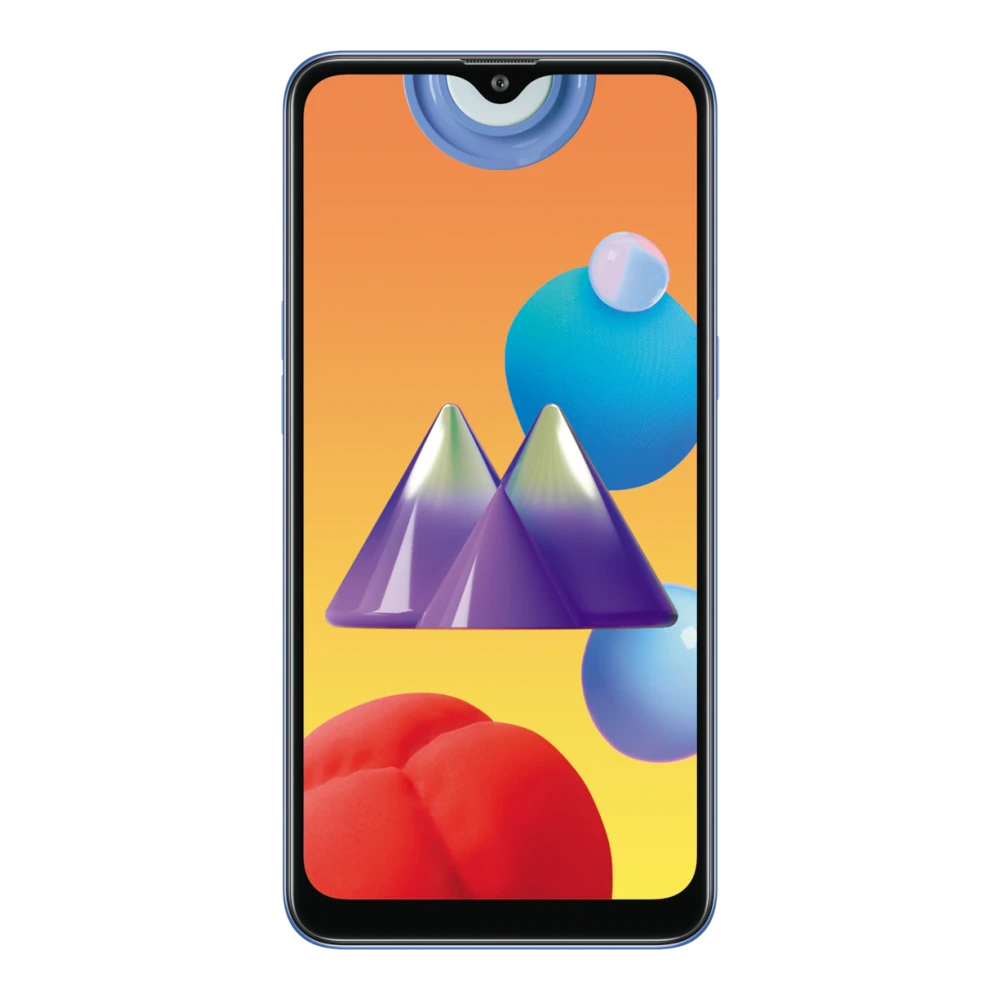
SM-M022G 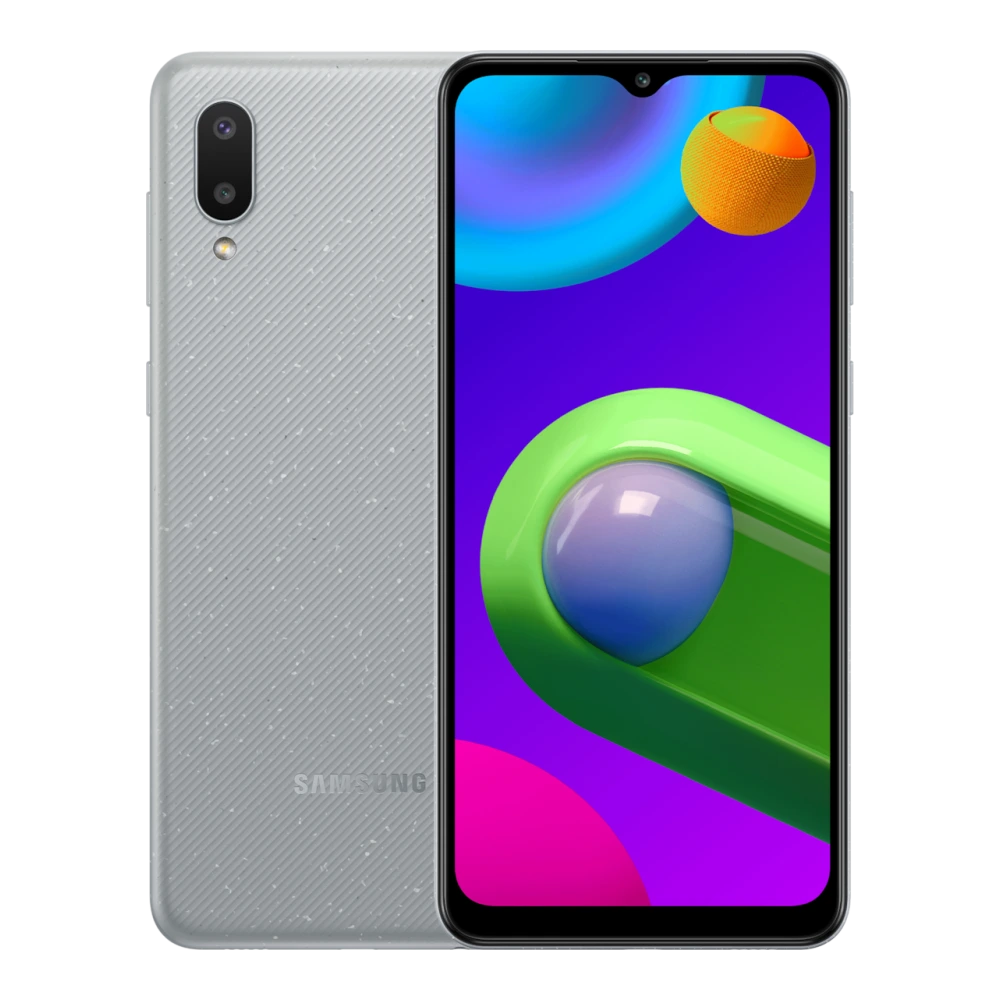
SM-M025F 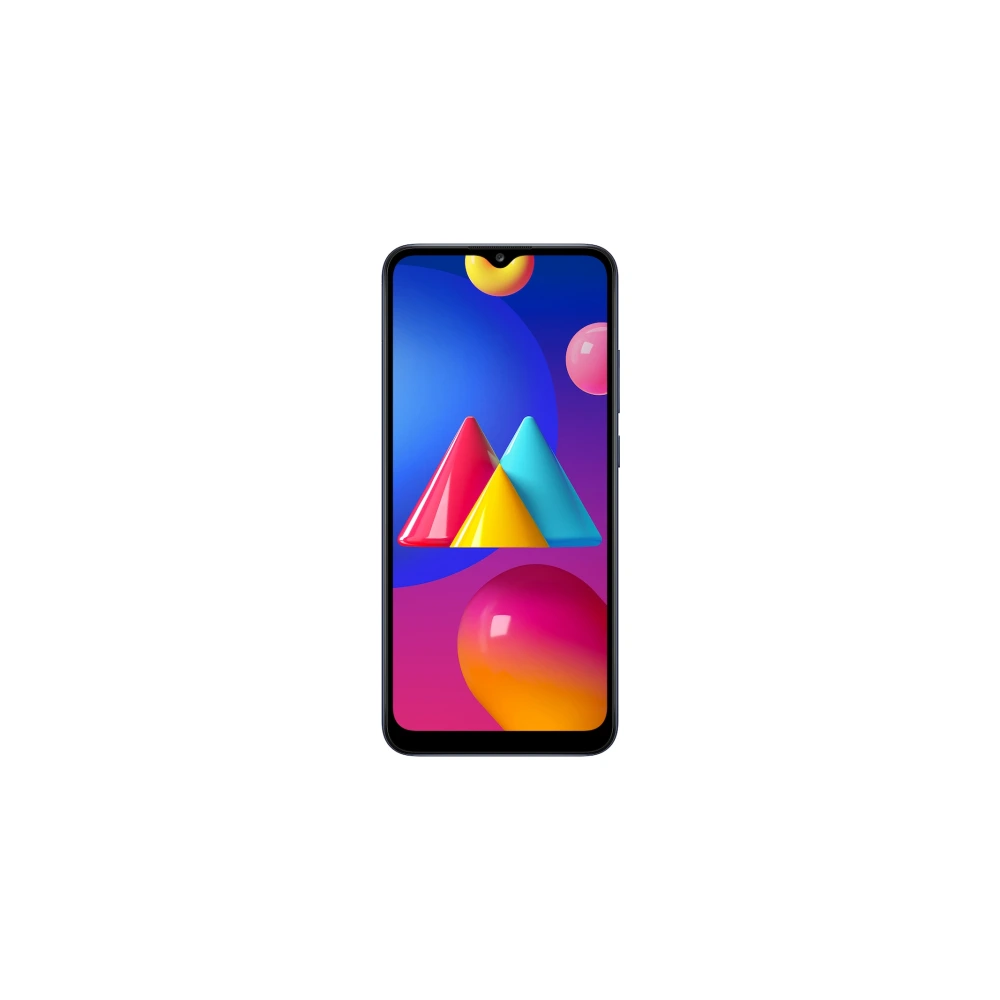
SM-M045F 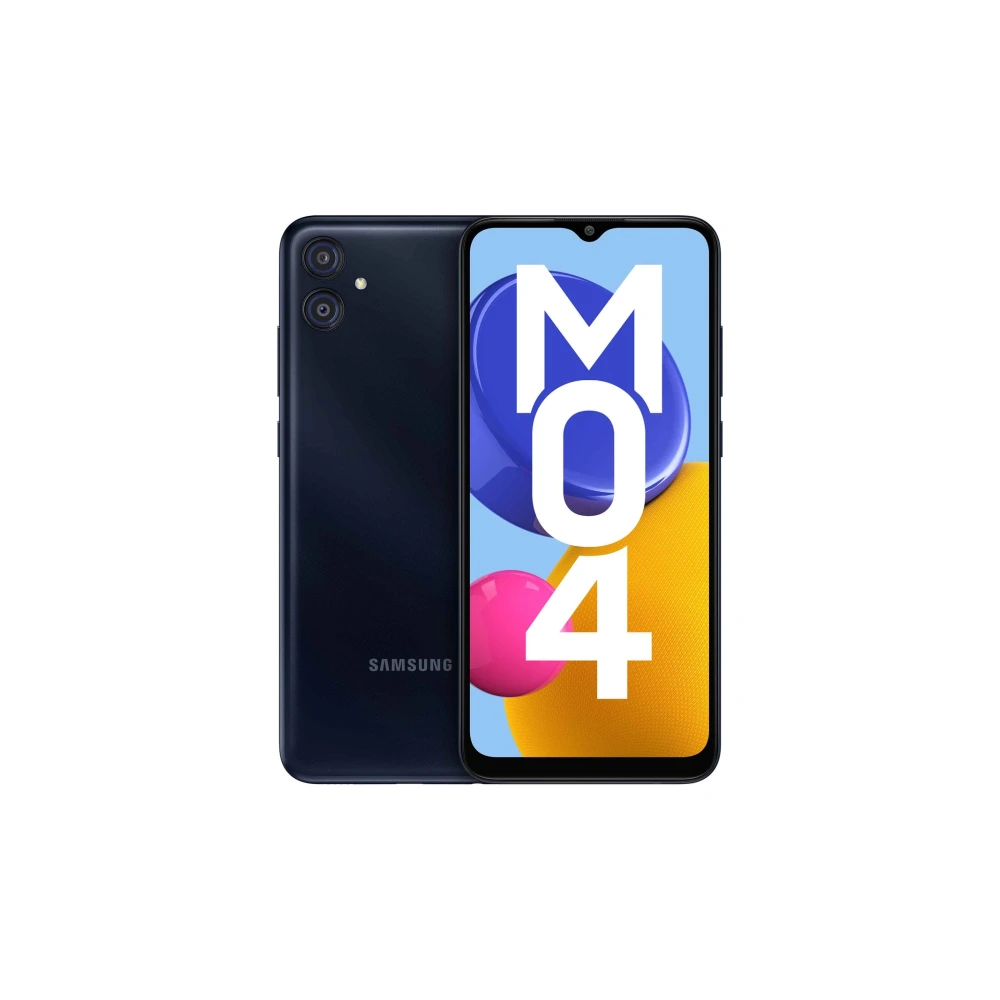
SM-M055F 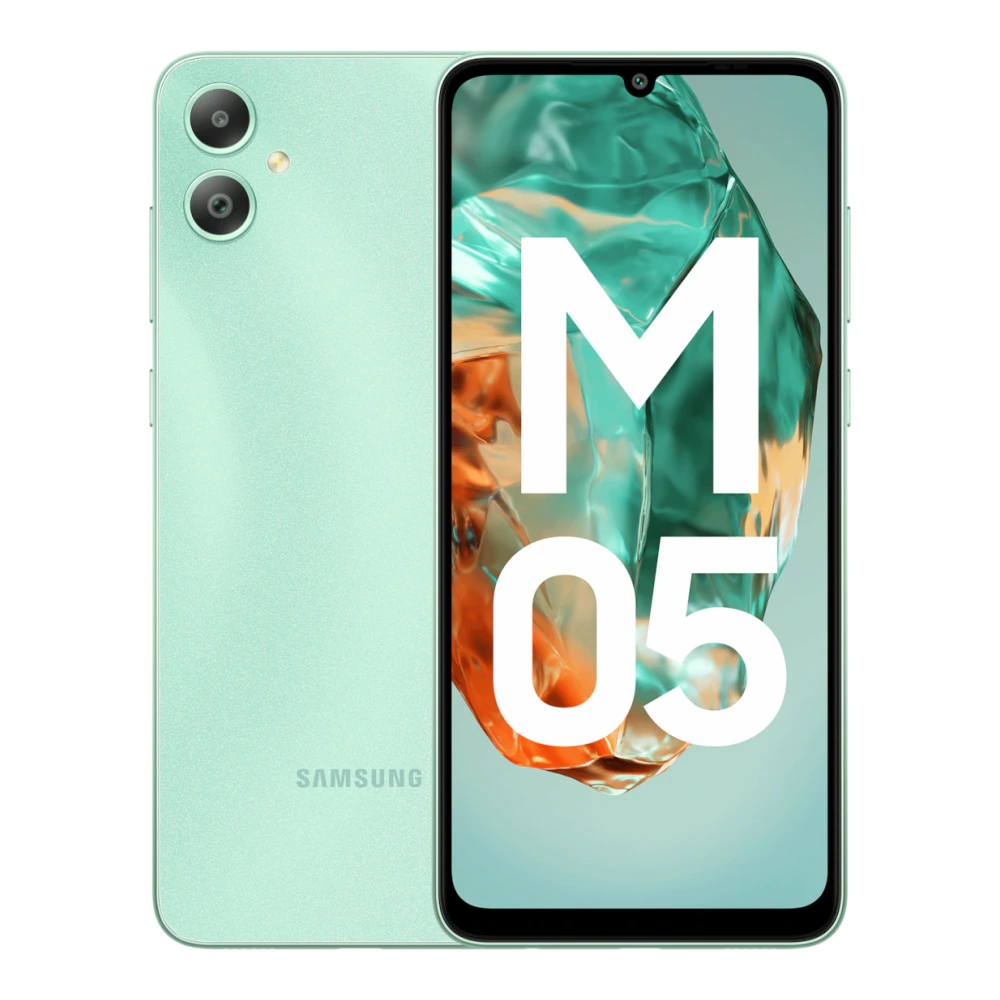
SM-M066B 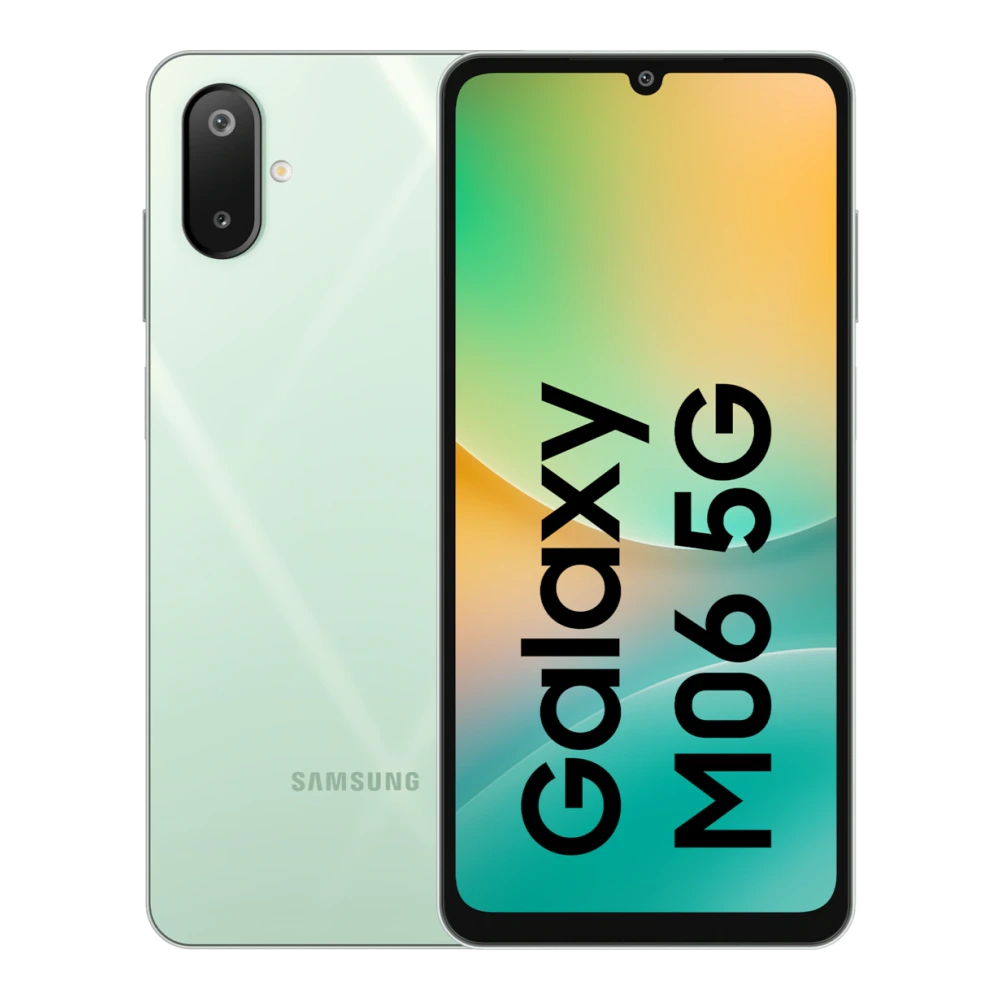
SM-M075F 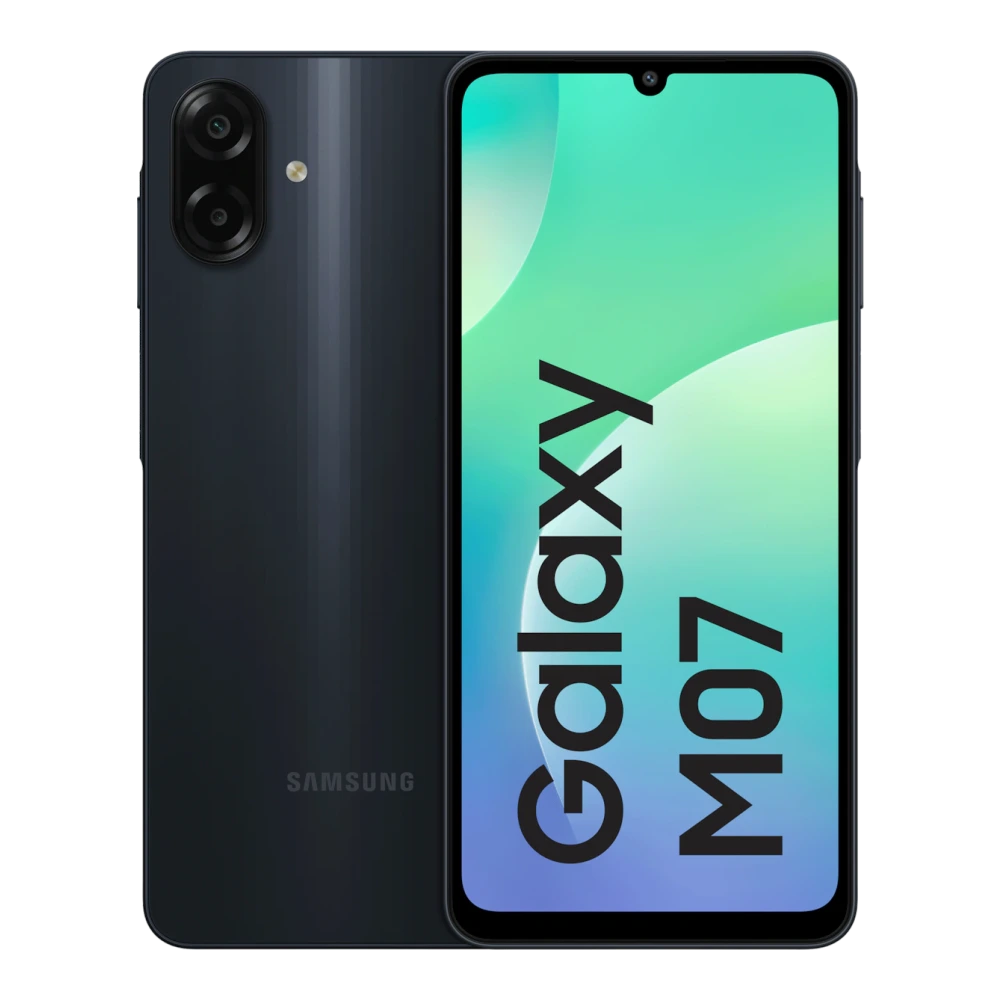
SM-M105F 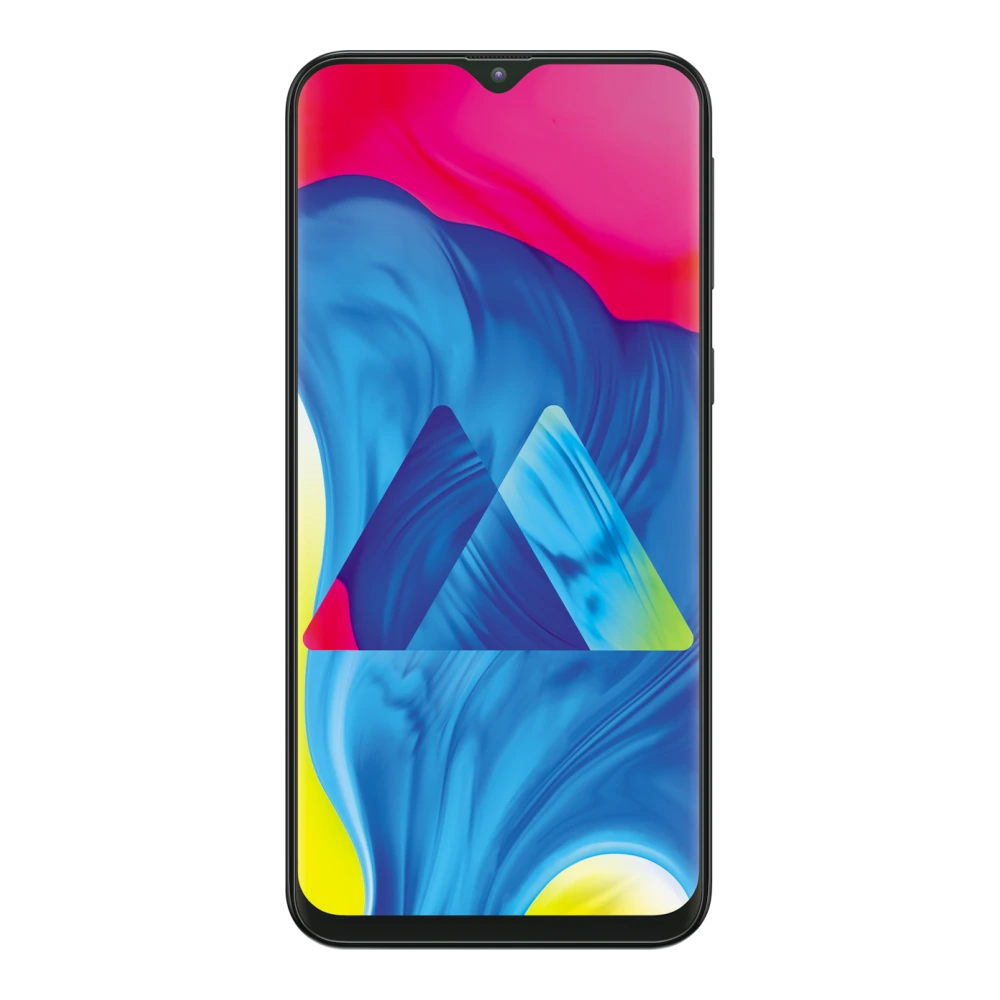
SM-M107F 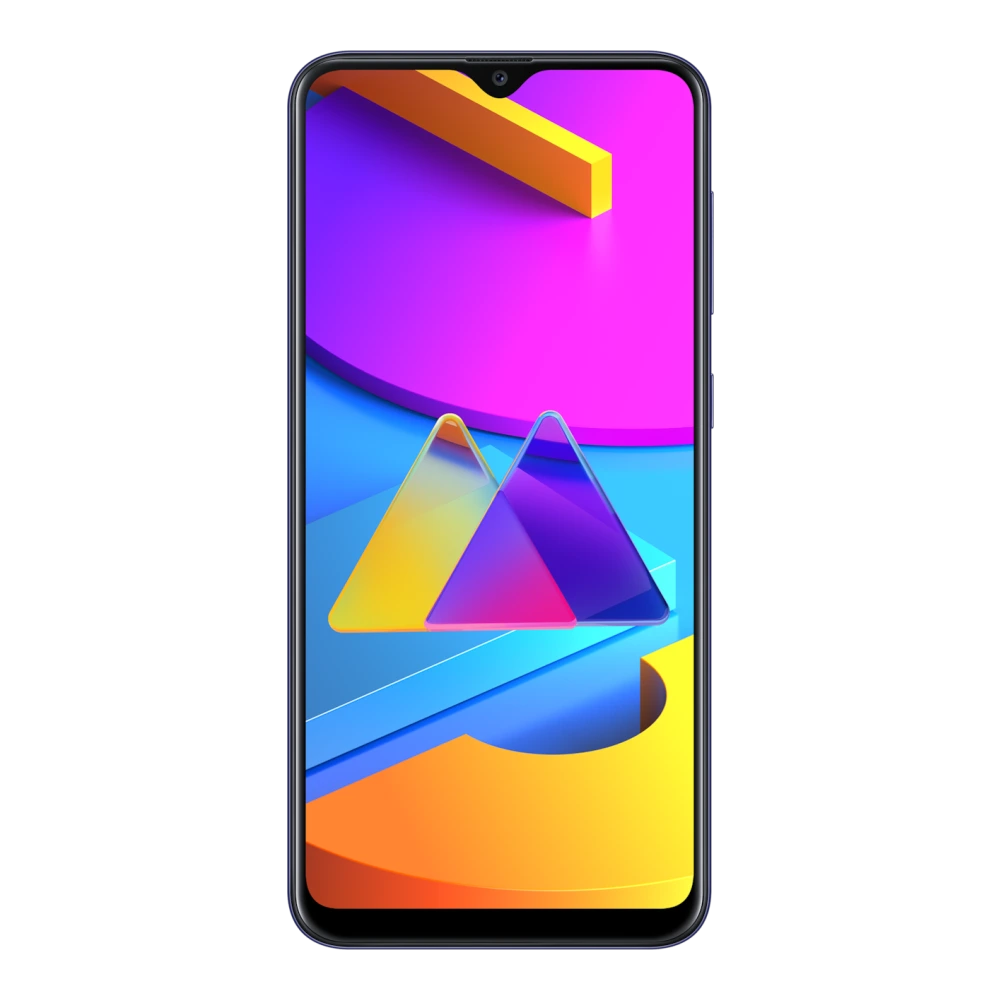
SM-M115F 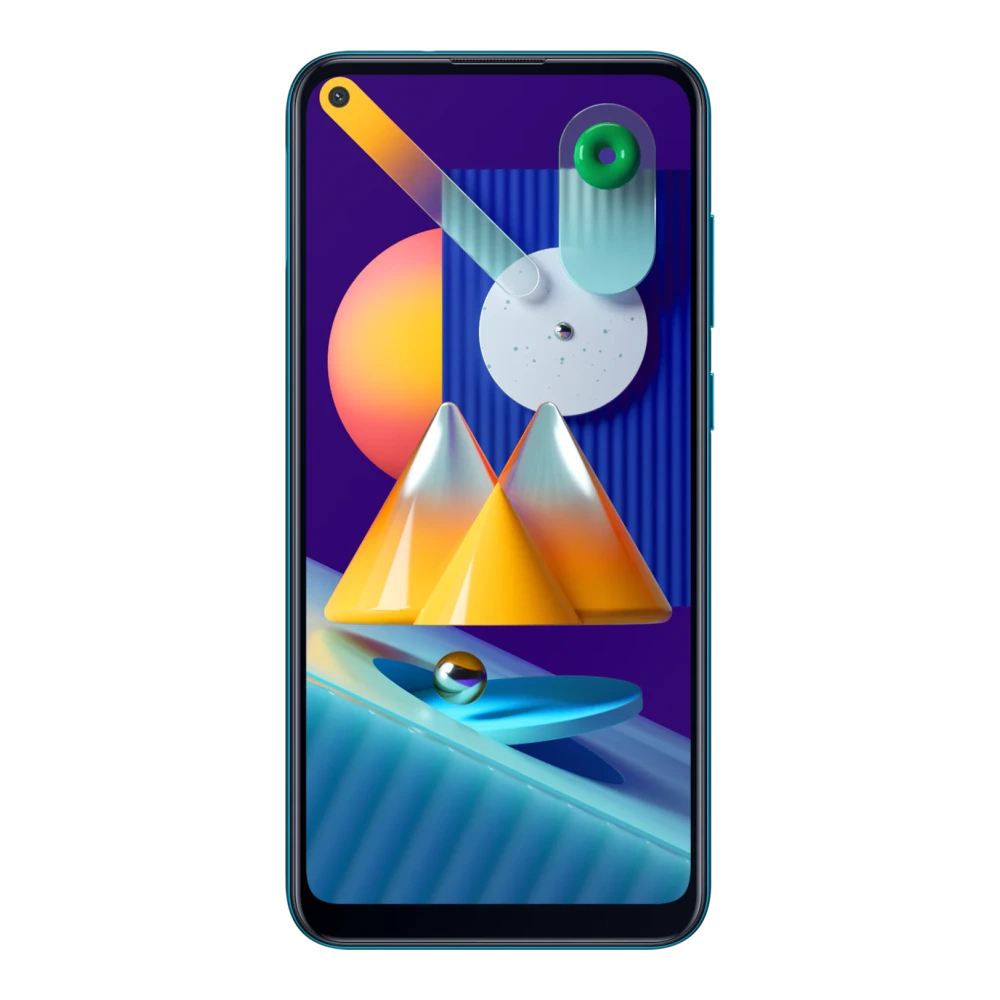
SM-M127G 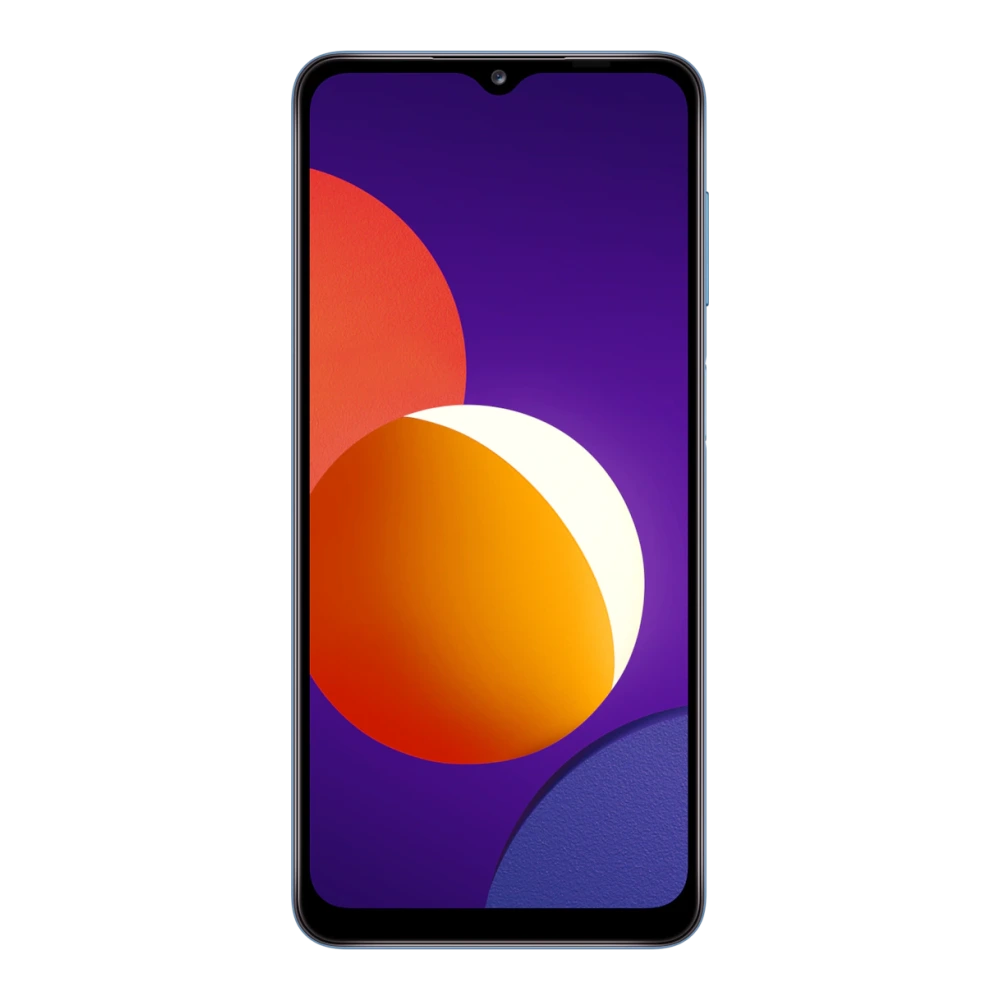
SM-M135FU 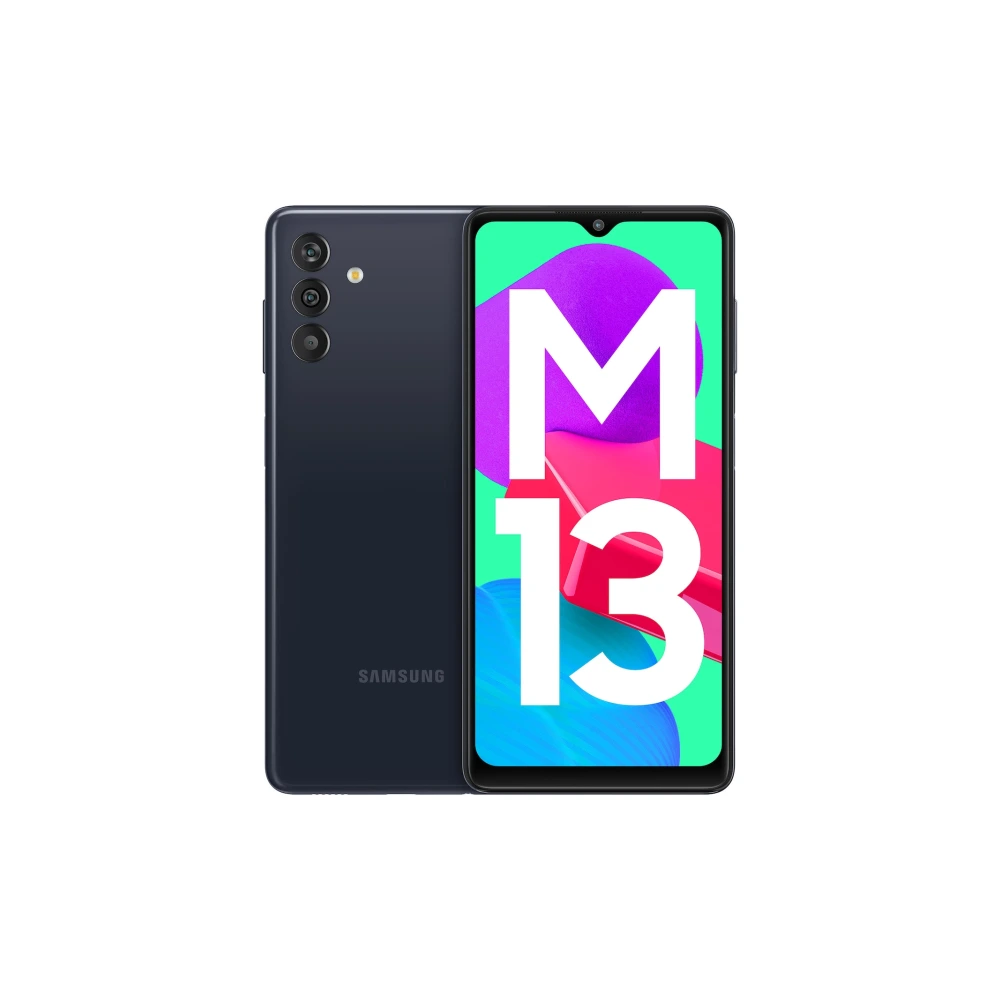
SM-M136B 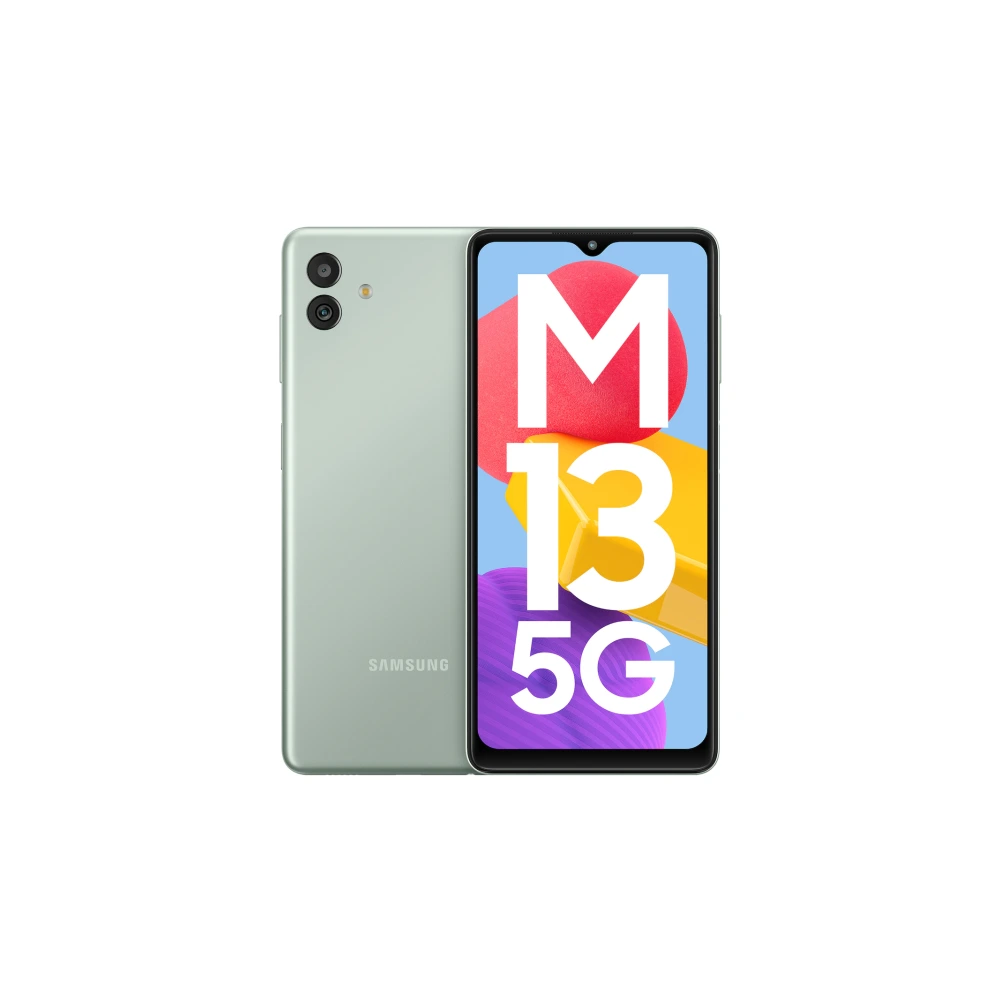
SM-M145F 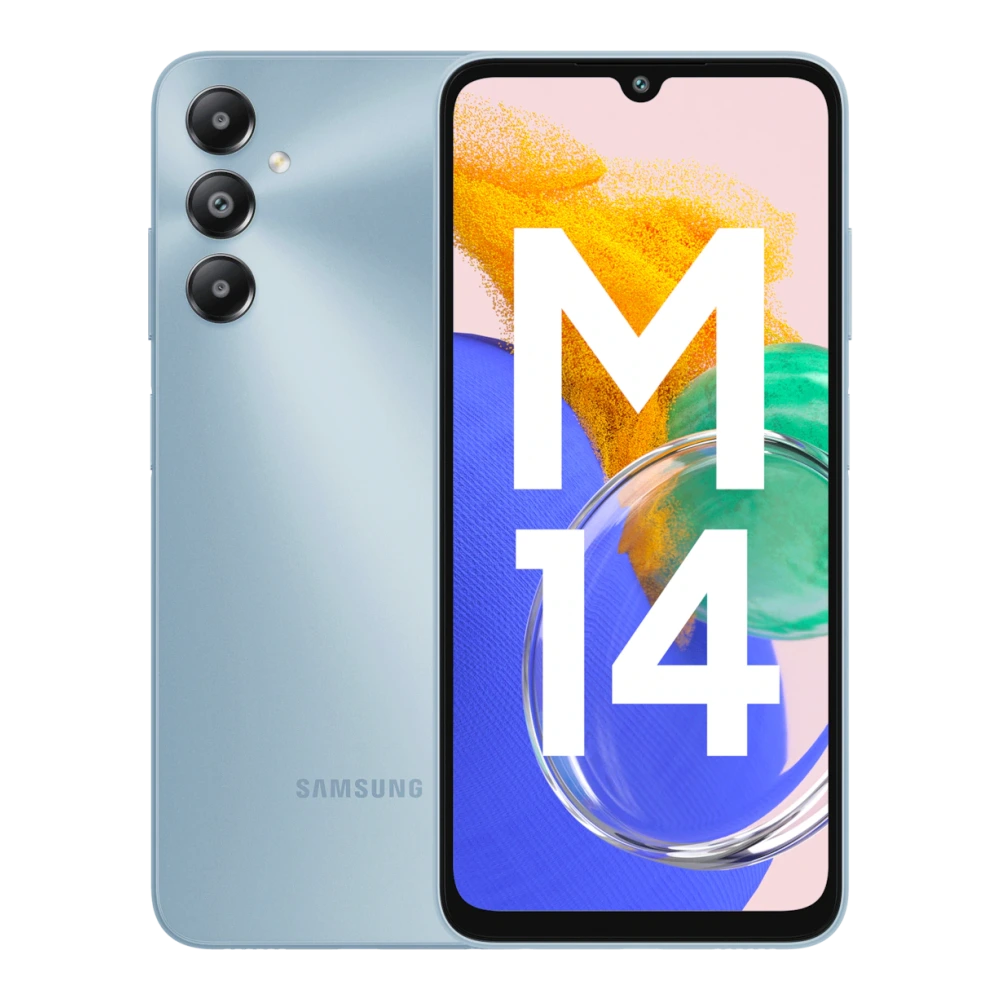
SM-M146B 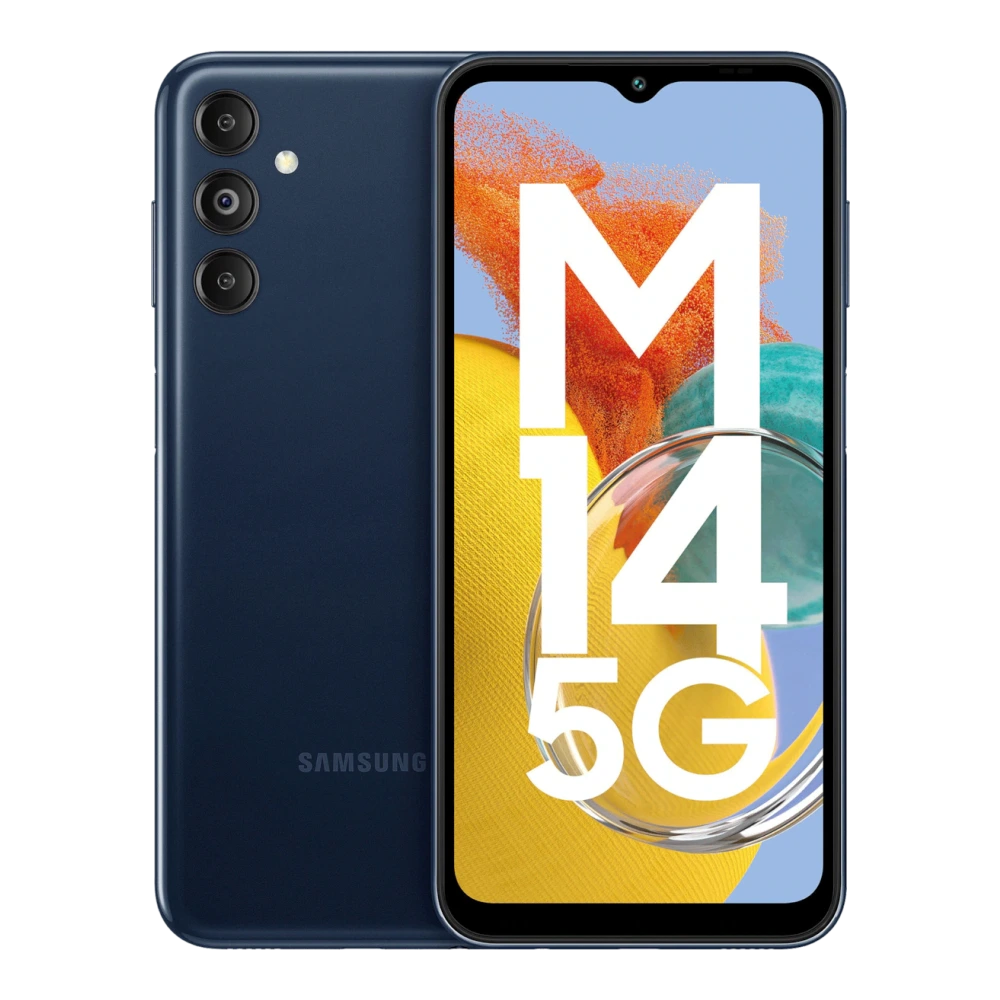
SM-M156B 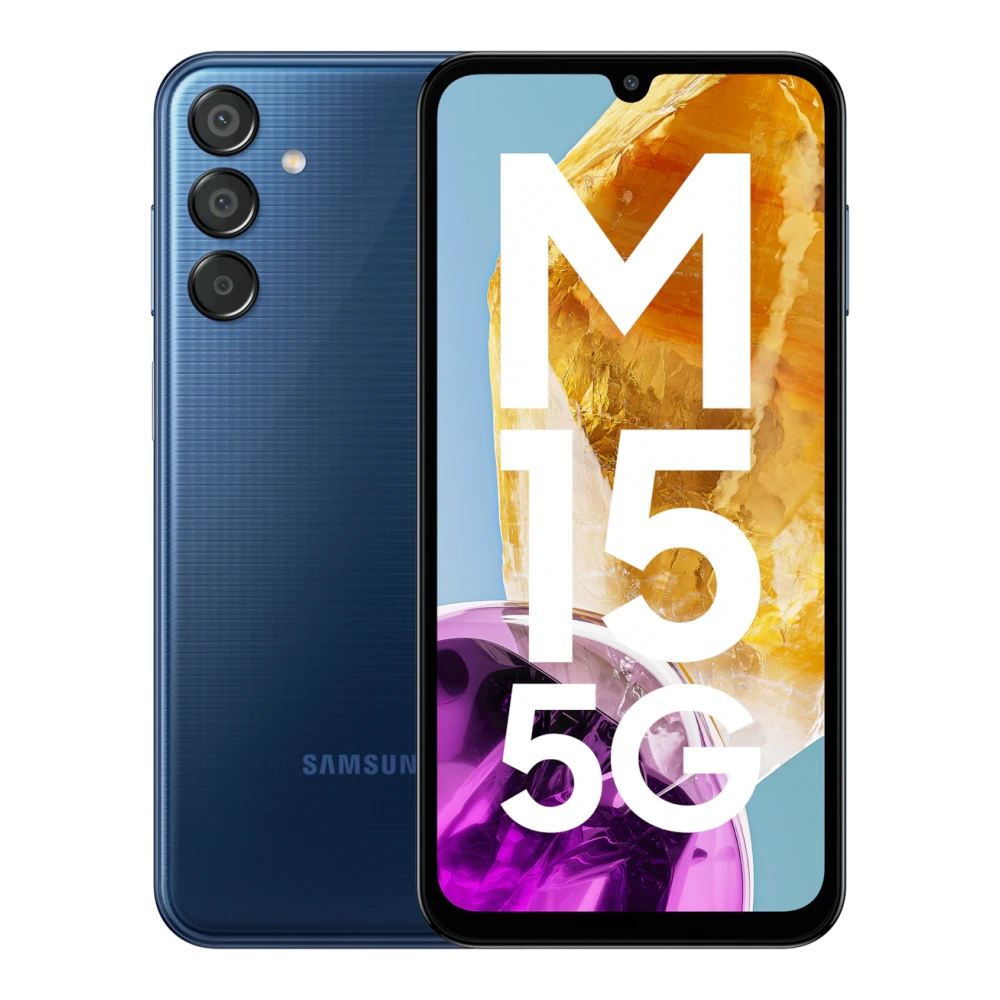
SM-M166P 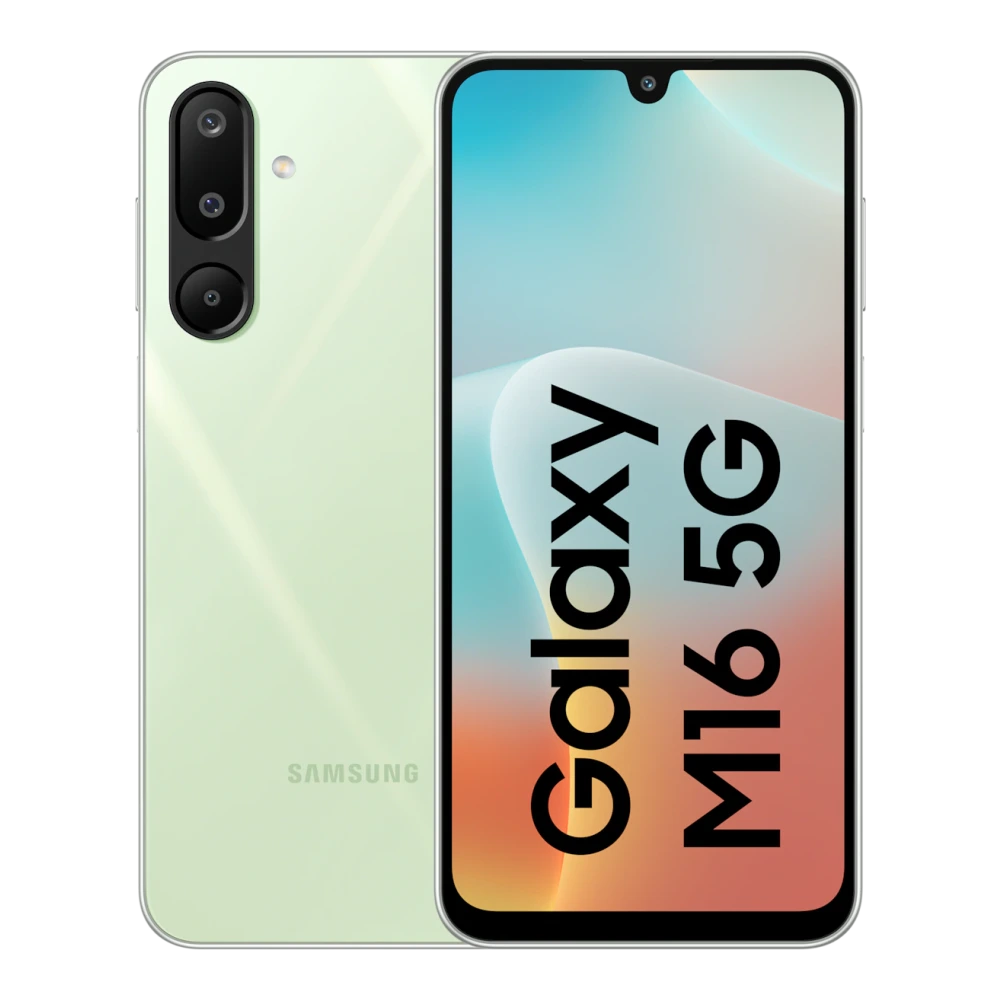
SM-M176B 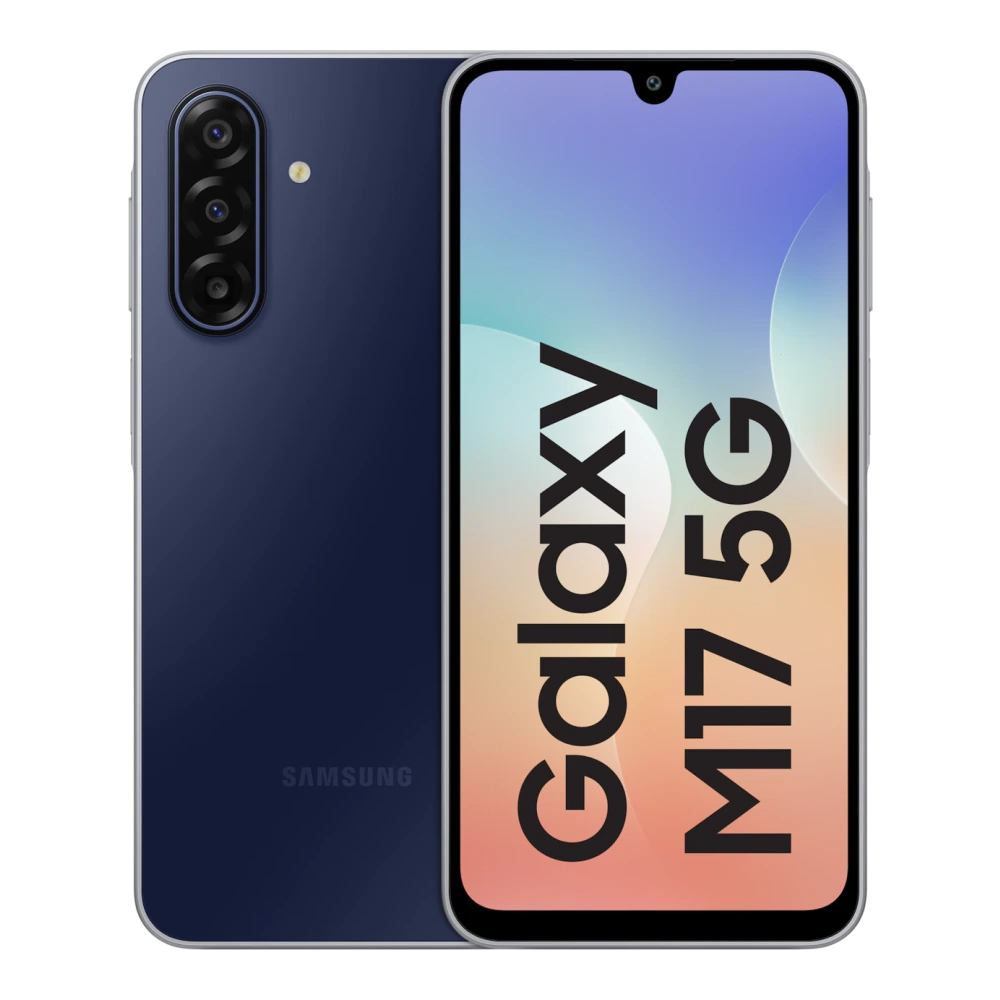
SM-M076B 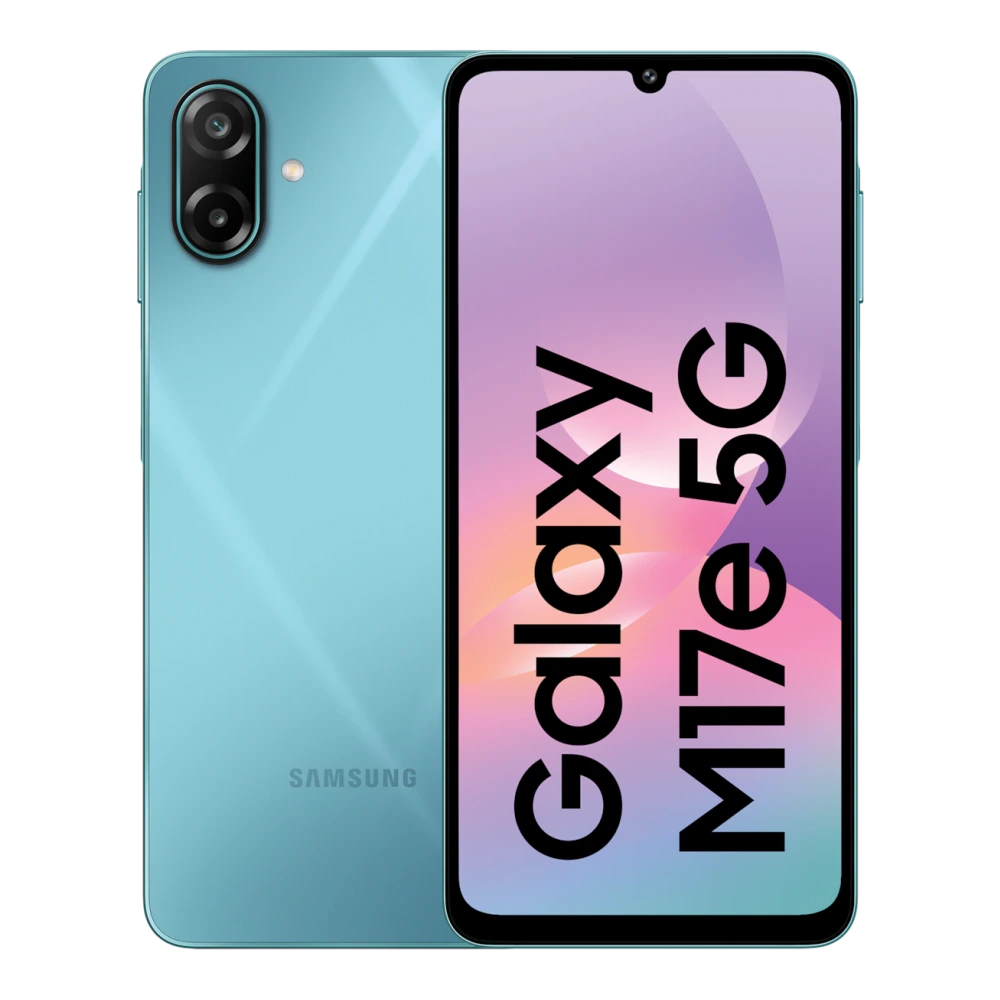
SM-M205F 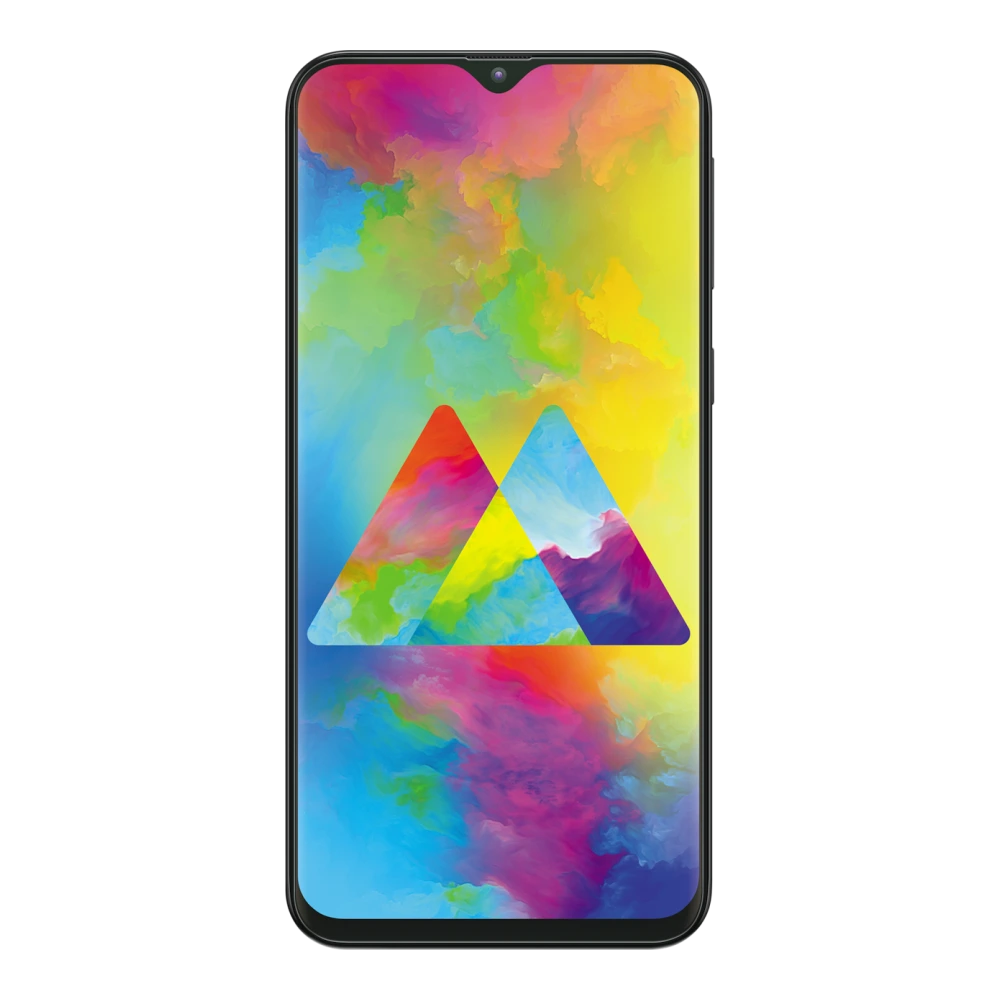
SM-M215F 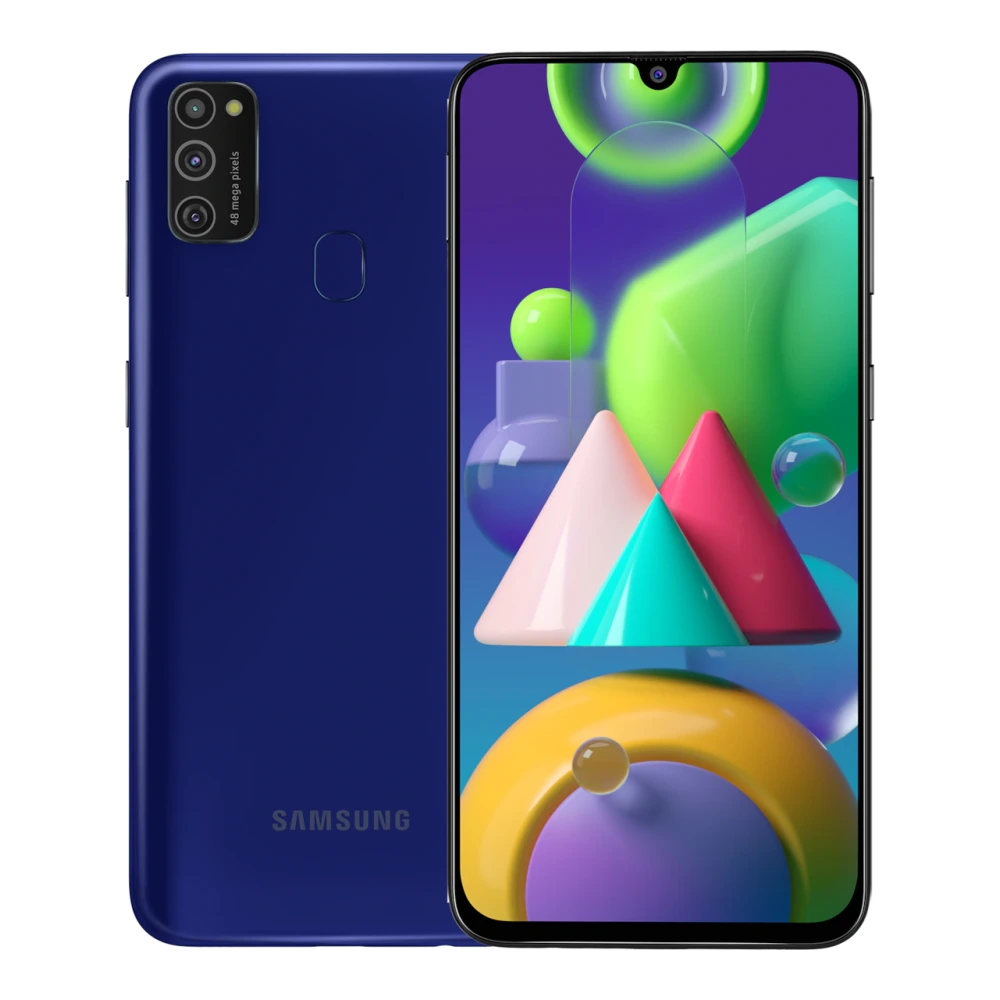
SM-M215G 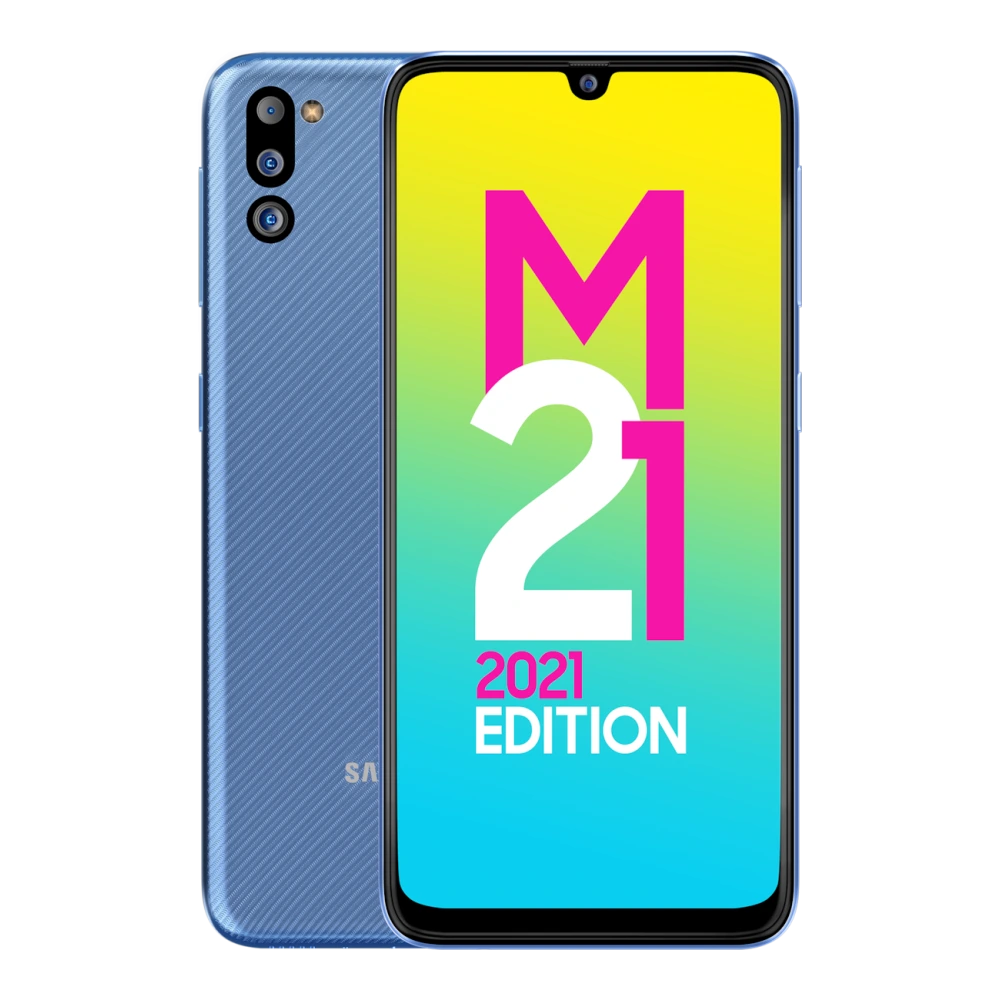
SM-M305F 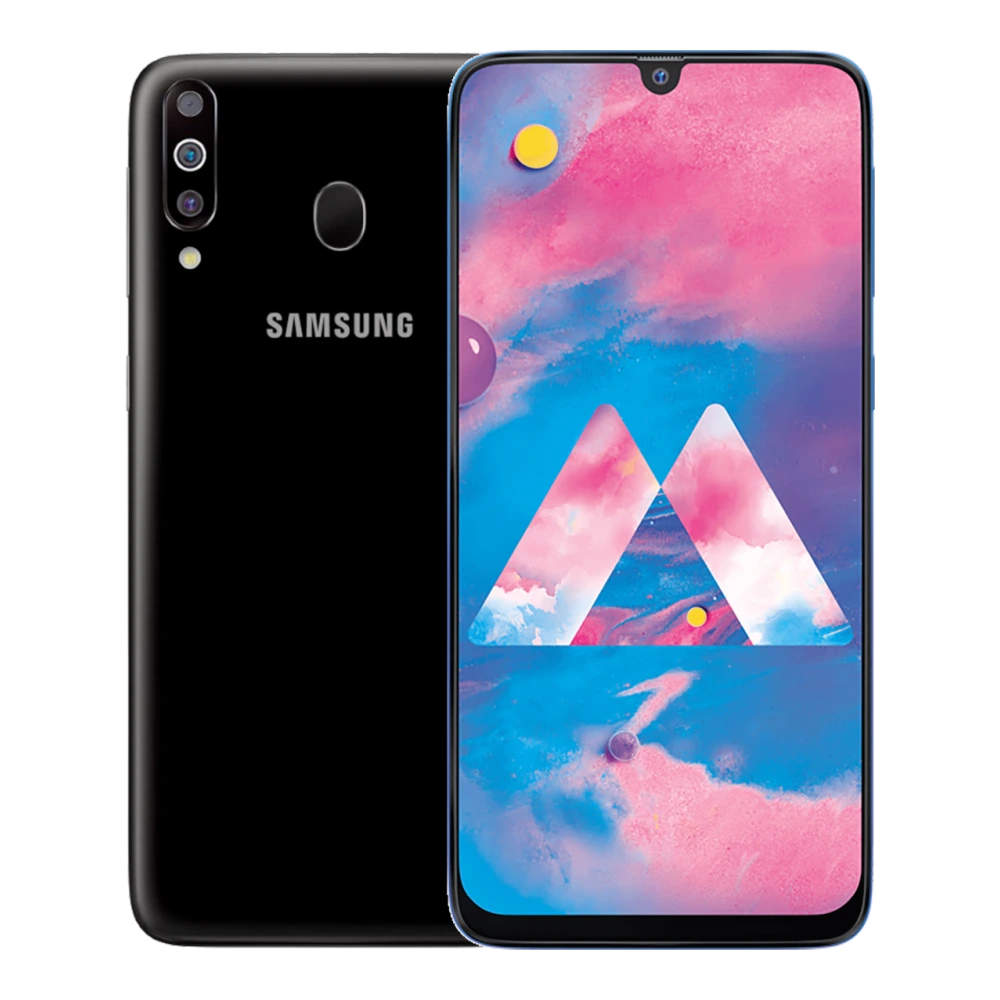
SM-M307F 
SM-M315F 
SM-M317F 
SM-M325F 
SM-M326B 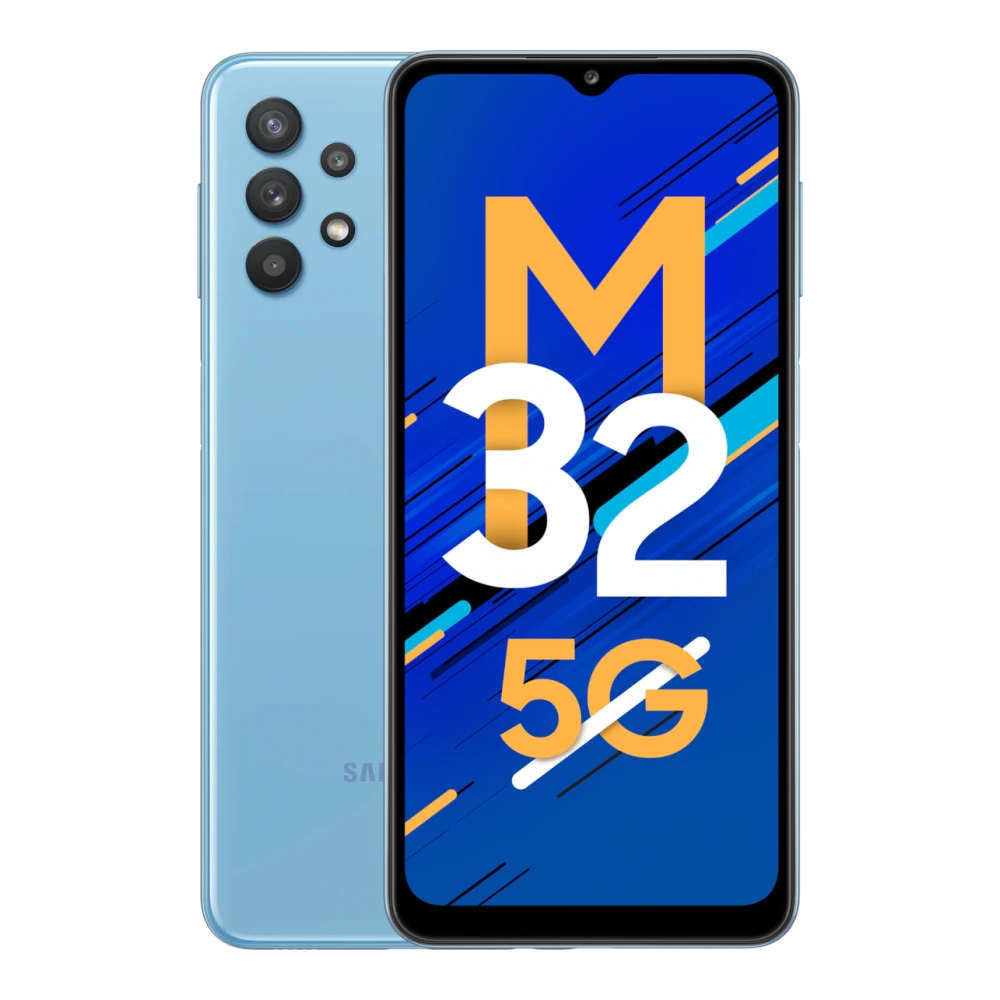
SM-M336BU 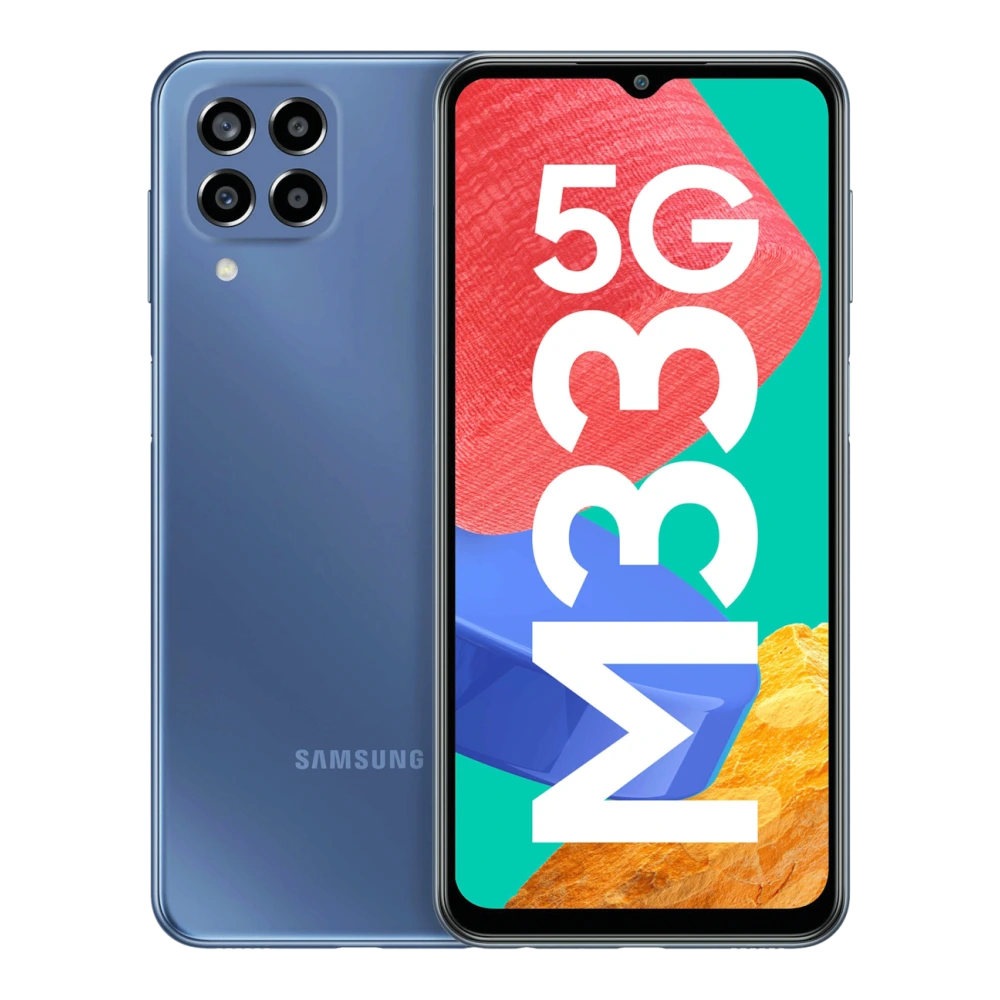
SM-M346B 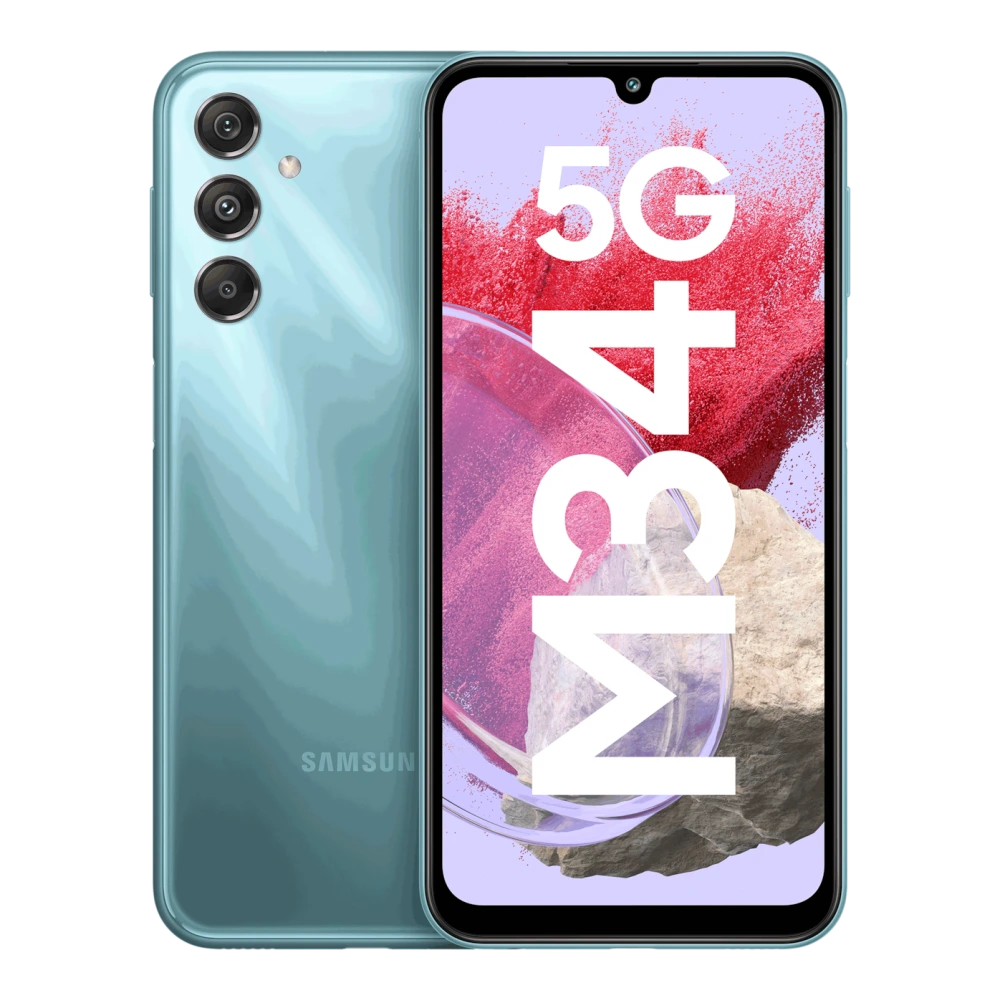
SM-M356B 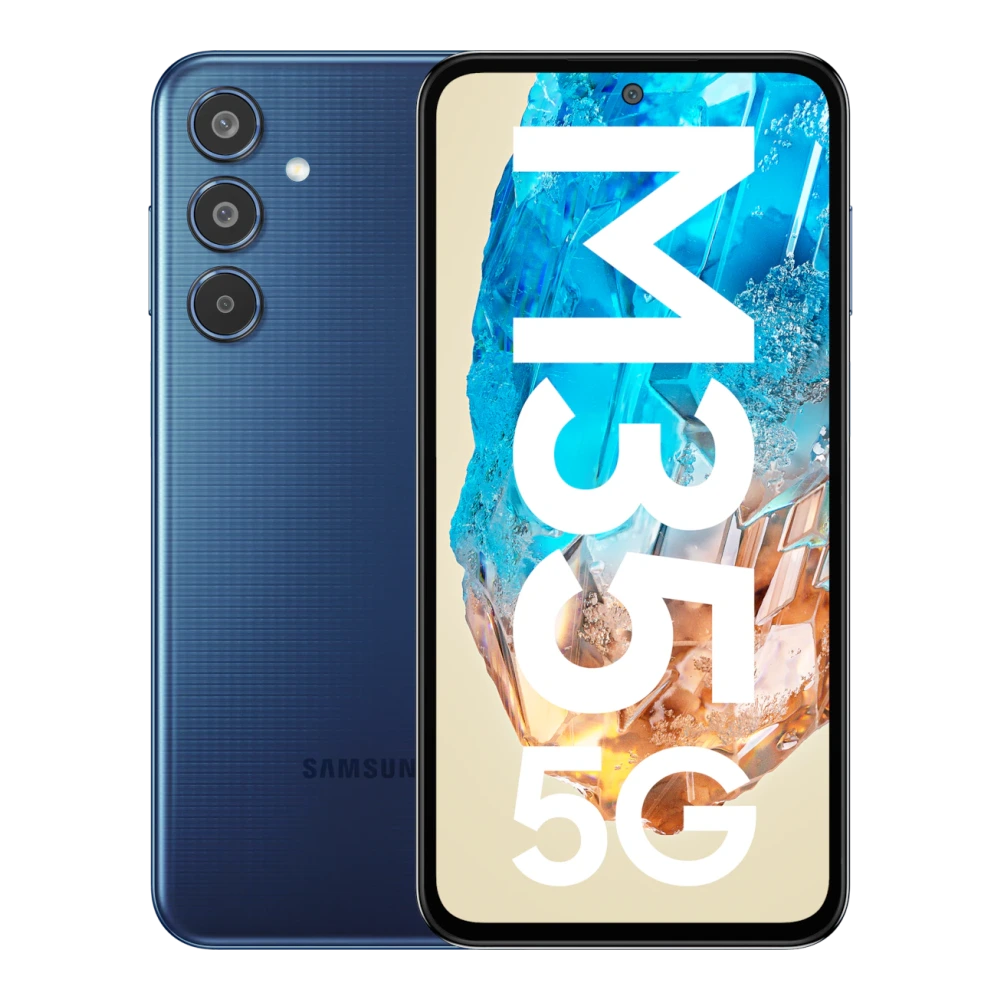
SM-M366B 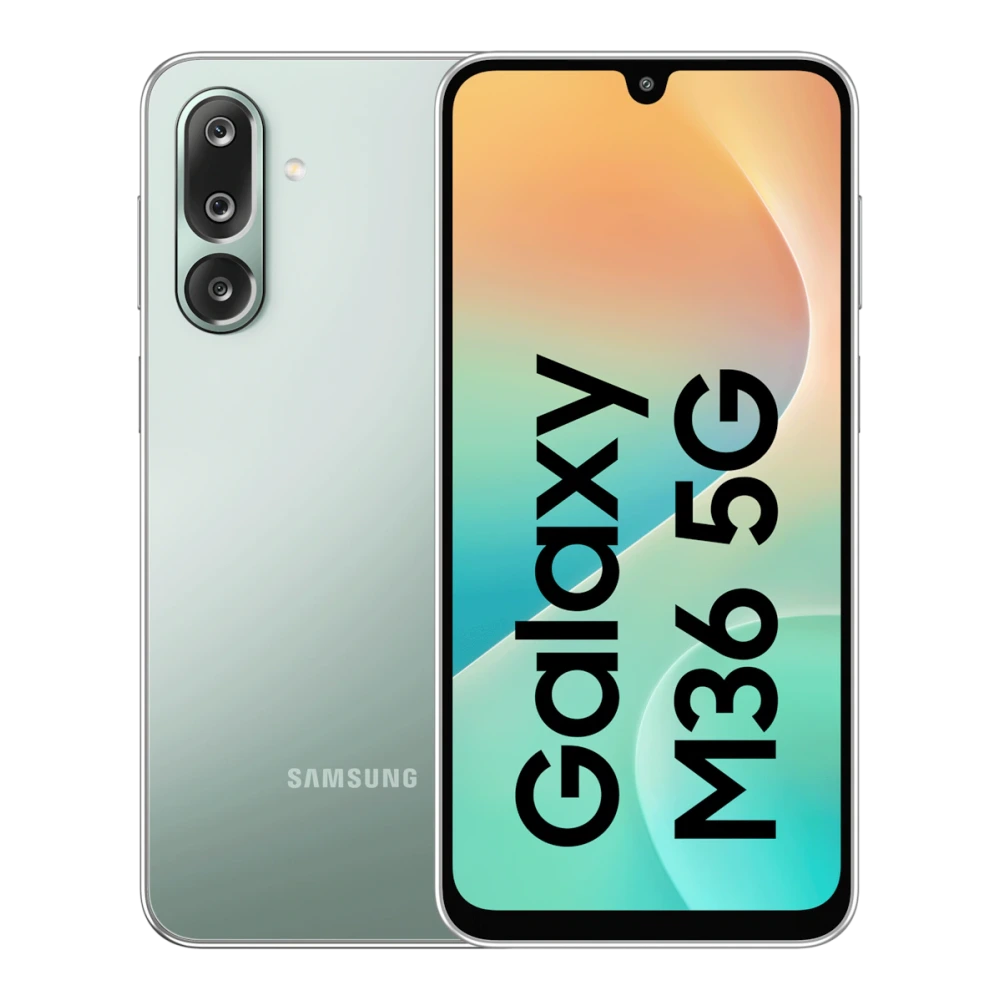
SM-M405F 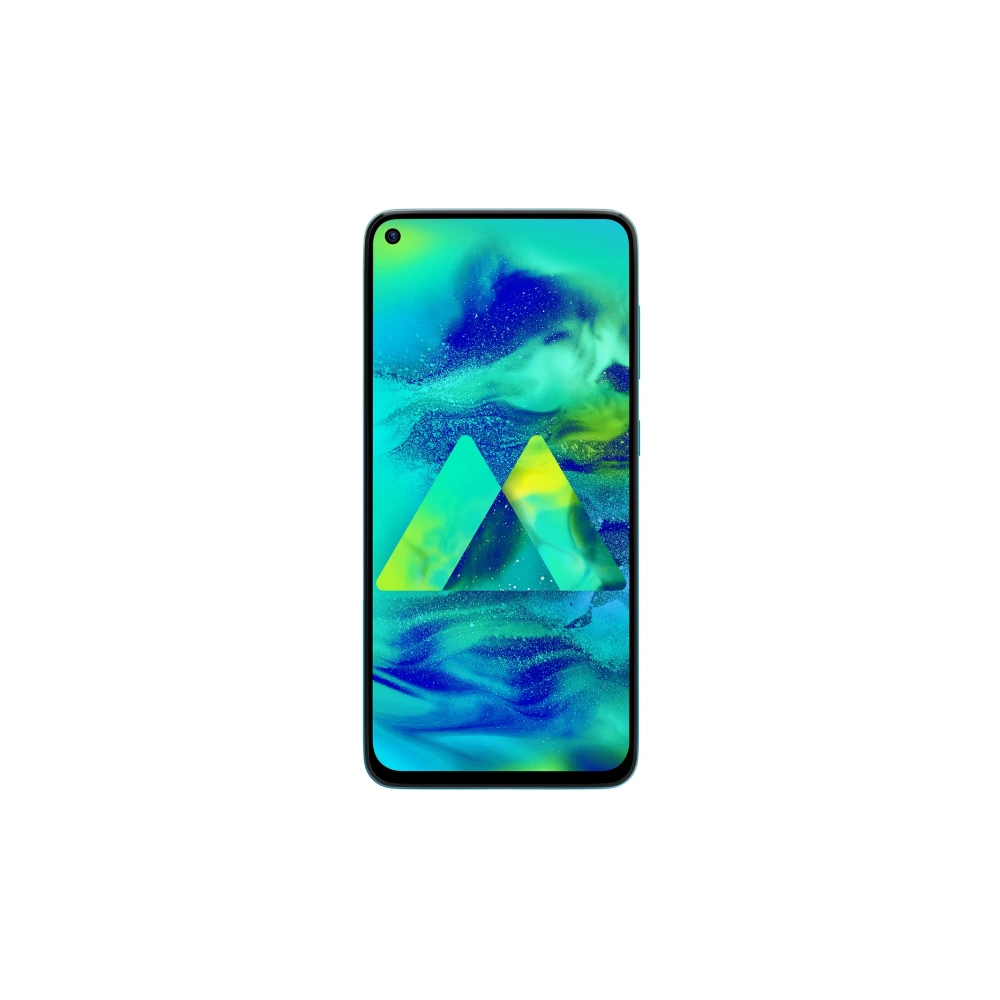
SM-M426B 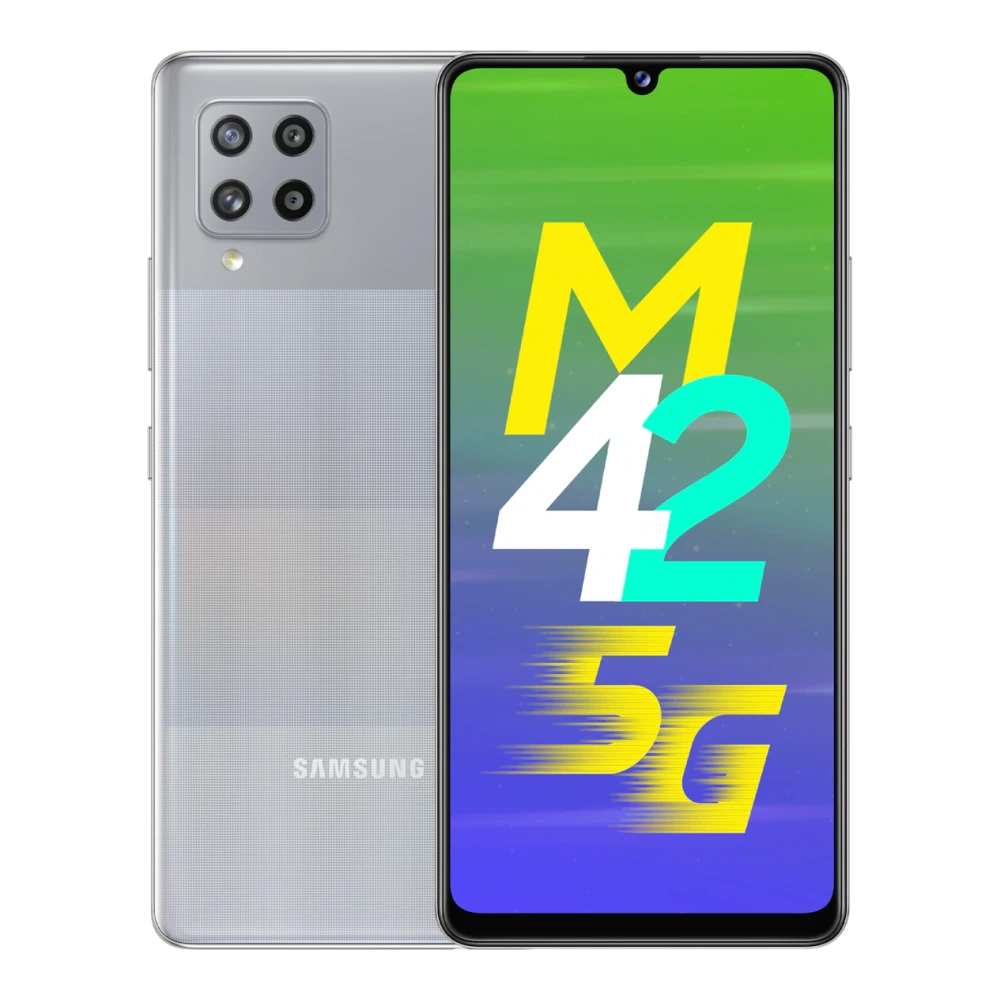
SM-M476B 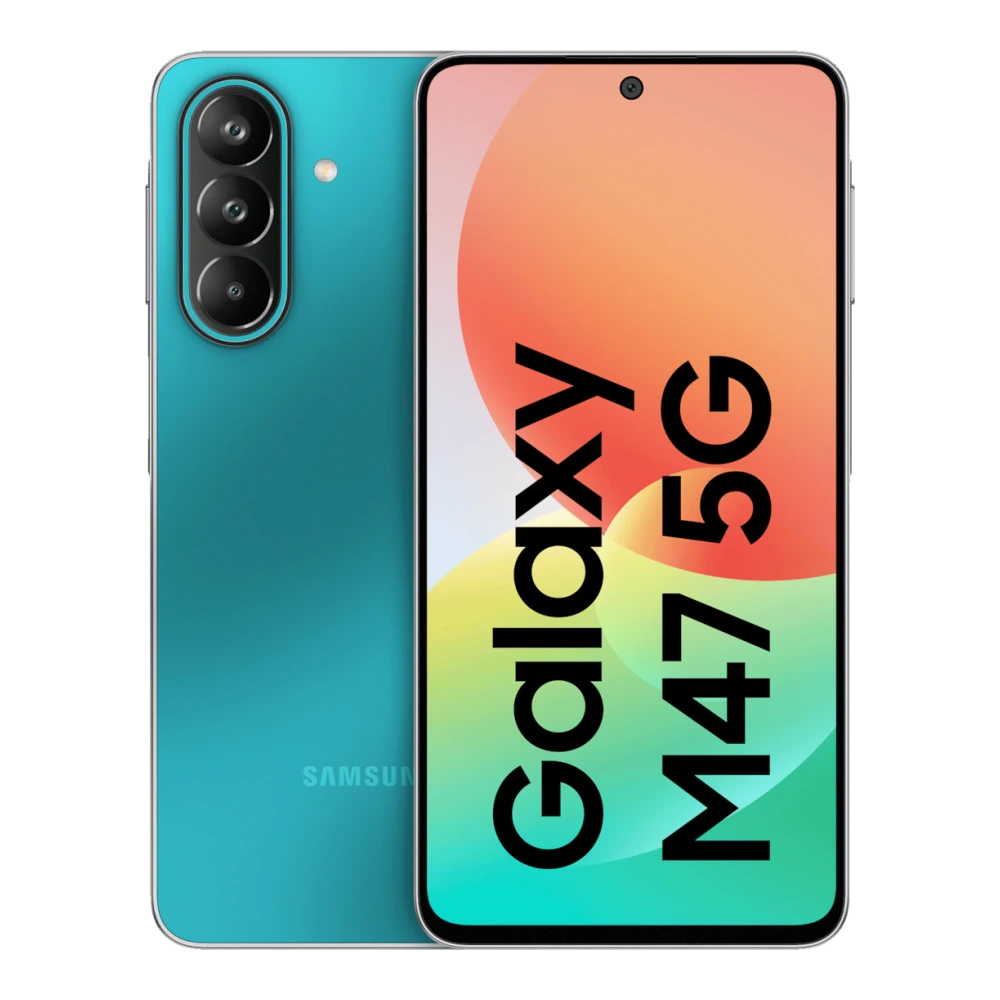
SM-M515F 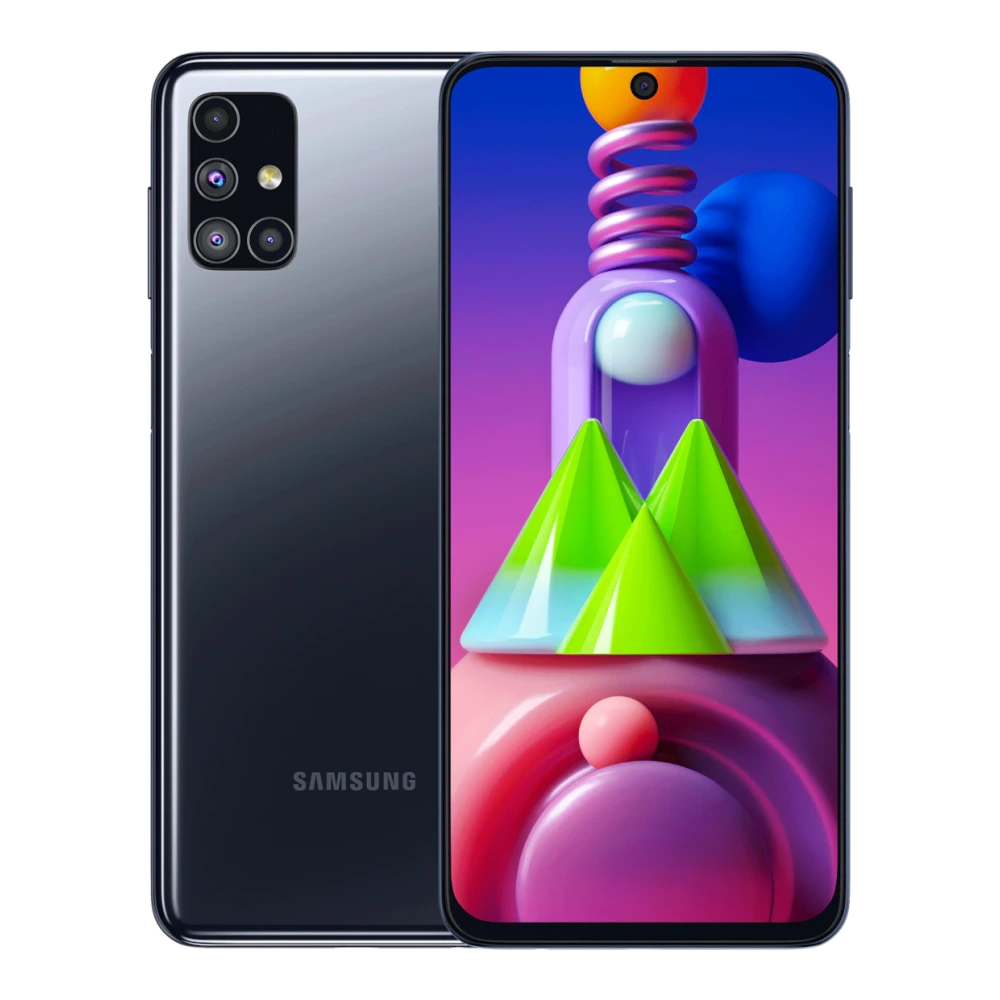
SM-M526B 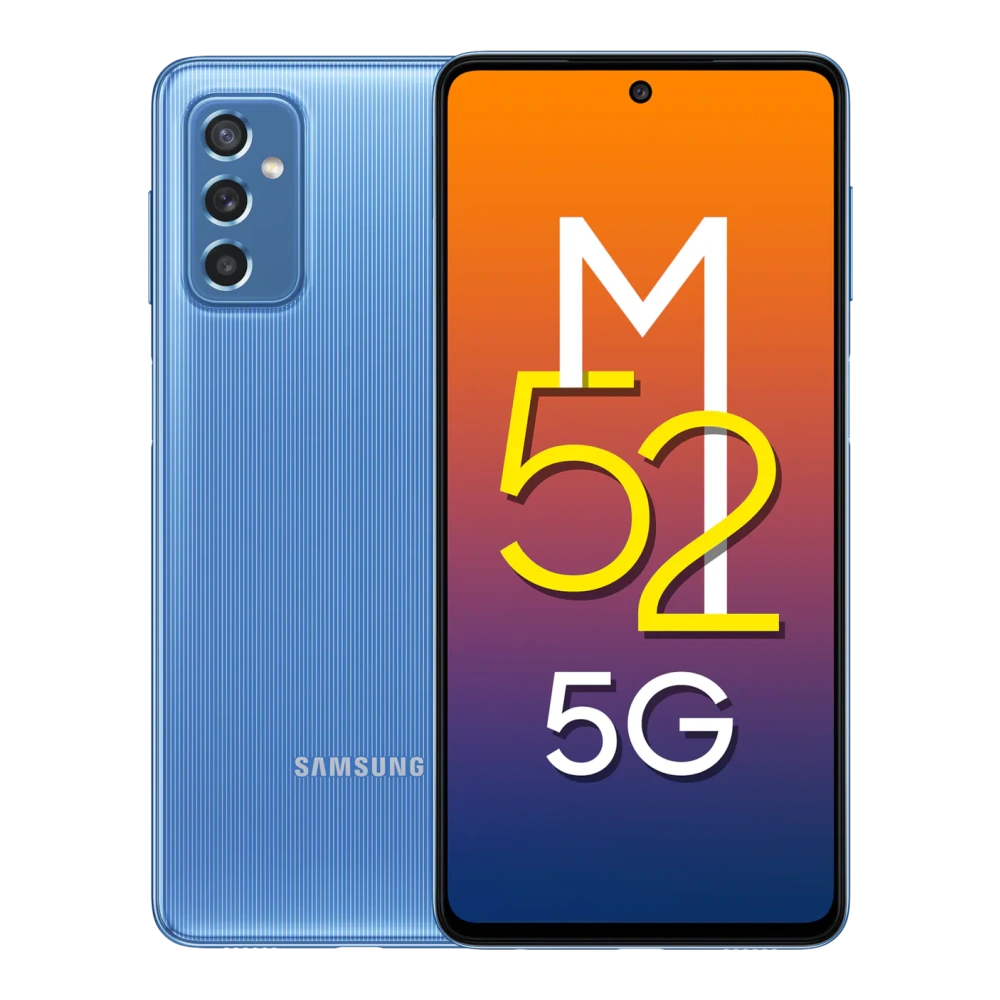
SM-M536B 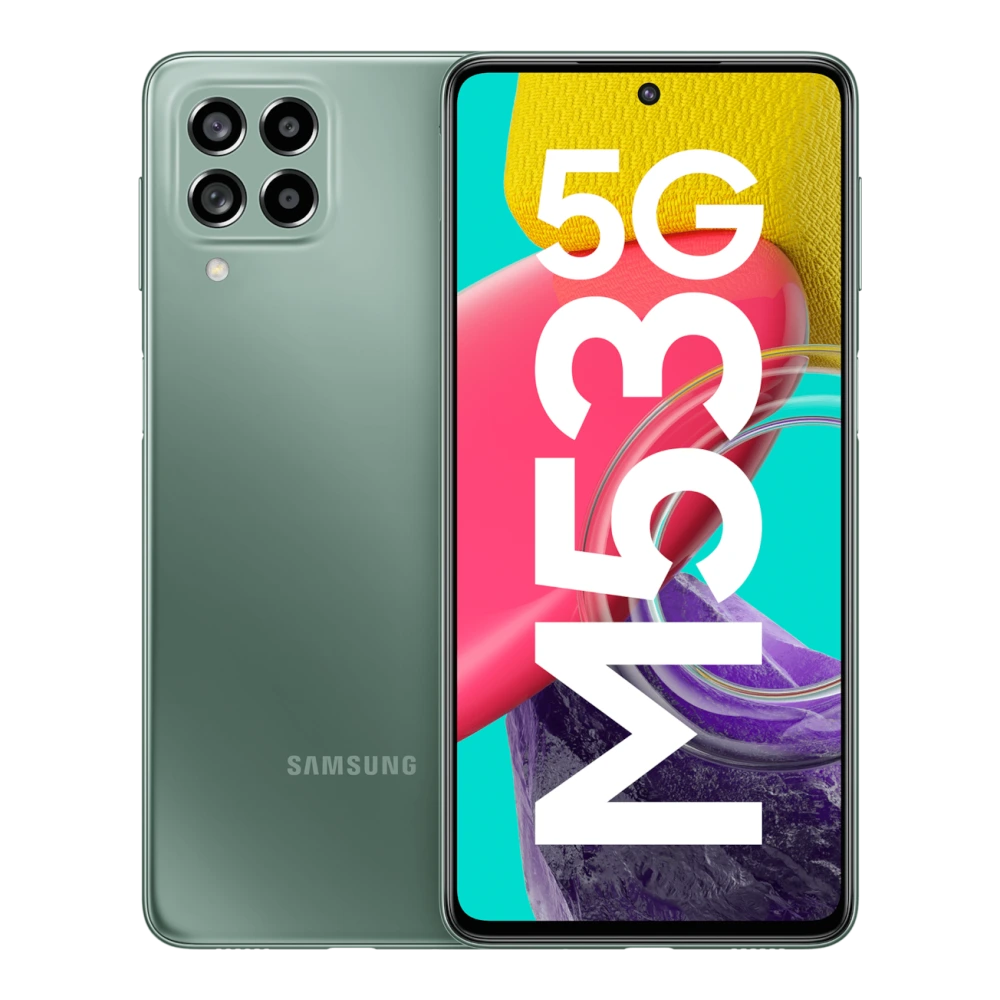
SM-M556B 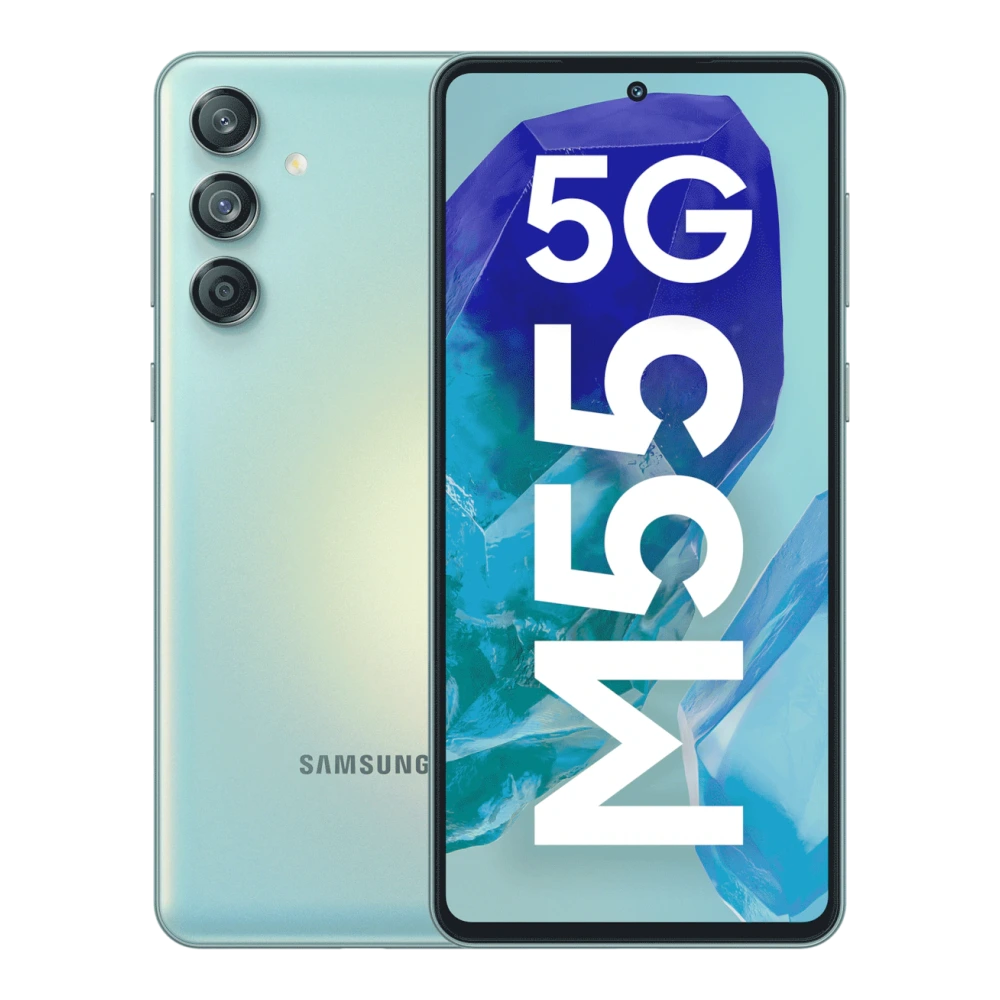
SM-M558B 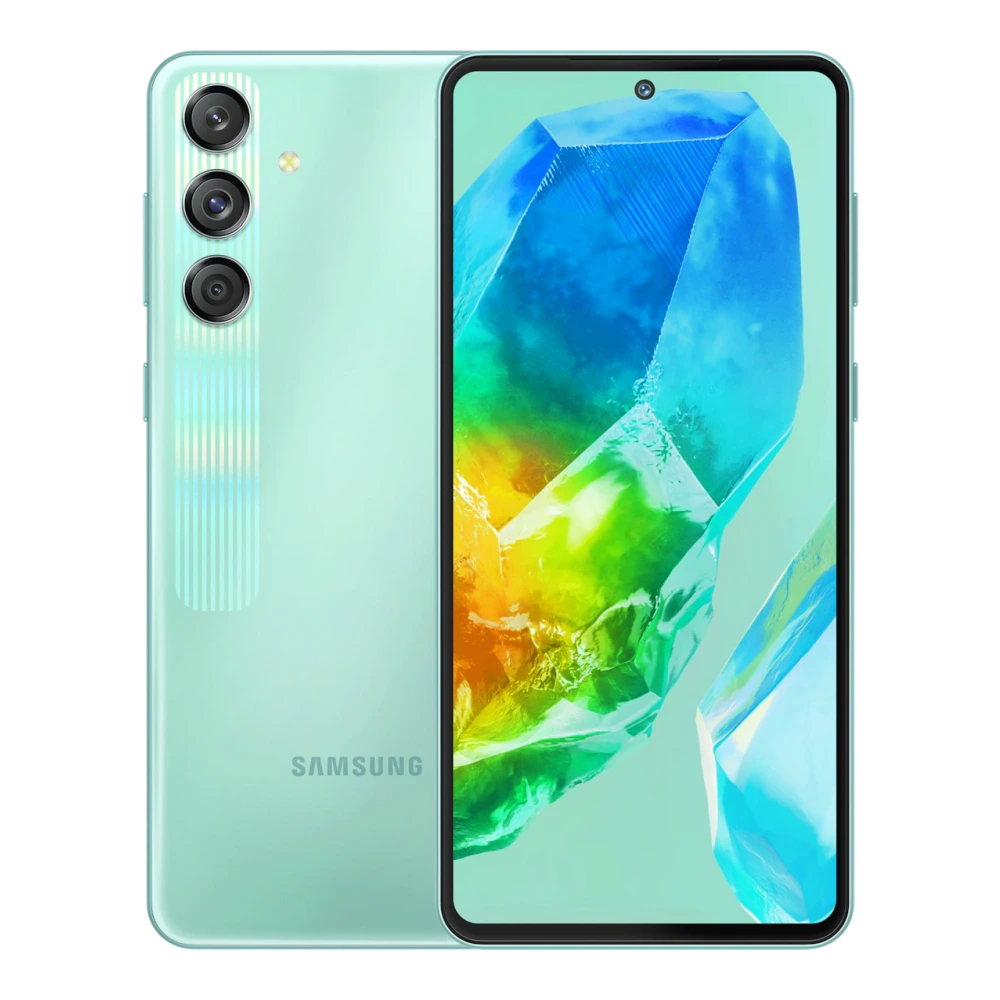
SM-M566B 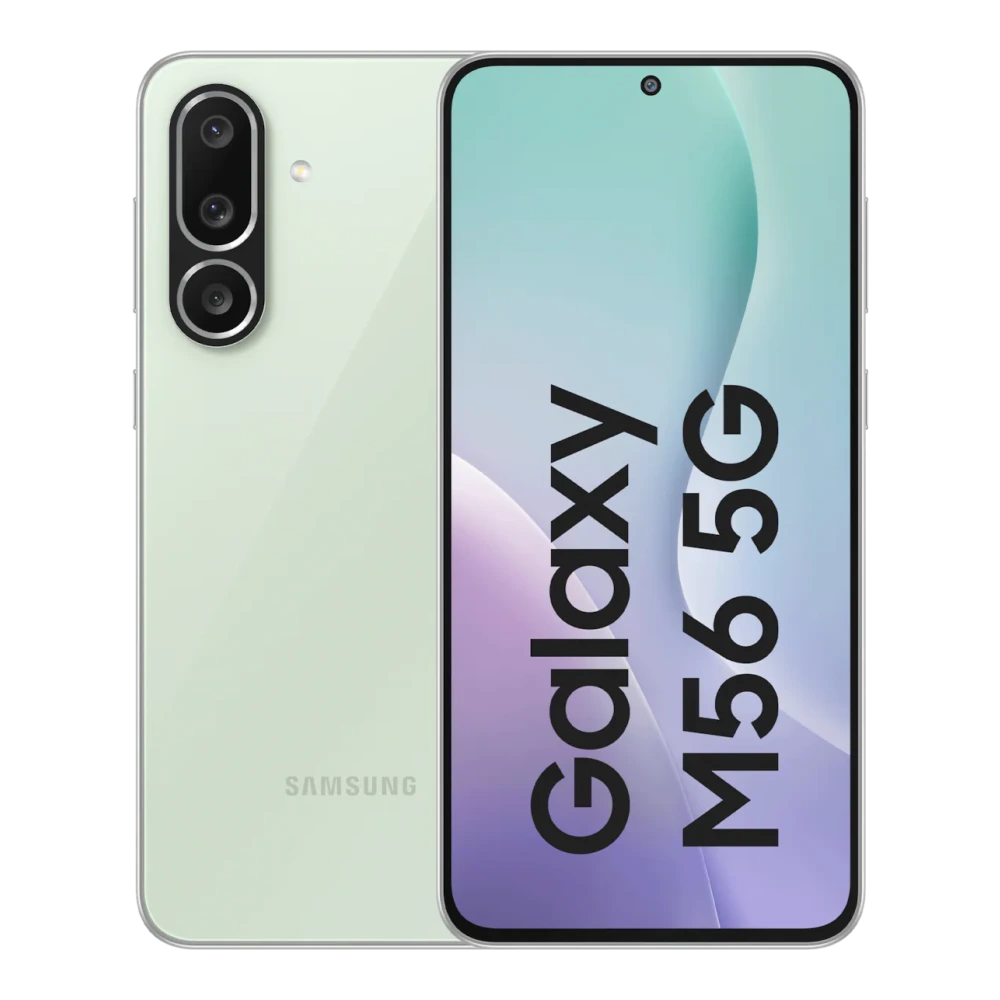
SM-P601 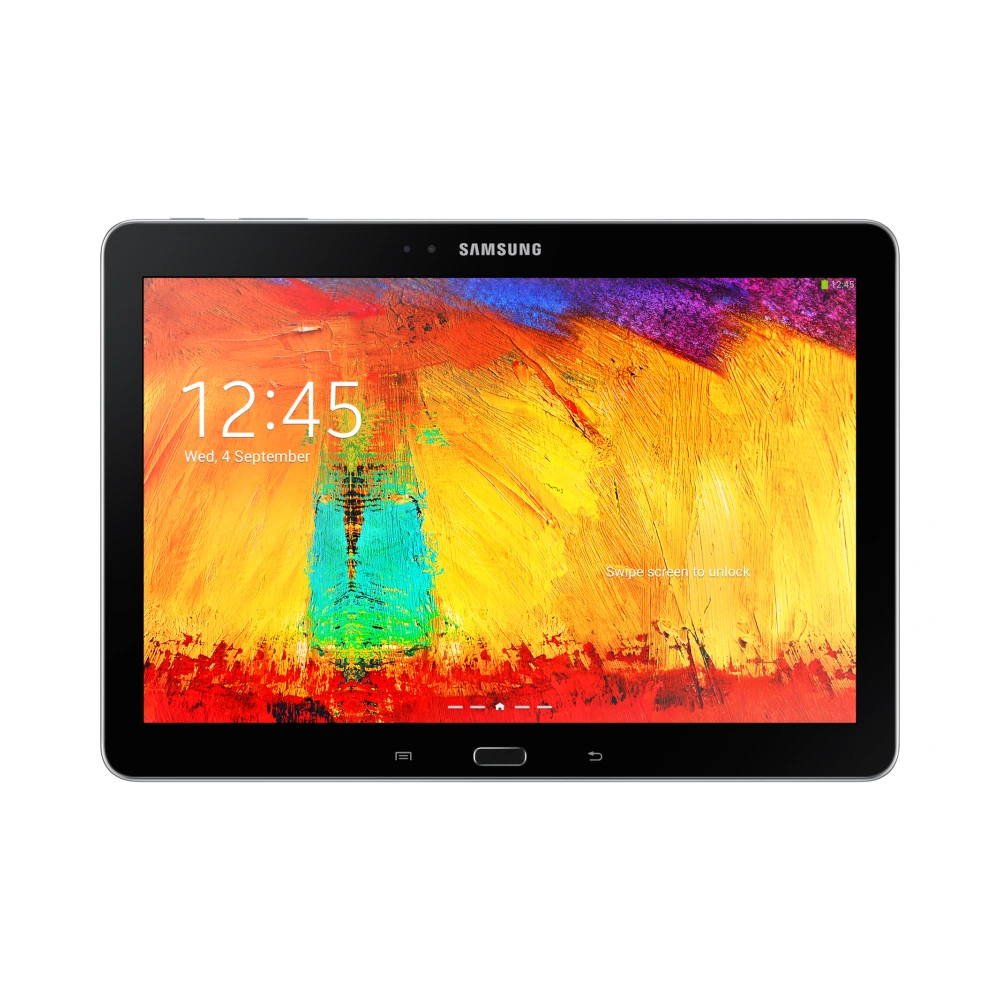
SM-N910G 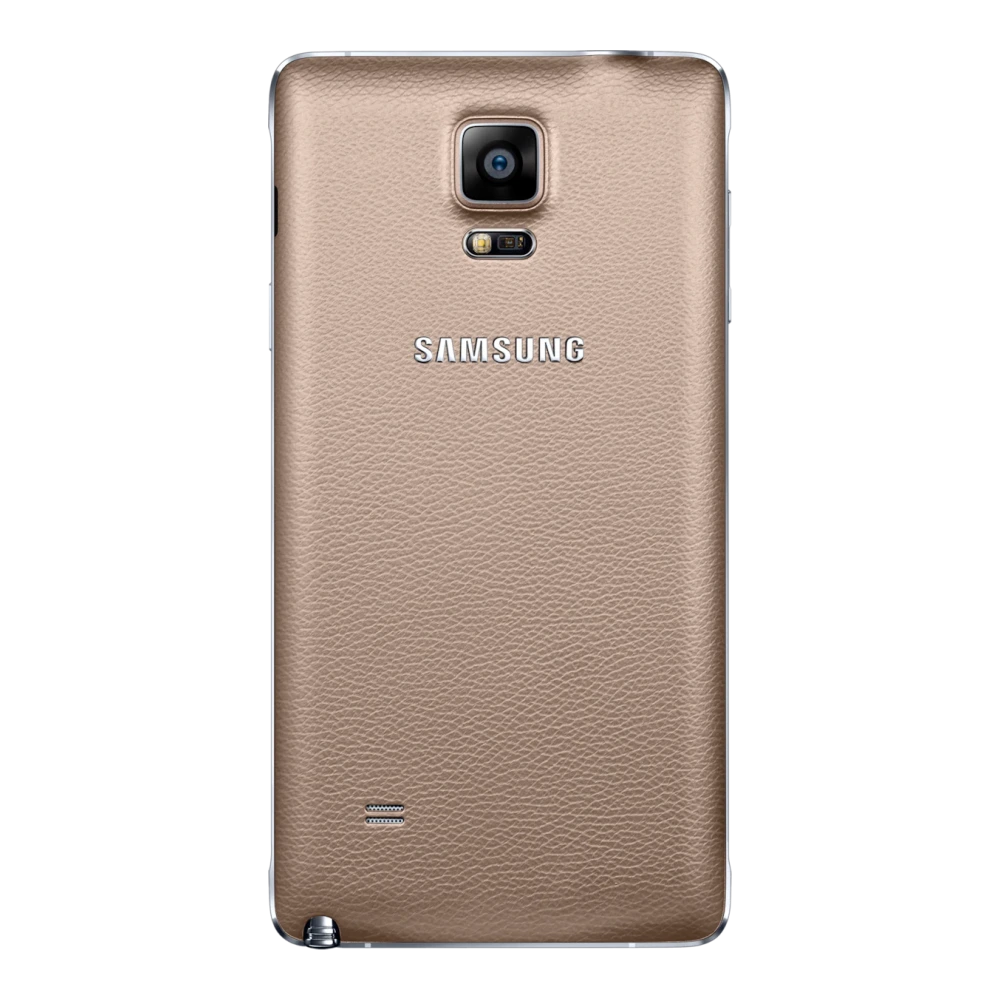
SM-N915G 
SM-N900 
SM-N970F 
SM-N770F 
SM-N975F 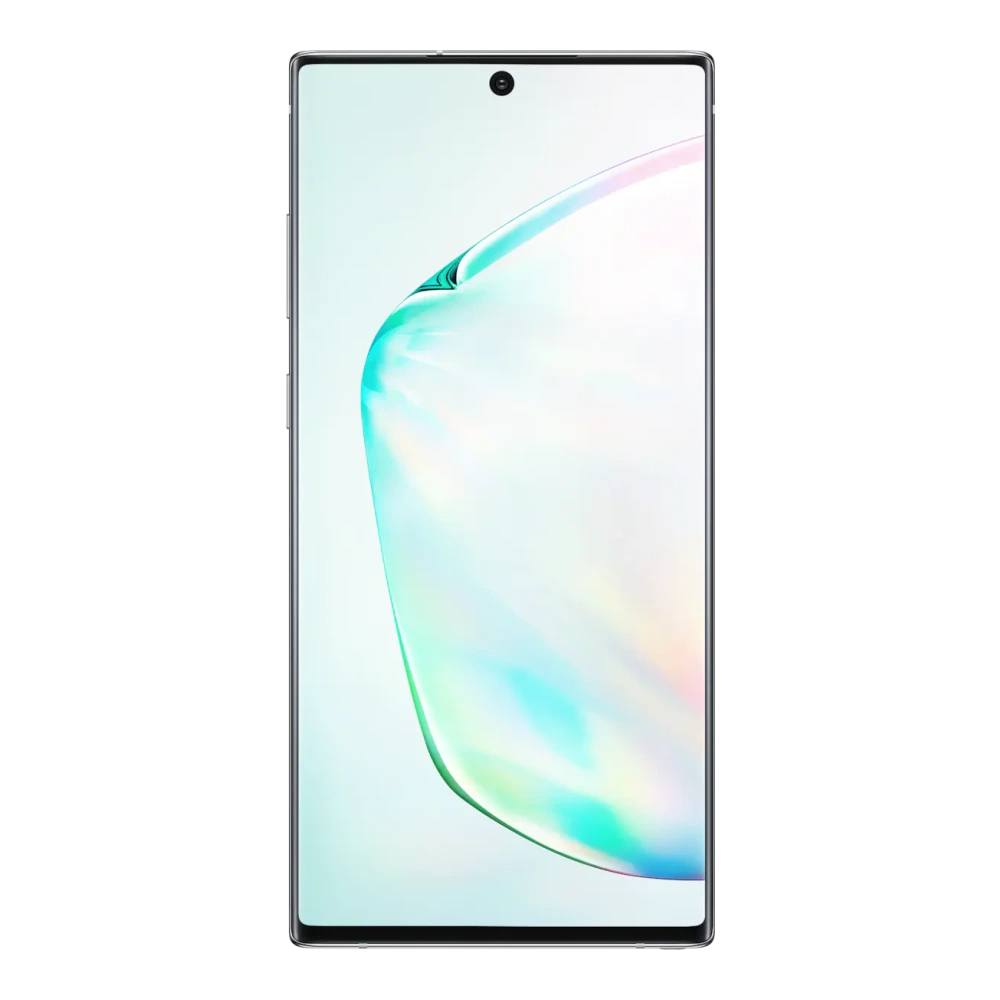
SM-N980F 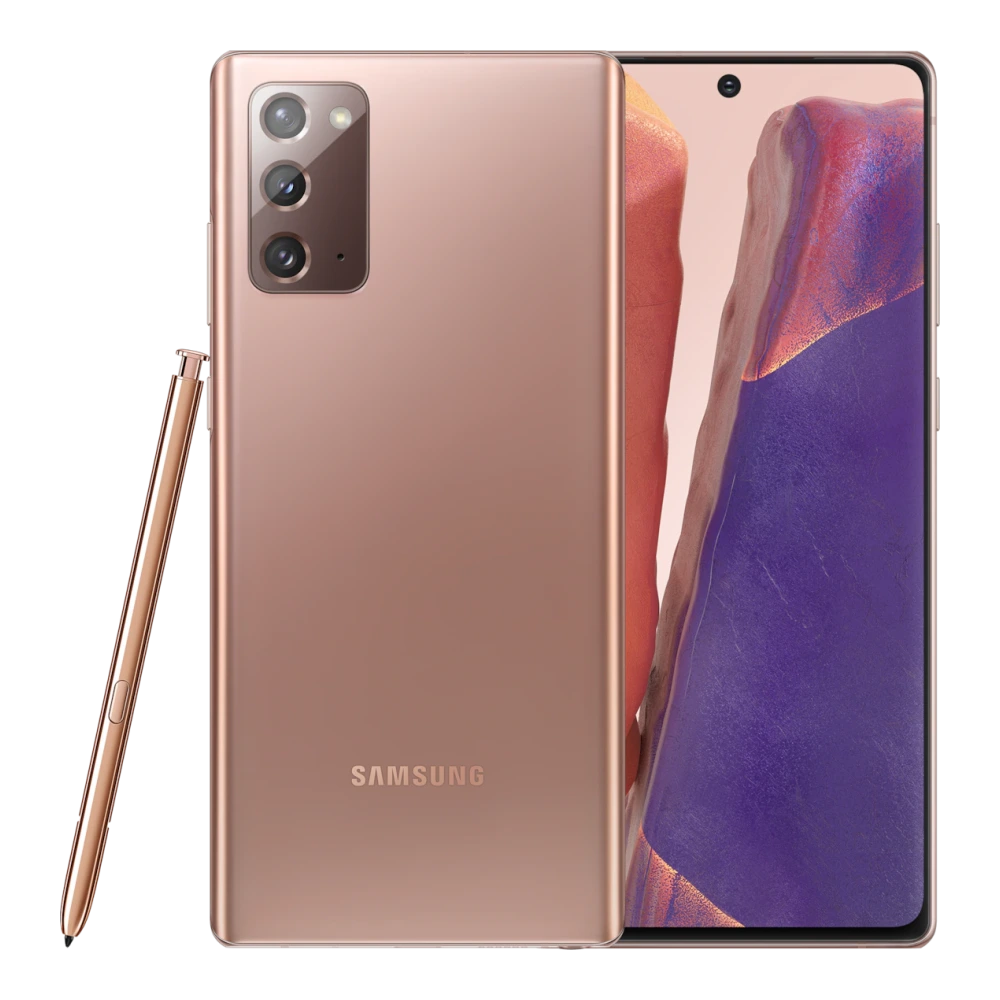
SM-N986B 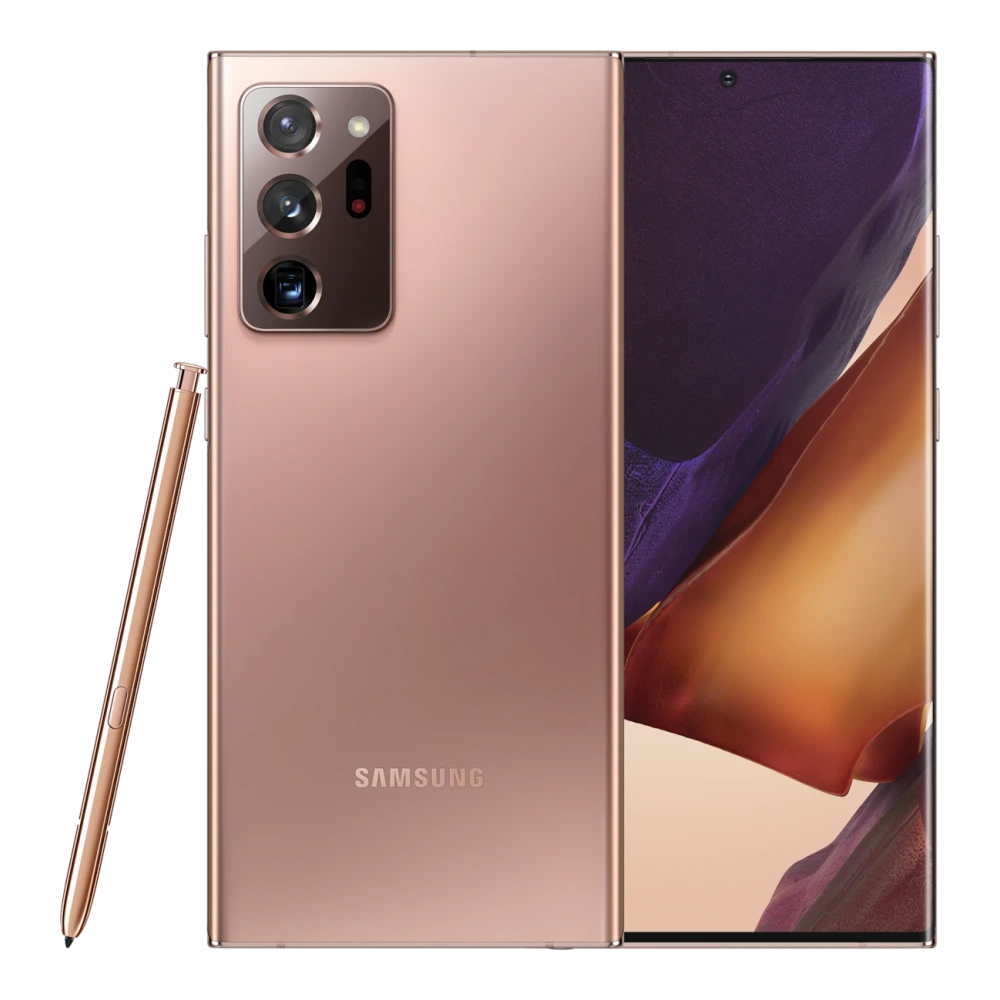
SM-N9208 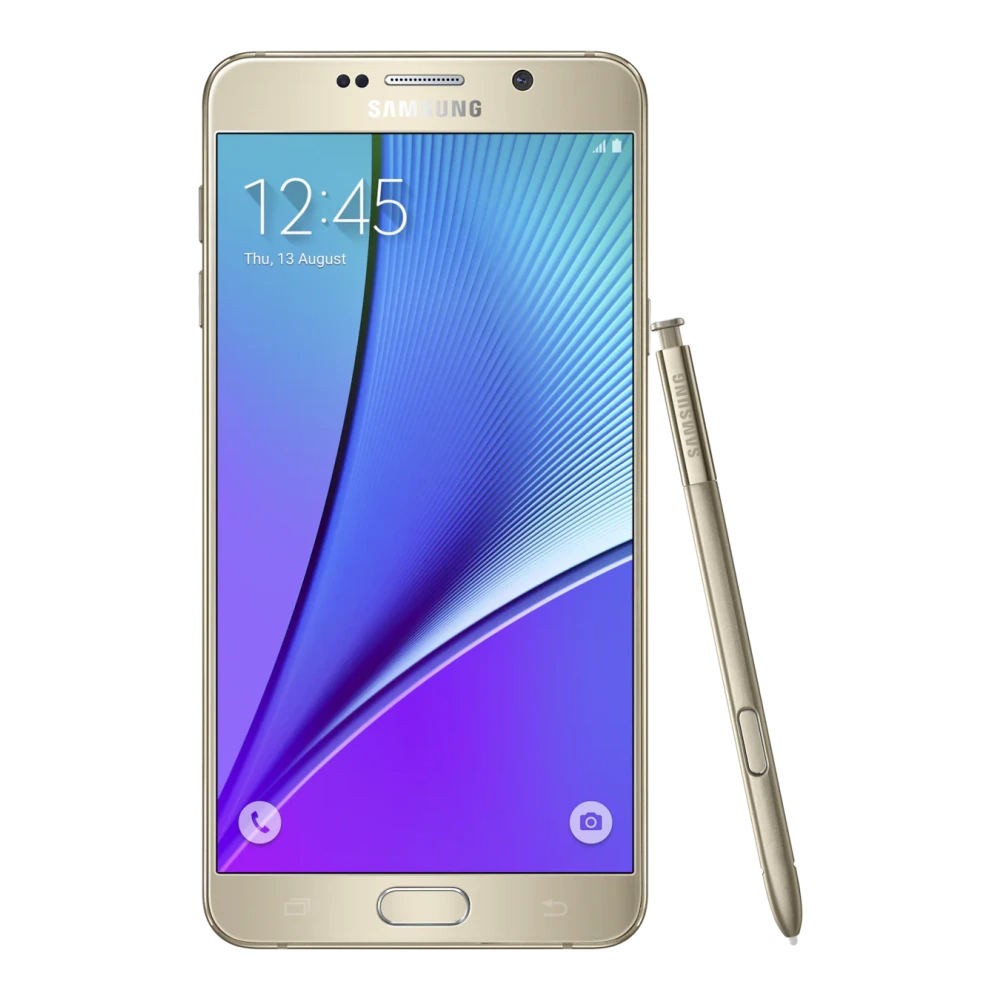
SM-N950F 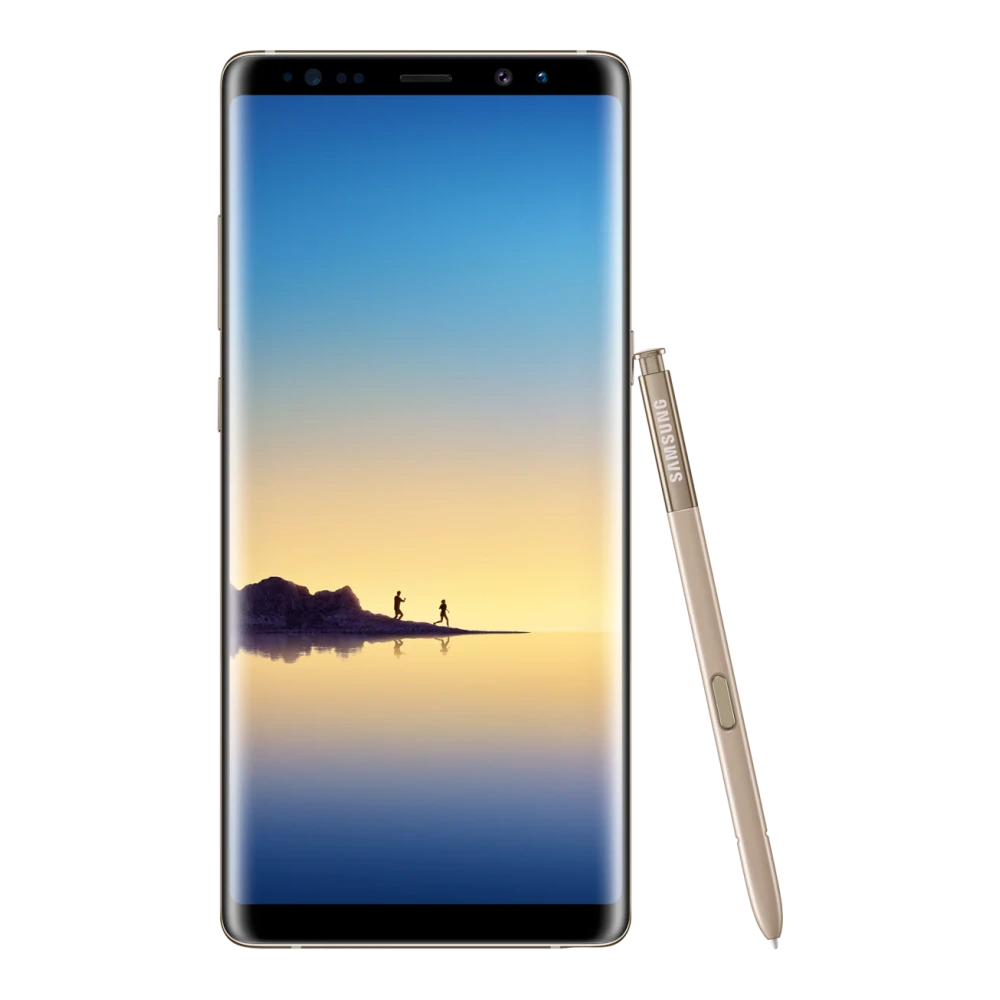
SM-N960F 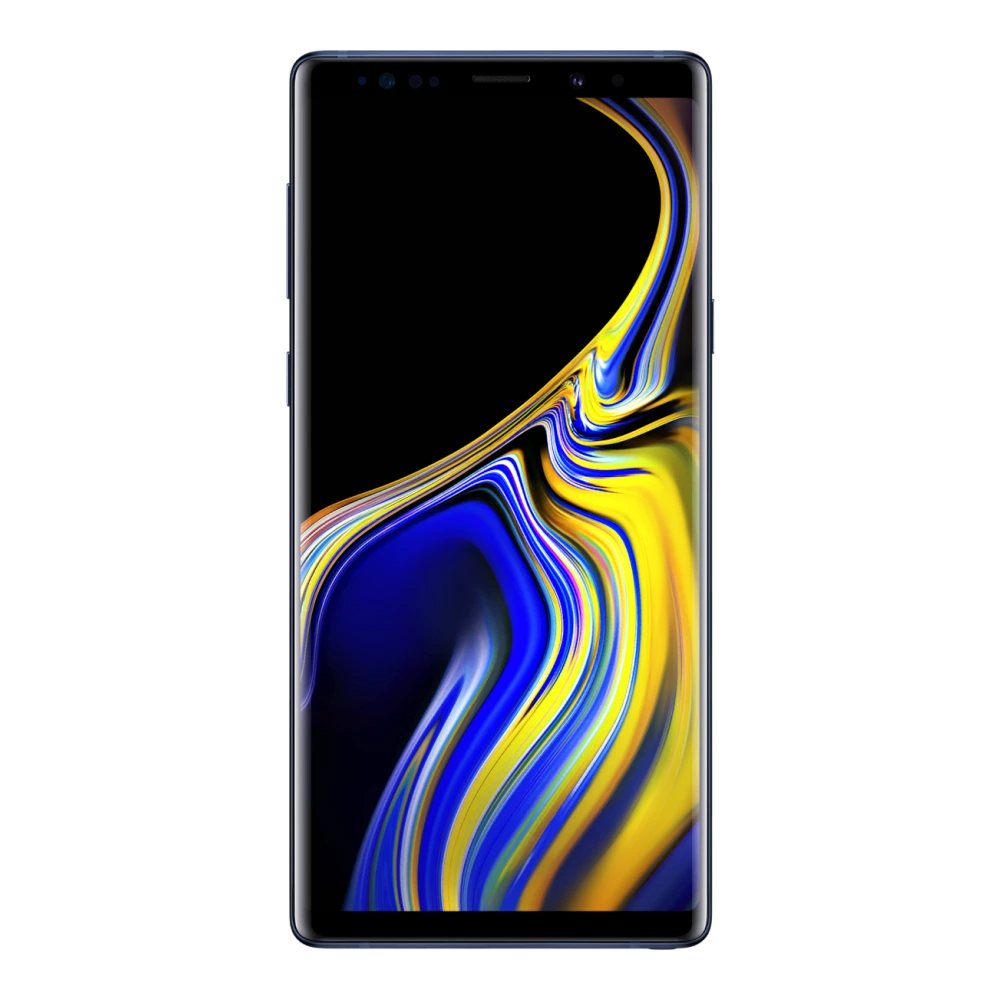
SM-G615FU 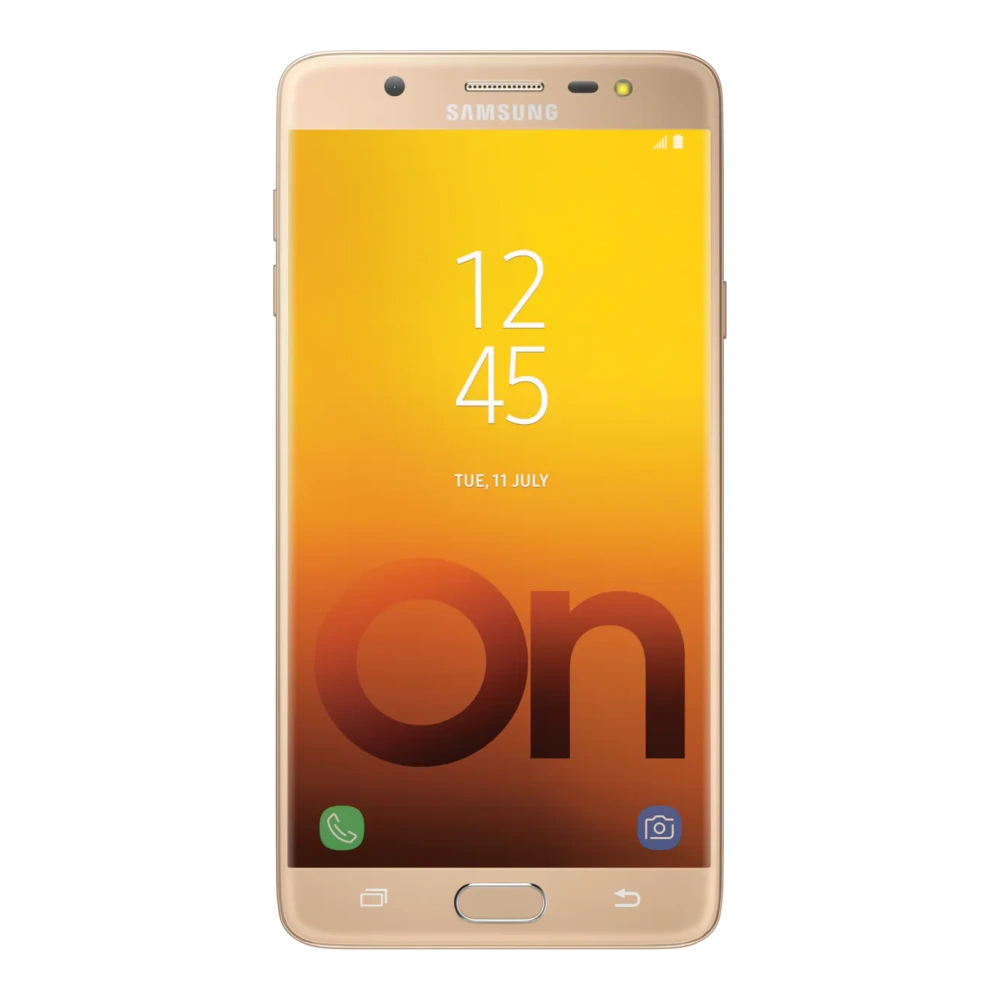
SM-G550FY 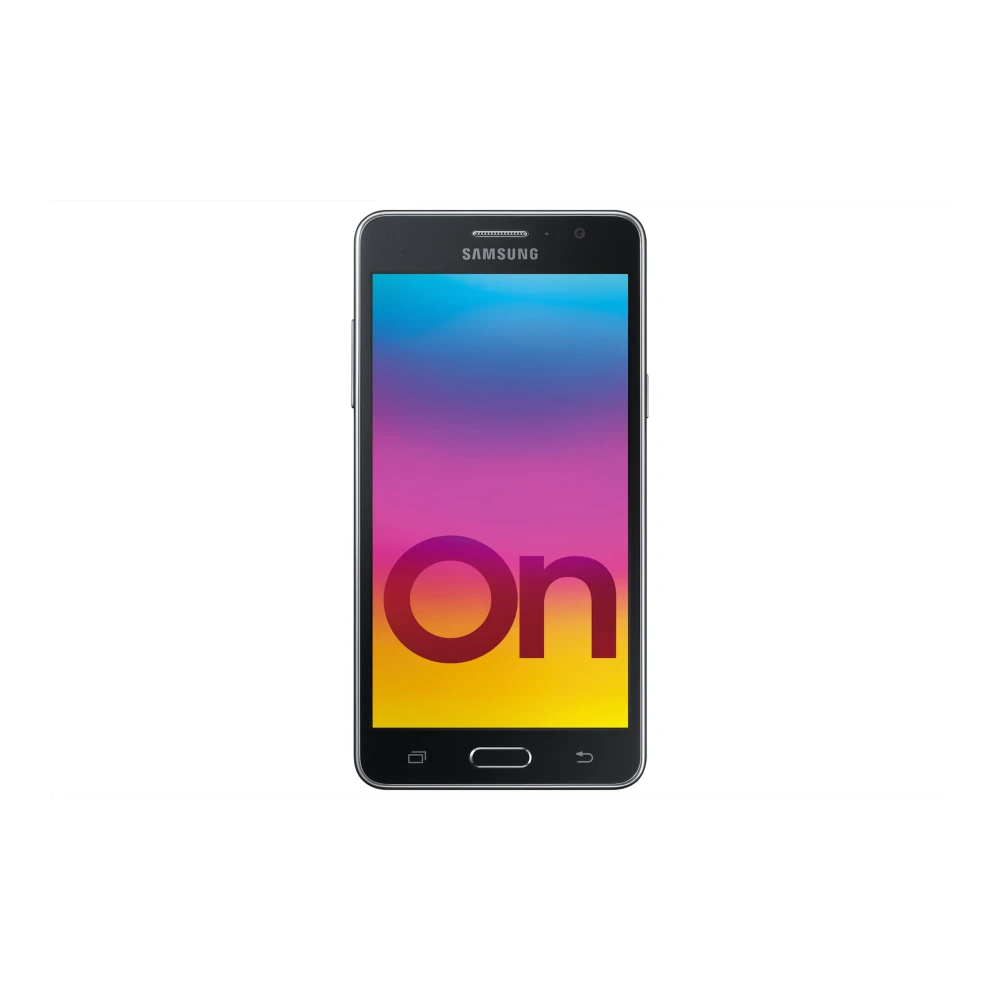
SM-J600GF 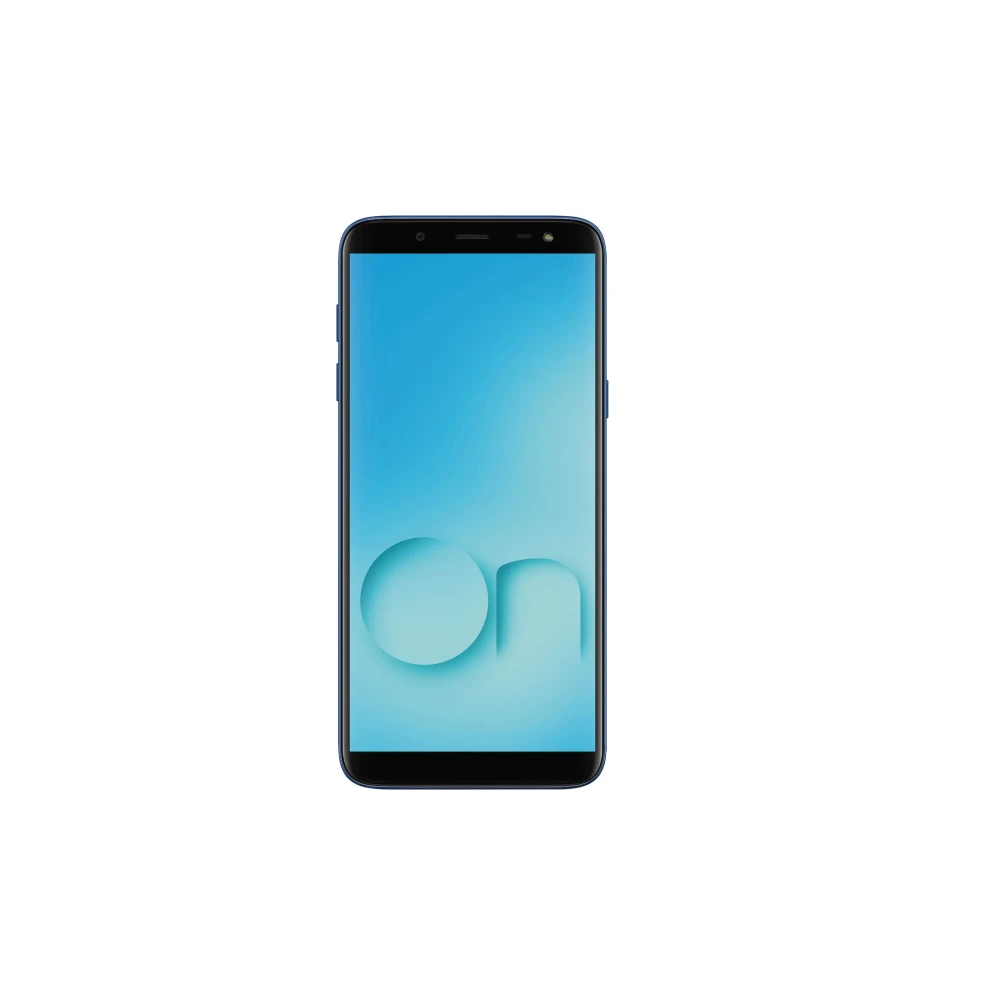
SM-G600FY 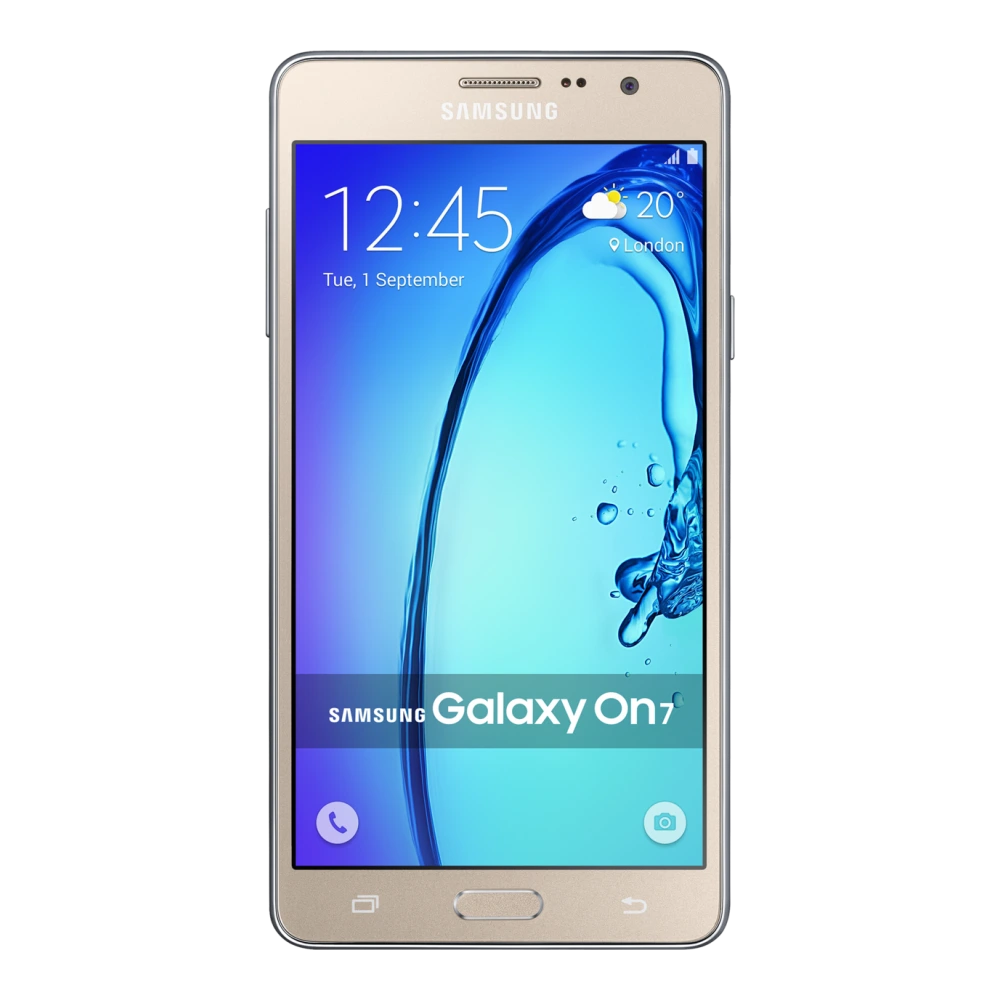
SM-G611F 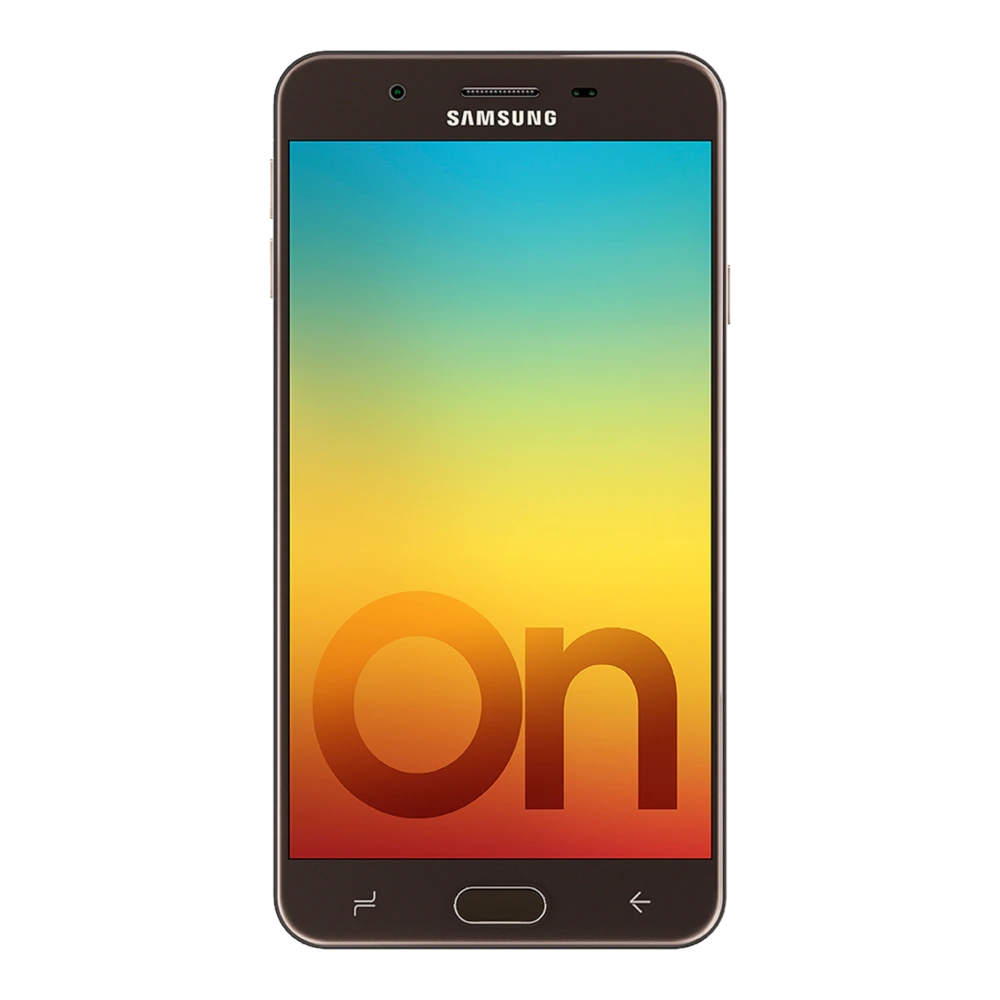
SM-J810GF 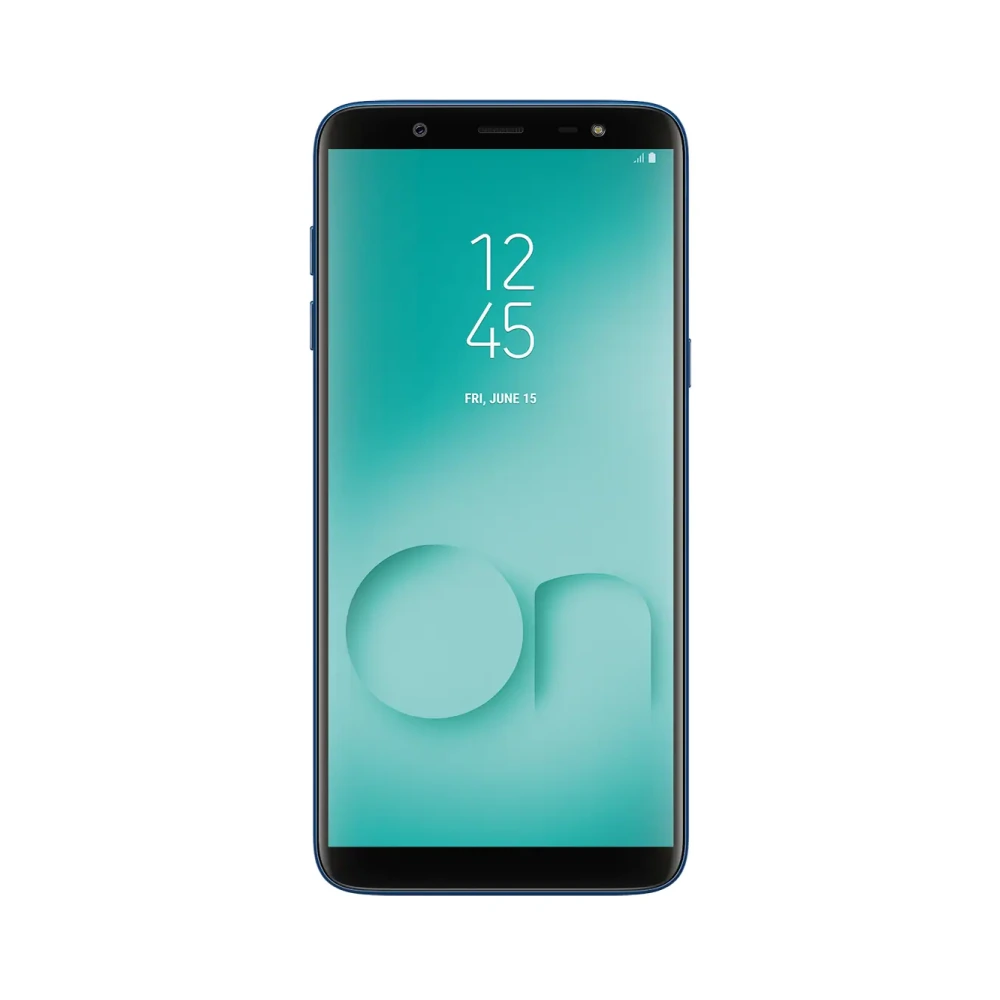
SM-G973F 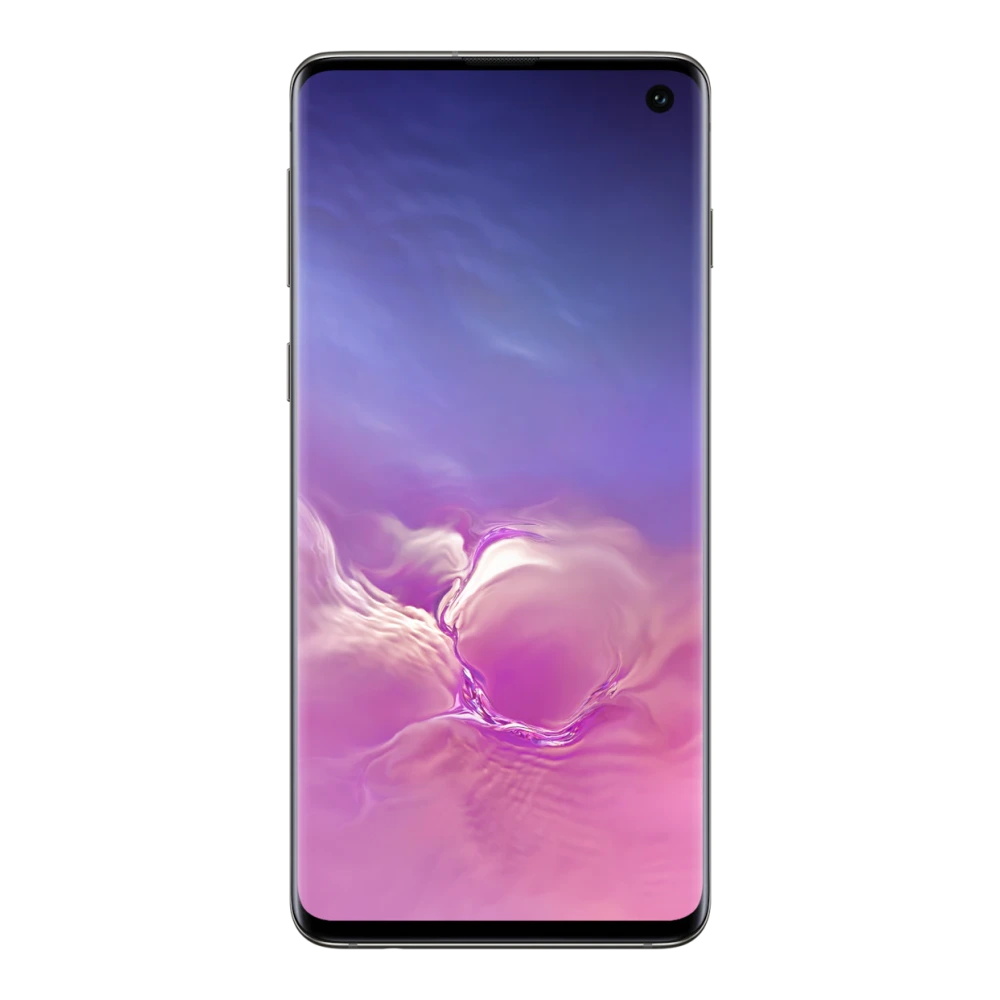
SM-G770F 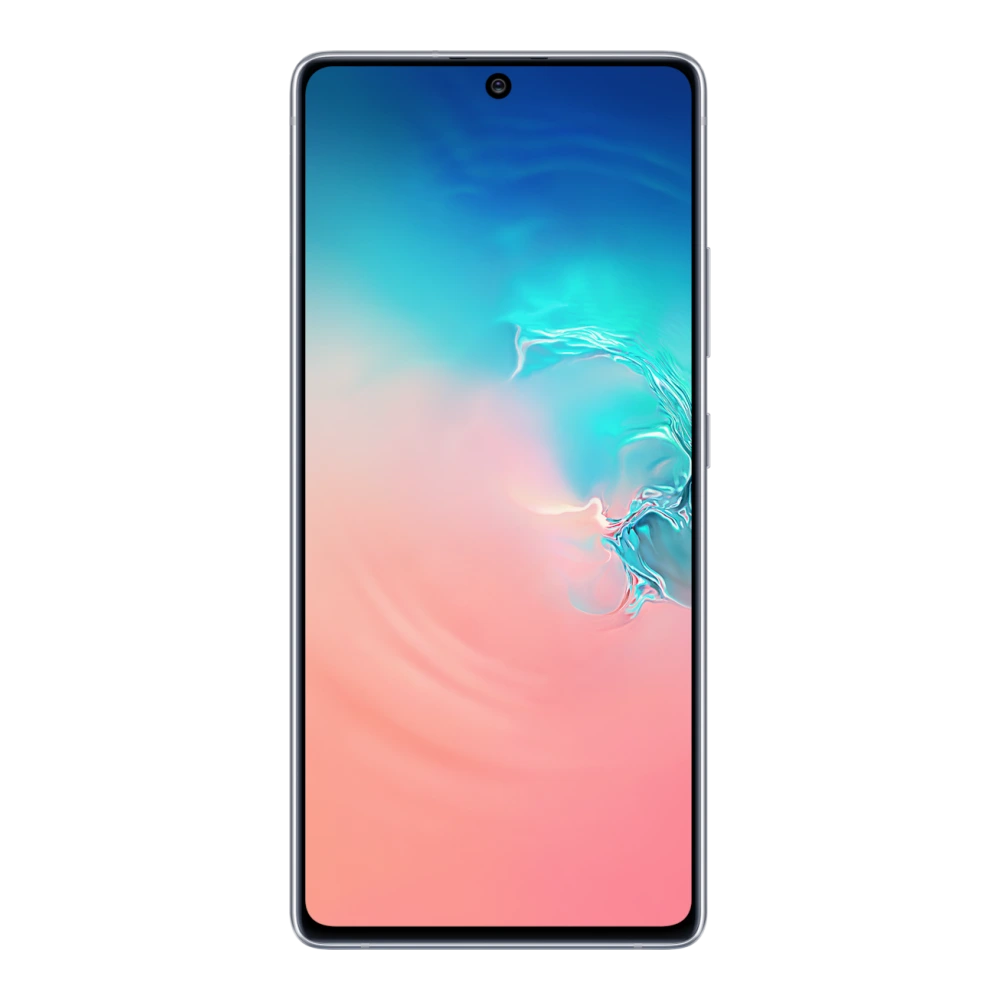
SM-G975F 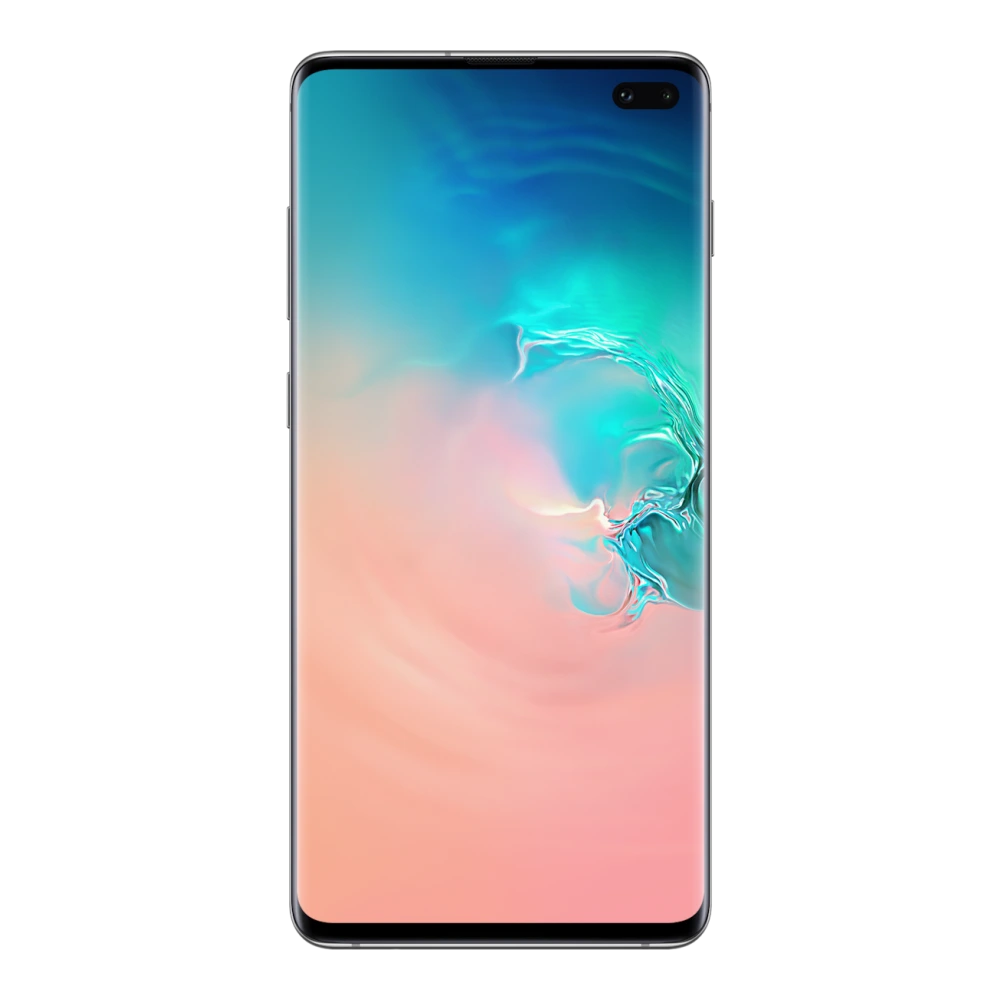
SM-G970F 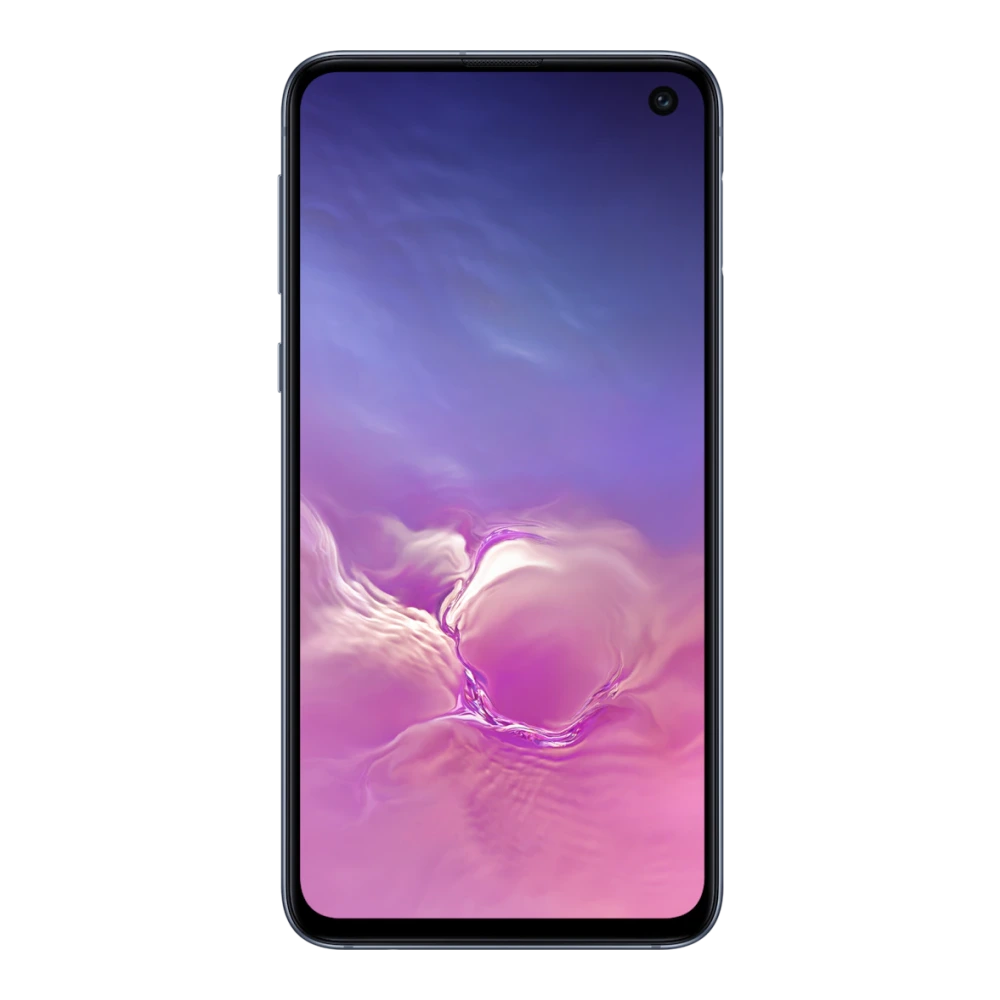
SM-G981B 
SM-G780F 
SM-G781B 
SM-G988B 
SM-G985F 
SM-G991B 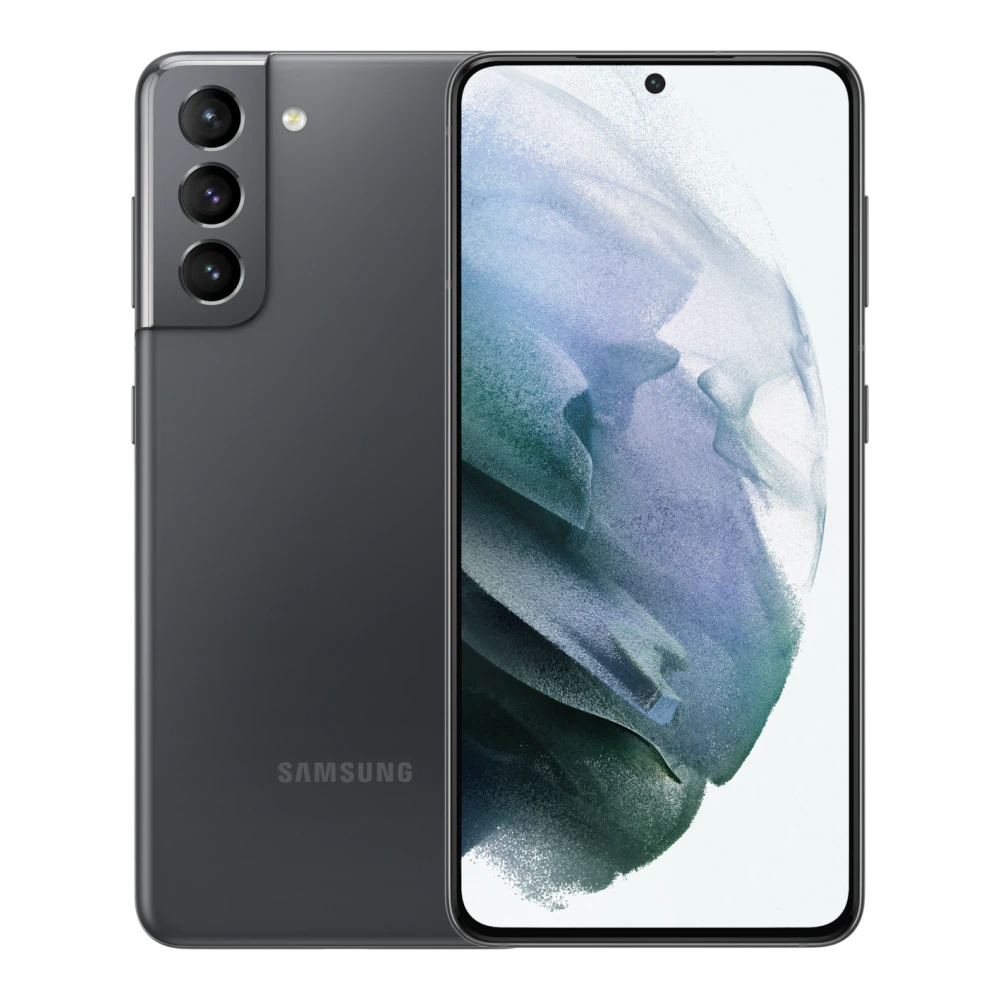
SM-G990B2 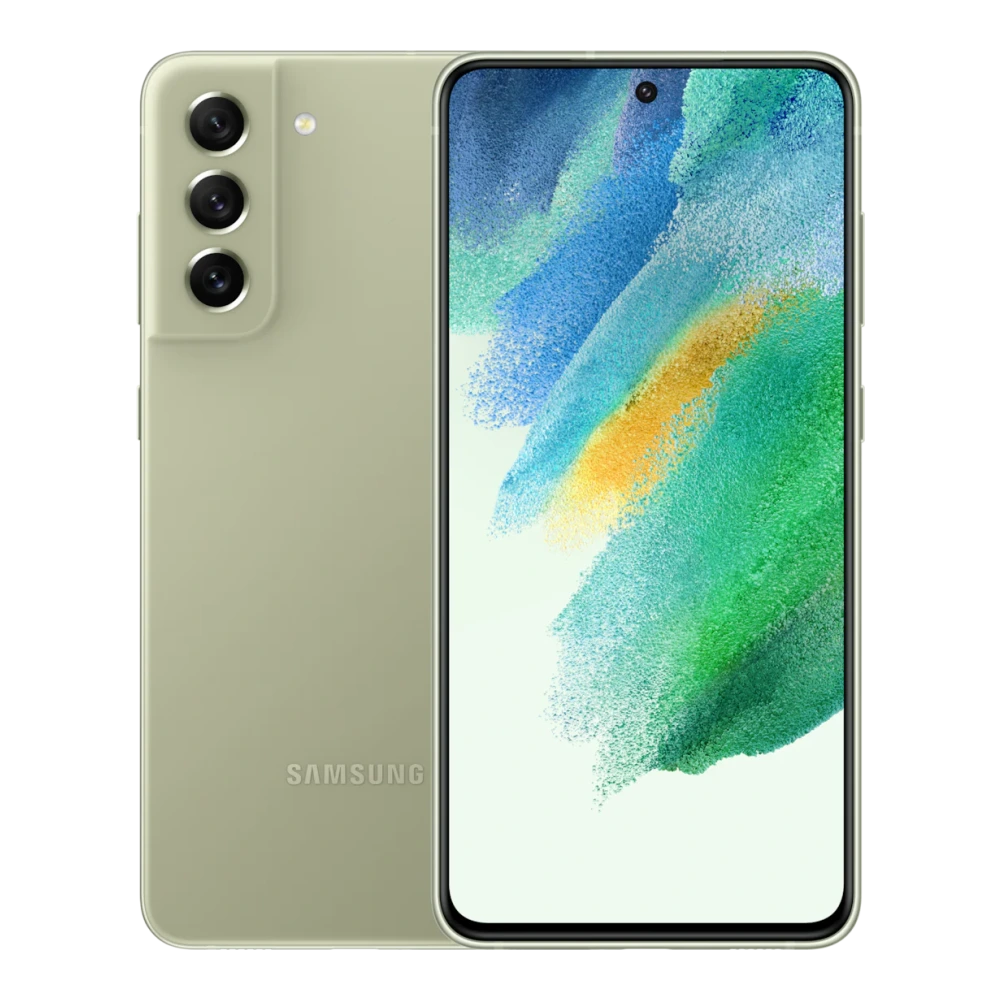
SM-G998B 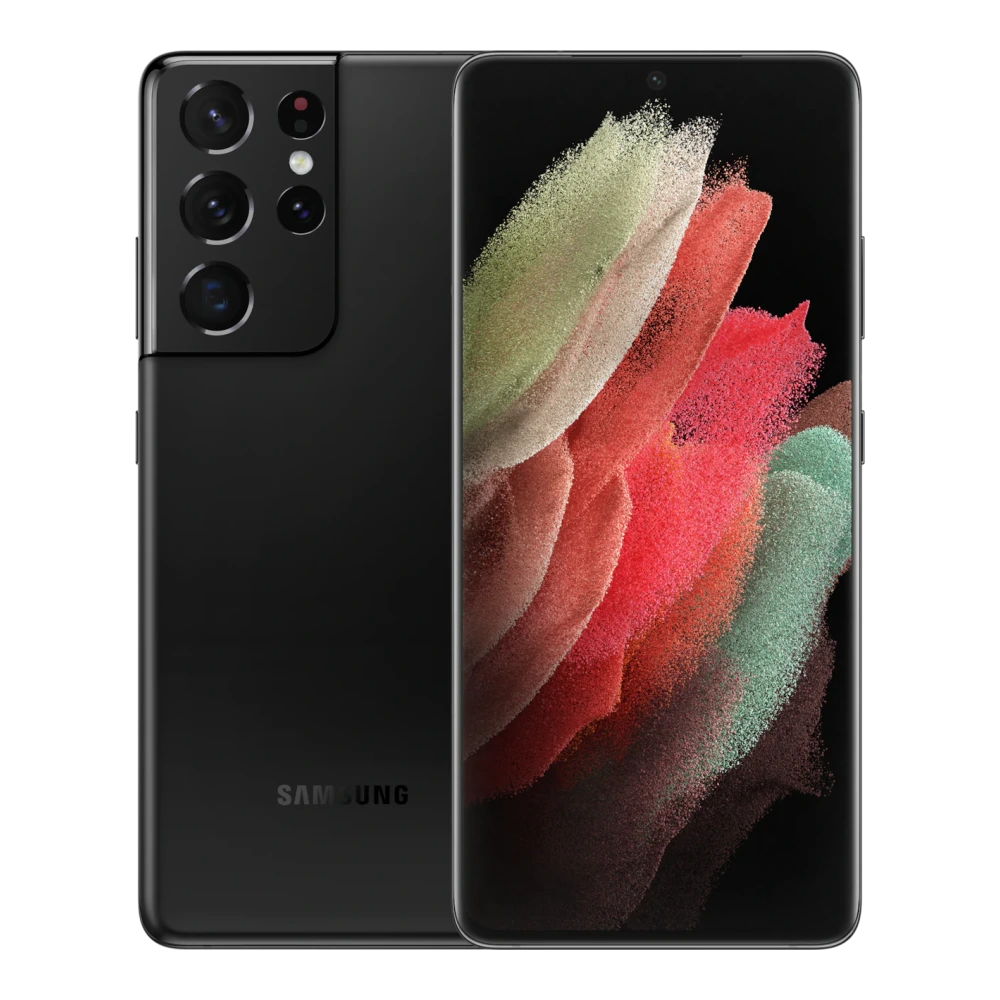
SM-G996B 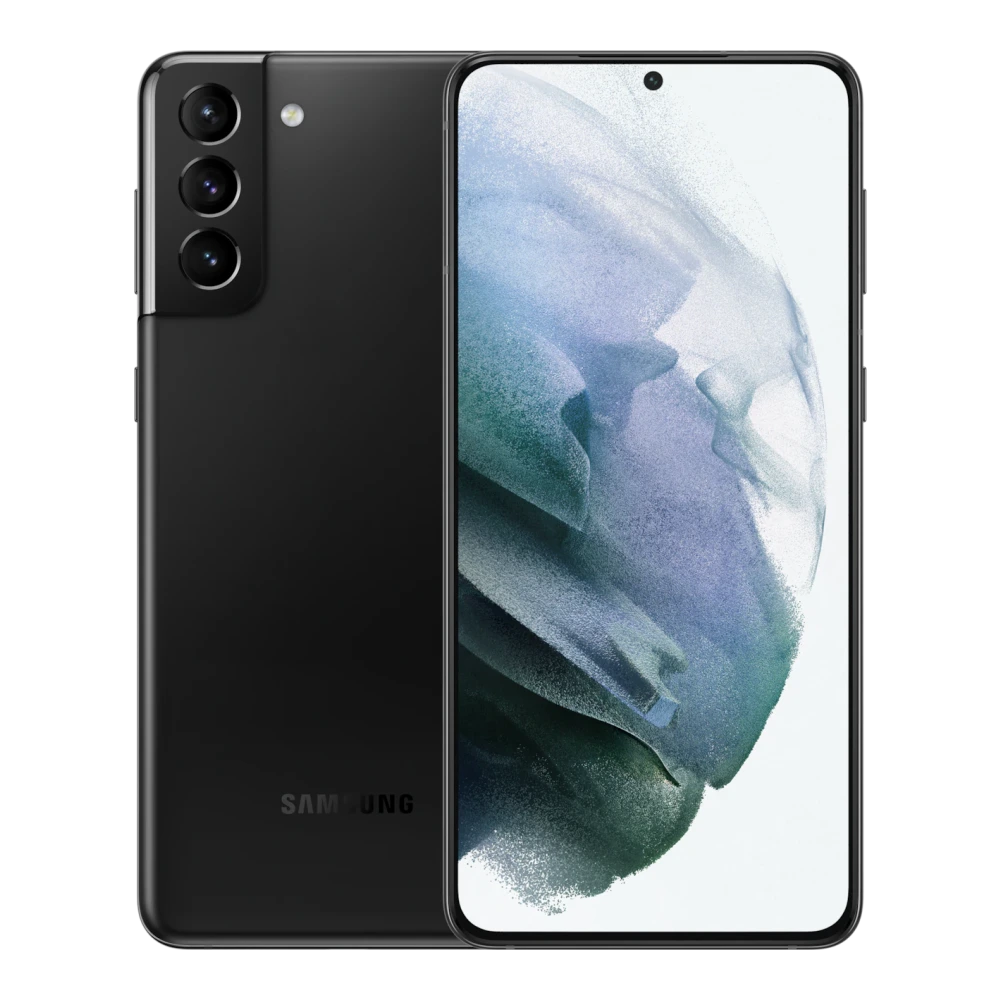
SM-S901E 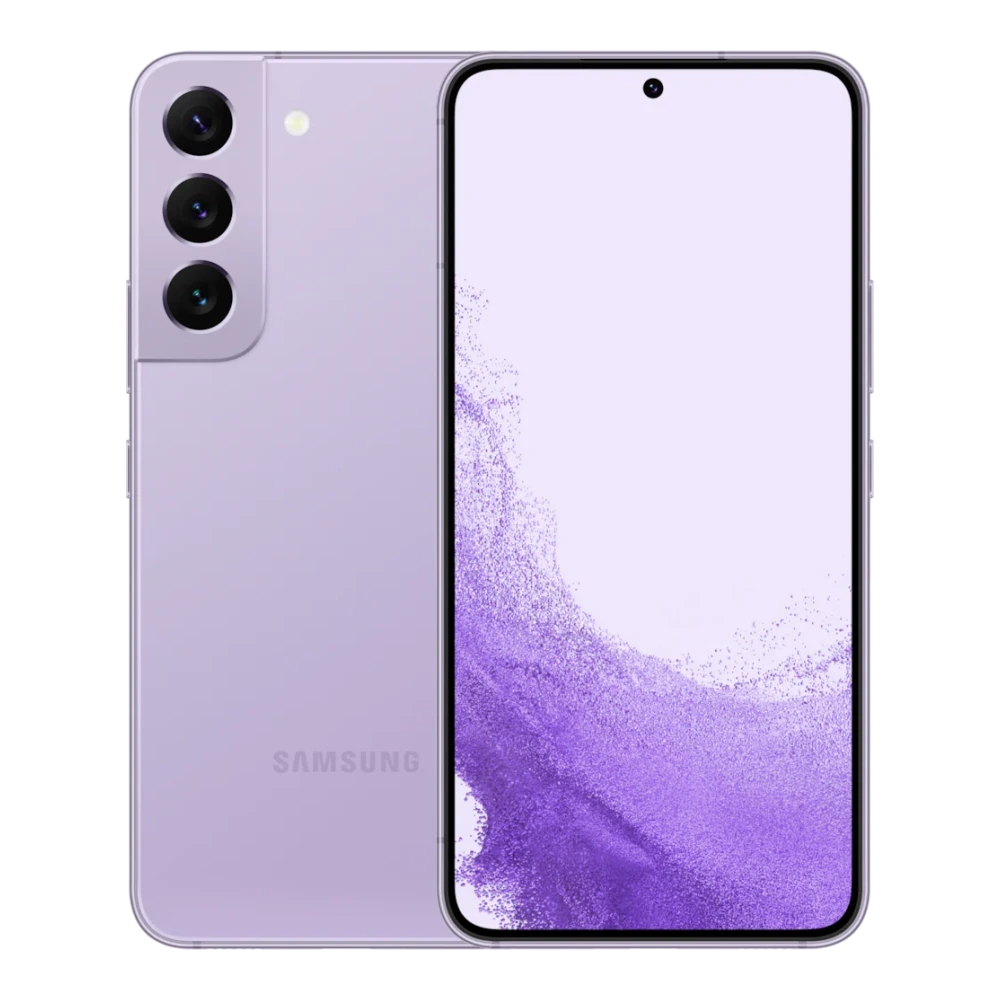
SM-S908E 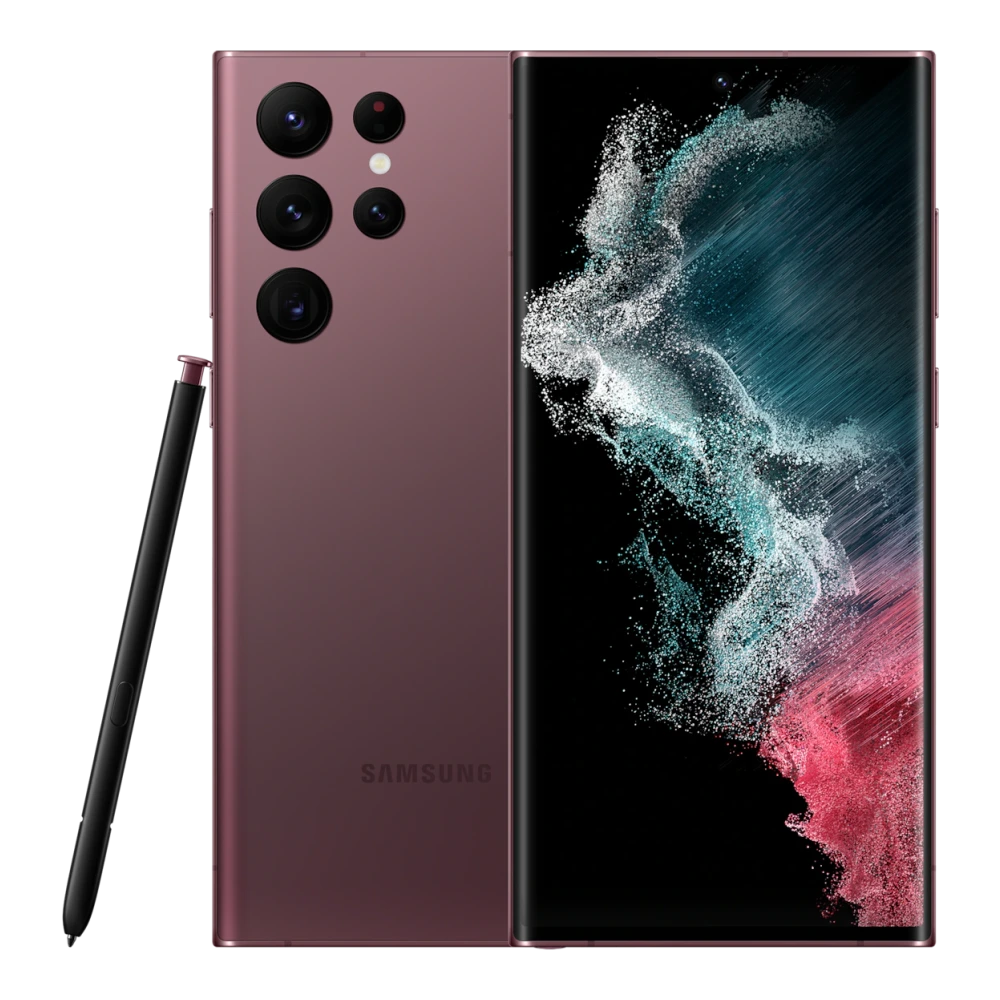
SM-S906E 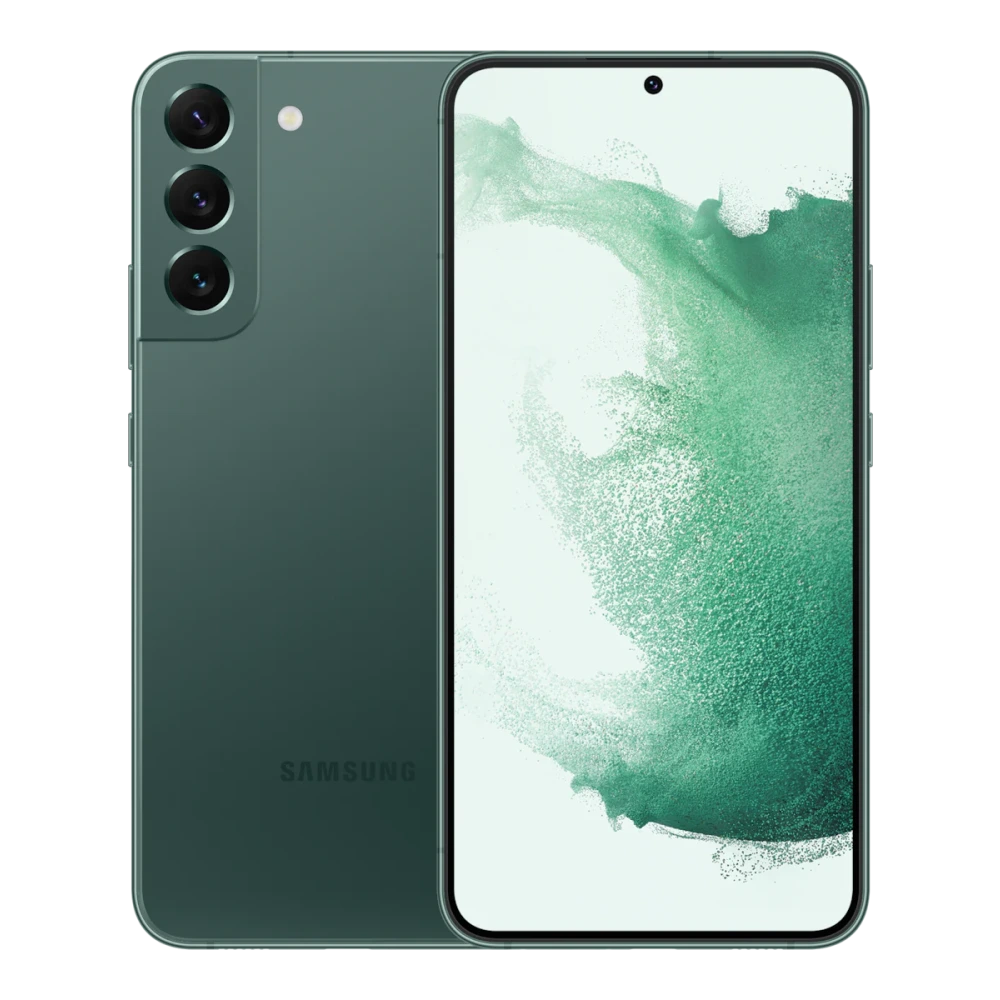
SM-S911B 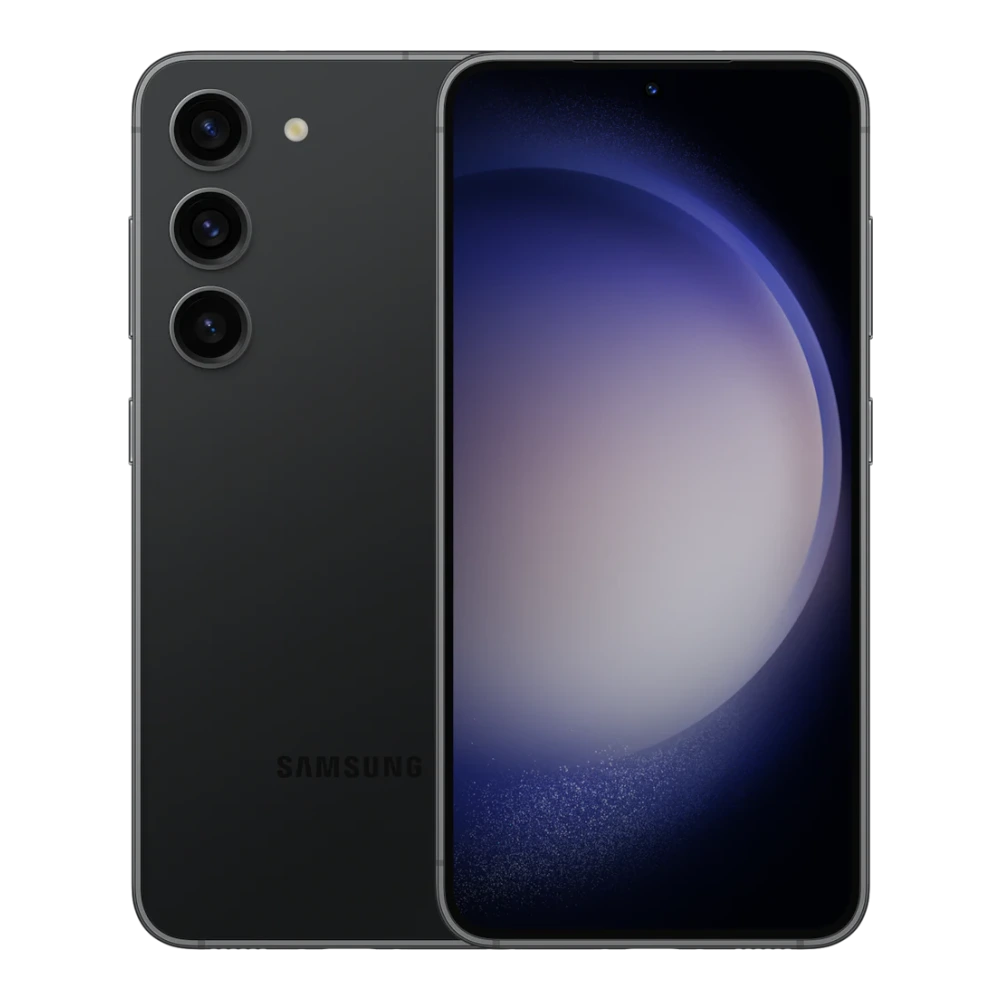
SM-S918B 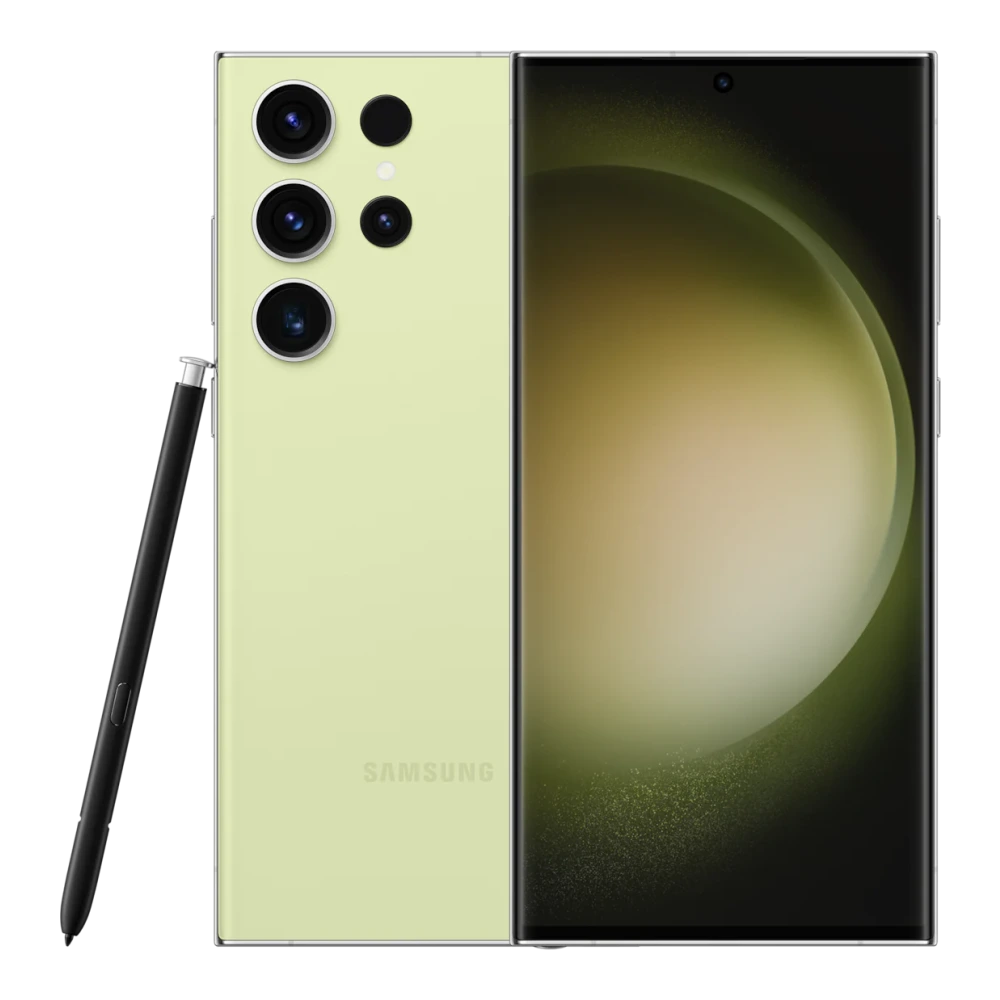
SM-S916B 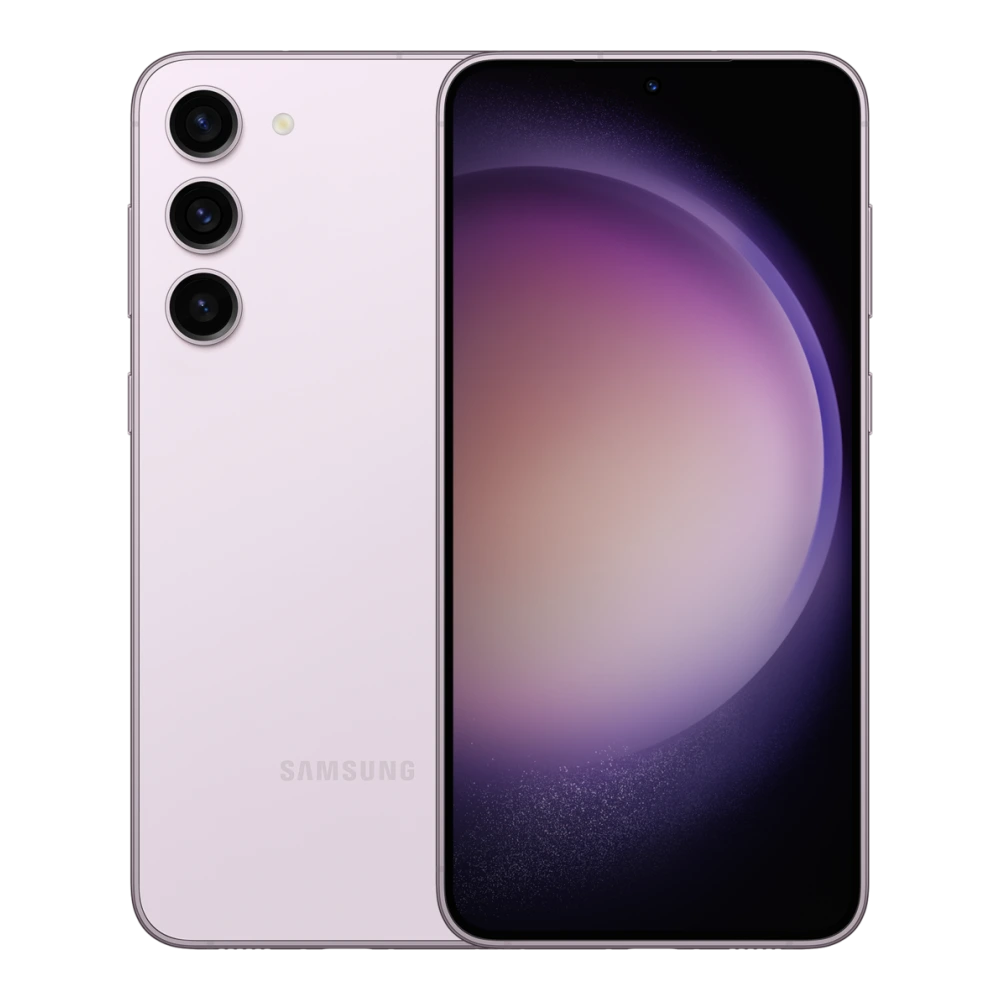
SM-S921E 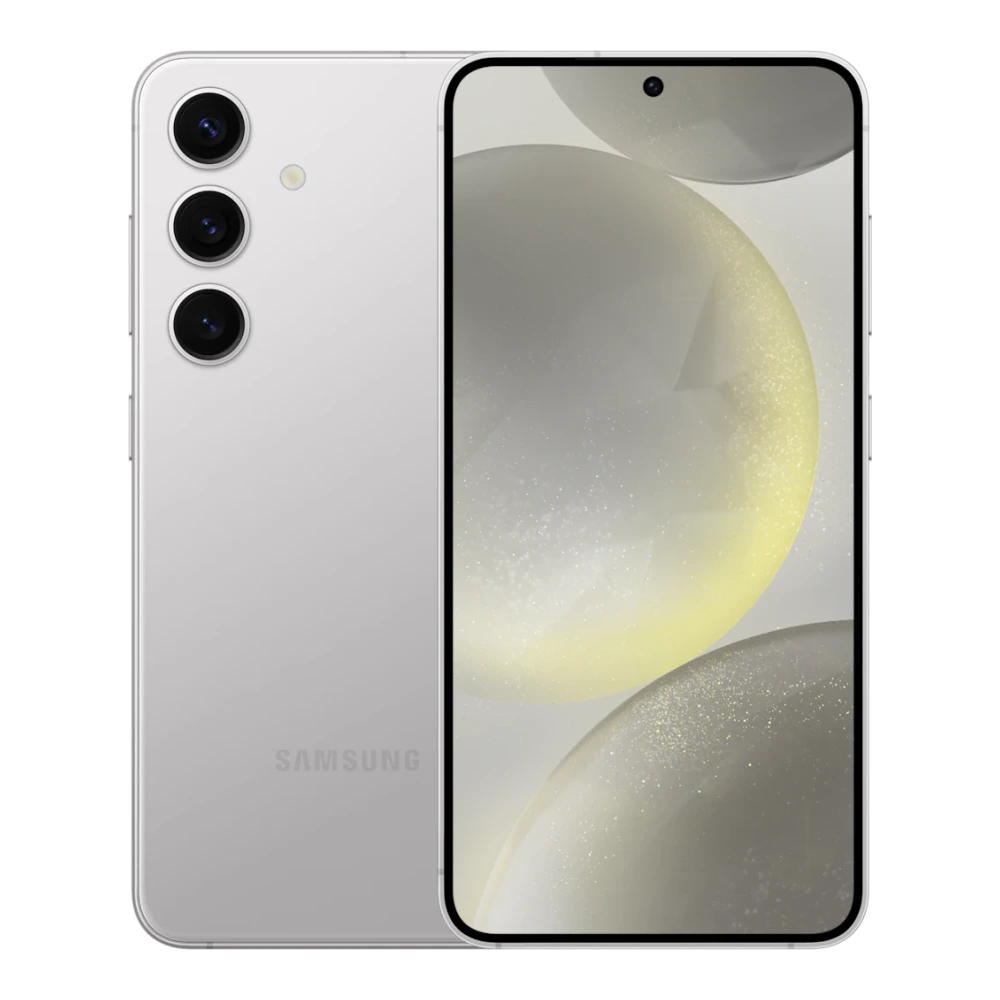
SM-S721B 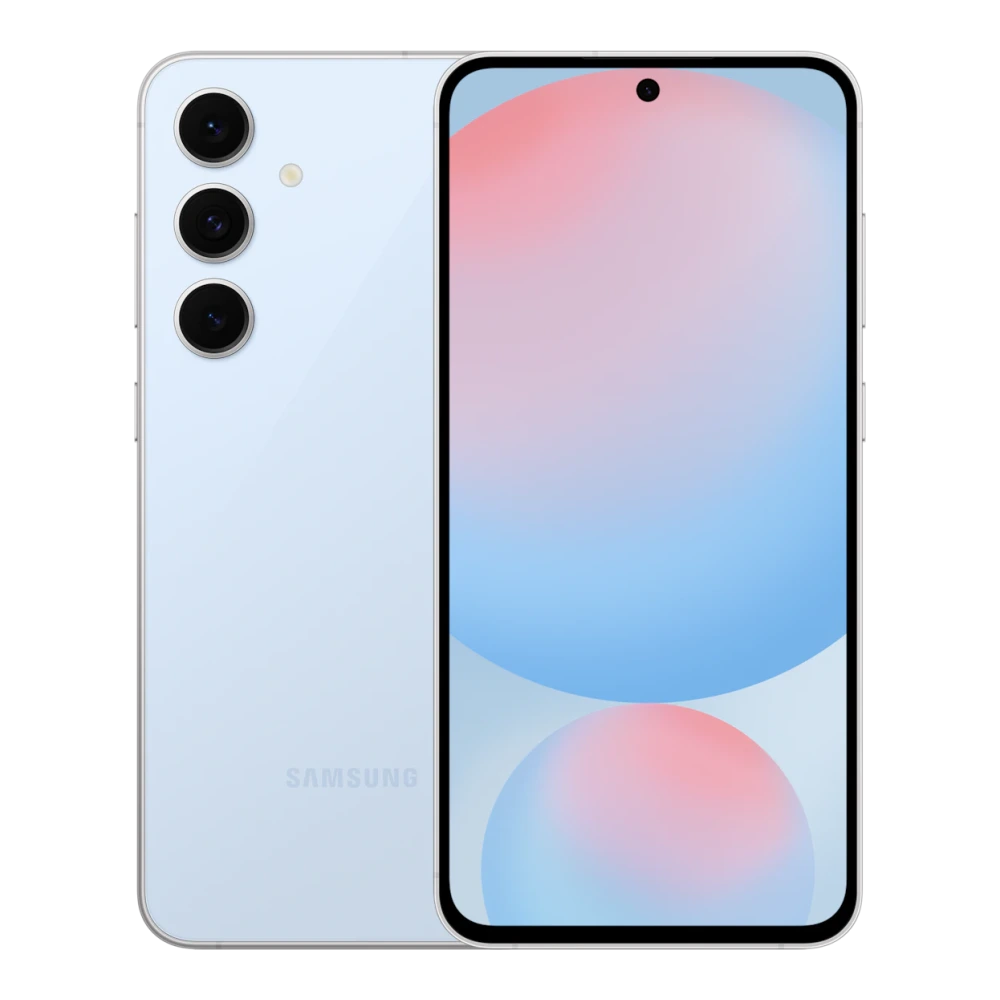
SM-S928B 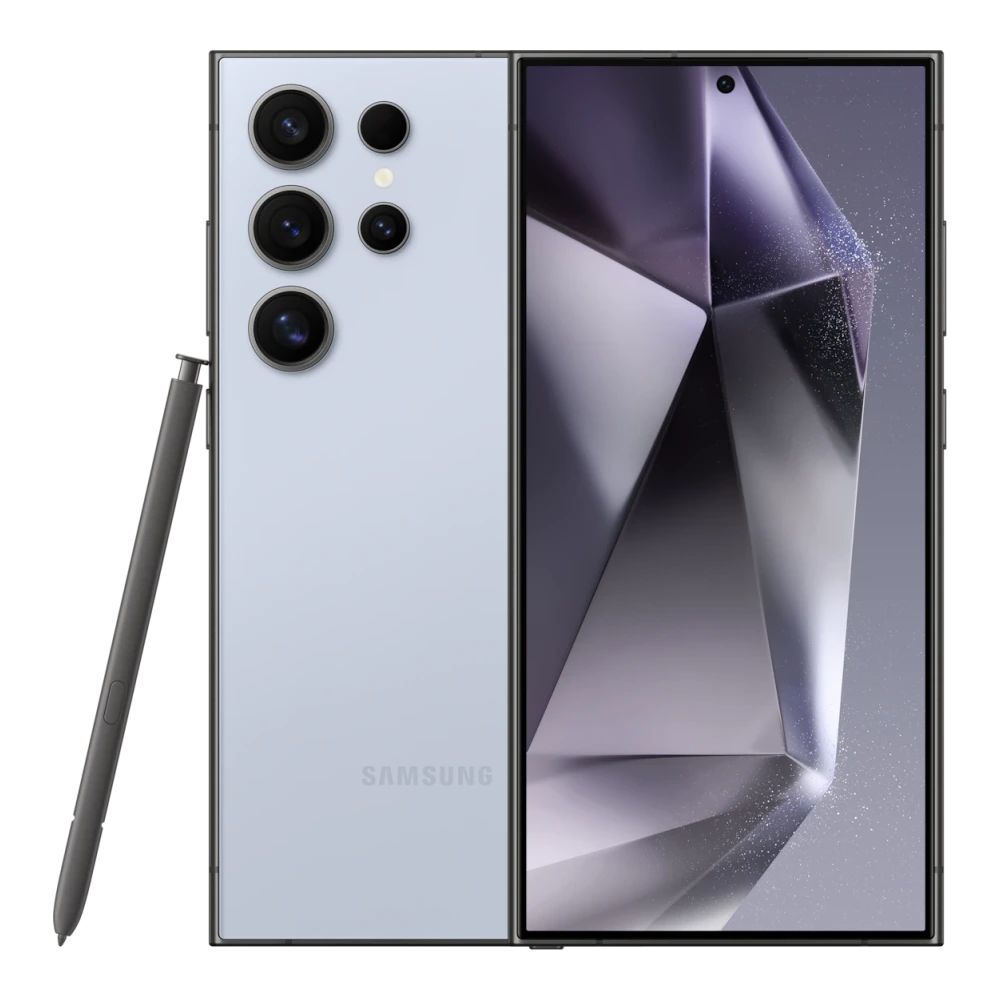
SM-S926B 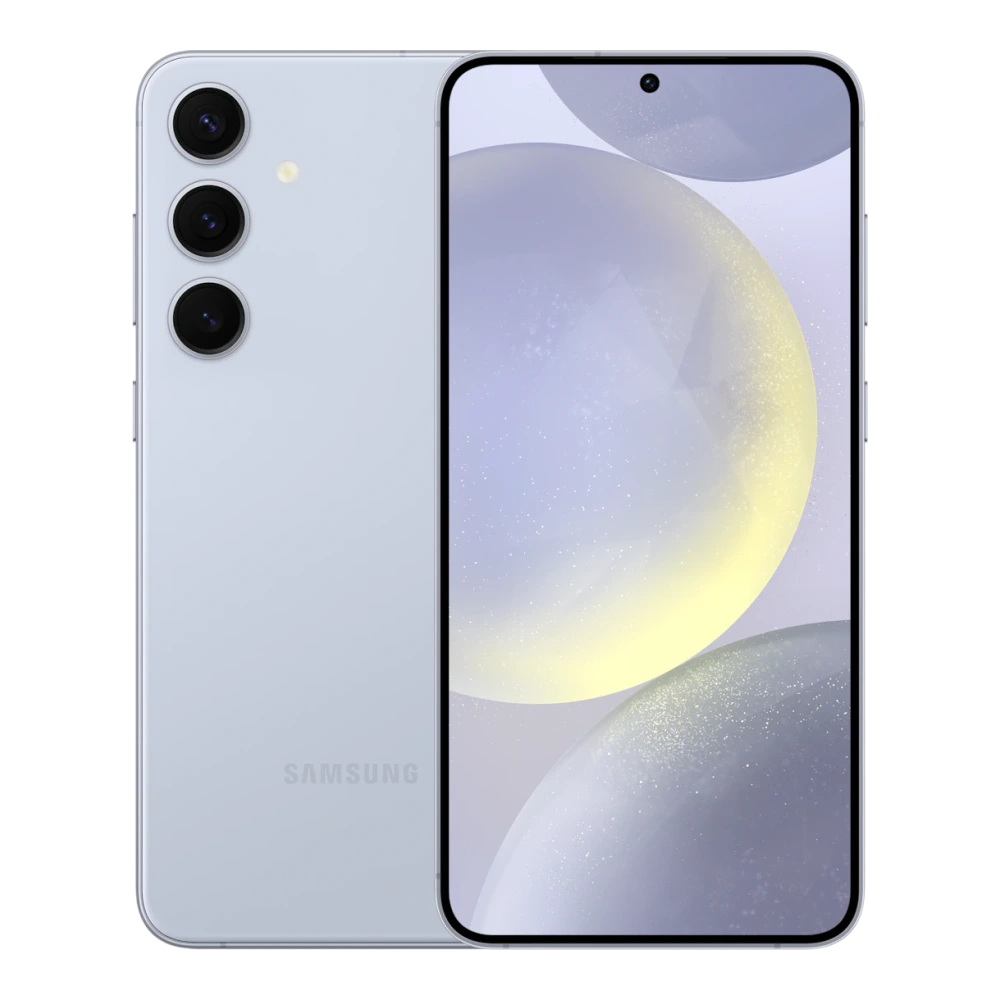
SM-S931B 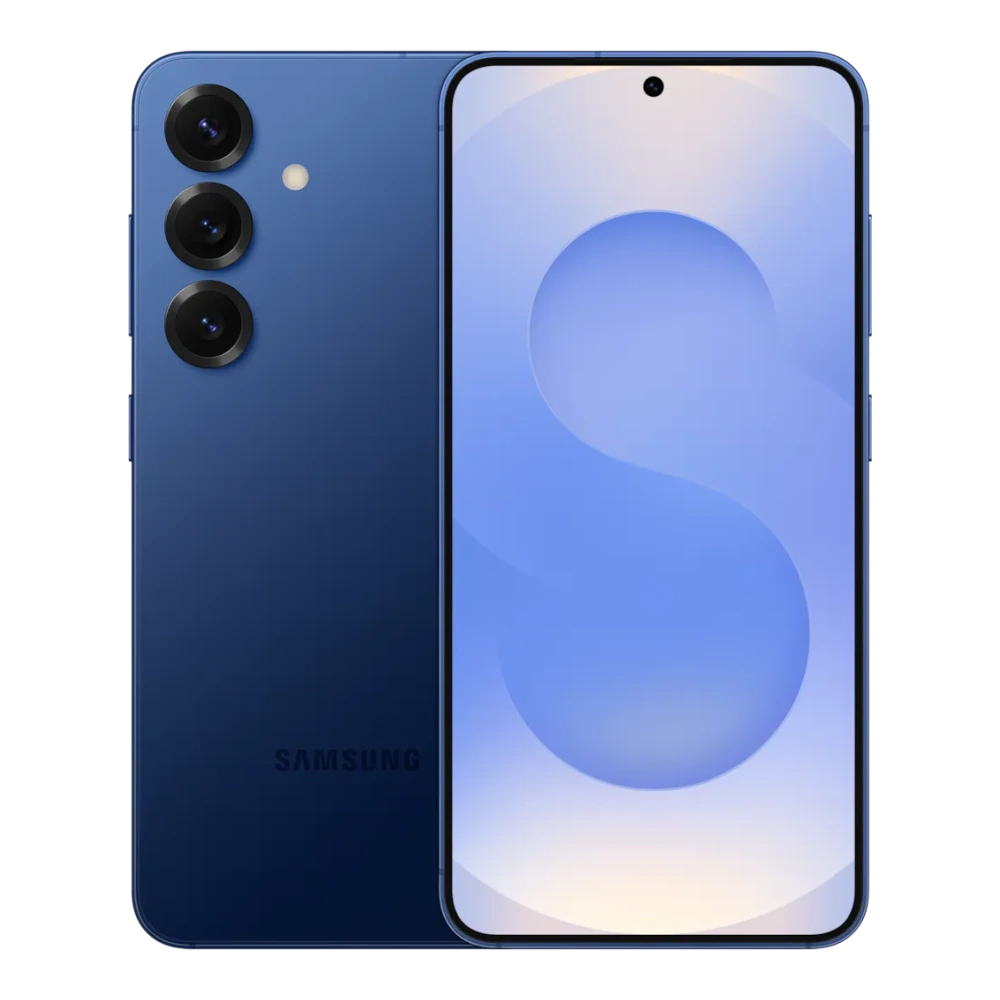
SM-S937B 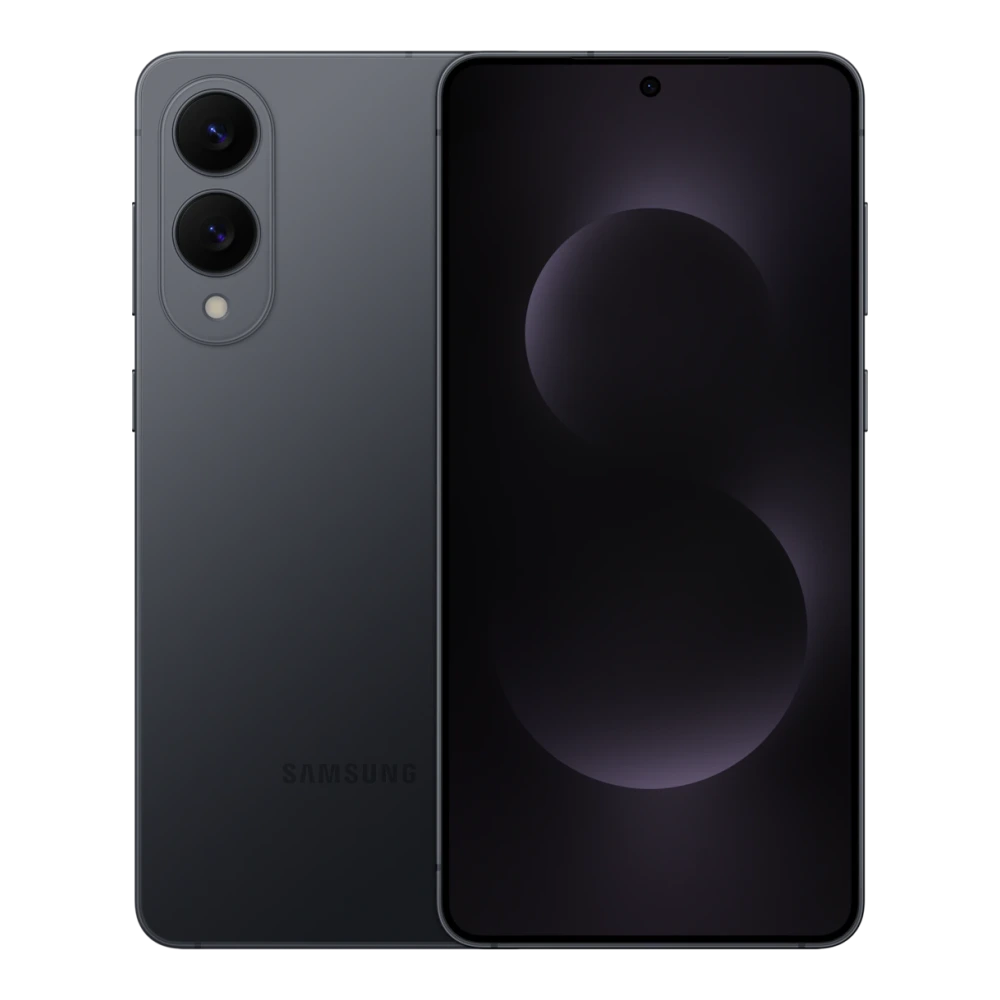
SM-S731B 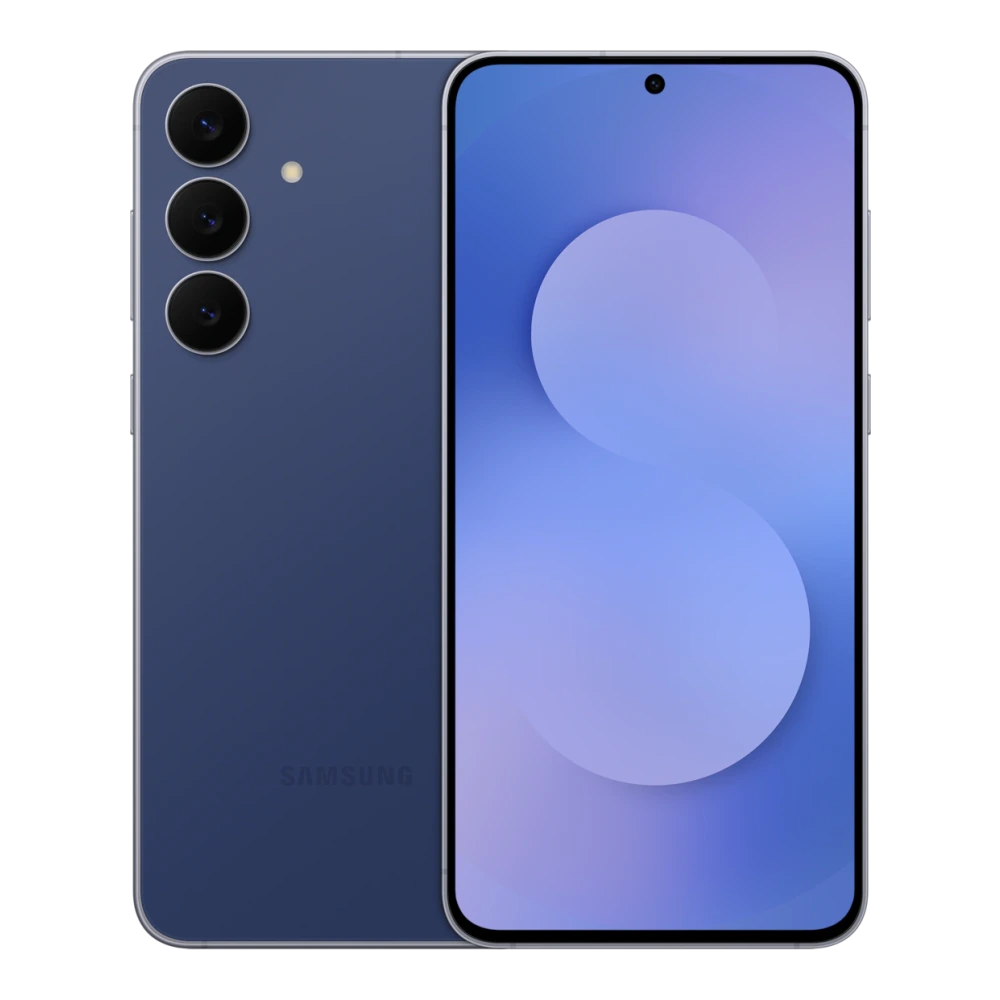
SM-S938B 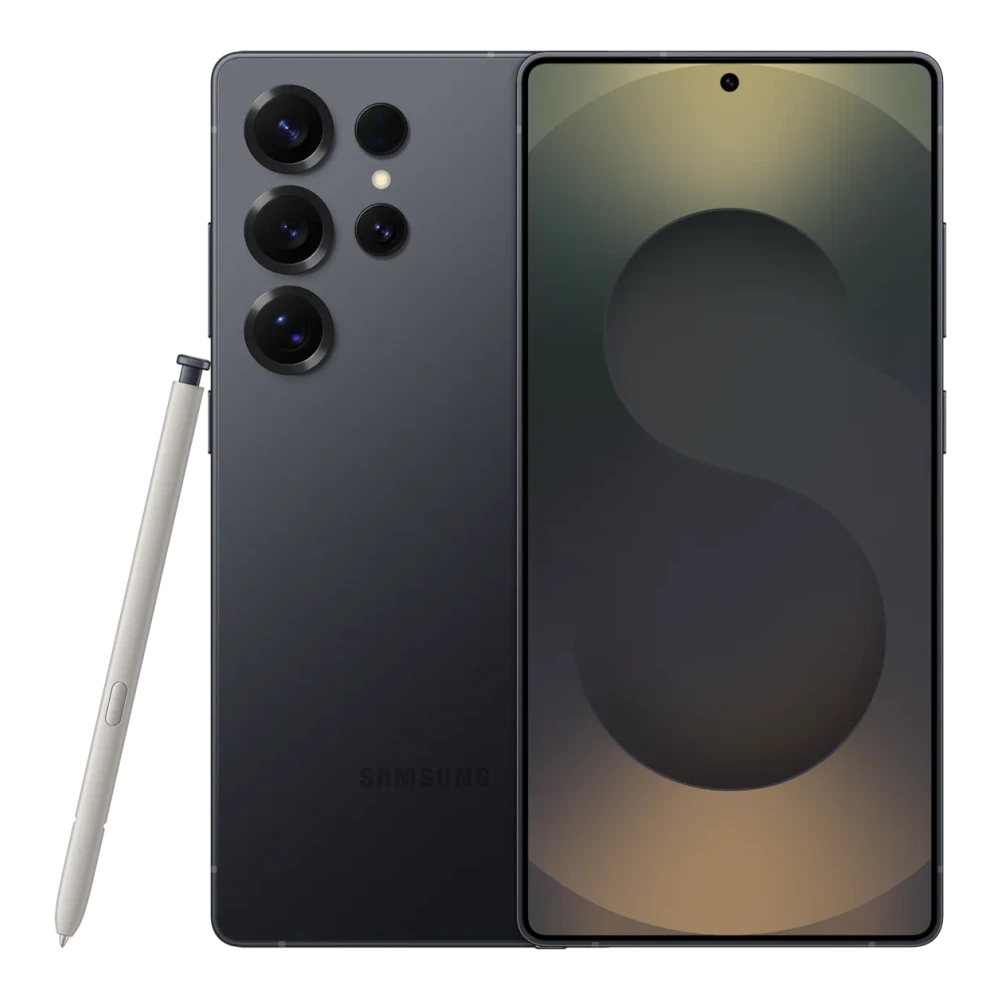
SM-S936B 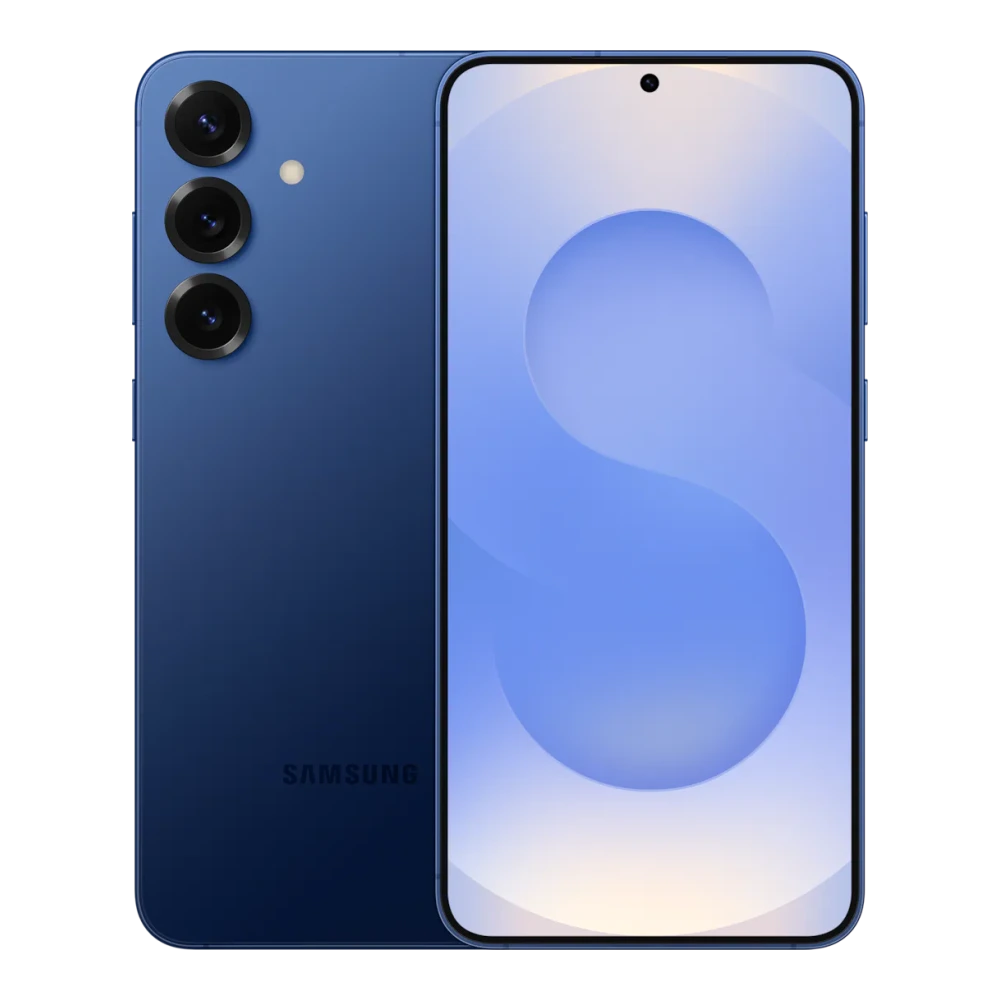
SM-S942B 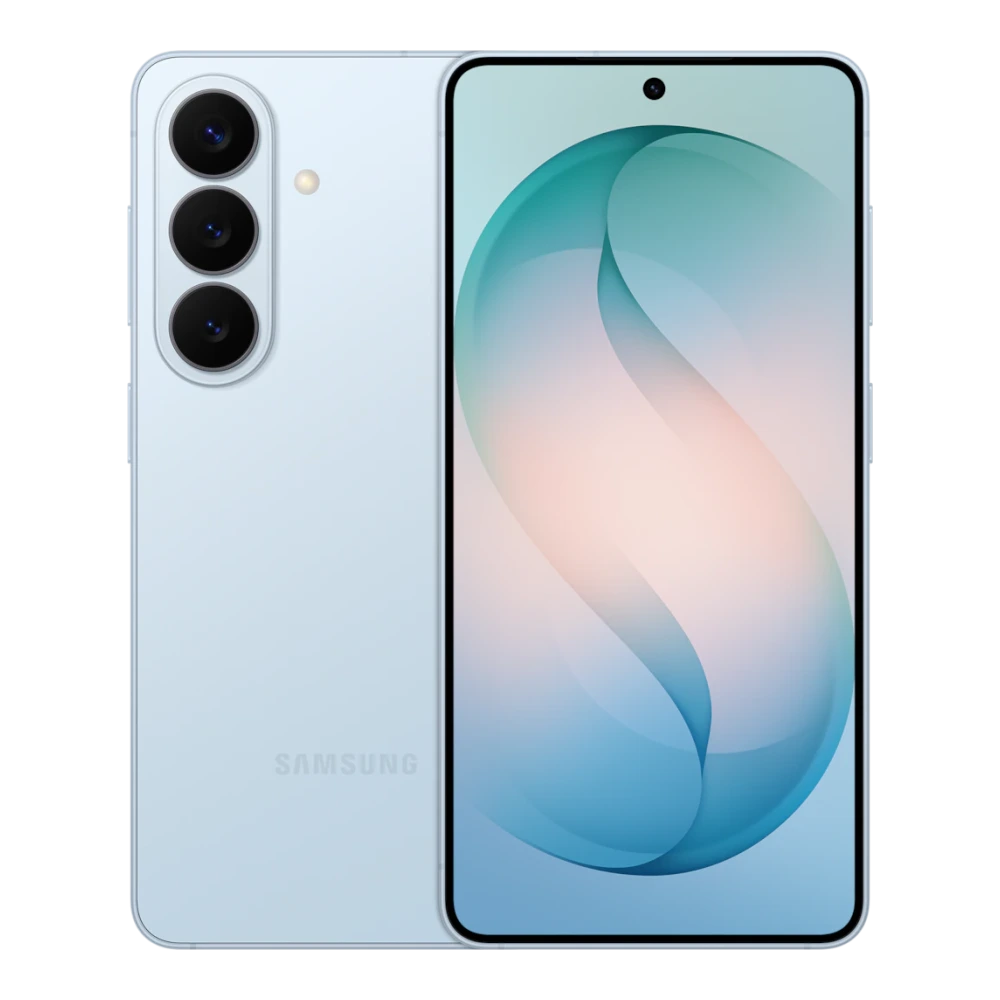
SM-S741B 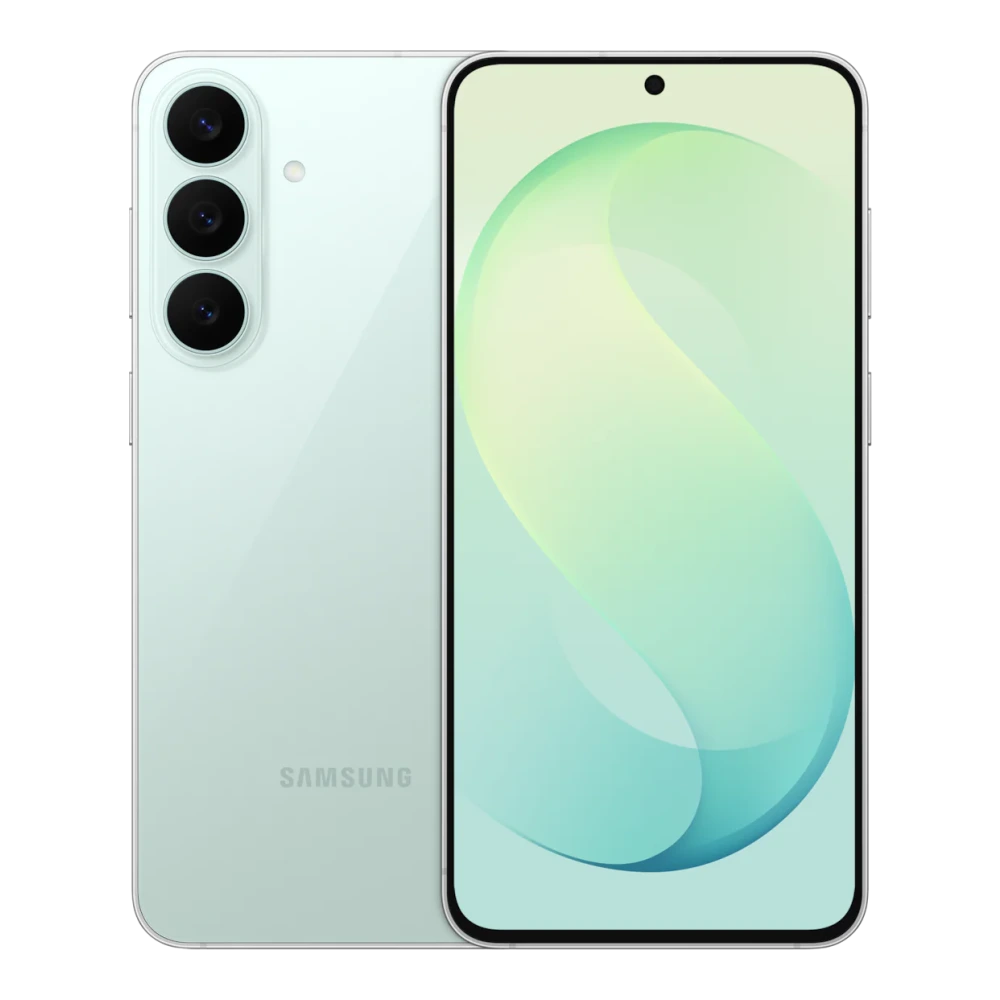
SM-S948B 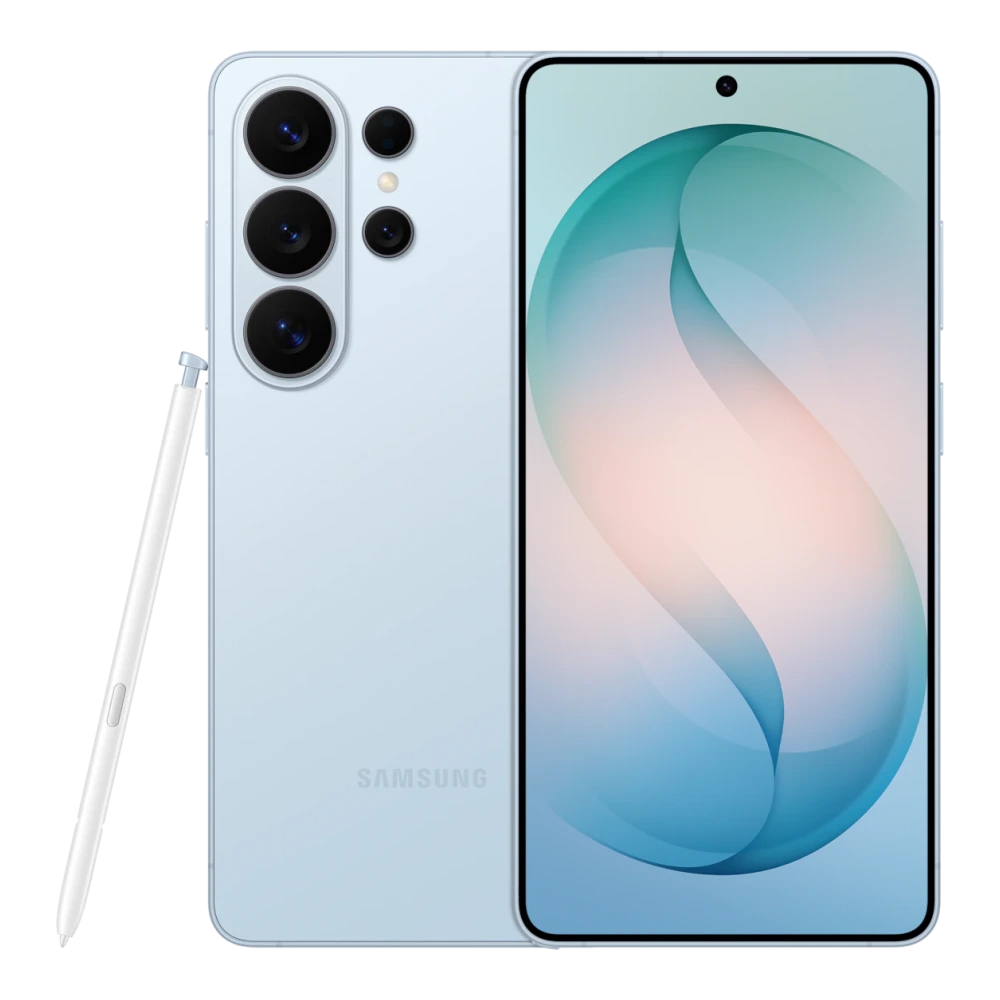
SM-S947B 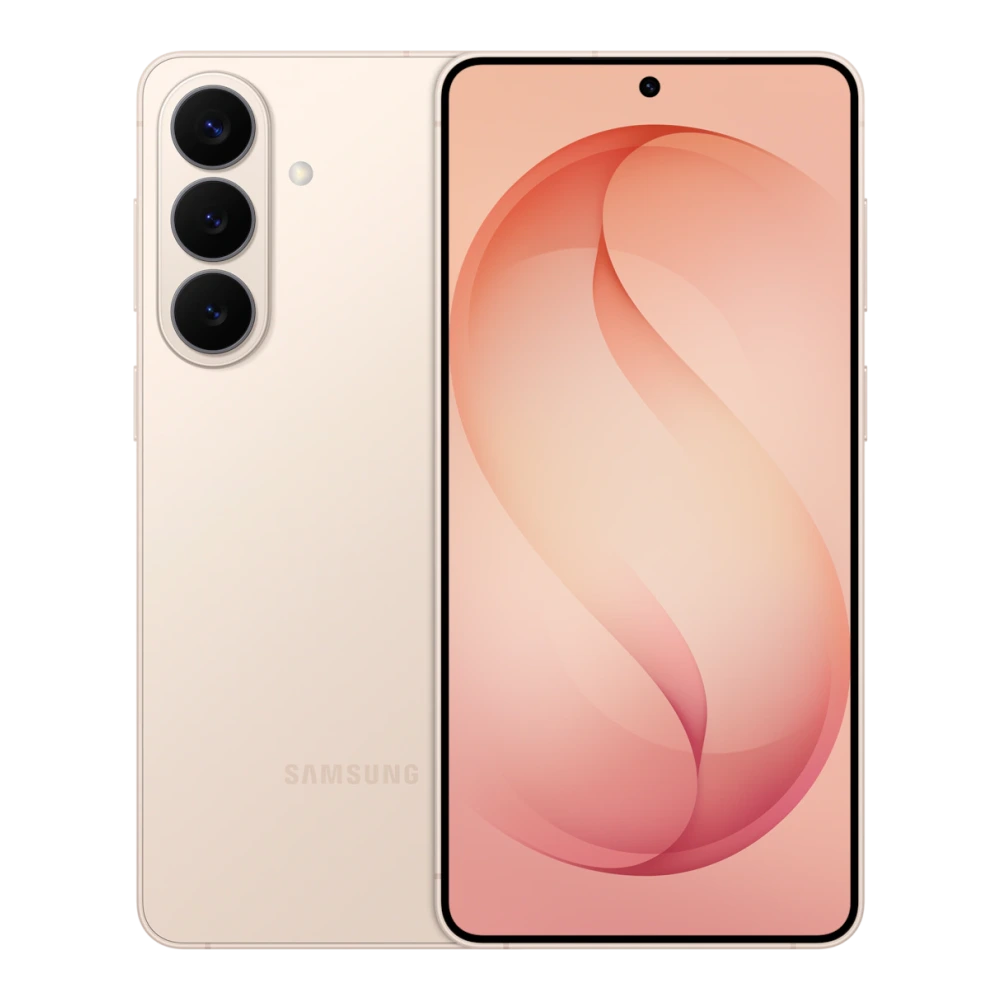
GT-I9500 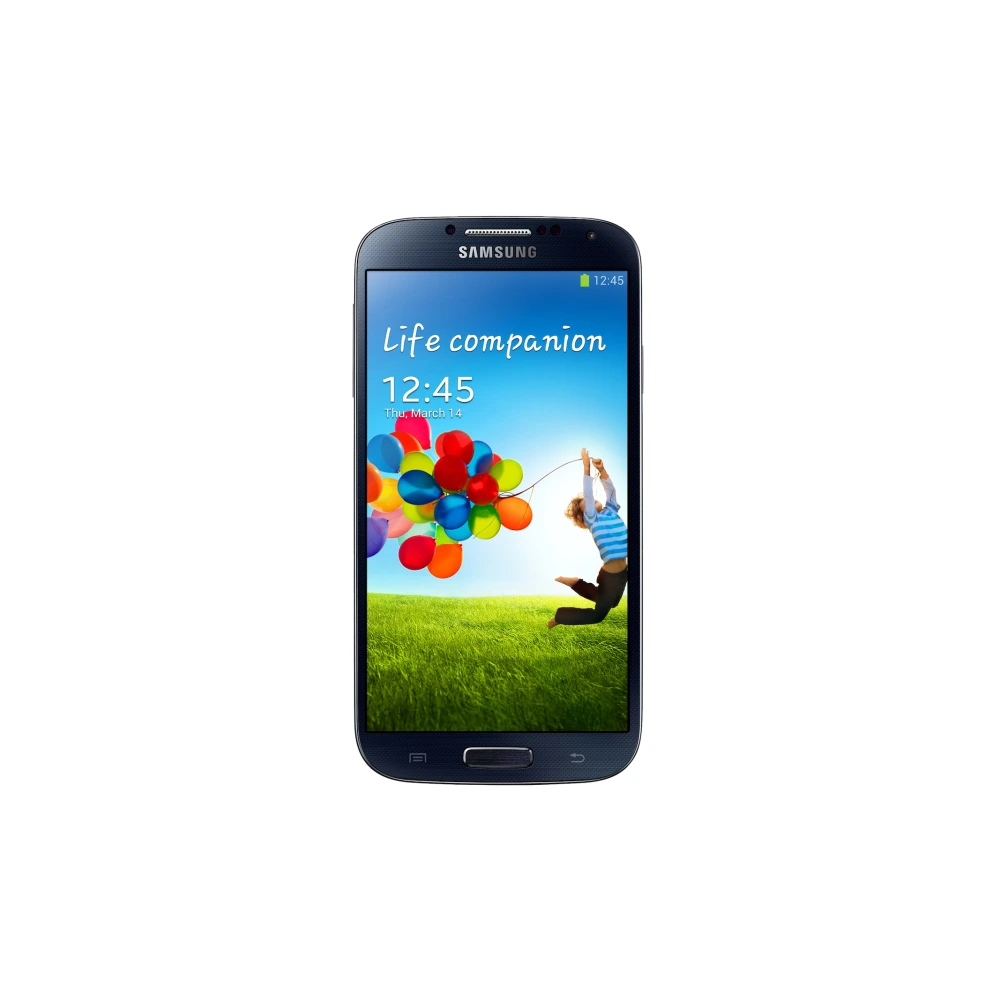
SM-G900H 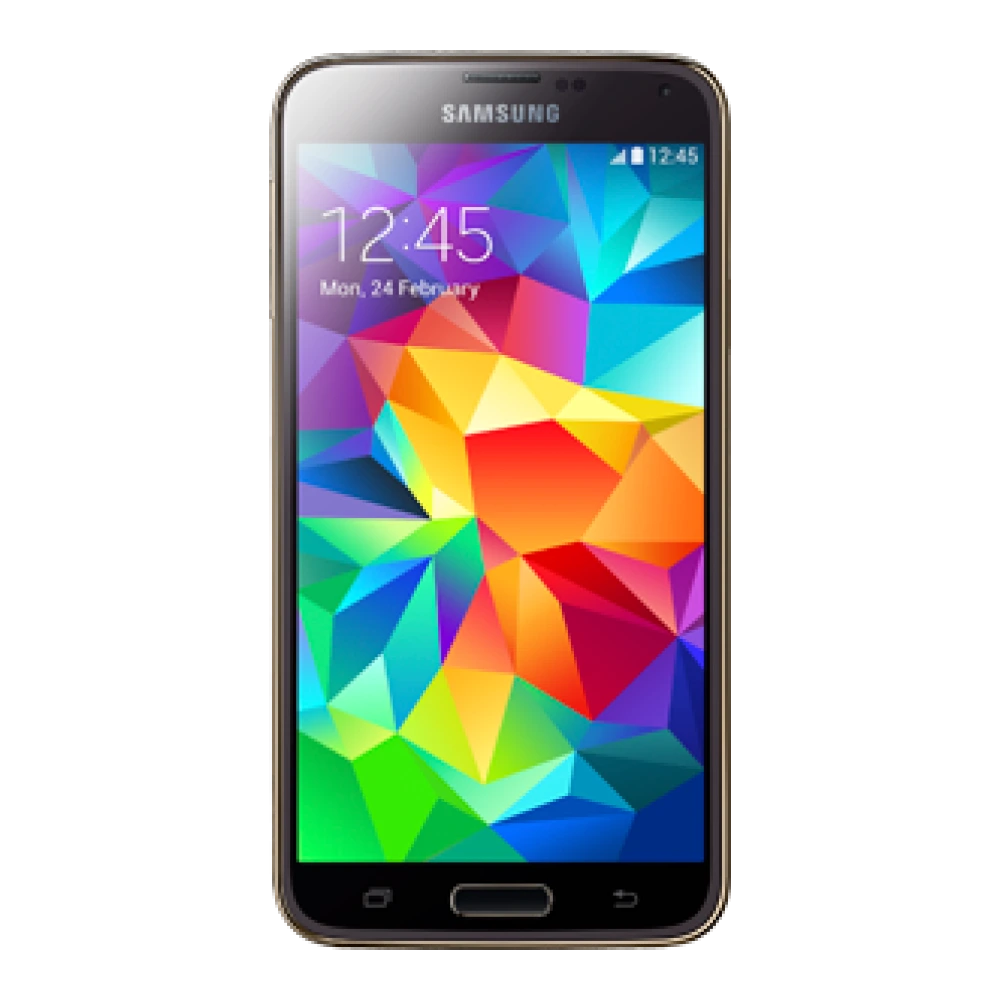
SM-G920I 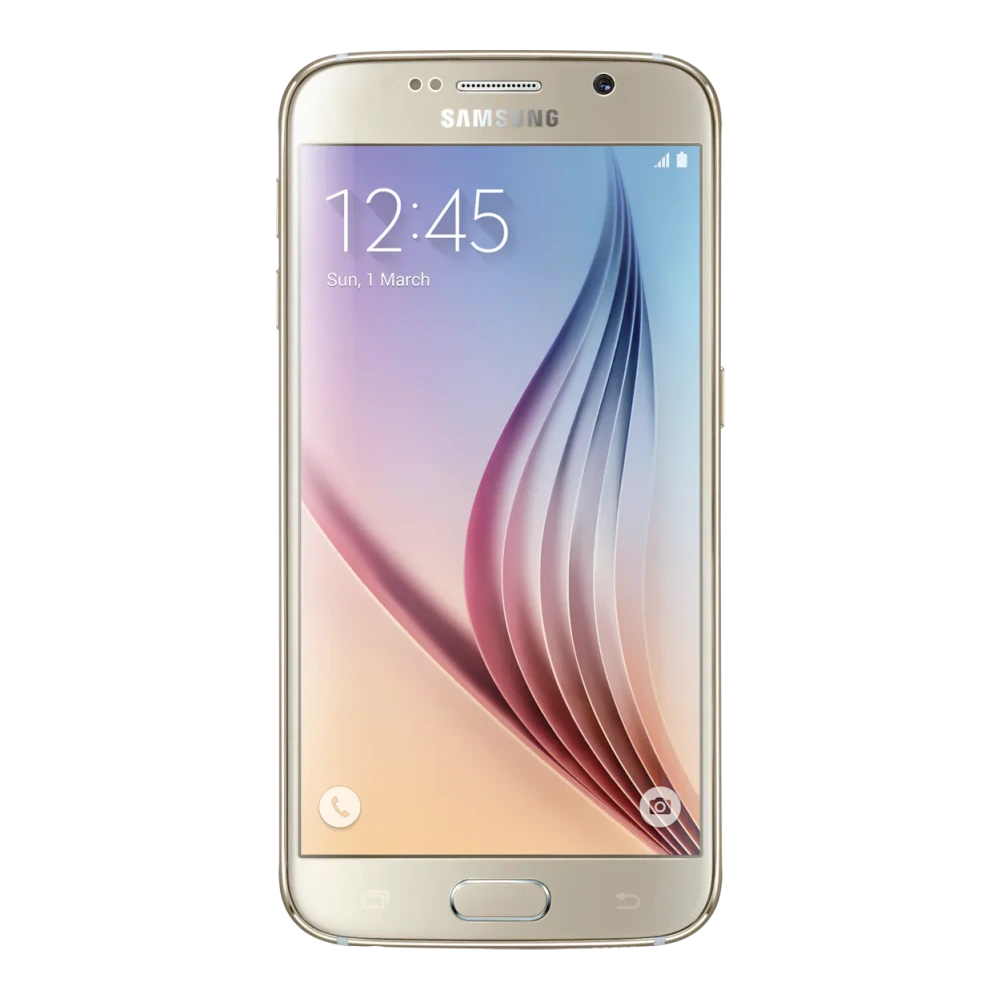
SM-G925I 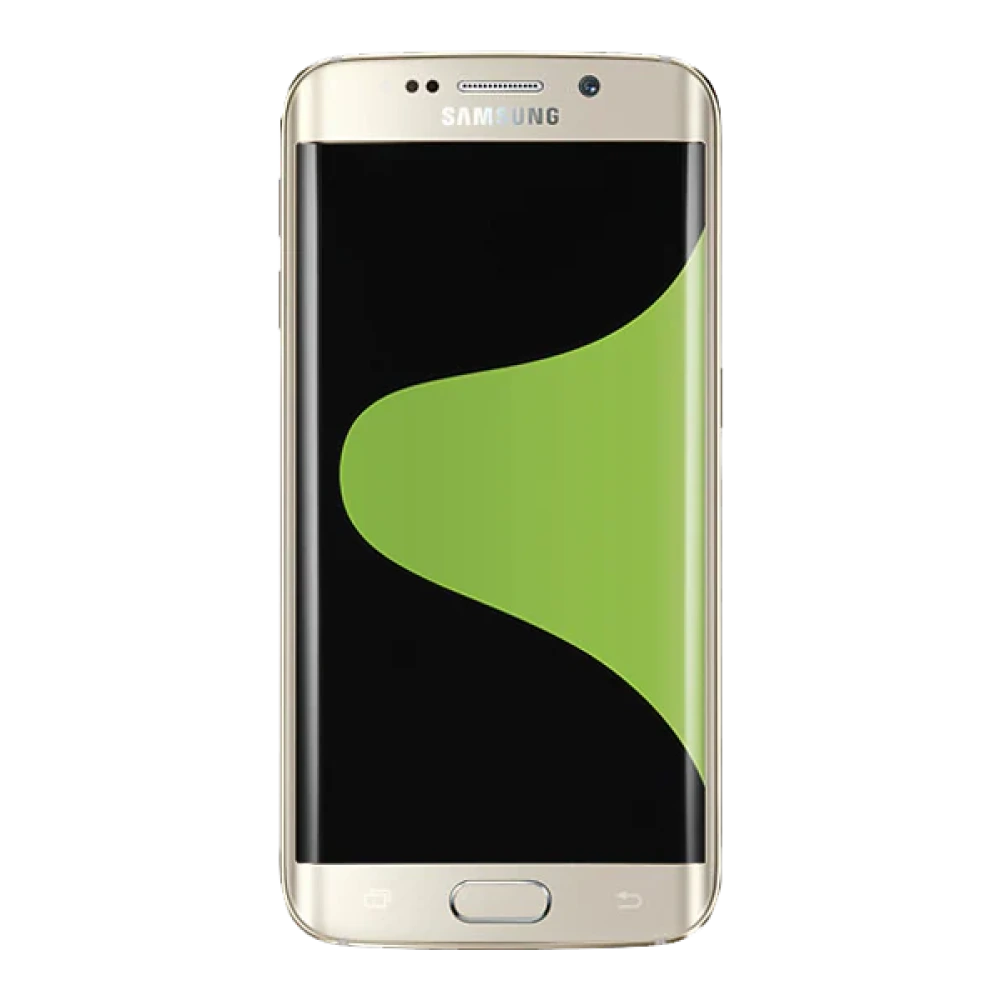
SM-G928G 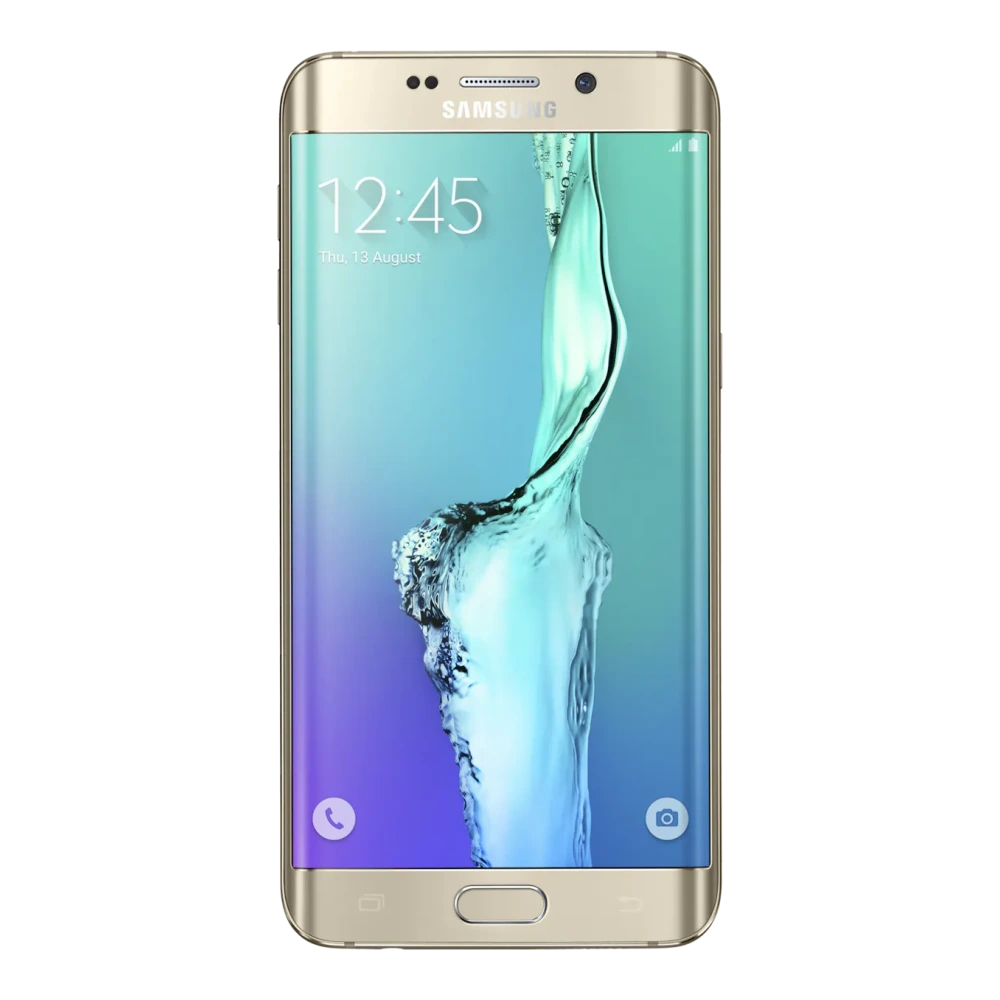
SM-G960F 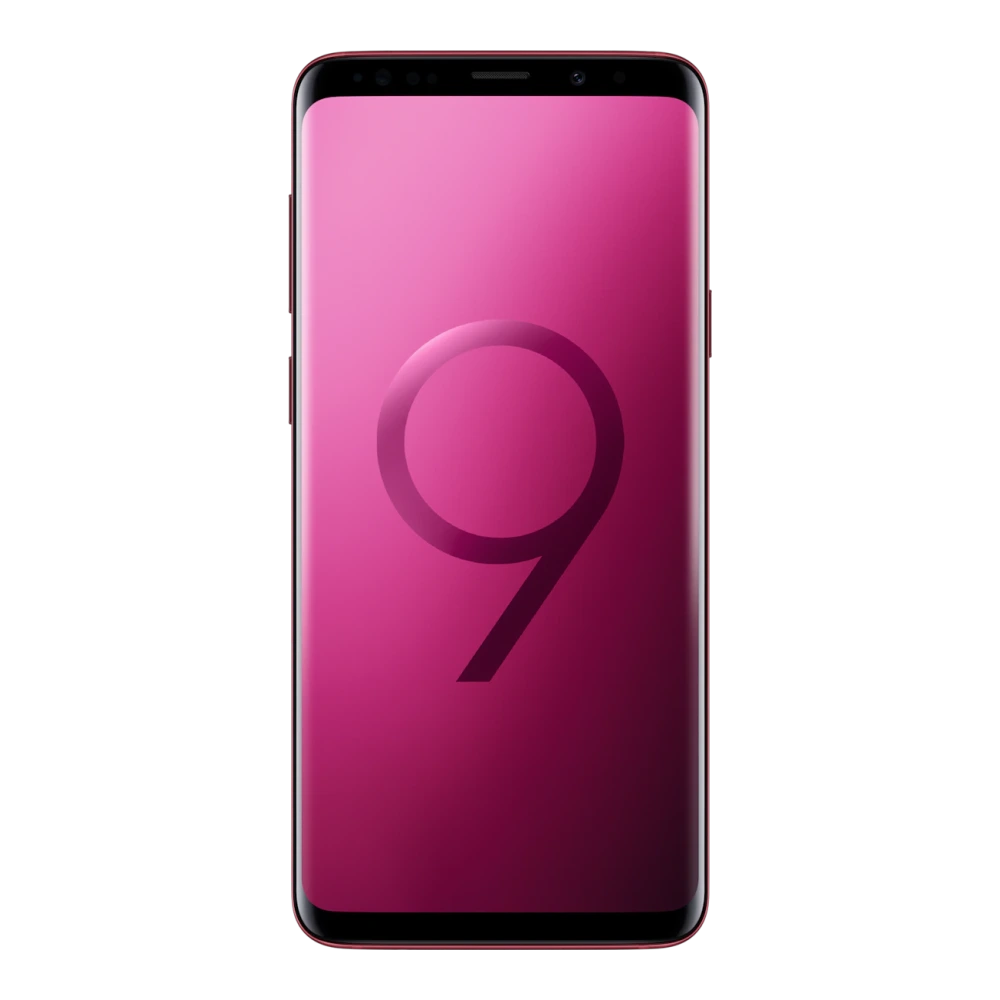
SM-G965F 
SM-G556B 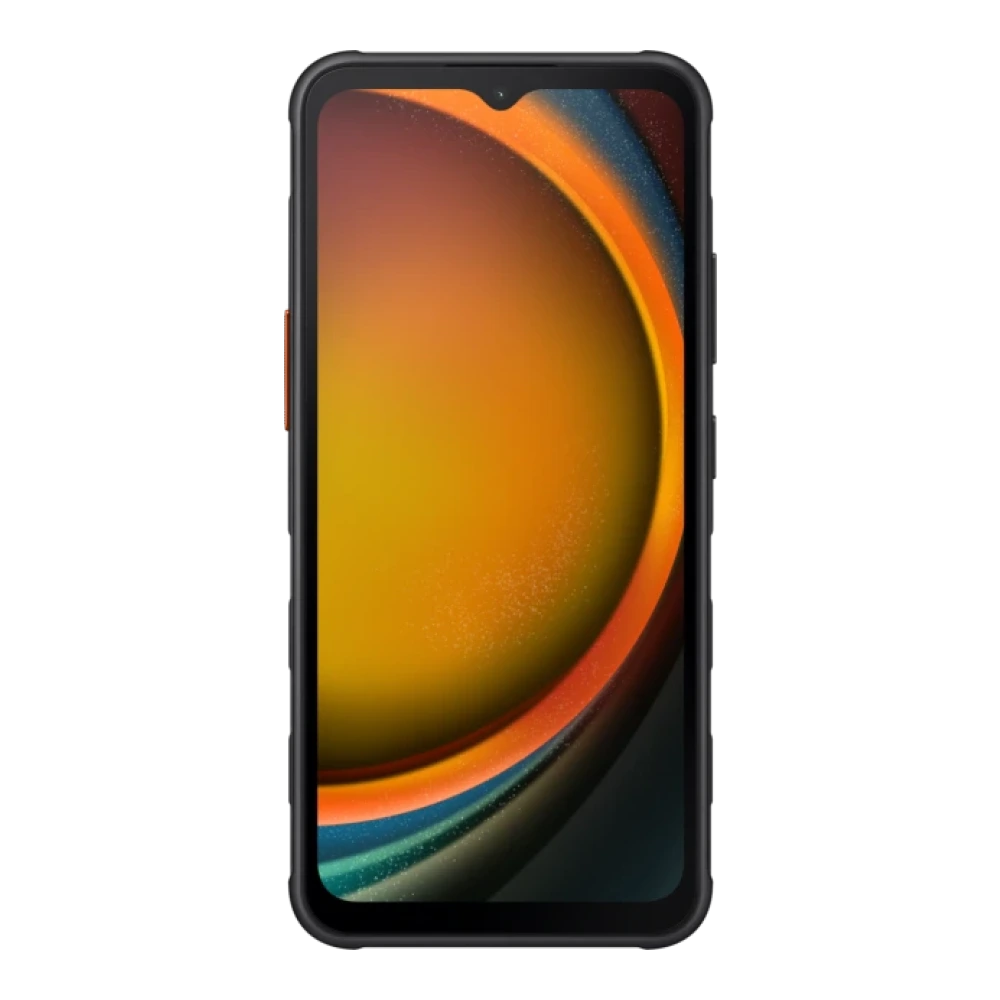
SM-F700F 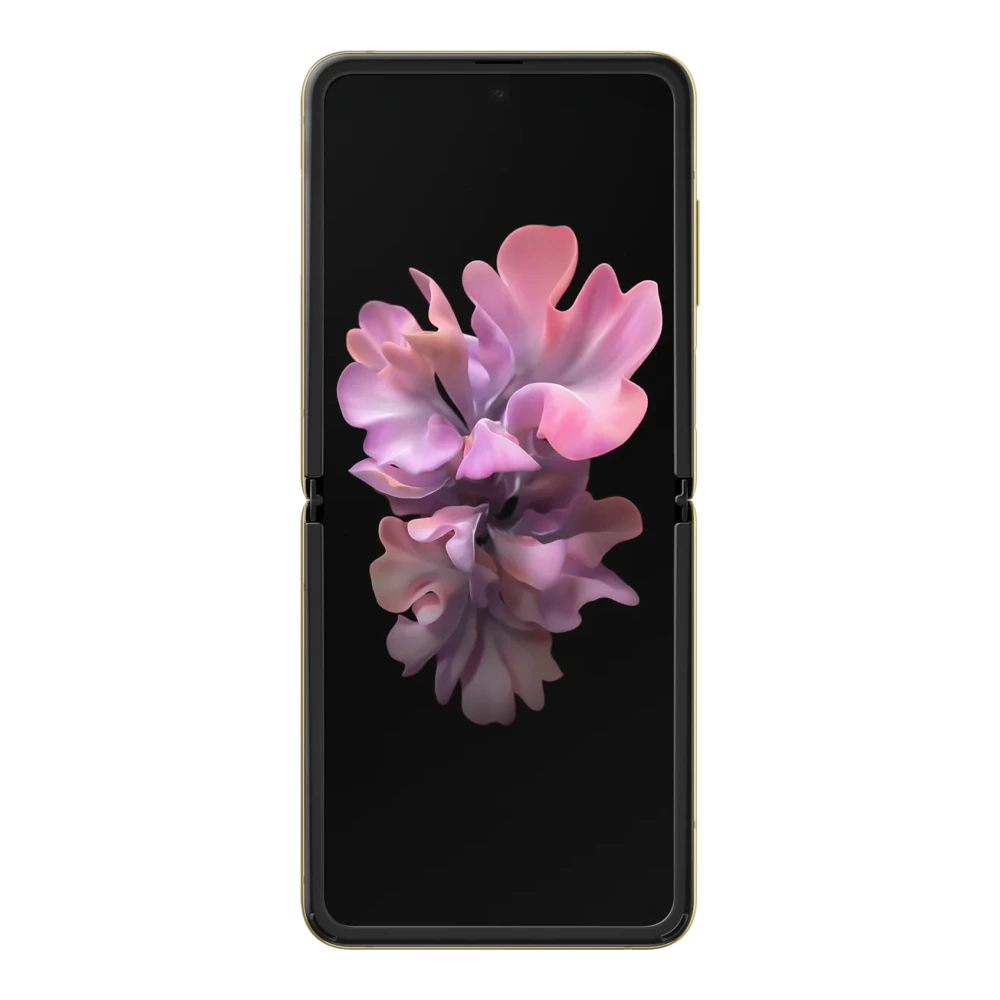
SM-F711B 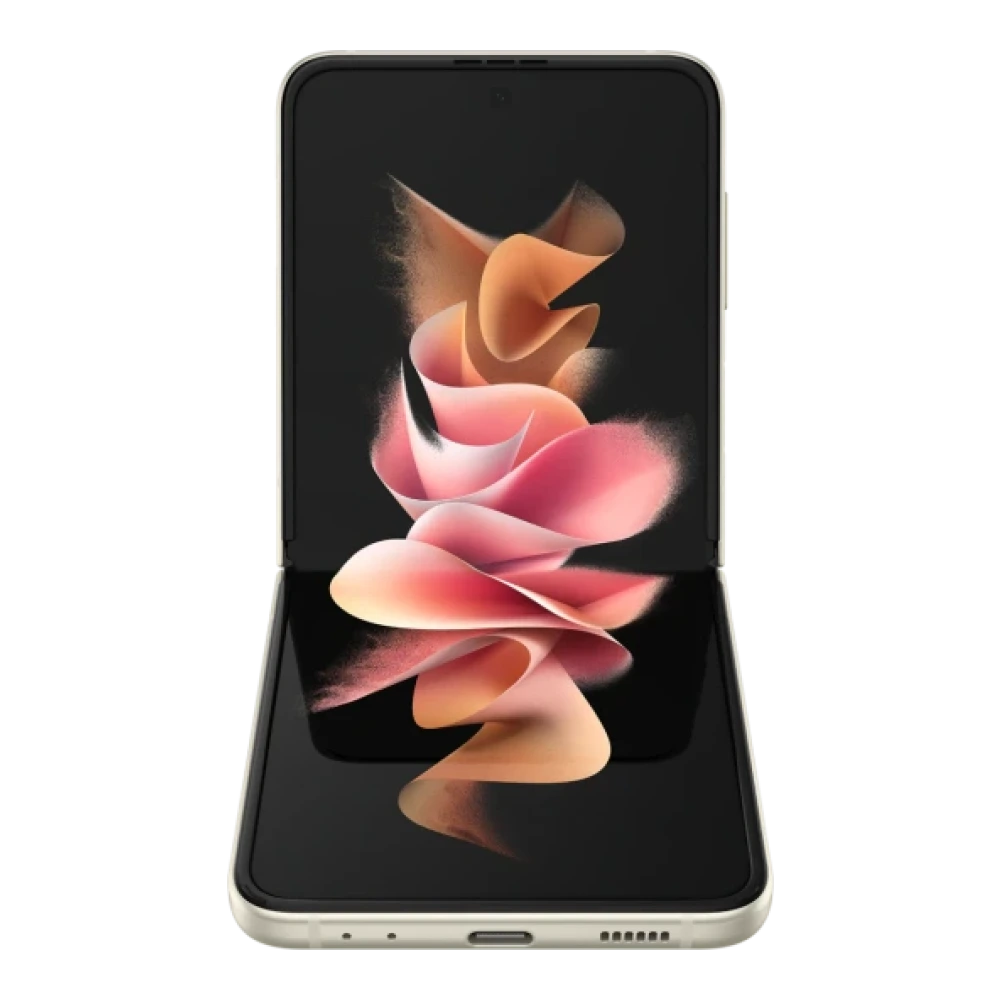
SM-F721B 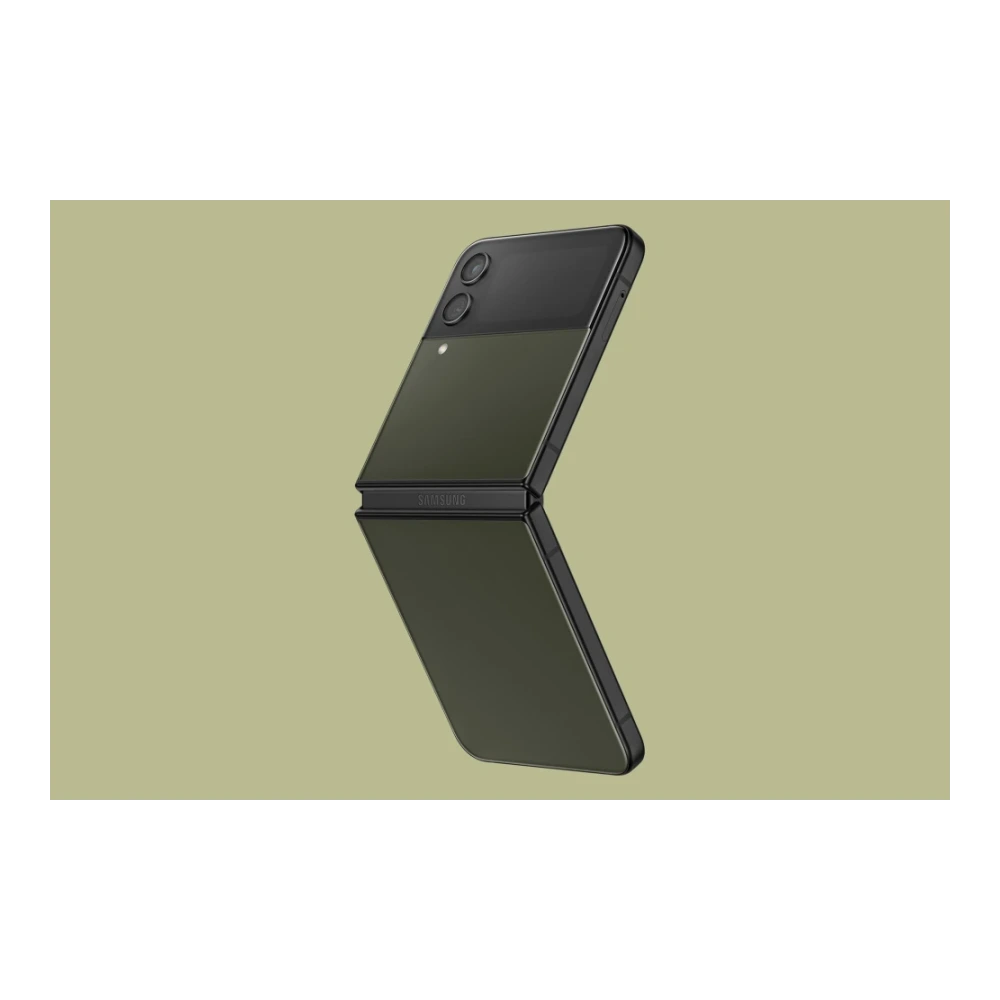
SM-F731B 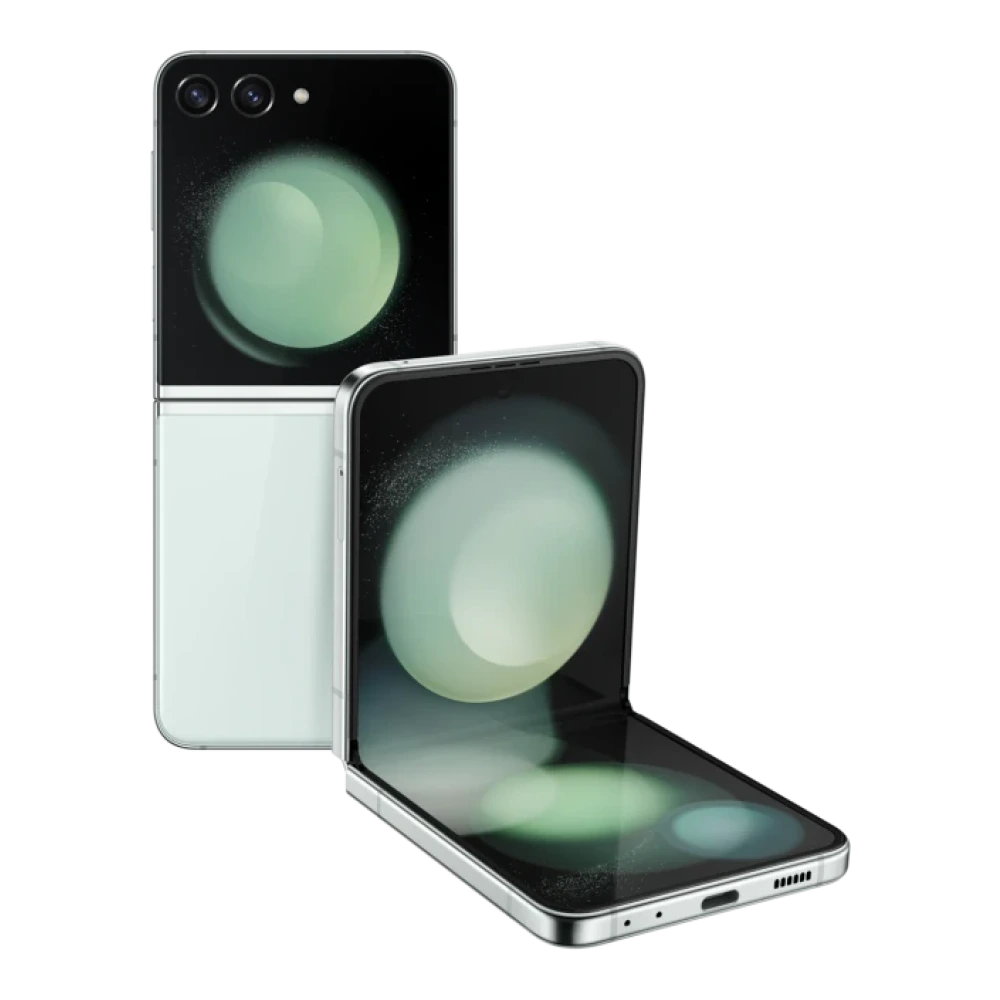
SM-F741B 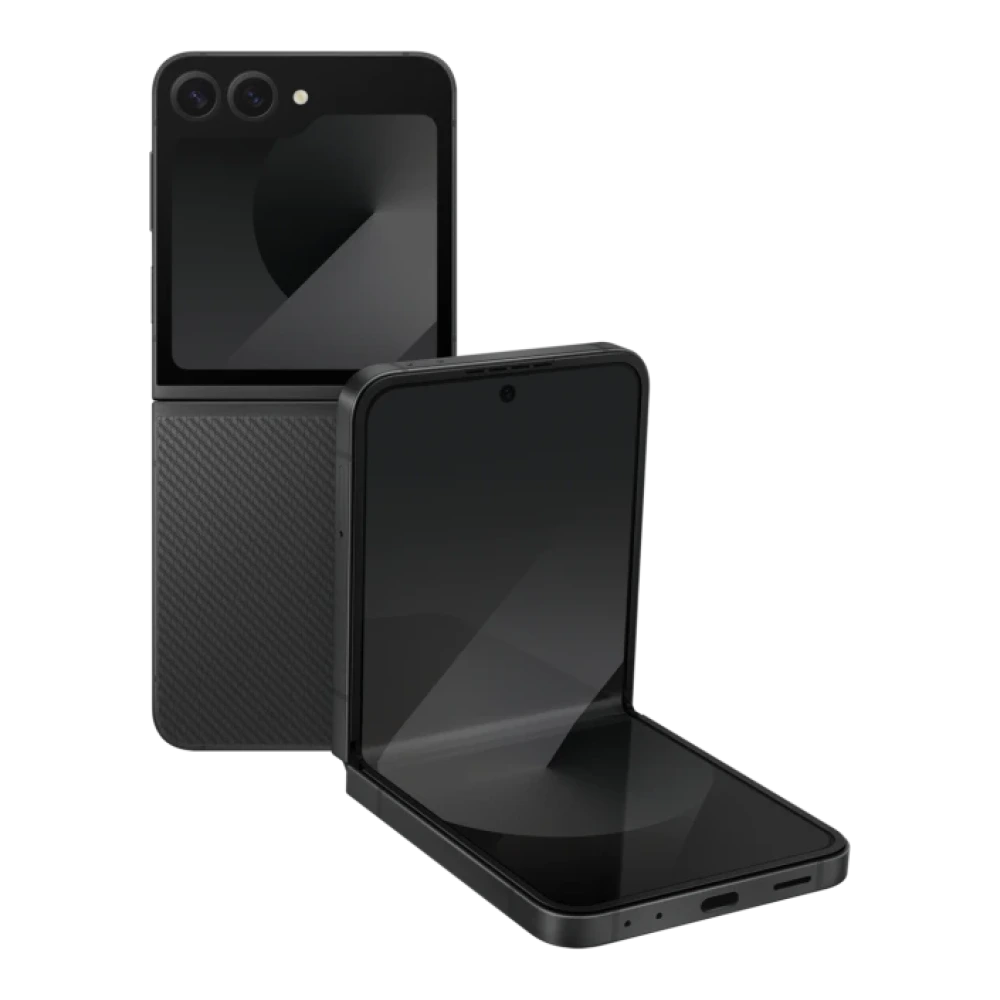
SM-F766B 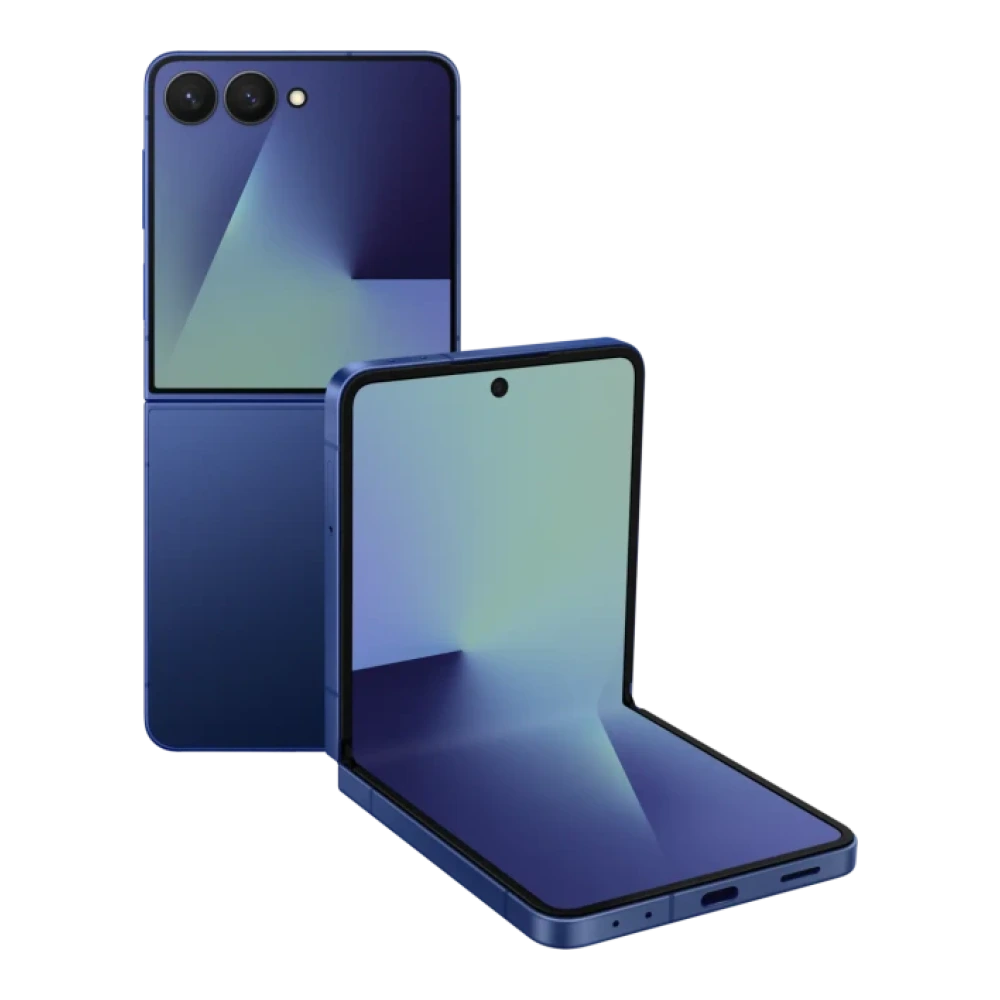
SM-F761B 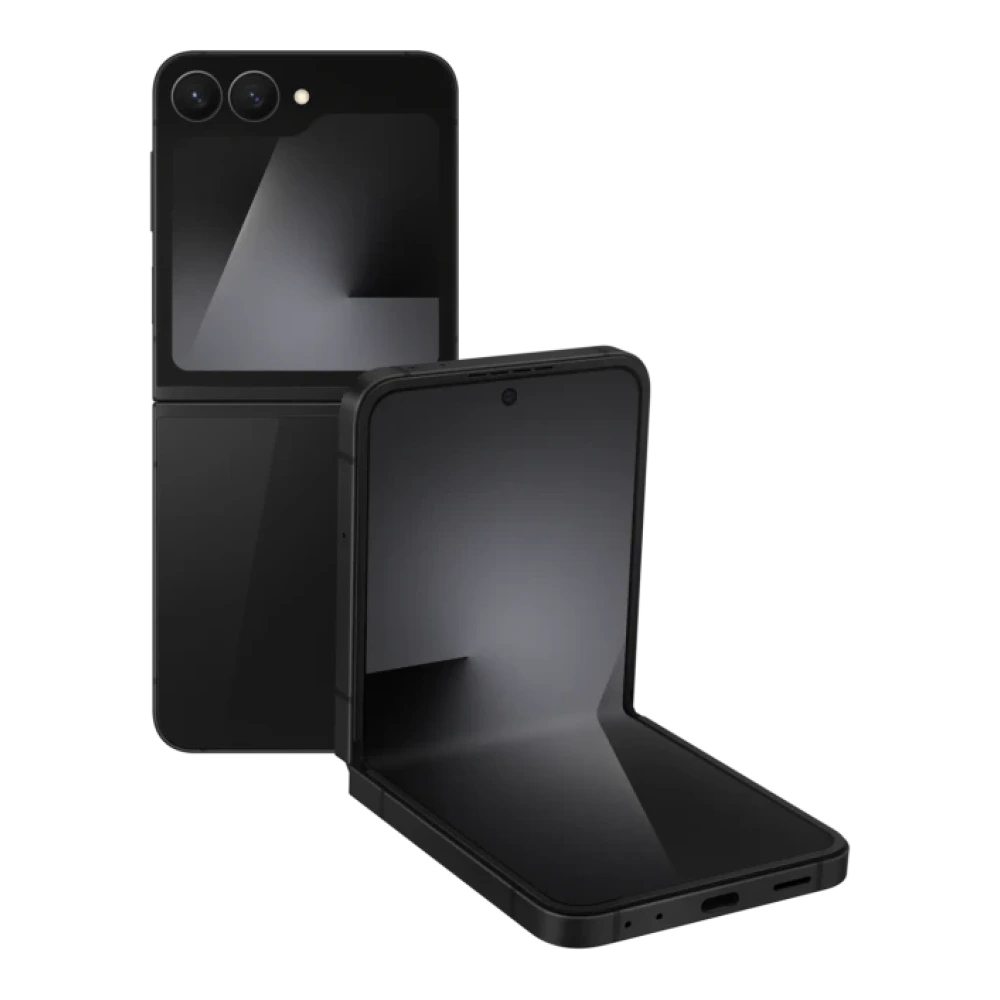
SM-F776B 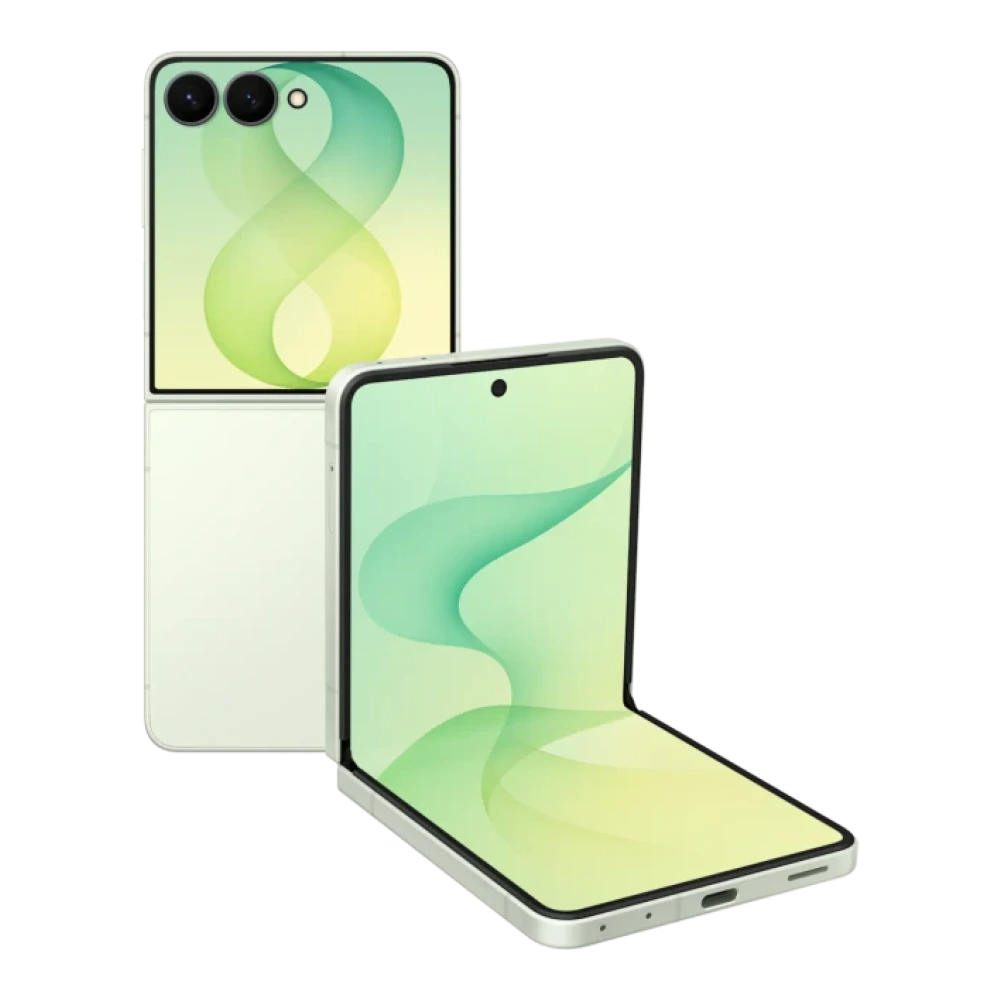
SM-F916B 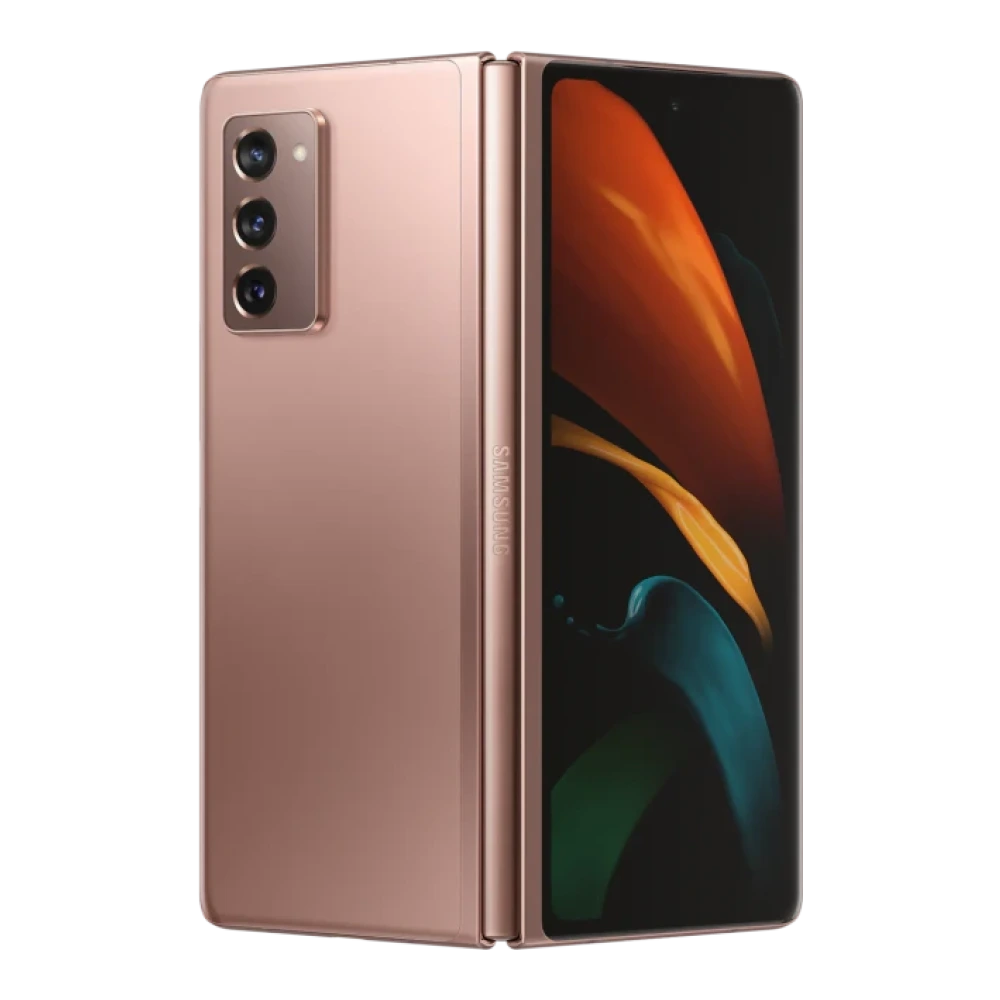
SM-F926B 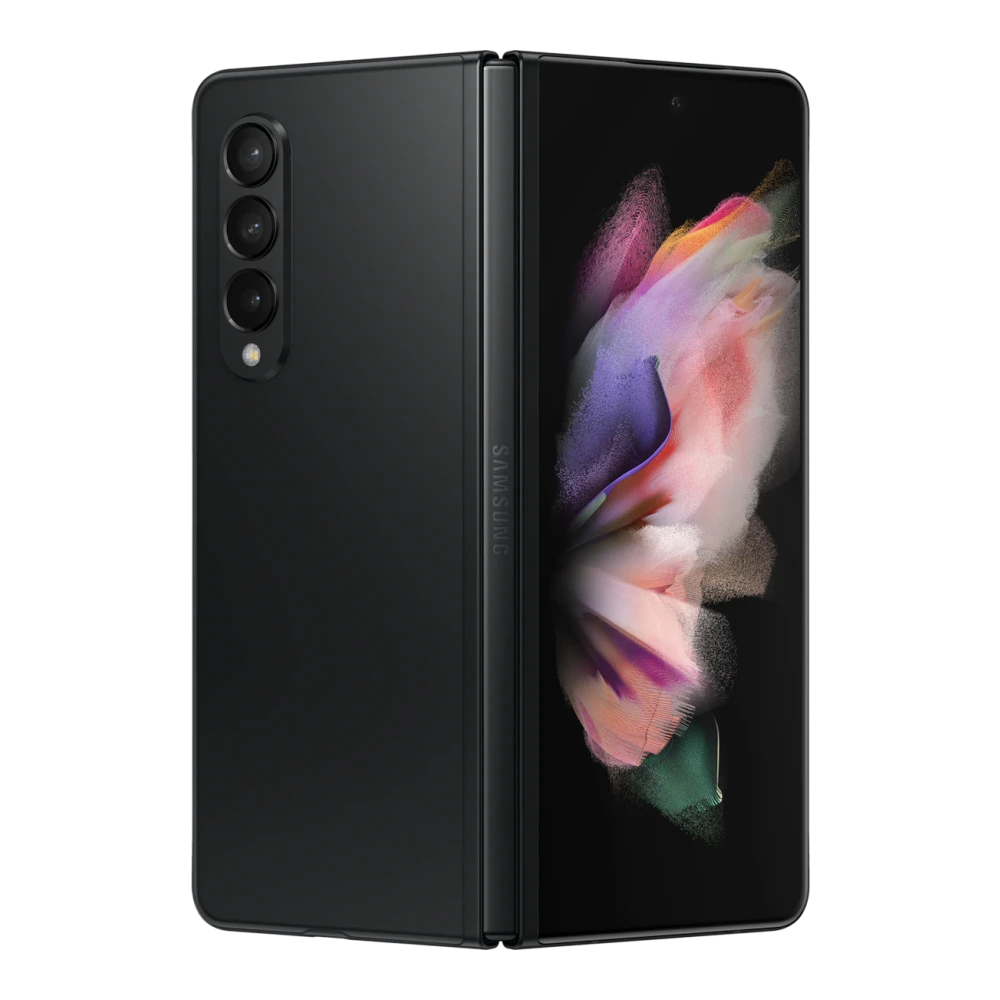
SM-F936B 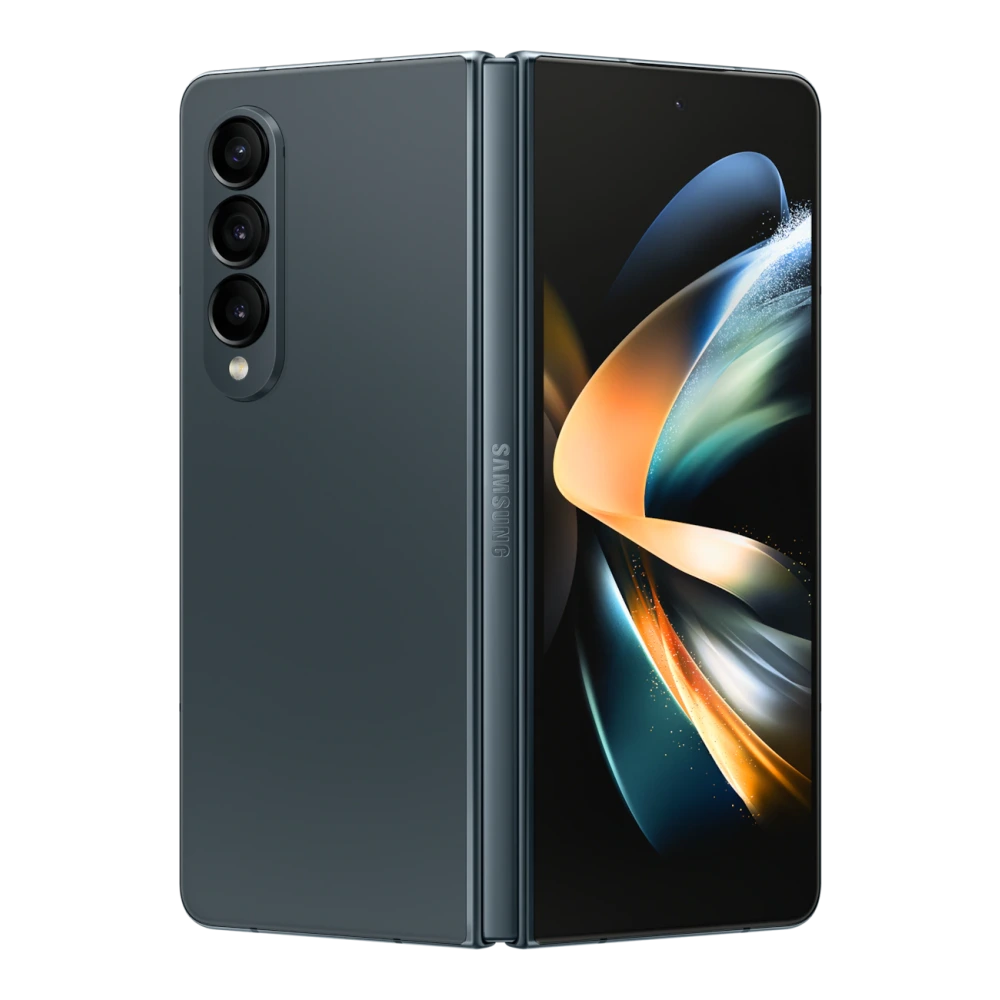
SM-F946B 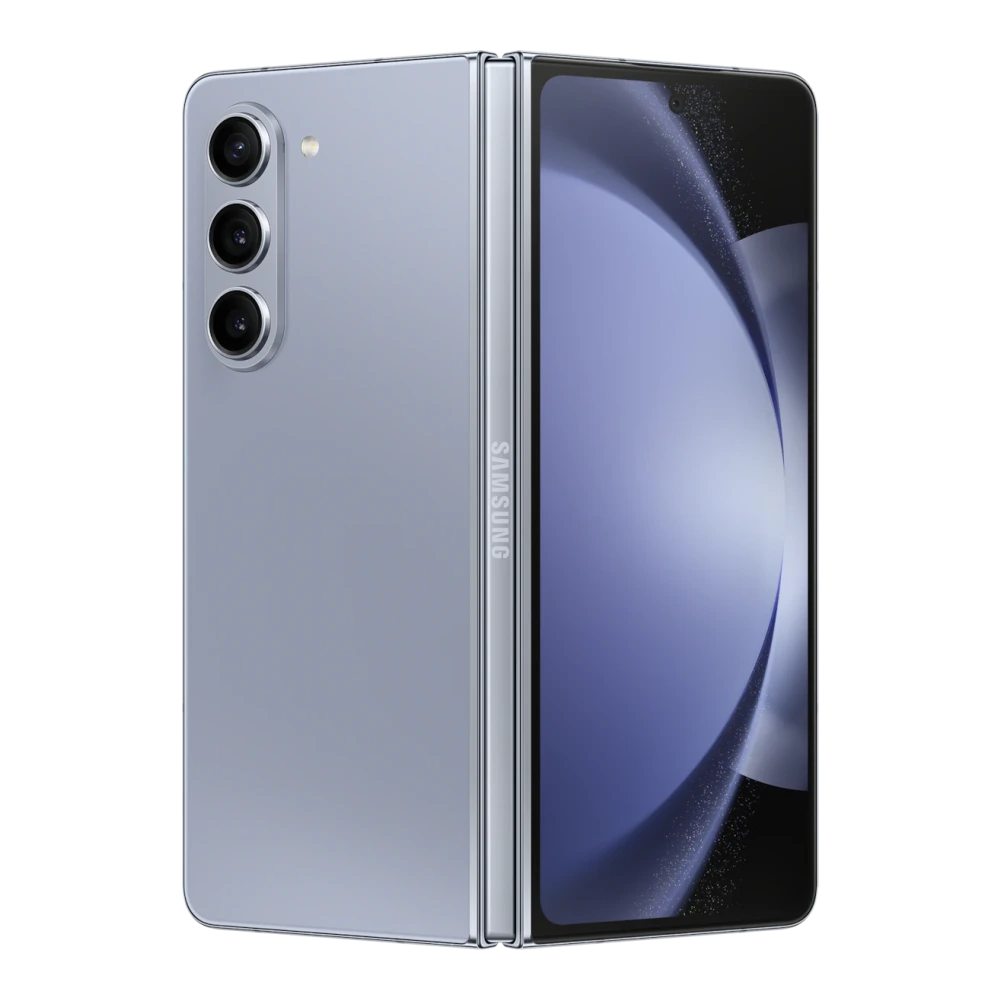
SM-F956B 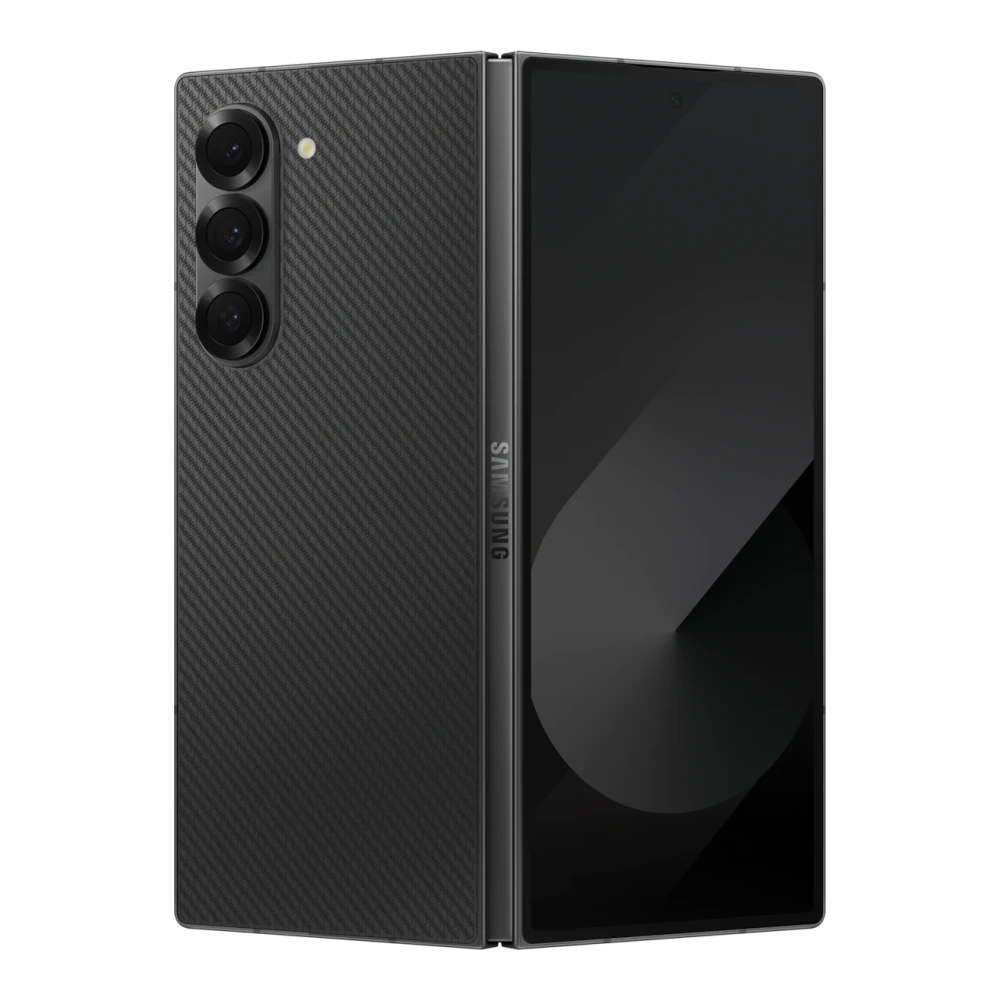
SM-F966B 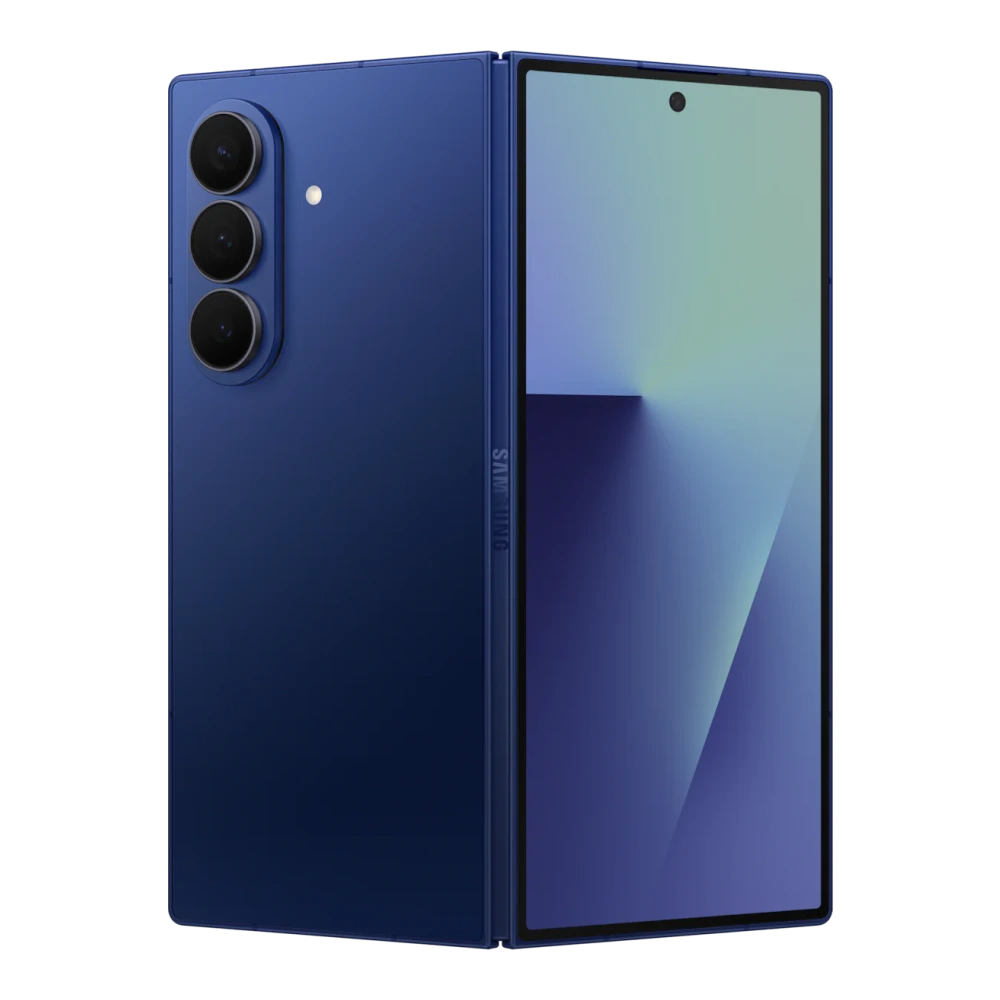
SM-F971B 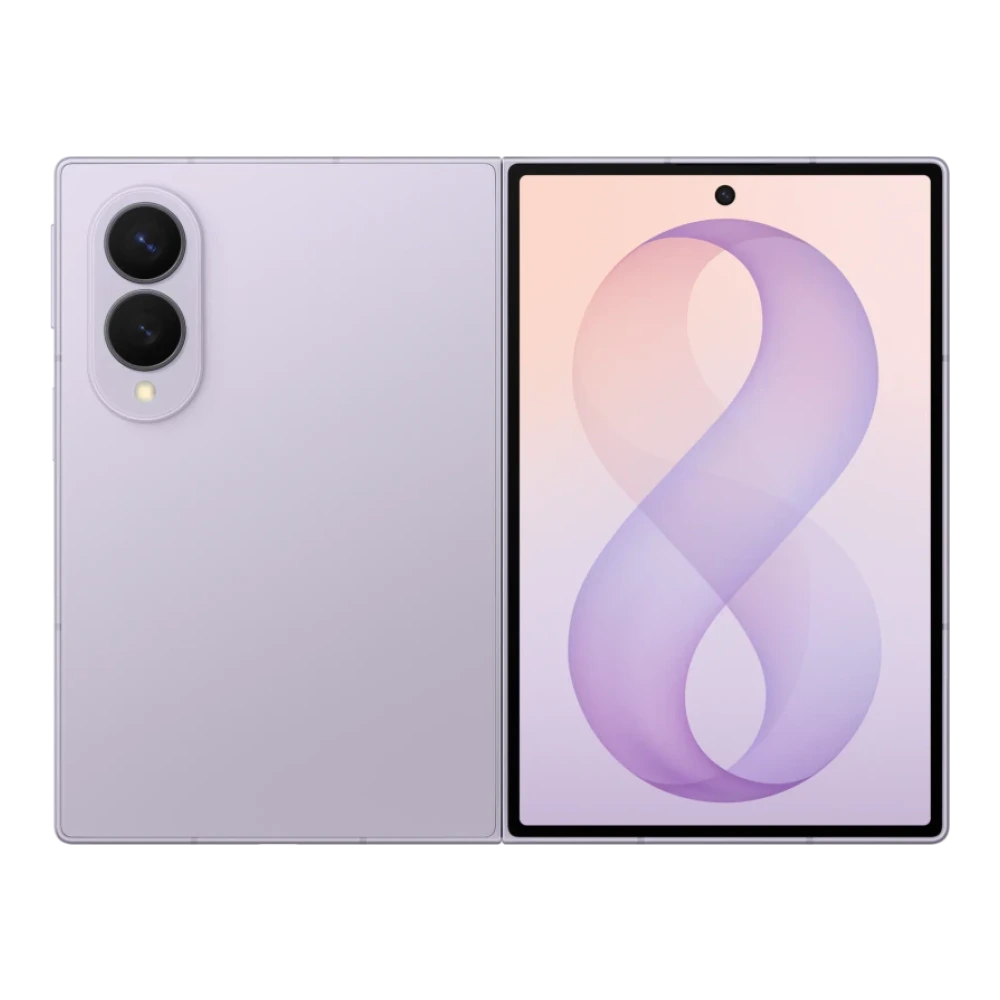
SM-F976B 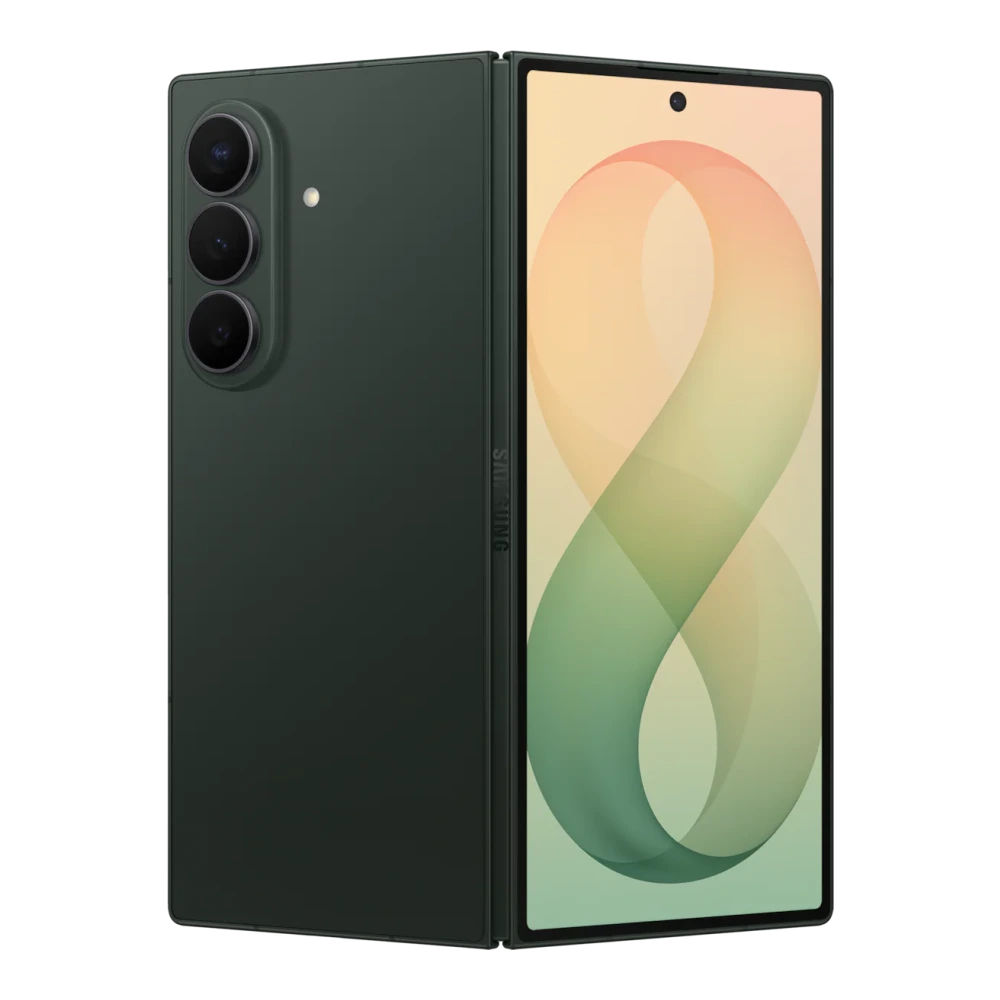
SM-Z200F 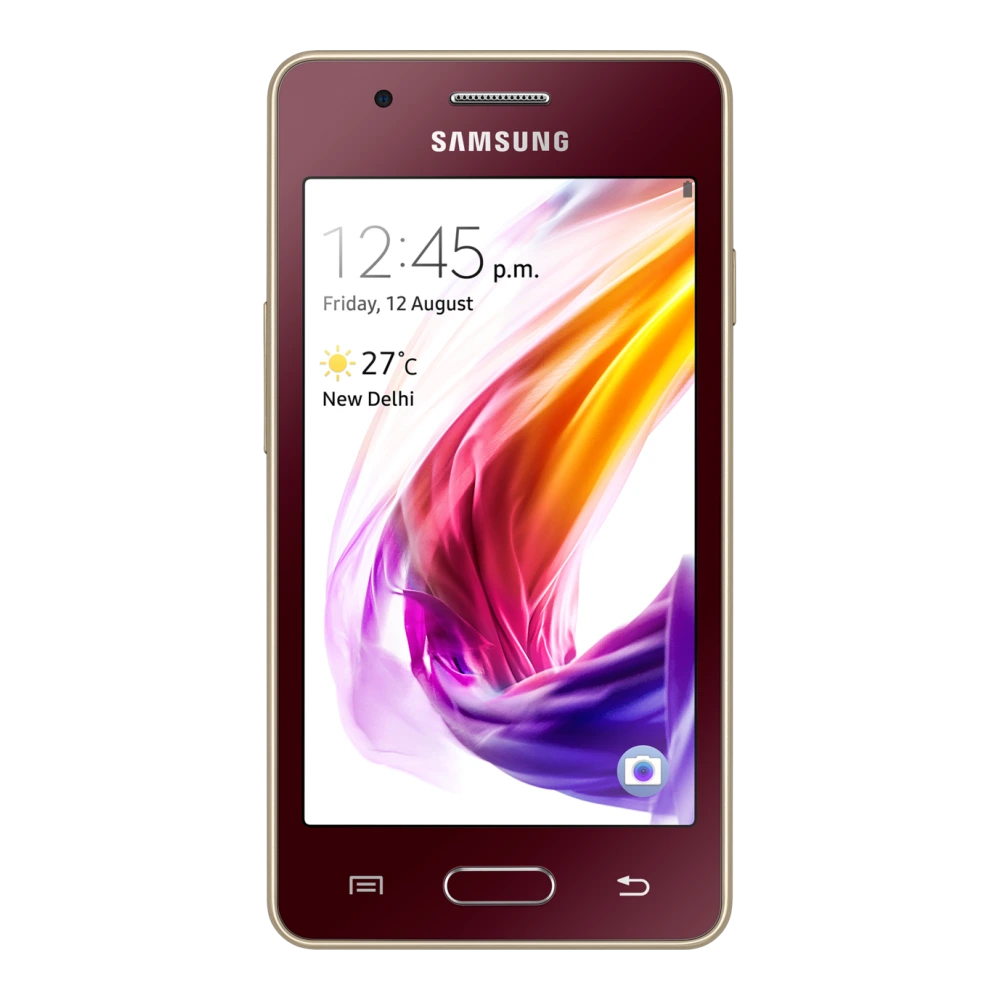
SM-G7202 
SM-G531F 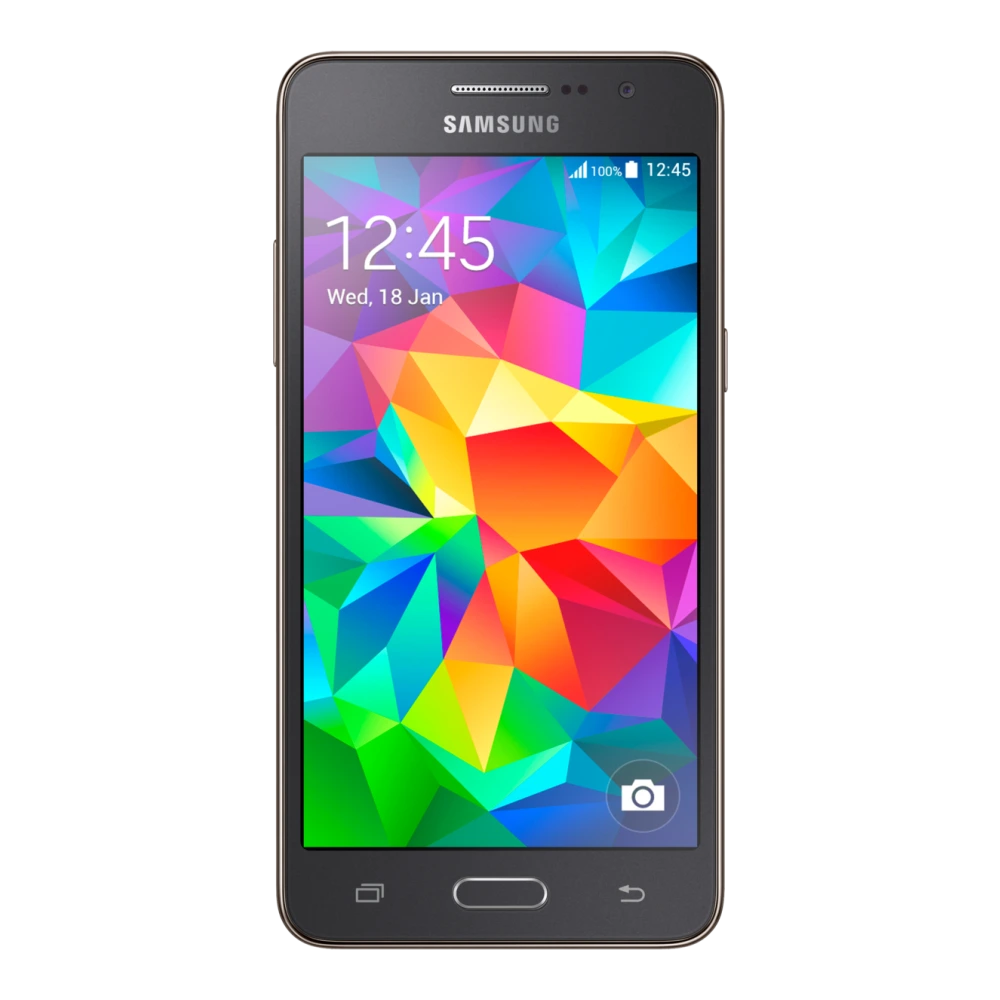
GT-I8262 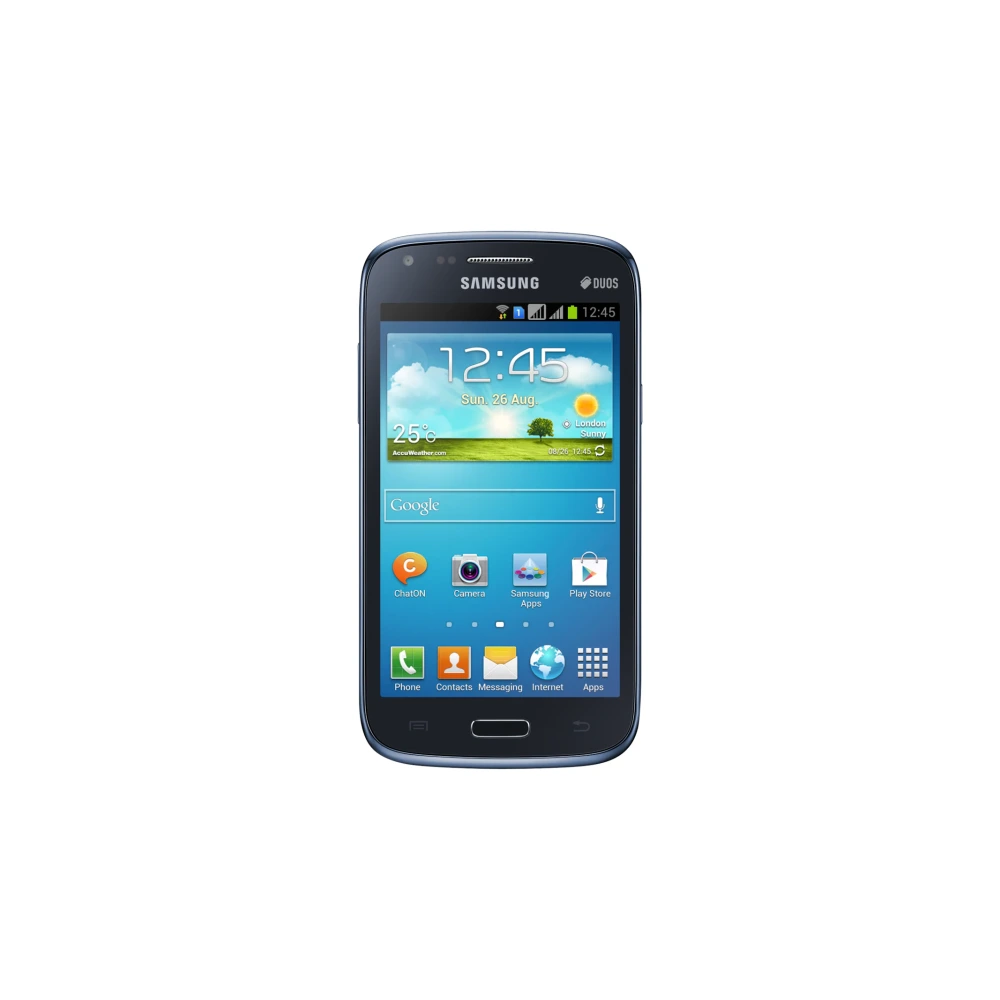
GT-I9060
GT-I9060I
GT-I9152 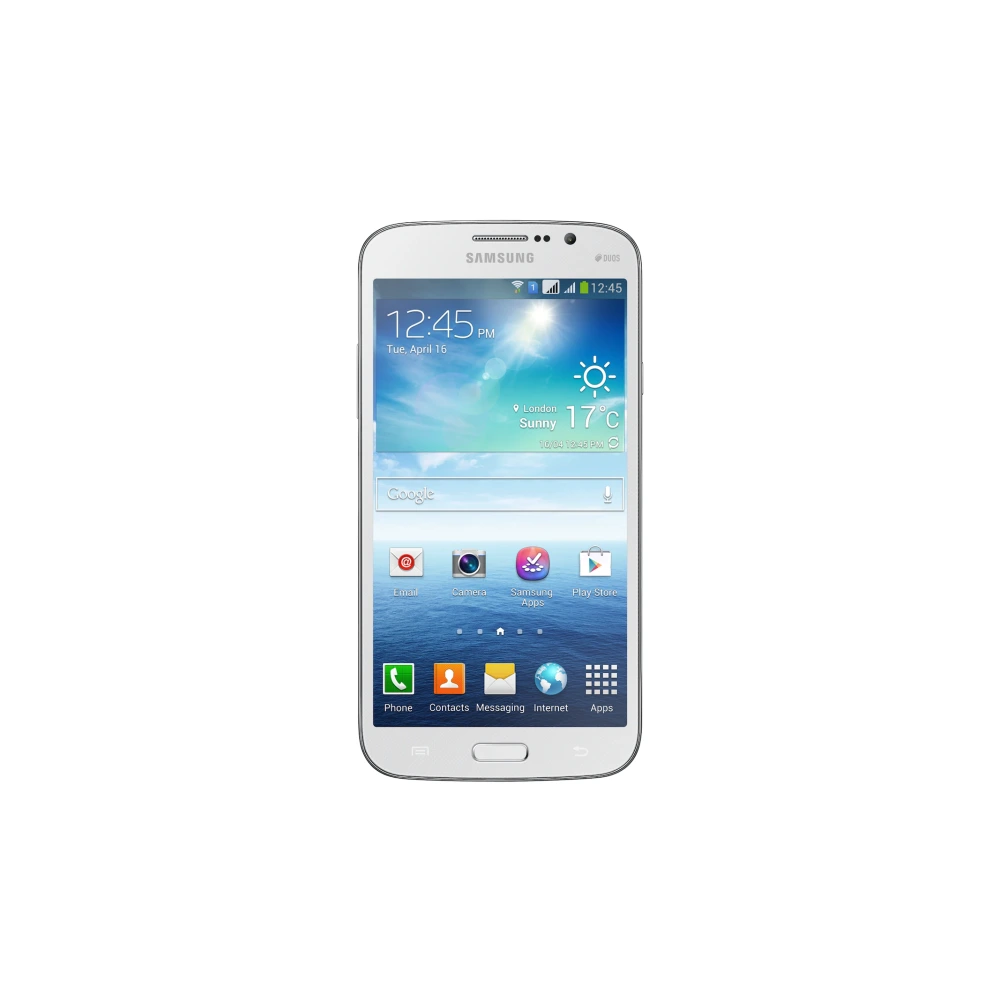
GT-I9192 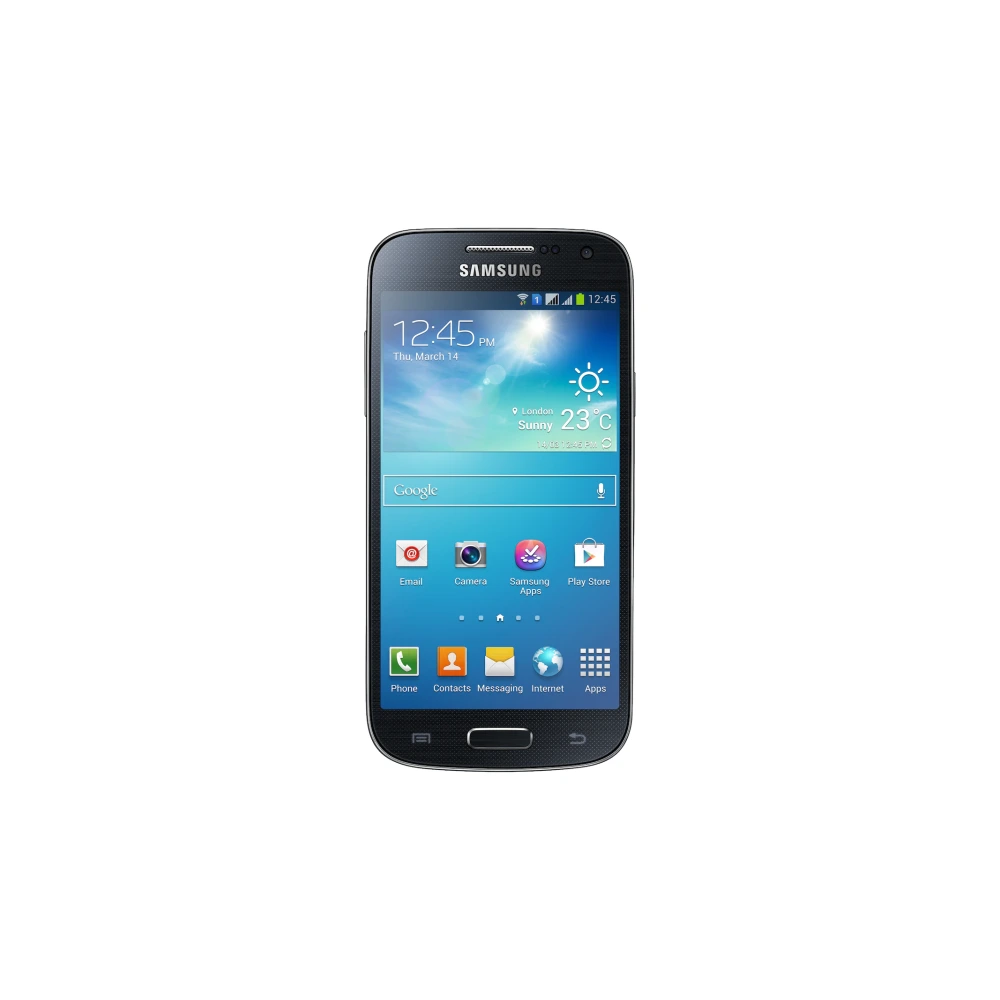
GT-I9300I
GT-N7100
GT-S7262 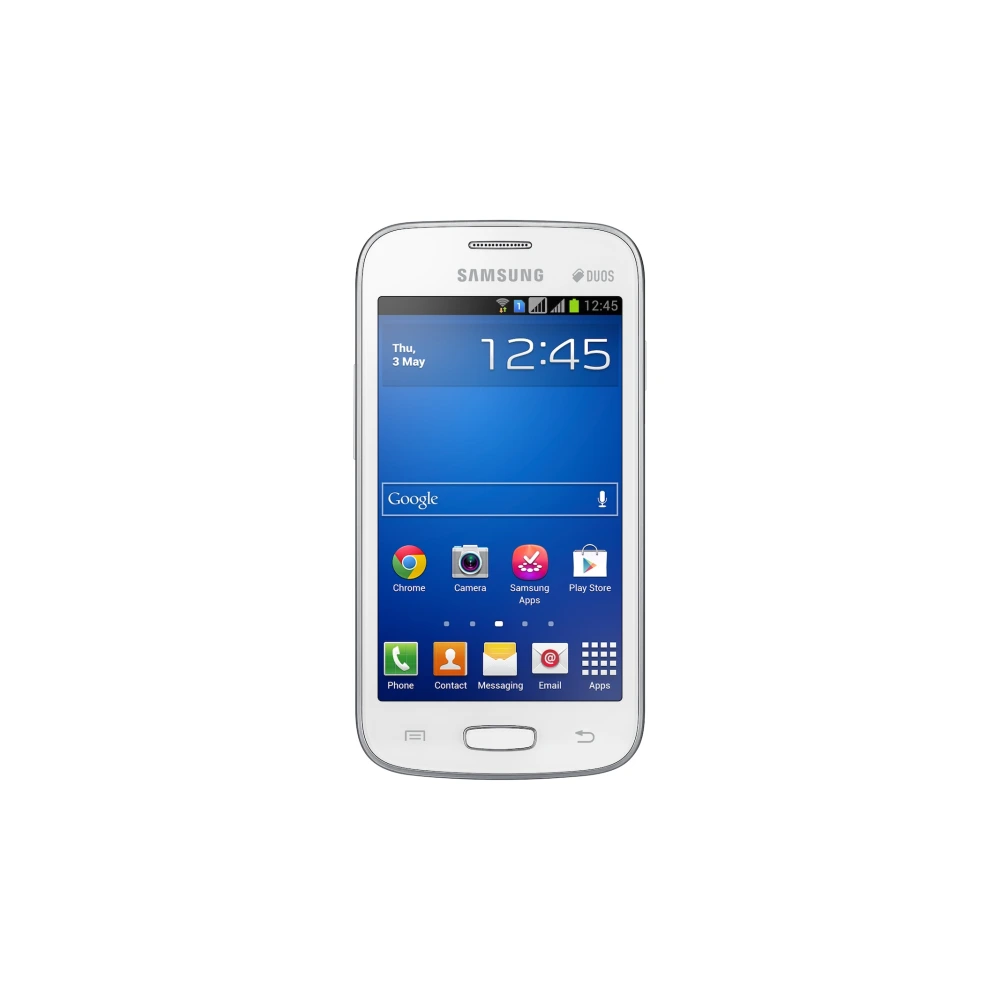
GT-S7392 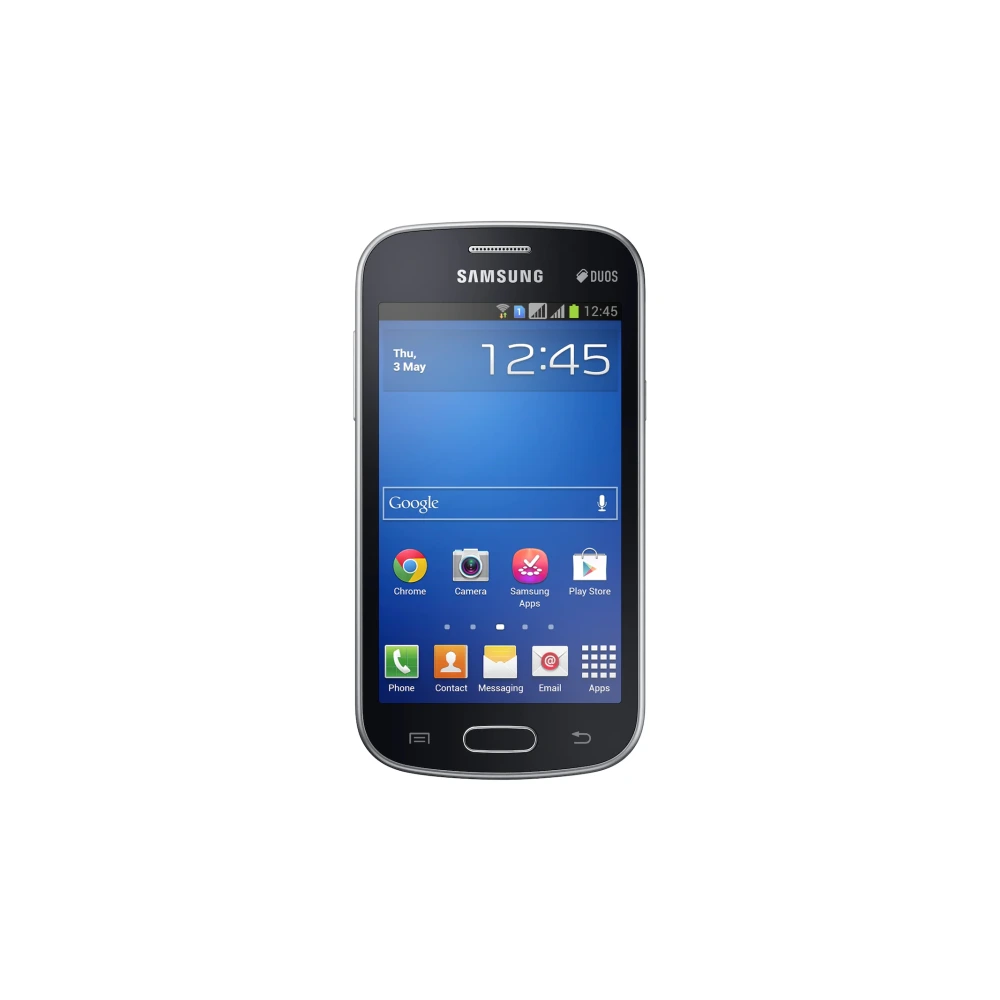
GT-S7582 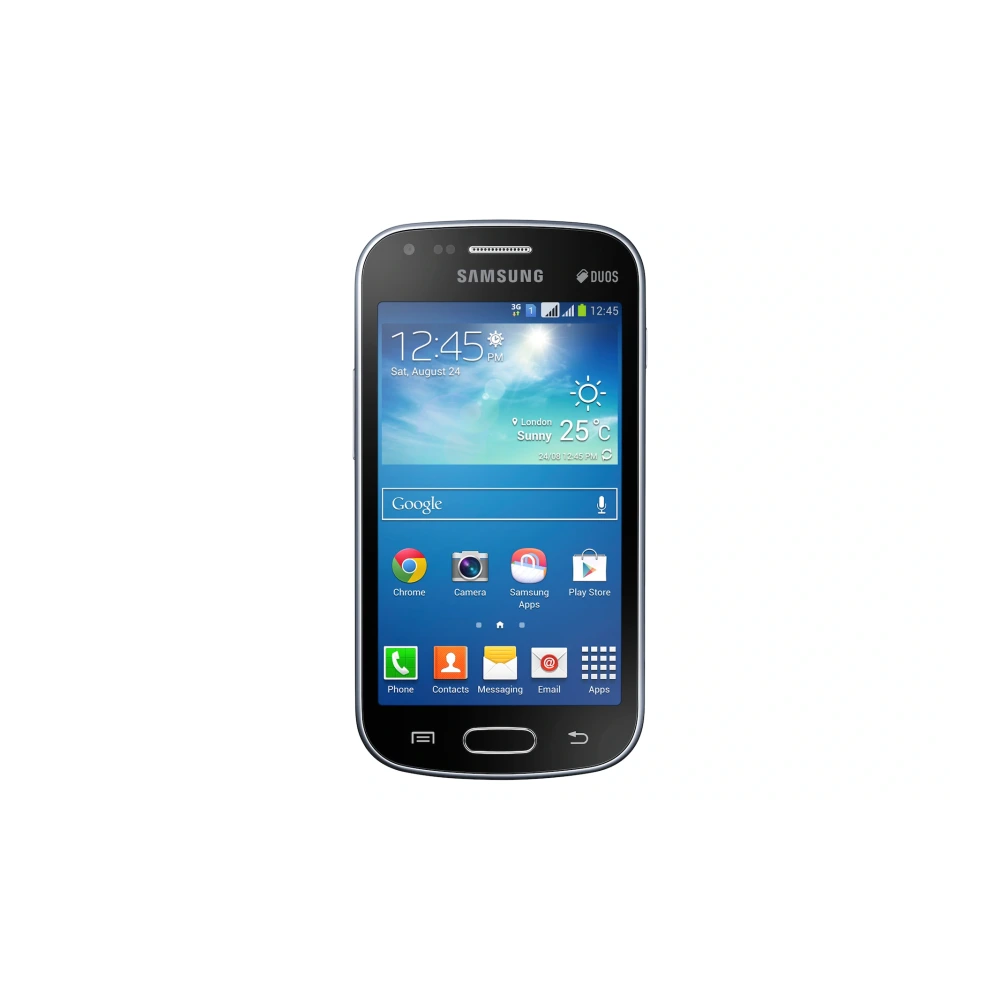
NP350V4X-S02BD 
NP355E5X-A02IN 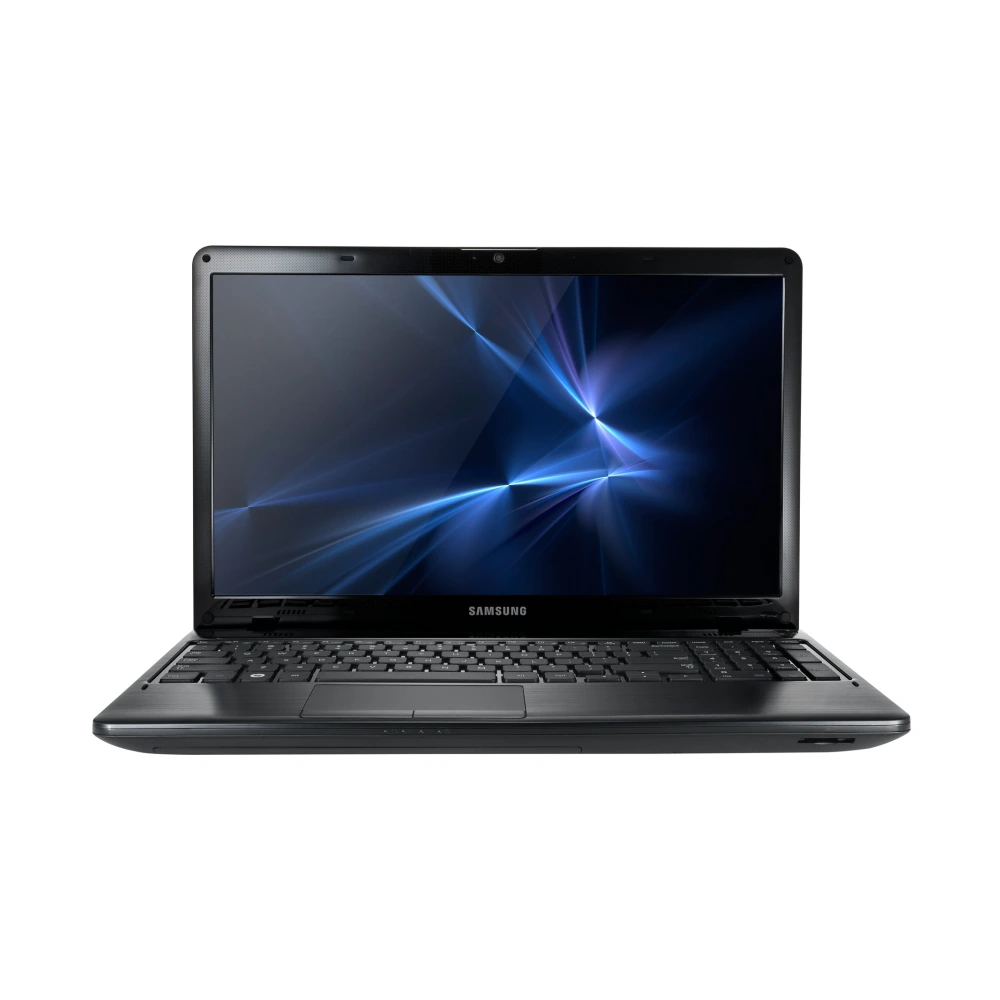
NP550P5C-S06IN 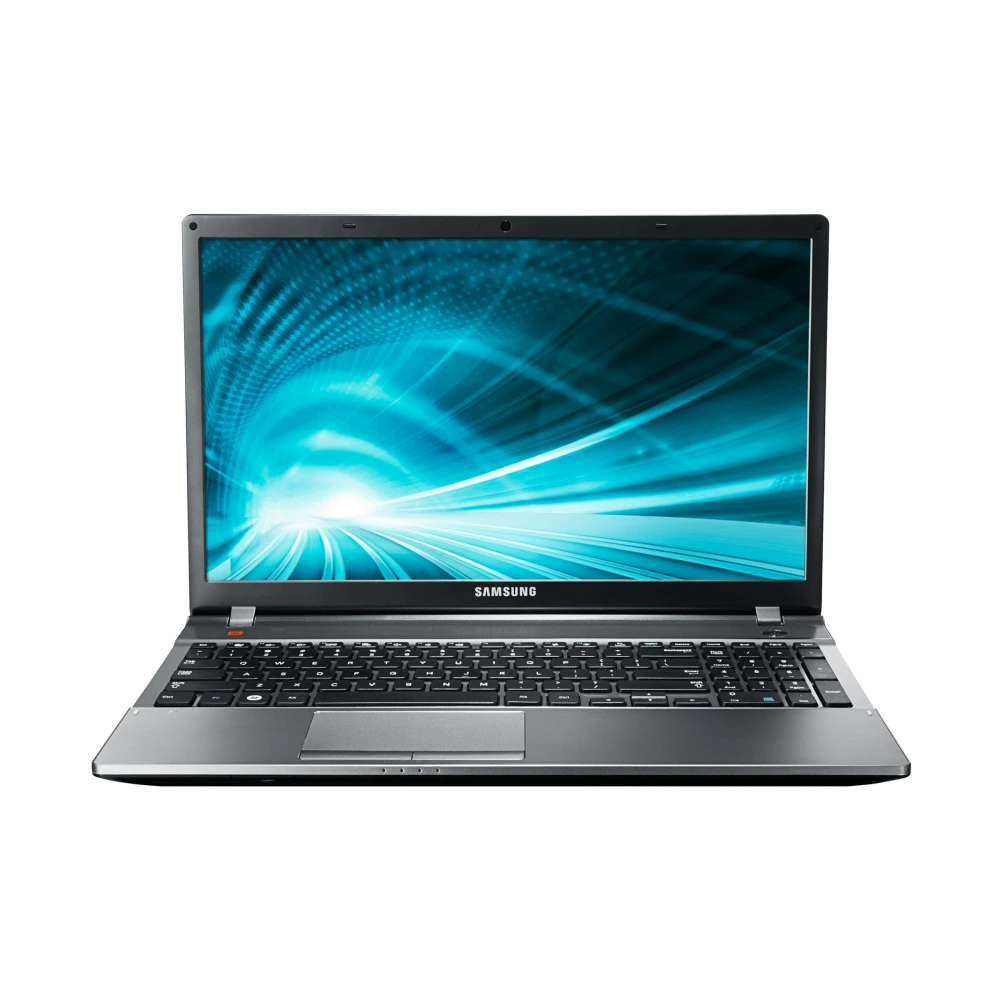
SM-Z300H 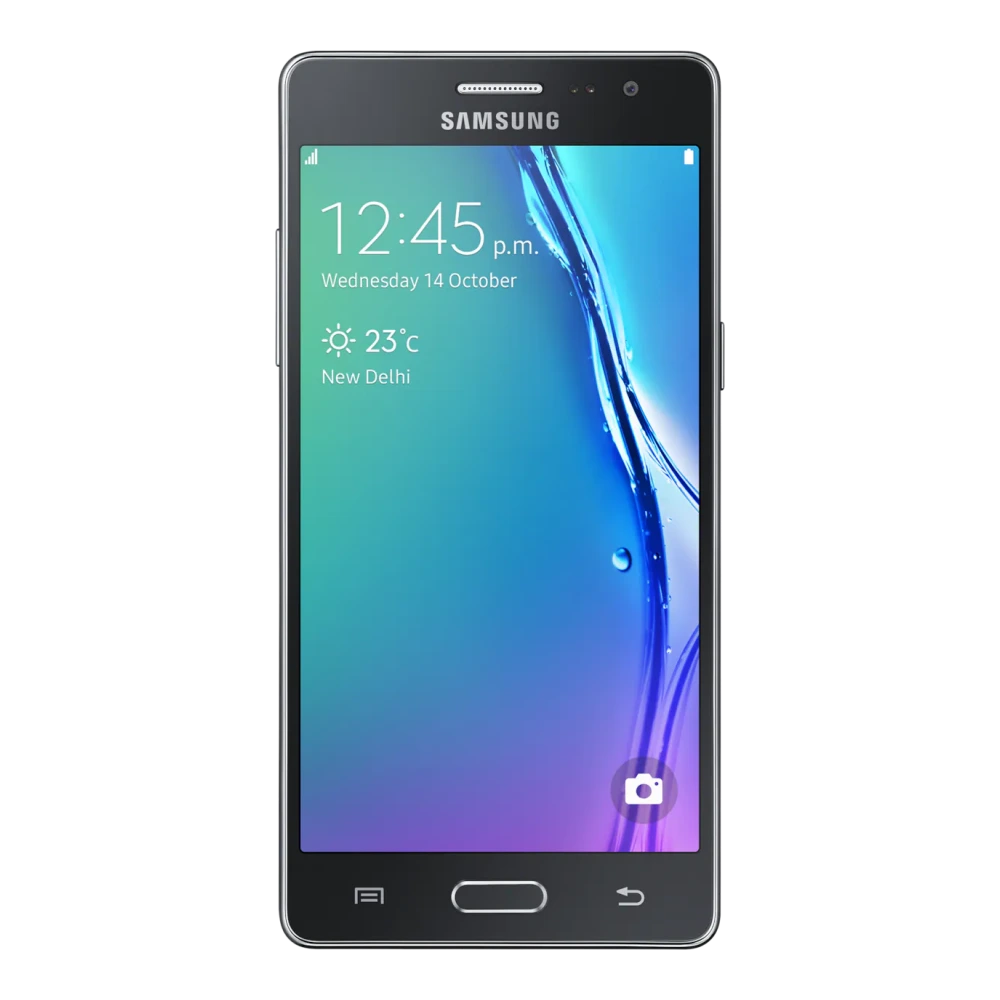
SM-Z400F 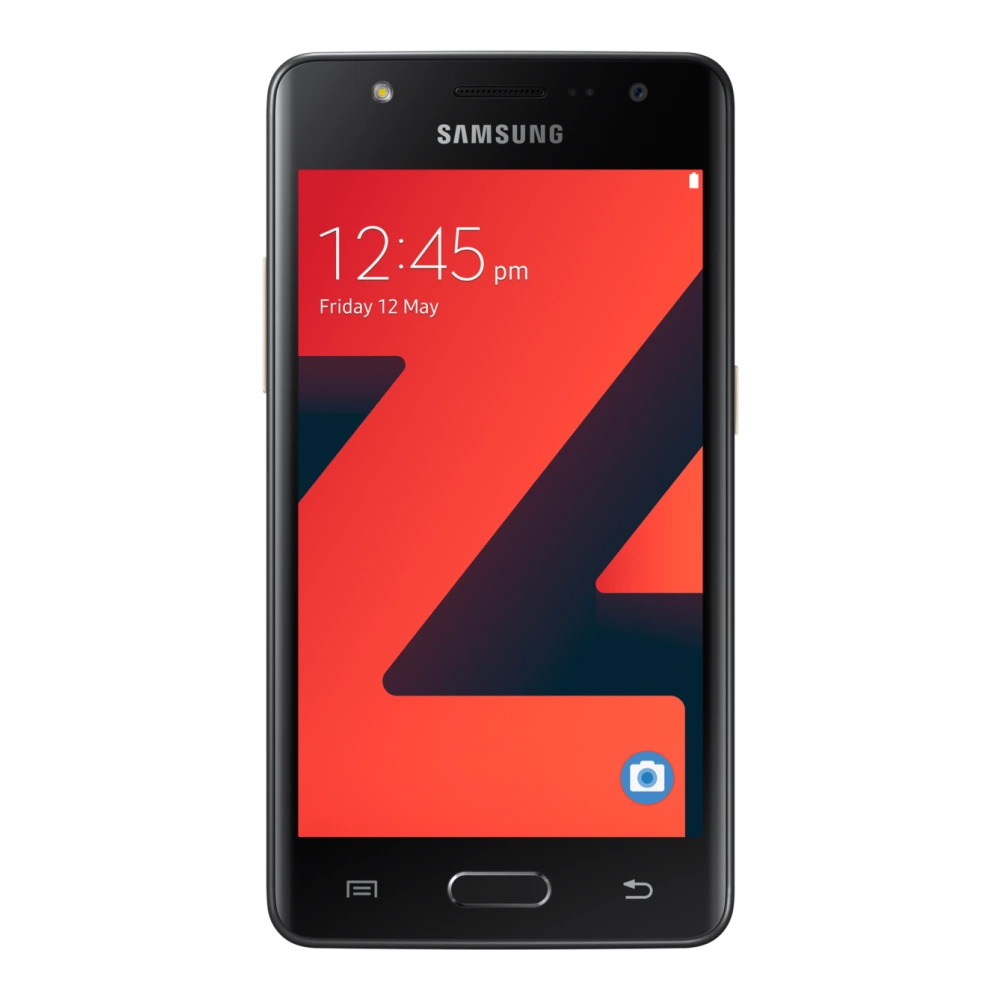
SM-E500H 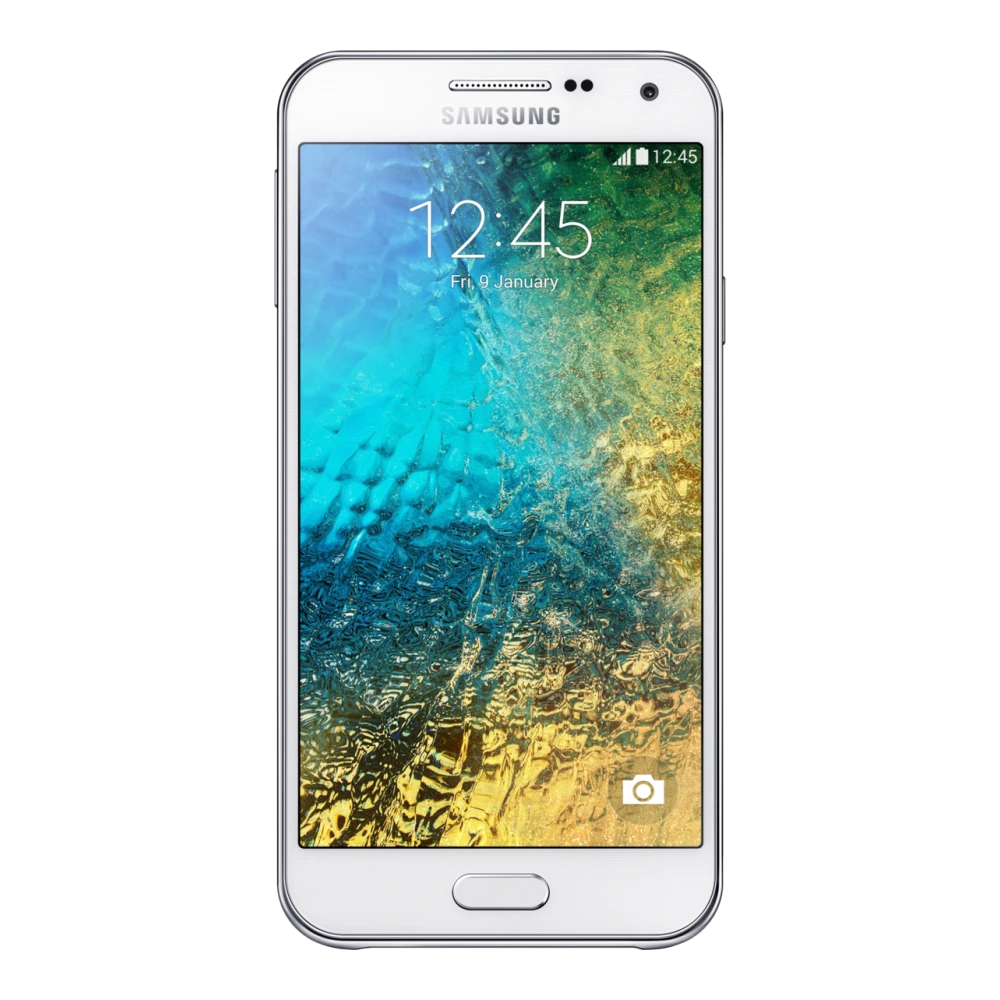
SM-G130E 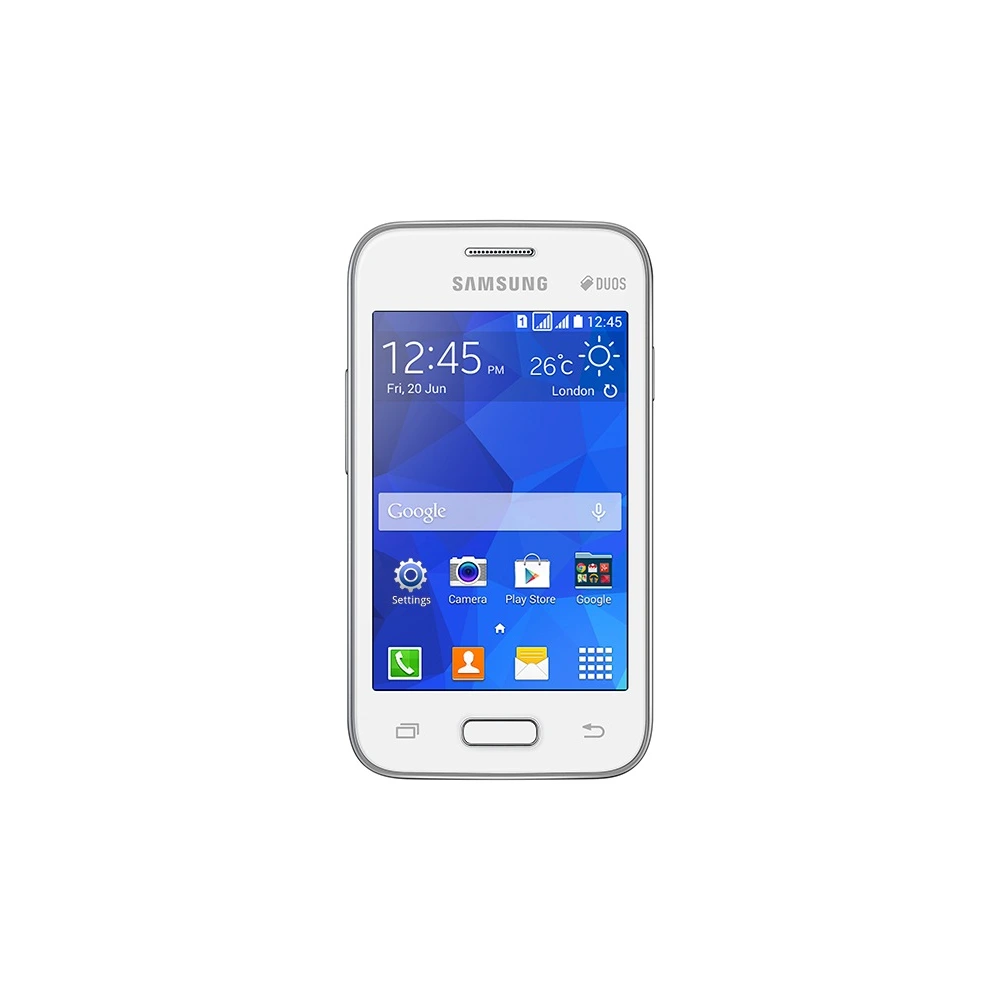
SM-G313H 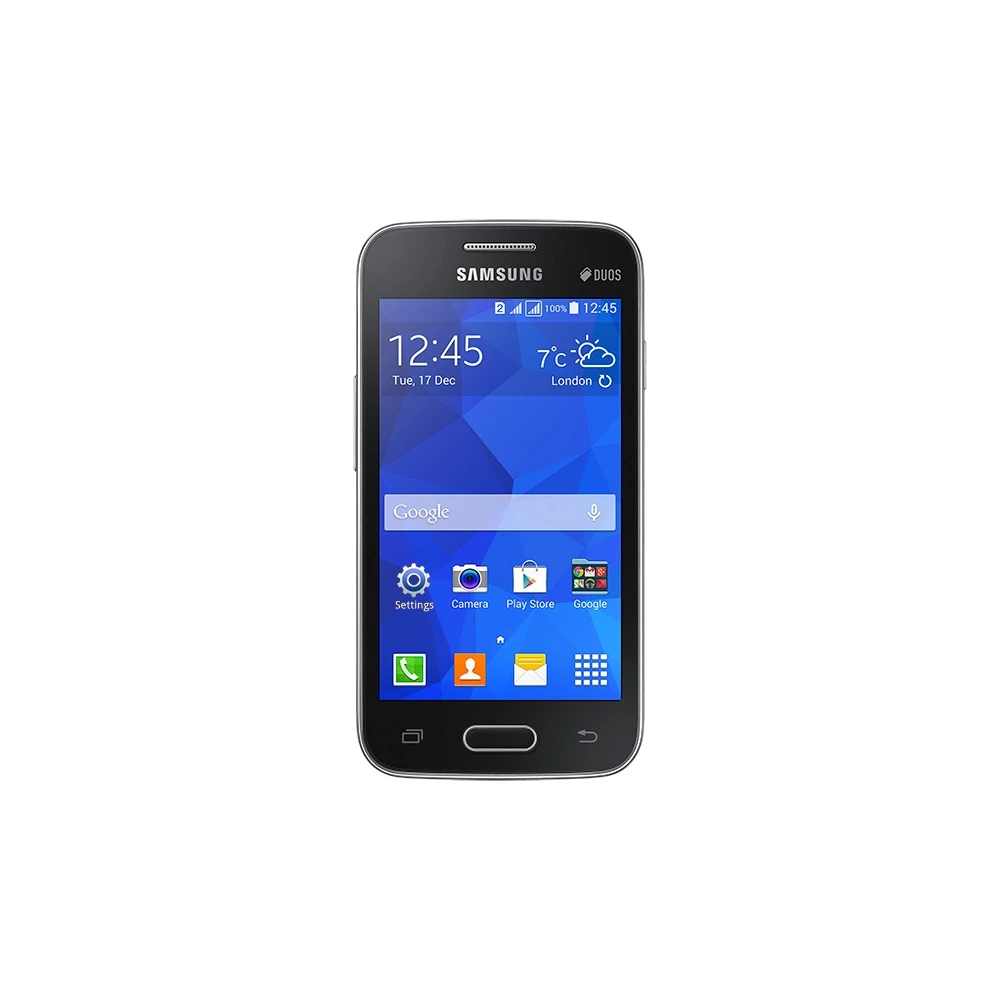
SM-G313HU
SM-G316HU
SM-G350E 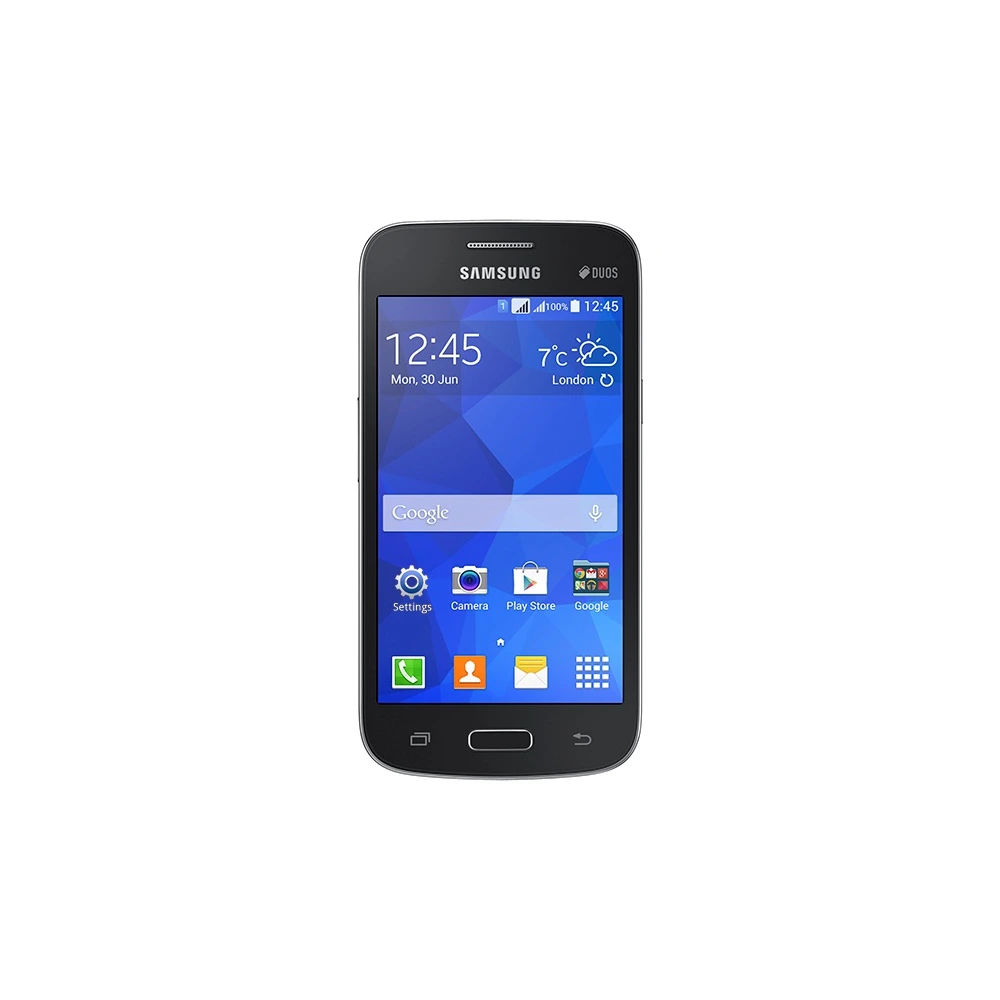
SM-G355H 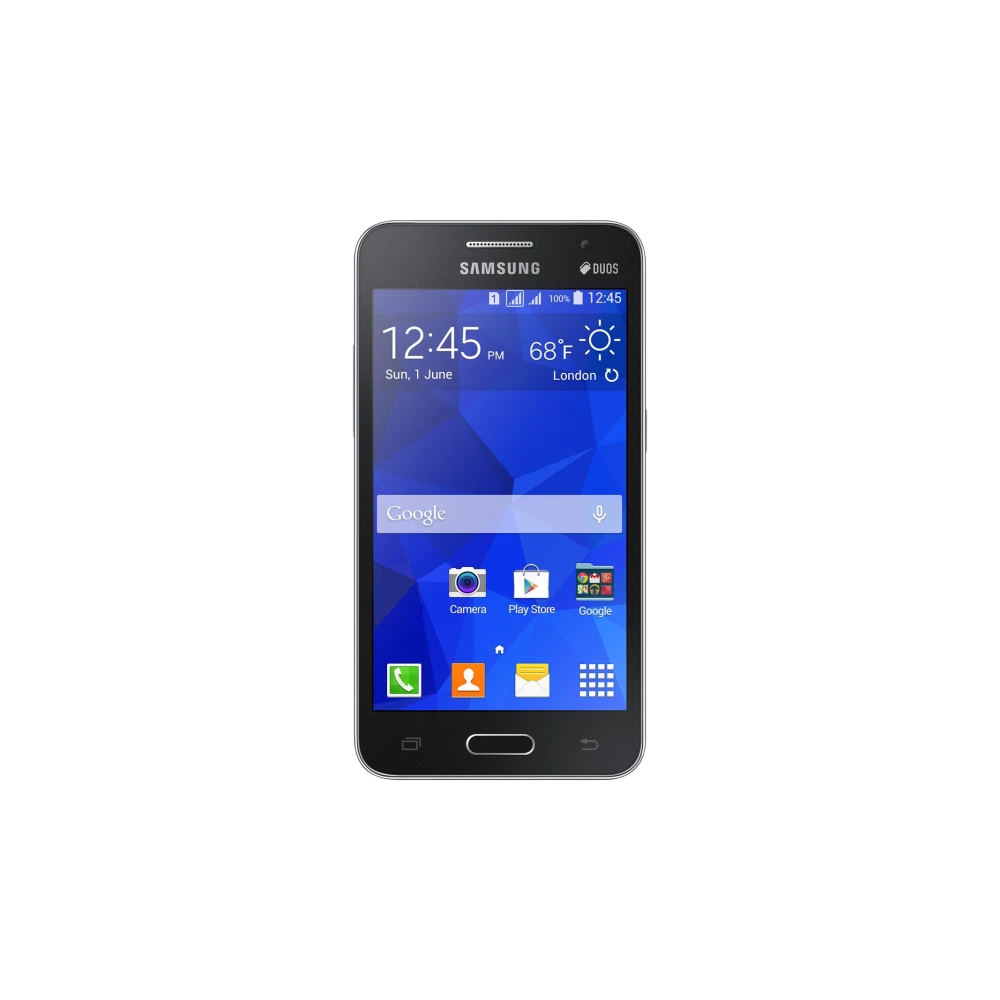
SM-G530H
SM-G7102
SM-G800H 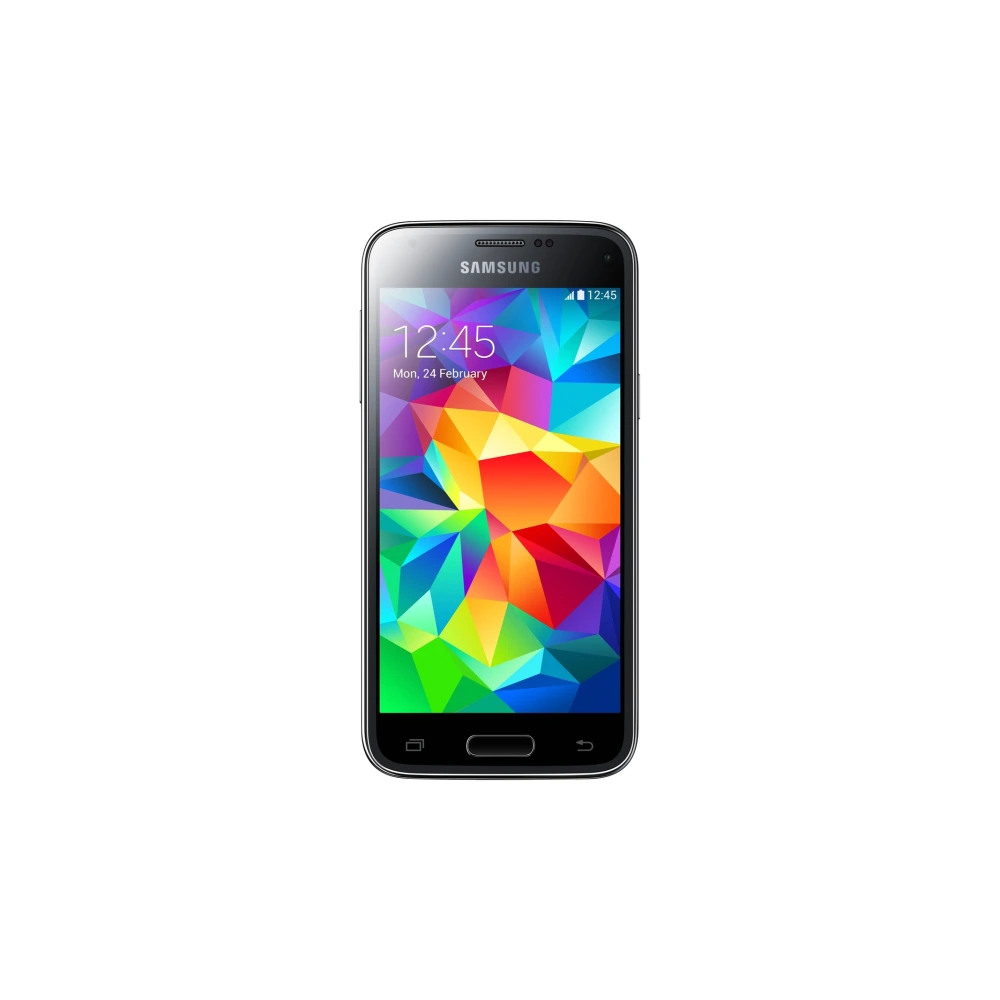
SM-G900I 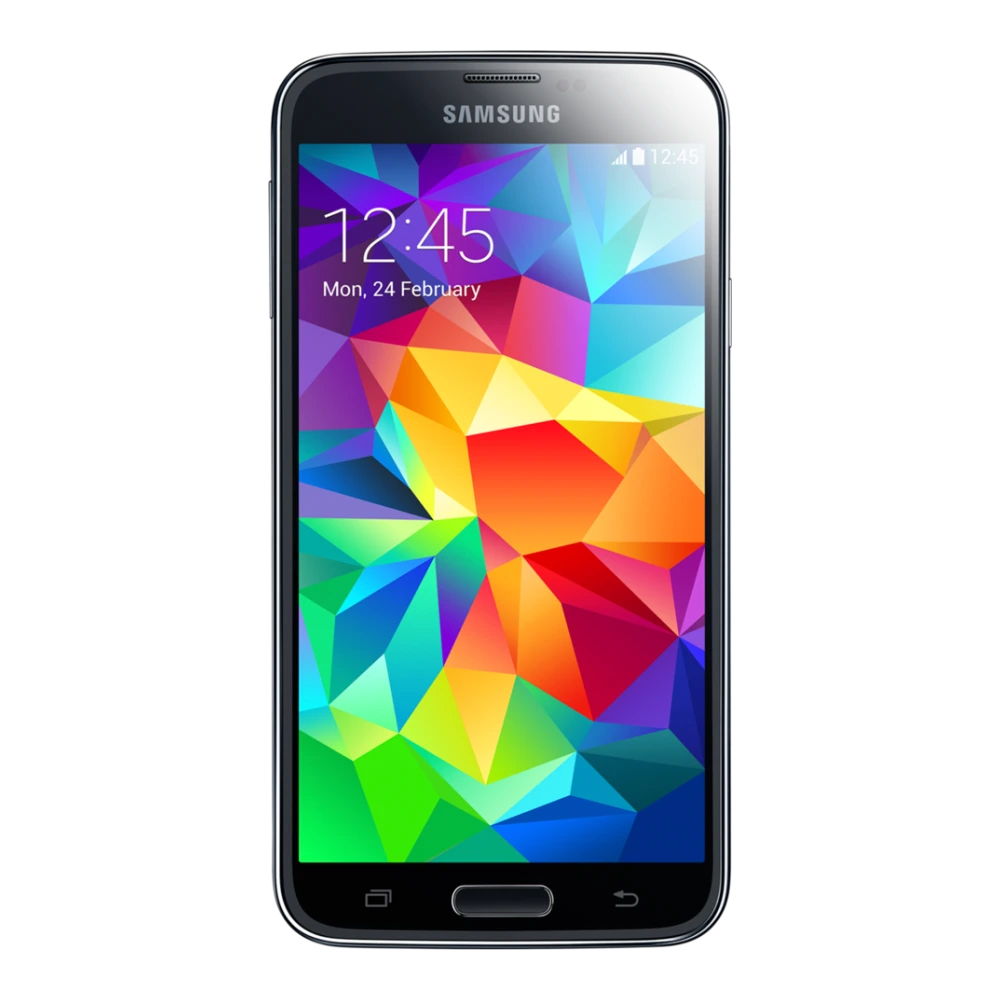
SM-N750 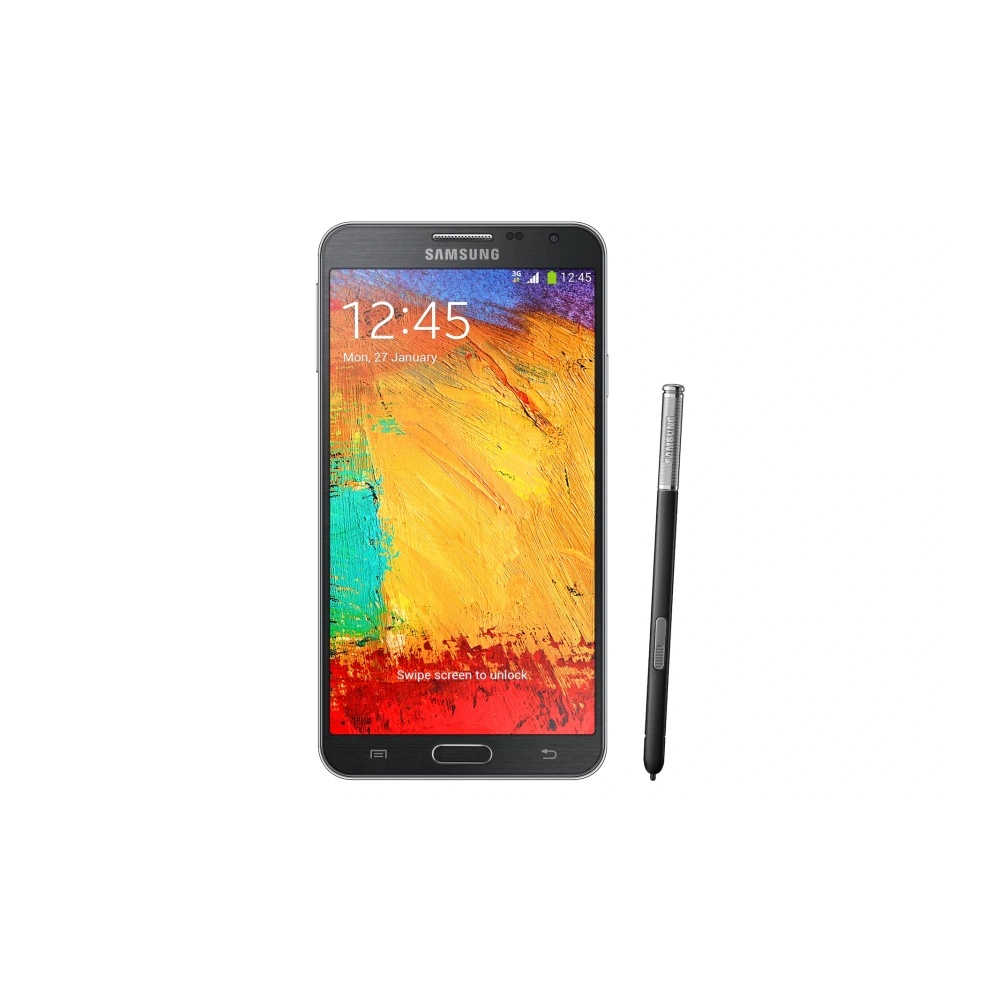
SM-P901
SM-Z130H Samsung Galaxy smartphone firmware packages contain four individual binary files that Odin v3.14.4 flashes simultaneously to different hardware partitions. Understanding what each file does prevents the most common flashing mistakes: BL (Bootloader) initialises the PIT partition table, secure boot chain, and TIMA kernel protection; AP (Android Platform) contains the full One UI operating system image, kernel, recovery partition, and vendor blobs; CP (Cellular Processor / Modem) holds the baseband firmware for 5G, LTE, VoLTE, Wi-Fi, and Bluetooth radio controllers; CSC (Country Specific Code) configures carrier band plans, VoLTE profiles, regional services, pre-installed apps, and default browser settings.
Choosing HOME_CSC in Odin performs a soft update that preserves all user data, installed apps, contacts, and photos — functionally identical to an OTA update. Choosing the standard CSC file triggers a complete factory repartition and irreversible data wipe, which is the correct approach for unbricking, reverting a major Android version downgrade, or removing carrier branding entirely.
Samsung model codes follow a consistent format: SM-G991B means SM (Samsung Mobile), G991 (Galaxy S21 base), B (international/global variant). The letter suffix identifies the regional hardware: B = global, U = US carrier, U1 = US unlocked, N = South Korea. Always confirm your exact model code in Settings → About Phone → Model Number before downloading — flashing a different regional variant triggers SW REV CHECK FAIL in Odin and halts the flash safely without damage.
Skipping any of these steps is the root cause of 90% of failed or post-flash-broken Samsung flashing attempts:
| Odin Error / Symptom | Likely Root Cause | Verified Resolution |
|---|---|---|
| Odin stuck on SetupConnection | Missing Samsung USB driver, damaged USB-C cable, or USB hub latency | Install verified Samsung USB Driver; use original Samsung data cable; plug directly into rear motherboard USB port. |
| Odin FAIL! (Auth / FRP Lock) | Active Google FRP or OEM Unlock disabled in Developer Options | Boot phone into OS, enable OEM Unlocking in Settings > Developer Options, and remove Google accounts prior to flashing. |
| SW REV CHECK FAIL: [BOOTLOADER] Device: X, Binary: Y | Anti-rollback fuse bit check; attempted downgrade to older bootloader binary | Binary number Y in firmware cannot be lower than device fuse X. Download and flash firmware with equal or higher bootloader binary version. |
| Bootloop at Samsung Logo after flashing | Cached system data conflict caused by dirty flash (HOME_CSC) across OS versions | Boot to Recovery Mode (hold Vol Up + Power with USB cable attached to PC); select Wipe Cache Partition. If persists, reflash with clean CSC. |
| Complete(Write) operation failed / PIT error | Corrupted partition table or regional partition size mismatch | Extract the model-specific .pit partition file from the CSC package, load it into Odin PIT tab, and reflash all 4 binaries. |
Verified companion utilities for flashing, PC synchronization, and device maintenance.
Flashing utility for installing 4-file factory stock binaries and recovering bricked Samsung Galaxy smartphones.
Required for Windows PC recognition of Samsung Galaxy phones in Download Mode and ADB debugging sessions.
Desktop backup, phone data migration, and non-destructive firmware emergency recovery.
High-speed binary verification utility to check and validate Samsung Knox-compliant firmware builds.