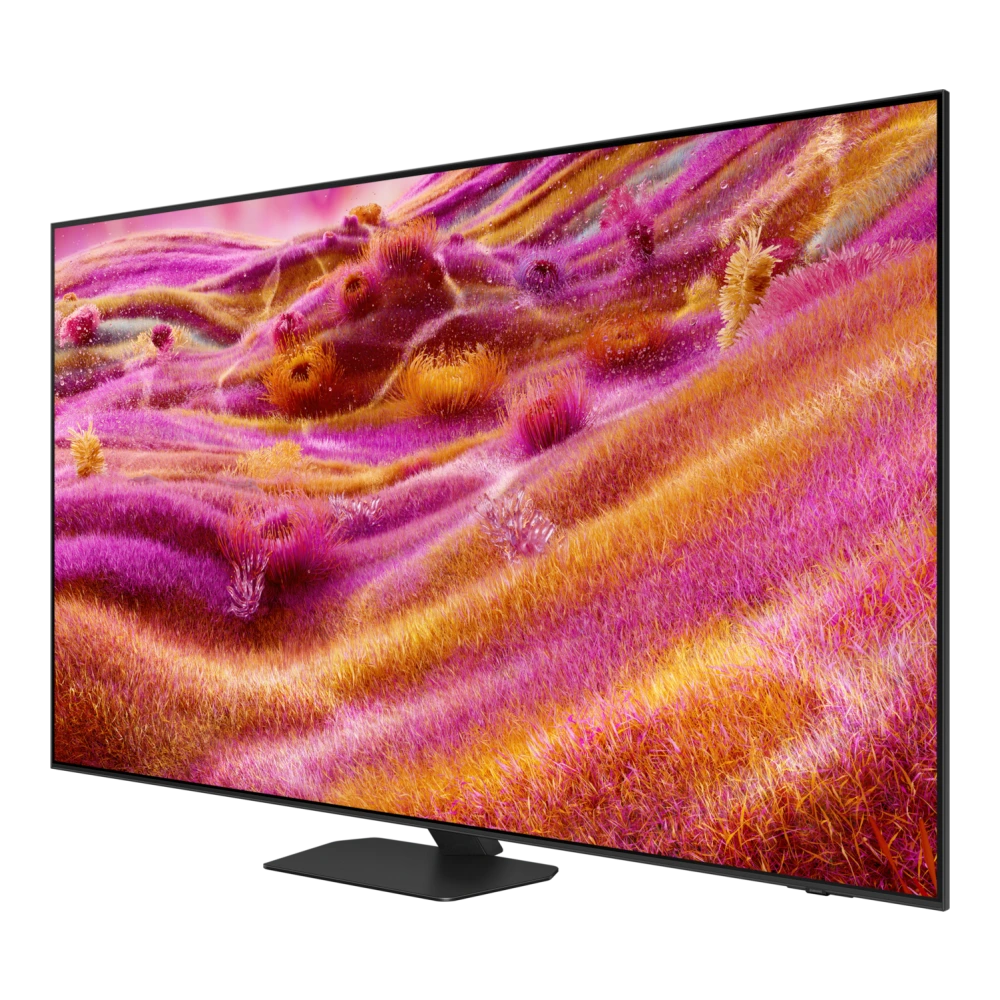
📺 Smart TV & Monitor
UA43U8600HULXL 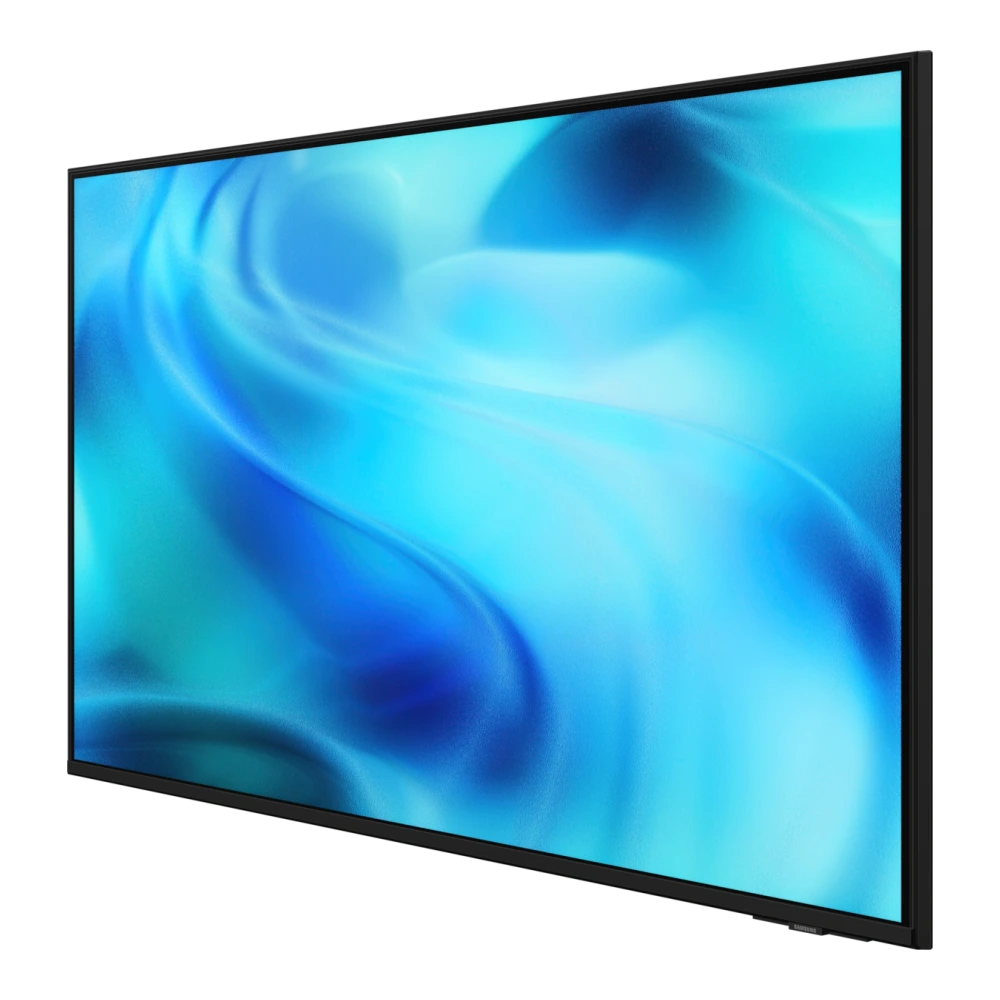
1.08 m (43) Crystal UHD U8600H 4K Smart TV (2026)
✓ Build:
0100-1210.1

Samsung TV USB update listings and a FAT32 installation guide for Neo QLED, OLED, The Frame, and Crystal UHD Smart TVs running Tizen OS. Confirm the exact model and version before installing.
UA43U8600HULXL
UA43UE86AHULXL 
UA43F5550FUXXL 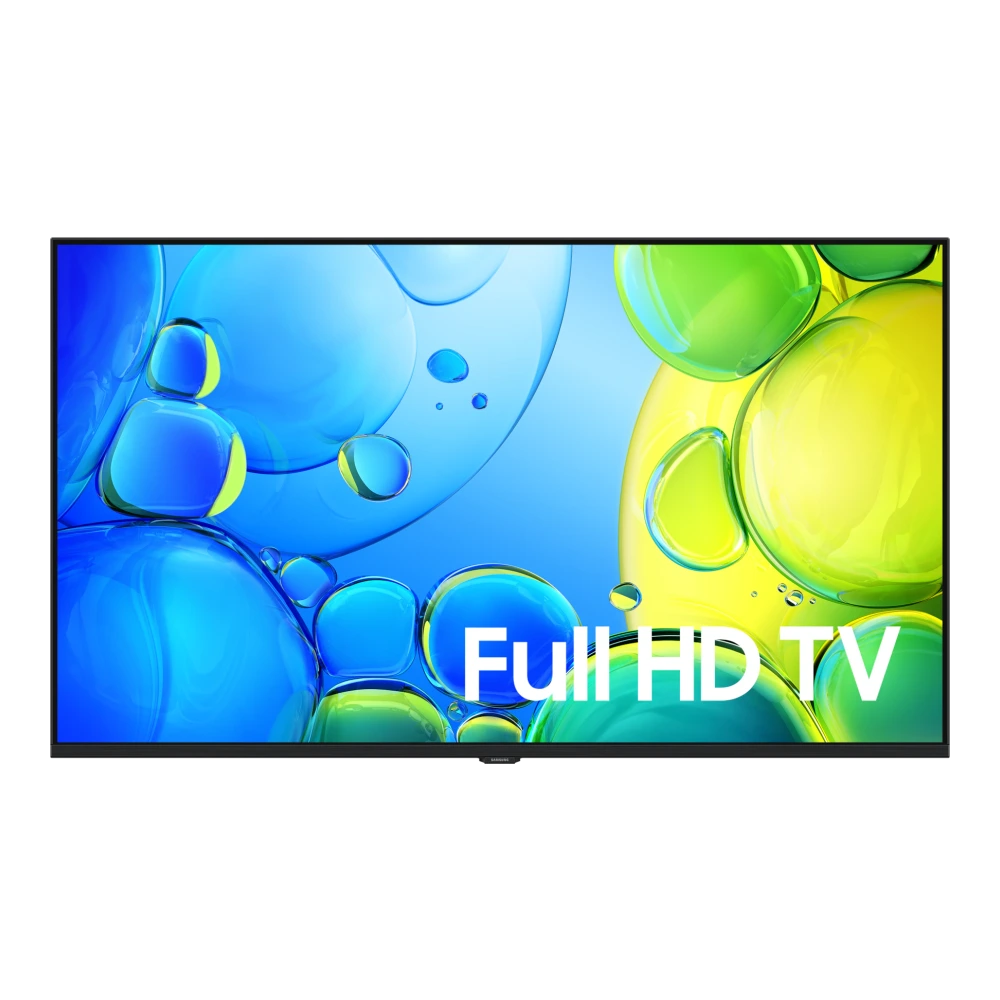
QA43LS03HEU 
QA43QN70HAU 
QA43LS03DAU 
QA43LS03FAU 
QA43Q7FAAU 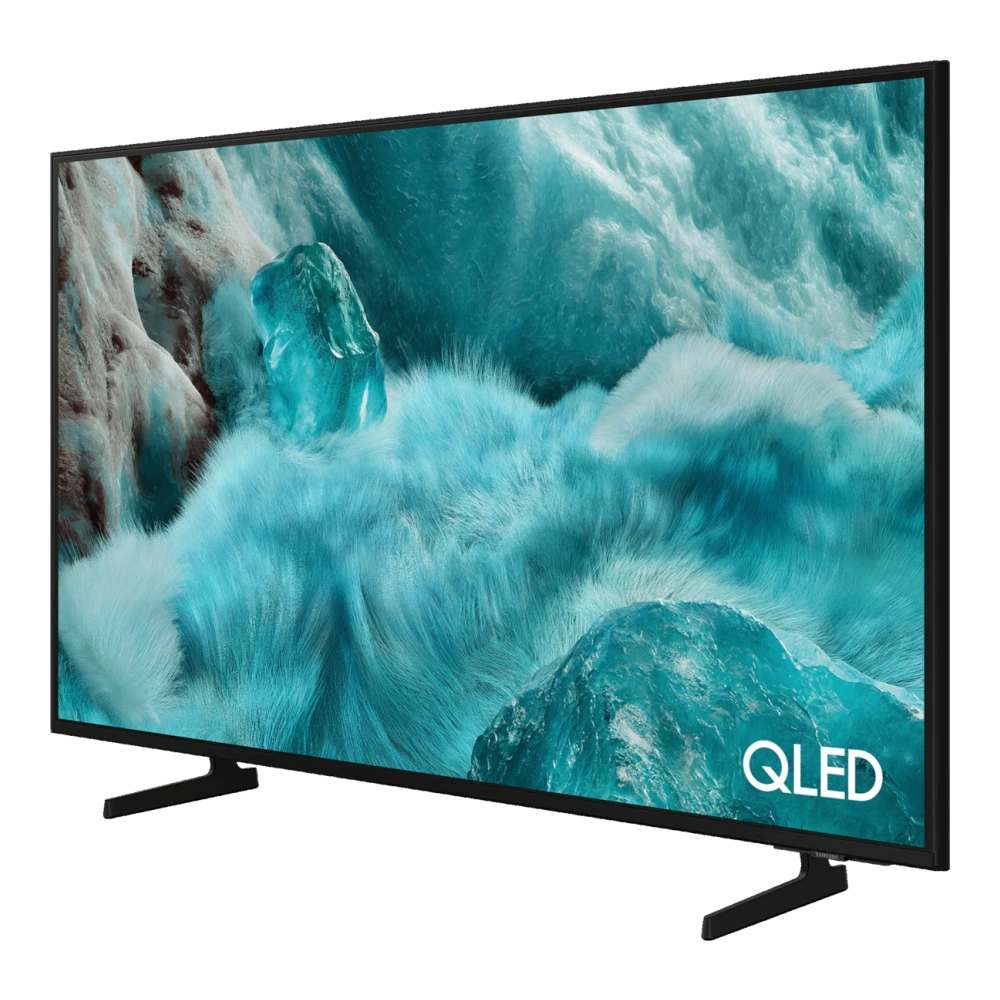
QA43Q8FAAU 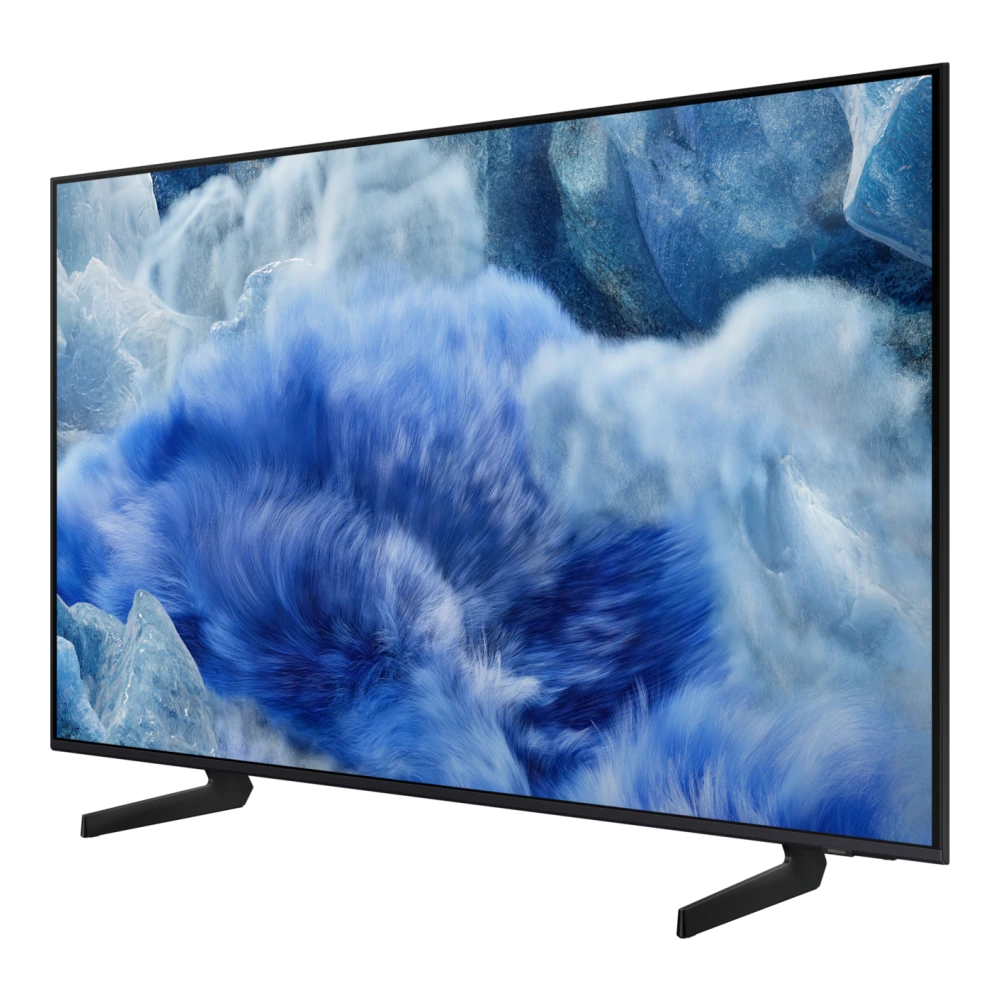
QA43QEF1AU 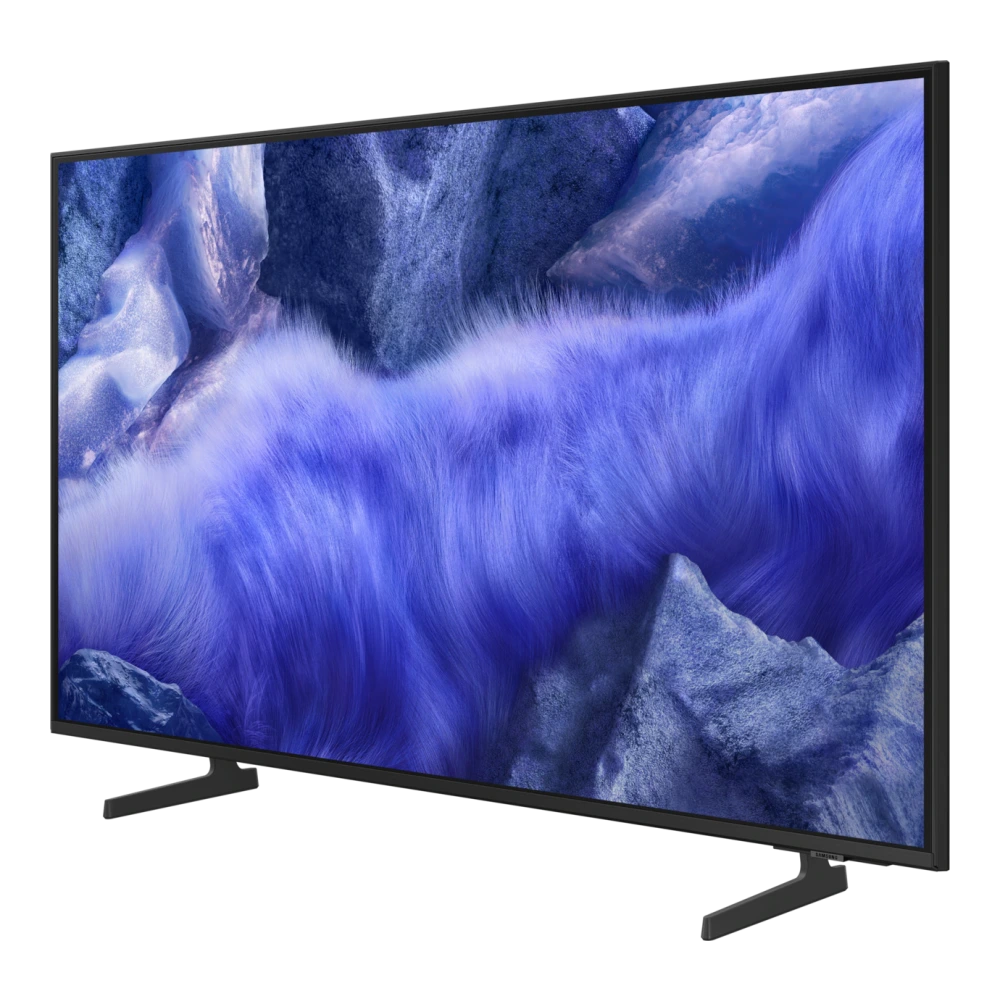
QA43QEF6AU 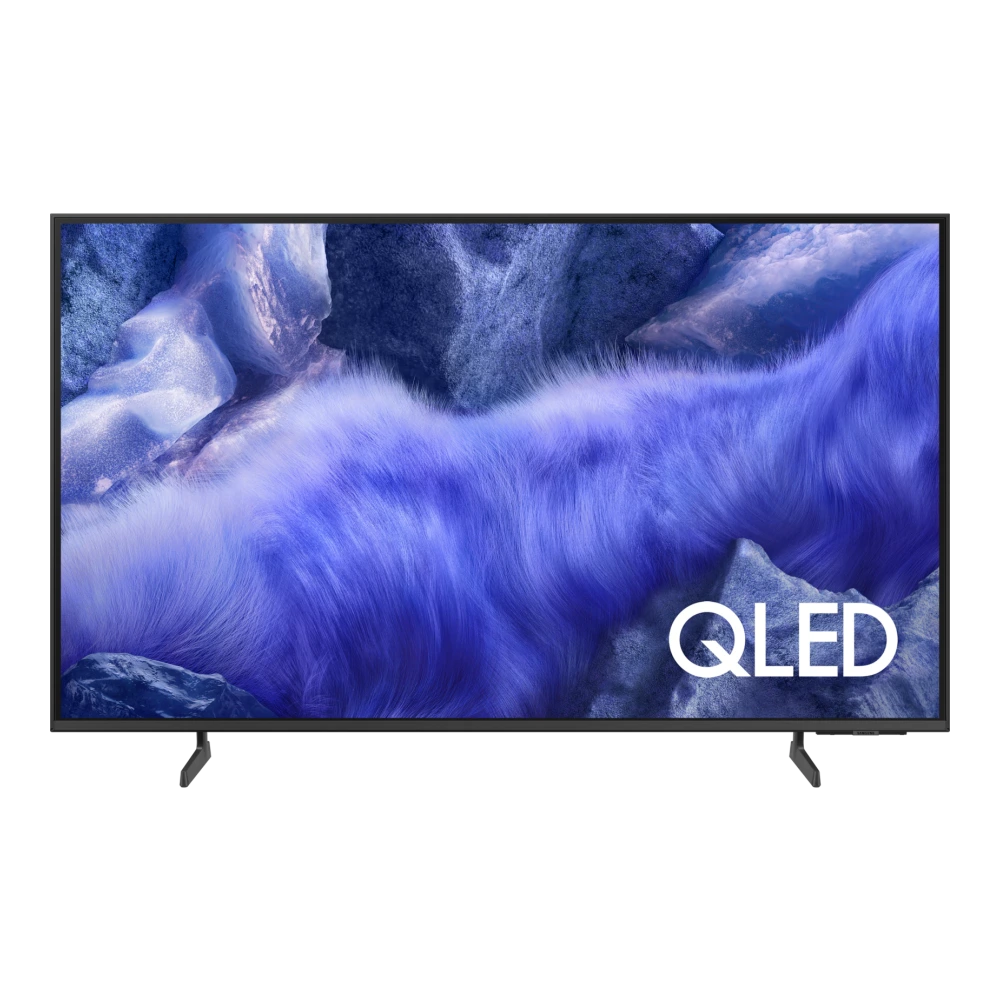
UA43U8400HULXL 
UA43UE84AHULXL 
QA43LS05BAK 
QA43LS05TAK 
QA48S90DAE 
QA48S90HAE 
UA50U8500HULXL 
QA50QN70HAU 
QA50LS03DAU 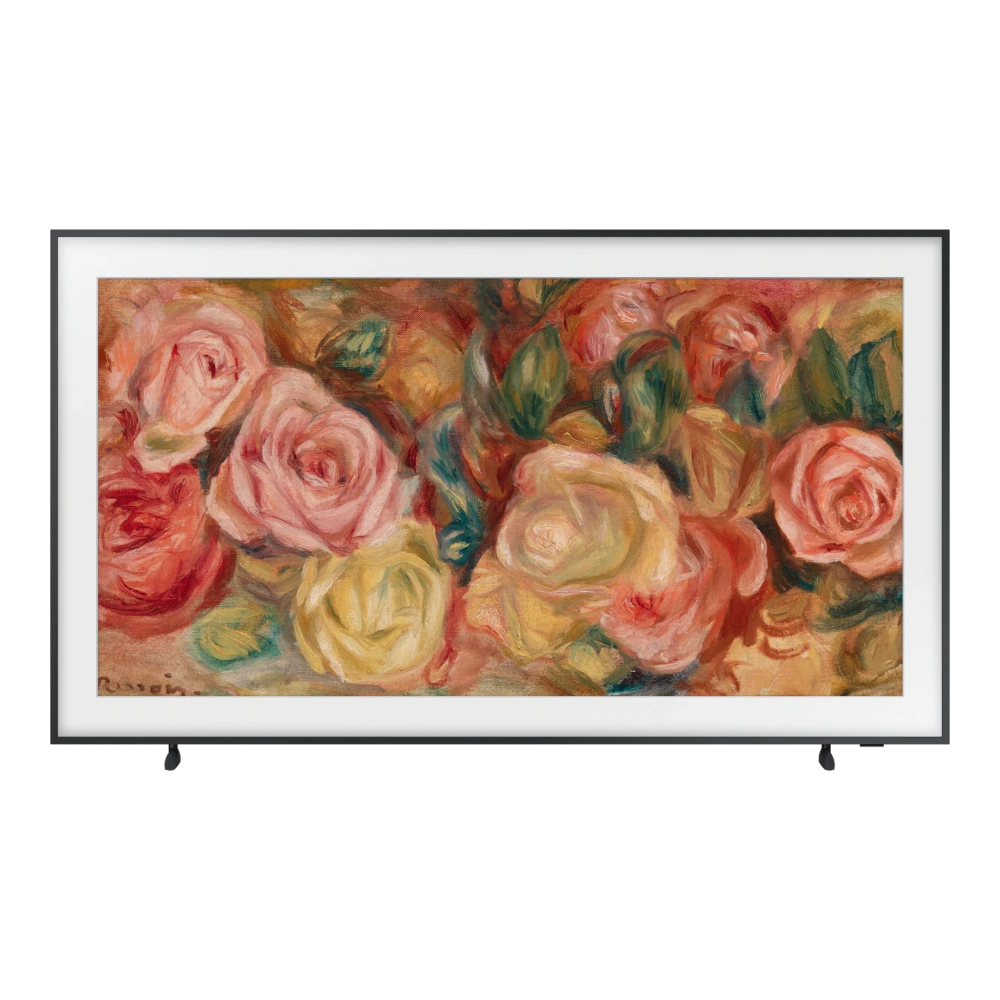
QA50LS03FAU 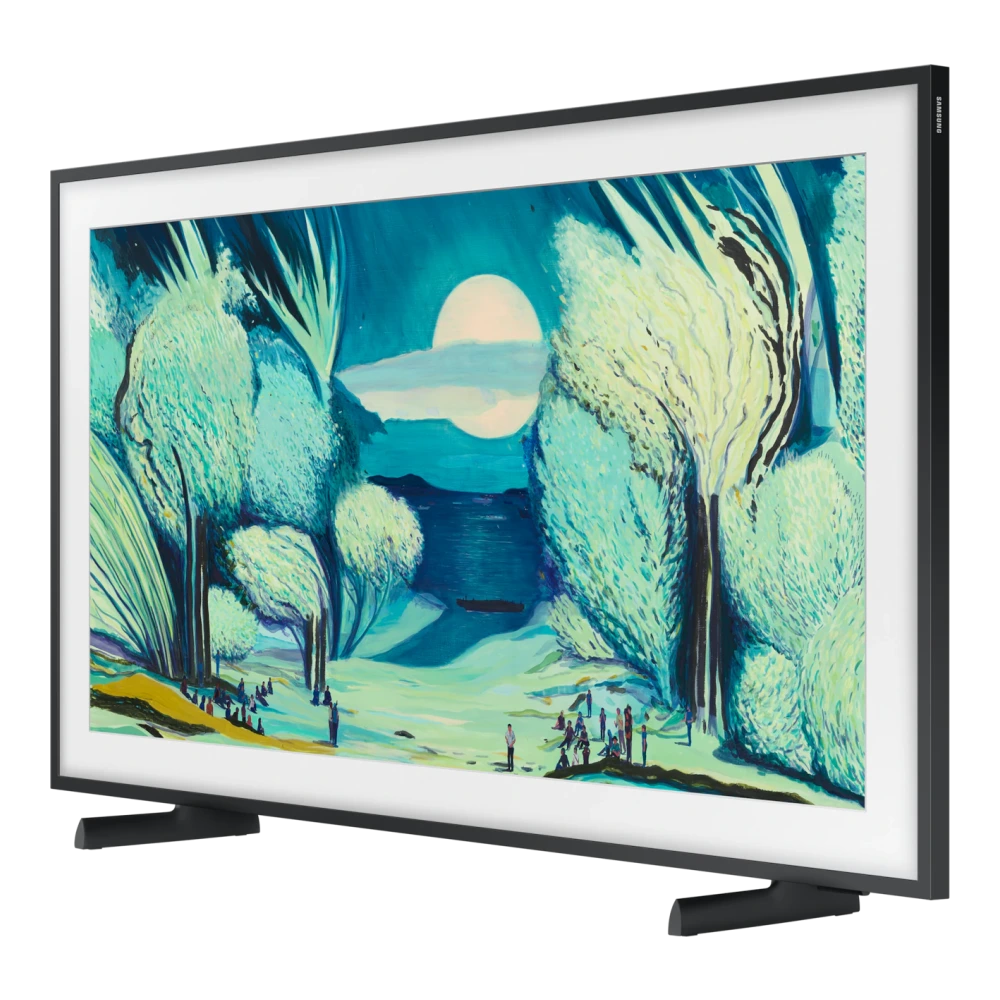
QA50Q7FAAU 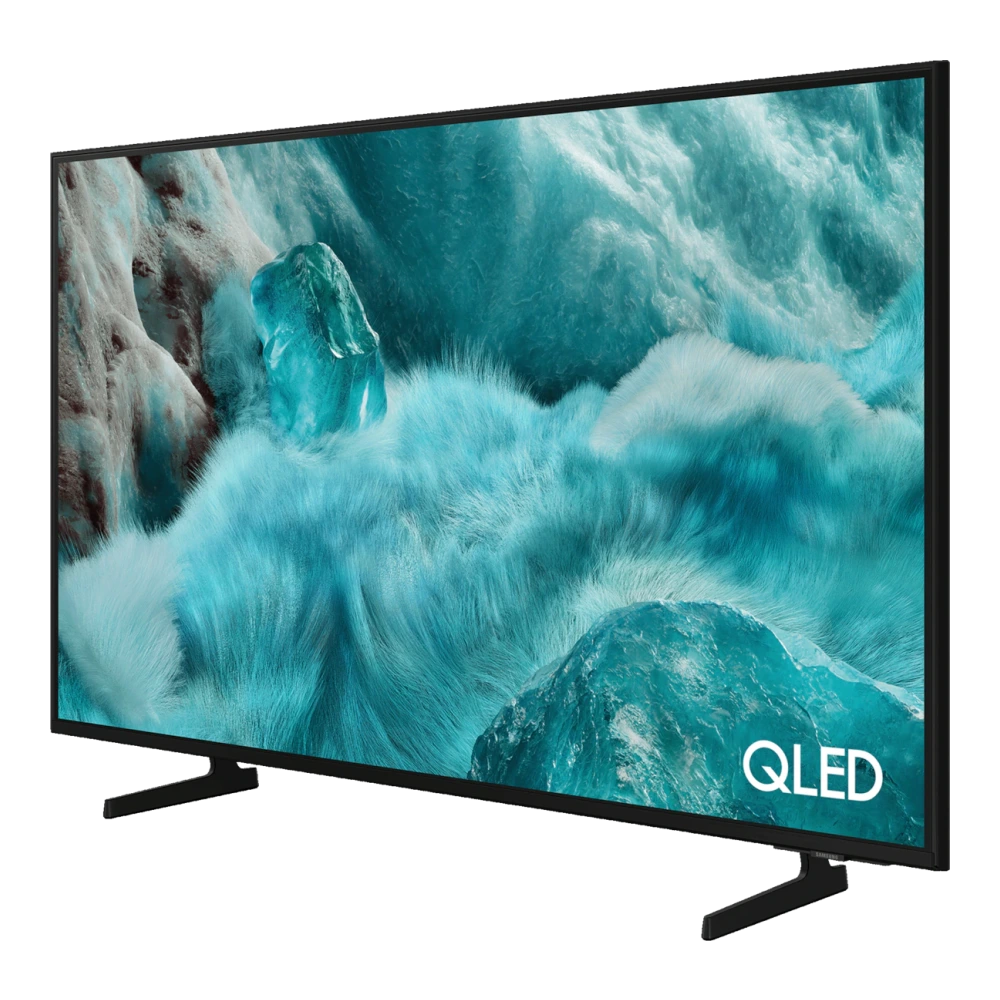
QA50Q8FAAU 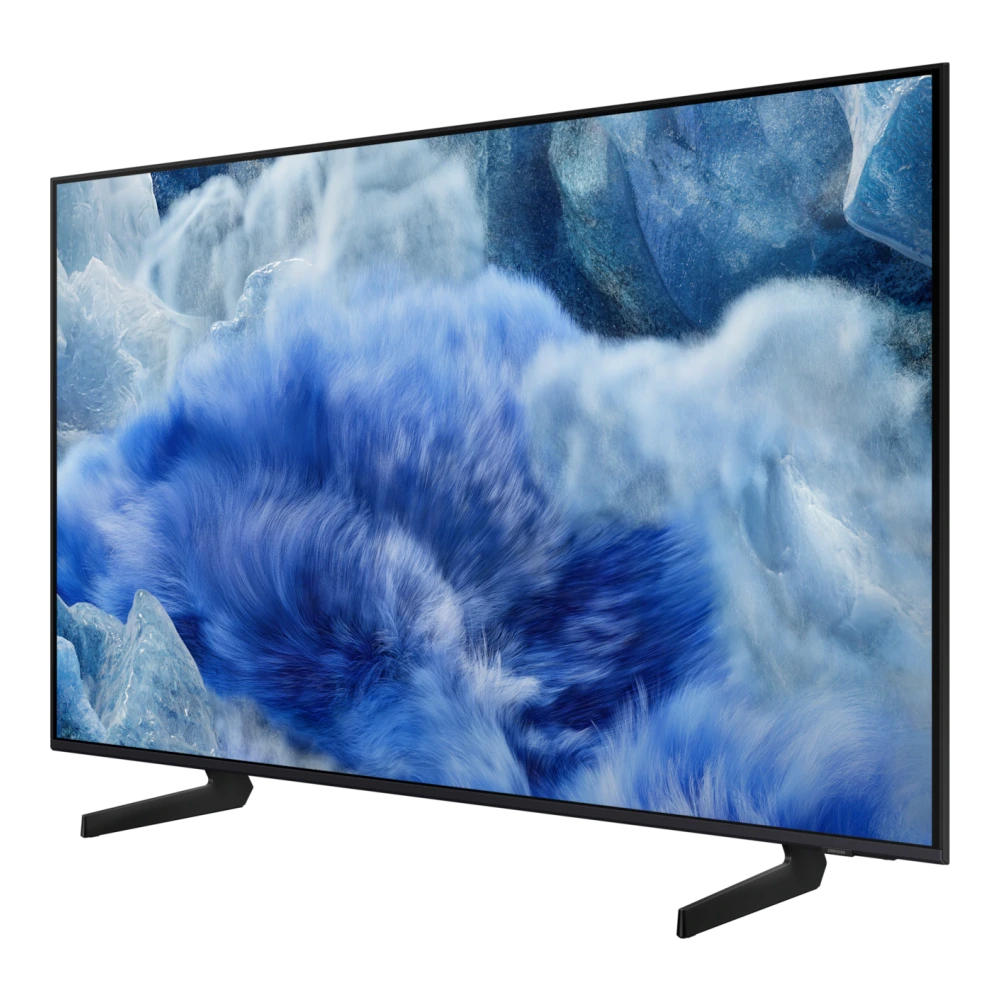
UA50U8300HULXL 
UA50UE83AHULXL 
QA55QN70HAU 
UA55U8500HULXL 
UA55UE85AHULXL 
QA55LS03HEU 
MRA55R85HAULXL 
UA55M80HAULXL 
QA55QN85CAKLXL 
QA55QN85DBULXL 
QA55QN95CAKLXL 
QA55QNX1DAU 
QA55QN1EFAU 
QA55QN70FAU 
QA55QN80HAU 
QA55QN85FAU 
QA55QN90FAU 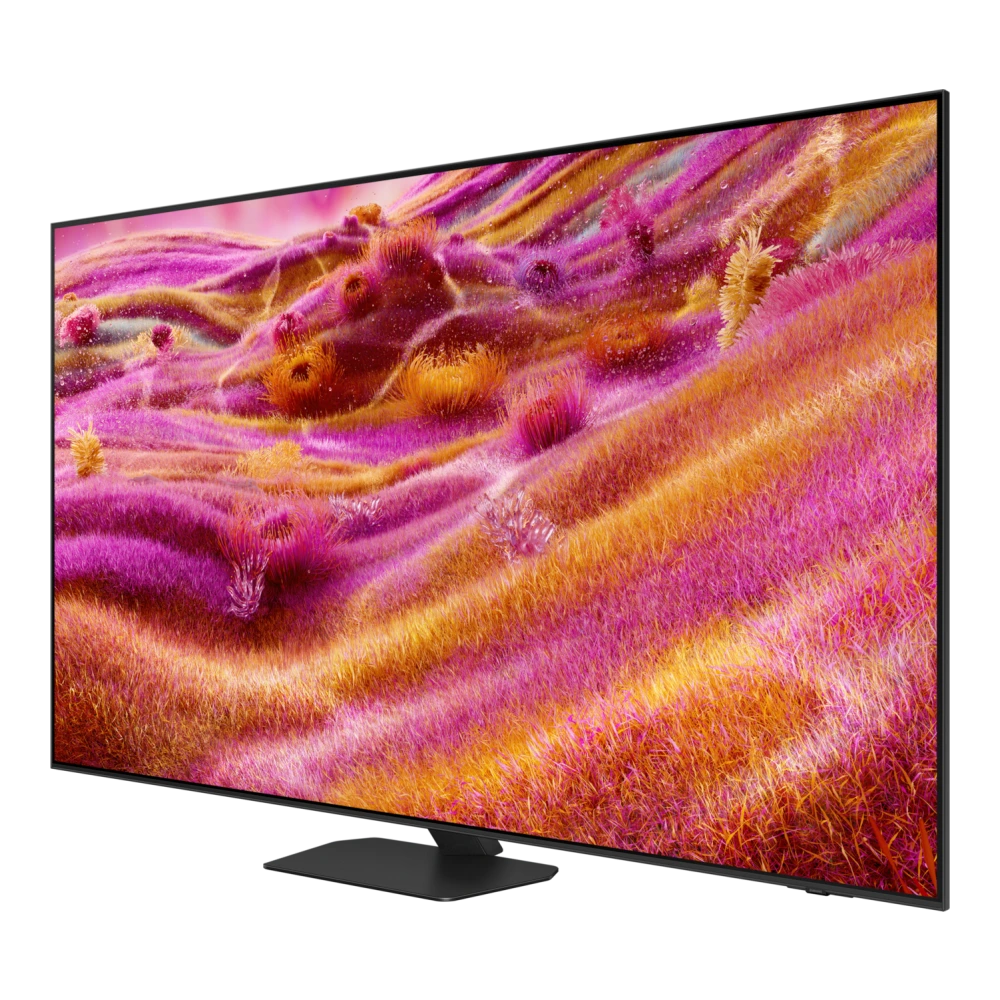
QA55S85FAE 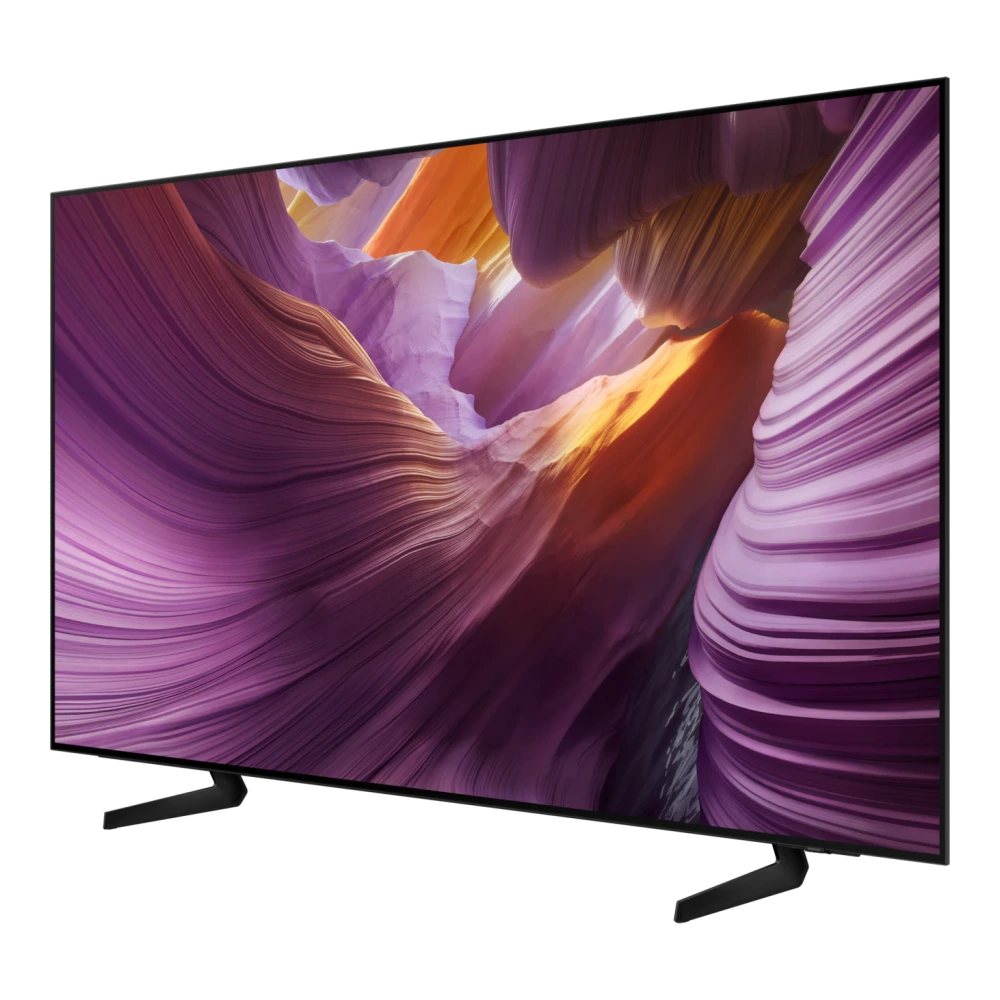
QA55S85HAE 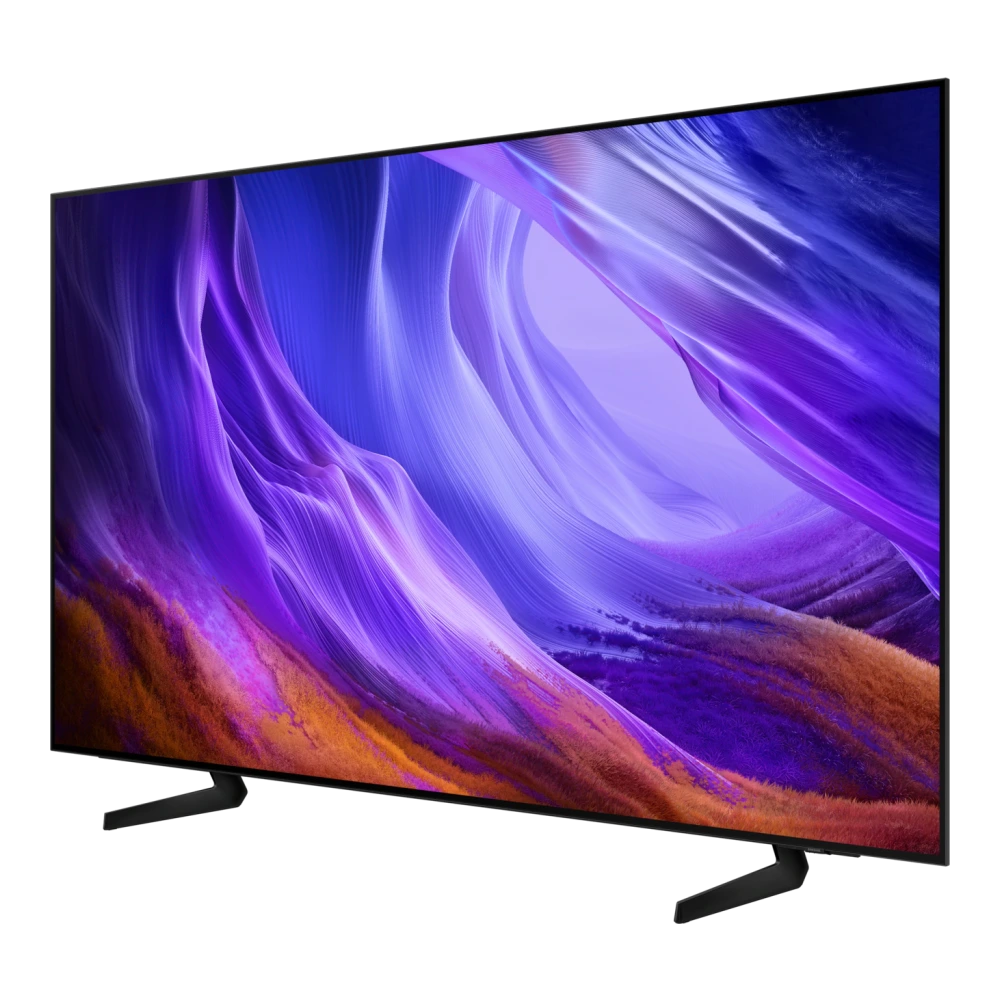
QA55S90CAKLXL 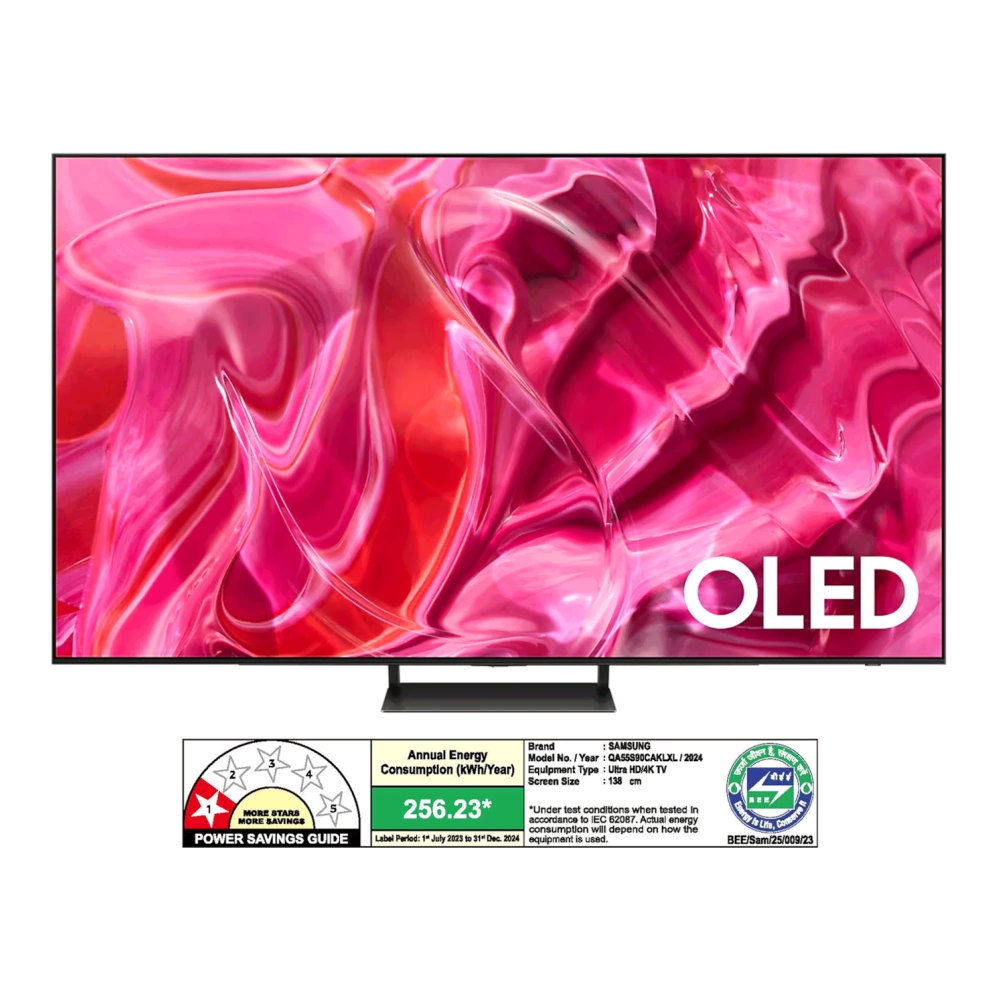
QA55S90FAU 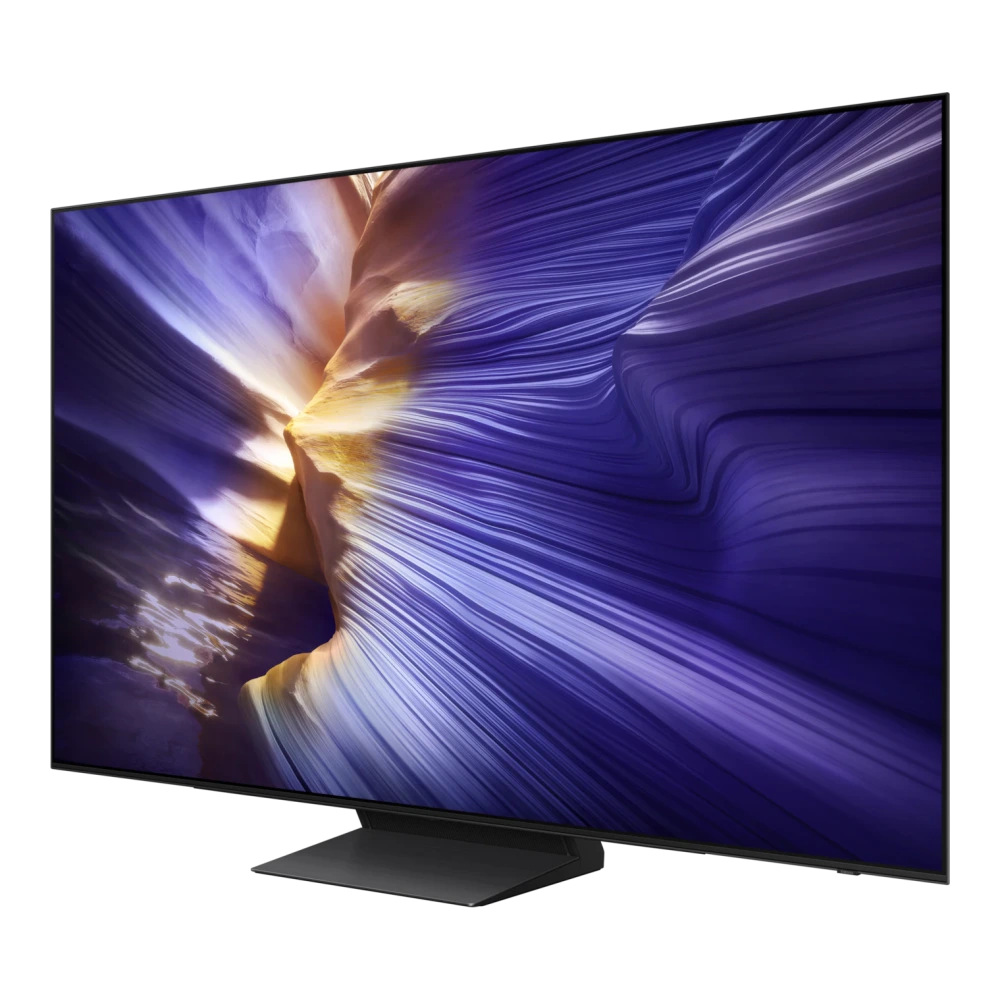
QA55LS03DAU 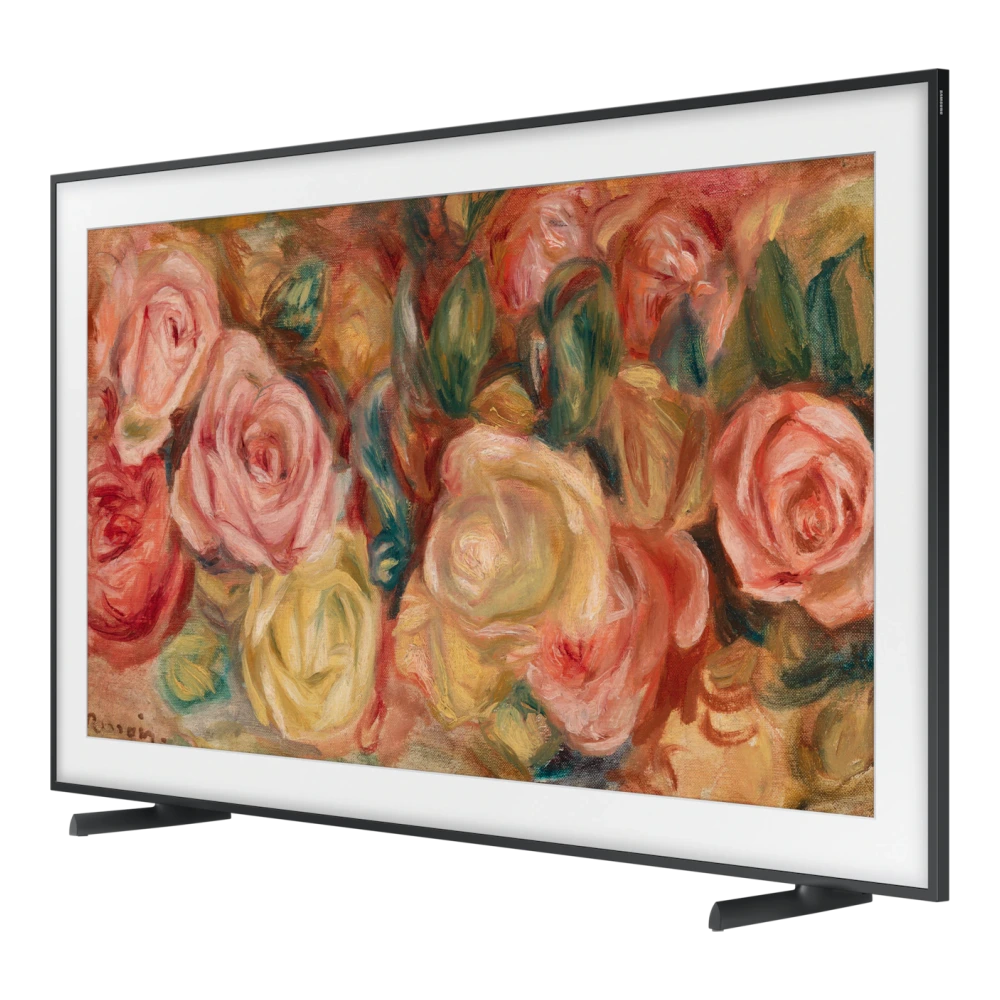
QA55LS03FAU 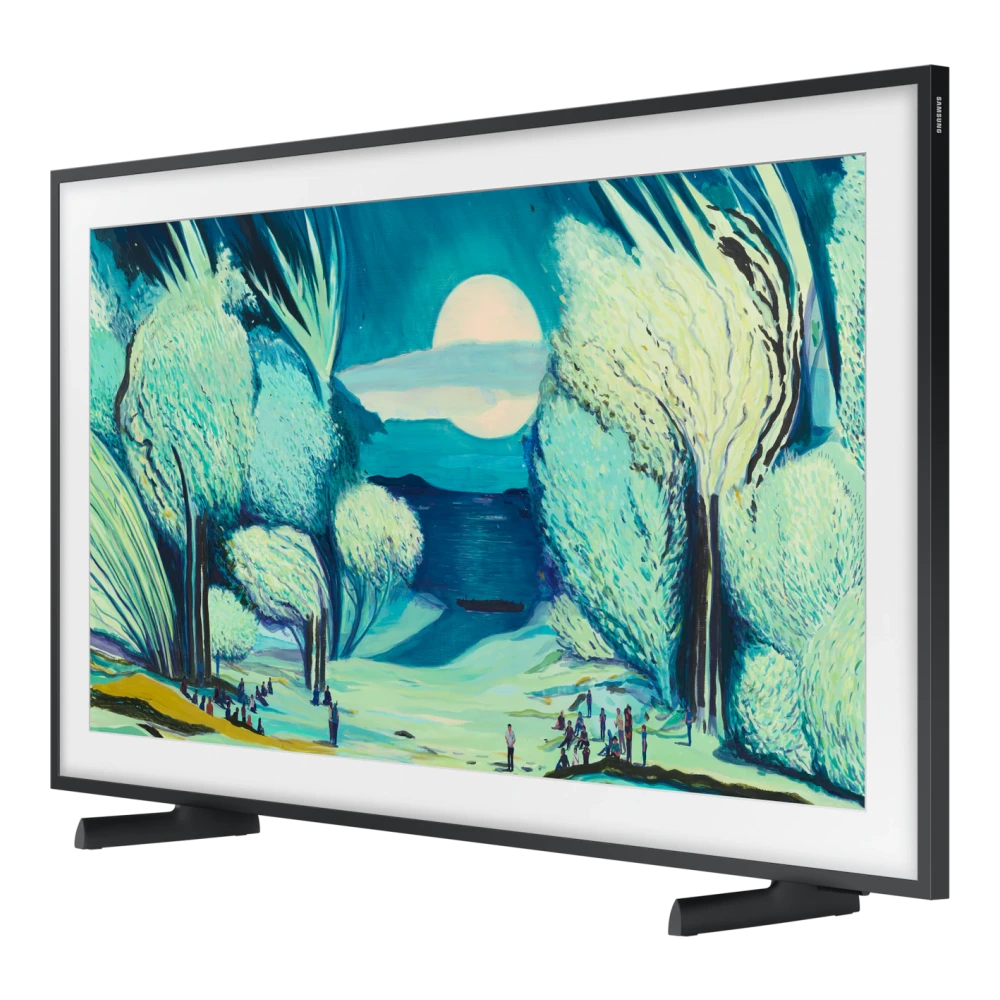
QA55Q70DAU 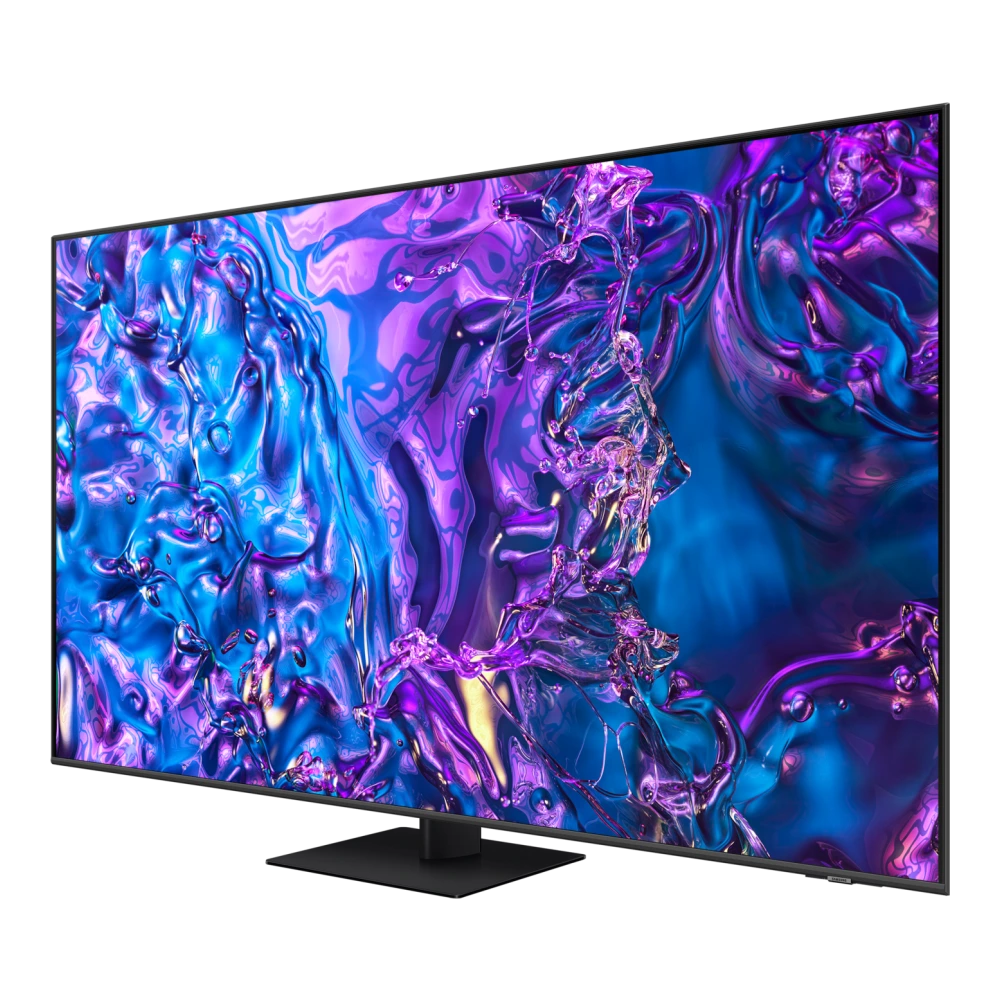
QA55Q7FAAU 
QA55Q8FAAU 
QA55QE1CAK 
QA55QE1DAU 
QA55QEF1AU 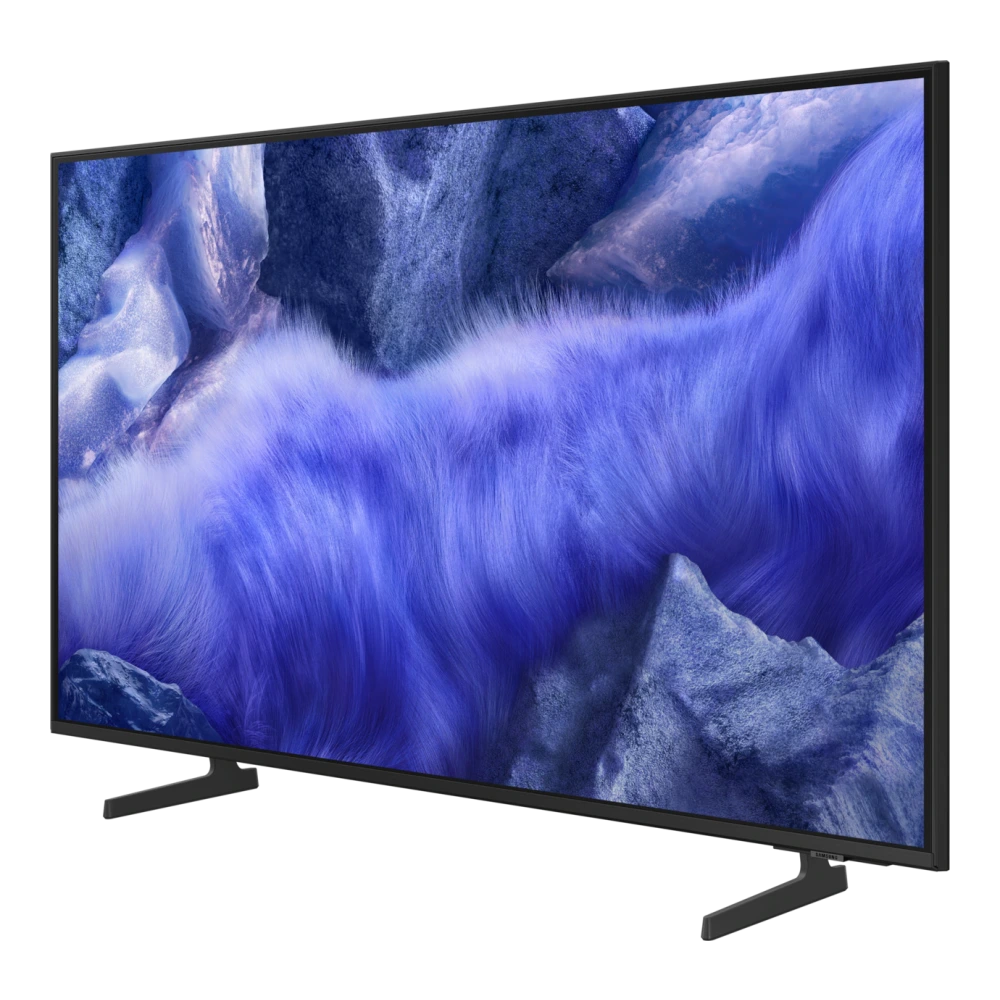
QA55QEF6AU 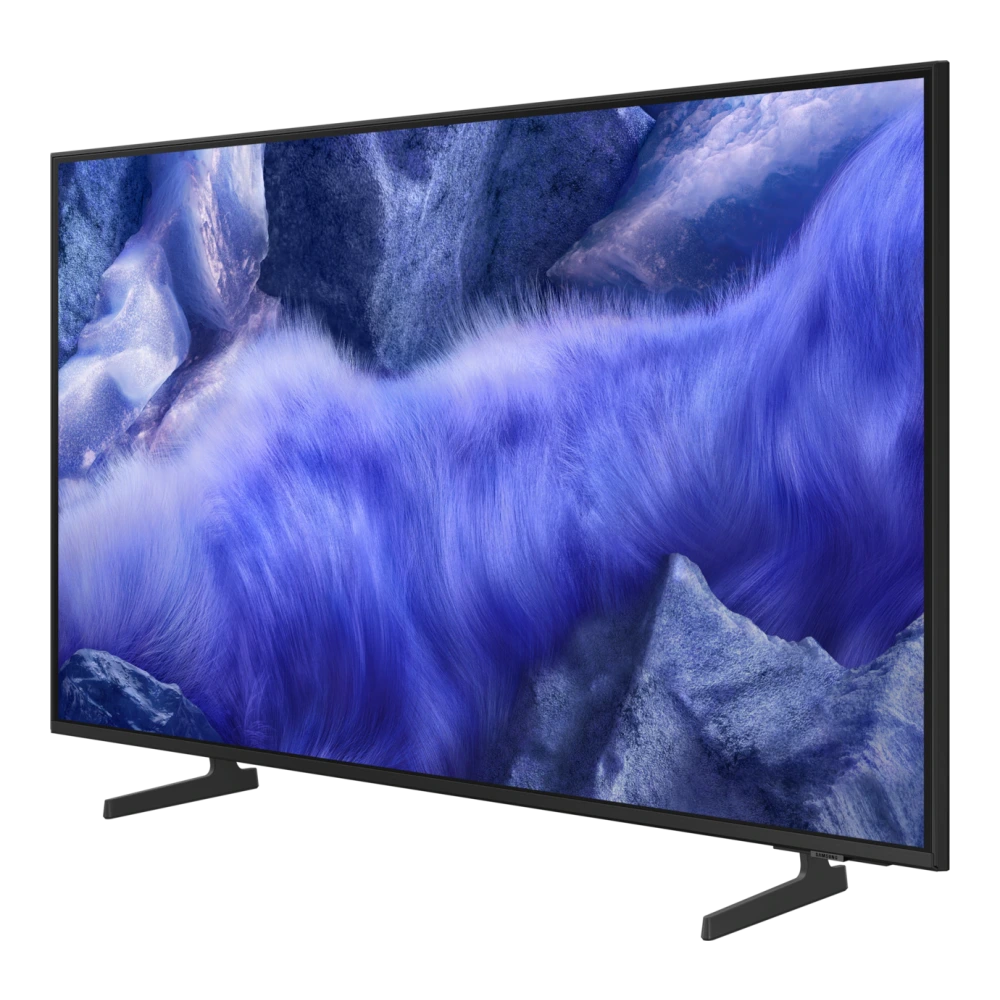
QA55QN2EHAU 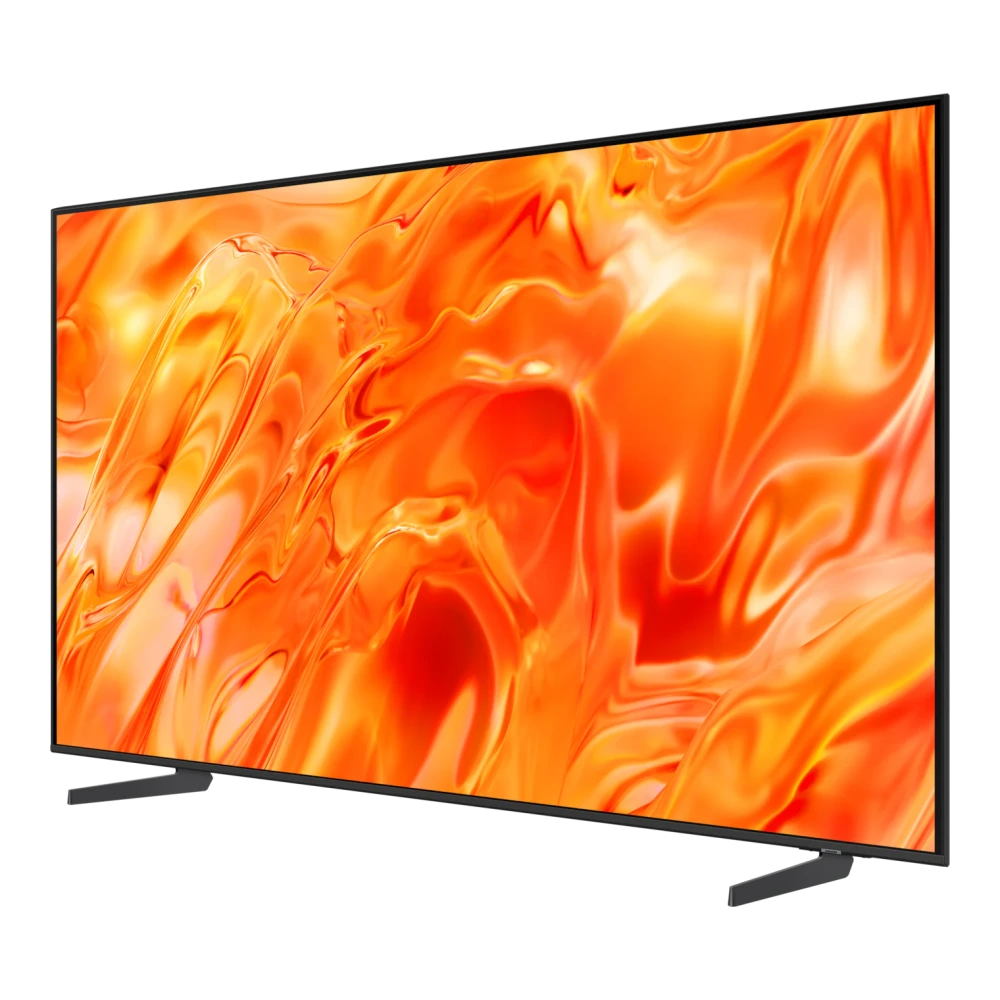
QA55S90HAU 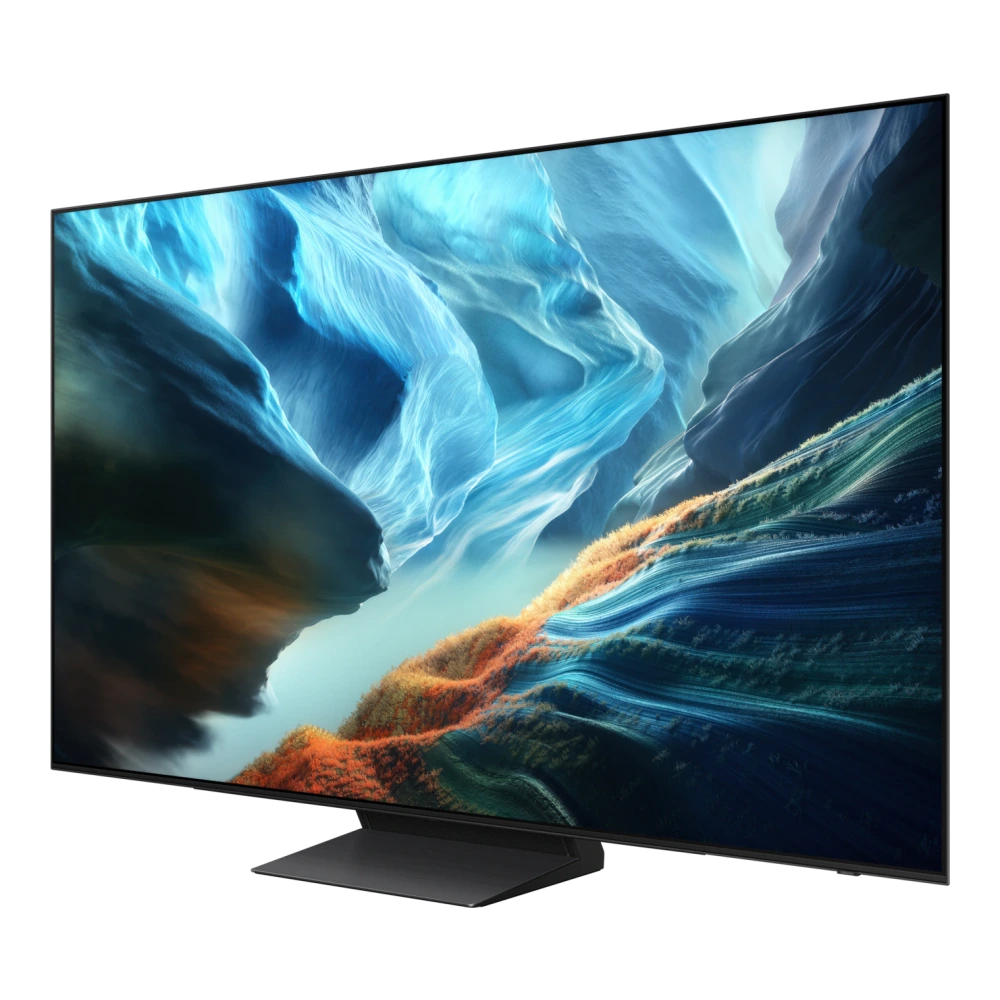
QA55S95FAU 
QA55S95HXU 
UA55U8300HULXL 
UA55UE83AHULXL 
QA65LS03HEU 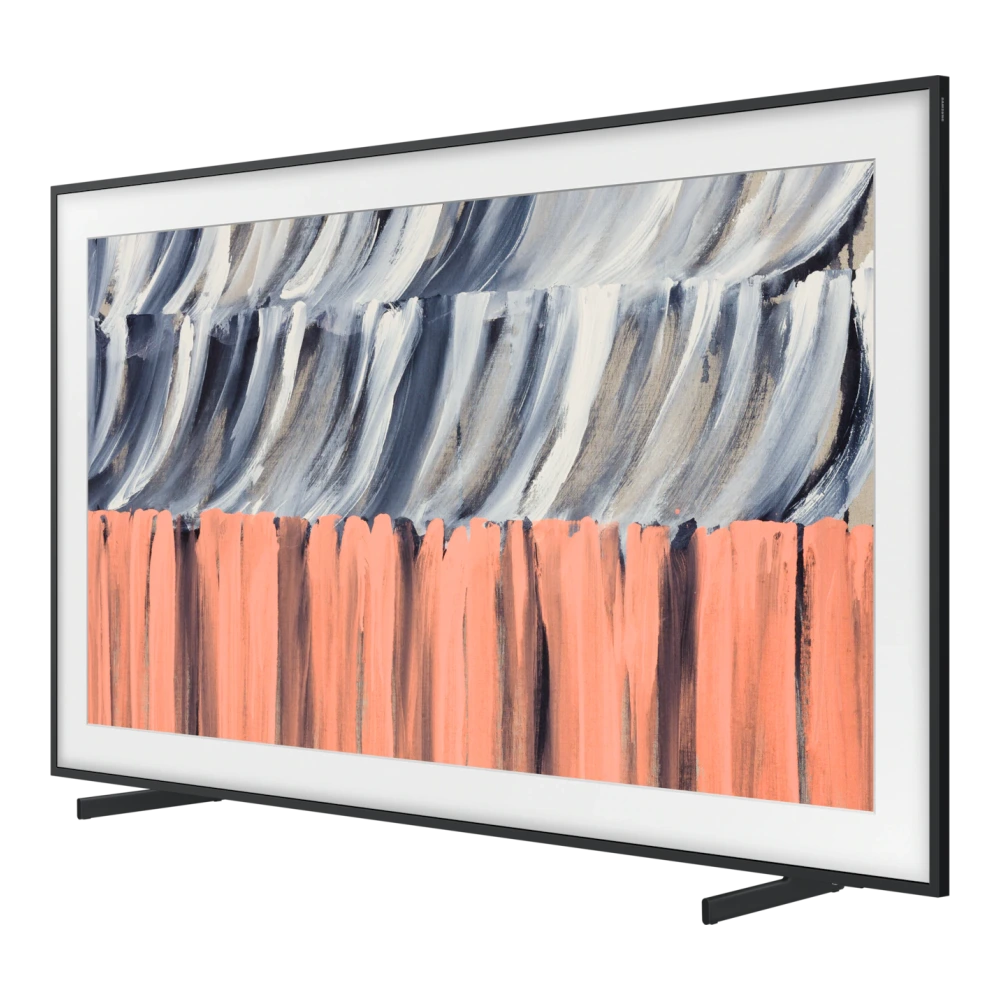
MRA65R85HAULXL 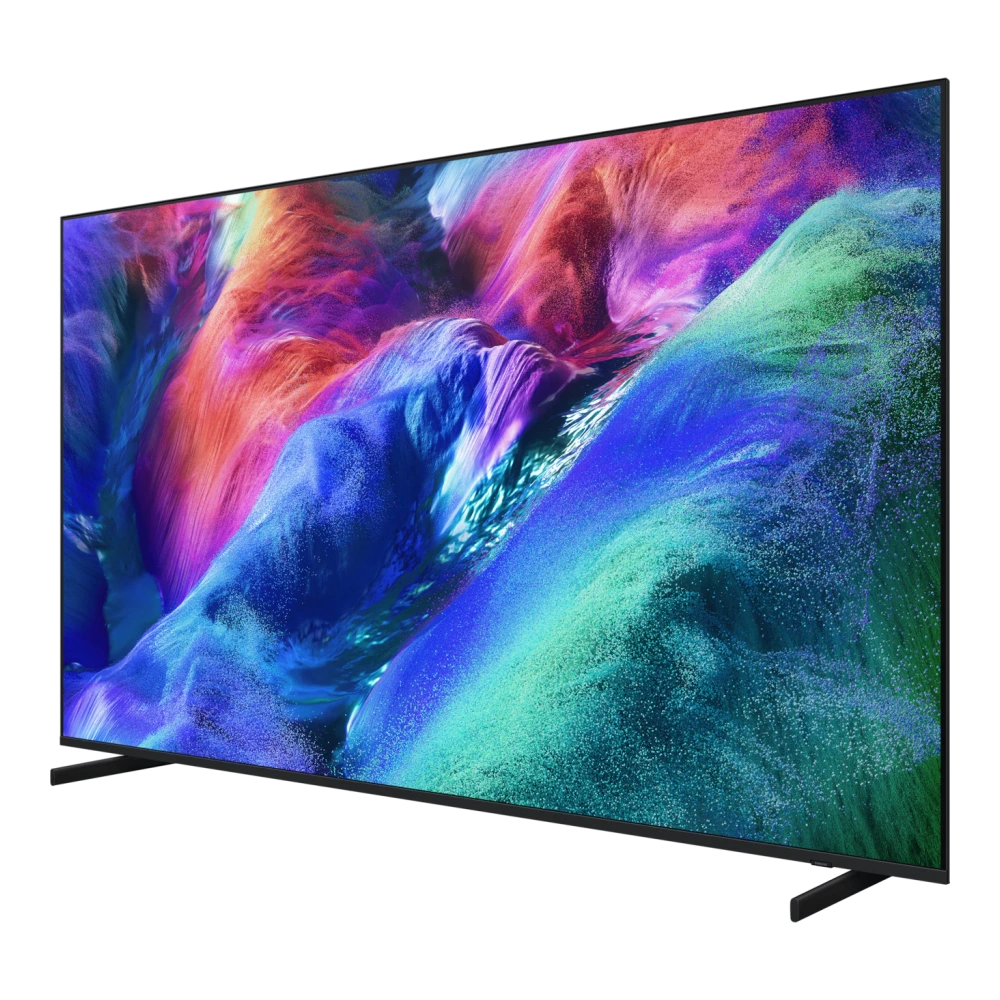
MRA65R95HXUXXL 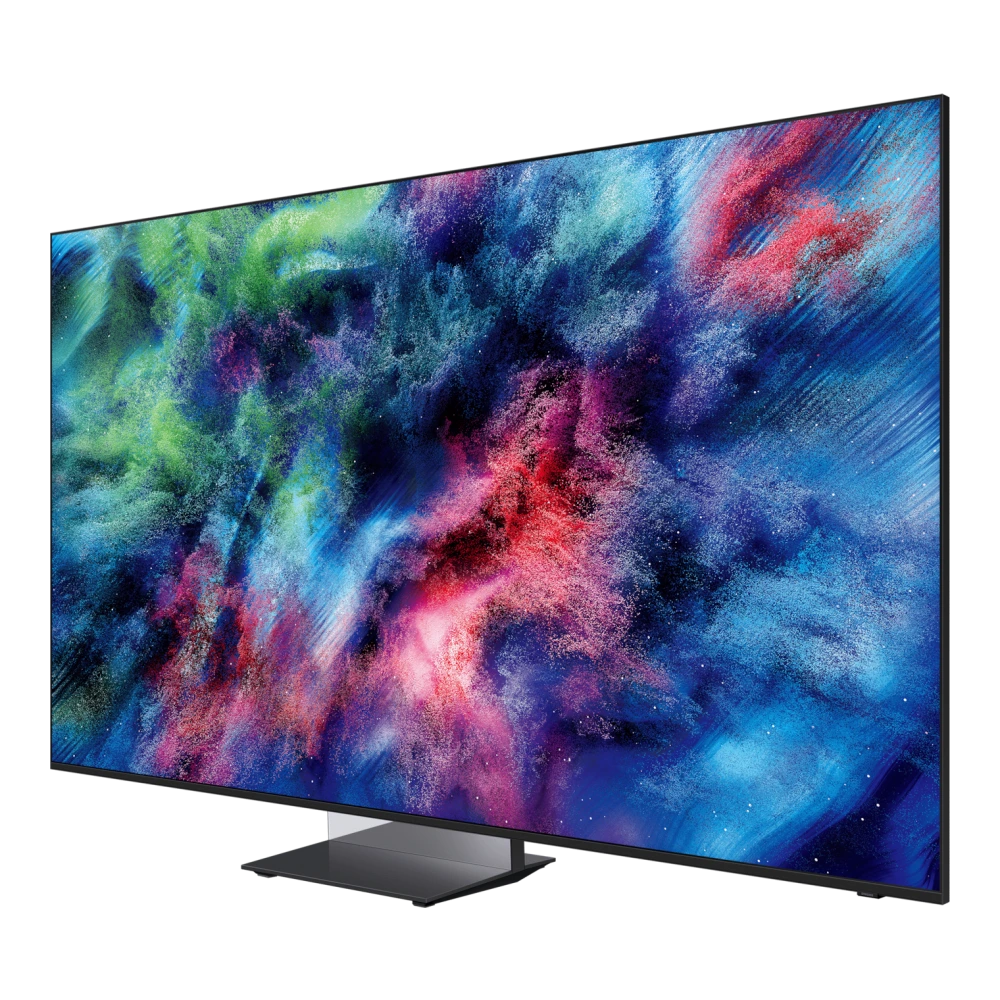
UA65M80HAULXL 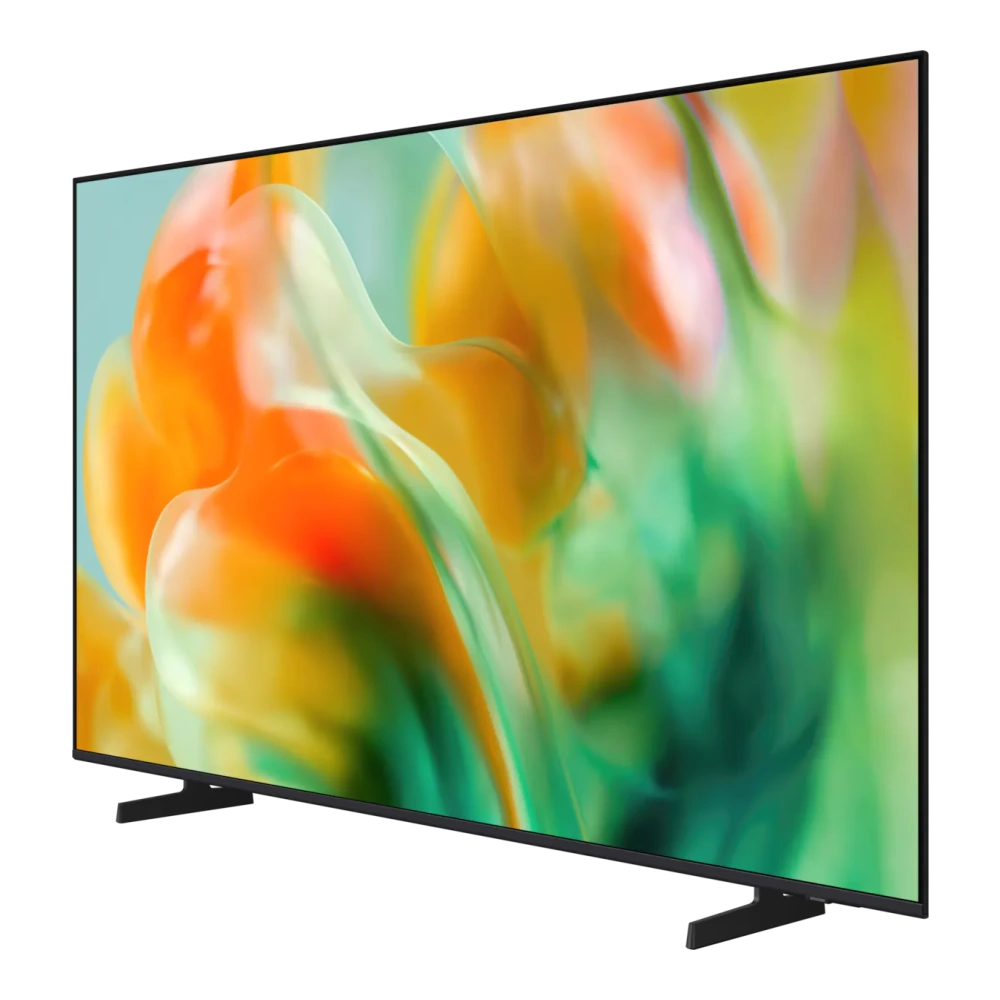
QA65QNX1DAU 
QA65QN700AK 
QA65QN700CK 
QA65QN800DU 
QA65QN1EFAU 
QA65QN70FAU 
QA65QN70HAU 
QA65QN80HAU 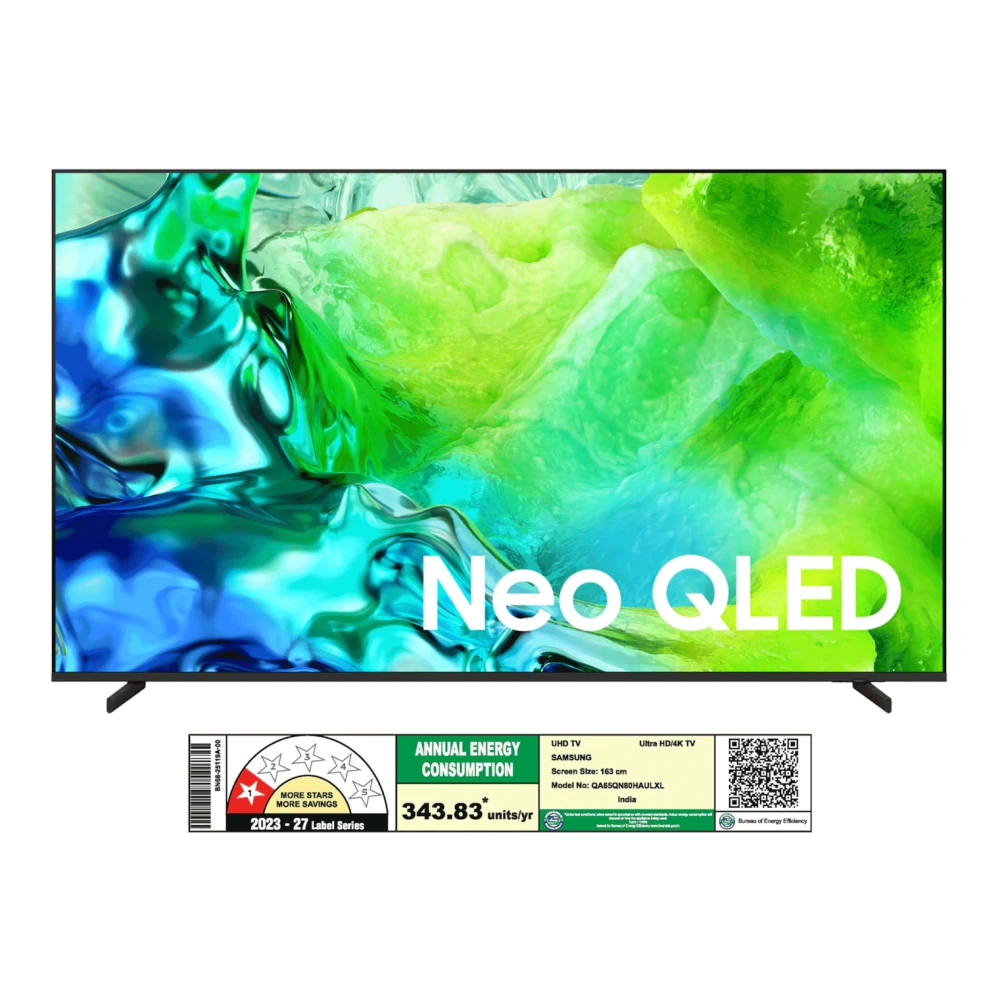
QA65QN85FAU 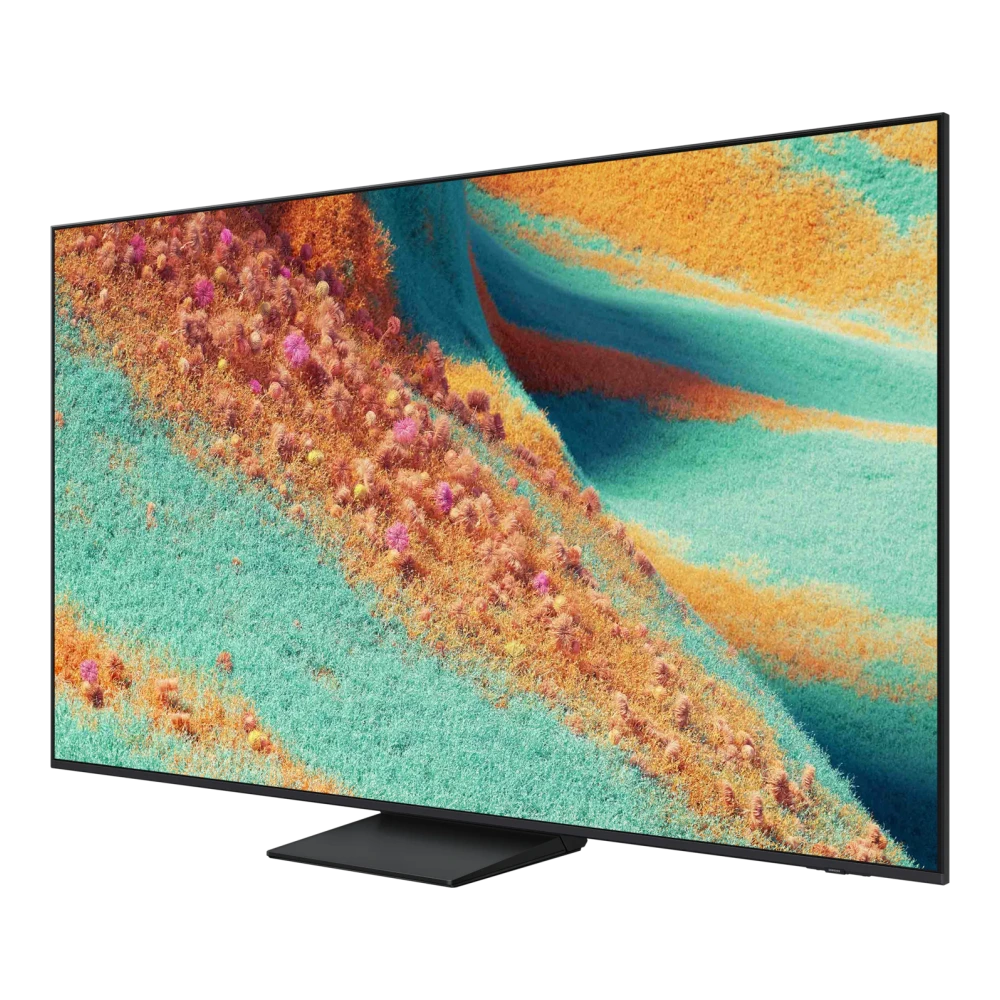
QA65QN90FAU 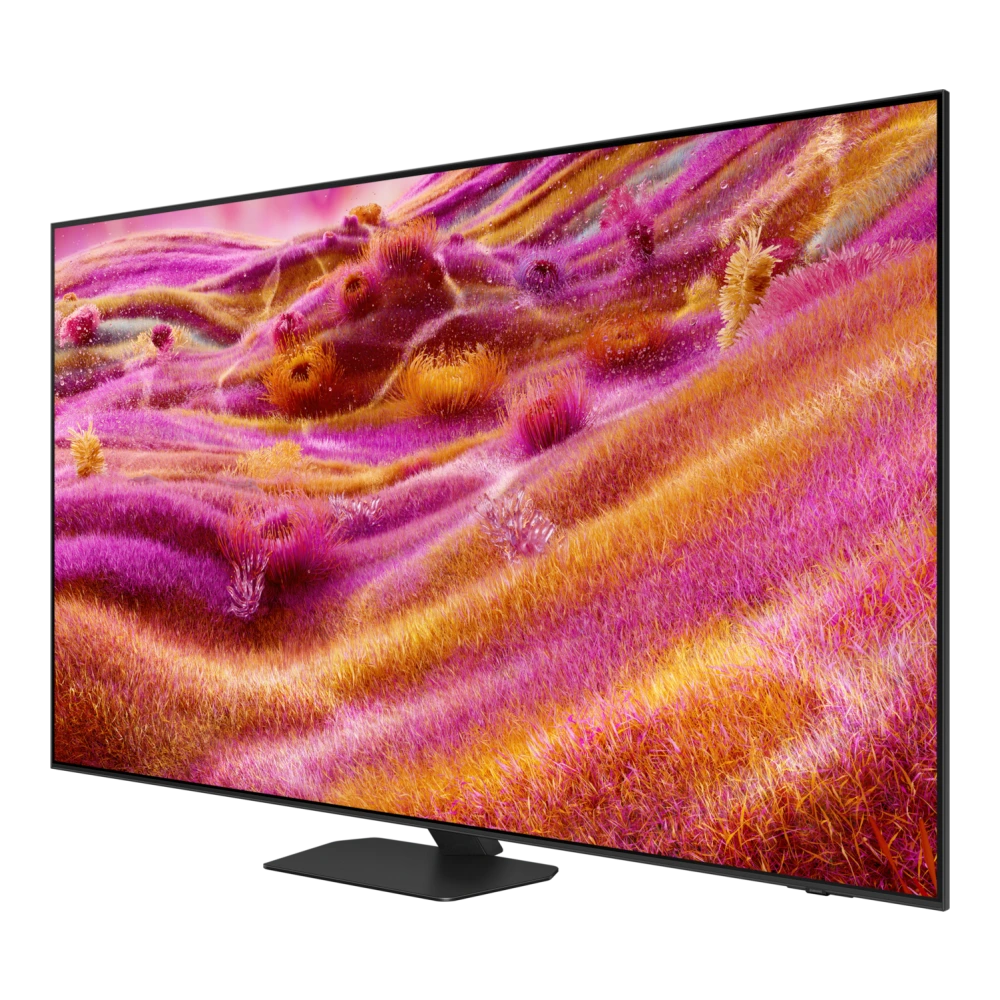
QA65S85FAE 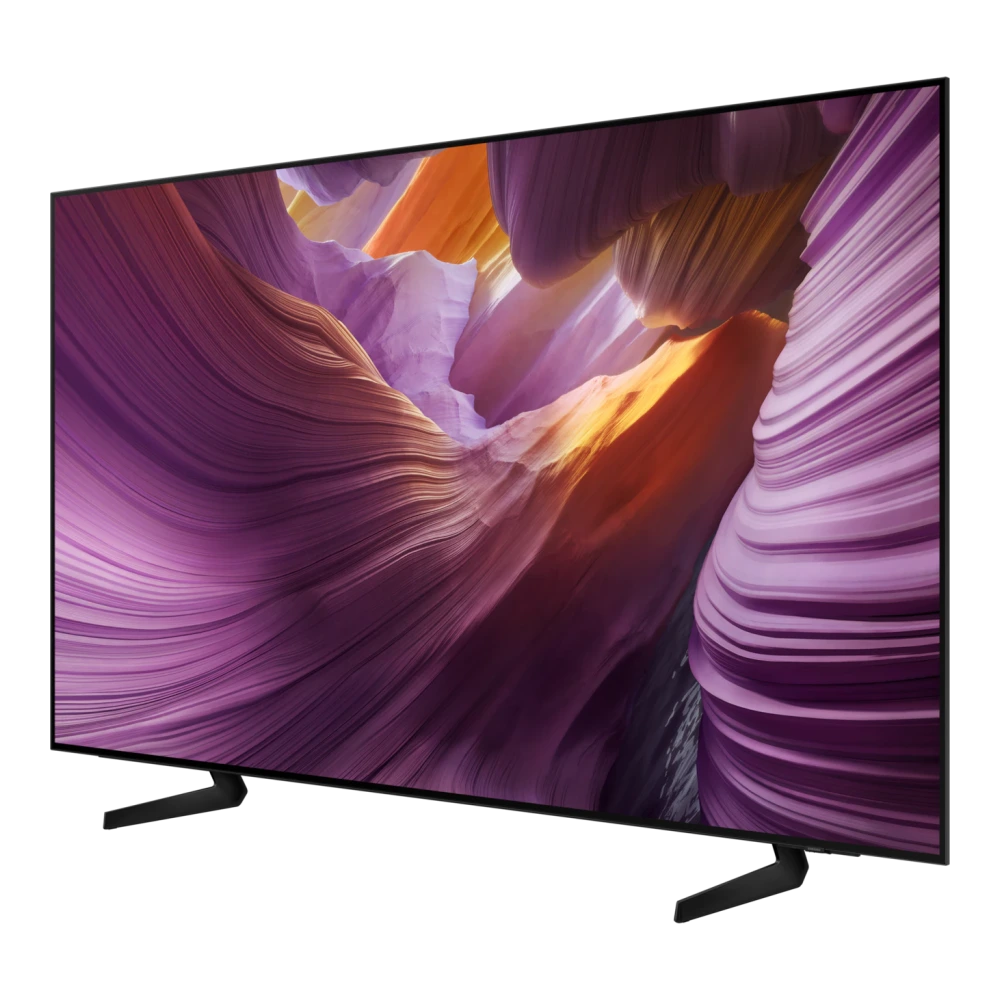
QA65S85HAE 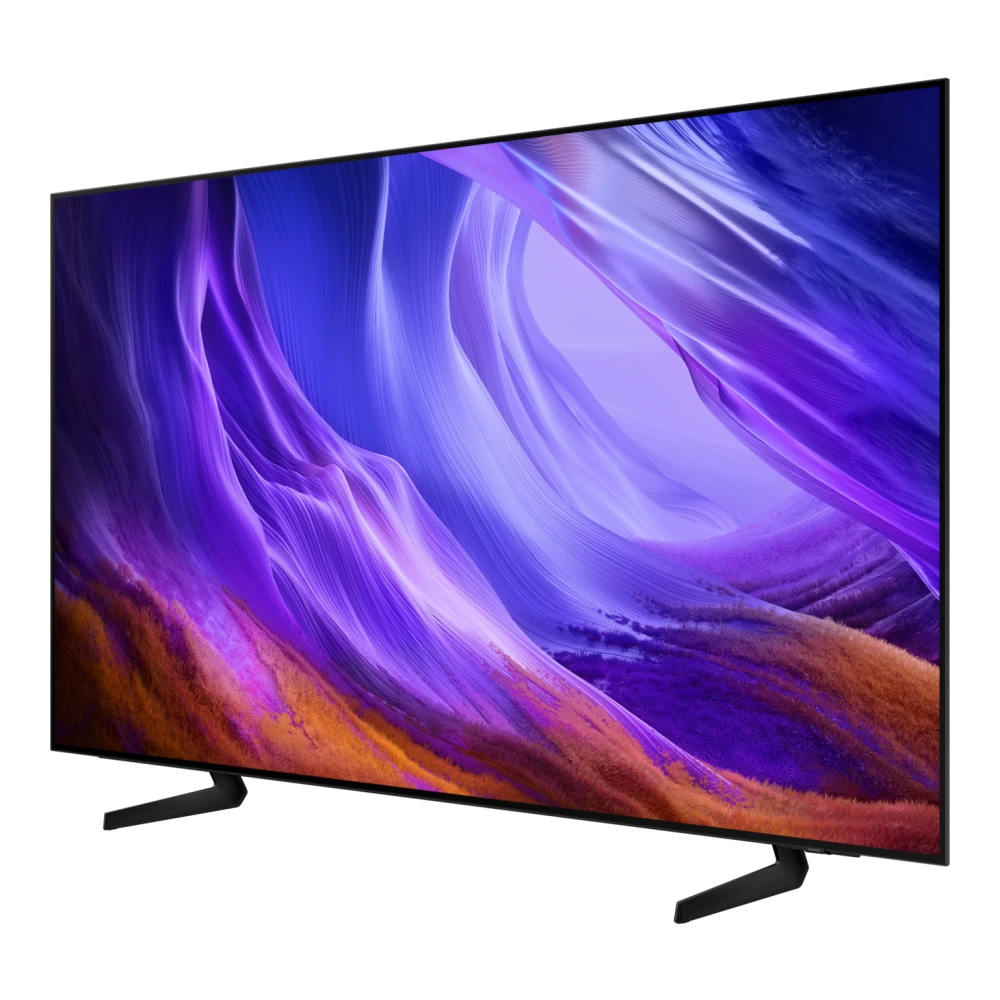
QA65S90FAE 
QA65S95CAKLXL 
QA65LS03DAU 
QA65LS03FAU 
QA65Q60DAULXL 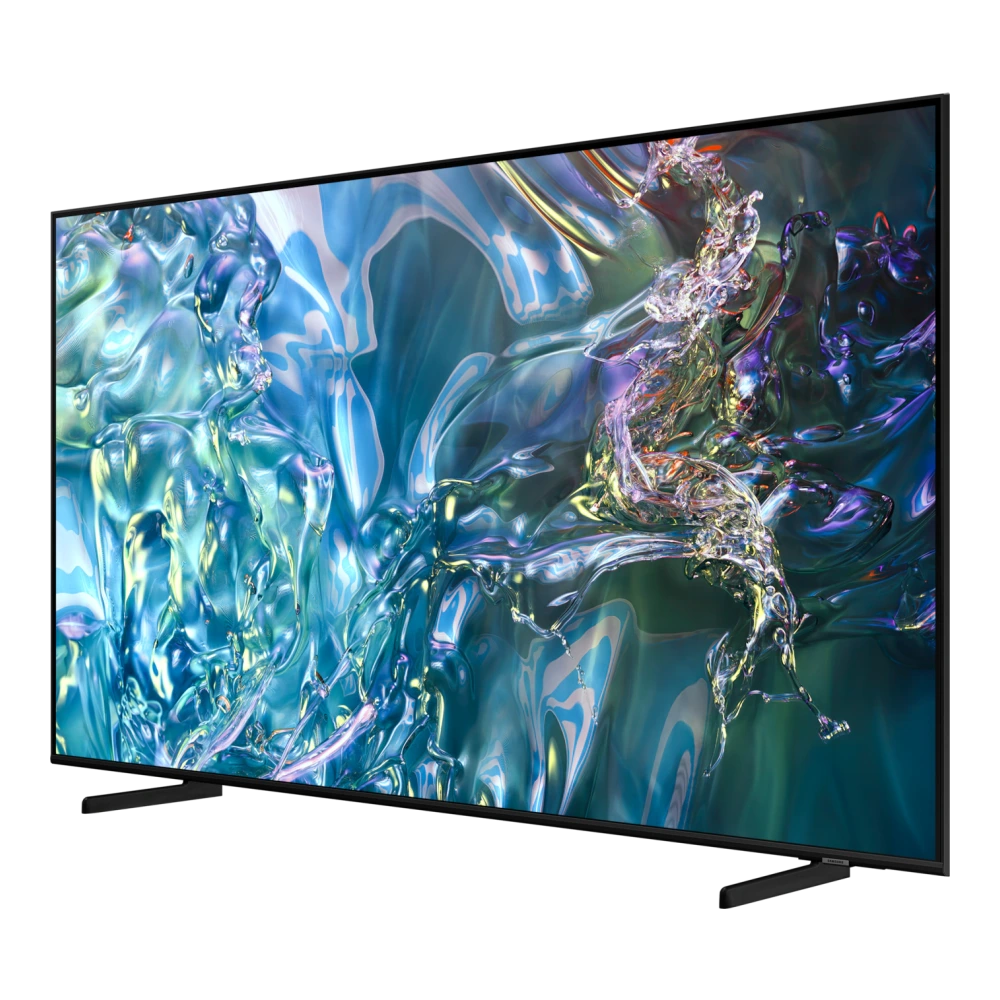
QA65Q70CAK 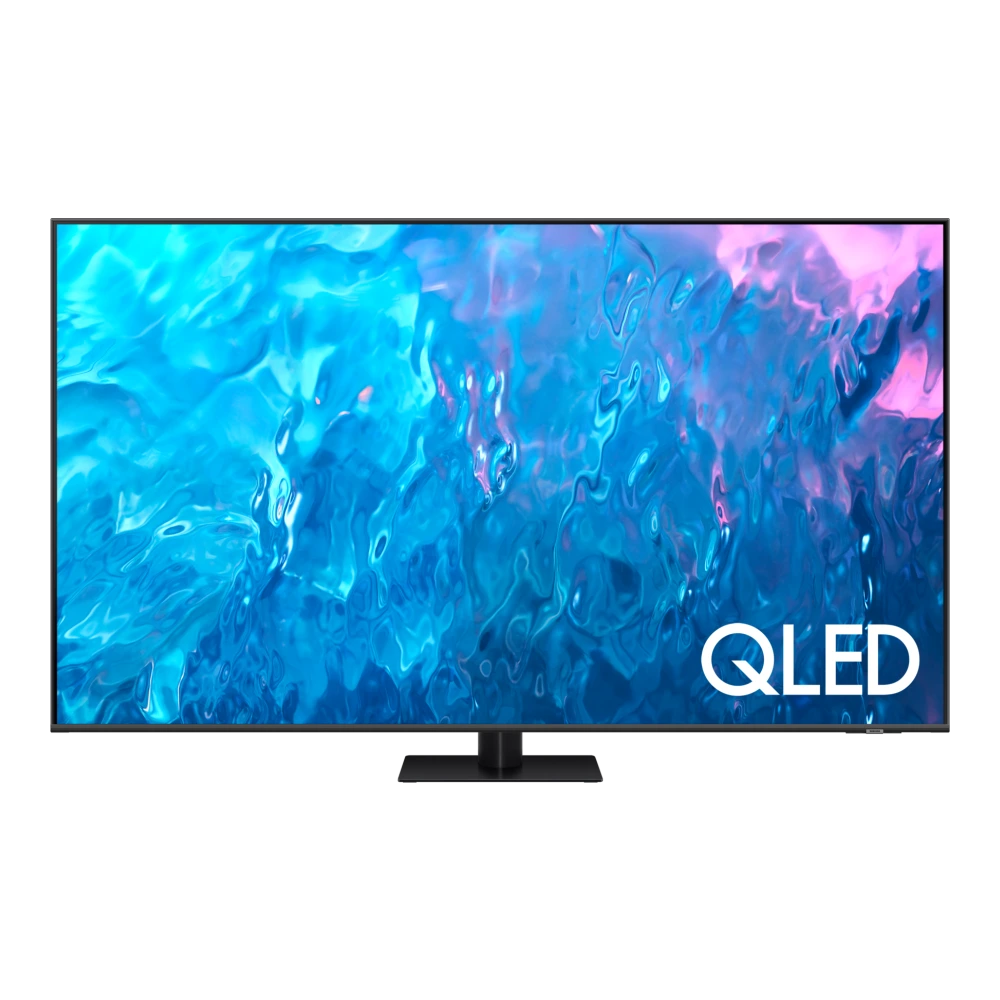
QA65Q7FAAU 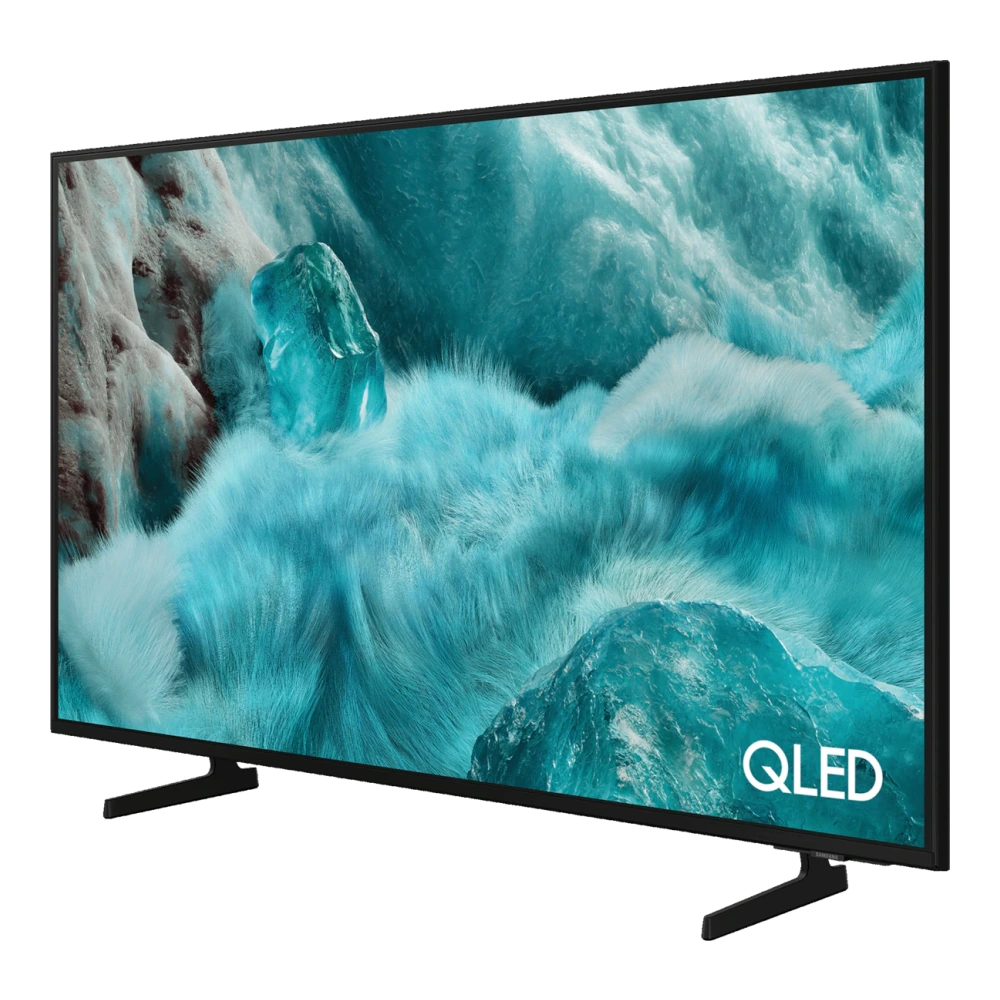
QA65Q80DAU 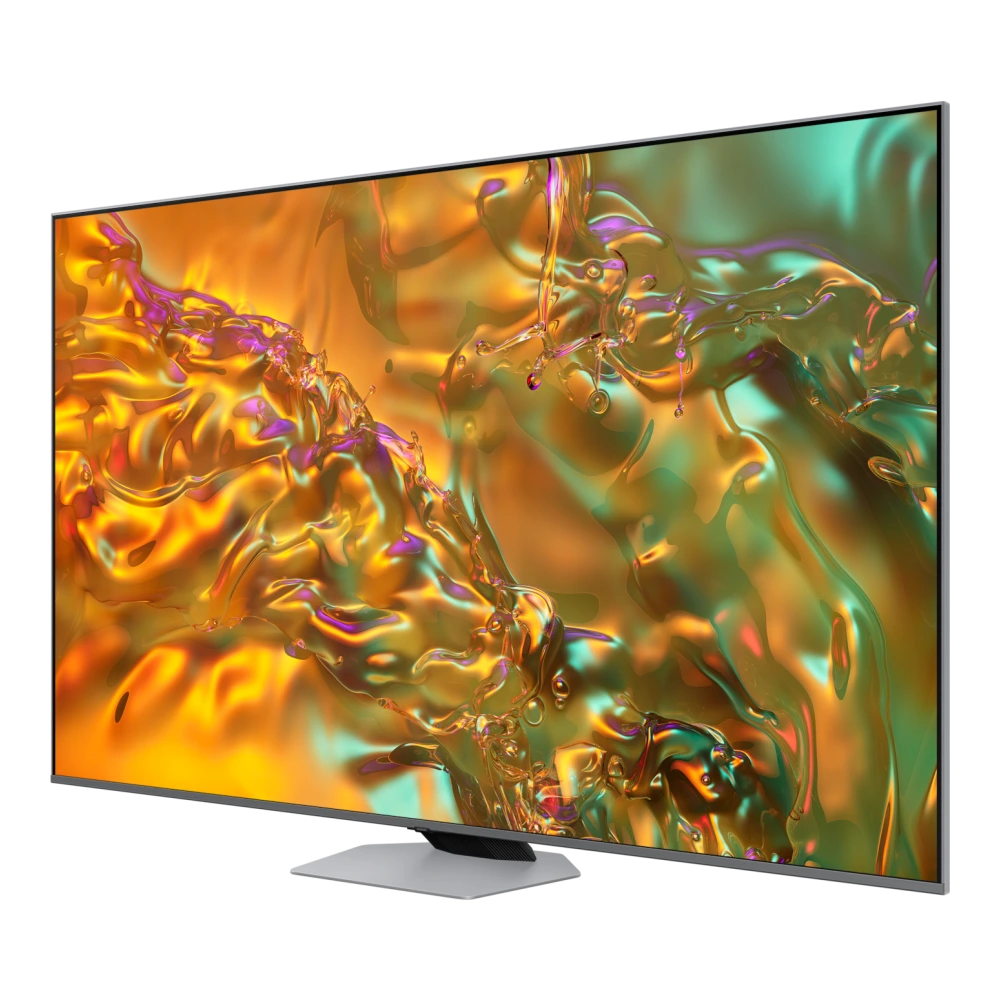
QA65Q8FAAU 
QA65QE1DAU 
QA65QEF1AU 
QA65QN2EHAU 
QA65QN80FAU 
QA65QN900FU 
QA65S90HAE 
QA65S95FAU 
QA65S95HXU 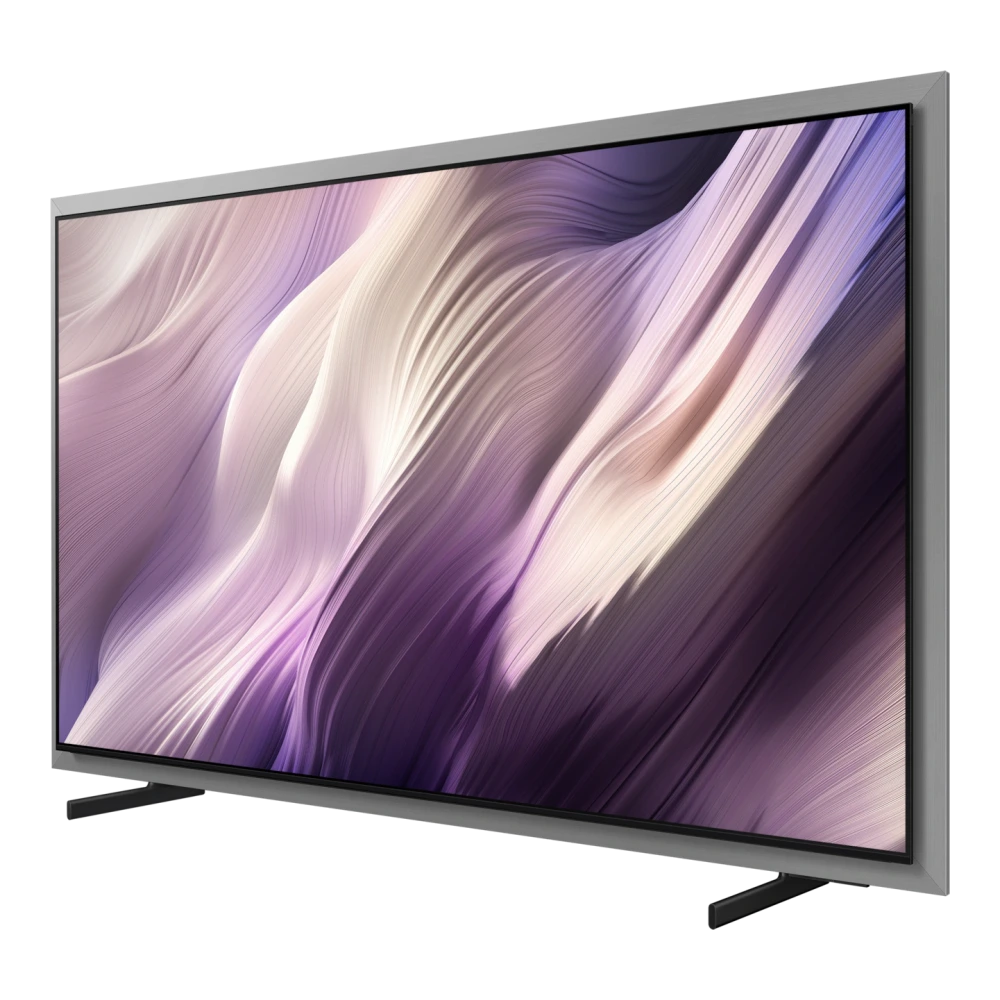
UA65U8300HULXL 
UA65U8500HULXL 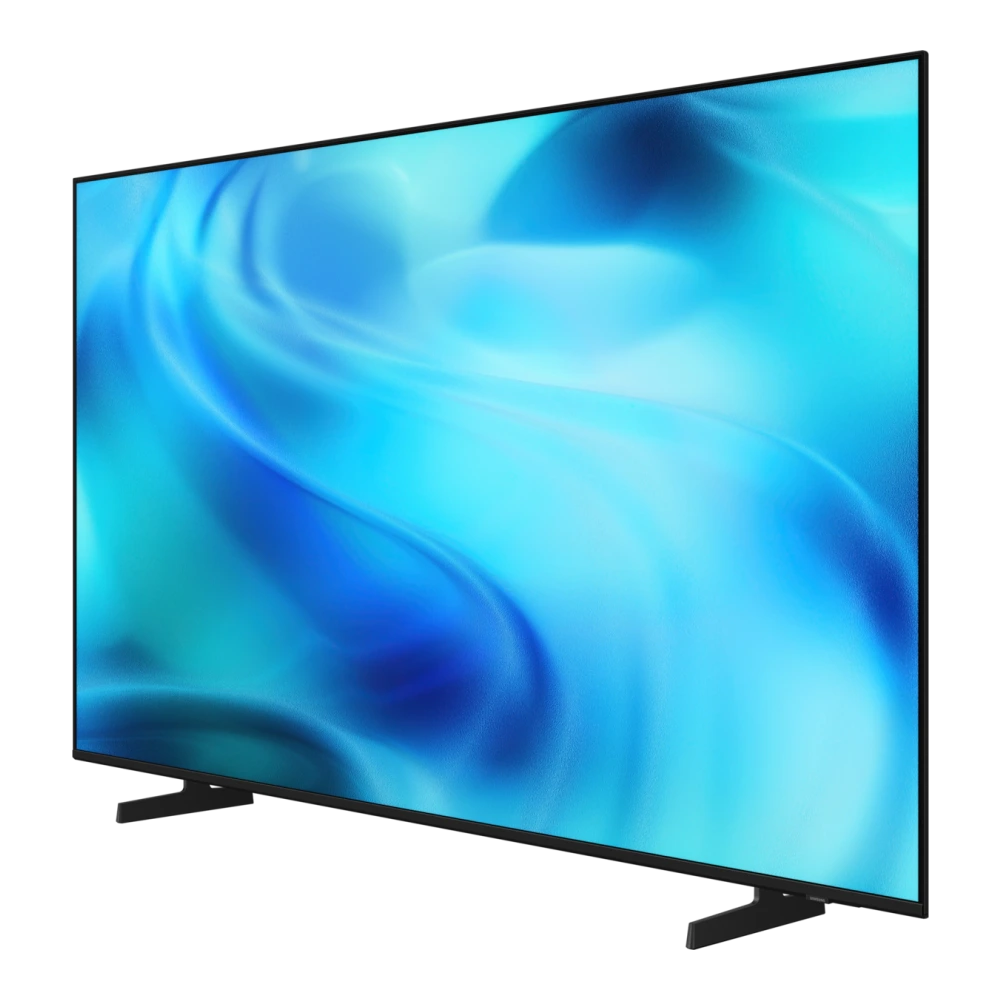
UA65UE83AHULXL 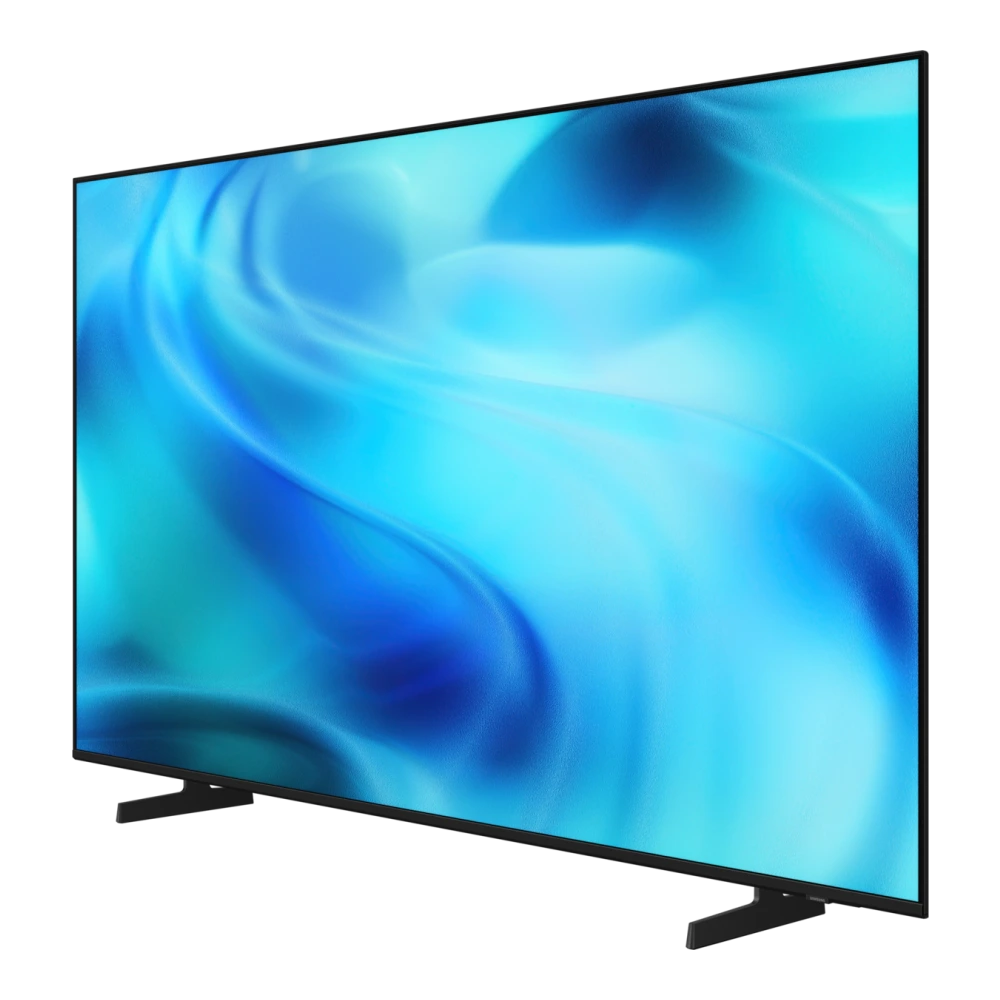
UA65UE85AHULXL 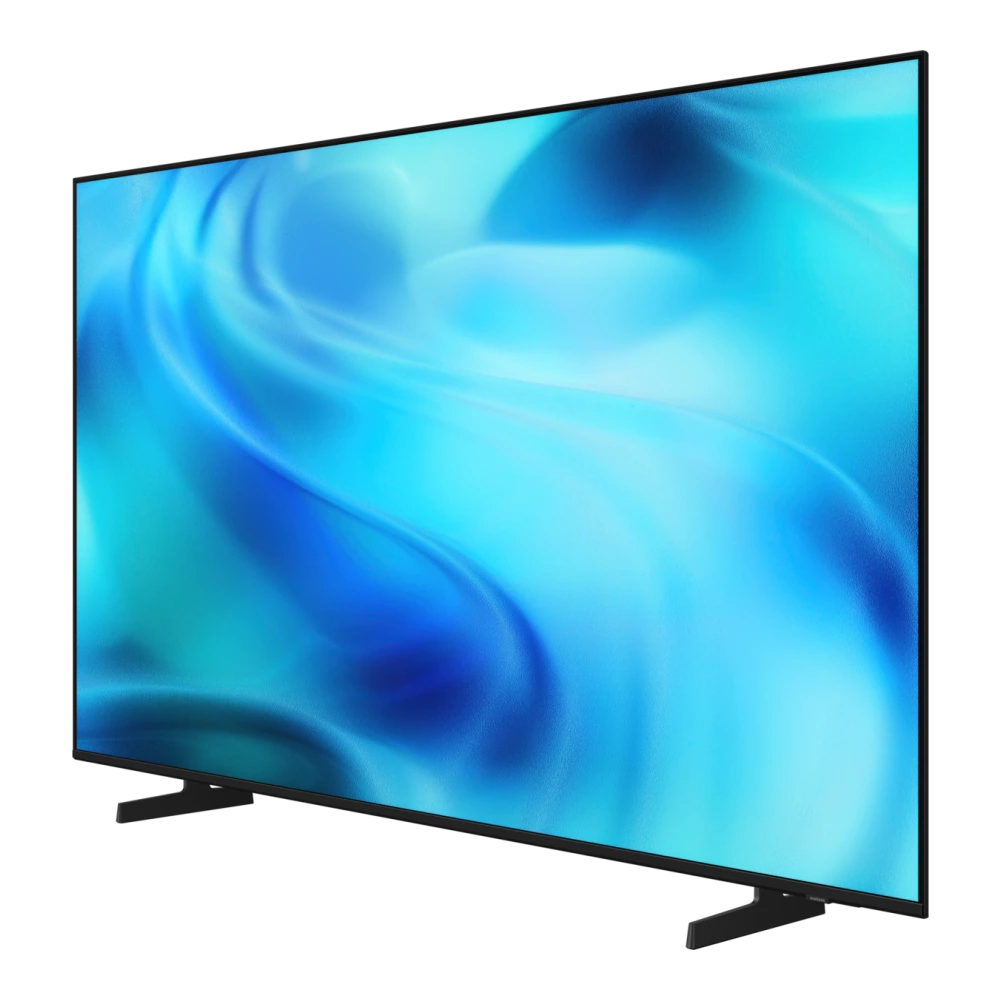
UA75U8500HULXL 
QA75LS03HEU 
MRA75R85HAUXXL 
MRA75R95HXUXXL 
UA75M80HAULXL 
QA75QN90CAKXXL 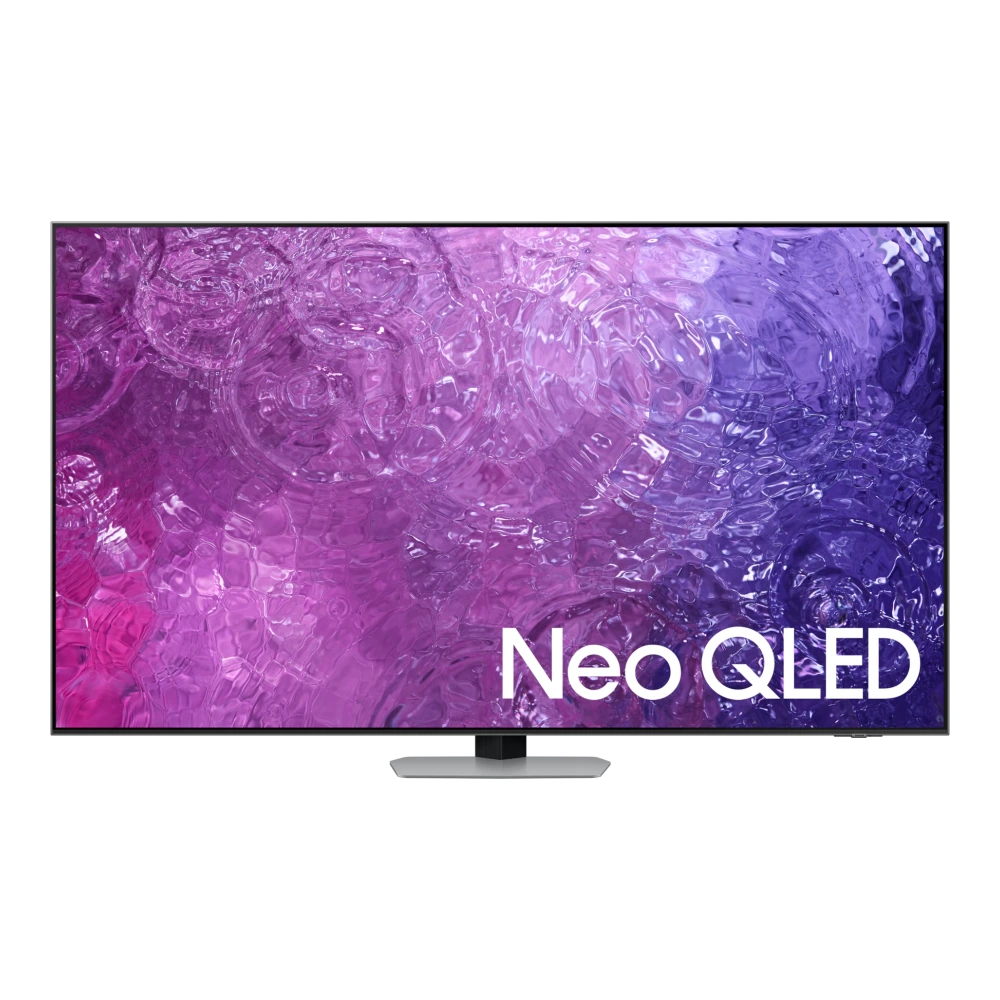
QA75QN90DAUXXL 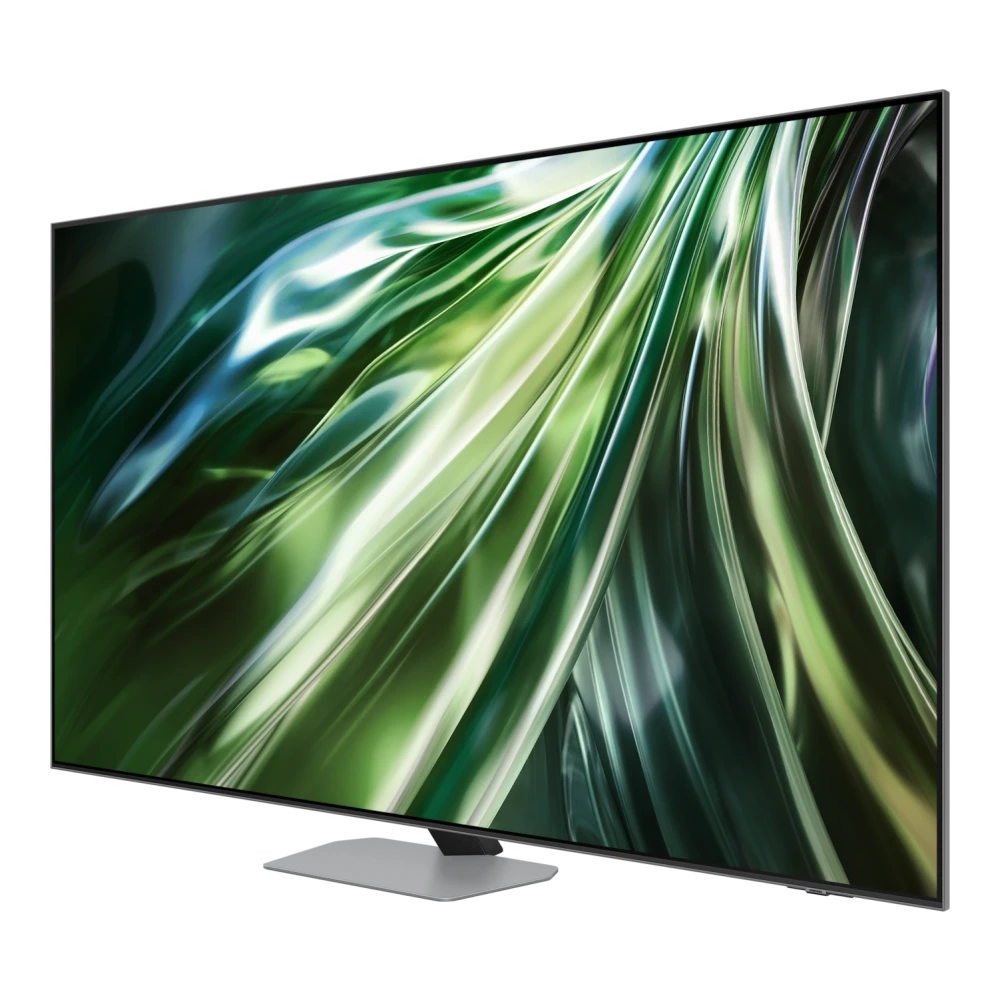
QA75QN70HAU 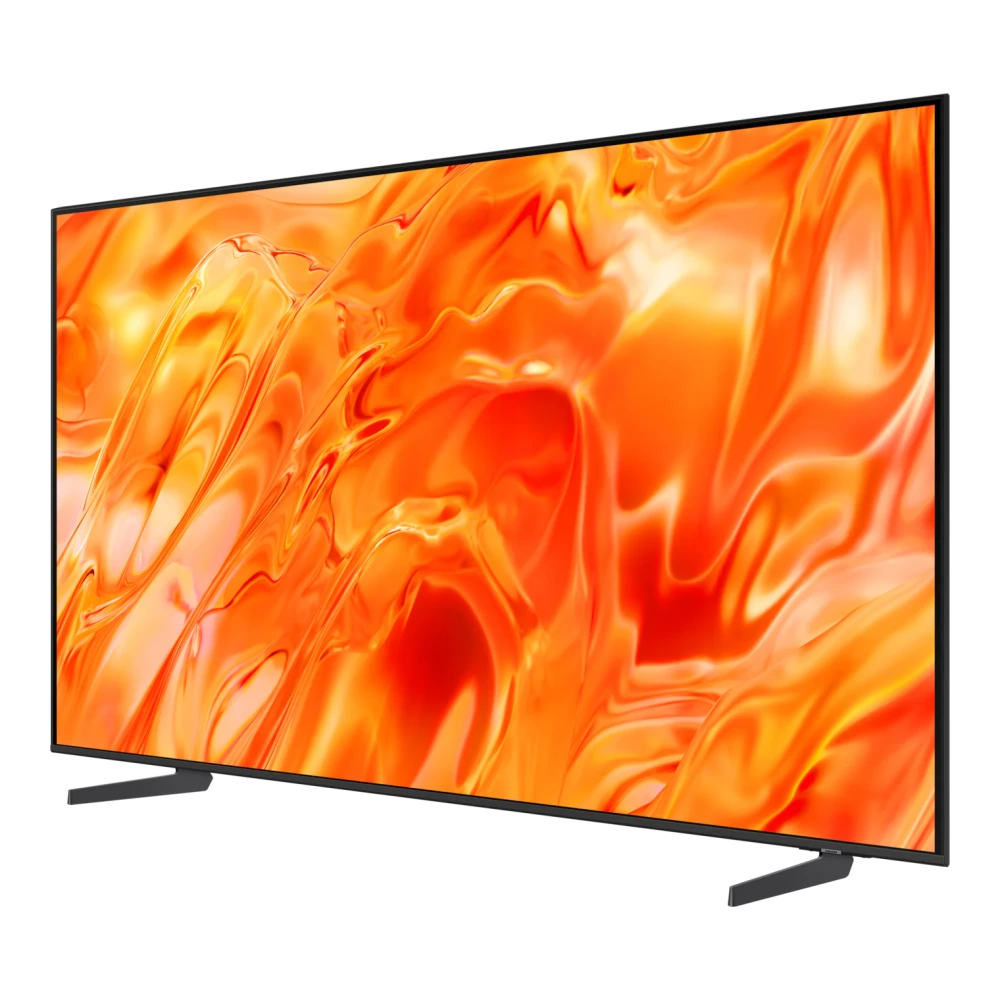
QA75QN80HAU 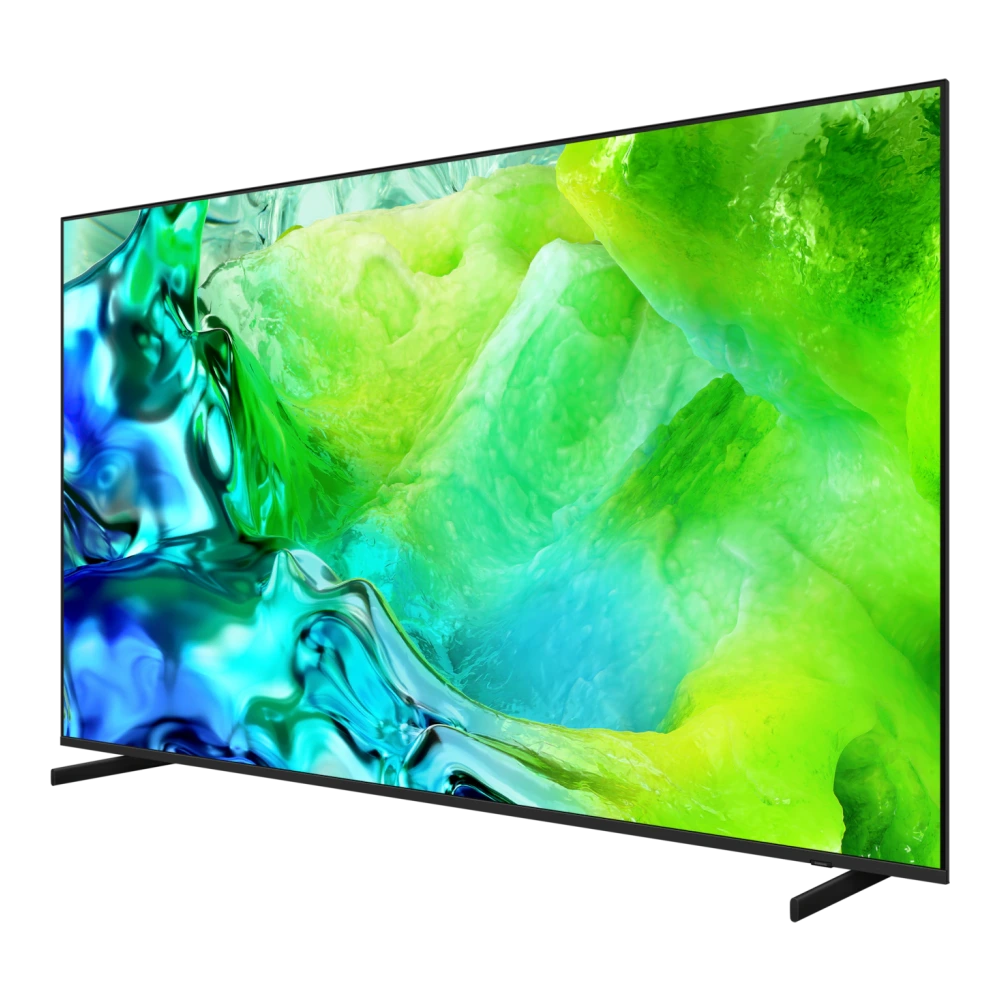
QA75QN85FAU 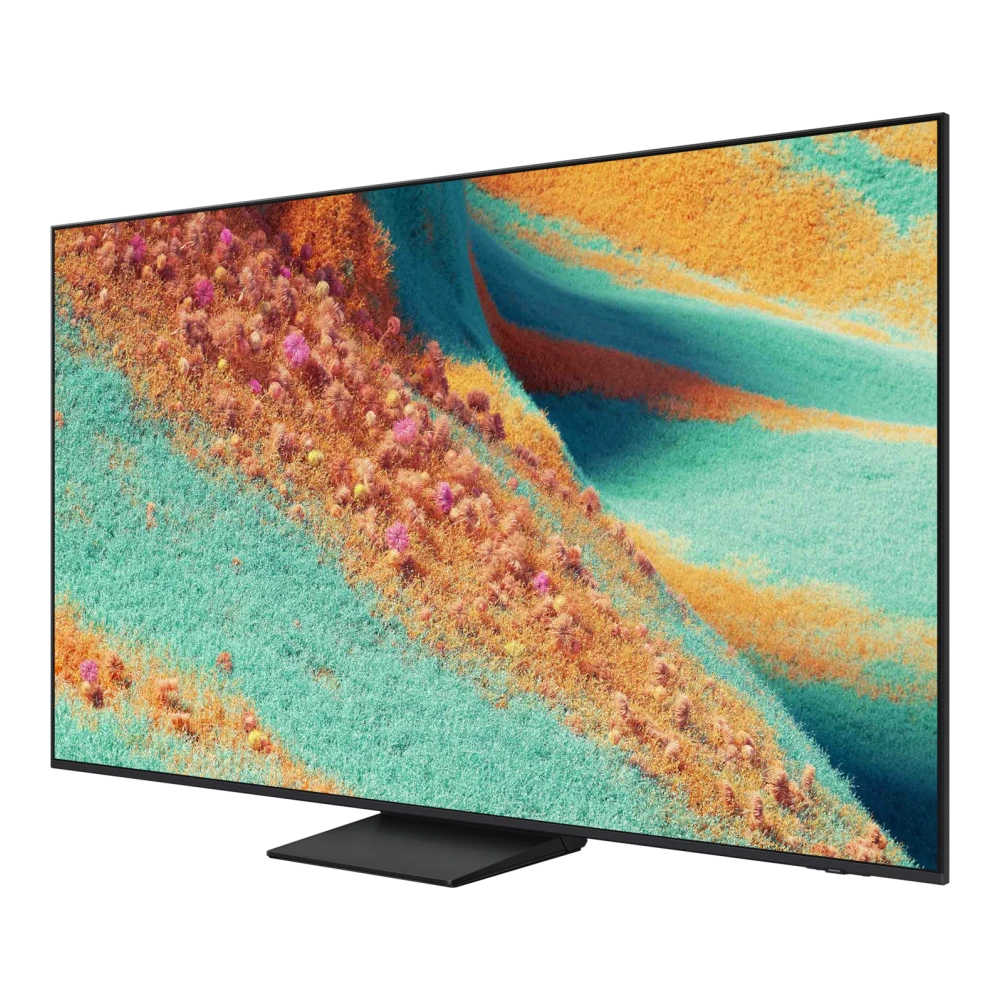
QA75QN90FAU 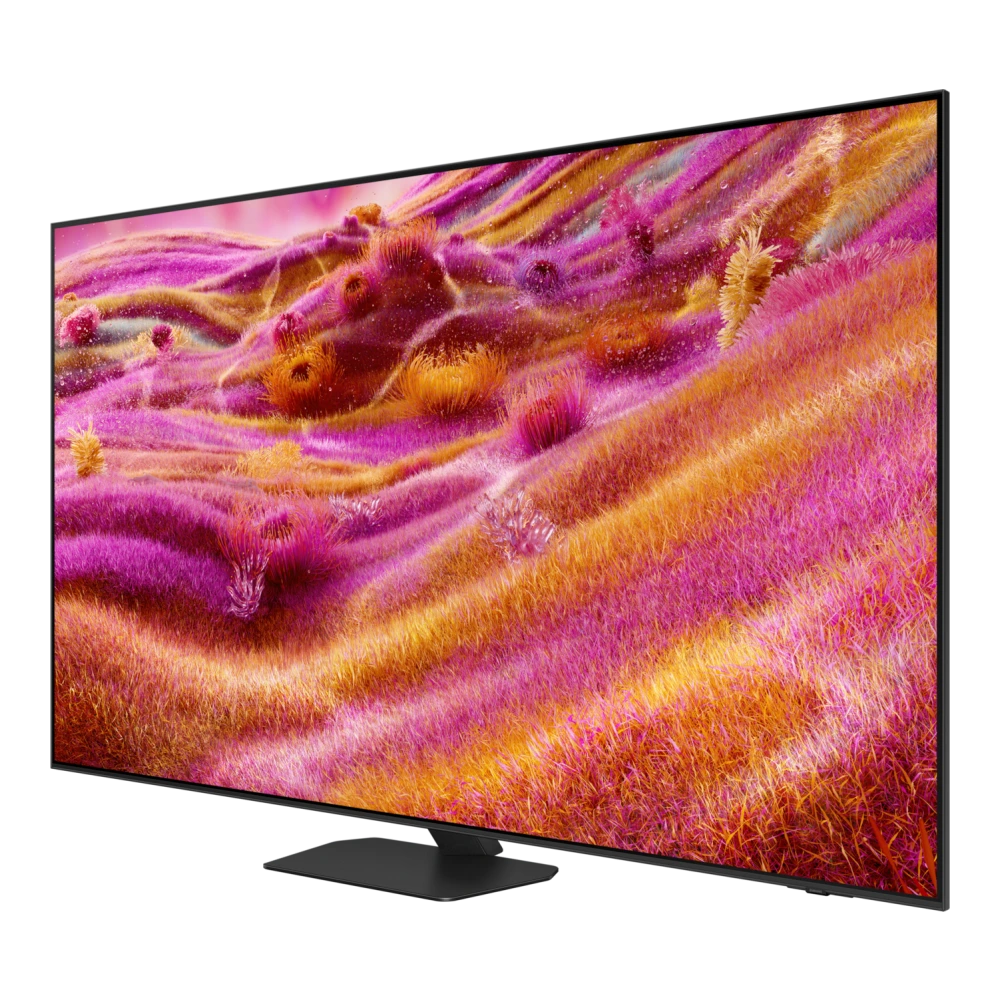
QA75LS03FAU 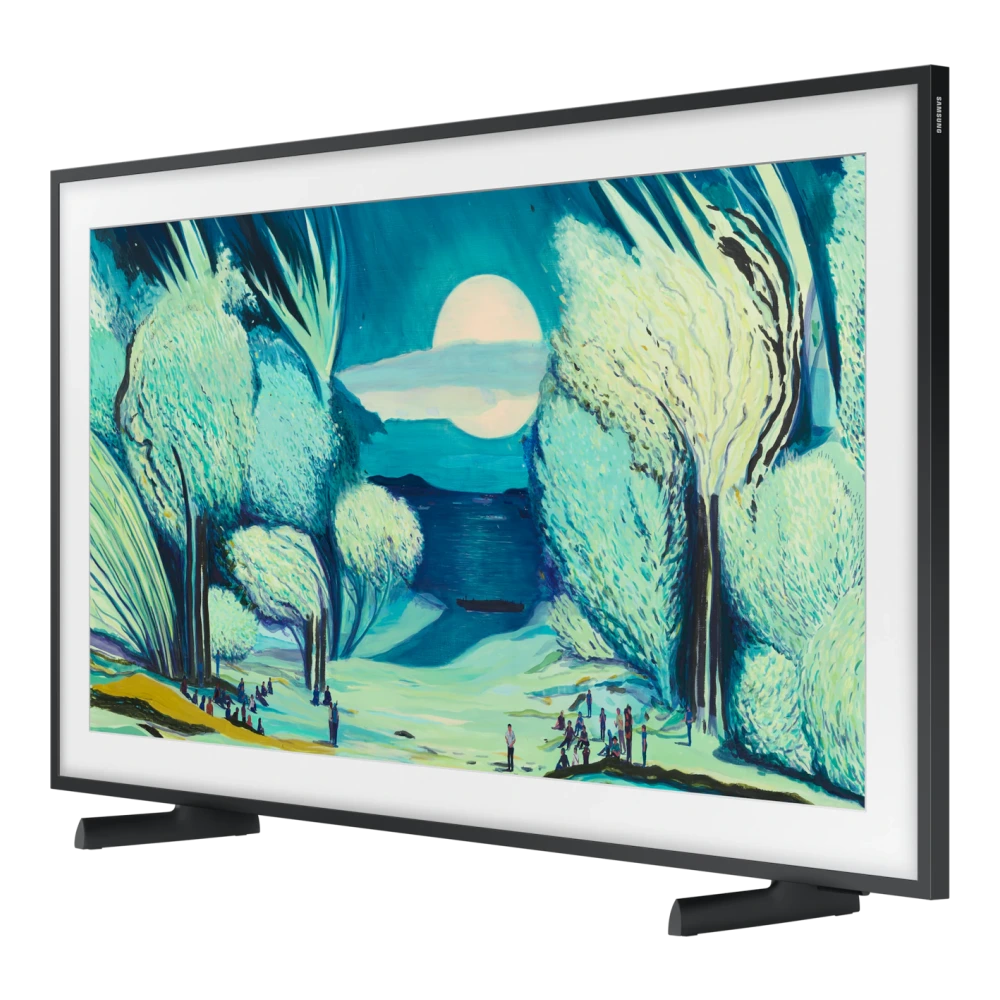
QA75Q7FAAU 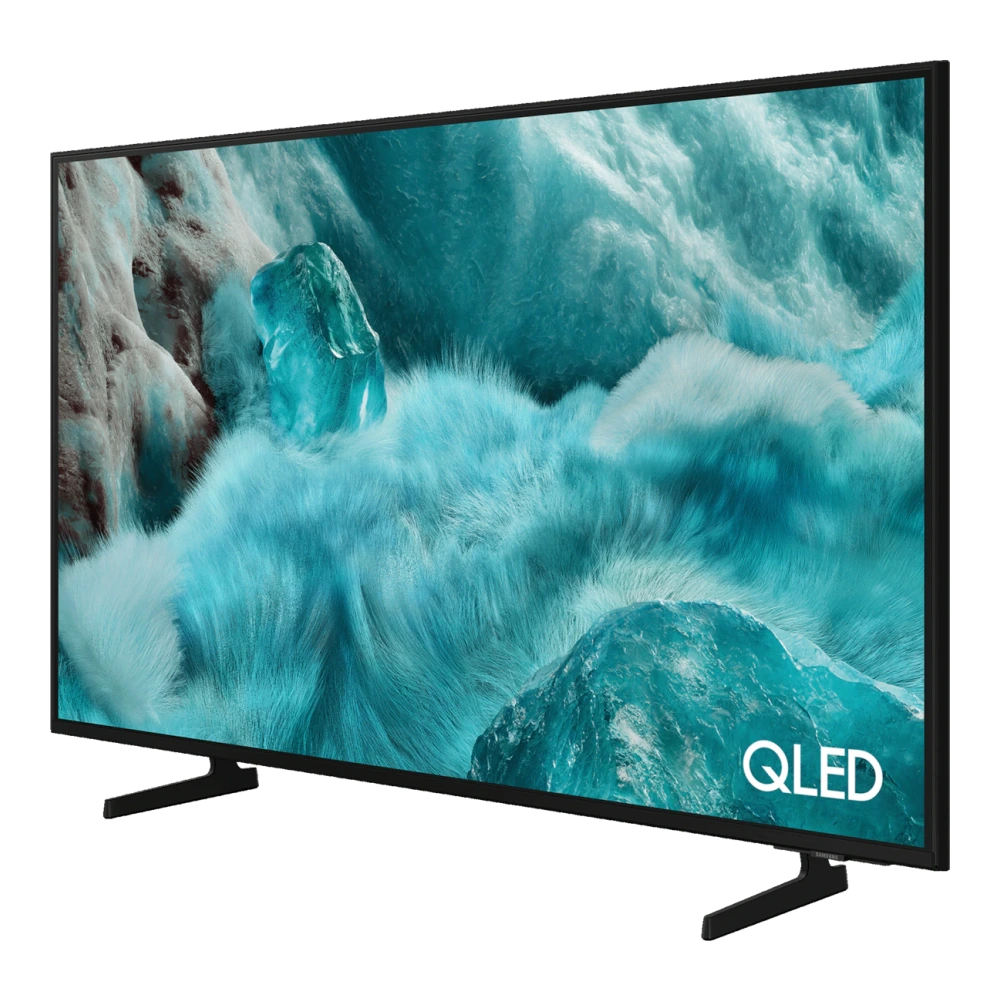
QA75Q80DAU 
QA75Q8FAAU 
QA75QE1DAU 
QA75QN80FAU 
QA75QN900FU 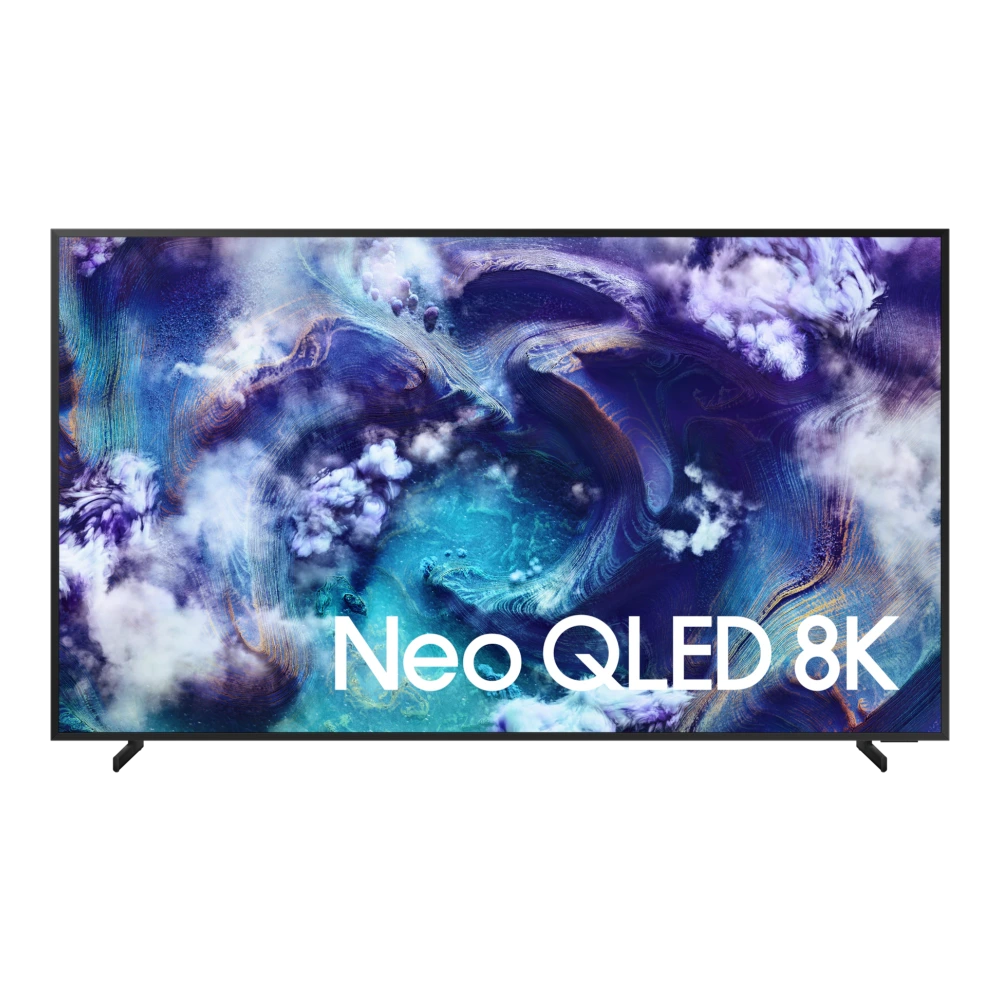
UA75U8300HULXL 
UA75UE85AHULXL 
QA77S85HAE 
QA77S90DAE 
QA77S90FAE 
QA77S90HAU 
QA77S95FAU 
QA77S95HXE 
UA40KU6300KLXL 
UA40MU6100KLXL 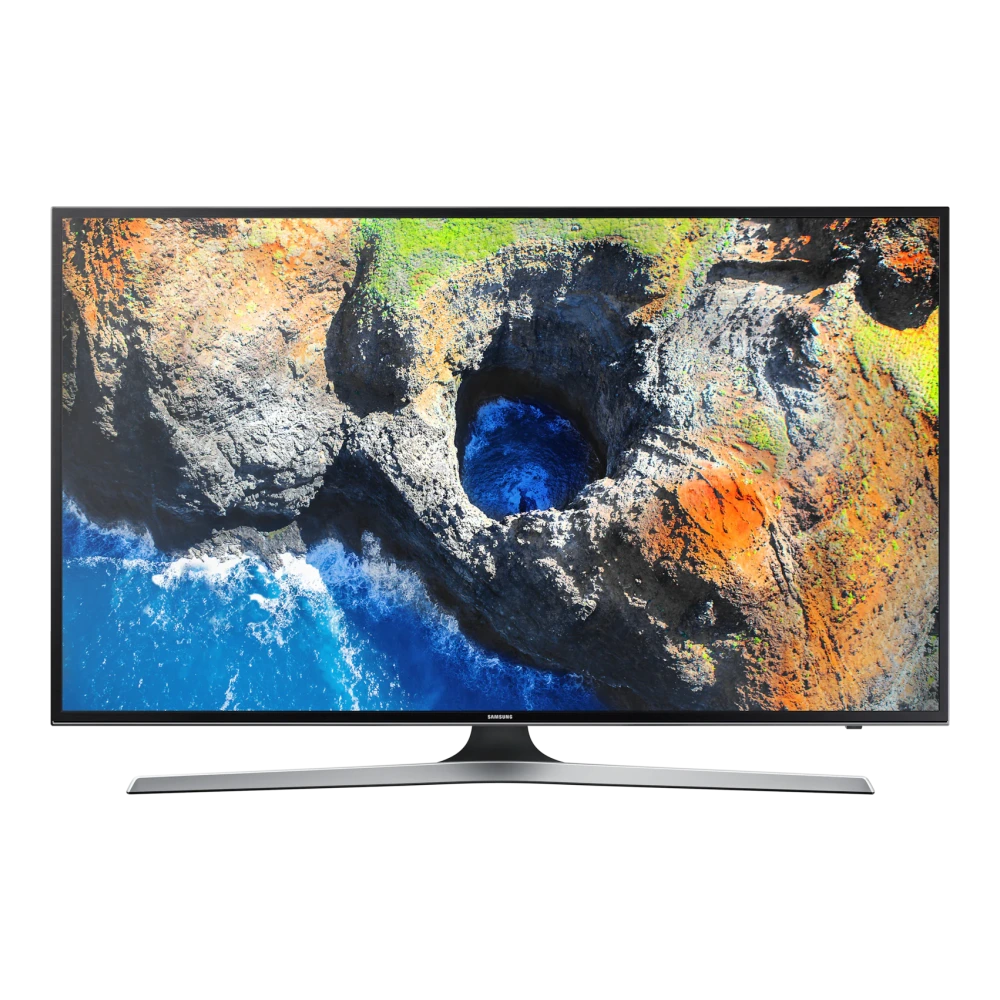
UA40JU6670ULXL 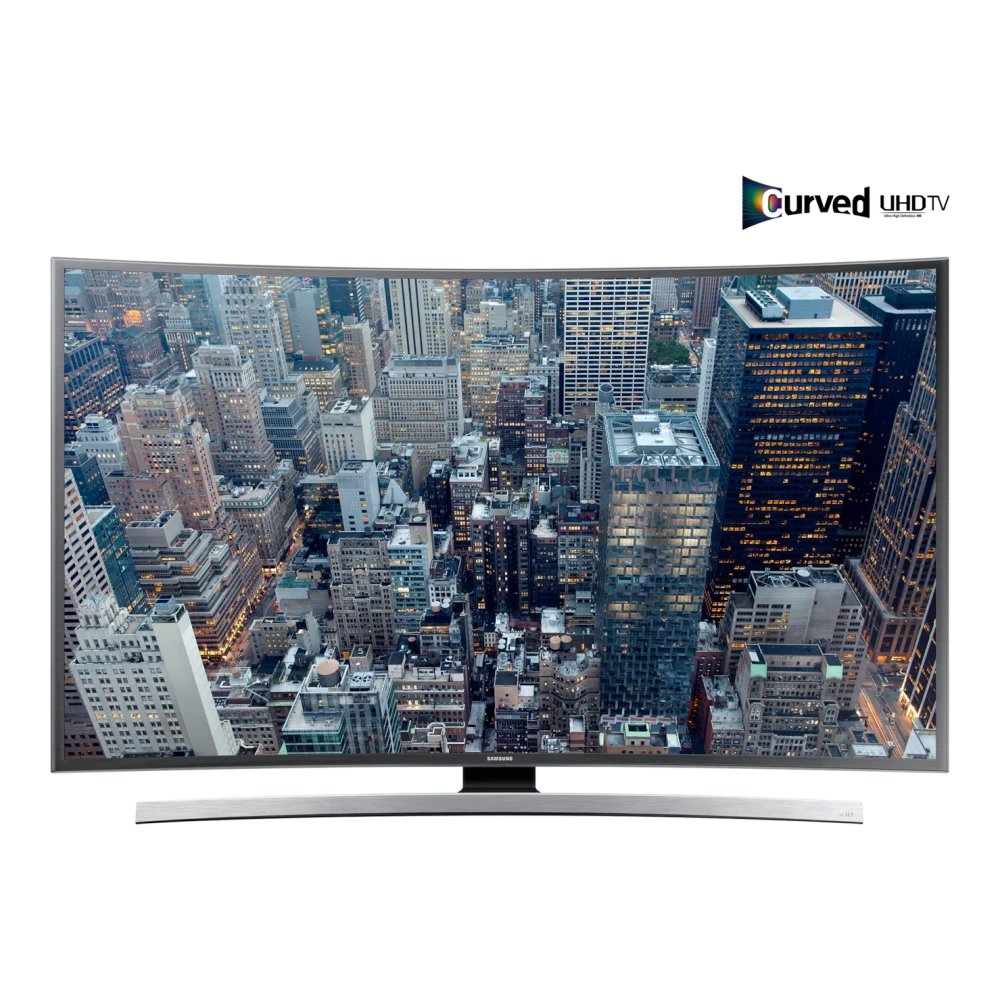
UA40JU6000KLXL 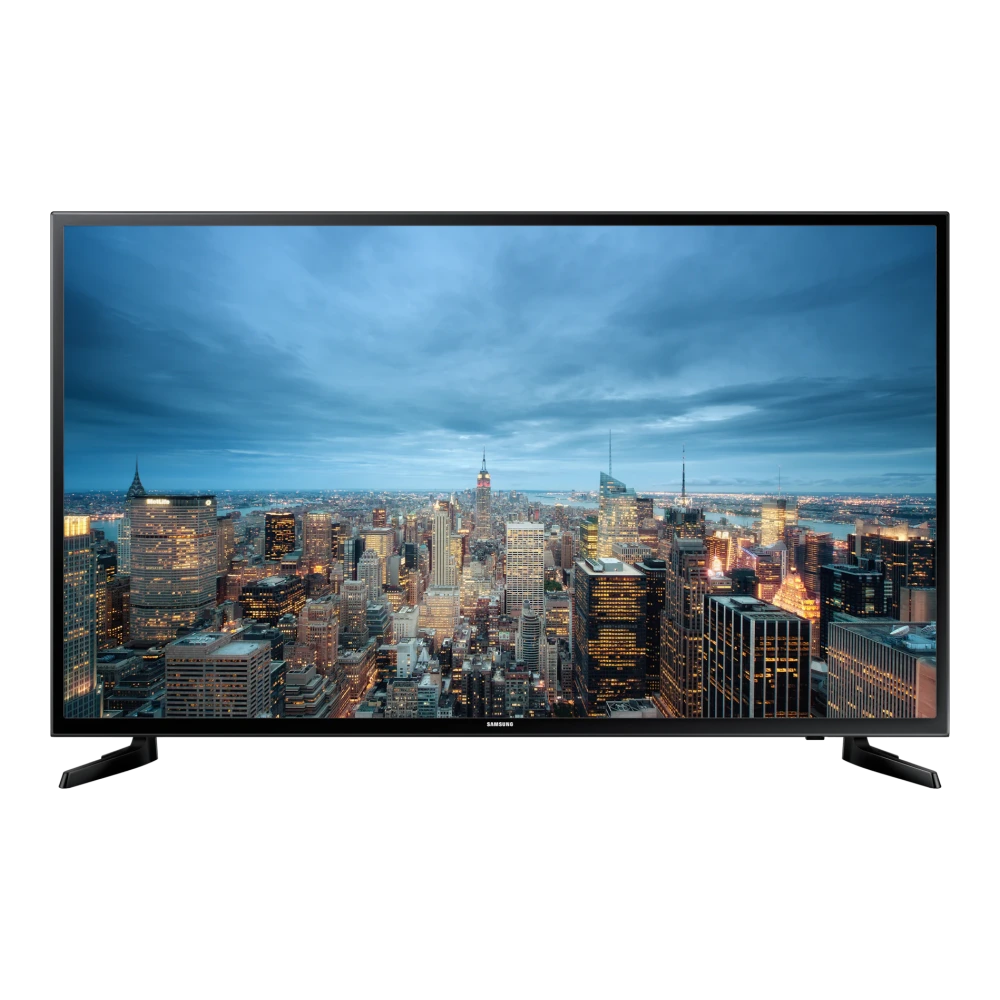
UA40JU6470ULXL 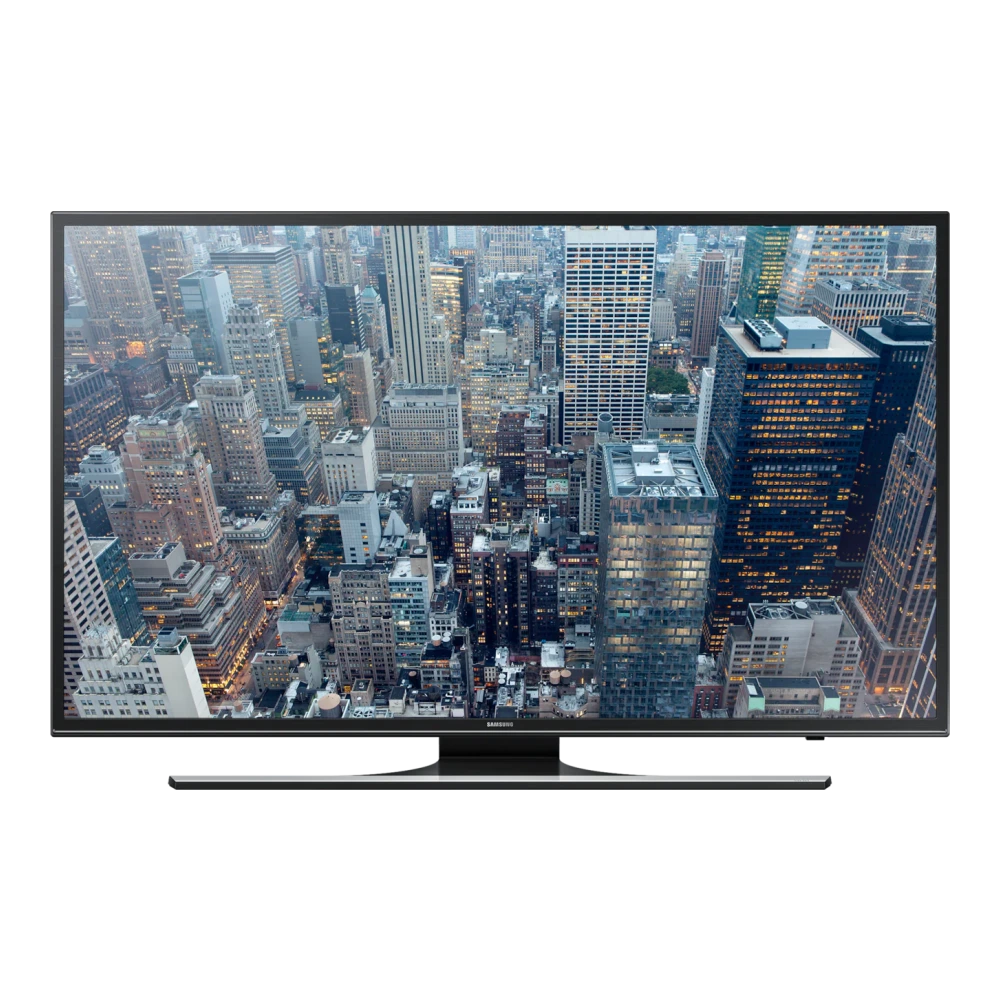
UA40KU6000KMXL 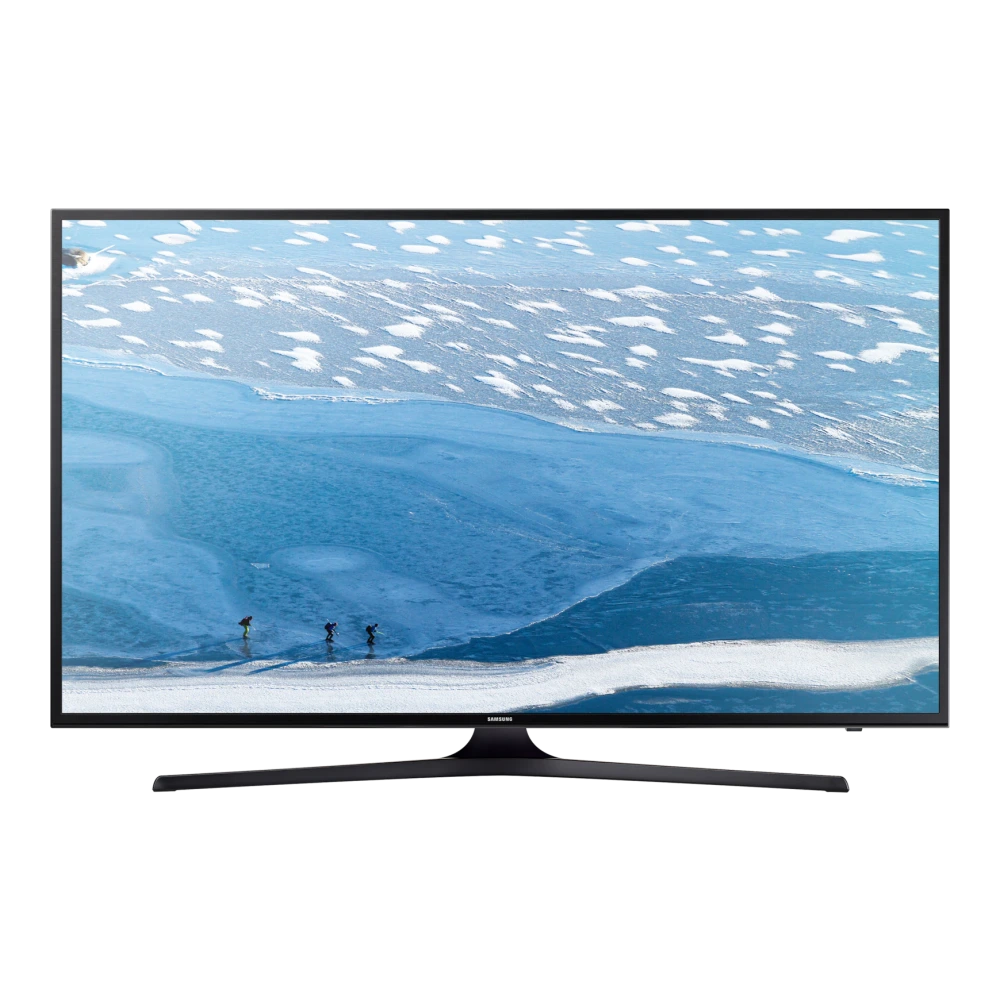
UA43MU6100KLXL 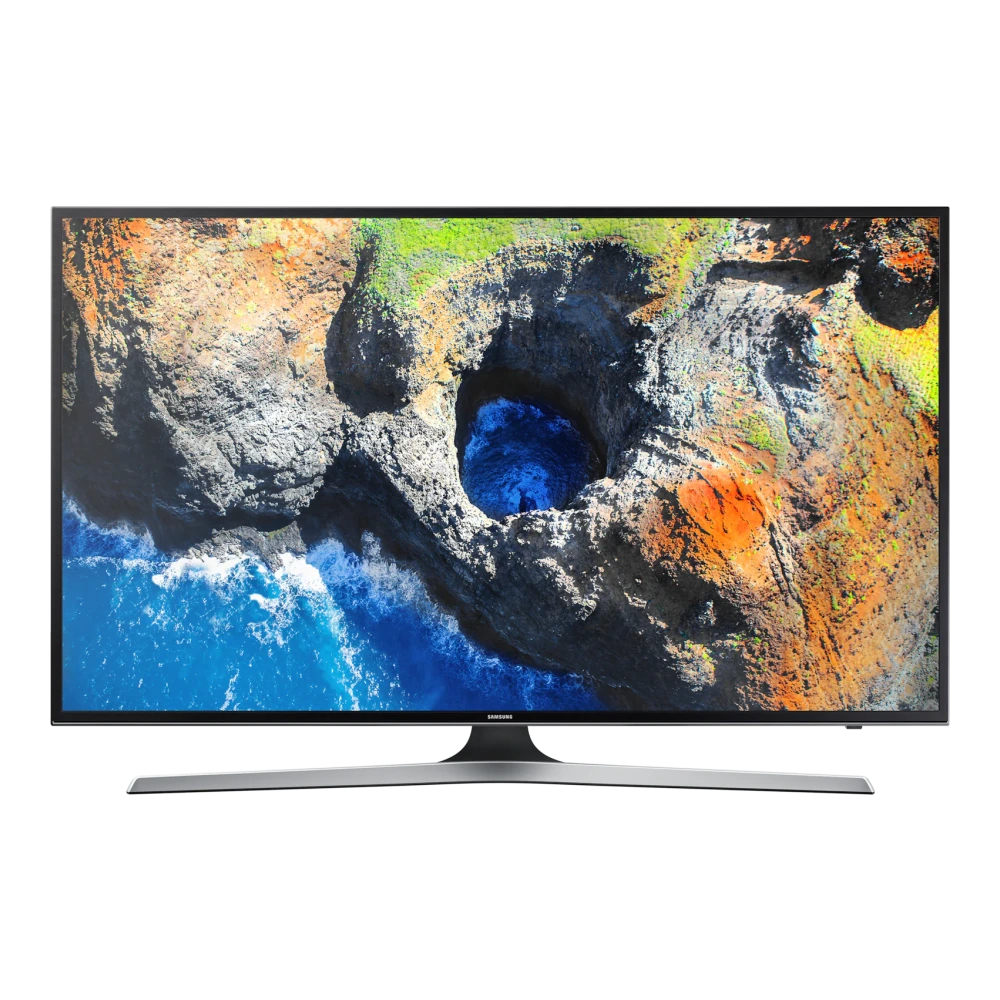
UA43KU6570ULXL 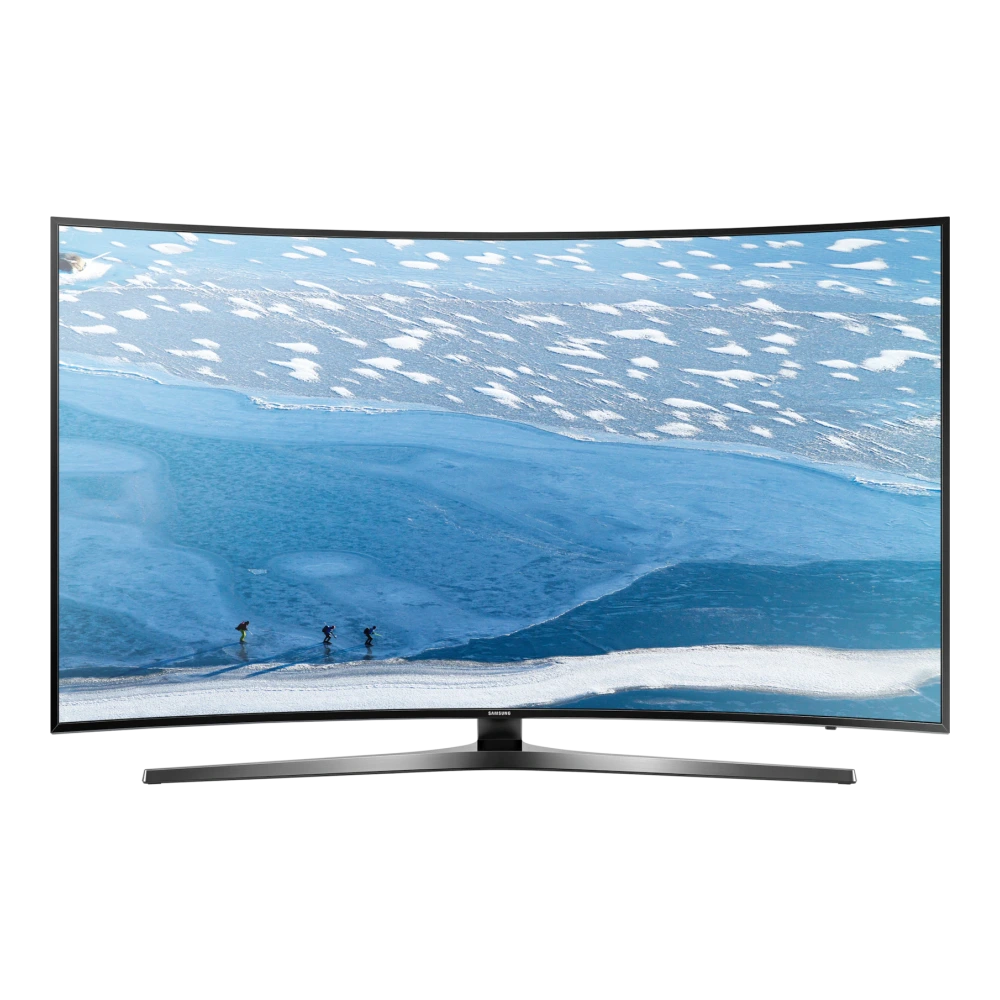
UA43KU6000KMXL 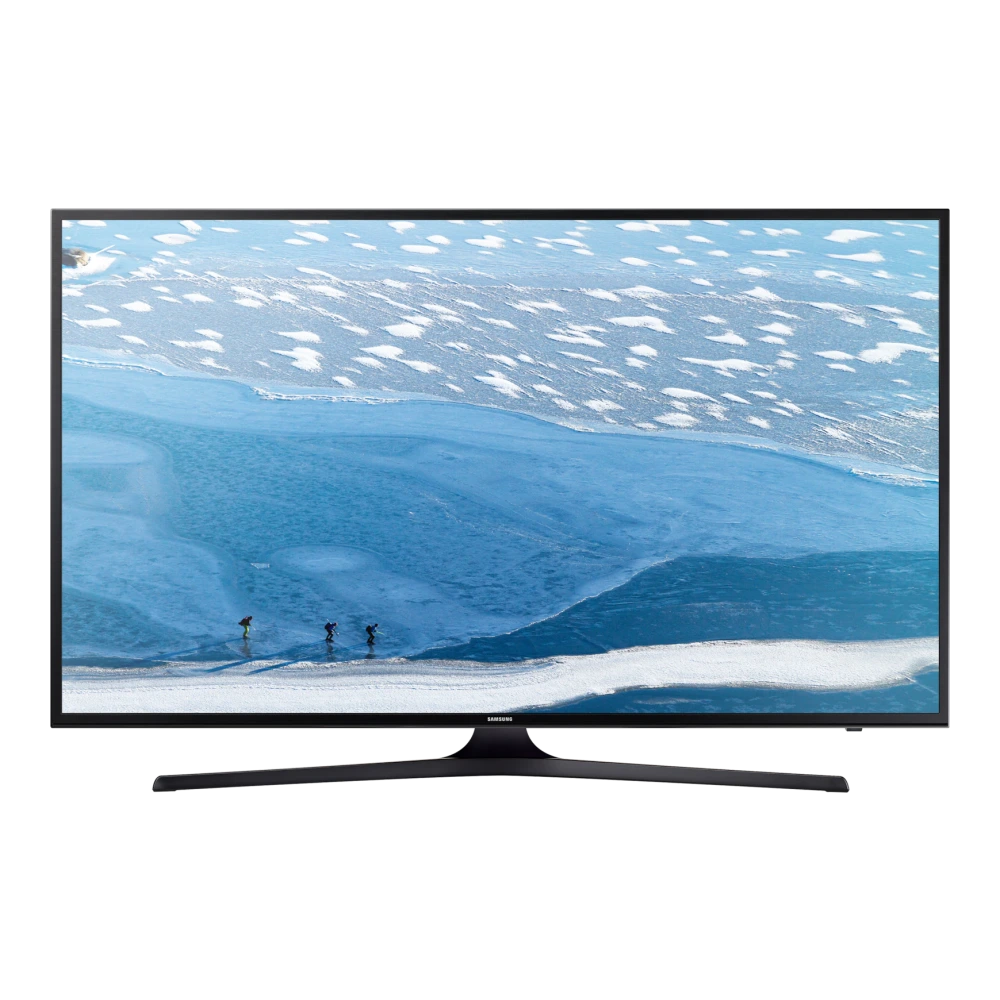
UA43KU6470UMXL 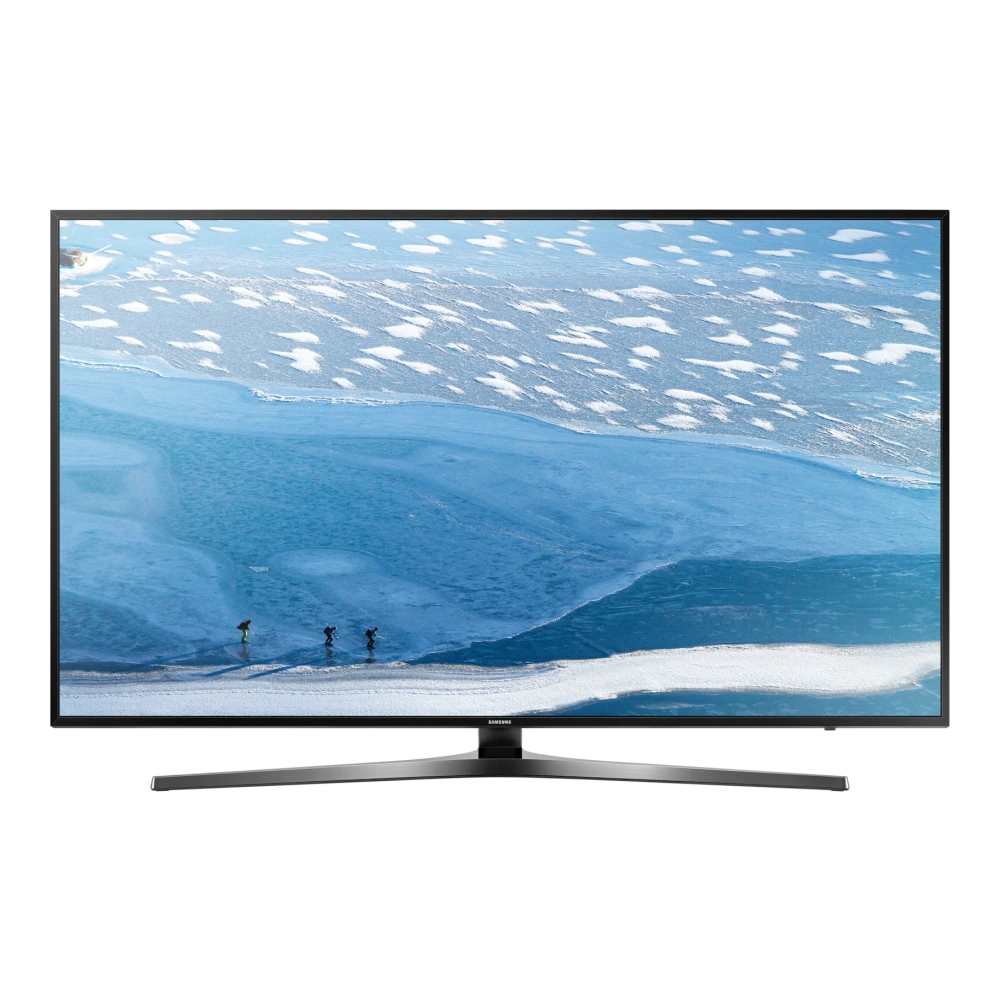
UA43MU6470ULXL 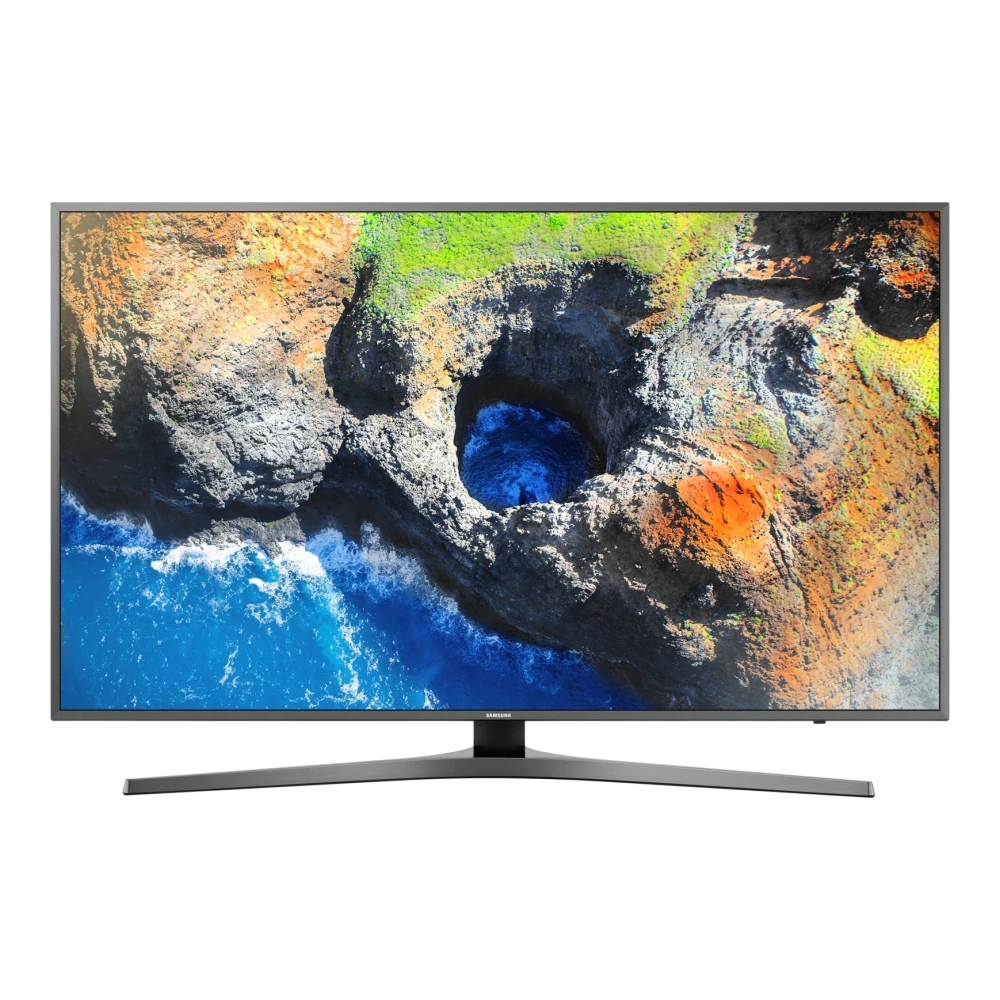
UA48JU6670ULXL 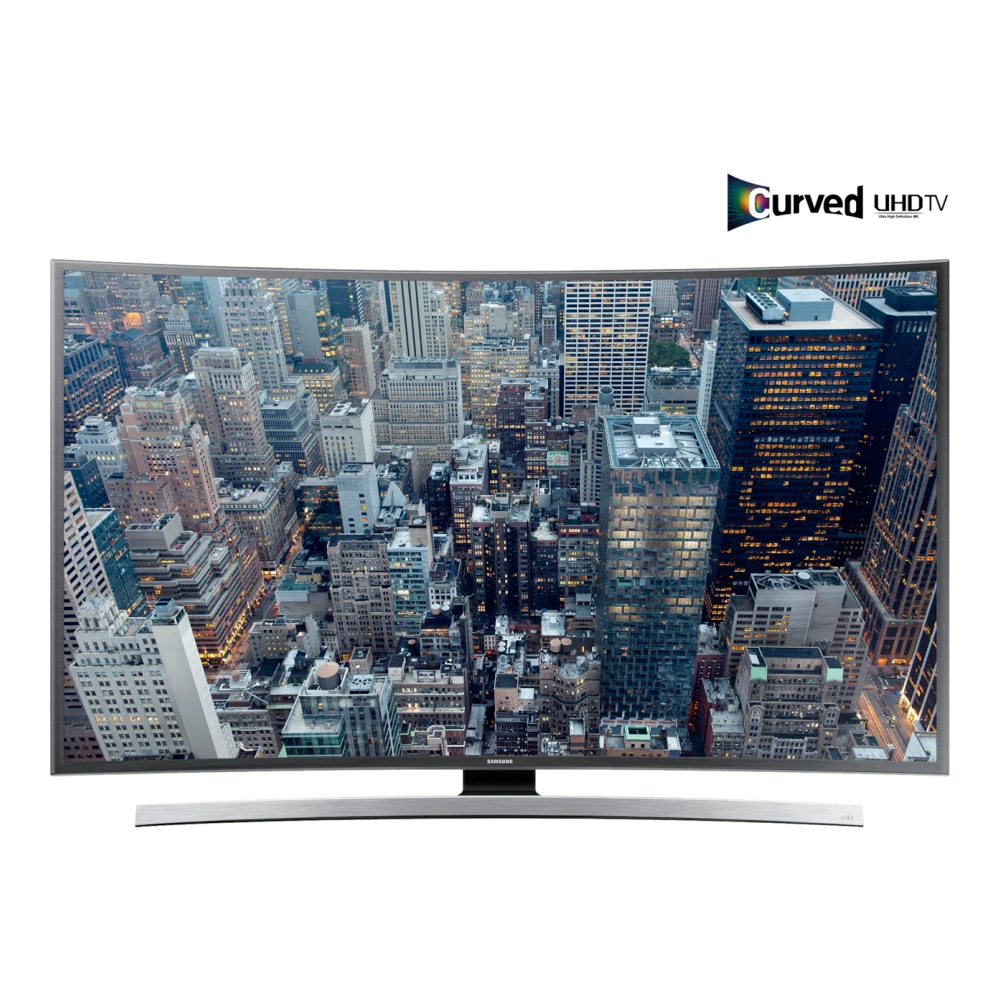
UA48JU7500KLXL 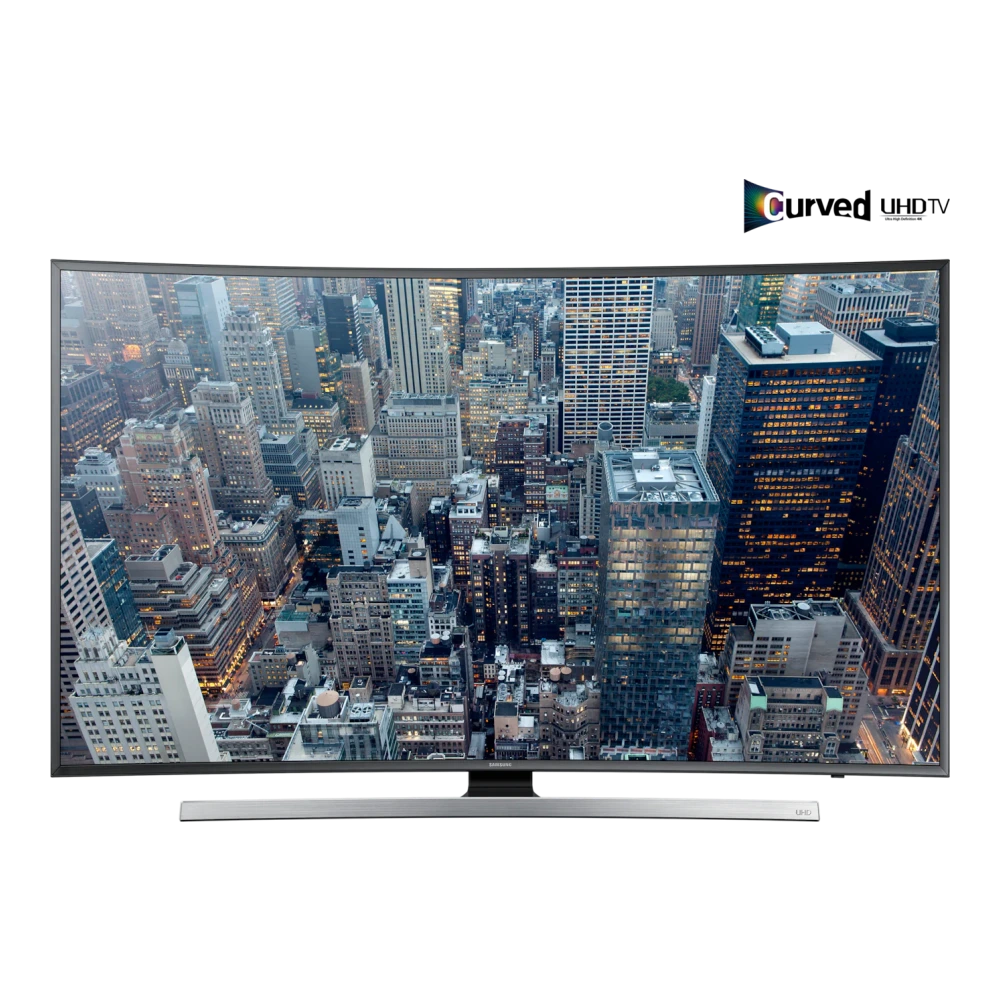
UA48JU6000KLXL 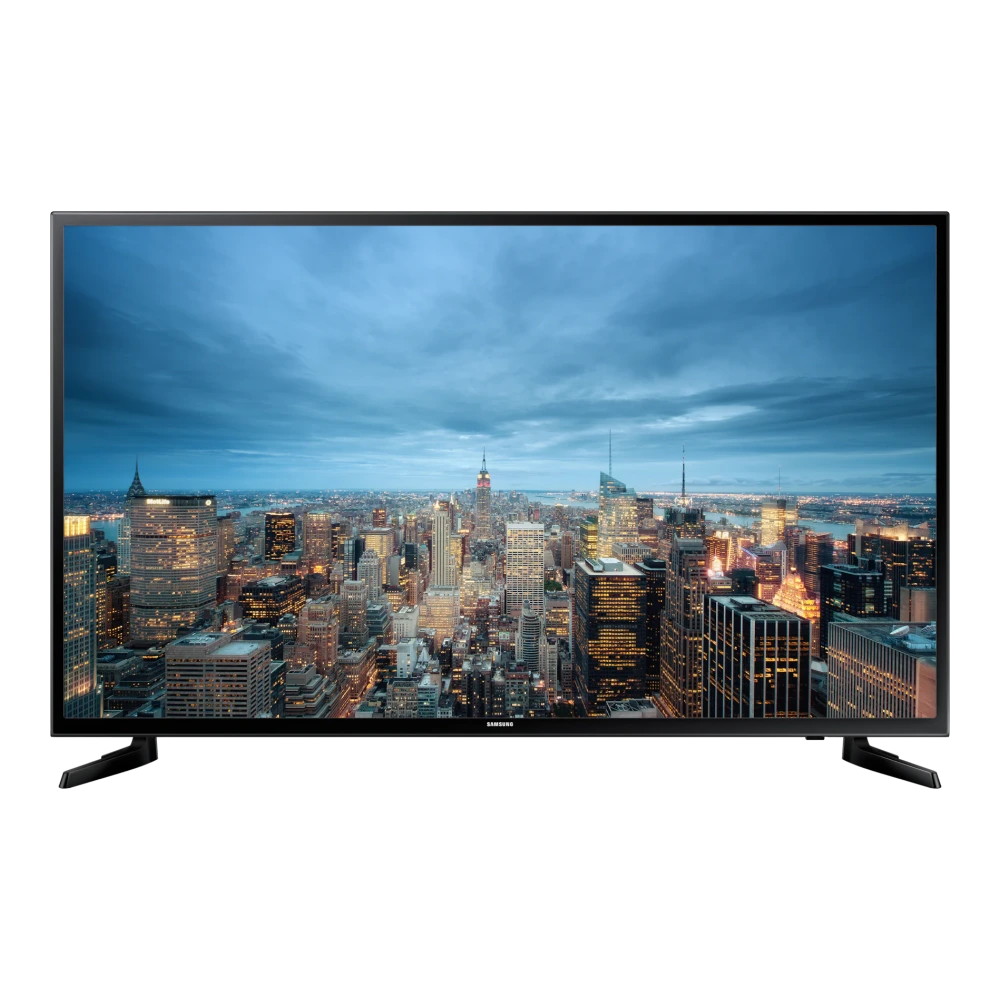
UA48JU6470ULXL 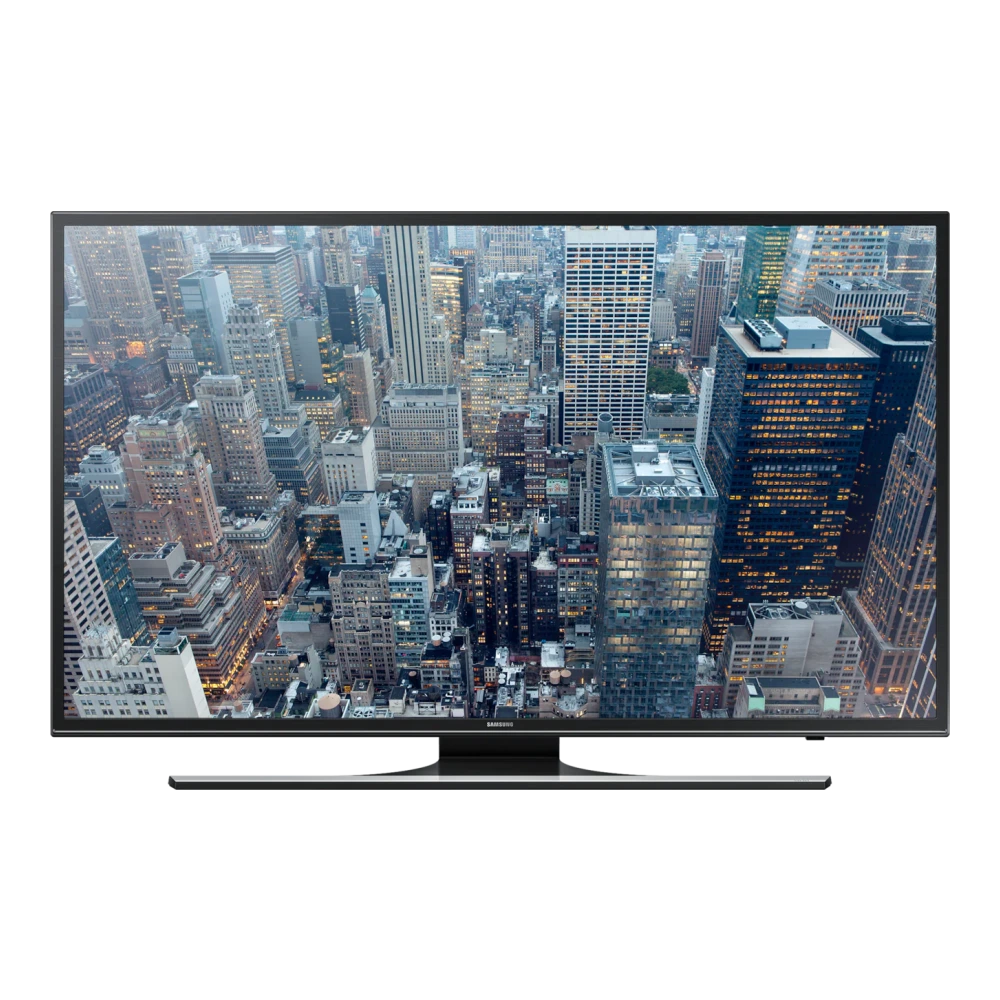
UA49MU7000KLXL 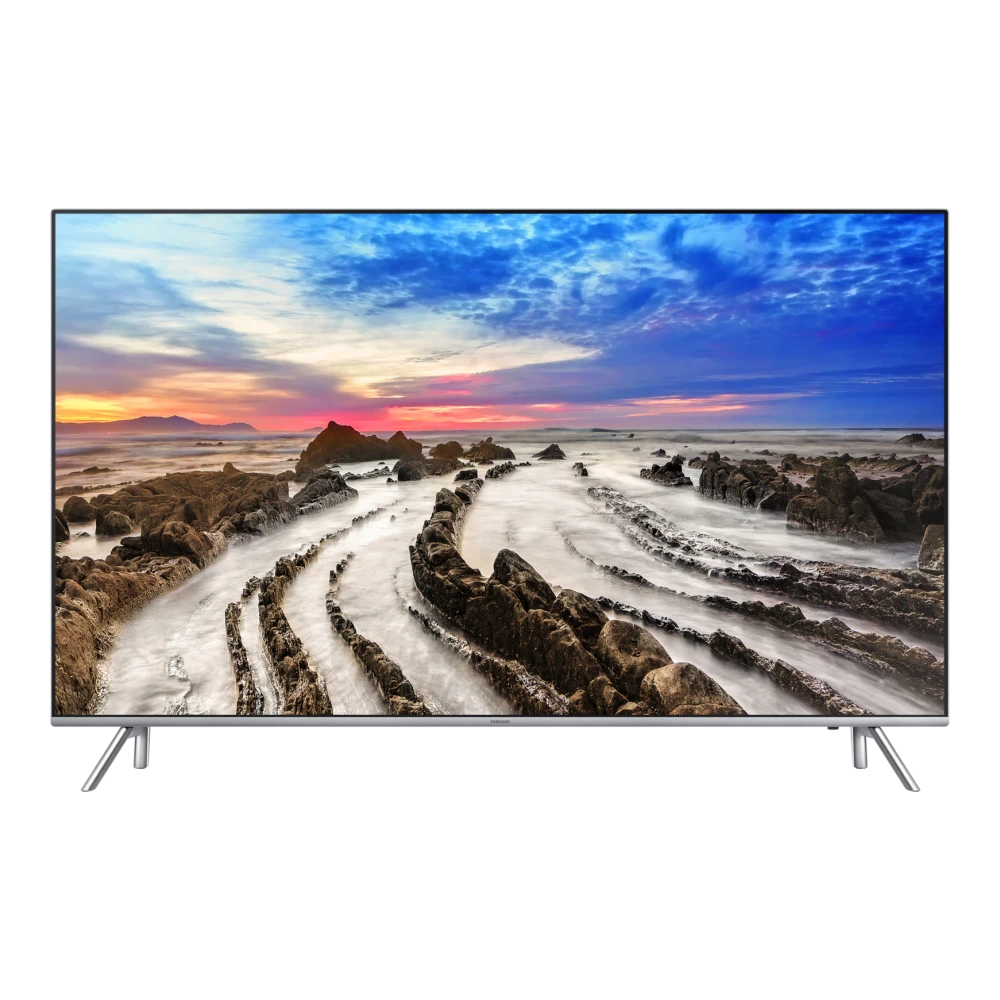
UA49KU6570ULXL 
UA49KU6470UMXL 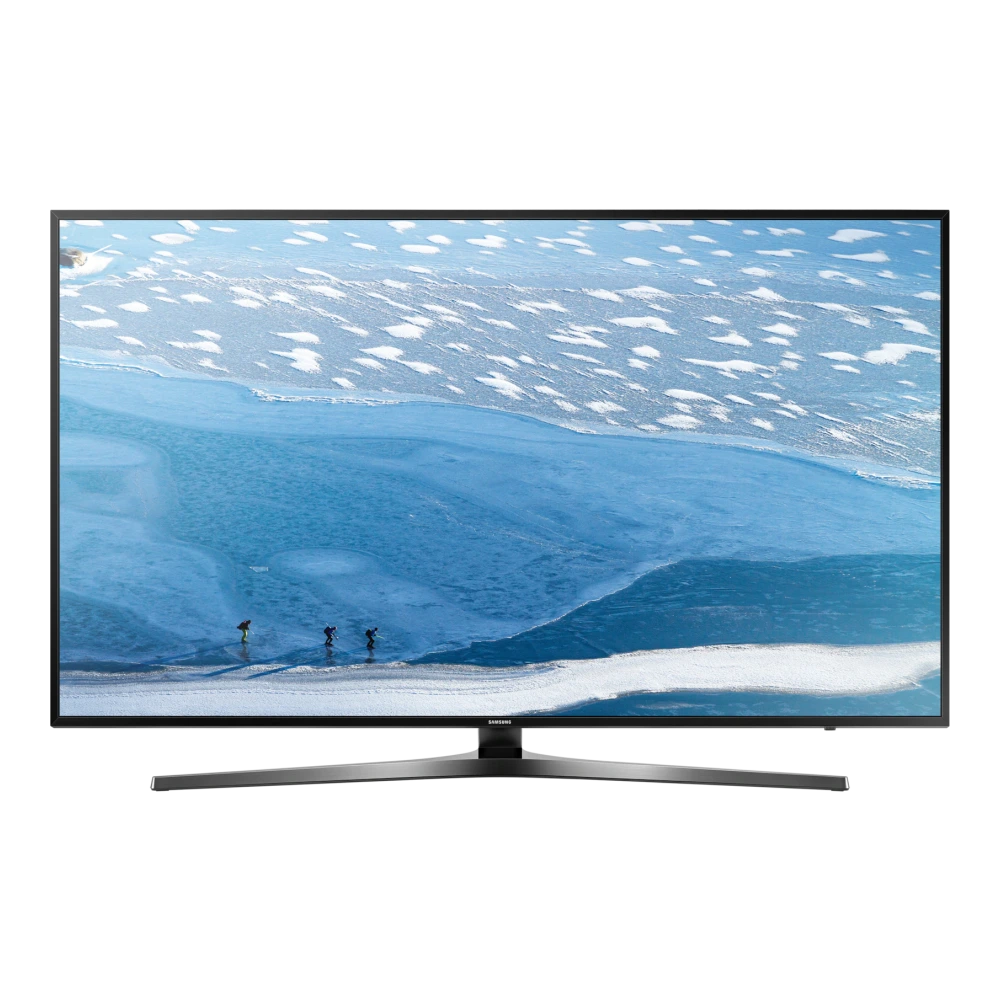
UA49MU6470ULXL 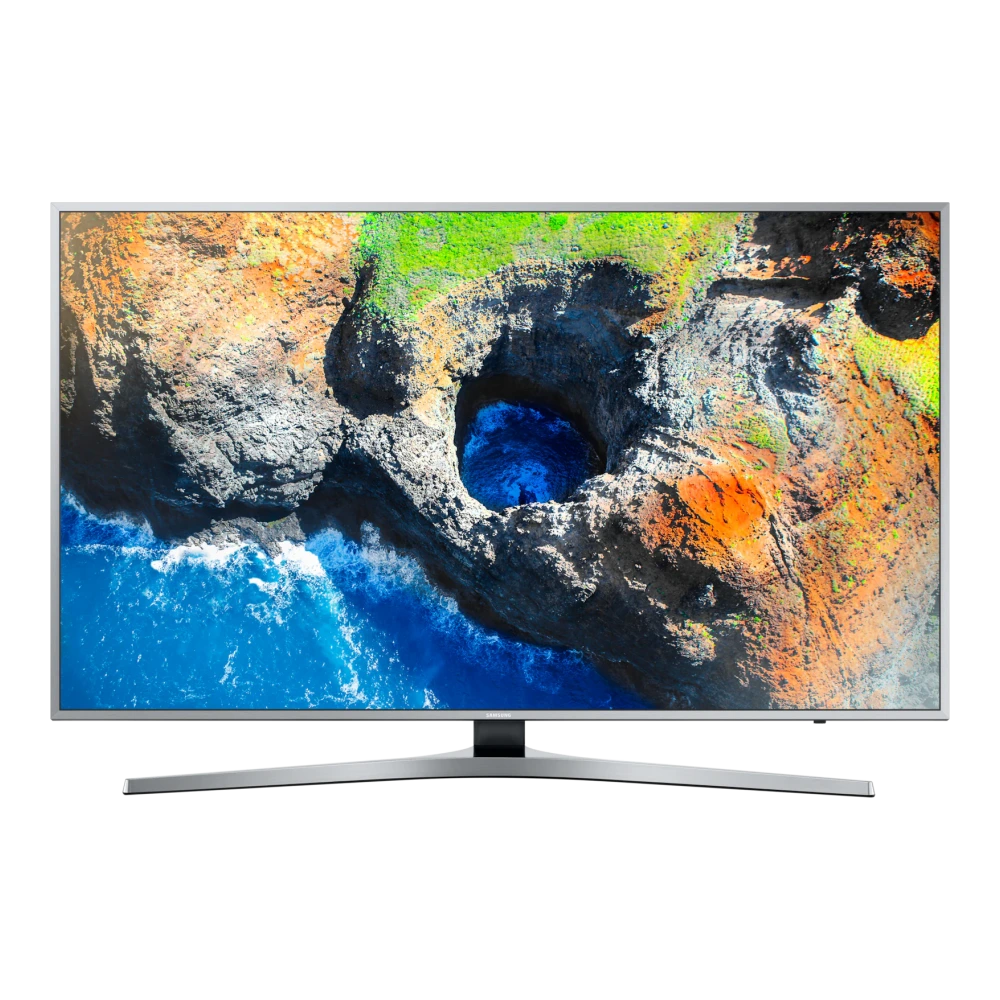
UA50MU6100KLXL 
UA50KU6000KMXL 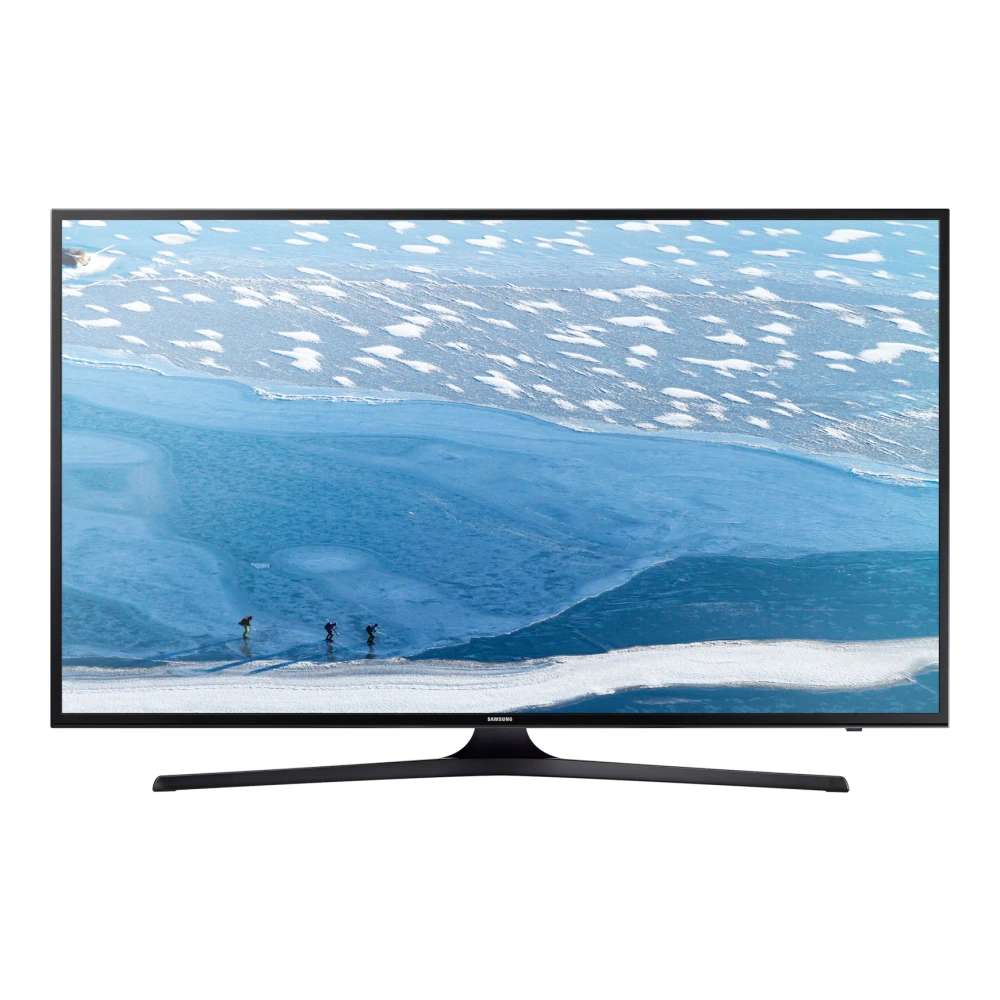
UA55MU7000KLXL 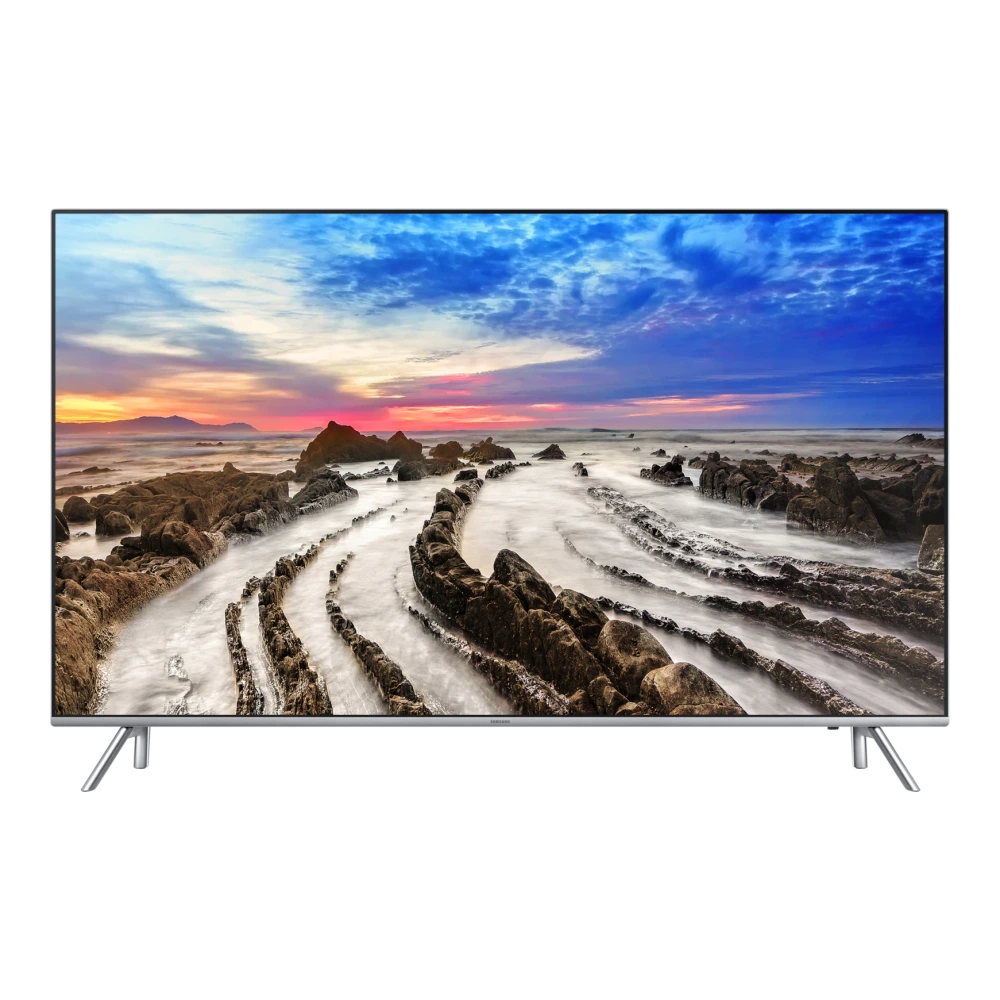
UA55JU7500KLXL 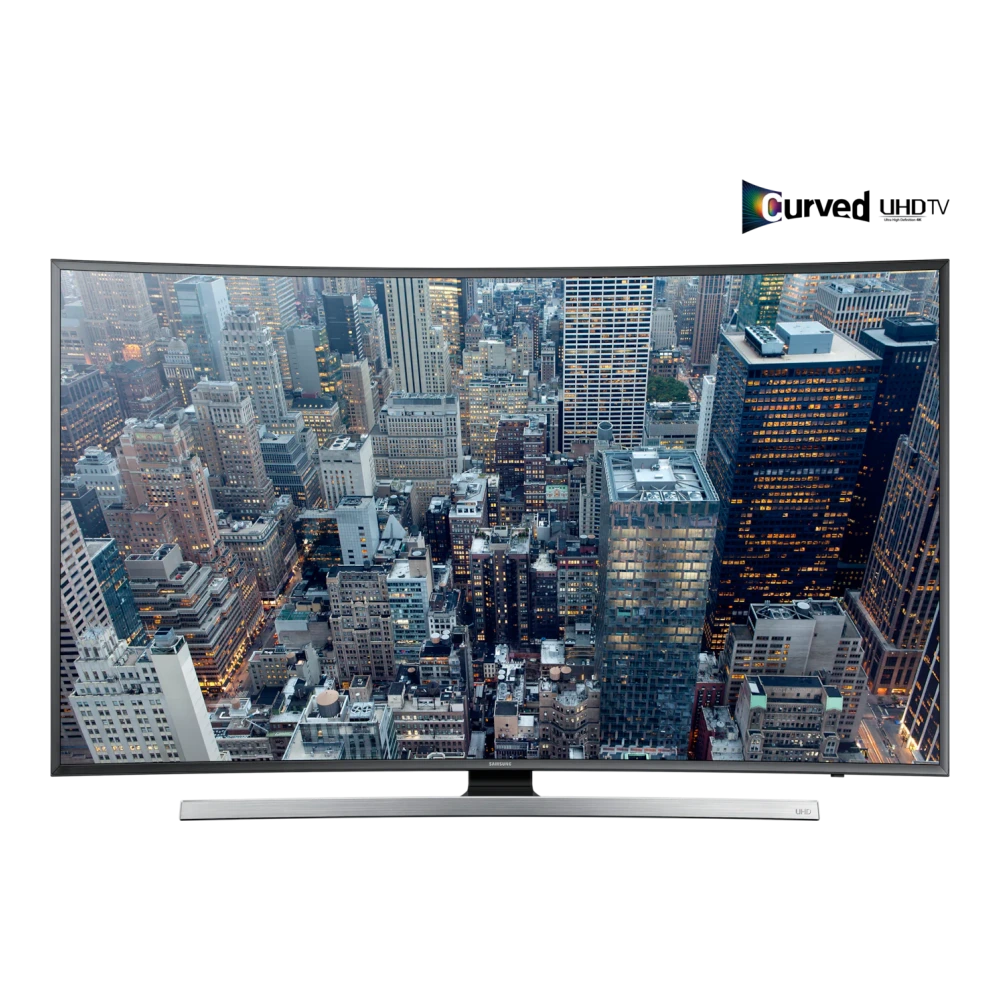
UA55JU6470ULXL 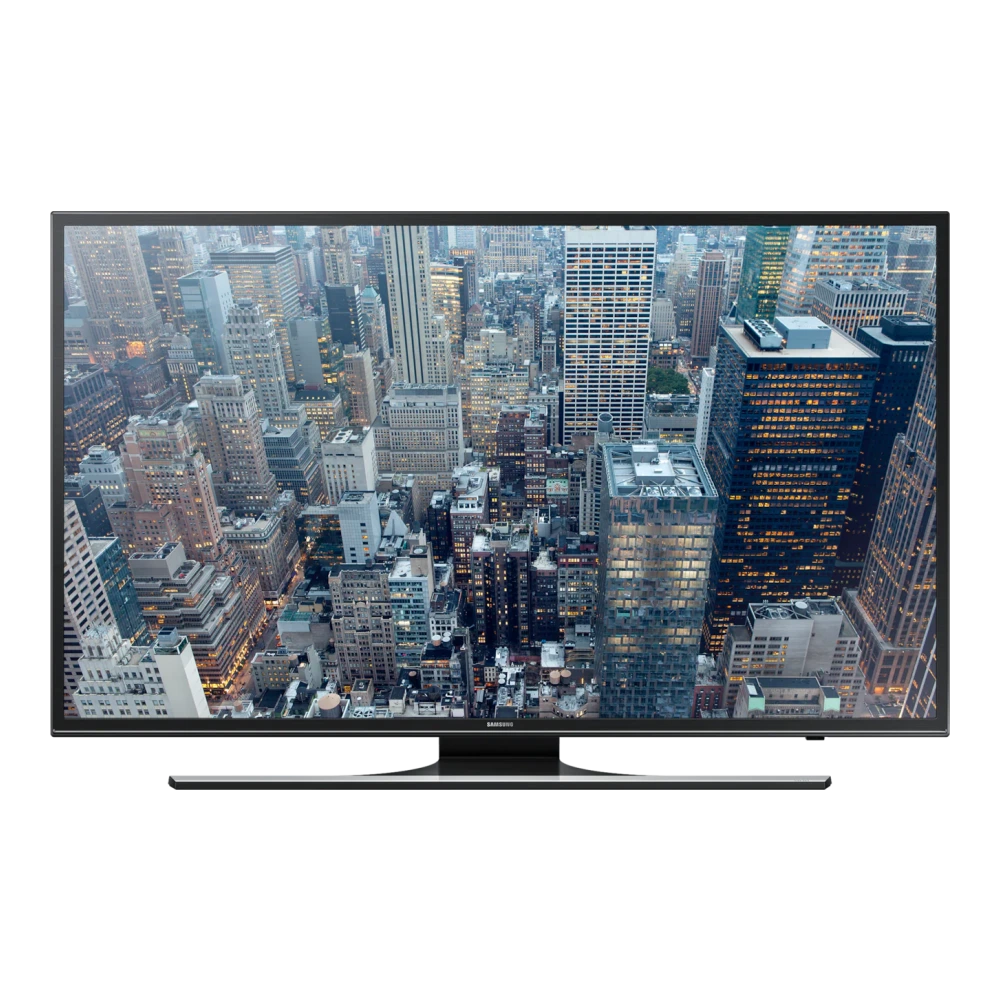
UA55KU6570ULXL 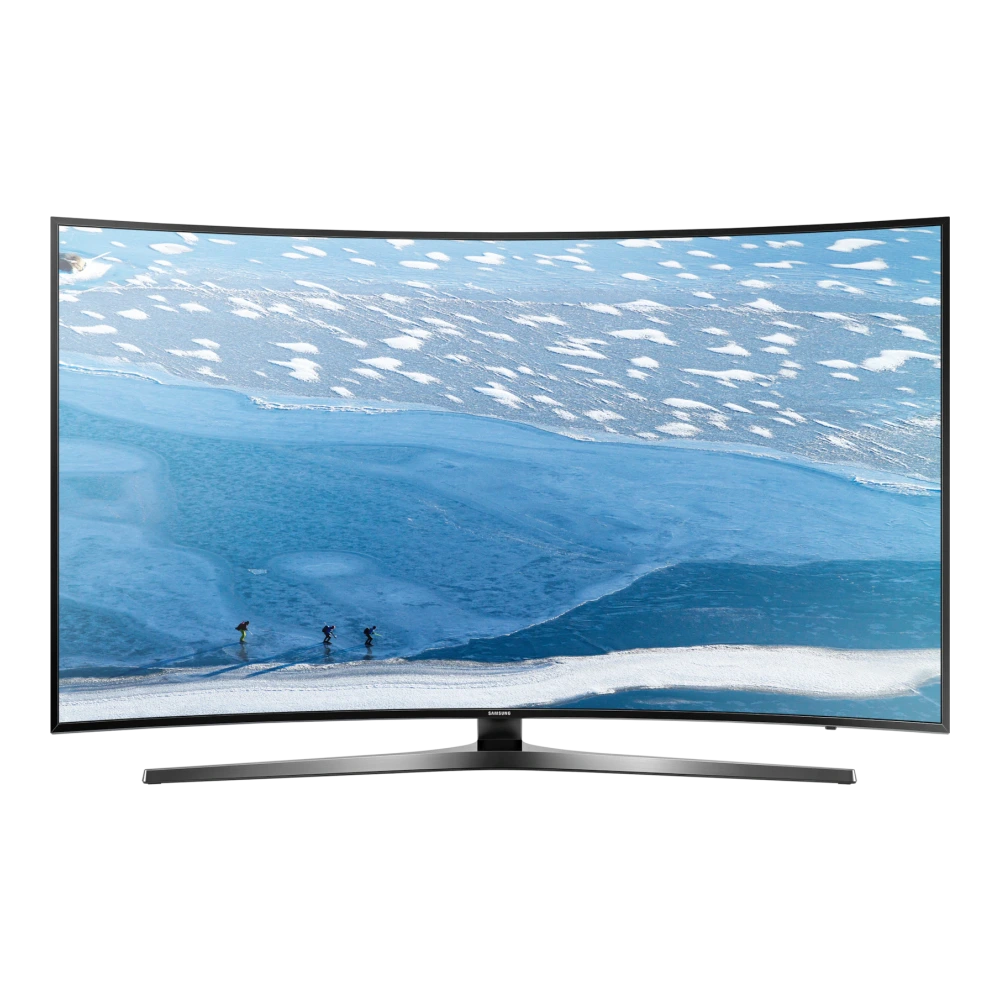
UA55MU7500KLXL 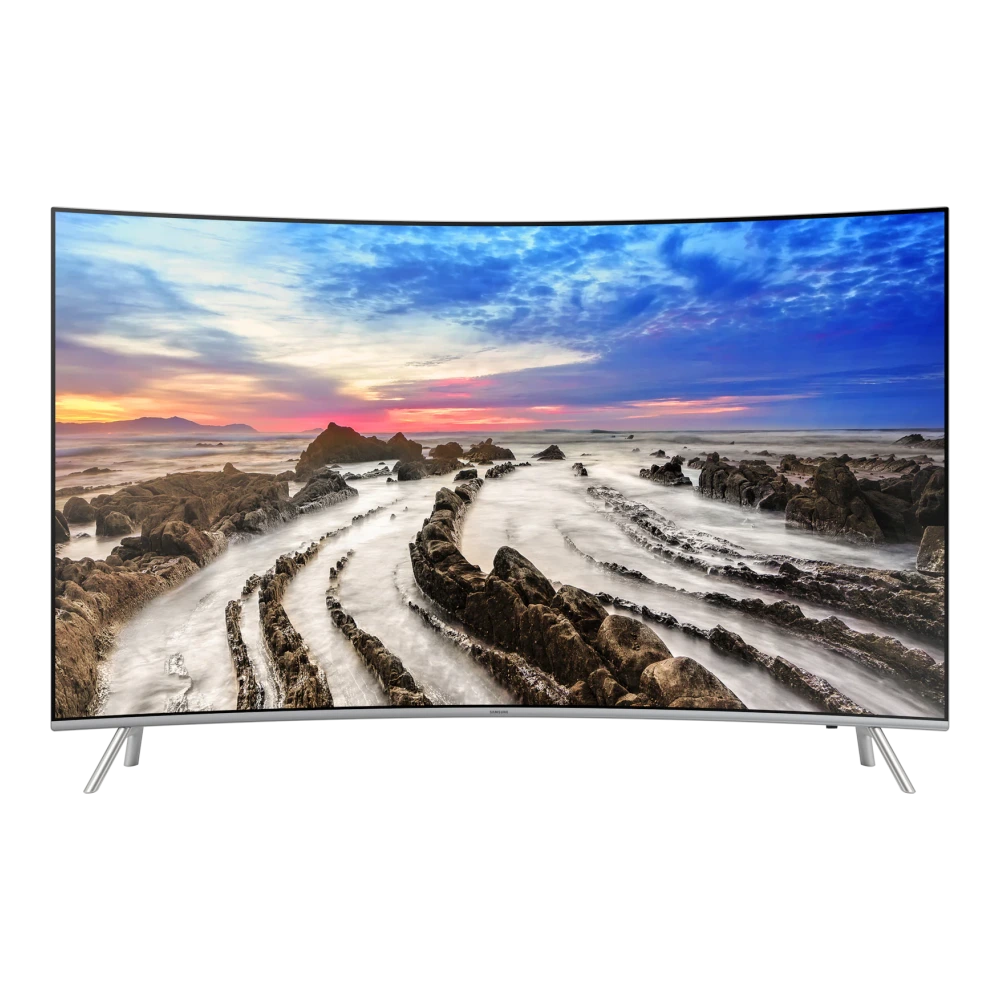
UA55KU6470UMXL 
UA55MU6470ULXL 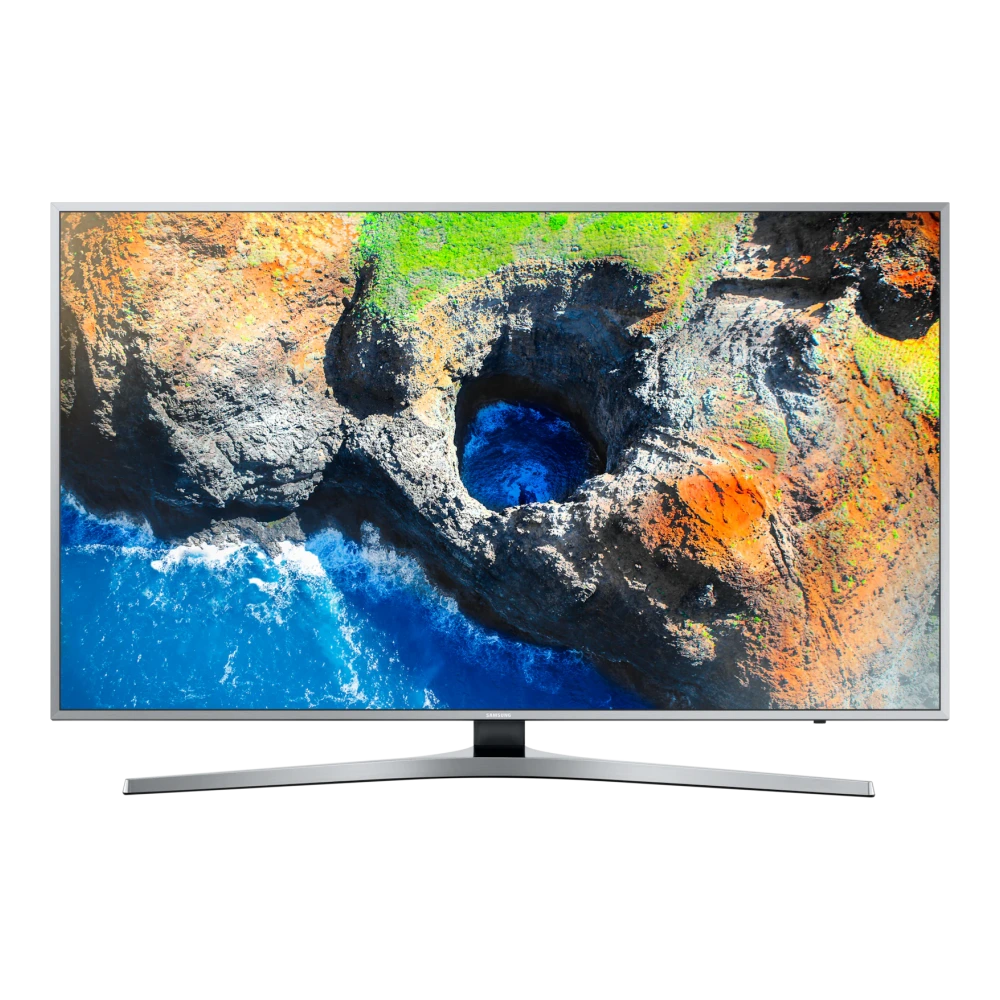
UA60KU6000KMXL 
UA60JU6470ULXL 
UA65JU6470ULXL 
UA65MU7500KLXL 
UA65KU6470UMXL 
UA65MU6470ULXL 
UA75MU7000KXXL 
UA75JU6470UXXL 
UA43NU6100KXXL 
UA43NU7090KXXL 
UA43NU7100KLXL 
UA43NU7470UXXL 
UA43RU7100KXXL 
UA43RU7470UXXL 
UA49NU7100KLXL 
UA49NU8000KXXL 
UA49RU7100KXXL 
UA50NU6100KXXL 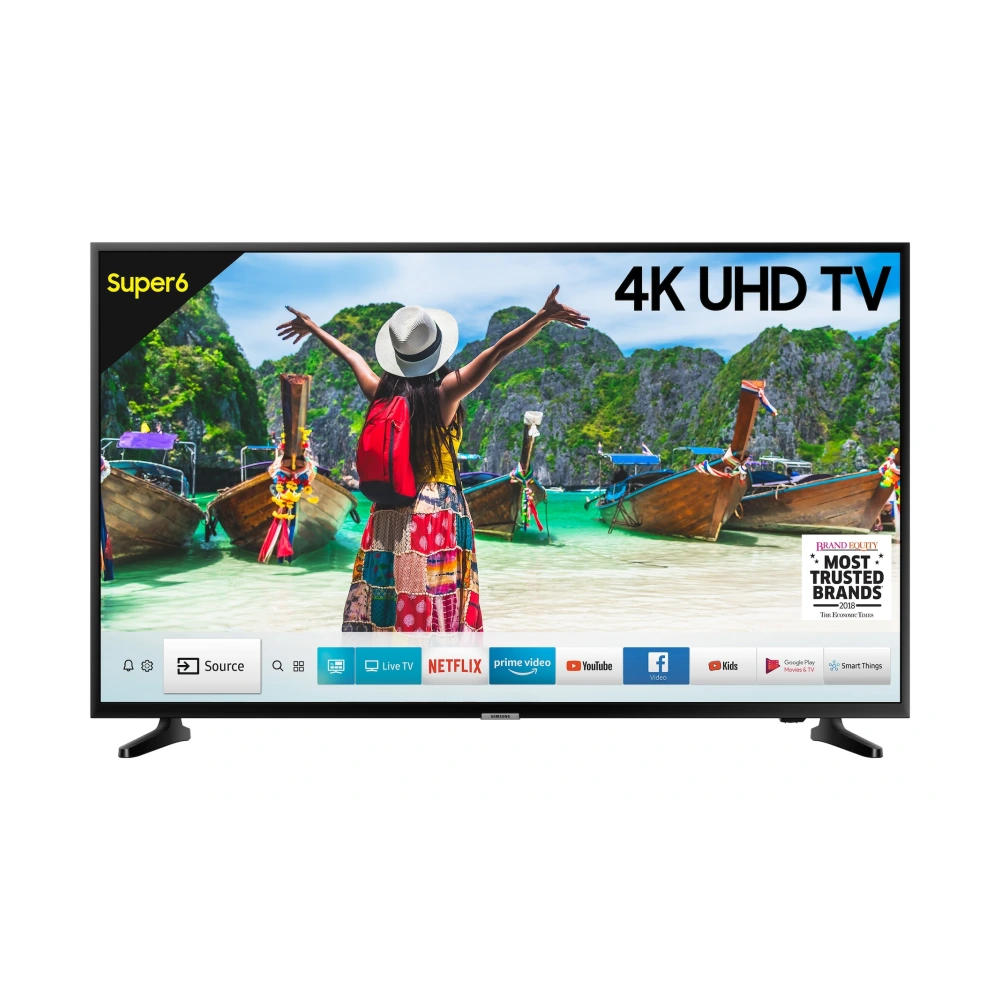
UA50NU7090KXXL 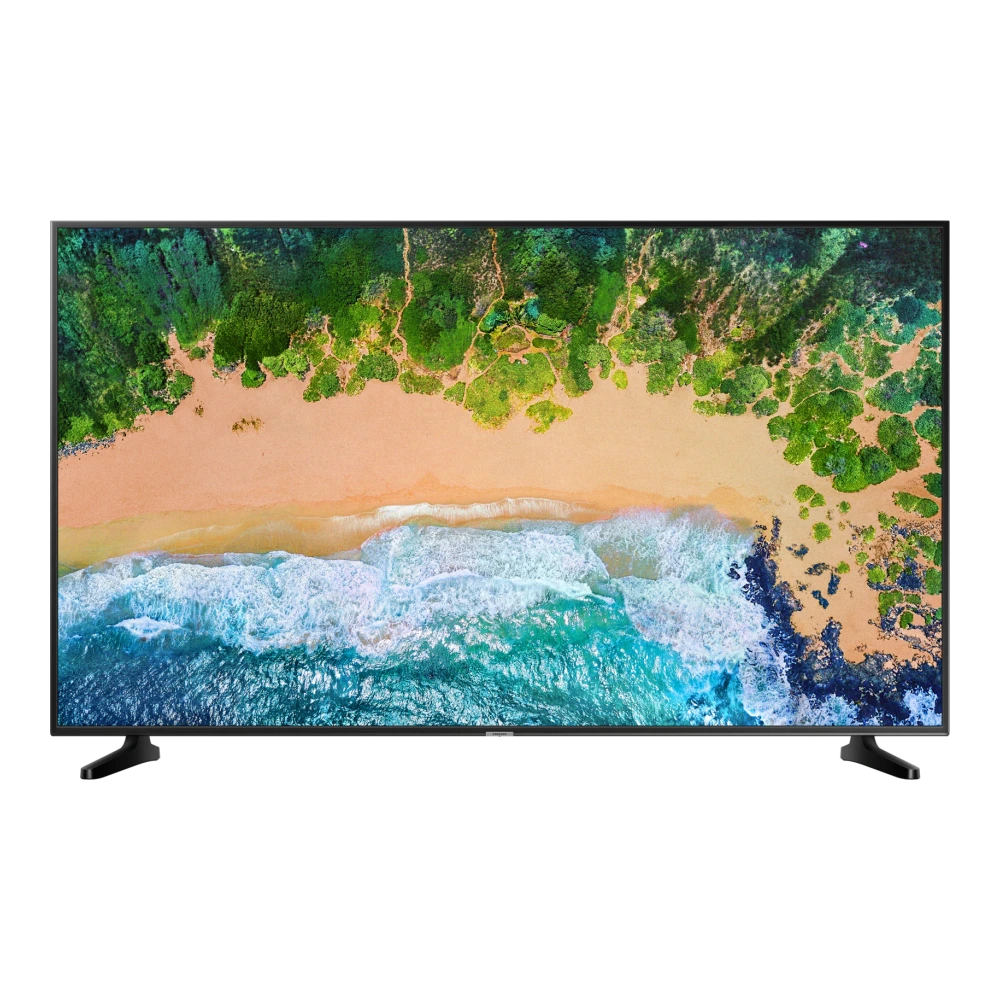
UA50NU7470UXXL 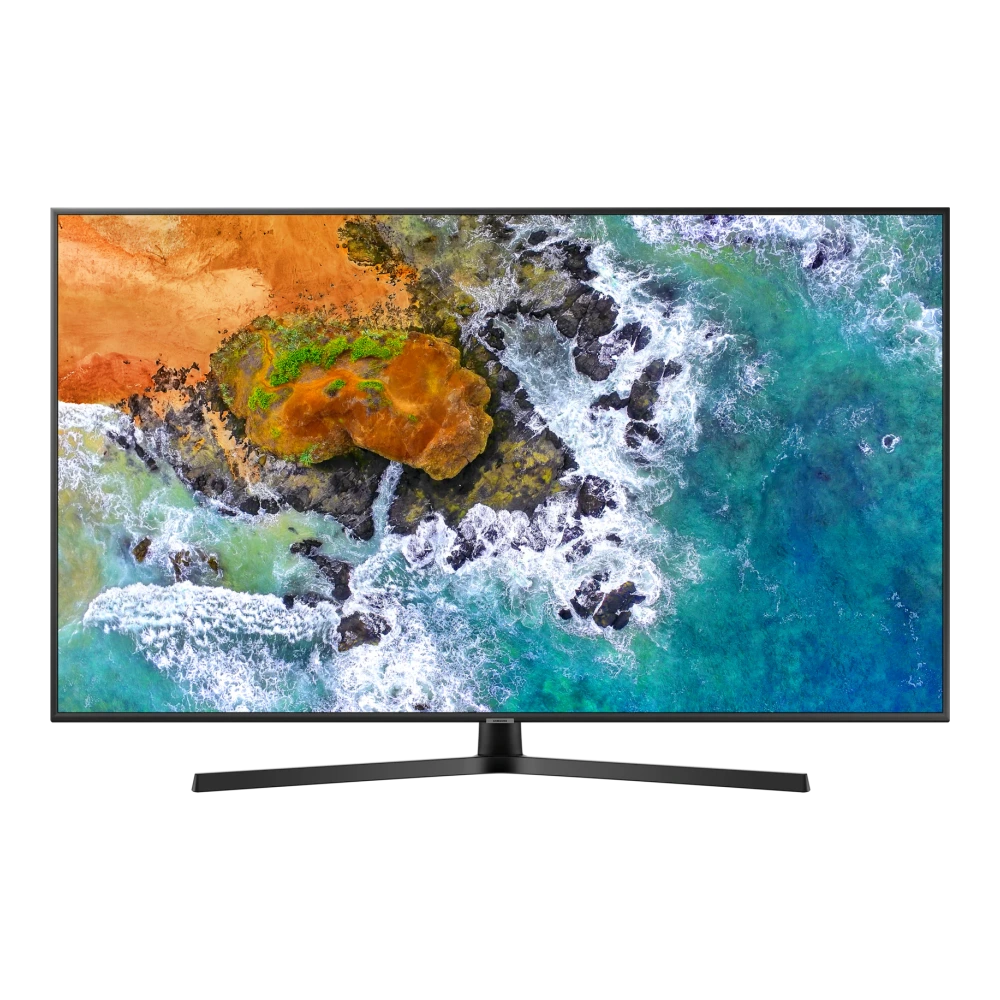
UA50RU7470UXXL 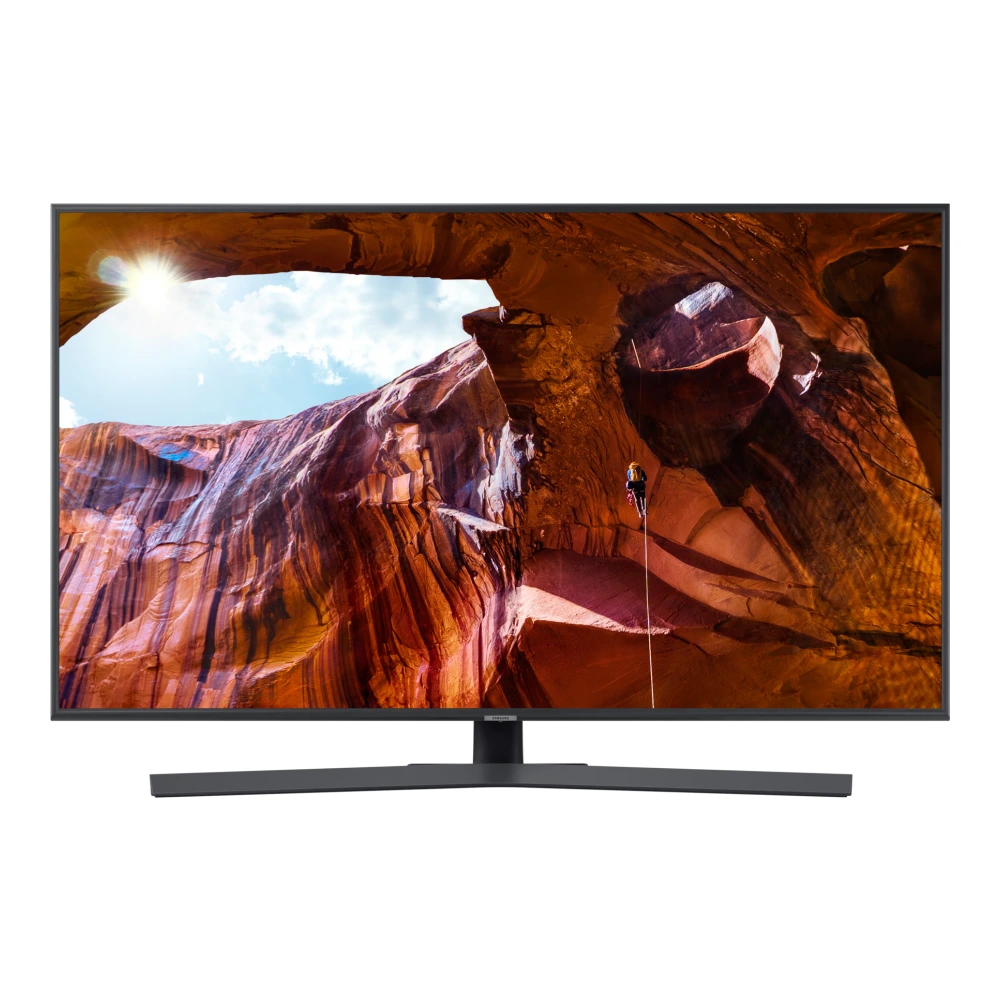
UA55NU6100KXXL 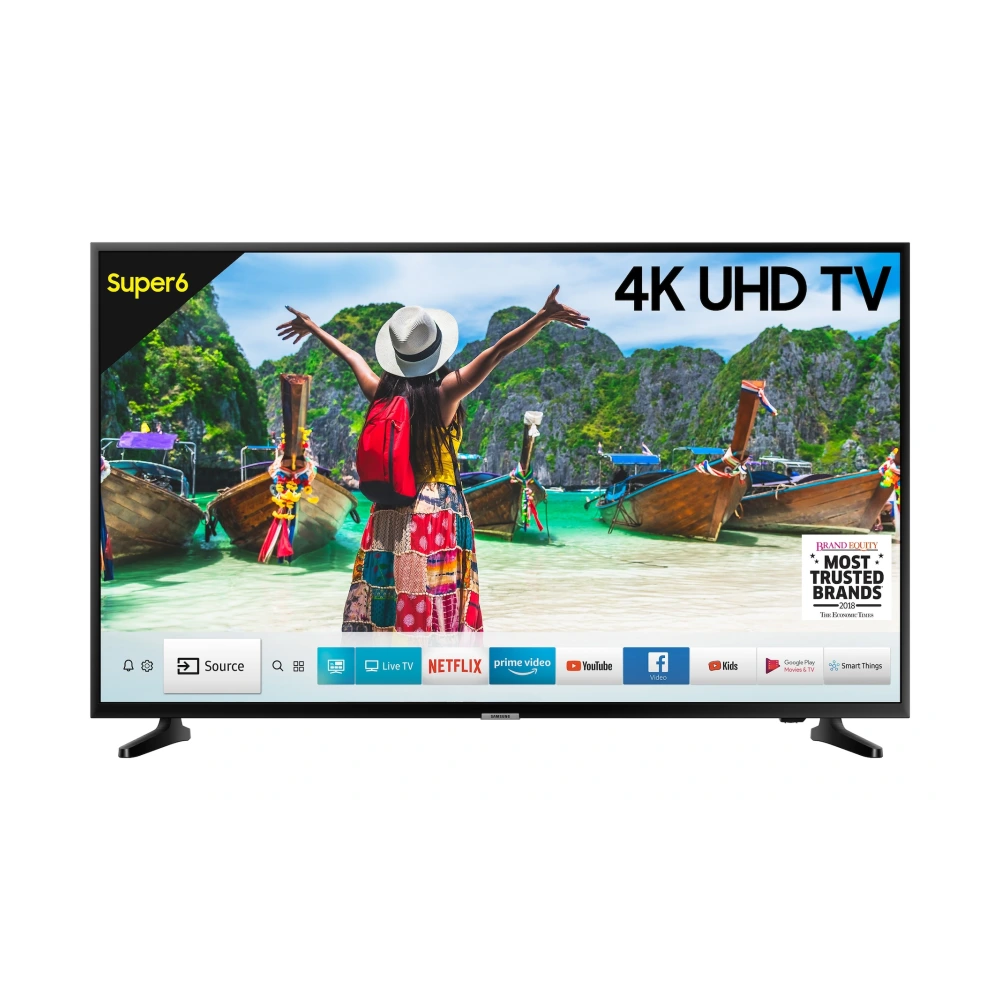
UA55NU7090KXXL 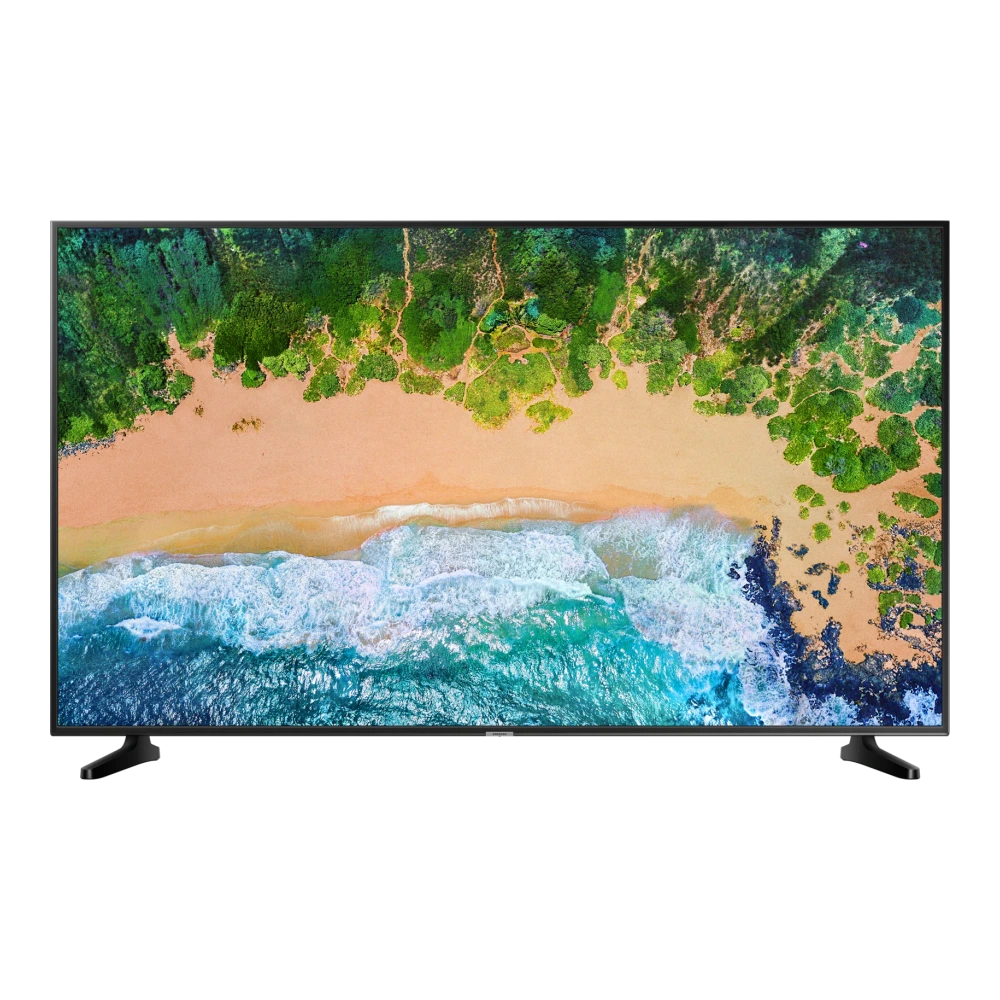
UA55NU7100KLXL 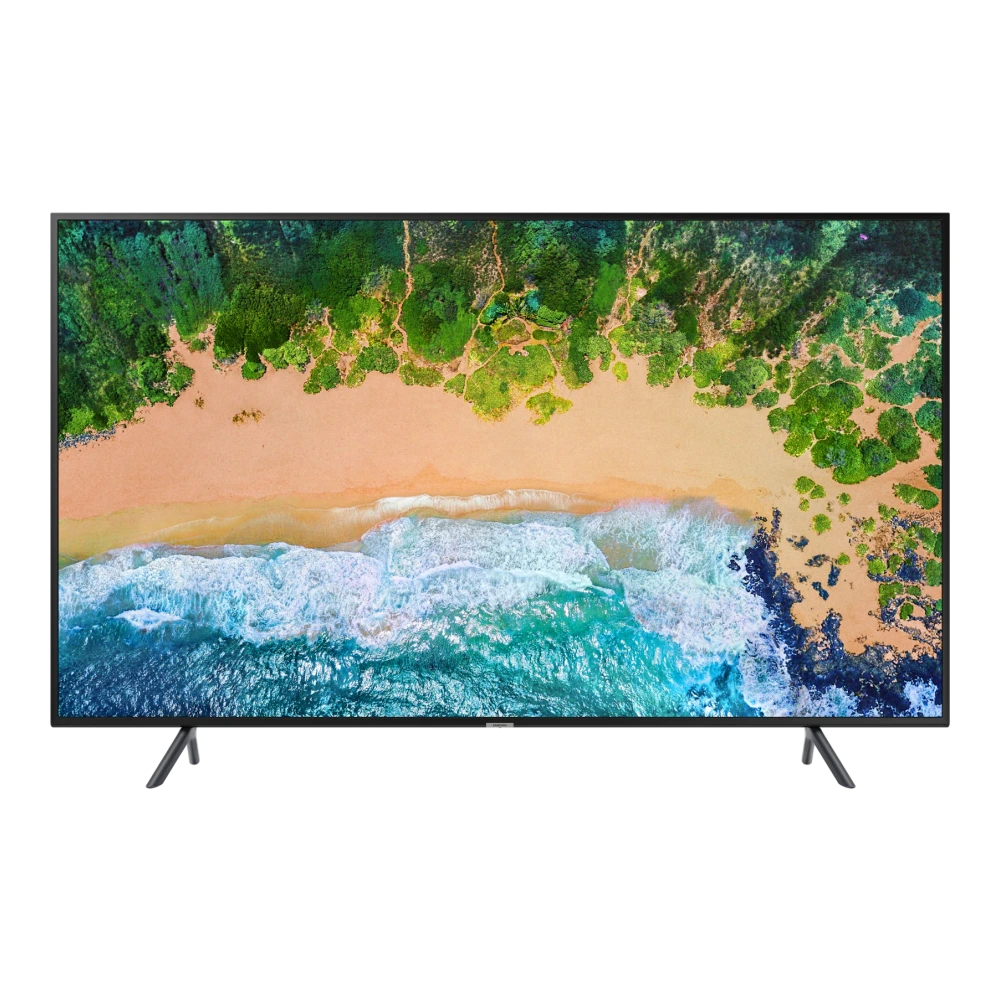
UA55NU7470UXXL 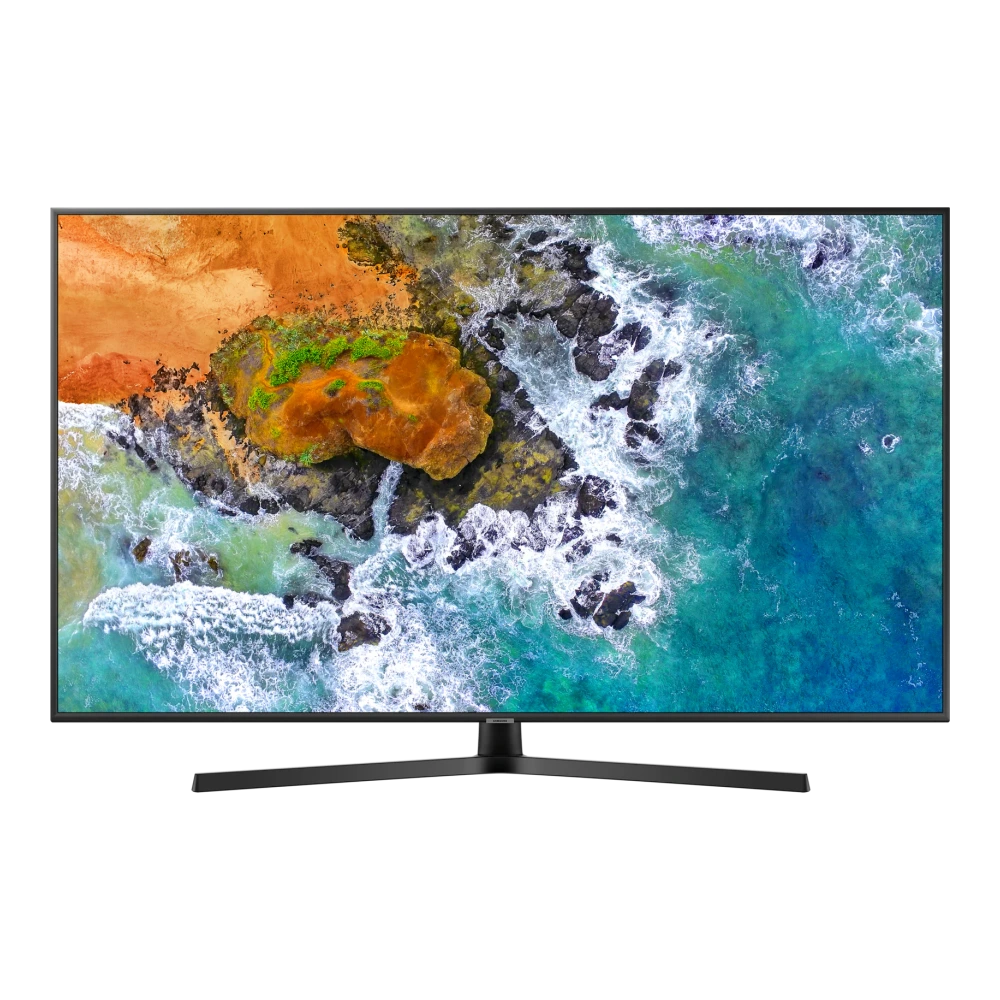
UA55NU8000KXXL 
UA55RU7100KXXL 
UA55RU7470UXXL 
UA55RU8000KXXL 
QA55LS03RAK 
UA58RU7100KXXL 
UA65NU7090KXXL 
UA65NU7100KLXL 
UA65NU7470UXXL 
UA65NU8000KXXL 
QA65Q900RBK 
UA65RU7100KXXL 
UA65RU7470UXXL 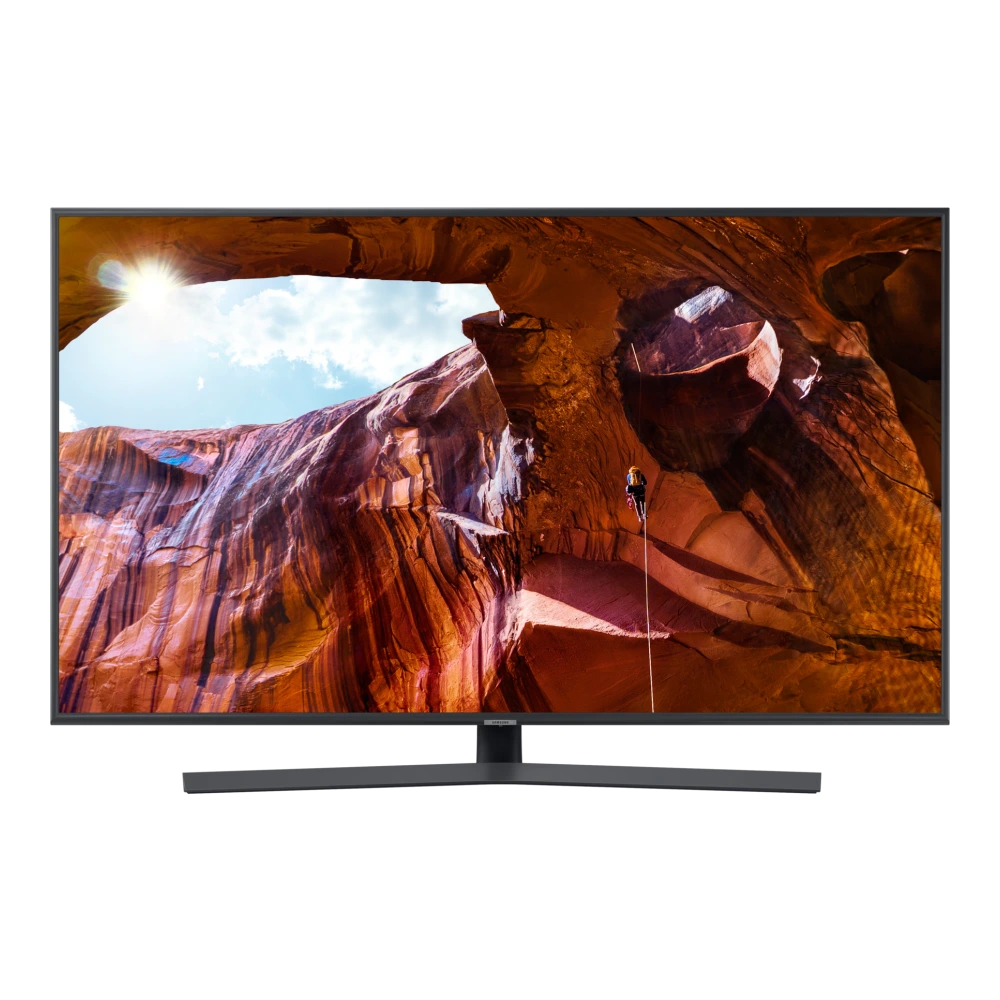
UA65RU8000KXXL 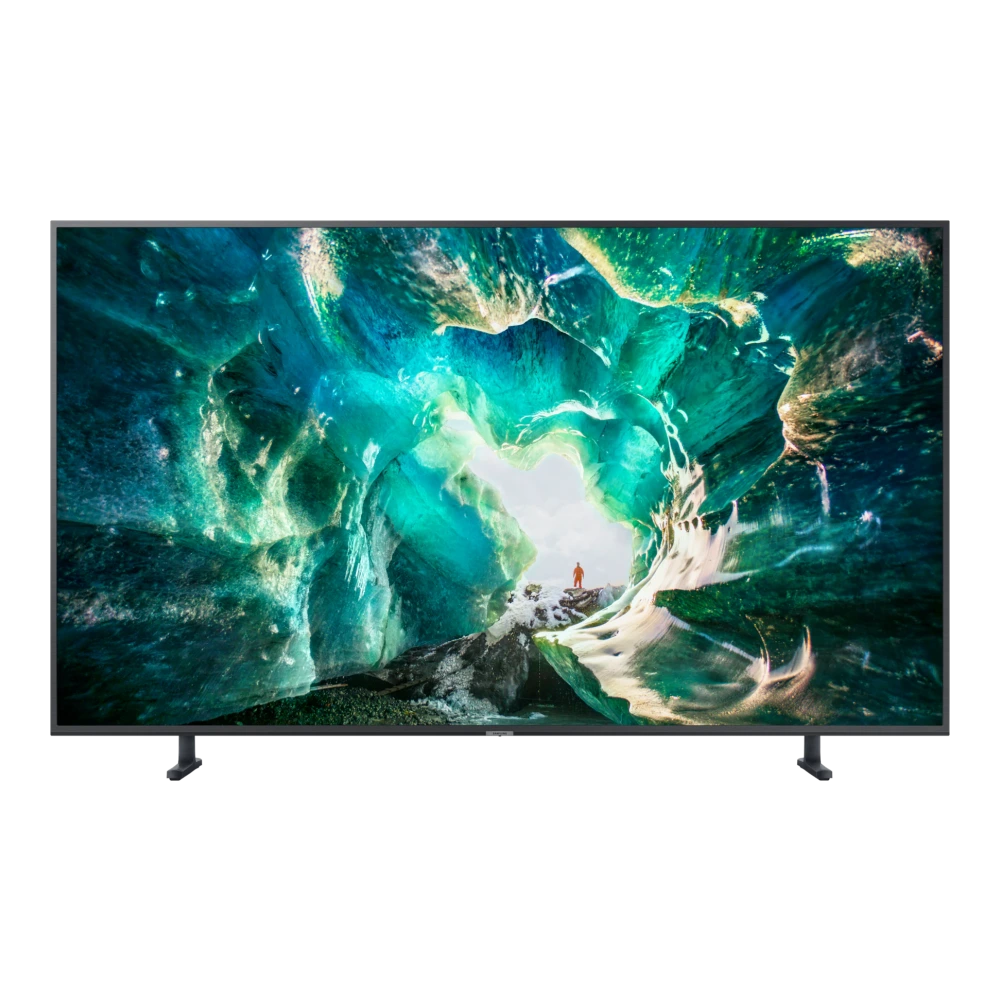
UA75NU7100KXXL 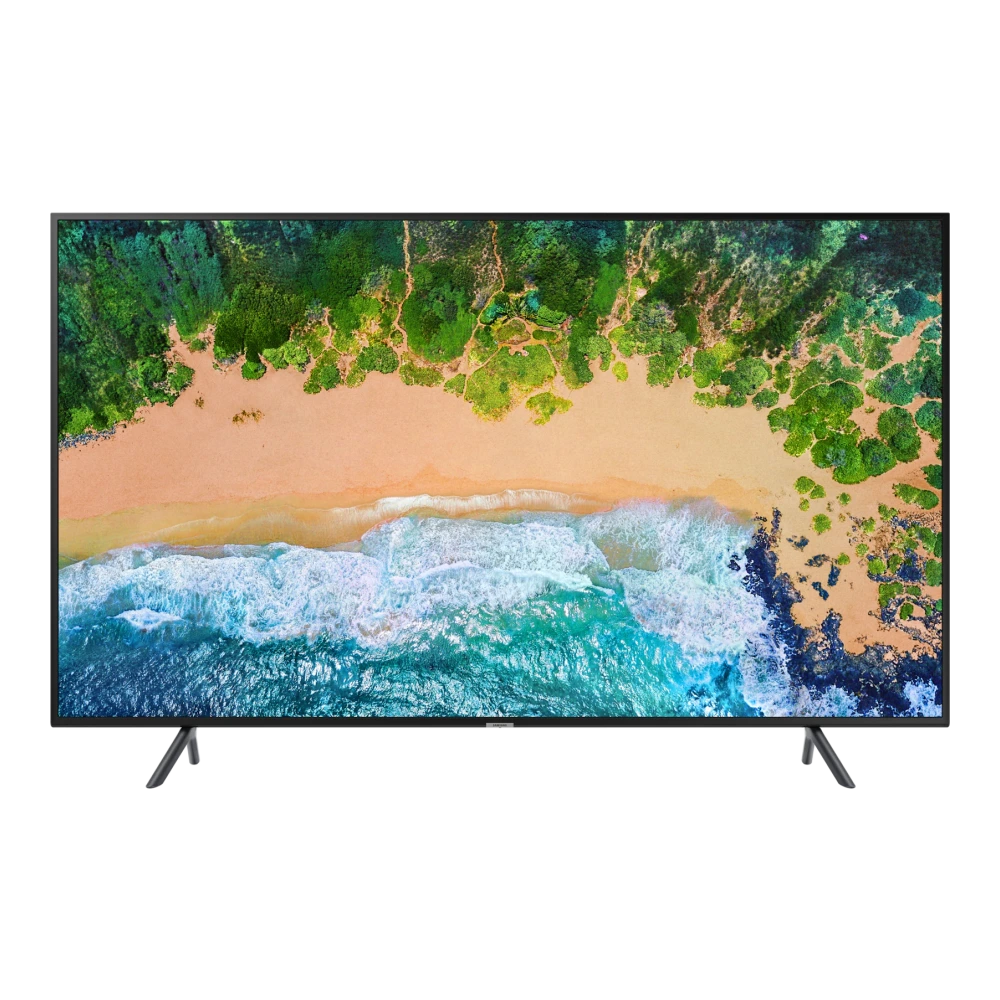
UA75NU8000KXXL 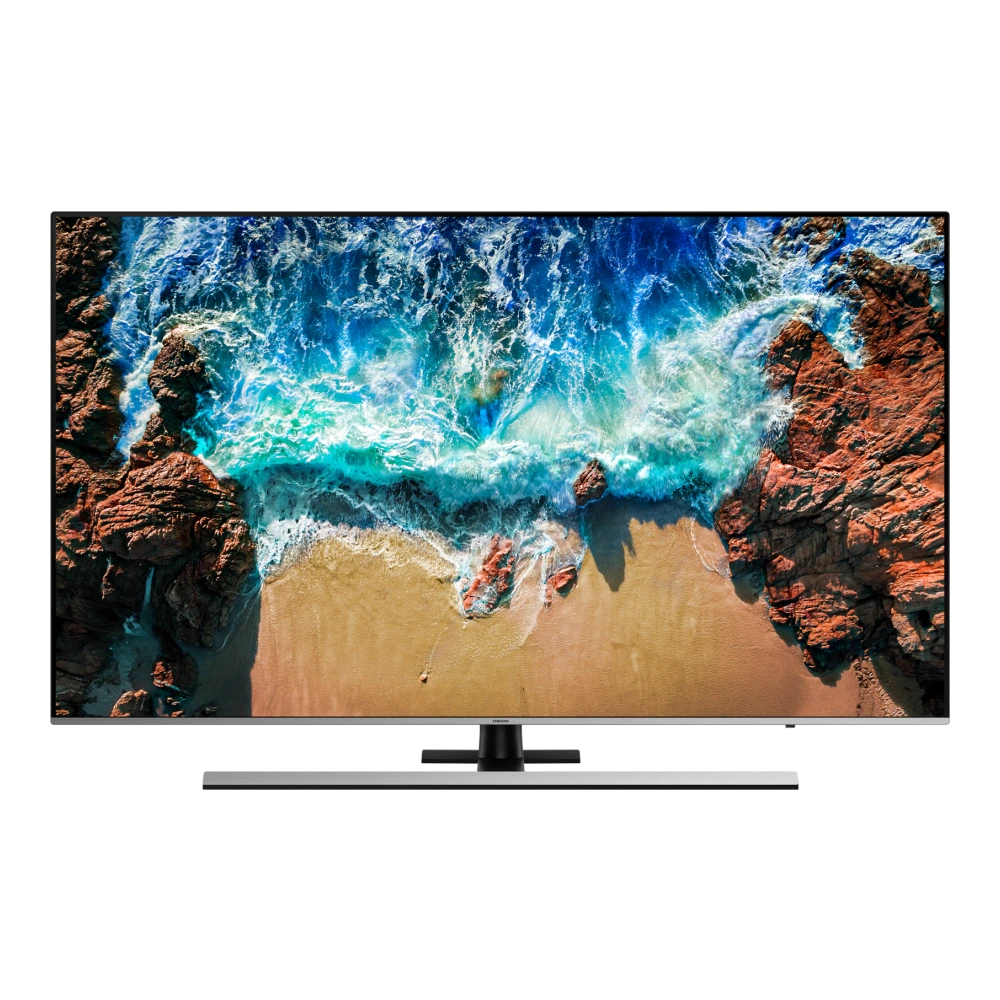
QA75Q7FNAK 
UA75RU7100KXXL 
QA83S90FAE 
QA83S90HAE 
QA83S95FAE 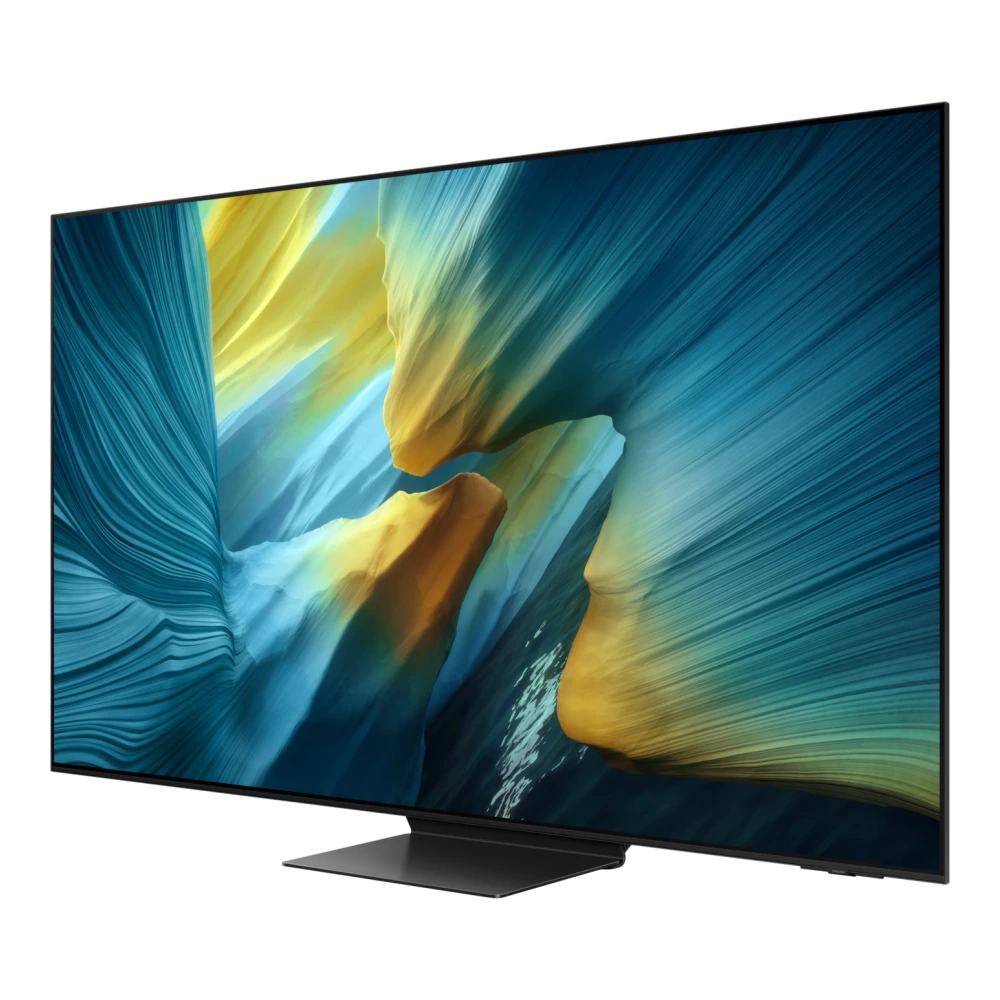
QA83S95HXE 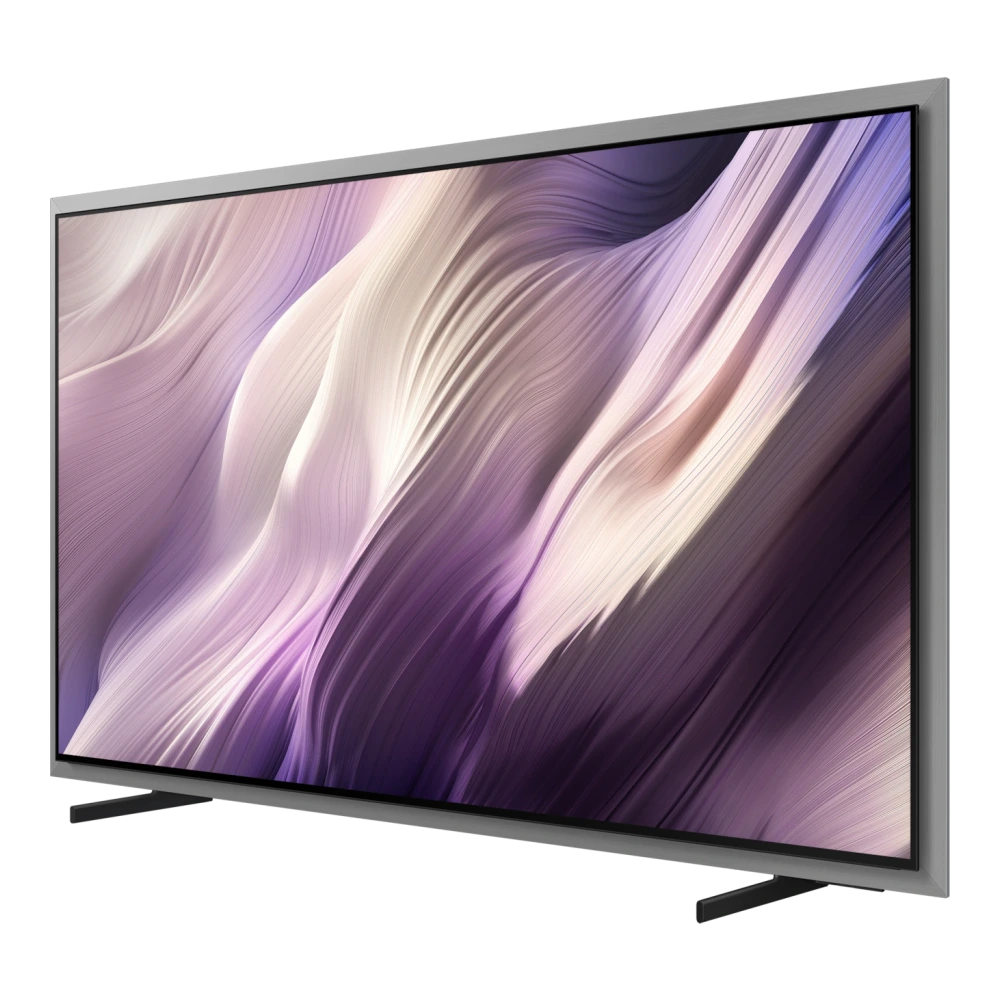
QA83S90DAE 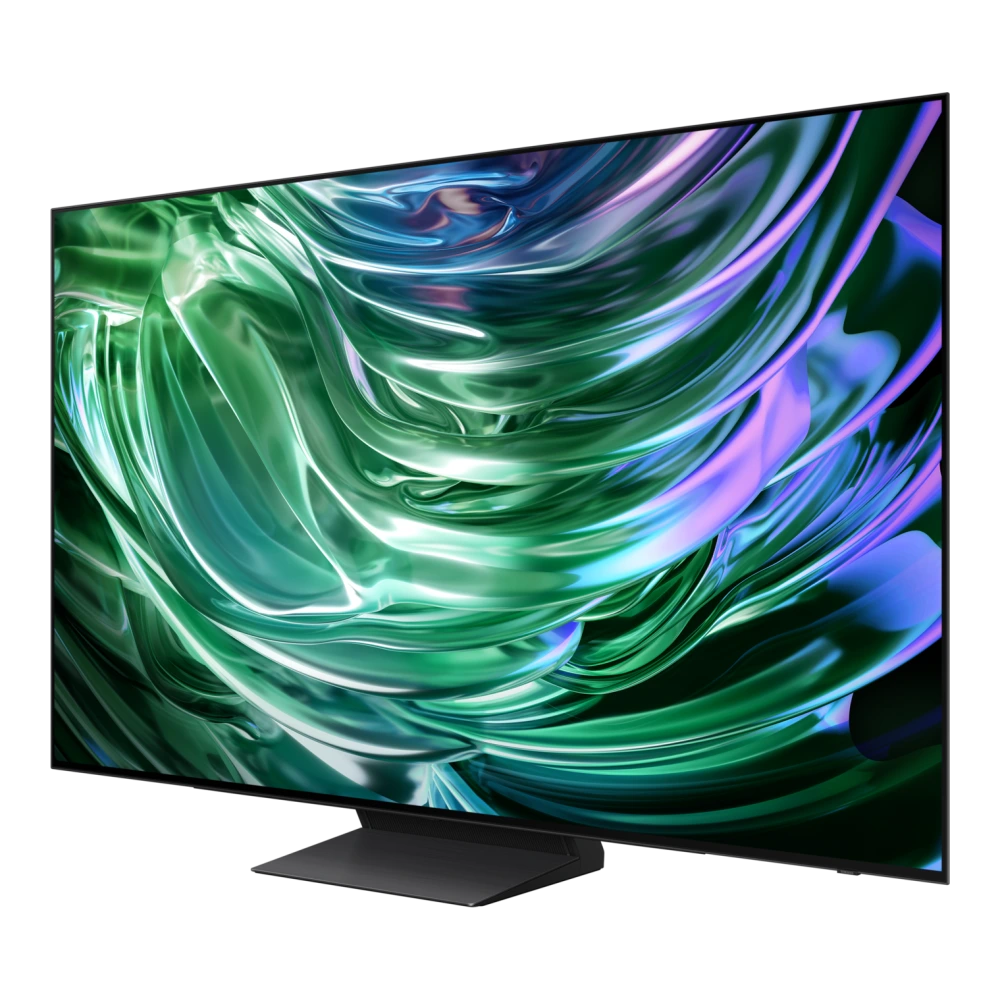
MRA85R85HAUXXL 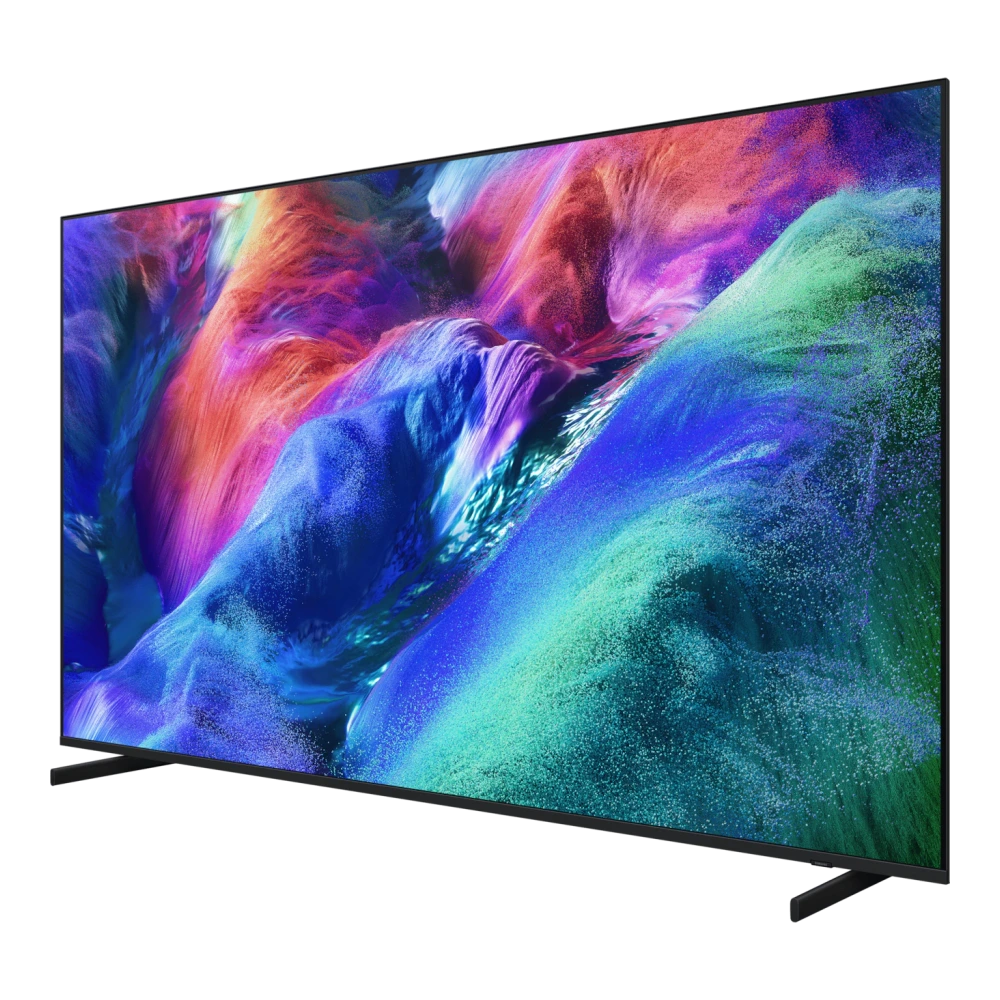
MRA85R95HXUXXL 
QA85QN900CK 
QA85QN900DU 
QA85QN70HAU 
QA85QN85FAU 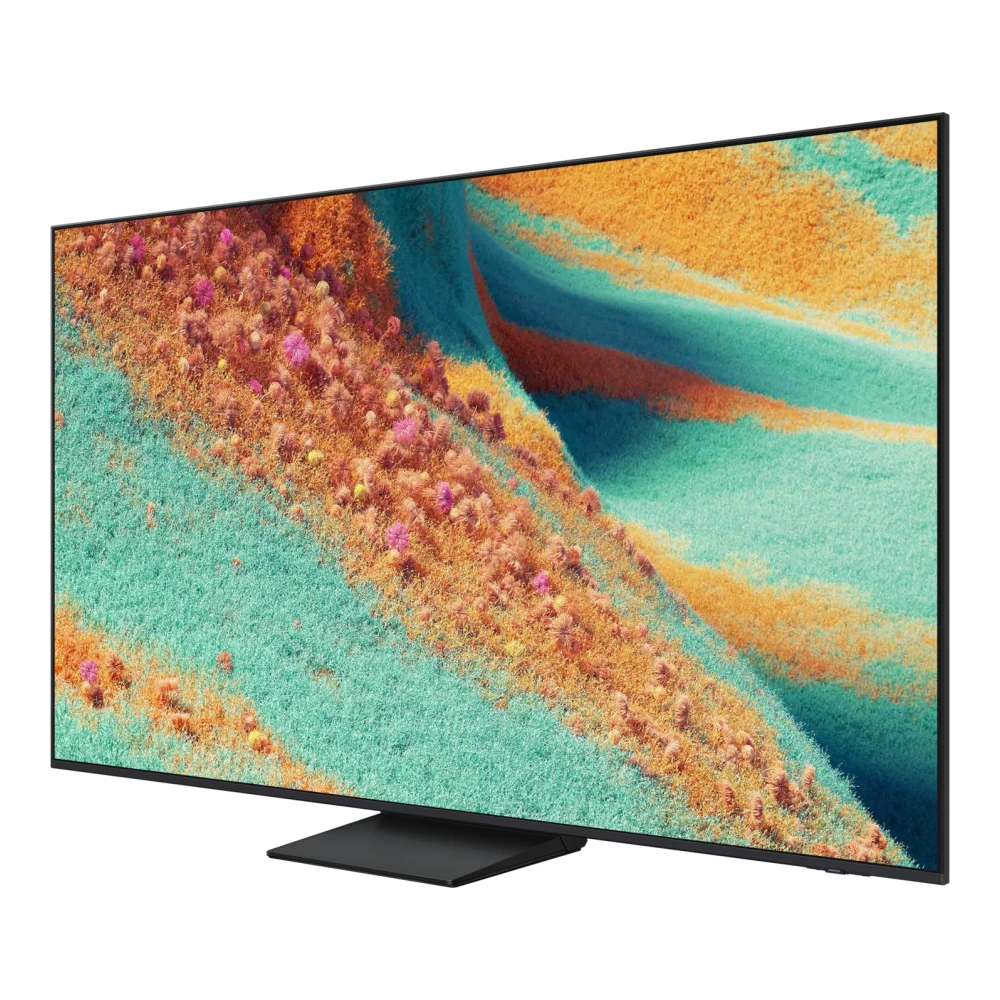
QA85QN90FAU 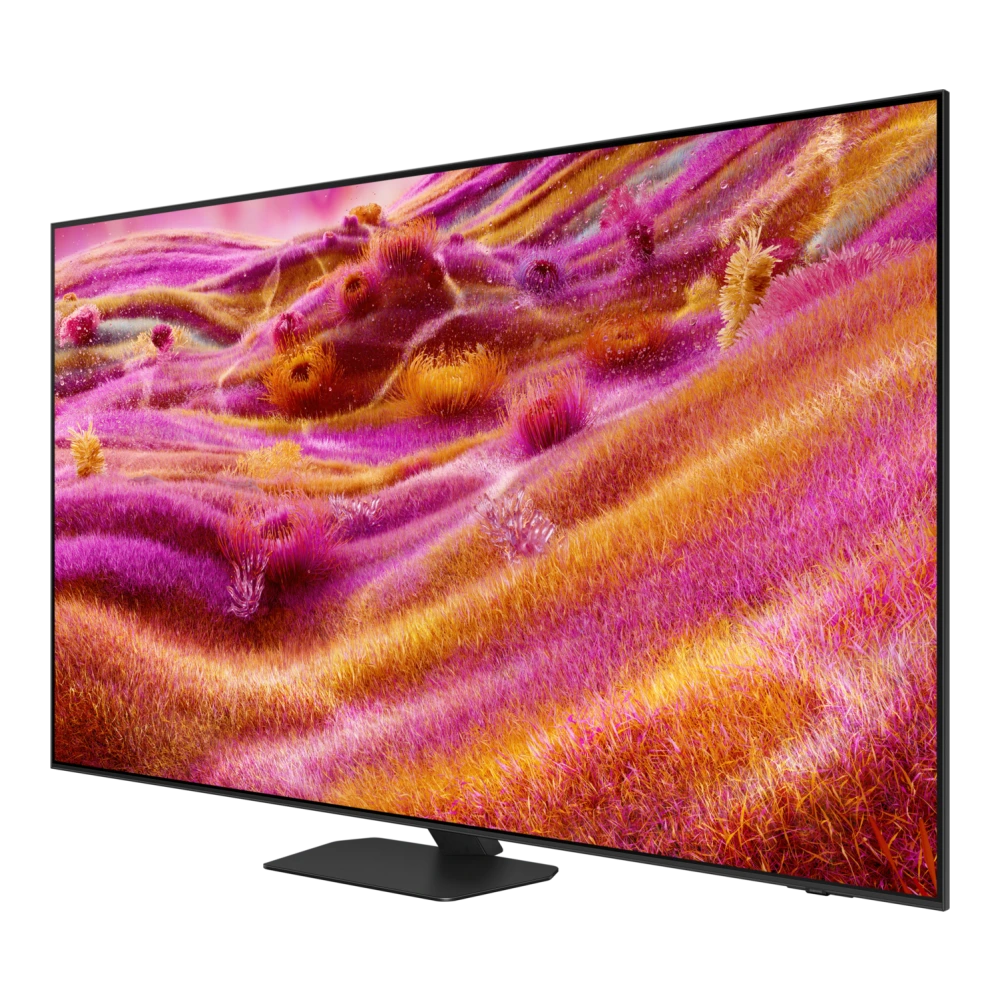
QA85Q7FAAU 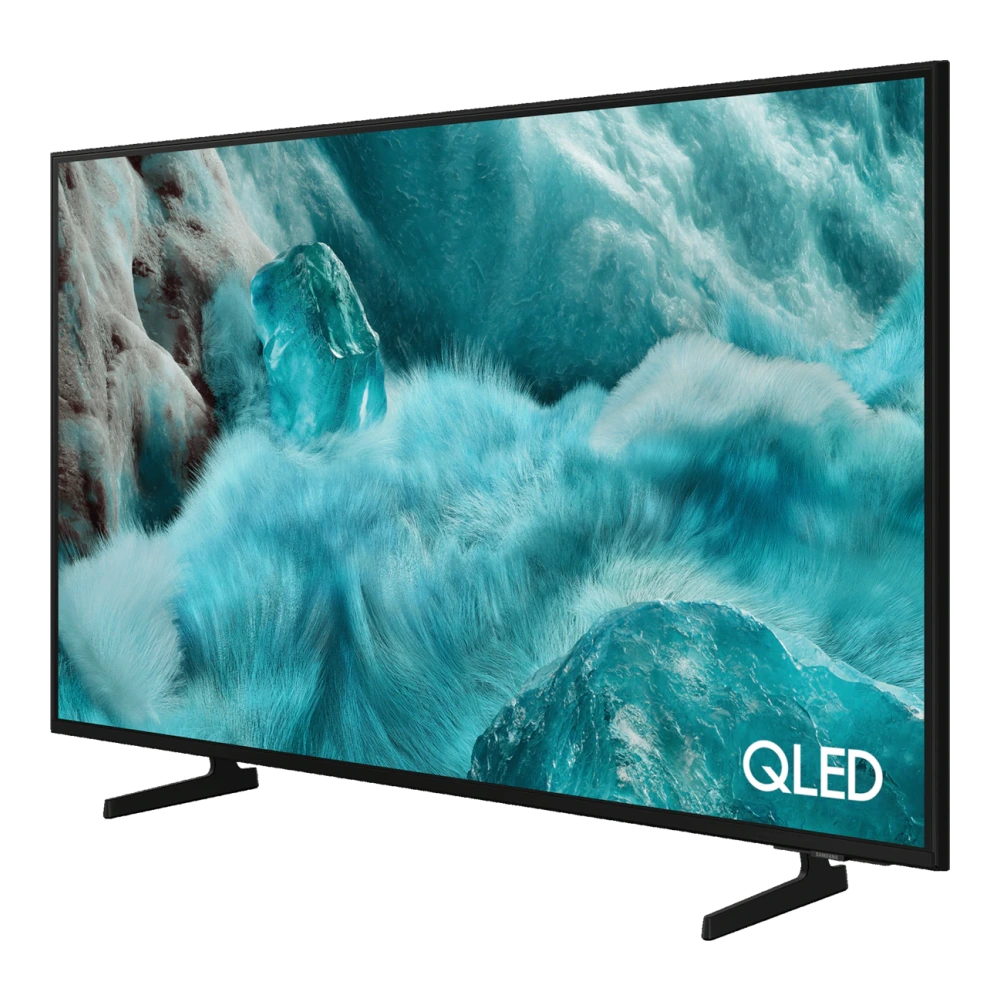
QA85Q8FAAU 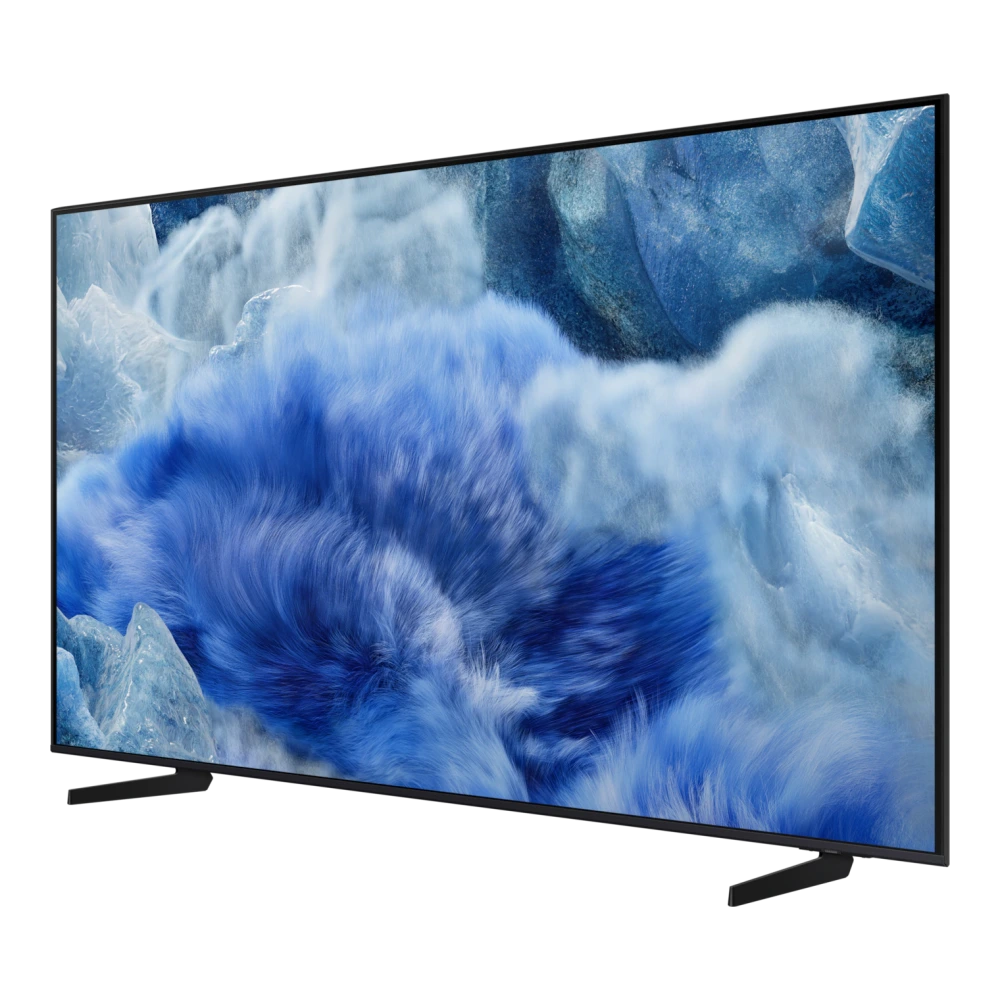
UA85U8300HULXL 
UA85U8500HULXL 
UA98U9000HUXXL 
QA98QN90FAU
QA98Q80CAK 
QA100QN80HU 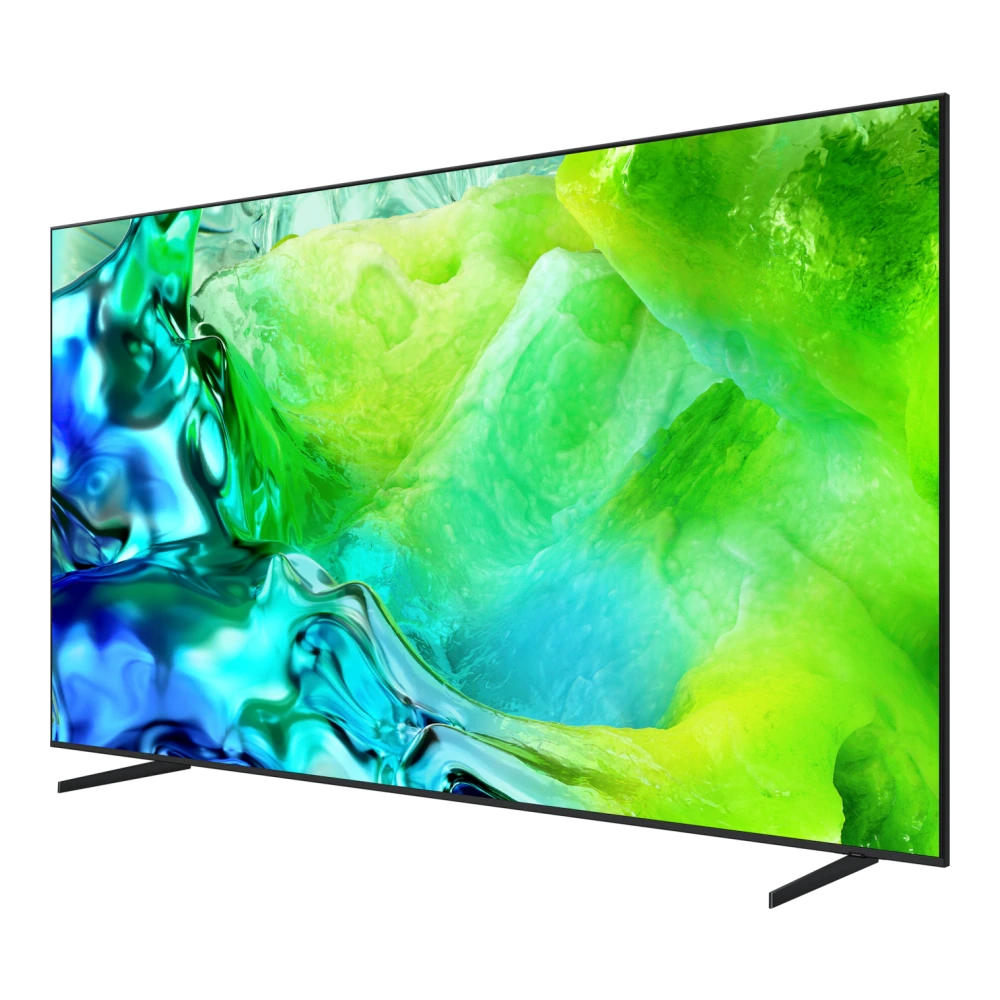
QA100QN80FU 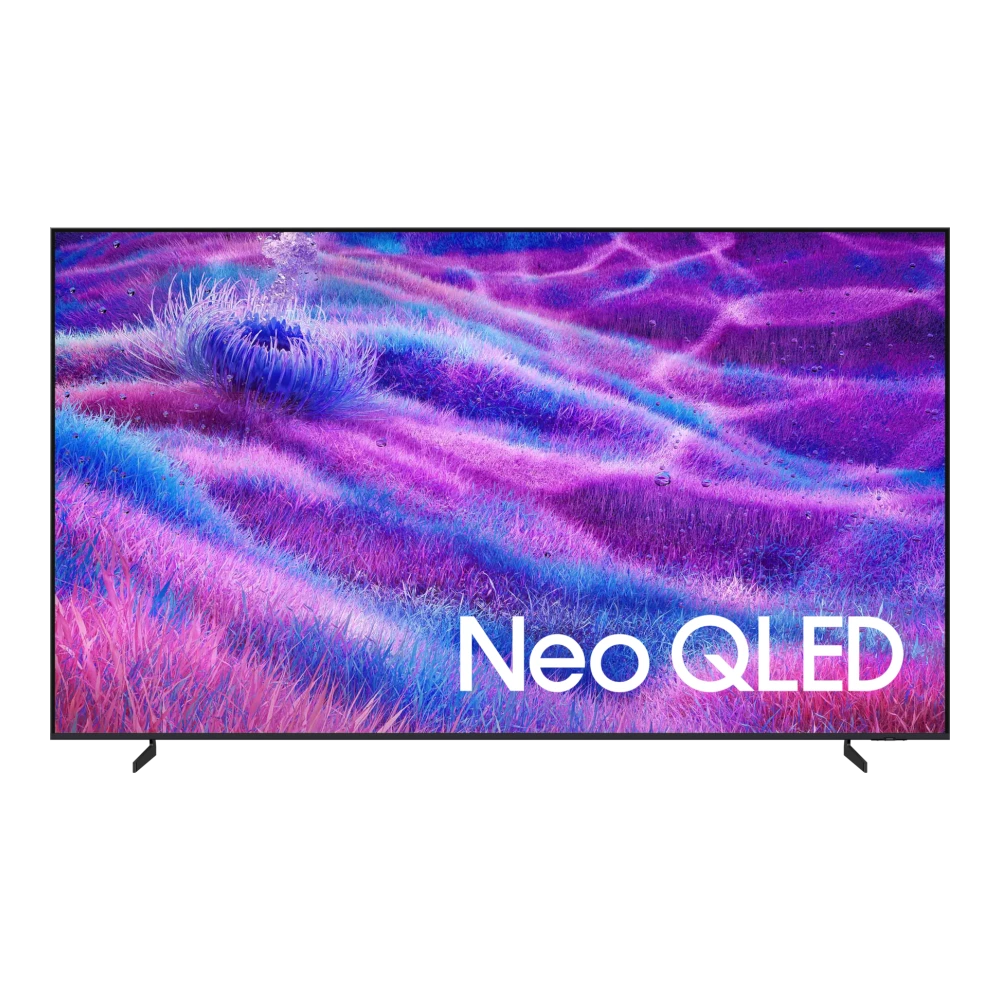
QA88Q9FAMK 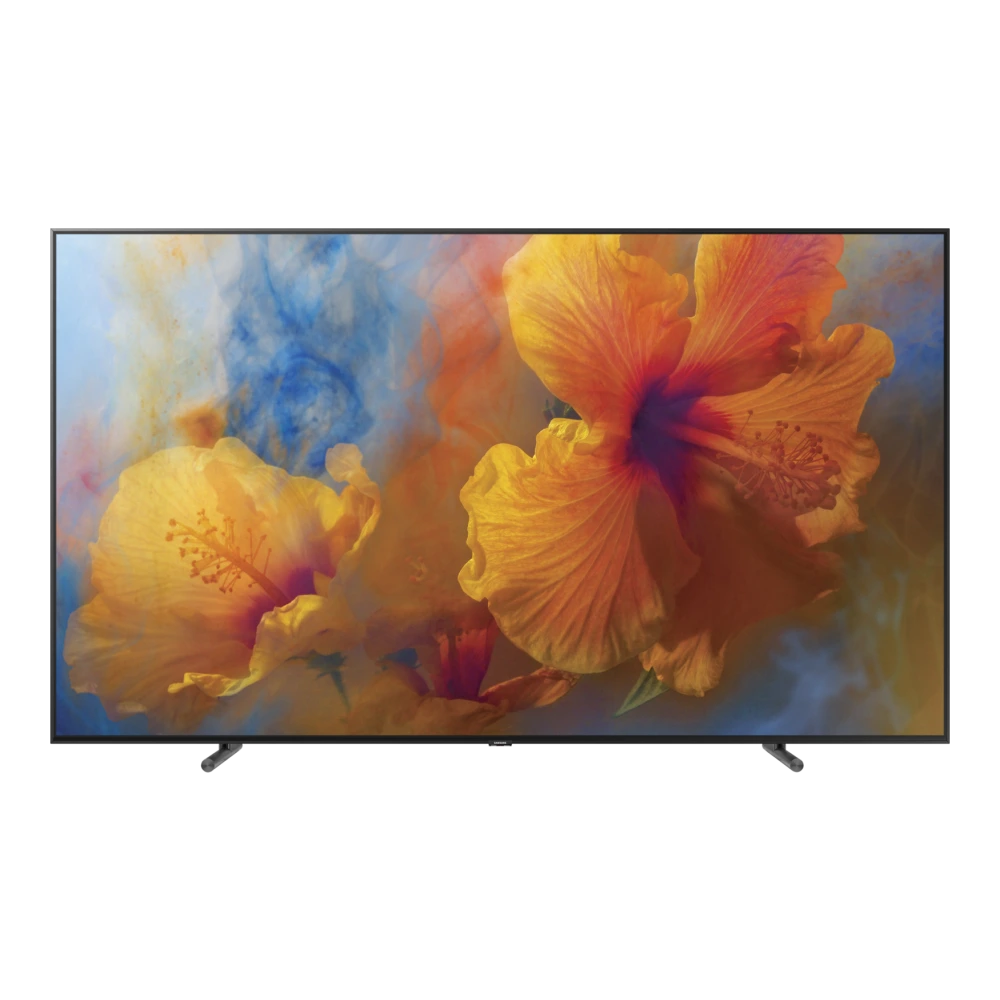
UA32H4550FUXXL 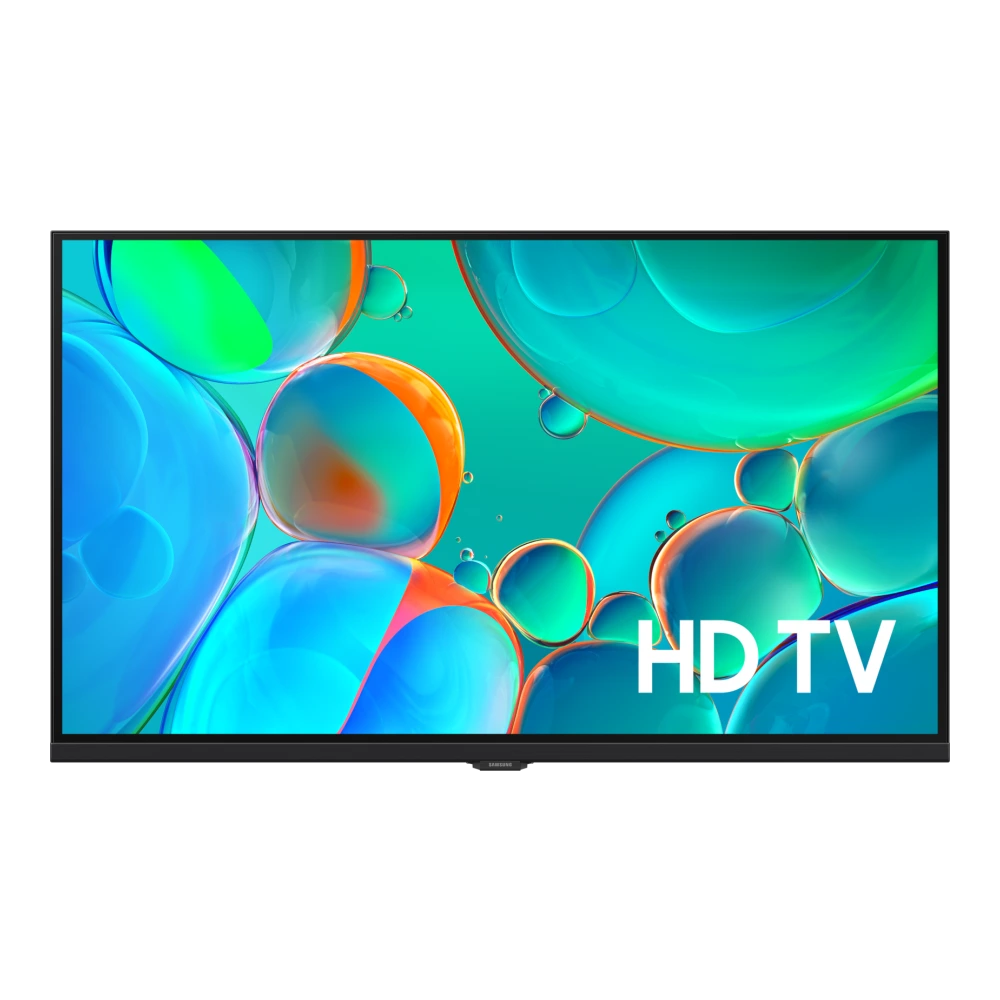
UA32H4560FUXXL 
UA32H4570FUXXL 
UA40KU6000RSER 
UA40KU7000RXUM
UA43MU6100RLSG
UA43NU7100RLSG 
UA43RU7100RSER
UA48JU6000KMXL
UA48JU7500RLSG
UA49NU7100RLSG
UA49RU7100RSFS
UA50KU6000RMSG 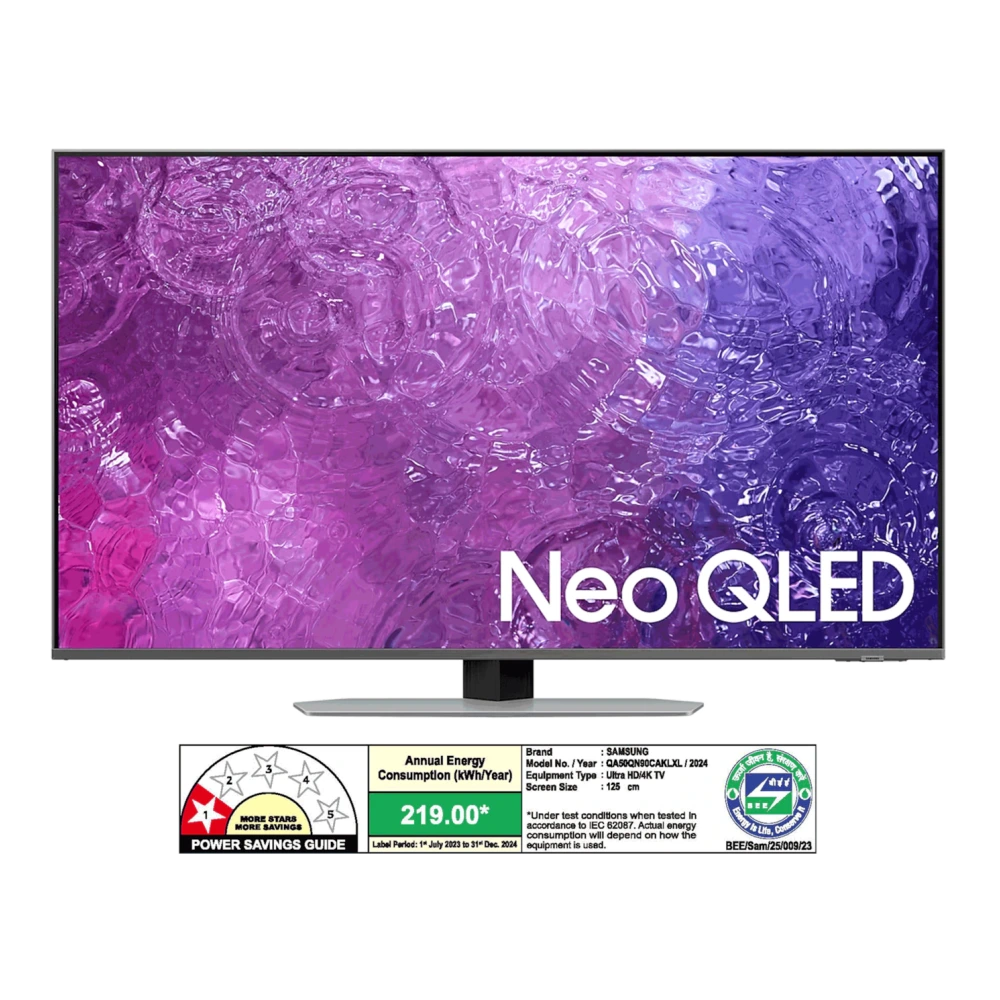
UA50MU6100RLSG
UA55JU7500RLSG 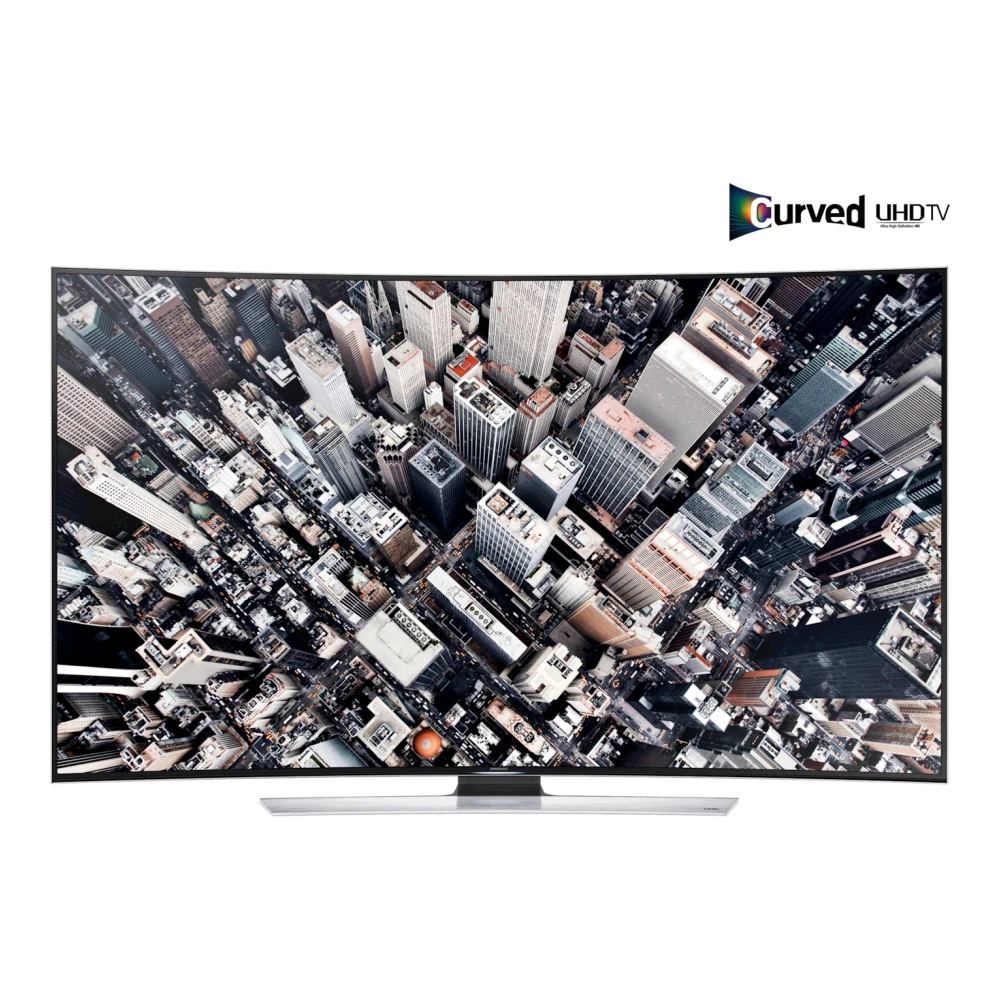
UA55NU7100RLSG
UA55RU7100RSER
UA65MU6100RLSG 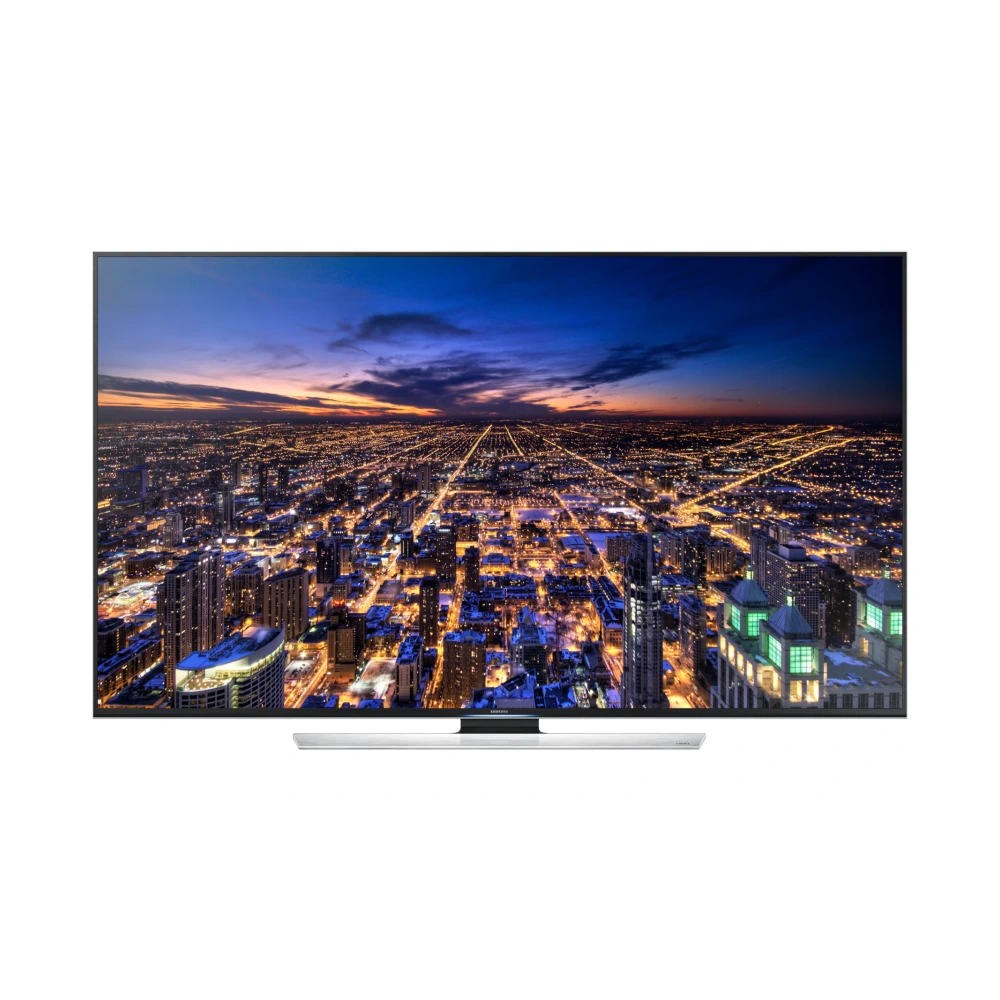
UA65NU7100RLSG
UA65RU7100RSER
UA75NU7100RXSG
UA75RU7100RSER Samsung Smart TVs run Tizen OS, Samsung's proprietary Linux-based operating system — not Android. Tizen is purpose-built for display hardware with tight integration to Samsung's Exynos or ARM display processors, HDR10+ tone mapping engines, and the Tizen App Store ecosystem. This means Samsung TV firmware is completely incompatible with Odin, APK sideloading, or any Android-based tools — the update process is entirely different from phones.
TV firmware updates are applied using a standard USB flash drive formatted to FAT32 with MBR partition scheme. The FAT32 requirement is strict for firmware files under 4GB — the TV's USB controller reads the filesystem directly at a low hardware level and does not support NTFS, exFAT, or GPT partition tables. Format the USB on Windows using Disk Management and selecting FAT32 with MBR, or using Rufus. Then extract the downloaded firmware ZIP directly to the root of the drive — placing files inside a subfolder causes the TV to report "No update file found".
Samsung Tizen OS enforces strict anti-rollback protection: once your TV accepts a firmware update, it cannot be downgraded to an earlier version. The TV stores a minimum accepted firmware version in a protected memory region. This means it is safe to update freely, but you should not attempt to flash older firmware to "undo" a Tizen update — the TV will silently reject the older file as incompatible.
If your Samsung Smart TV (Neo QLED, OLED, The Frame, or Crystal UHD) cannot connect to Wi-Fi or OTA updates fail, follow these 4 verified steps:
E:\image\).Every Samsung TV model code encodes the screen type, size, series, year, and market region. You must match the exact model code before downloading firmware — even one character difference means a different hardware revision.
Find your full model code on the sticker on the back of the TV, or via Settings → Support → About This TV → Model Code.
| TV Error / Symptom | Likely Root Cause | Verified Resolution |
|---|---|---|
| "No update file found on USB" | USB drive formatted as NTFS/GPT or firmware folder nested in subdirectories | Format USB drive to FAT32 with MBR partition style. Extract image files directly to root of USB drive (e.g. E:\image\...). |
| Greyed out "Software Update / Update Now" | TV background processes loading, active streaming app lock, or network search | Press Home on remote, change source to Live TV or TV Standby, and wait 60 seconds before entering Support menu. |
| TV power cut or reboot loop during flashing | Interrupted USB write or corrupted firmware package download | Never unplug TV power. Re-download clean firmware image on PC, verify SHA-256 hash, re-insert USB into port 1, and allow TV recovery process to complete. |
| "The latest version is already installed" | TV already on equal or higher build, or mismatched regional model firmware | Check current build in Settings > Support > About This TV. Samsung Tizen OS prevents flashing older firmware revisions (anti-rollback). |
| HDMI eARC, Soundbar, or Black Screen after update | Cached HDMI EDID handshake glitch after major Tizen firmware update | Perform a Cold Boot: Hold Power button on Samsung remote for 5 seconds until TV turns off and on with Samsung logo, or unplug power cord for 60 seconds. |
Verified companion utilities for flashing, PC synchronization, and device maintenance.
Prepare USB flash drives with MBR partition tables and FAT32 format for flawless TV firmware recognition.
Connect to your Samsung Smart TV via mobile device to check OTA update status, diagnose network issues, and cast.
Desktop backup and system sync utility for connected Samsung Smart ecosystem devices.
Enable Samsung authorized technicians to remotely diagnose TV software errors, picture glitches, and sound issues.